
Unleash the power of Delphi debugger Primo Gabrijeli
Unleash the power of Delphi debugger Primož Gabrijelčič
About me o Pascal programmer since 1984 (Hi. Soft pascal on ZX Spectrum) o First contact with Borland: Turbo Pascal 3 (on CP/M) o Programming highly responsive 24/7 applications since 1997 o Writer: The Delphi Magazine, Blaise Pascal, Monitor (Slovenia) o Blogger: http: //thedelphigeek. com o Contact me: http: //primoz. gabrijelcic. org
Debugging
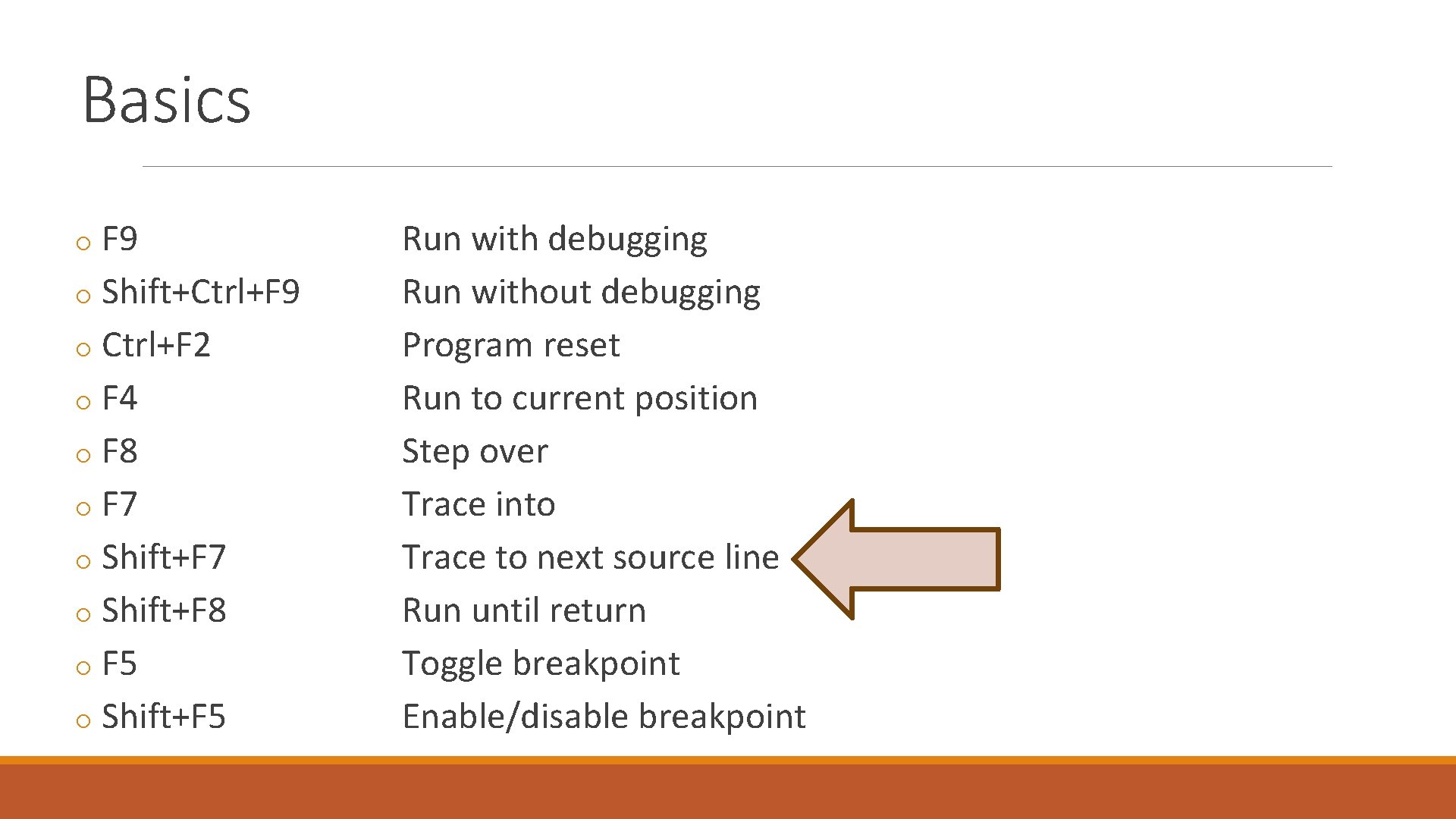
Basics o F 9 o Shift+Ctrl+F 9 o Ctrl+F 2 o F 4 o F 8 o F 7 o Shift+F 8 o F 5 o Shift+F 5 Run with debugging Run without debugging Program reset Run to current position Step over Trace into Trace to next source line Run until return Toggle breakpoint Enable/disable breakpoint

Settings / Project Options o Project, Options, Delphi Compiler, Compiling ◦ Optimization ◦ Debug information ◦ Use debug. dcu‘s ◦ Selective Debugging Expert by Uwe Raabe http: //www. uweraabe. de/Blog/2015/05/08/selective-debugging/ o Delphi Compiler, Linking ◦ Debug information ◦ Include Remote Debug symbols
Settings / IDE Options o Tools, Options, Debugger Options ◦ General ◦ Event log o F 1!
Breakpoints
Properties: Enabled o Enabled ◦ Shift-F 5
Properties: Condition o Condition ◦ slow ◦ code ◦ Debug. Break(condition) ◦ https: //github. com/gabr 42/Gp. Delphi. Units
Properties: Pass count o Pass count ◦ slow ◦ Narrowing down reproducible problems
Side effects: Break o Break
Side effects: Log message o Log message
Side effects: Eval expression o Eval expression ◦ Output. Debug. String ◦ Loggers (Code. Site …) ◦ Log to console ◦ Gp. Console
Side effects: Log call stack o Log call stack ◦ Full ◦ Partial
Groups o Group o Enable group o Disable group o manual toggle
Threads o Properties, Thread o Freeze all other threads o Thaw all threads
Exceptions o Tools, Options ◦ Debugger Options ◦ Embarcadero Debuggers ◦ Language Exceptions o Ignore subsequent exceptions o Handle subsequent exceptions o Exception. Class
Hardware breakpoints o Address ◦ Code execution ◦ Can be set on read-only memory o Data ◦ Data access o Limited number ◦ DR 0 … DR 3 o Disabled on program restart
![Tips and tricks [1] o Run until return o Moving a breakpoint ◦ with](http://slidetodoc.com/presentation_image_h2/8ef3d1d24ee7d50cb22b69a3611f2b89/image-19.jpg "Tips and tricks [1] o Run until return o Moving a breakpoint ◦ with")
Tips and tricks [1] o Run until return o Moving a breakpoint ◦ with mouse ◦ Options, Line number o Moving execution point ◦ with mouse ◦ Set next statement ◦ “repeat last statement”
![Tips and tricks [2] o Call stack breakpoints o DLL import breakpoints o Disable/enable](http://slidetodoc.com/presentation_image_h2/8ef3d1d24ee7d50cb22b69a3611f2b89/image-20.jpg "Tips and tricks [2] o Call stack breakpoints o DLL import breakpoints o Disable/enable")
Tips and tricks [2] o Call stack breakpoints o DLL import breakpoints o Disable/enable all
Debugging remotely
![Remote debugger o Platform Assistant [PAServer] o Remote Debugger [rmtdbg. XXX. exe] ◦ Firewall!](http://slidetodoc.com/presentation_image_h2/8ef3d1d24ee7d50cb22b69a3611f2b89/image-22.jpg "Remote debugger o Platform Assistant [PAServer] o Remote Debugger [rmtdbg. XXX. exe] ◦ Firewall!")
Remote debugger o Platform Assistant [PAServer] o Remote Debugger [rmtdbg. XXX. exe] ◦ Firewall!

Evaluate & Watch
Evaluating expressions o Ctrl+F 5 Add watch o Ctrl+F 7 Evaluate/Modify o Alt+F 5, Ctrl+Shift+click Inspect
Evaluate / Watch o Ctrl+F 5 Add watch o Ctrl+F 7 Evaluate/Modify o Alt+F 5, Ctrl+Shift+click Inspect
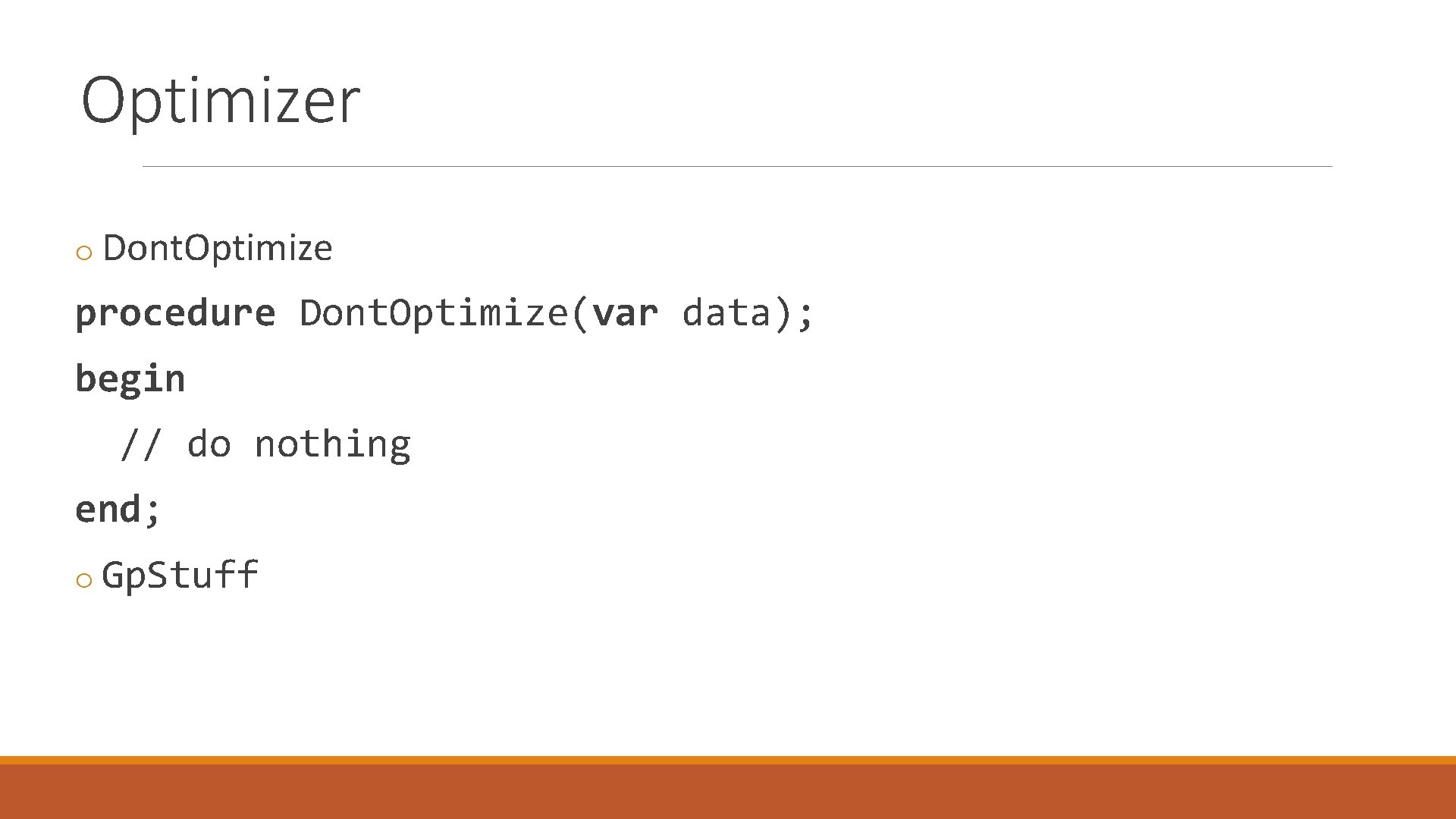
Optimizer o Dont. Optimize procedure Dont. Optimize(var data); begin // do nothing end; o Gp. Stuff

Q&A
- Slides: 27