
UNIX Services and Daemons Overview 4 Daemons are

- Slides: 5
UNIX Services and Daemons
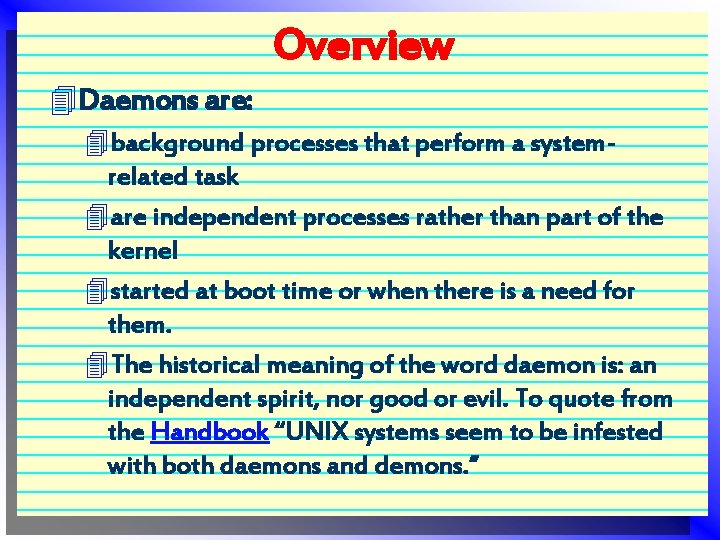
Overview 4 Daemons are: 4 background processes that perform a systemrelated task 4 are independent processes rather than part of the kernel 4 started at boot time or when there is a need for them. 4 The historical meaning of the word daemon is: an independent spirit, nor good or evil. To quote from the Handbook “UNIX systems seem to be infested with both daemons and demons. ”
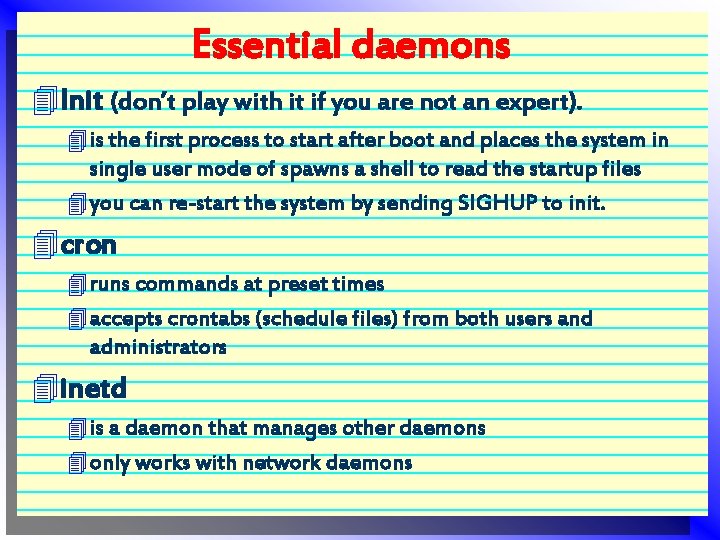
Essential daemons 4 Init (don’t play with it if you are not an expert). 4 is the first process to start after boot and places the system in single user mode of spawns a shell to read the startup files 4 you can re-start the system by sending SIGHUP to init. 4 cron 4 runs commands at preset times 4 accepts crontabs (schedule files) from both users and administrators 4 inetd 4 is a daemon that manages other daemons 4 only works with network daemons
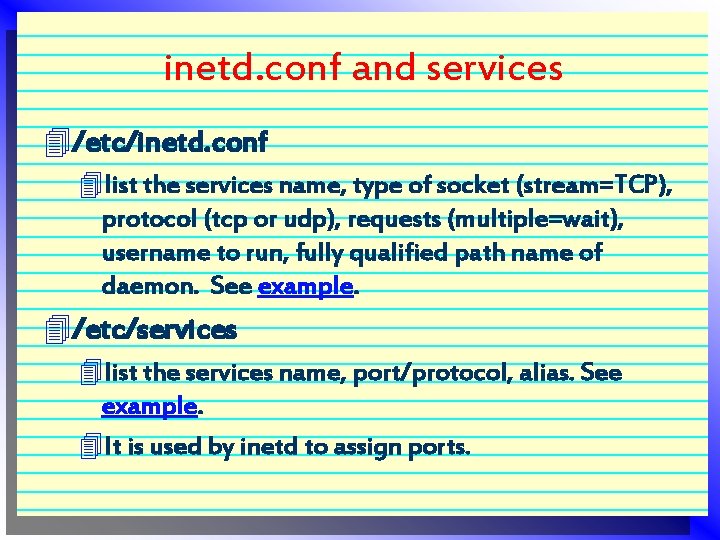
inetd. conf and services 4/etc/inetd. conf 4 list the services name, type of socket (stream=TCP), protocol (tcp or udp), requests (multiple=wait), username to run, fully qualified path name of daemon. See example. 4/etc/services 4 list the services name, port/protocol, alias. See example. 4 It is used by inetd to assign ports.
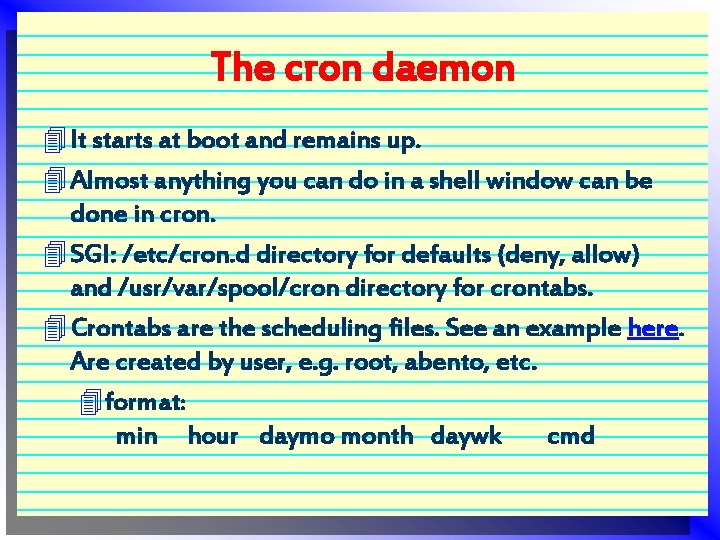
The cron daemon 4 It starts at boot and remains up. 4 Almost anything you can do in a shell window can be done in cron. 4 SGI: /etc/cron. d directory for defaults (deny, allow) and /usr/var/spool/cron directory for crontabs. 4 Crontabs are the scheduling files. See an example here. Are created by user, e. g. root, abento, etc. 4 format: min hour daymo month daywk cmd