
UNIX for ALEPH 500 users This presentation will
- Slides: 28
UNIX for ALEPH 500 users
This presentation will present the major UNIX commands useful for working with ALEPH 500. This will in no way attempt to cover all UNIX commands but rather only those useful for working with ALEPH. The last slide in this presentation gives a comparison of VMS and UNIX commands, and thus will be useful for those individuals familiar with VMS. 2 Yoel Kortick: UNIX for ALEPH 500 users
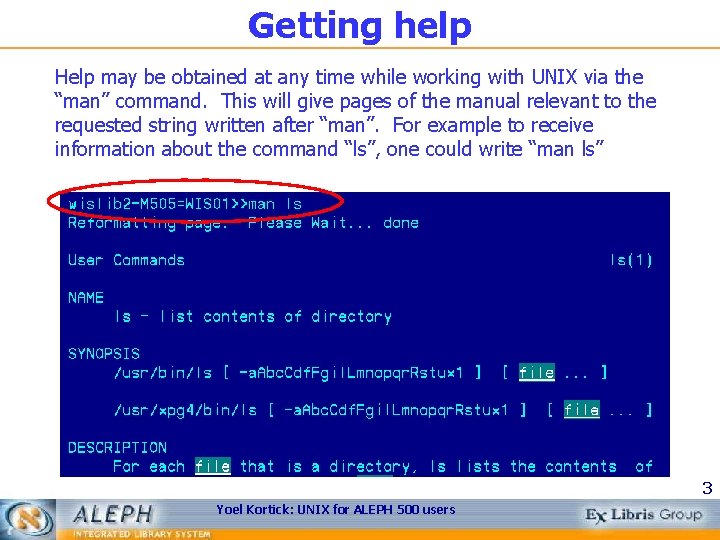
Getting help Help may be obtained at any time while working with UNIX via the “man” command. This will give pages of the manual relevant to the requested string written after “man”. For example to receive information about the command “ls”, one could write “man ls” 3 Yoel Kortick: UNIX for ALEPH 500 users
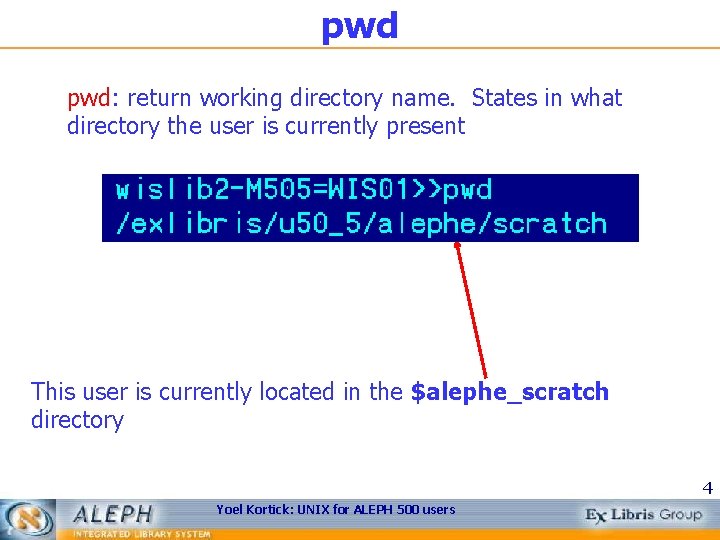
pwd pwd: return working directory name. States in what directory the user is currently present This user is currently located in the $alephe_scratch directory 4 Yoel Kortick: UNIX for ALEPH 500 users
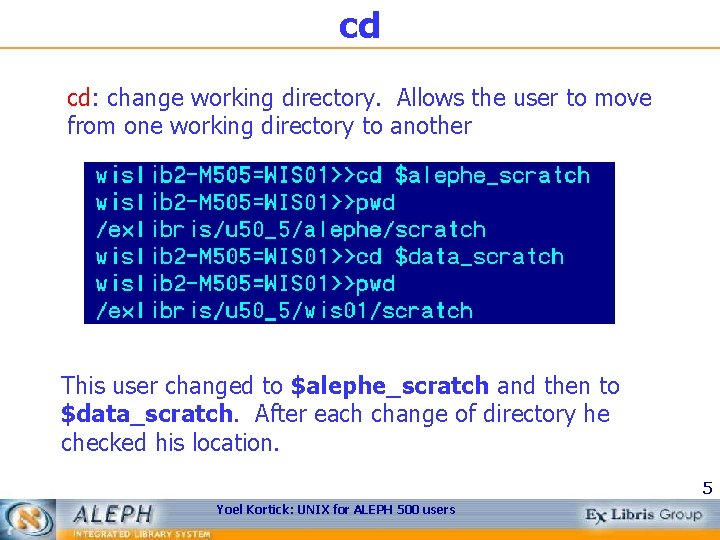
cd cd: change working directory. Allows the user to move from one working directory to another This user changed to $alephe_scratch and then to $data_scratch. After each change of directory he checked his location. 5 Yoel Kortick: UNIX for ALEPH 500 users
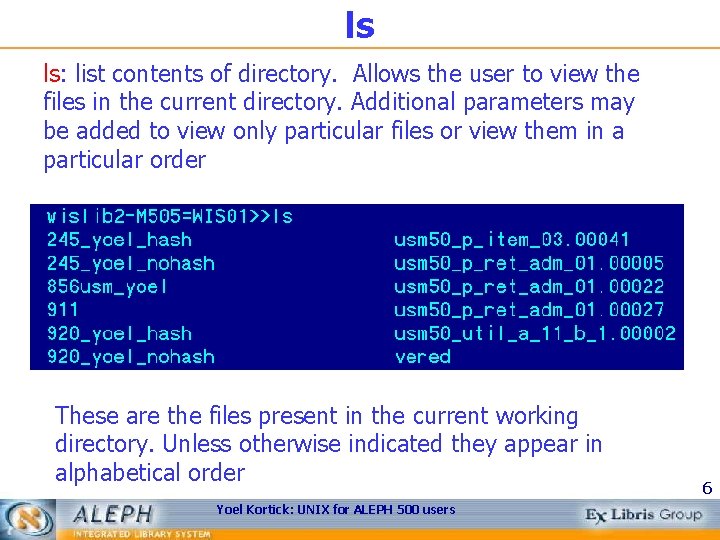
ls ls: list contents of directory. Allows the user to view the files in the current directory. Additional parameters may be added to view only particular files or view them in a particular order These are the files present in the current working directory. Unless otherwise indicated they appear in alphabetical order Yoel Kortick: UNIX for ALEPH 500 users 6
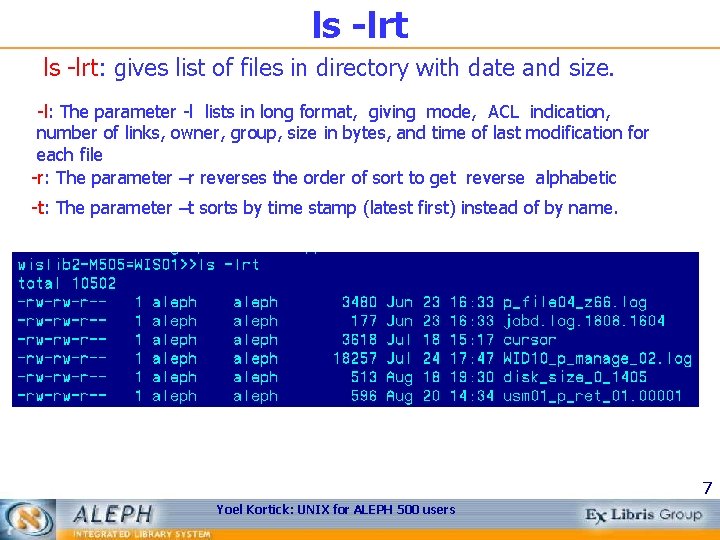
ls -lrt: gives list of files in directory with date and size. -l: The parameter -l lists in long format, giving mode, ACL indication, number of links, owner, group, size in bytes, and time of last modification for each file -r: The parameter –r reverses the order of sort to get reverse alphabetic -t: The parameter –t sorts by time stamp (latest first) instead of by name. 7 Yoel Kortick: UNIX for ALEPH 500 users
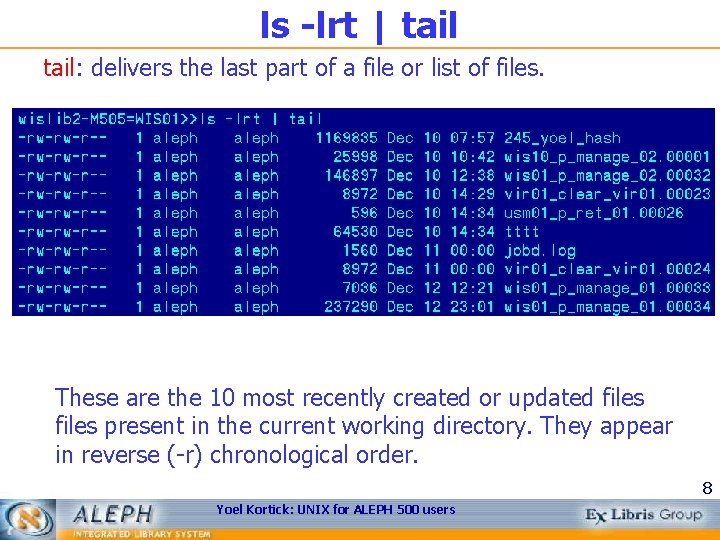
ls -lrt | tail: delivers the last part of a file or list of files. These are the 10 most recently created or updated files present in the current working directory. They appear in reverse (-r) chronological order. 8 Yoel Kortick: UNIX for ALEPH 500 users
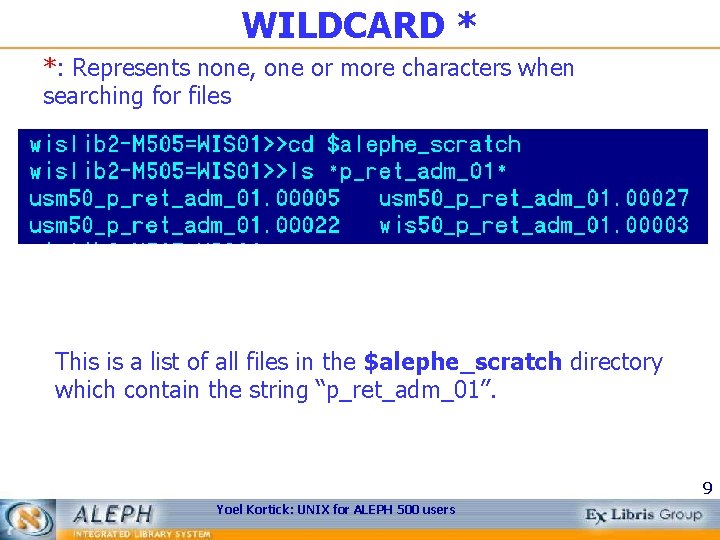
WILDCARD * *: Represents none, one or more characters when searching for files This is a list of all files in the $alephe_scratch directory which contain the string “p_ret_adm_01”. 9 Yoel Kortick: UNIX for ALEPH 500 users
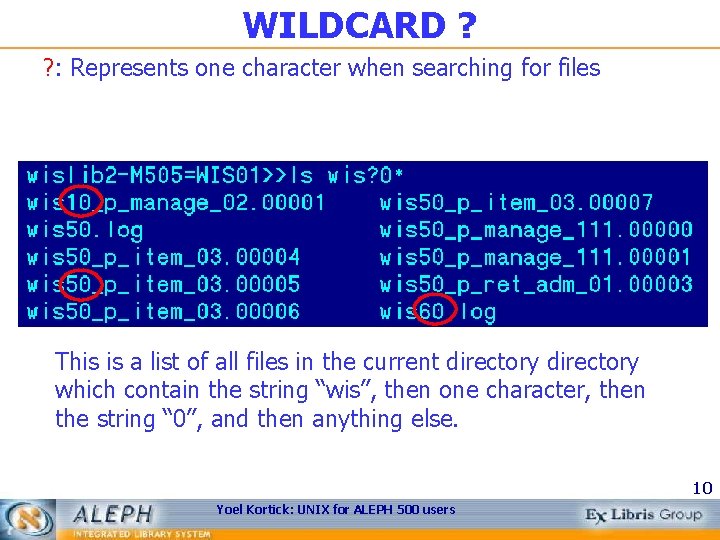
WILDCARD ? ? : Represents one character when searching for files This is a list of all files in the current directory which contain the string “wis”, then one character, then the string “ 0”, and then anything else. 10 Yoel Kortick: UNIX for ALEPH 500 users
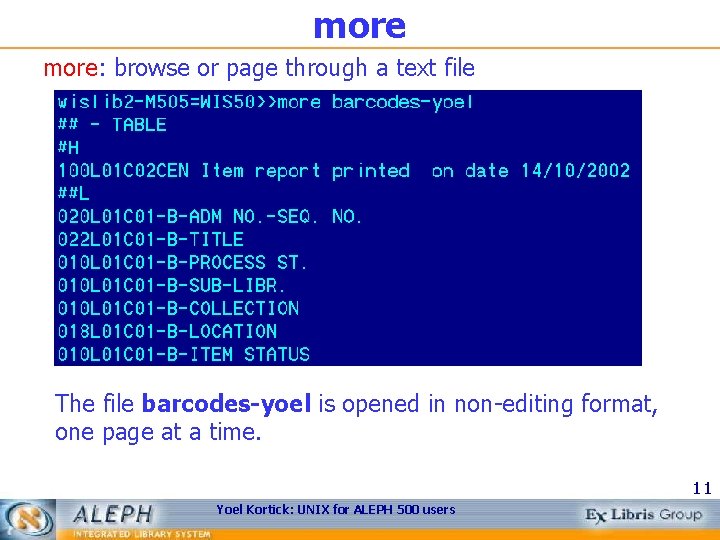
more: browse or page through a text file The file barcodes-yoel is opened in non-editing format, one page at a time. 11 Yoel Kortick: UNIX for ALEPH 500 users
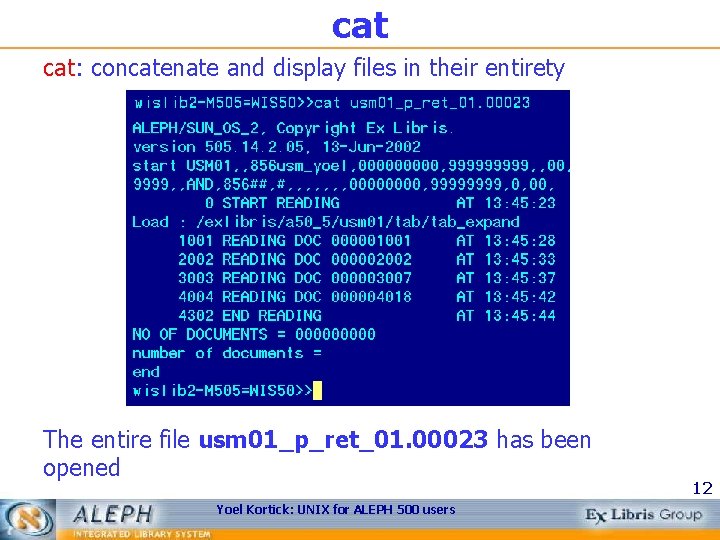
cat cat: concatenate and display files in their entirety The entire file usm 01_p_ret_01. 00023 has been opened Yoel Kortick: UNIX for ALEPH 500 users 12
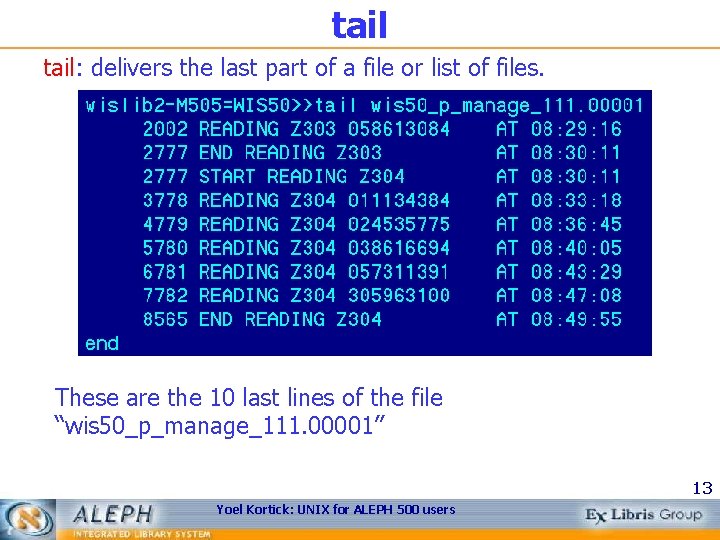
tail: delivers the last part of a file or list of files. These are the 10 last lines of the file “wis 50_p_manage_111. 00001” 13 Yoel Kortick: UNIX for ALEPH 500 users
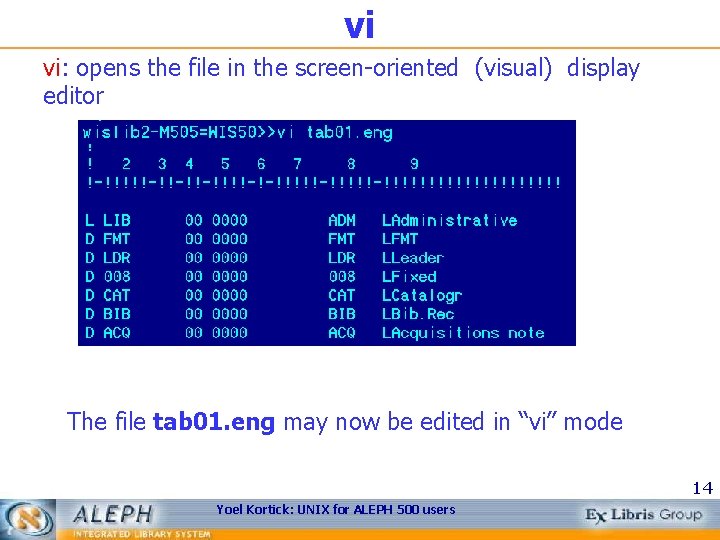
vi vi: opens the file in the screen-oriented (visual) display editor The file tab 01. eng may now be edited in “vi” mode 14 Yoel Kortick: UNIX for ALEPH 500 users
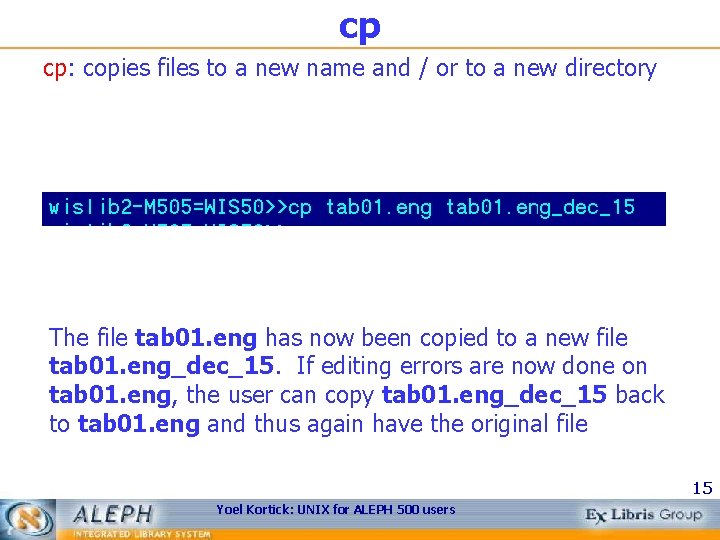
cp cp: copies files to a new name and / or to a new directory The file tab 01. eng has now been copied to a new file tab 01. eng_dec_15. If editing errors are now done on tab 01. eng, the user can copy tab 01. eng_dec_15 back to tab 01. eng and thus again have the original file 15 Yoel Kortick: UNIX for ALEPH 500 users
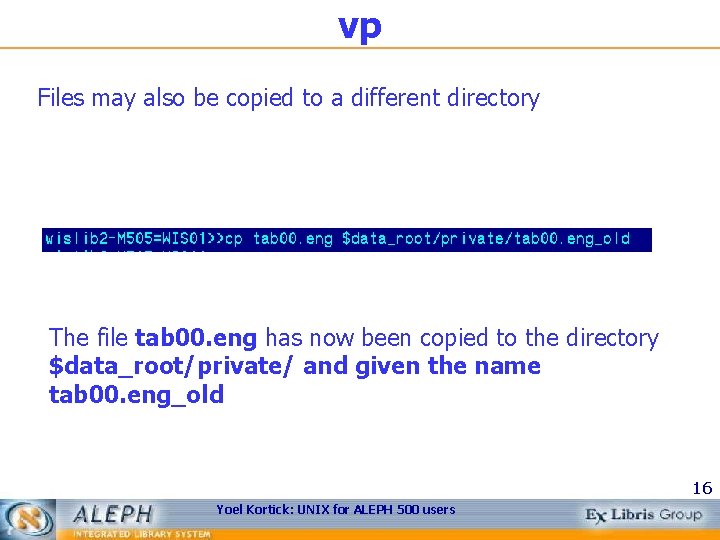
vp Files may also be copied to a different directory The file tab 00. eng has now been copied to the directory $data_root/private/ and given the name tab 00. eng_old 16 Yoel Kortick: UNIX for ALEPH 500 users
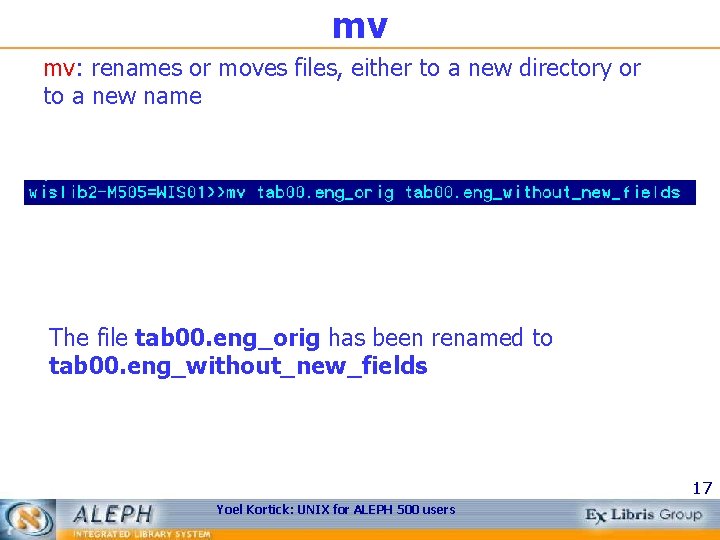
mv mv: renames or moves files, either to a new directory or to a new name The file tab 00. eng_orig has been renamed to tab 00. eng_without_new_fields 17 Yoel Kortick: UNIX for ALEPH 500 users
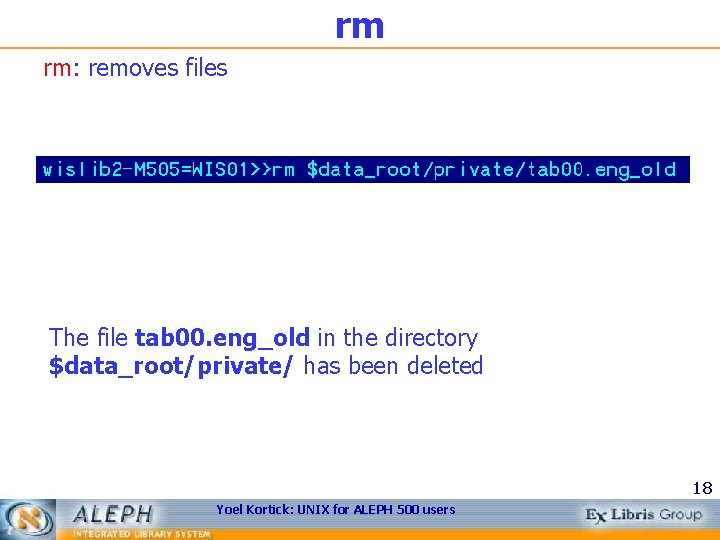
rm rm: removes files The file tab 00. eng_old in the directory $data_root/private/ has been deleted 18 Yoel Kortick: UNIX for ALEPH 500 users
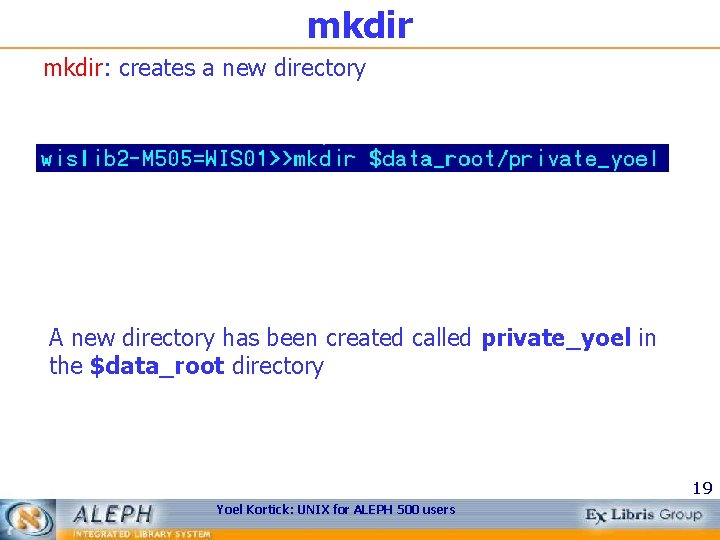
mkdir: creates a new directory A new directory has been created called private_yoel in the $data_root directory 19 Yoel Kortick: UNIX for ALEPH 500 users
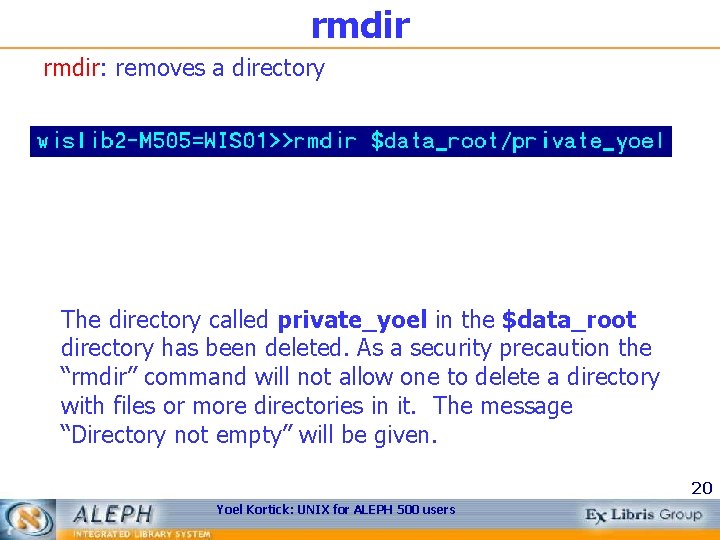
rmdir: removes a directory The directory called private_yoel in the $data_root directory has been deleted. As a security precaution the “rmdir” command will not allow one to delete a directory with files or more directories in it. The message “Directory not empty” will be given. 20 Yoel Kortick: UNIX for ALEPH 500 users
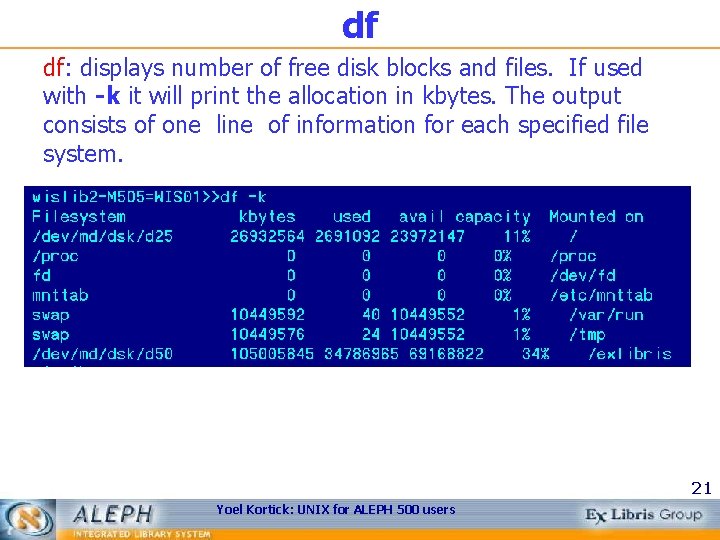
df df: displays number of free disk blocks and files. If used with -k it will print the allocation in kbytes. The output consists of one line of information for each specified file system. 21 Yoel Kortick: UNIX for ALEPH 500 users
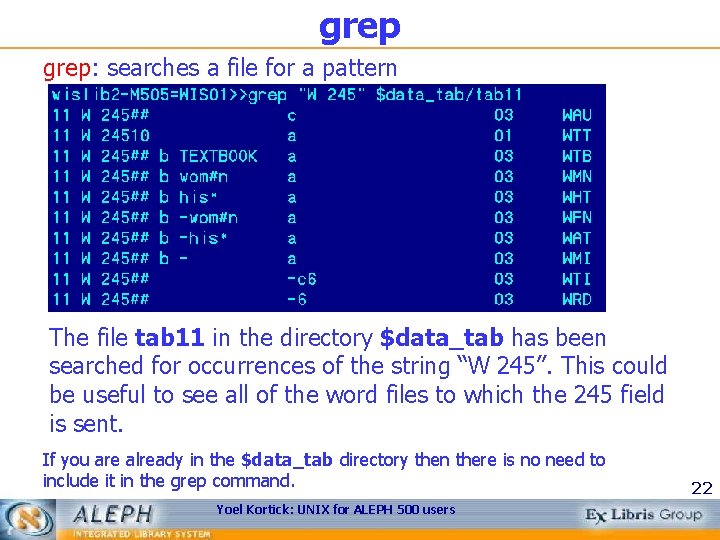
grep: searches a file for a pattern The file tab 11 in the directory $data_tab has been searched for occurrences of the string “W 245”. This could be useful to see all of the word files to which the 245 field is sent. If you are already in the $data_tab directory then there is no need to include it in the grep command. Yoel Kortick: UNIX for ALEPH 500 users 22
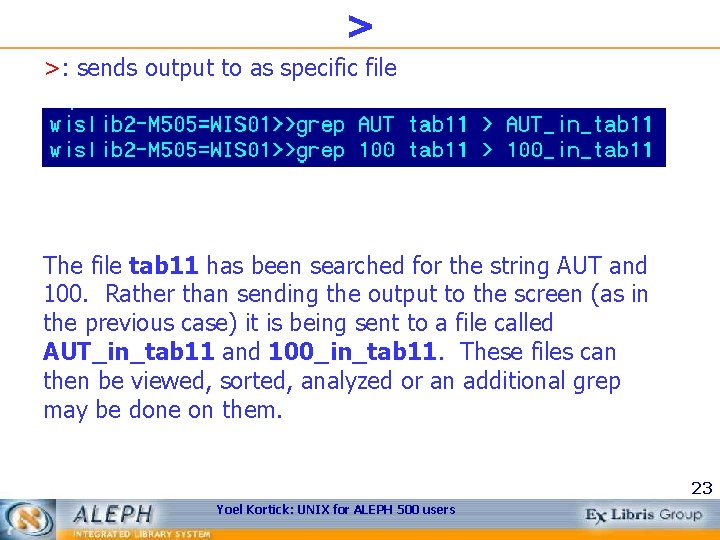
> >: sends output to as specific file The file tab 11 has been searched for the string AUT and 100. Rather than sending the output to the screen (as in the previous case) it is being sent to a file called AUT_in_tab 11 and 100_in_tab 11. These files can then be viewed, sorted, analyzed or an additional grep may be done on them. 23 Yoel Kortick: UNIX for ALEPH 500 users
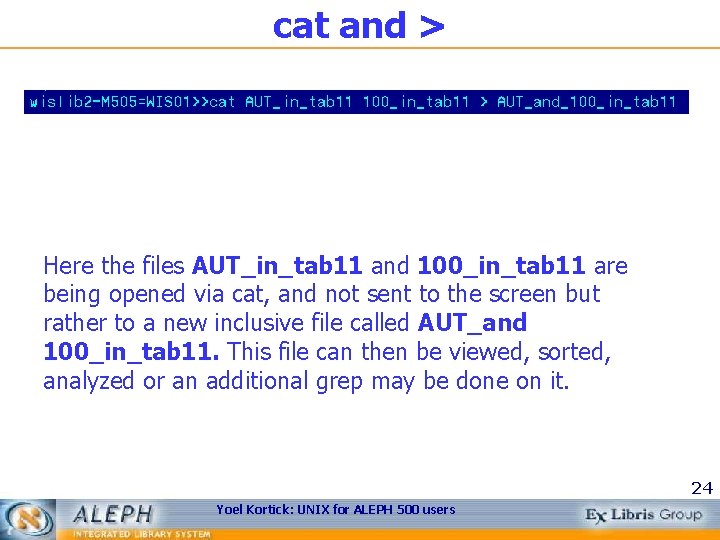
cat and > Here the files AUT_in_tab 11 and 100_in_tab 11 are being opened via cat, and not sent to the screen but rather to a new inclusive file called AUT_and 100_in_tab 11. This file can then be viewed, sorted, analyzed or an additional grep may be done on it. 24 Yoel Kortick: UNIX for ALEPH 500 users
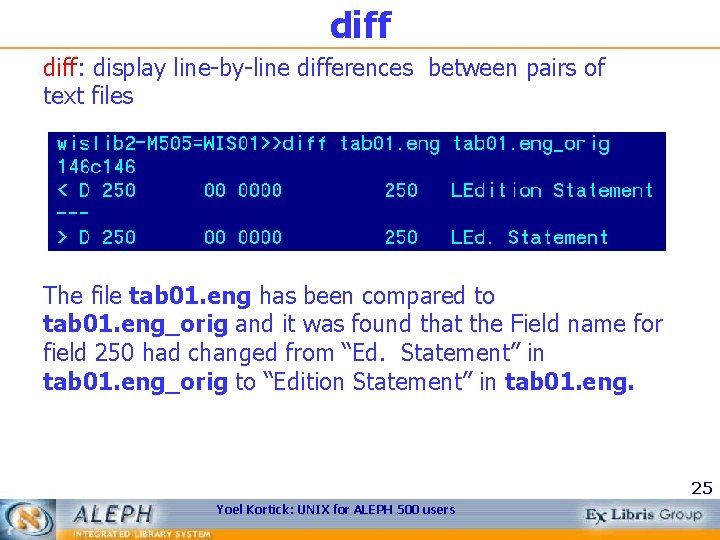
diff: display line-by-line differences between pairs of text files The file tab 01. eng has been compared to tab 01. eng_orig and it was found that the Field name for field 250 had changed from “Ed. Statement” in tab 01. eng_orig to “Edition Statement” in tab 01. eng. 25 Yoel Kortick: UNIX for ALEPH 500 users
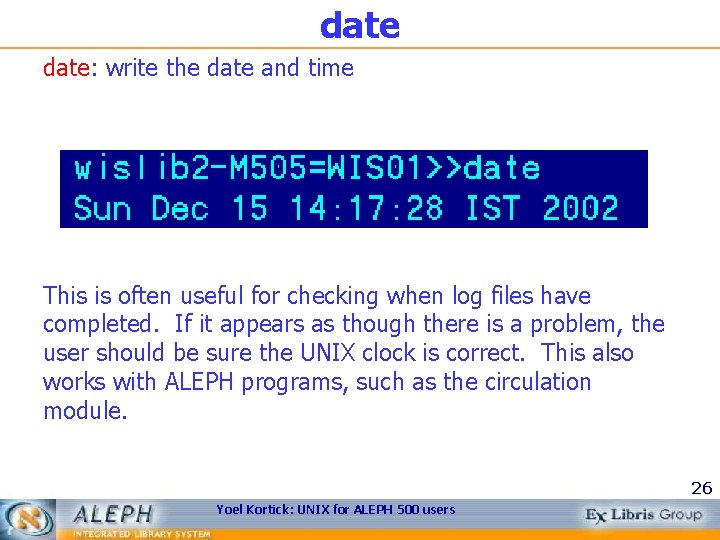
date: write the date and time This is often useful for checking when log files have completed. If it appears as though there is a problem, the user should be sure the UNIX clock is correct. This also works with ALEPH programs, such as the circulation module. 26 Yoel Kortick: UNIX for ALEPH 500 users
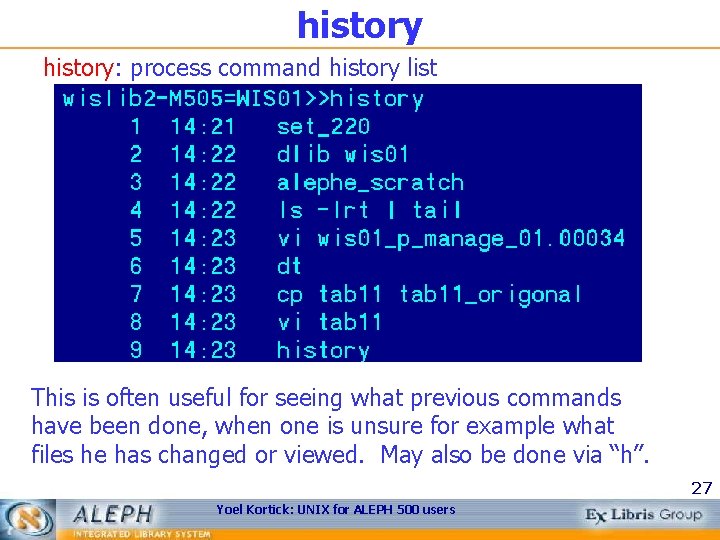
history: process command history list This is often useful for seeing what previous commands have been done, when one is unsure for example what files he has changed or viewed. May also be done via “h”. 27 Yoel Kortick: UNIX for ALEPH 500 users
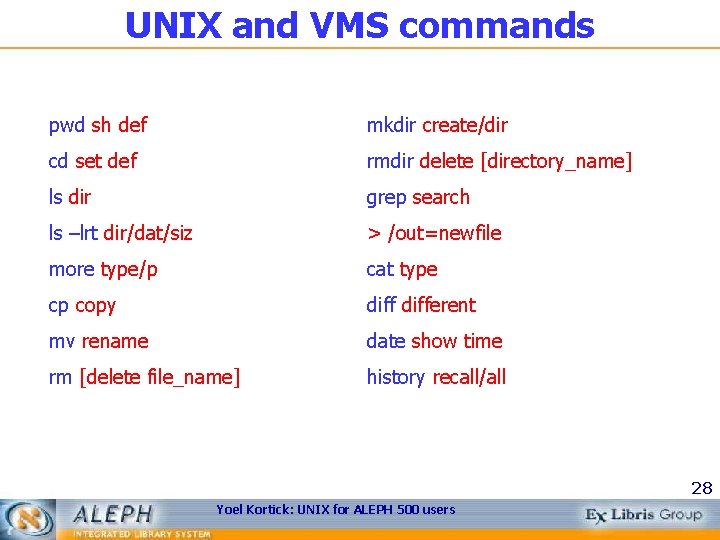
UNIX and VMS commands pwd sh def mkdir create/dir cd set def rmdir delete [directory_name] ls dir grep search ls –lrt dir/dat/siz > /out=newfile more type/p cat type cp copy different mv rename date show time rm [delete file_name] history recall/all 28 Yoel Kortick: UNIX for ALEPH 500 users