
University of Vermont College of Medicine Online Exams
- Slides: 18
University of Vermont College of Medicine Online Exams Embrace the opportunity, avoid the pitfalls Copyright: The University of Vermont This work is the intellectual property of the University of Vermont. Permission is granted for this material to be shared for non-commercial, educational purposes, provided that this copyright statement appears on the reproduced materials and notice is given that the copying is by permission of the authors. To disseminate otherwise or to republish requires written permission from the authors © 2005 The University of Vermont
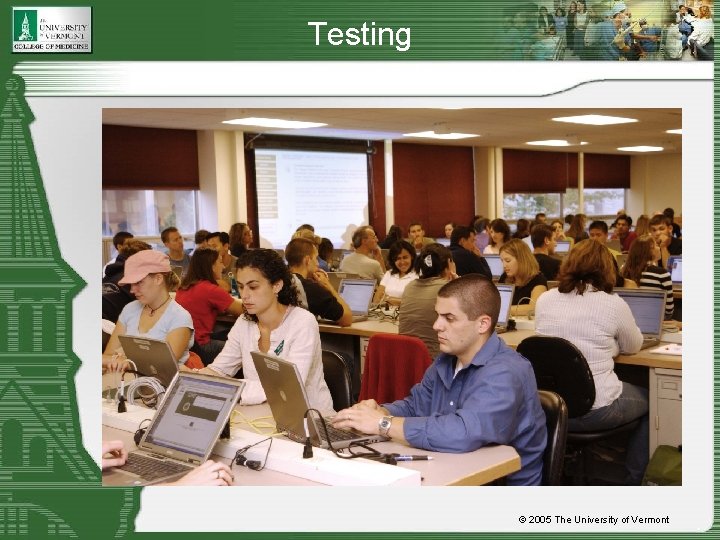
Testing © 2005 The University of Vermont
Who we are University of Vermont College of Medicine • • • Located in Burlington, Vermont Founded in 1822 Nation’s seventh oldest medical school One of 125 medical schools in the US Enrollment o 399 medical students o 93 graduate students o 12 MD/Ph. D students • Faculty o 678 full time faculty o 383 part time faculty o 711 volunteer faculty • Affiliated with Fletcher Allen Health Care (FAHC) o a level 1 trauma center • Allied with Maine Medical Center (MMC) © 2005 The University of Vermont
Why On-Line Exam Delivery Vermont Integrated Curriculum (VIC) o Transforms medical education • Learning defined by body system, disease, and skill set • Patient-based learning integrates with basic science o Merges tradition and innovation • Lectures, labs, and seminars join case-based studies, collaborative small groups, and virtual learning • The art and science of medicine are fused with an advanced hybrid online learning system o Assesses competencies • Questions linked to teaching • Statistical analysis • Competency tracking o 12 courses over first 18 months, some with as many as 120 faculty; 8 clinical experiences in two states © 2005 The University of Vermont
History • Courses no longer resided in departments; now overseen centrally • Needed to assess the efficacy of the new curriculum – was it working? • Wanted single platform for assessment, and it had to produce detailed statistics for analysis • National licensing exams were computerized • Wanted to embrace potential of technology © 2005 The University of Vermont
Requirements • Size/Volume o Any one exam, up to 100 students at a time; up to 150 questions. o One large exam delivered simultaneously with other smaller exams • Need for hybrid functions for pedagogical purposes – especially image-based disciplines o Embedded interactive multi-media as part of question delivery. • Valid student assessment o Alignment of exam questions to competencies • Security >= paper based assessments o Inability to do anything but take the exam o Minimize the ability to look at another's work o Maximize exam/question reusability • Grading/Statistics o Grading/Statistical analysis that at minimum matched existing bubble sheet process. © 2005 The University of Vermont
Technologies • Blackboard is the core platform o Test Manager/Gradebook o Force completion, single attempt, randomized, password protected • Respondus for uploading questions. o Images, videos, sounds uploaded separately into Blackboard • Baseline laptops o Ensure consistent delivery and behavior. • Secure Exam browser and privacy screens o Help discourage cheating • Fault tolerant platform/platform monitoring tools o Maximize availability. • Application tuning, generous hardware and exam delivery process maximize performance. © 2005 The University of Vermont
Technology considerations • Benchmark and simulate exam delivery under load. o Exam size, randomization, number of students, simultaneous initiation, and simultaneous exams are all key factors. o Simulation tools valuable in predicting system performance. Microsoft Application Center Testing (ACT) o Real world simulation validates entire process. • Network connectivity o Wired vs Wireless • Baseline clients o o Reduce variables and unforeseen problems. Have a spares/support strategy in place Beware of SMS packages/Windows updates Teardown disruption © 2005 The University of Vermont
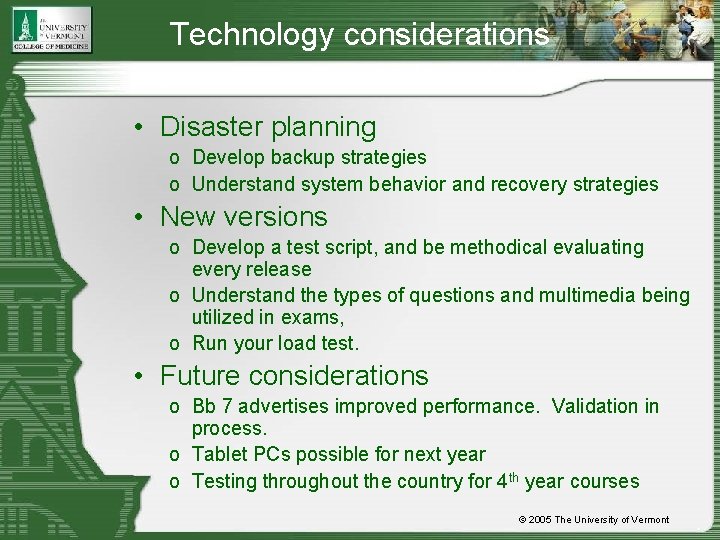
Technology considerations • Disaster planning o Develop backup strategies o Understand system behavior and recovery strategies • New versions o Develop a test script, and be methodical evaluating every release o Understand the types of questions and multimedia being utilized in exams, o Run your load test. • Future considerations o Bb 7 advertises improved performance. Validation in process. o Tablet PCs possible for next year o Testing throughout the country for 4 th year courses © 2005 The University of Vermont
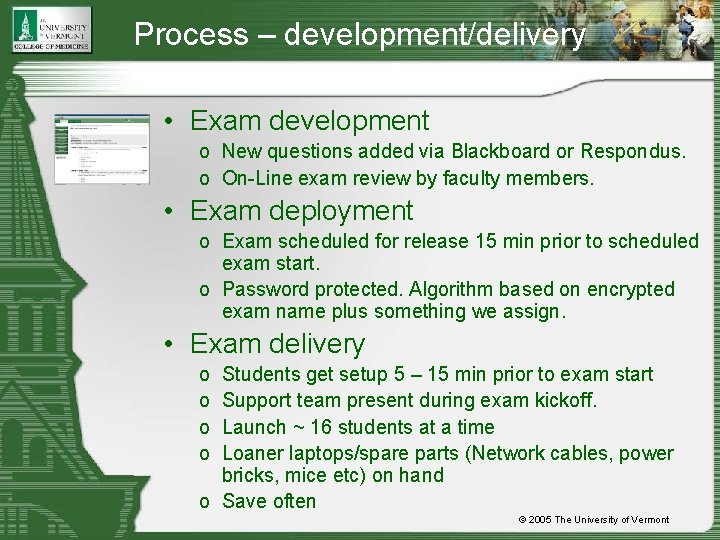
Process – development/delivery • Exam development o New questions added via Blackboard or Respondus. o On-Line exam review by faculty members. • Exam deployment o Exam scheduled for release 15 min prior to scheduled exam start. o Password protected. Algorithm based on encrypted exam name plus something we assign. • Exam delivery o o Students get setup 5 – 15 min prior to exam start Support team present during exam kickoff. Launch ~ 16 students at a time Loaner laptops/spare parts (Network cables, power bricks, mice etc) on hand o Save often © 2005 The University of Vermont
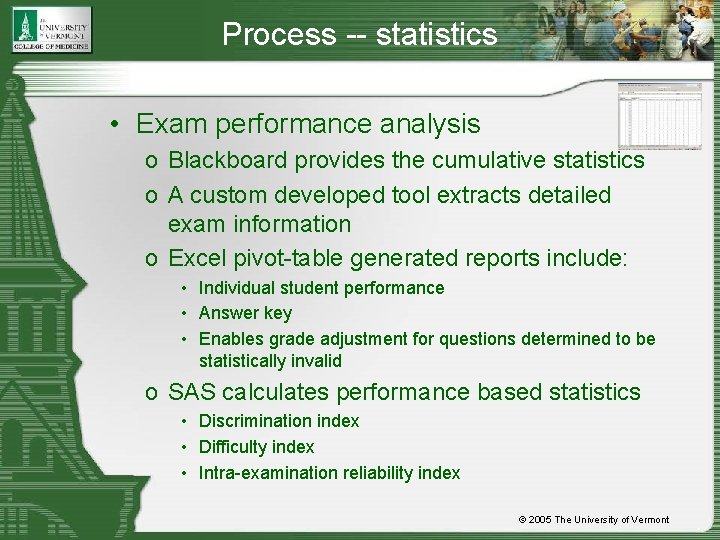
Process -- statistics • Exam performance analysis o Blackboard provides the cumulative statistics o A custom developed tool extracts detailed exam information o Excel pivot-table generated reports include: • Individual student performance • Answer key • Enables grade adjustment for questions determined to be statistically invalid o SAS calculates performance based statistics • Discrimination index • Difficulty index • Intra-examination reliability index © 2005 The University of Vermont
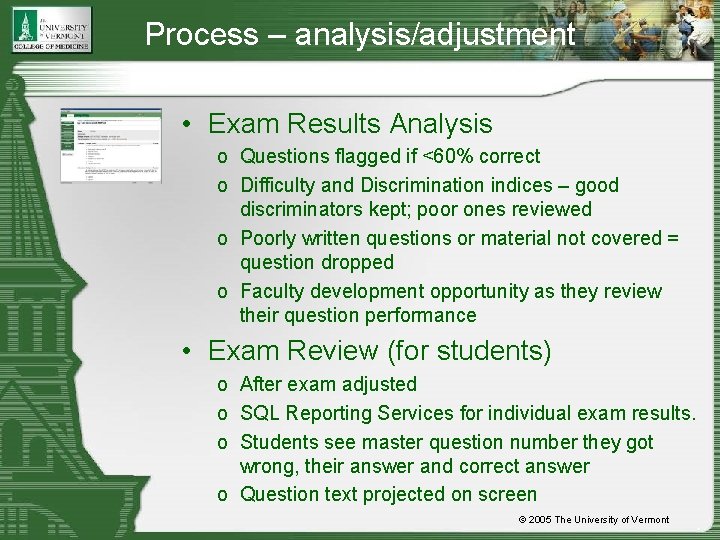
Process – analysis/adjustment • Exam Results Analysis o Questions flagged if <60% correct o Difficulty and Discrimination indices – good discriminators kept; poor ones reviewed o Poorly written questions or material not covered = question dropped o Faculty development opportunity as they review their question performance • Exam Review (for students) o After exam adjusted o SQL Reporting Services for individual exam results. o Students see master question number they got wrong, their answer and correct answer o Question text projected on screen © 2005 The University of Vermont
People • COMET team o Exam deployment and delivery issues • COMIS team o laptop help and network connectivity concerns • Curricular proctors o Timing and accommodations • Course director o Content oversight and delivery parameters • Assessment director o Statistical analysis © 2005 The University of Vermont
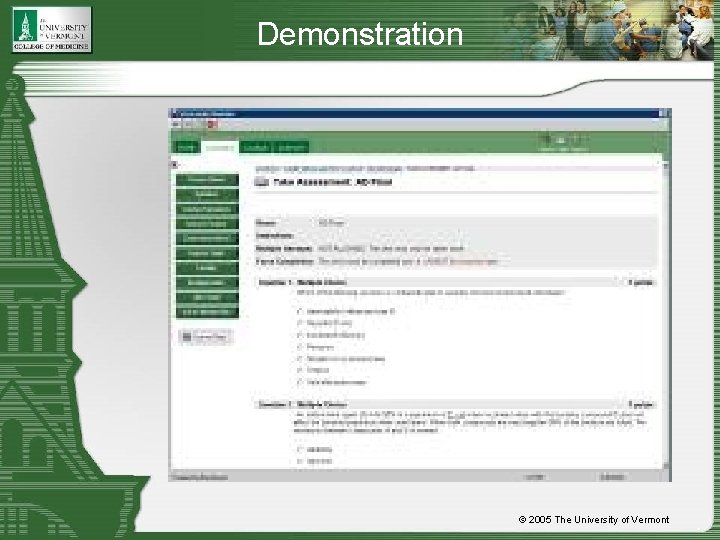
Demonstration © 2005 The University of Vermont
Opportunities • What do faculty want to achieve with exams? o Ease of grading? o New question types? o Rich media? • What can faculty achieve with exams? o Incorporating video or sound o New question types • Find the correct location • Multiple answer • Random from a question pool o Case based or question by question exams o Just in time exams o Testing as content has been taught © 2005 The University of Vermont
Considerations • Students o Access to/familiarity with technology • Faculty o Do they know what they want? o Will they make the commitment to work with the technology? o Are they prepared to change their testing paradigm? • Process o What are the student & faculty expectations for exam review? o Are summary statistics enough? o How will they drop questions? o Off site/Distance learning limitations © 2005 The University of Vermont
Questions? © 2005 The University of Vermont
Contact Us Contact us: Jill Jemison E-Learning Manager Jill. Jemison@uvm. edu (802) 656 -0076 Jim Heintz Senior Technical Program Manager Jim. Heintz@uvm. edu (802) 656 -9770 © 2005 The University of Vermont