
University of Toronto Department of Computer Science Lecture


- Slides: 23
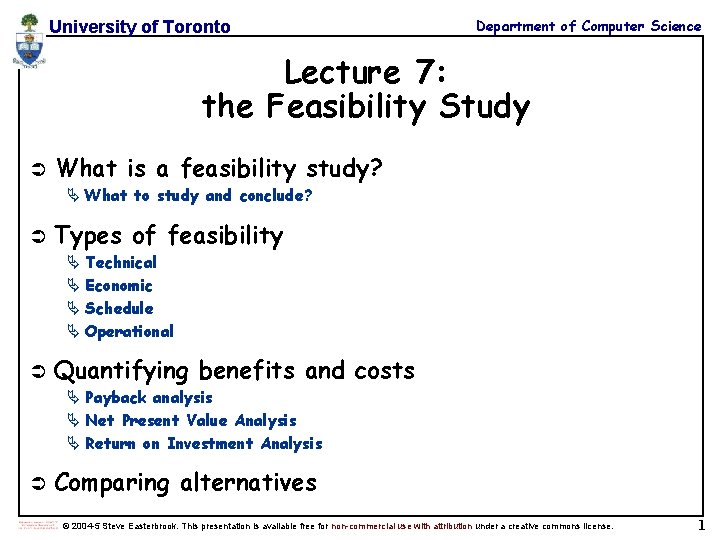
University of Toronto Department of Computer Science Lecture 7: the Feasibility Study Ü What is a feasibility study? Ä What to study and conclude? Ü Types of feasibility Ä Technical Ä Economic Ä Schedule Ä Operational Ü Quantifying benefits and costs Ä Payback analysis Ä Net Present Value Analysis Ä Return on Investment Analysis Ü Comparing alternatives © 2004 -5 Steve Easterbrook. This presentation is available free for non-commercial use with attribution under a creative commons license. 1
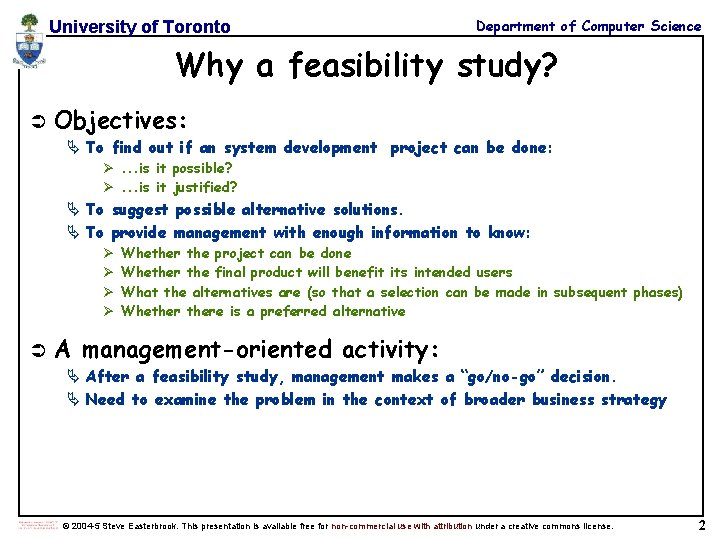
University of Toronto Department of Computer Science Why a feasibility study? Ü Objectives: Ä To find out if an system development project can be done: Ø. . . is it possible? Ø. . . is it justified? Ä To suggest possible alternative solutions. Ä To provide management with enough information to know: Ø Ø Ü Whether the project can be done Whether the final product will benefit its intended users What the alternatives are (so that a selection can be made in subsequent phases) Whethere is a preferred alternative A management-oriented activity: Ä After a feasibility study, management makes a “go/no-go” decision. Ä Need to examine the problem in the context of broader business strategy © 2004 -5 Steve Easterbrook. This presentation is available free for non-commercial use with attribution under a creative commons license. 2
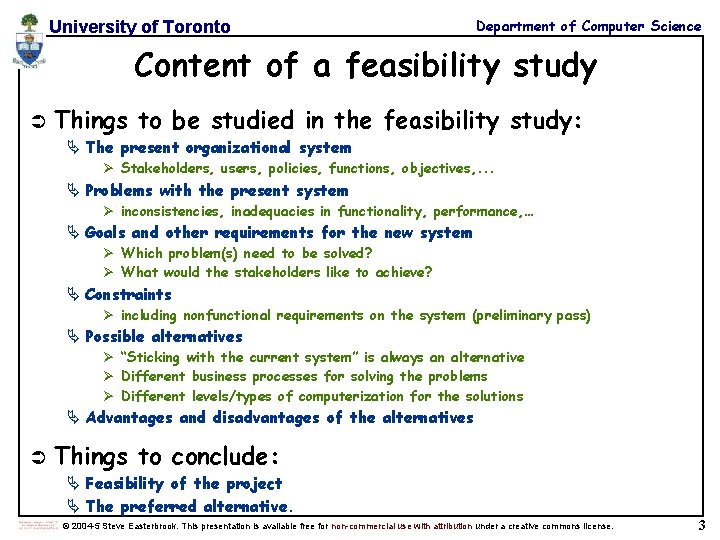
University of Toronto Department of Computer Science Content of a feasibility study Ü Things to be studied in the feasibility study: Ä The present organizational system Ø Stakeholders, users, policies, functions, objectives, . . . Ä Problems with the present system Ø inconsistencies, inadequacies in functionality, performance, … Ä Goals and other requirements for the new system Ø Which problem(s) need to be solved? Ø What would the stakeholders like to achieve? Ä Constraints Ø including nonfunctional requirements on the system (preliminary pass) Ä Possible alternatives Ø “Sticking with the current system” is always an alternative Ø Different business processes for solving the problems Ø Different levels/types of computerization for the solutions Ä Advantages and disadvantages of the alternatives Ü Things to conclude: Ä Feasibility of the project Ä The preferred alternative. © 2004 -5 Steve Easterbrook. This presentation is available free for non-commercial use with attribution under a creative commons license. 3
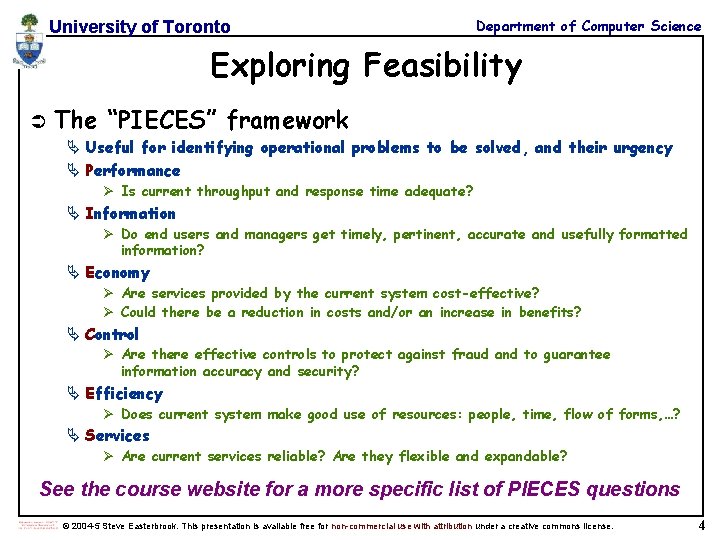
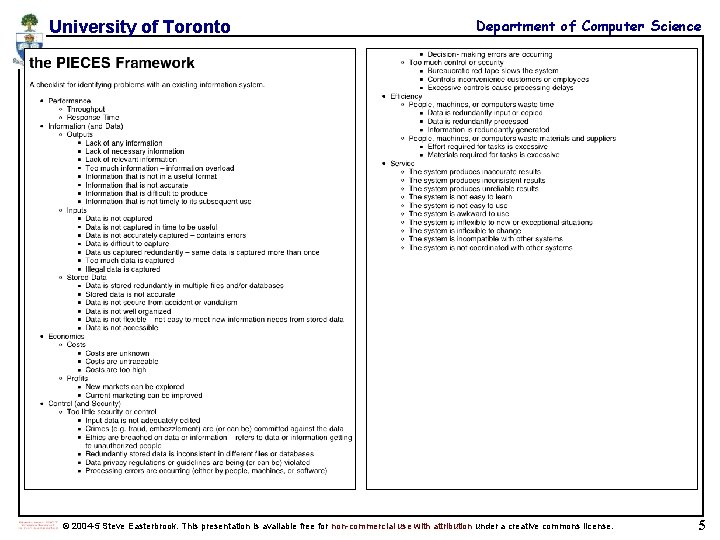
University of Toronto Department of Computer Science Exploring Feasibility Ü The “PIECES” framework Ä Useful for identifying operational problems to be solved, and their urgency Ä Performance Ø Is current throughput and response time adequate? Ä Information Ø Do end users and managers get timely, pertinent, accurate and usefully formatted information? Ä Economy Ø Are services provided by the current system cost-effective? Ø Could there be a reduction in costs and/or an increase in benefits? Ä Control Ø Are there effective controls to protect against fraud and to guarantee information accuracy and security? Ä Efficiency Ø Does current system make good use of resources: people, time, flow of forms, …? Ä Services Ø Are current services reliable? Are they flexible and expandable? See the course website for a more specific list of PIECES questions © 2004 -5 Steve Easterbrook. This presentation is available free for non-commercial use with attribution under a creative commons license. 4
University of Toronto Department of Computer Science © 2004 -5 Steve Easterbrook. This presentation is available free for non-commercial use with attribution under a creative commons license. 5
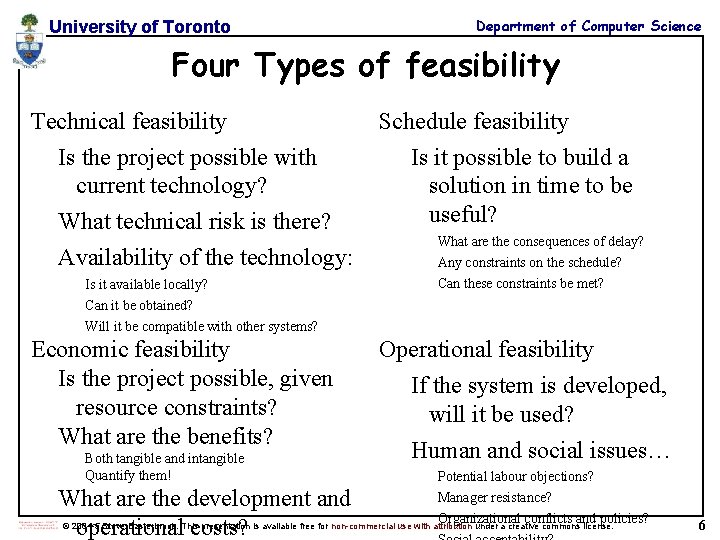
Department of Computer Science University of Toronto Four Types of feasibility Ü Technicalfeasibility Technical Ä Is the project possible with current technology? Ü Schedule feasibility Ä Is it possible to build a solution in time to be useful? Is the project possible with current technology? What technical risk is there? Availability of the technology: Is it available locally? Can it be obtained? Ü Economic feasibility compatible with other systems? Ä Is. Will theit be project possible, given resource constraints? Economic feasibility Is the project possible, given resource constraints? What are the benefits? Both tangible and intangible Quantify them! What are the development and operational costs? Is it possible to build a solution in time to be useful? Ü What are the consequences of delay? Any constraints on the schedule? Can these constraints be met? Operational feasibility Ä If the system is developed, will it be used? Operational feasibility If the system is developed, will it be used? Human and social issues… Potential labour objections? Manager resistance? Organizational conflicts and policies? © 2004 -5 Steve Easterbrook. This presentation is available free for non-commercial use with attribution under a creative commons license. 6
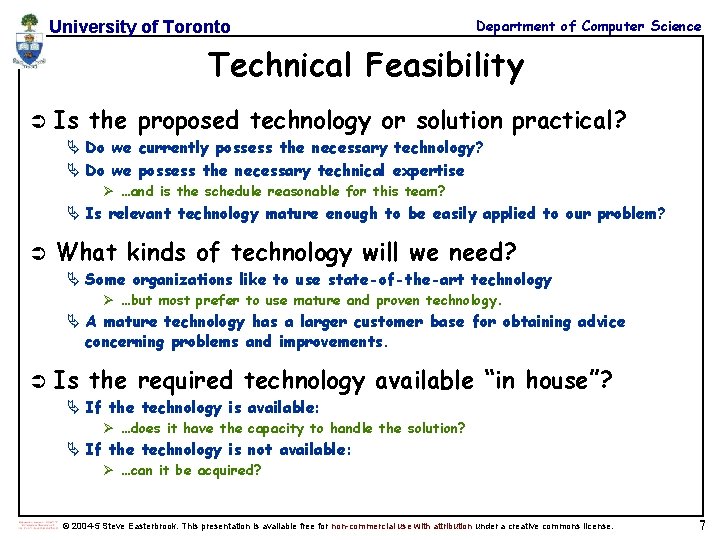
University of Toronto Department of Computer Science Technical Feasibility Ü Is the proposed technology or solution practical? Ä Do we currently possess the necessary technology? Ä Do we possess the necessary technical expertise Ø …and is the schedule reasonable for this team? Ä Is relevant technology mature enough to be easily applied to our problem? Ü What kinds of technology will we need? Ä Some organizations like to use state-of-the-art technology Ø …but most prefer to use mature and proven technology. Ä A mature technology has a larger customer base for obtaining advice concerning problems and improvements. Ü Is the required technology available “in house”? Ä If the technology is available: Ø …does it have the capacity to handle the solution? Ä If the technology is not available: Ø …can it be acquired? © 2004 -5 Steve Easterbrook. This presentation is available free for non-commercial use with attribution under a creative commons license. 7
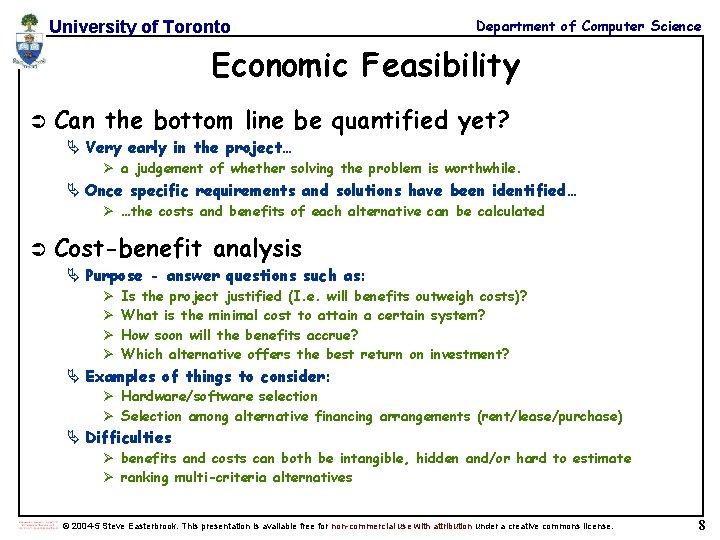
University of Toronto Department of Computer Science Economic Feasibility Ü Can the bottom line be quantified yet? Ä Very early in the project… Ø a judgement of whether solving the problem is worthwhile. Ä Once specific requirements and solutions have been identified… Ø …the costs and benefits of each alternative can be calculated Ü Cost-benefit analysis Ä Purpose - answer questions such as: Ø Ø Is the project justified (I. e. will benefits outweigh costs)? What is the minimal cost to attain a certain system? How soon will the benefits accrue? Which alternative offers the best return on investment? Ä Examples of things to consider: Ø Hardware/software selection Ø Selection among alternative financing arrangements (rent/lease/purchase) Ä Difficulties Ø benefits and costs can both be intangible, hidden and/or hard to estimate Ø ranking multi-criteria alternatives © 2004 -5 Steve Easterbrook. This presentation is available free for non-commercial use with attribution under a creative commons license. 8
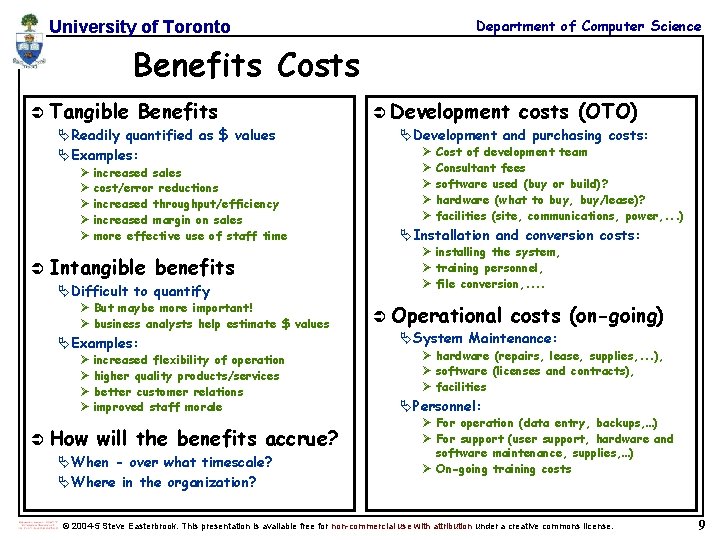
Department of Computer Science University of Toronto Benefits Costs Ü Tangible Benefits ÄReadily quantified as $ values ÄExamples: Ø increased sales Ø cost/error reductions Ø increased throughput/efficiency Ø increased margin on sales Ø more effective use of staff time Ü Intangible benefits ÄDifficult to quantify Ø But maybe more important! Ø business analysts help estimate $ values ÄExamples: Ø increased flexibility of operation Ø higher quality products/services Ø better customer relations Ø improved staff morale Ü How will the benefits accrue? ÄWhen - over what timescale? ÄWhere in the organization? Ü Development costs (OTO) Ä Development and purchasing costs: Ø Ø Ø Cost of development team Consultant fees software used (buy or build)? hardware (what to buy, buy/lease)? facilities (site, communications, power, . . . ) Ä Installation and conversion costs: Ø installing the system, Ø training personnel, Ø file conversion, . . Ü Operational costs (on-going) Ä System Maintenance: Ø hardware (repairs, lease, supplies, . . . ), Ø software (licenses and contracts), Ø facilities Ä Personnel: Ø For operation (data entry, backups, …) Ø For support (user support, hardware and software maintenance, supplies, …) Ø On-going training costs © 2004 -5 Steve Easterbrook. This presentation is available free for non-commercial use with attribution under a creative commons license. 9
University of Toronto Example: Department of Computer Science costs for small Client-Server project © 2004 -5 Steve Easterbrook. This presentation is available free for non-commercial use with attribution under a creative commons license. 10
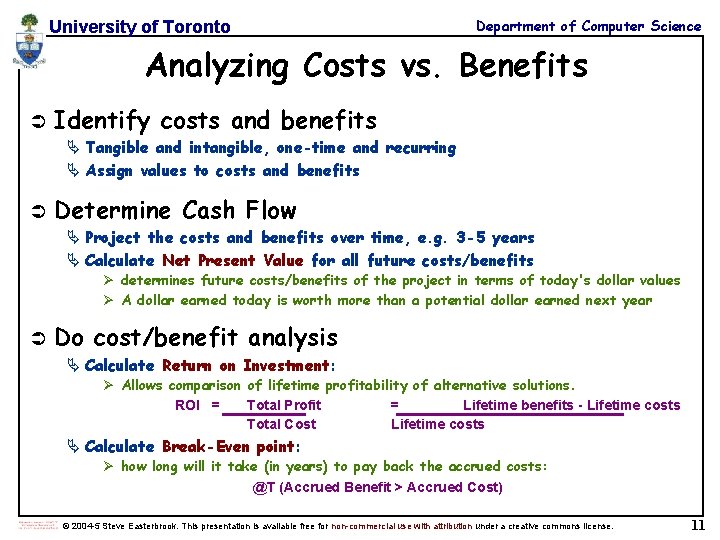
University of Toronto Department of Computer Science Analyzing Costs vs. Benefits Ü Identify costs and benefits Ä Tangible and intangible, one-time and recurring Ä Assign values to costs and benefits Ü Determine Cash Flow Ä Project the costs and benefits over time, e. g. 3 -5 years Ä Calculate Net Present Value for all future costs/benefits Ø determines future costs/benefits of the project in terms of today's dollar values Ø A dollar earned today is worth more than a potential dollar earned next year Ü Do cost/benefit analysis Ä Calculate Return on Investment: Ø Allows comparison of lifetime profitability of alternative solutions. ROI = Total Profit = Lifetime benefits - Lifetime costs Total Cost Lifetime costs Ä Calculate Break-Even point: Ø how long will it take (in years) to pay back the accrued costs: @T (Accrued Benefit > Accrued Cost) © 2004 -5 Steve Easterbrook. This presentation is available free for non-commercial use with attribution under a creative commons license. 11
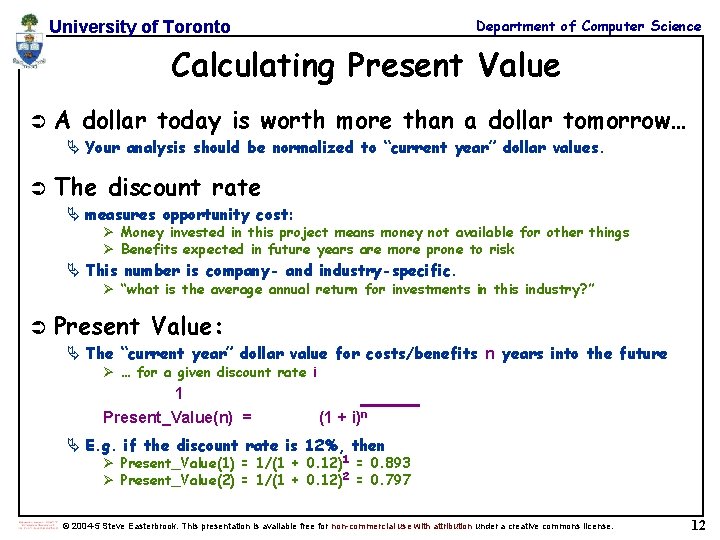
Department of Computer Science University of Toronto Calculating Present Value Ü A dollar today is worth more than a dollar tomorrow… Ä Your analysis should be normalized to “current year” dollar values. Ü The discount rate Ä measures opportunity cost: Ø Money invested in this project means money not available for other things Ø Benefits expected in future years are more prone to risk Ä This number is company- and industry-specific. Ø “what is the average annual return for investments in this industry? ” Ü Present Value: Ä The “current year” dollar value for costs/benefits n years into the future Ø … for a given discount rate i 1 Present_Value(n) = (1 + i)n Ä E. g. if the discount rate is 12%, then Ø Present_Value(1) = 1/(1 + 0. 12)1 = 0. 893 Ø Present_Value(2) = 1/(1 + 0. 12)2 = 0. 797 © 2004 -5 Steve Easterbrook. This presentation is available free for non-commercial use with attribution under a creative commons license. 12
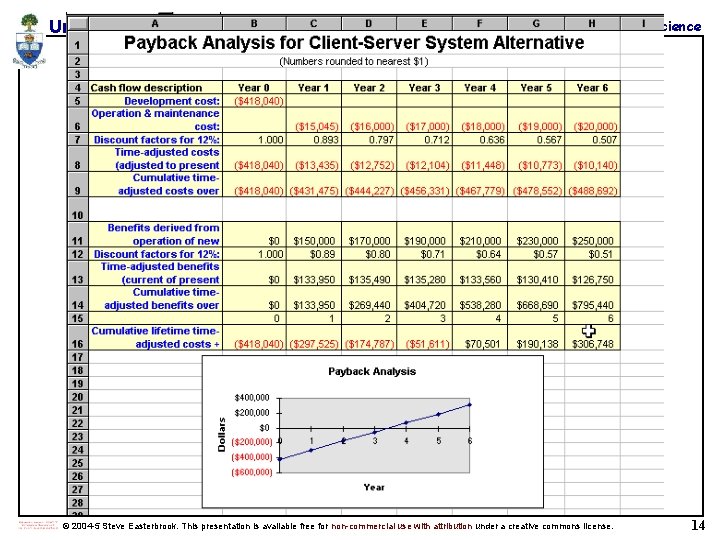
University of Toronto Department of Computer Science Net Present Value Ü Measures the total value of the investment Ä …with all figures adjusted to present dollar values Ø NPV = Cumulative PV of all benefits - Cumulative PV of all costs Ä Assuming subsequent years are like year 4… Ø the net present value of this investment in the project will be: Ø after 5 years, $13, 652 Ø after 6 years, $36, 168 © 2004 -5 Steve Easterbrook. This presentation is available free for non-commercial use with attribution under a creative commons license. 13
University of Toronto Department of Computer Science © 2004 -5 Steve Easterbrook. This presentation is available free for non-commercial use with attribution under a creative commons license. 14
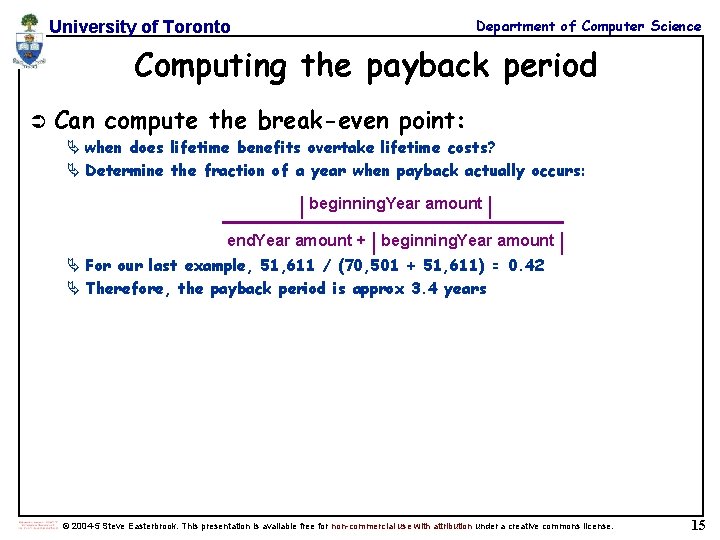
Department of Computer Science University of Toronto Computing the payback period Ü Can compute the break-even point: Ä when does lifetime benefits overtake lifetime costs? Ä Determine the fraction of a year when payback actually occurs: | beginning. Year amount | end. Year amount + | beginning. Year amount | Ä For our last example, 51, 611 / (70, 501 + 51, 611) = 0. 42 Ä Therefore, the payback period is approx 3. 4 years © 2004 -5 Steve Easterbrook. This presentation is available free for non-commercial use with attribution under a creative commons license. 15
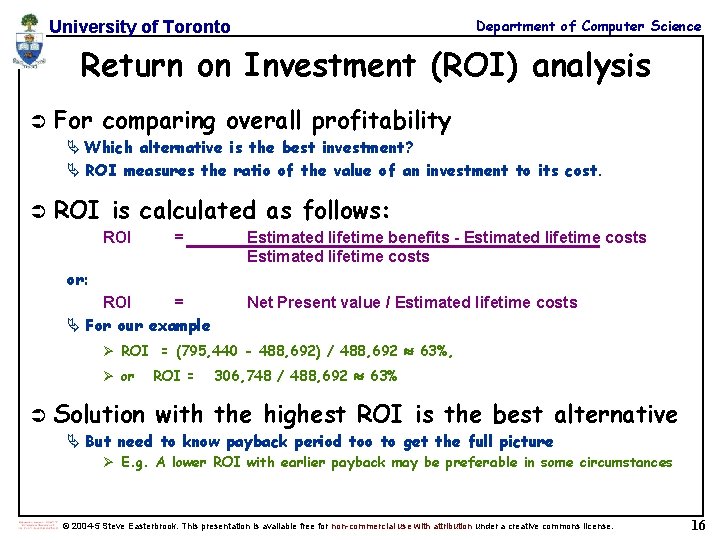
Department of Computer Science University of Toronto Return on Investment (ROI) analysis Ü For comparing overall profitability Ä Which alternative is the best investment? Ä ROI measures the ratio of the value of an investment to its cost. Ü ROI is calculated as follows: ROI = Estimated lifetime benefits - Estimated lifetime costs or: ROI = Ä For our example Net Present value / Estimated lifetime costs Ø ROI = (795, 440 - 488, 692) / 488, 692 Ø or Ü ROI = 306, 748 / 488, 692 63%, 63% Solution with the highest ROI is the best alternative Ä But need to know payback period too to get the full picture Ø E. g. A lower ROI with earlier payback may be preferable in some circumstances © 2004 -5 Steve Easterbrook. This presentation is available free for non-commercial use with attribution under a creative commons license. 16
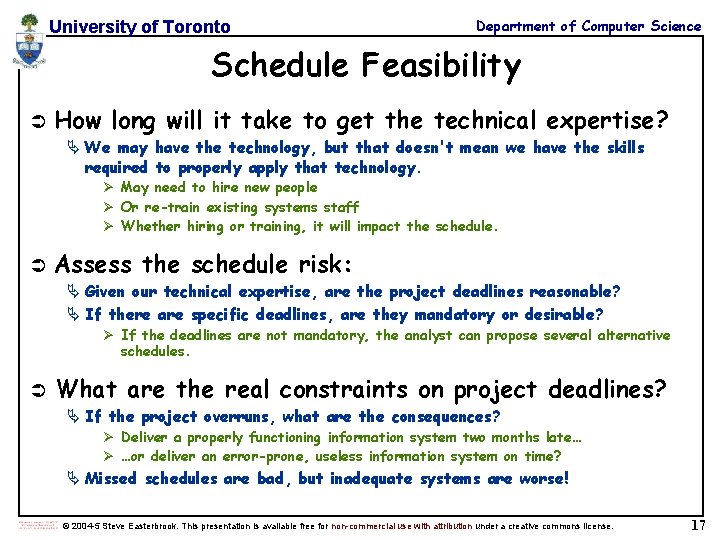
University of Toronto Department of Computer Science Schedule Feasibility Ü How long will it take to get the technical expertise? Ä We may have the technology, but that doesn't mean we have the skills required to properly apply that technology. Ø May need to hire new people Ø Or re-train existing systems staff Ø Whether hiring or training, it will impact the schedule. Ü Assess the schedule risk: Ä Given our technical expertise, are the project deadlines reasonable? Ä If there are specific deadlines, are they mandatory or desirable? Ø If the deadlines are not mandatory, the analyst can propose several alternative schedules. Ü What are the real constraints on project deadlines? Ä If the project overruns, what are the consequences? Ø Deliver a properly functioning information system two months late… Ø …or deliver an error-prone, useless information system on time? Ä Missed schedules are bad, but inadequate systems are worse! © 2004 -5 Steve Easterbrook. This presentation is available free for non-commercial use with attribution under a creative commons license. 17
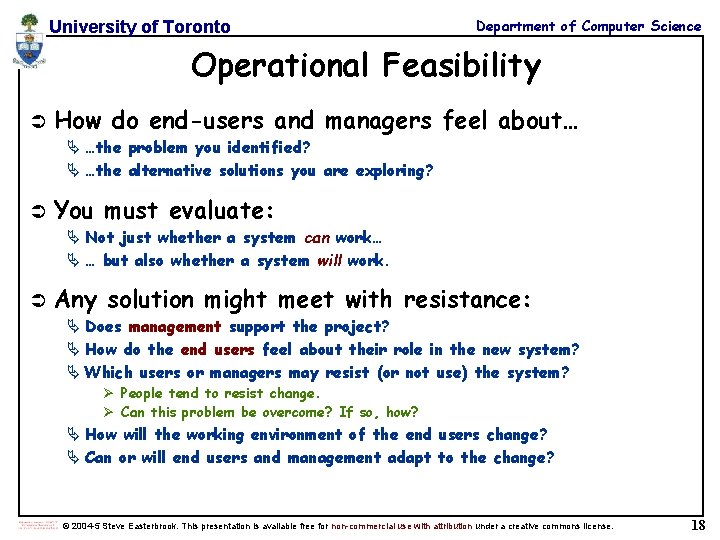
University of Toronto Department of Computer Science Operational Feasibility Ü How do end-users and managers feel about… Ä …the problem you identified? Ä …the alternative solutions you are exploring? Ü You must evaluate: Ä Not just whether a system can work… Ä … but also whether a system will work. Ü Any solution might meet with resistance: Ä Does management support the project? Ä How do the end users feel about their role in the new system? Ä Which users or managers may resist (or not use) the system? Ø People tend to resist change. Ø Can this problem be overcome? If so, how? Ä How will the working environment of the end users change? Ä Can or will end users and management adapt to the change? © 2004 -5 Steve Easterbrook. This presentation is available free for non-commercial use with attribution under a creative commons license. 18
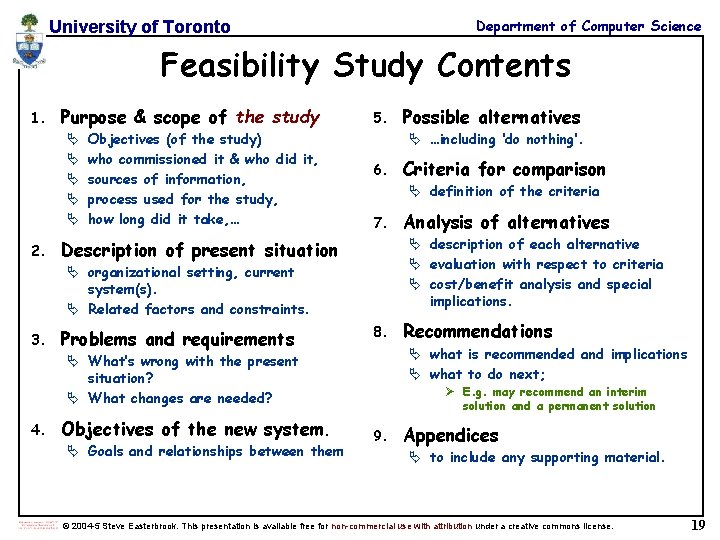
Department of Computer Science University of Toronto Feasibility Study Contents 1. Purpose & scope of the study Ä Ä Ä 2. Objectives (of the study) who commissioned it & who did it, sources of information, process used for the study, how long did it take, … 5. Ä …including ‘do nothing’. 6. 7. 8. Objectives of the new system. Ä Goals and relationships between them Recommendations Ä what is recommended and implications Ä what to do next; Ä What’s wrong with the present situation? Ä What changes are needed? 4. Analysis of alternatives Ä description of each alternative Ä evaluation with respect to criteria Ä cost/benefit analysis and special implications. Description of present situation Problems and requirements Criteria for comparison Ä definition of the criteria Ä organizational setting, current system(s). Ä Related factors and constraints. 3. Possible alternatives Ø E. g. may recommend an interim solution and a permanent solution 9. Appendices Ä to include any supporting material. © 2004 -5 Steve Easterbrook. This presentation is available free for non-commercial use with attribution under a creative commons license. 19
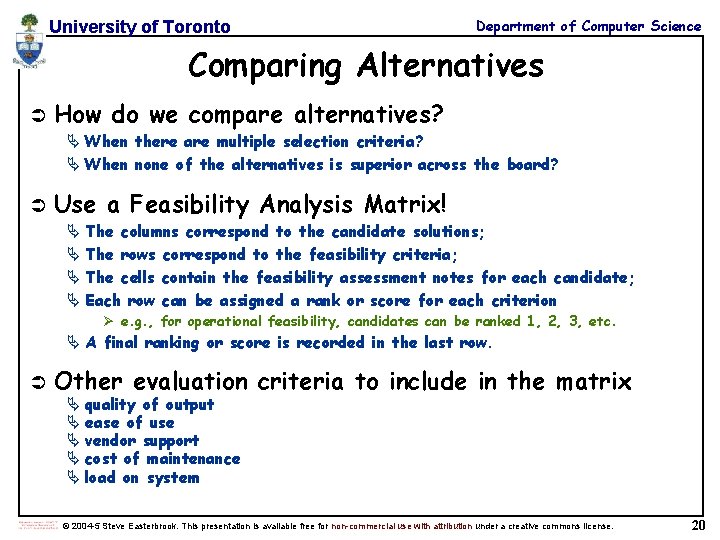
University of Toronto Department of Computer Science Comparing Alternatives Ü How do we compare alternatives? Ä When there are multiple selection criteria? Ä When none of the alternatives is superior across the board? Ü Use a Feasibility Analysis Matrix! Ä The columns correspond to the candidate solutions; Ä The rows correspond to the feasibility criteria; Ä The cells contain the feasibility assessment notes for each candidate; Ä Each row can be assigned a rank or score for each criterion Ø e. g. , for operational feasibility, candidates can be ranked 1, 2, 3, etc. Ä A final ranking or score is recorded in the last row. Ü Other evaluation criteria to include in the matrix Ä quality of output Ä ease of use Ä vendor support Ä cost of maintenance Ä load on system © 2004 -5 Steve Easterbrook. This presentation is available free for non-commercial use with attribution under a creative commons license. 20
University of Toronto Department of Computer Science Example matrix © 2004 -5 Steve Easterbrook. This presentation is available free for non-commercial use with attribution under a creative commons license. 21
University of Toronto Department of Computer Science © 2004 -5 Steve Easterbrook. This presentation is available free for non-commercial use with attribution under a creative commons license. 22
University of Toronto Department of Computer Science © 2004 -5 Steve Easterbrook. This presentation is available free for non-commercial use with attribution under a creative commons license. 23