
University of Cincinnati Learning Commons MANAGING ONLINE CLASSES

- Slides: 11
University of Cincinnati Learning Commons MANAGING ONLINE CLASSES
CHECK IN QUESTION: HAVE YOU TAKEN ANY ONLINE CLASSES? IF YES, HOW DO YOU LIKE THEM? IF NO, WHY HAVEN’T YOU?
For each of us, there are reasons why we do or don’t take classes in an online format. Some may think they learn better in the classroom while others enjoy schedule flexibility of online classes. In our programs, some of us may not have a choice one way or the other. Now, at this point, we’re all shifting to virtual learning whether we enjoy it or not. Learning how to manage all your classes becoming virtualized may be a task, but we have steps to help!
� Take some time to comb through your Canvas sites and read all updates from each of your professors � Look for any syllabus updates to your class moving forward STEP 1: REGROUP � These are considered policy changes so your professor will expect that you know and adhere to these changes through the end of the semester � Keep notes of changes/edits so that way you don’t forget what you’ve read
� After going through your sites and reading through each of your syllabi, make sure you understand what the format of your course looks like now � Will you be submitting assignments each week? Will you be writing discussion board postings? Do you need to learn how to navigate through different modules to find your weekly assignments? � Your continued success depends on understanding these platforms and how your class is being delivered now � If you have questions or need further clarification on an aspect of your, reach out to your professors as they are here to help! � Online facilitation is most likely new for them so remember to be patient and respectful with them as well! � But make sure to read the syllabus first to make sure your question can’t be answered there! STEP 2: UNDERSTAND WHAT YOUR COURSE/ WORK LOOKS LIKE NOW
� Organization is key when taking online courses, STEP 3: GET ORGANIZED especially when it’s all your classes being delivered this way. � If you prefer working with hard copies of papers/assignments: � Have dedicated folders for each of your courses where you’ll keep all your documents (consider color -coordinating or labeling them accordingly) � Keep your notes for each class in separate notebooks or sheets of paper to keep your thoughts separate � This will be helpful if you are enrolled in courses that have similar concepts to one another, but not identical and you do not want to mix concepts up � If you prefer working solely online when it comes to papers/assignments: � Create virtual folders for all your classes to keep assignments for each of your classes separated � Consider clearing out your computer’s storage so it is not crowded with unnecessary documents. This makes locating classwork easy to find because you’re not having to comb through things from last semester, or even later.
� Now that you understand how your class is going to work moving forward and you’ve got yourself organized, it’s time to decide as to how you’re going to execute your work each week! � Here a few things to consider as you start making execution plans: � Do any of your classes have strange due days/time? � Do any of your classes have you completing assignments multiple times throughout the week? � Are you completing documents you must download or through an online platform? � If your workload heavier in one class than another/the rest? � It is important to know the answers to the questions above because they can help you prioritize the order in which you should complete your assignments � Assignments that are due earlier in the week should be done before others � Assignments that will take longer to complete should be started early in the week � Having a prioritization plan will help you work most efficiently! STEP 4: PLAN IT OUT
� You’ve got your plan set- now make sure you don’t forget anything! � Keeping a planner, having a note system, or using Google or your One. Drive calendar are all great ways to keep track of your assignments both weekly and daily to make sure you don’t miss a beat. � You are 70% more likely to remember something STEP 5: WRITE IT DOWN! after writing it down, and your assignments aren’t something you want to forget! (Locke 2020) � Each day, return to your list and check/cross off what you’ve completed, evaluate what you’re currently working on, and see what else is left. � This will help you stay on track with your assignments and keep your total workload in perspective! � Make sure to create a new list at the beginning of each week to ensure you don’t forget about future assignments and didn’t forget any previous ones!
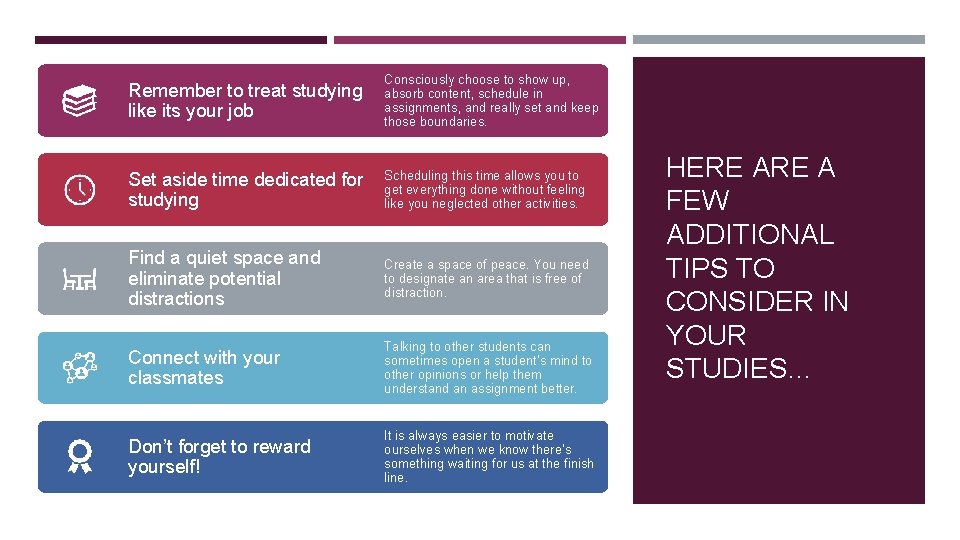
Remember to treat studying like its your job Consciously choose to show up, absorb content, schedule in assignments, and really set and keep those boundaries. Set aside time dedicated for studying Scheduling this time allows you to get everything done without feeling like you neglected other activities. Find a quiet space and eliminate potential distractions Create a space of peace. You need to designate an area that is free of distraction. Connect with your classmates Talking to other students can sometimes open a student’s mind to other opinions or help them understand an assignment better. Don’t forget to reward yourself! It is always easier to motivate ourselves when we know there's something waiting for us at the finish line. HERE A FEW ADDITIONAL TIPS TO CONSIDER IN YOUR STUDIES…
Adjusting to online courses may be difficult, but it can be done. WRAPPING IT UP It is important to set goals through this transition and keep your eyes on the prizefinishing the spring semester just as strong as you started it! Don’t forget that there are resources available to assist you if you need them: ● ● ● Your professors Your classmates Learning Commons Services
DON’T FORGET TO REACH OUT FOR HELP IF AND WHEN YOU NEED IT! The Learning Commons is your hub for academic support and success skill building. If you’re struggling with time management, schedule an appointment with an Academic Coach! learningcommons@uc. edu/learningcommons (513) 556 -3244 @UCLearning. Commons