
University of British Columbia CPSC 314 Computer Graphics
University of British Columbia CPSC 314 Computer Graphics Jan-Apr 2007 Tamara Munzner Intro Week 1, Mon Jan 8 • http: //www. ugrad. cs. ubc. ca/~cs 314/Vjan 2007
Outline • • • Defining Computer Graphics Course Structure Course Content Overview 2
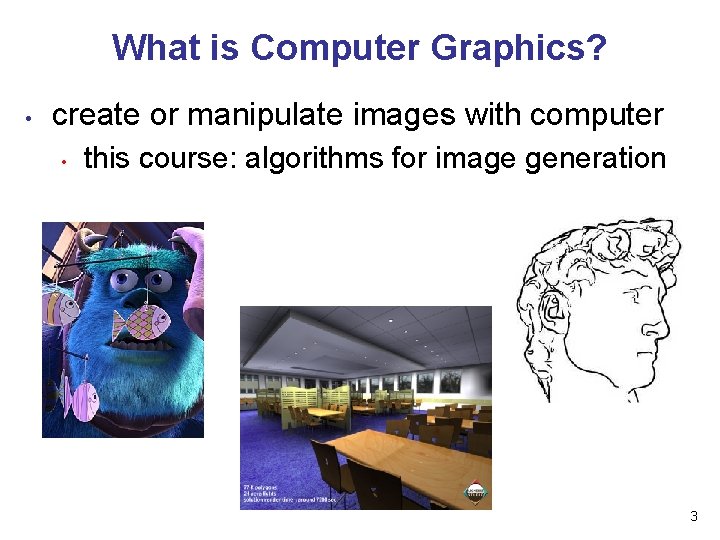
What is Computer Graphics? • create or manipulate images with computer • this course: algorithms for image generation 3
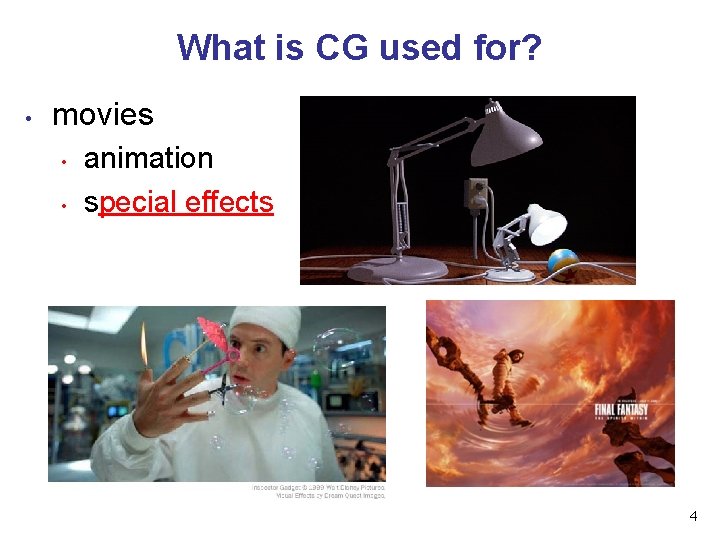
What is CG used for? • movies • • animation special effects 4
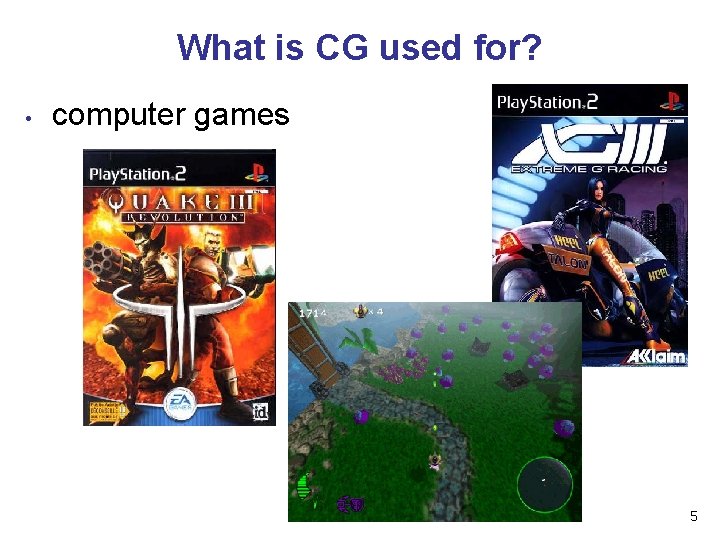
What is CG used for? • computer games 5
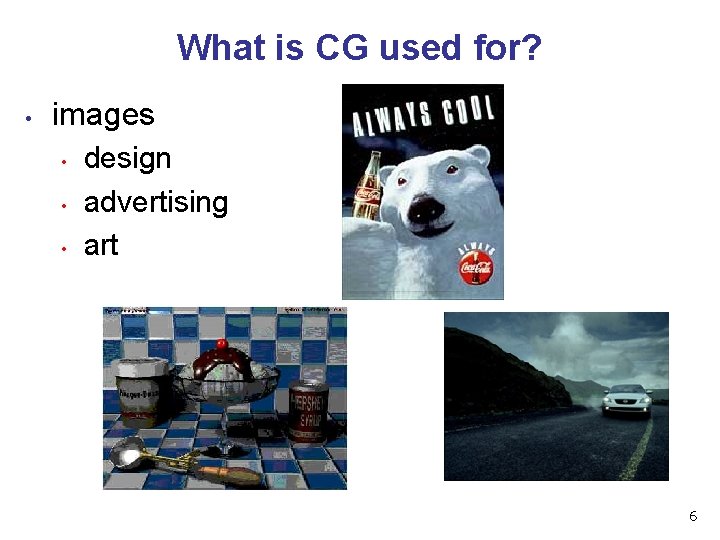
What is CG used for? • images • • • design advertising art 6
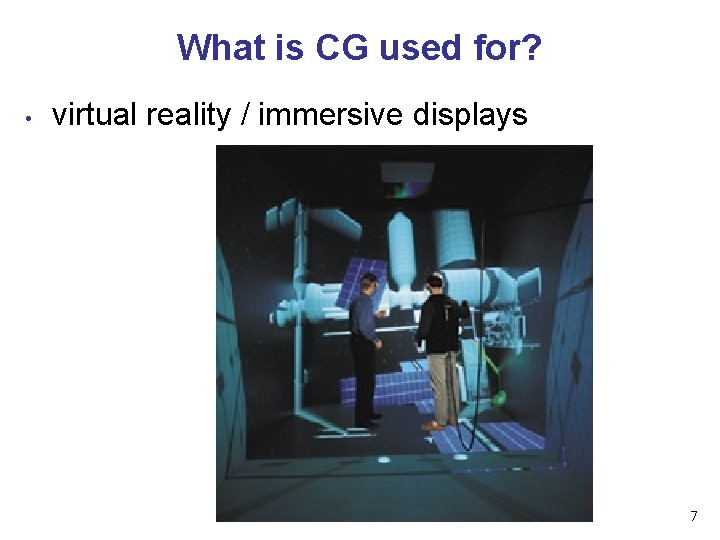
What is CG used for? • virtual reality / immersive displays 7
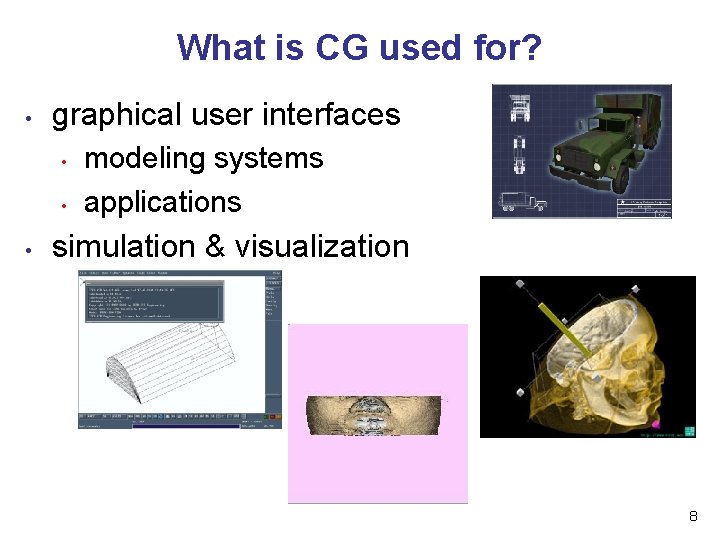
What is CG used for? • graphical user interfaces • • • modeling systems applications simulation & visualization 8
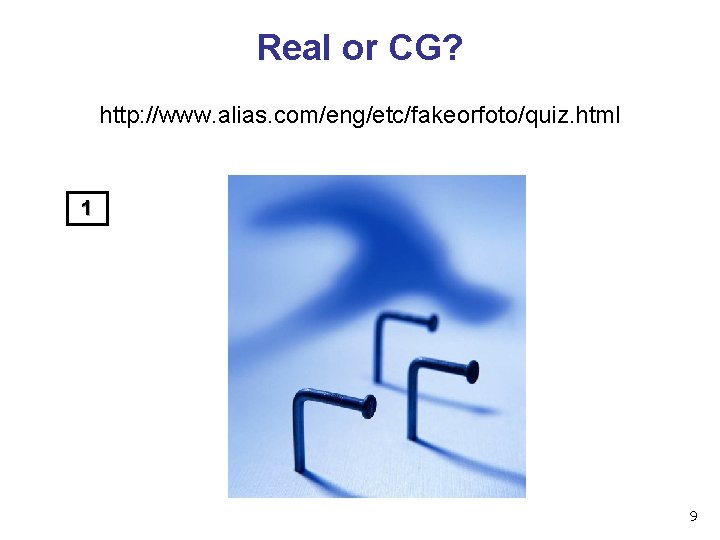
Real or CG? http: //www. alias. com/eng/etc/fakeorfoto/quiz. html 1 9
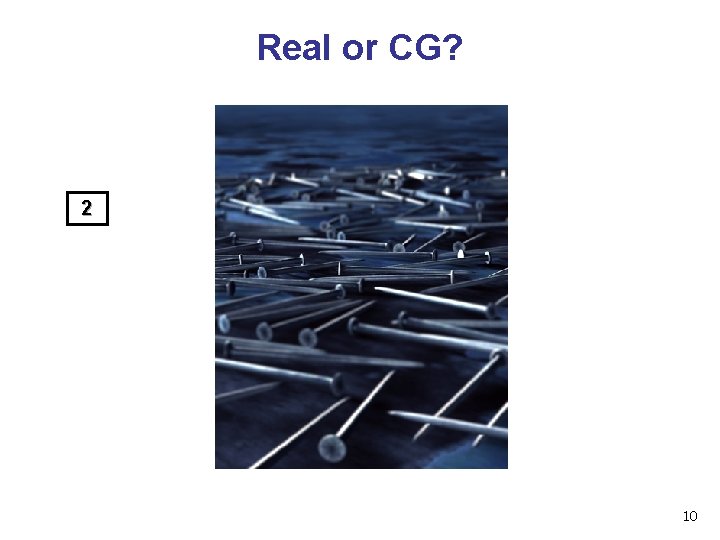
Real or CG? 2 10
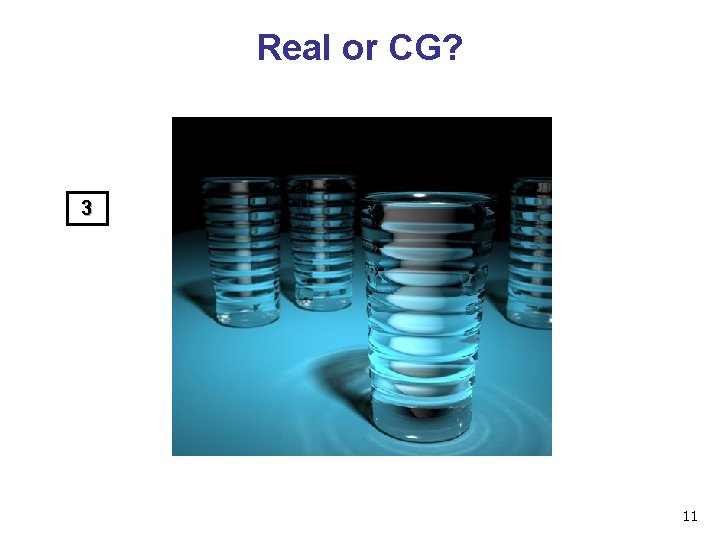
Real or CG? 3 11
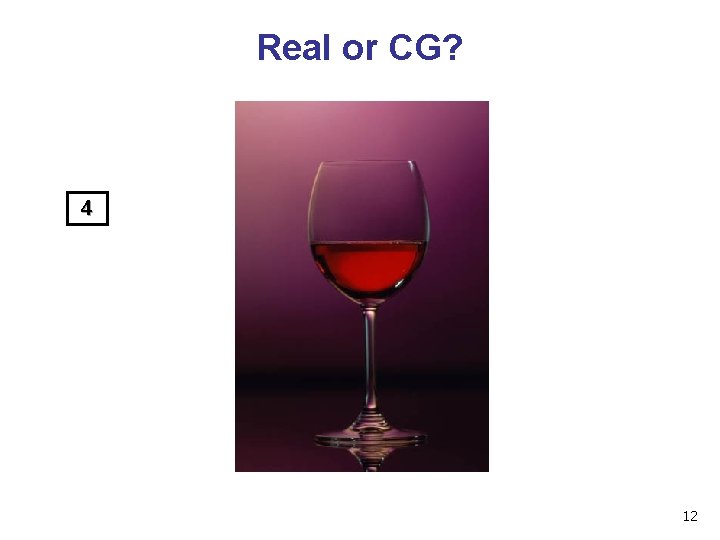
Real or CG? 4 12
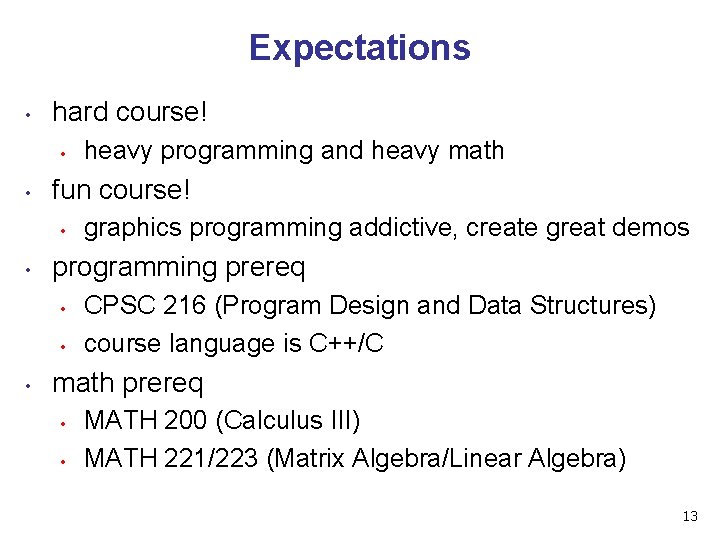
Expectations • hard course! • • fun course! • • graphics programming addictive, create great demos programming prereq • • • heavy programming and heavy math CPSC 216 (Program Design and Data Structures) course language is C++/C math prereq • • MATH 200 (Calculus III) MATH 221/223 (Matrix Algebra/Linear Algebra) 13
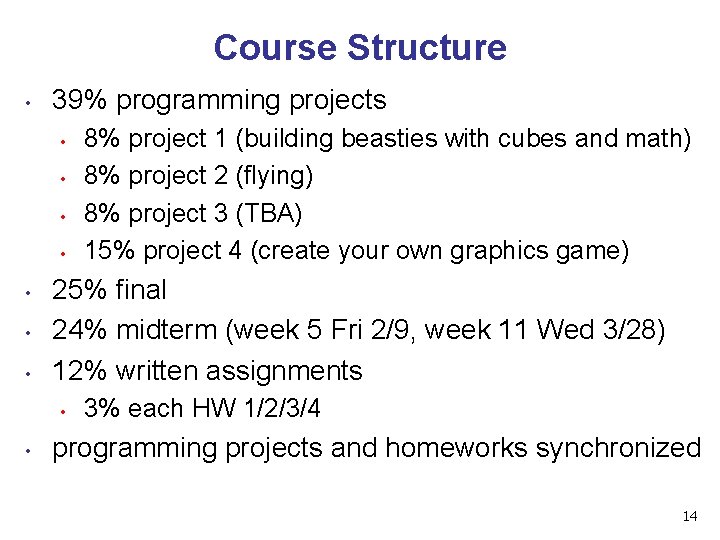
Course Structure • 39% programming projects • • 25% final 24% midterm (week 5 Fri 2/9, week 11 Wed 3/28) 12% written assignments • • 8% project 1 (building beasties with cubes and math) 8% project 2 (flying) 8% project 3 (TBA) 15% project 4 (create your own graphics game) 3% each HW 1/2/3/4 programming projects and homeworks synchronized 14
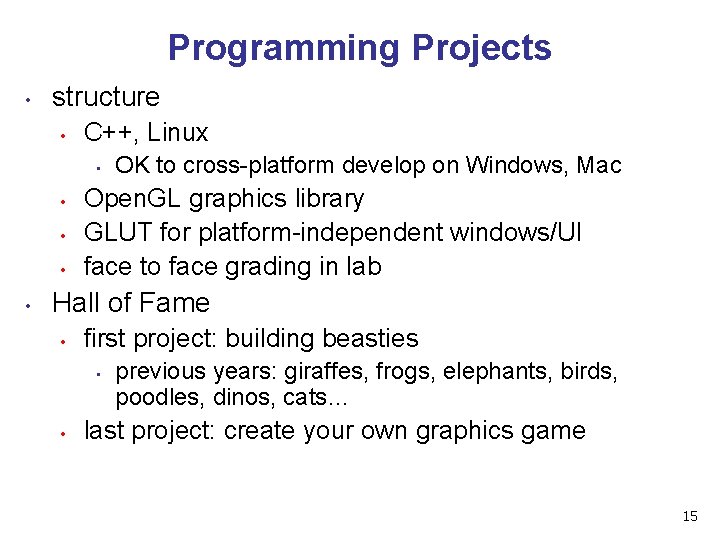
Programming Projects • structure • C++, Linux • • • OK to cross-platform develop on Windows, Mac Open. GL graphics library GLUT for platform-independent windows/UI face to face grading in lab Hall of Fame • first project: building beasties • • previous years: giraffes, frogs, elephants, birds, poodles, dinos, cats… last project: create your own graphics game 15
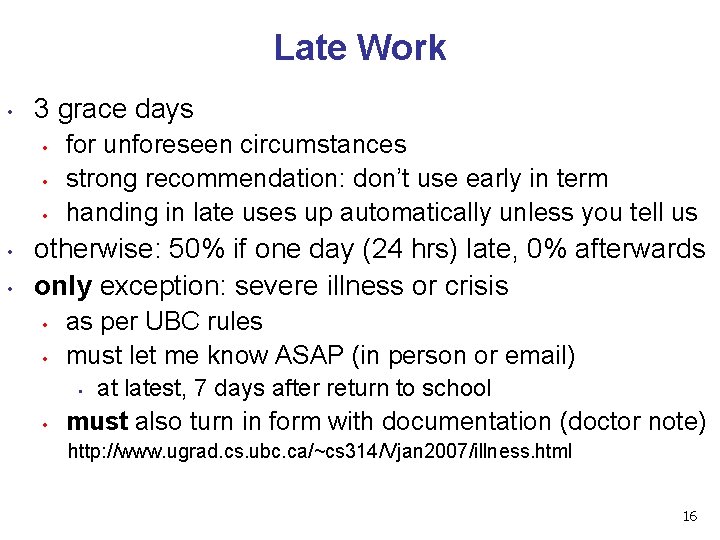
Late Work • 3 grace days • • • for unforeseen circumstances strong recommendation: don’t use early in term handing in late uses up automatically unless you tell us otherwise: 50% if one day (24 hrs) late, 0% afterwards only exception: severe illness or crisis • • as per UBC rules must let me know ASAP (in person or email) • • at latest, 7 days after return to school must also turn in form with documentation (doctor note) http: //www. ugrad. cs. ubc. ca/~cs 314/Vjan 2007/illness. html 16
Regrading • to request assignment or exam regrade • give me paper to be regraded, and also in writing • • what problem you're disputing detailed explanation why you think grader was wrong I will not accept until next class after solutions handed out I may regrade entire assignment • thus even if I agree with your original request, your score may nevertheless end up higher or lower 17
Course Information • course web page is main resource • • • newsgroup is ubc. courses. cpsc. 414 • • • http: //www. ugrad. cs. ubc. ca/~cs 314/Vjan 2007 updated often, reload frequently note old course number still used readable on or off campus (no Web. CT) 18
Teaching Staff • instructor: Tamara Munzner • • tmm@cs. ubc. ca office hrs in ICICS/CS 011 • • • or by appointment in X 661 TAs: Matt Baumann, Gordon Wetzstein • • • Wed/Fri 11 -12 mabauman@cs. ubc. ca wetzste 1@cs. ubc. ca use newsgroup, not email, for all questions that other students might care about 19
Labs • attend one lab per week • • • Tue 1 -2, Thu 10 -11 (Matt Baumann) Fri 12 -1 (Gordon Wetzstein) mix of activities • • example problems in spirit of written assignments and exams help with programming projects no deliverables (unlike intro classes) strongly recommend that you attend 20
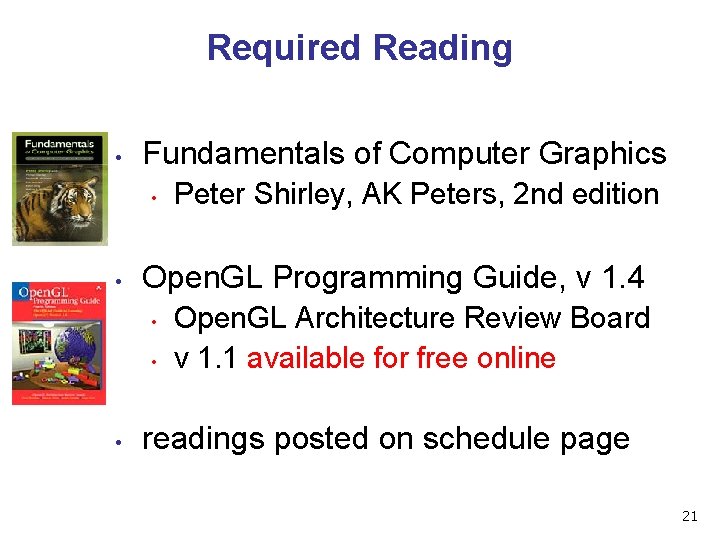
Required Reading • Fundamentals of Computer Graphics • • Open. GL Programming Guide, v 1. 4 • • • Peter Shirley, AK Peters, 2 nd edition Open. GL Architecture Review Board v 1. 1 available for free online readings posted on schedule page 21
Learning Open. GL • this is a graphics course using Open. GL • • not a course *on* Open. GL upper-level class: learning APIs mostly on your own • only minimal lecture coverage • • • basics, some of the tricky bits Open. GL Red Book many tutorial sites on the web • nehe. gamedev. net 22
Plagiarism and Cheating • don’t cheat, I will prosecute • • programming and assignment writeups must be individual work • • • insult to your fellow students and to me can discuss ideas, browse Web cannot just copy code or answers cannot do team coding exception: final project can be team of two or three you must be able to explain algorithms during face-toface demo • • or no credit for that part of assignment and possibly prosecution 23
Citation • cite all sources of information • what to cite • • where to cite it • • • study group members, books, web sites README for programming projects end of writeup for written assignments http: //www. ugrad. cs. ubc. ca/~cs 314/Vmay 2005/policies. html#plag 24

Course Content Overview 25
This Course • we cover • basic algorithms for • • • rendering – displaying models (modeling – generating models) (animation – generating motion) programming in Open. GL, C++ we do not cover • • art/design issues commercial software packages 26
Other Graphics Courses • CPSC 424: Geometric Modeling • • CPSC 426: Computer Animation • • offered this year offered next year CPSC 514: Image-based Modeling and Rendering CPSC 526: Computer Animation CPSC 533 A: Digital Geometry CPSC 533 B: Animation Physics CPSC 533 C: Information Visualization CPSC 530 P: Sensorimotor Computation 27
Rendering • creating images from models • geometric objects • • camera • • pinhole camera, lens systems, orthogonal shading • • lines, polygons, curved surfaces light interacting with material illustration of rendering capabilities • • Shutterbug series by Williams and Siegel using Pixar's Renderman www. siggraph. org/education/ materials/Hyper. Graph/shutbug. htm 28
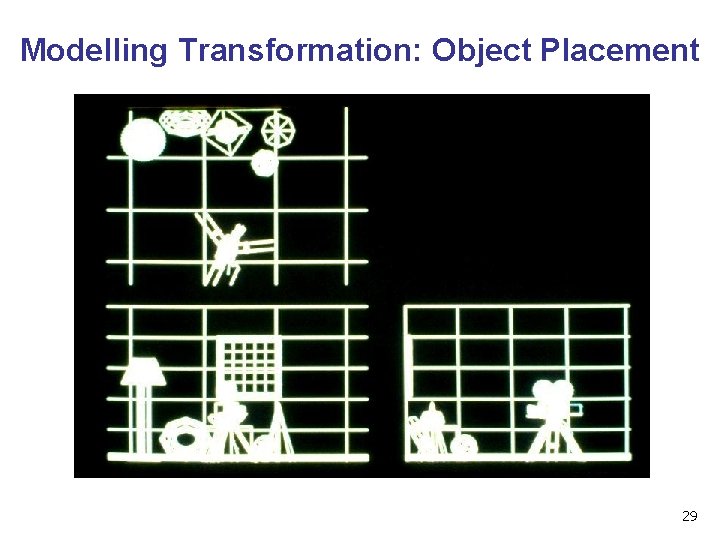
Modelling Transformation: Object Placement 29
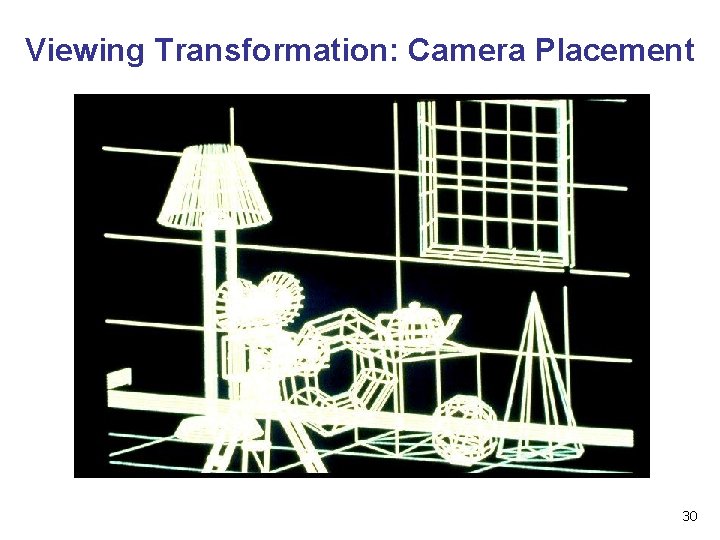
Viewing Transformation: Camera Placement 30
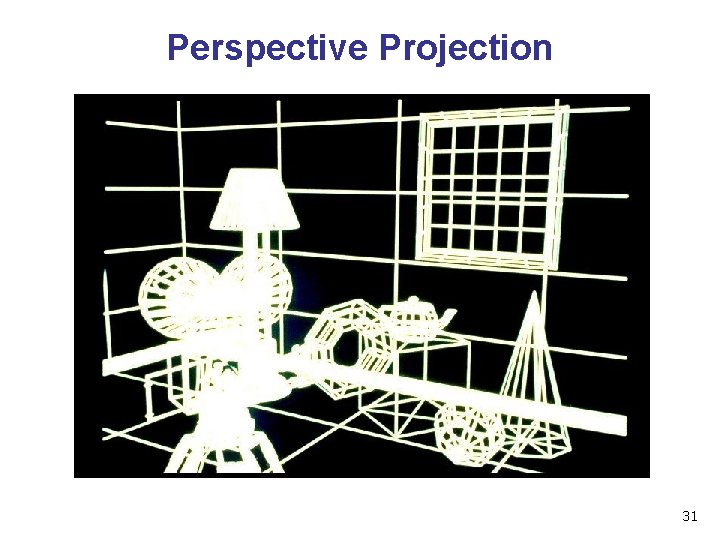
Perspective Projection 31
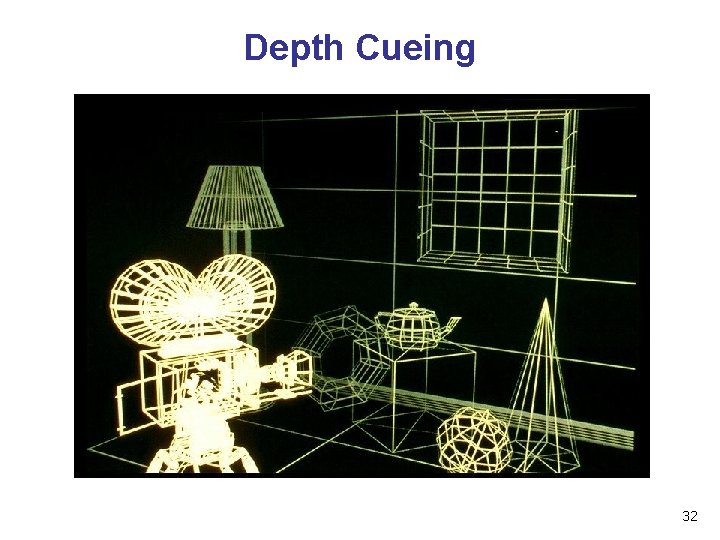
Depth Cueing 32
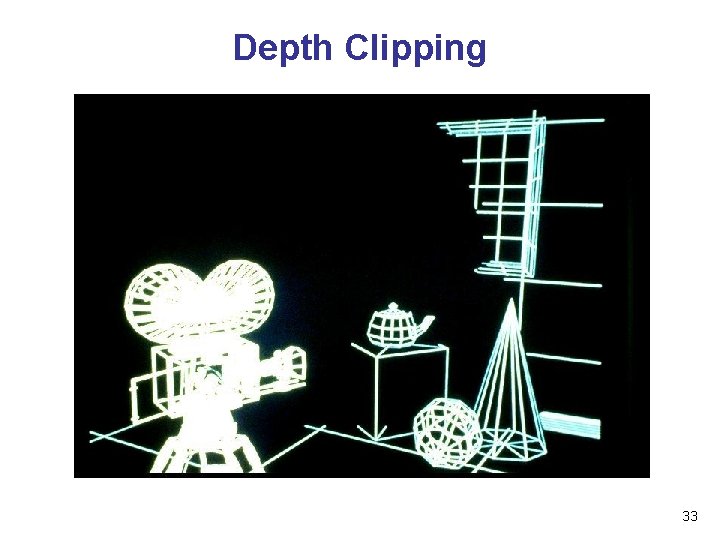
Depth Clipping 33
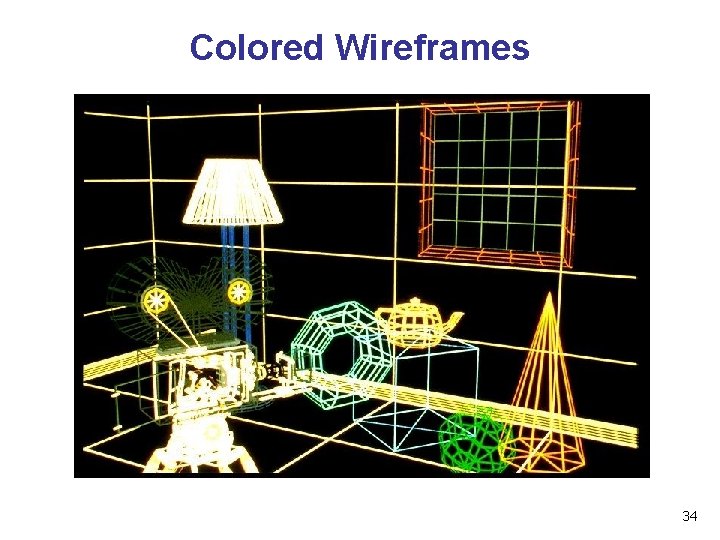
Colored Wireframes 34
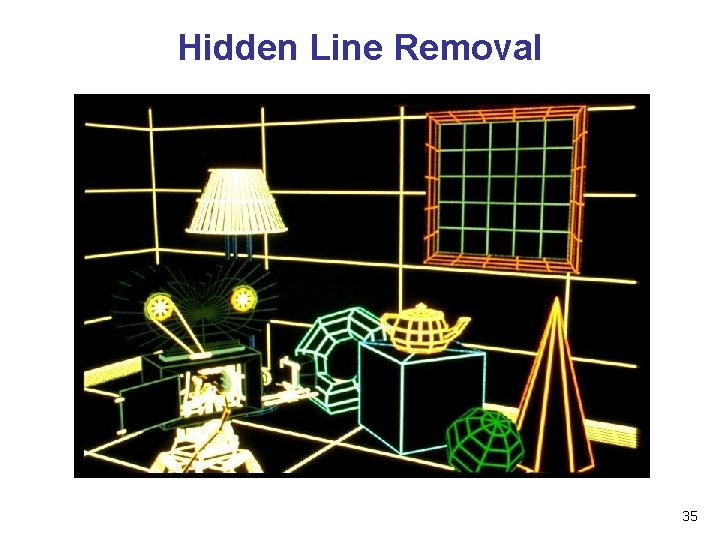
Hidden Line Removal 35
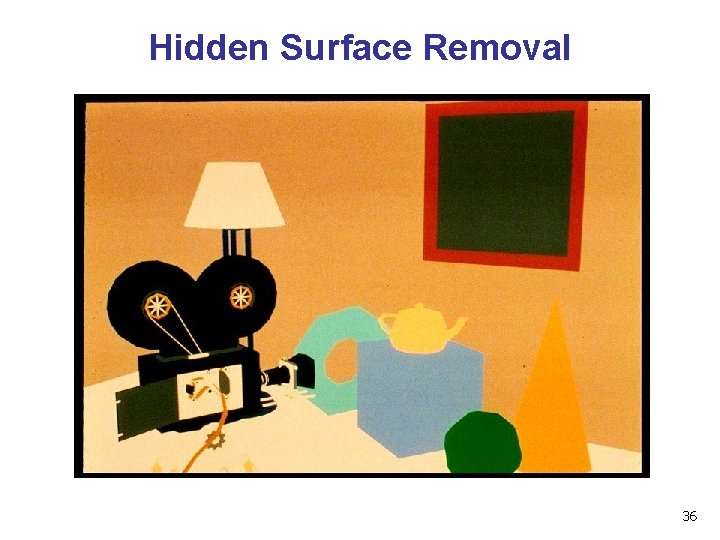
Hidden Surface Removal 36
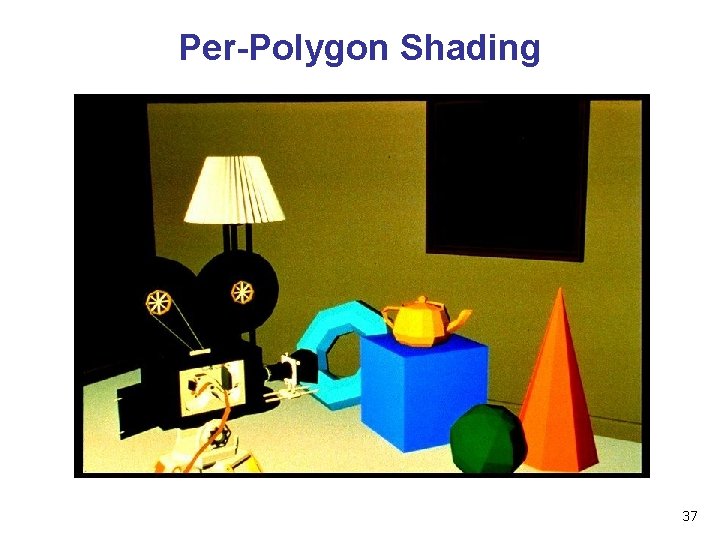
Per-Polygon Shading 37
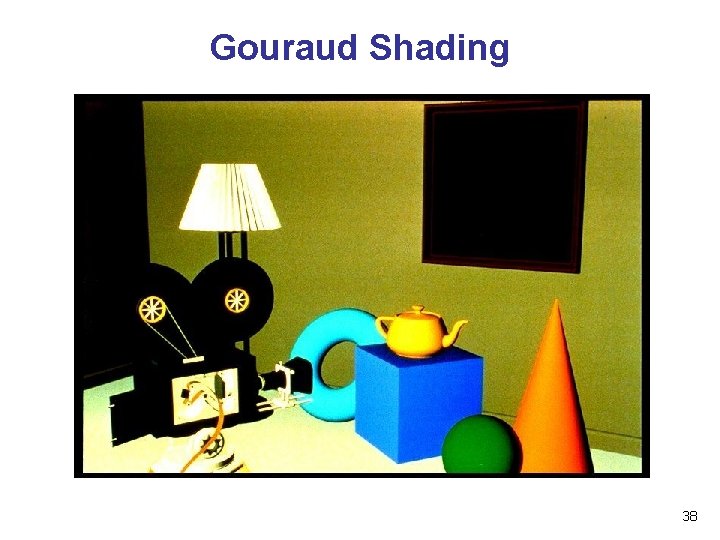
Gouraud Shading 38
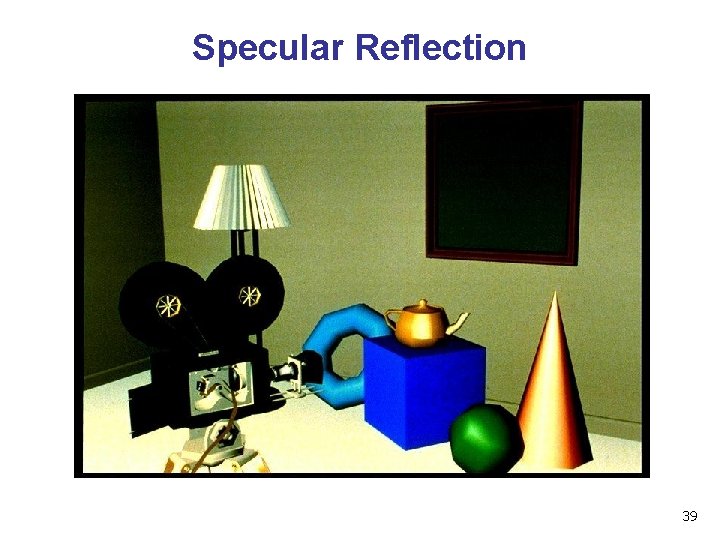
Specular Reflection 39
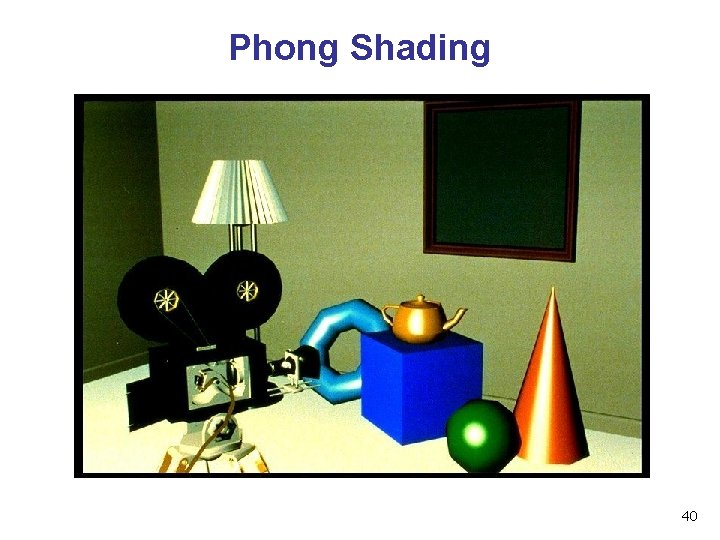
Phong Shading 40
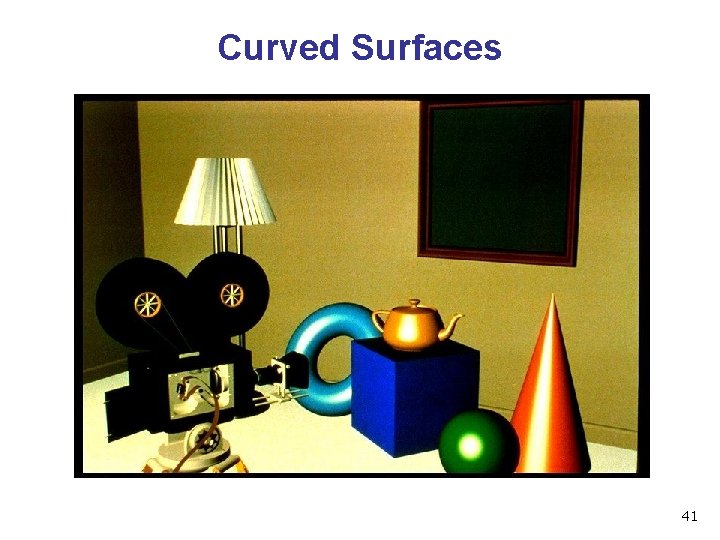
Curved Surfaces 41
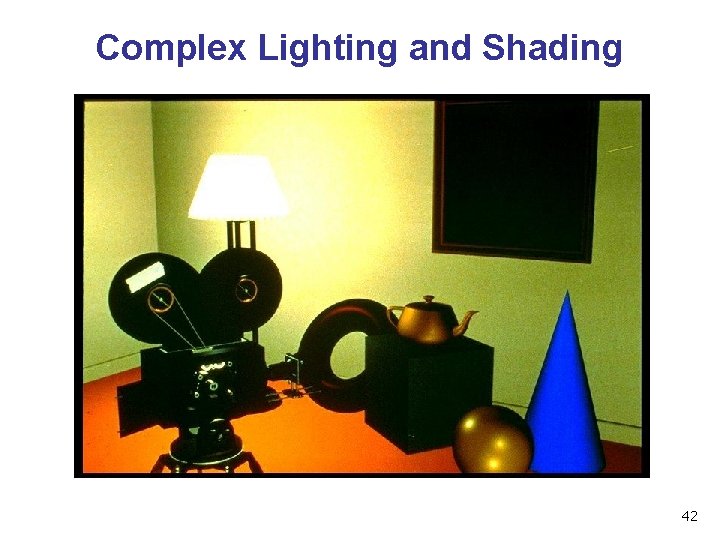
Complex Lighting and Shading 42
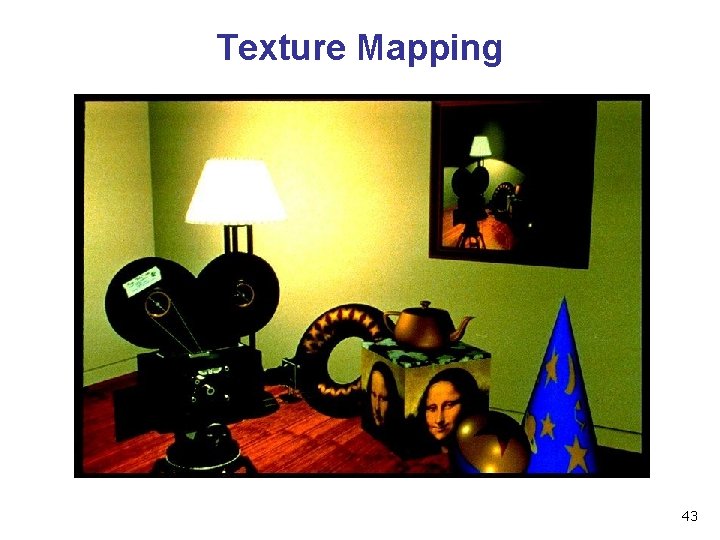
Texture Mapping 43
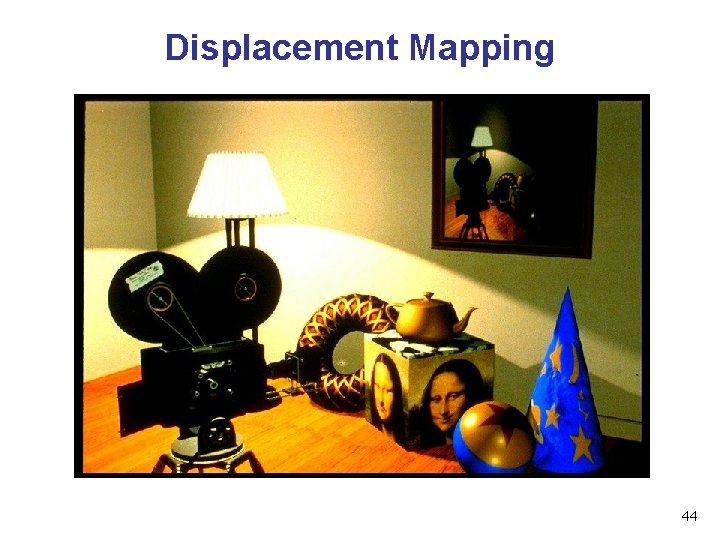
Displacement Mapping 44
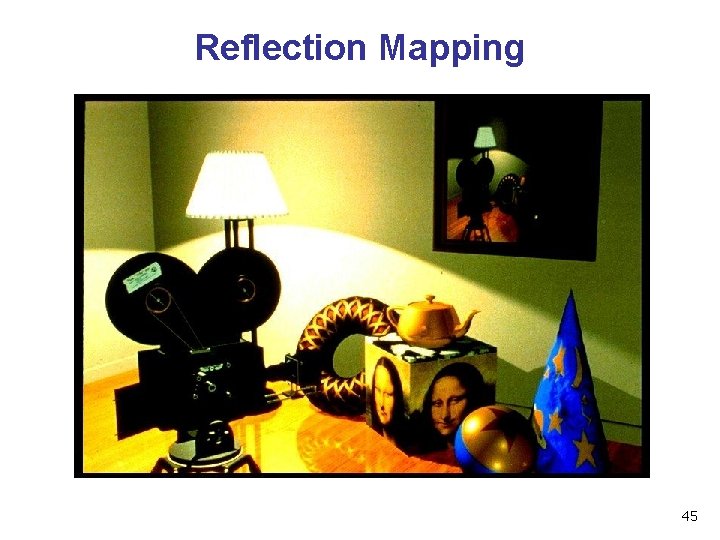
Reflection Mapping 45
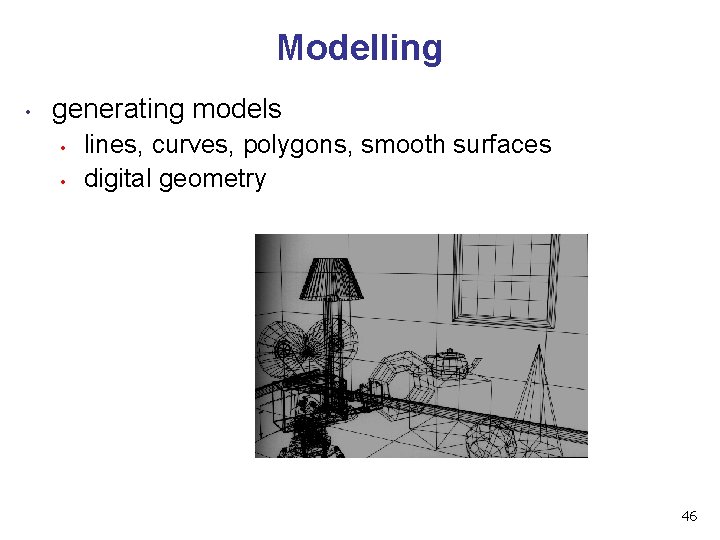
Modelling • generating models • • lines, curves, polygons, smooth surfaces digital geometry 46
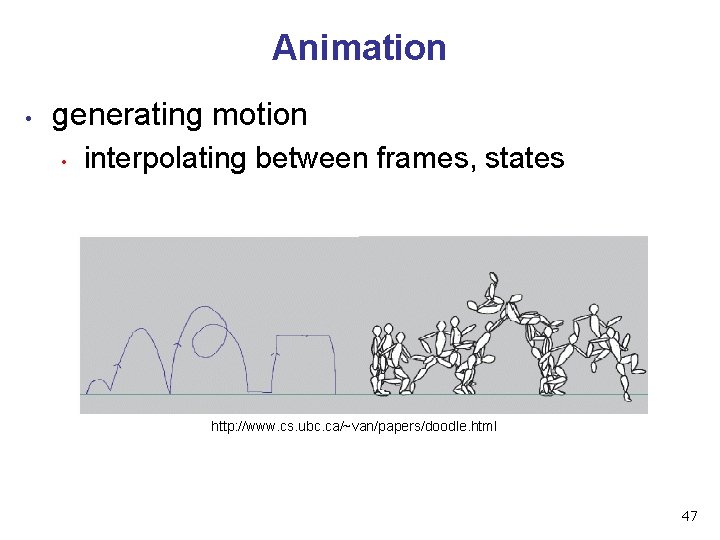
Animation • generating motion • interpolating between frames, states http: //www. cs. ubc. ca/~van/papers/doodle. html 47
Readings • today • • FCG Chap 1 Wed • FCG Chap 2 • • FCG Chap 5. 1 -5. 2. 5 • • except 2. 5. 1, 2. 5. 3, 2. 7. 1, 2. 7. 3, 2. 8, 2. 9, 2. 11. except 5. 2. 3, 5. 2. 4 Fri • • • RB Chap Introduction to Open. GL RB Chap State Management and Drawing Geometric Objects RB App Basics of GLUT (Aux in v 1. 1) 48
- Slides: 48