
Universal Design for Learning You can access this

- Slides: 16
Universal Design for Learning
You can access this presentation at: bit. ly/tkh 051019 (case sensitive)
Who’s in the room? Please share: ● your name ● your pronouns ● what you teach ● a favorite piece of media (album, movie, game, app. . . )
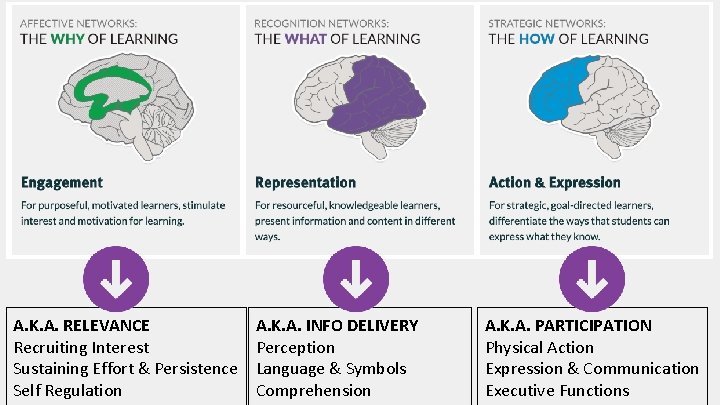
A. K. A. RELEVANCE Recruiting Interest Sustaining Effort & Persistence Self Regulation A. K. A. INFO DELIVERY Perception Language & Symbols Comprehension A. K. A. PARTICIPATION Physical Action Expression & Communication Executive Functions
What are some common challenges students face in tech learning environments?
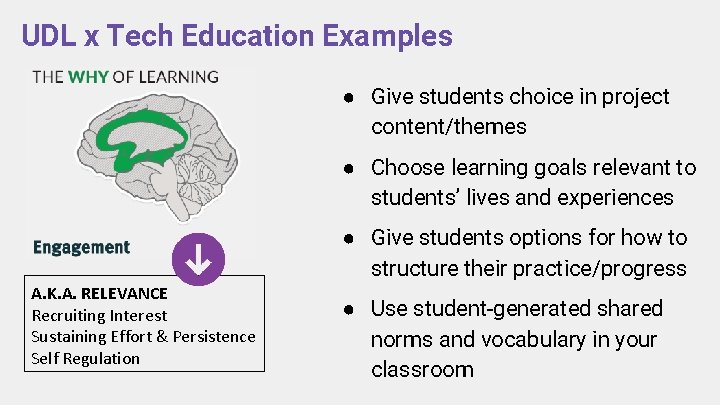
UDL x Tech Education Examples ● Give students choice in project content/themes ● Choose learning goals relevant to students’ lives and experiences ● Give students options for how to structure their practice/progress A. K. A. RELEVANCE Recruiting Interest Sustaining Effort & Persistence Self Regulation ● Use student-generated shared norms and vocabulary in your classroom
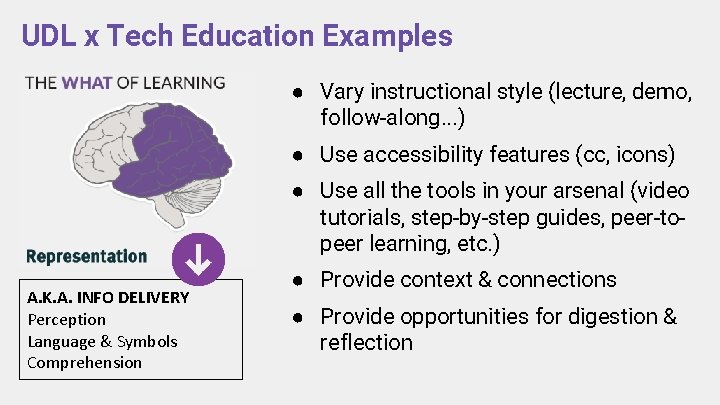
UDL x Tech Education Examples ● Vary instructional style (lecture, demo, follow-along. . . ) ● Use accessibility features (cc, icons) ● Use all the tools in your arsenal (video tutorials, step-by-step guides, peer-topeer learning, etc. ) A. K. A. INFO DELIVERY Perception Language & Symbols Comprehension ● Provide context & connections ● Provide opportunities for digestion & reflection
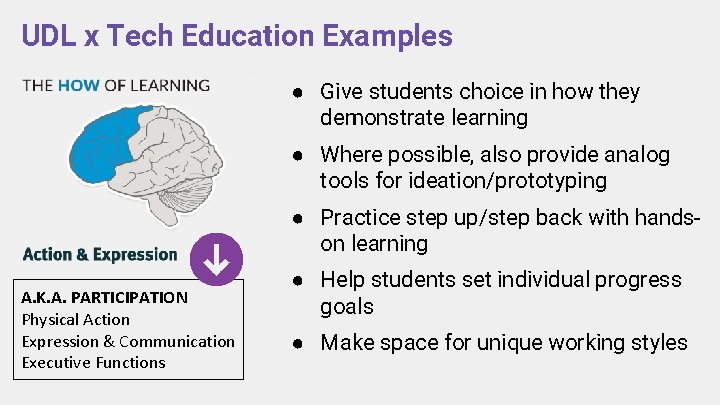
UDL x Tech Education Examples ● Give students choice in how they demonstrate learning ● Where possible, also provide analog tools for ideation/prototyping ● Practice step up/step back with handson learning A. K. A. PARTICIPATION Physical Action Expression & Communication Executive Functions ● Help students set individual progress goals ● Make space for unique working styles
How can applying UDL practices help address these challenges?
Your Turn! Using the UDL framework as a guide, look for opportunities to increase access in your lesson plan. The UDL framework is available in multiple formats: ● interactive, detailed, online framework: bit. ly/udlthk ● a simplified framework: bit. ly/udlthk 2 or handout ● a fillable frameworksheet (handout)
This is a lot! Where to start? Choose one of the learning areas below, and circle/underline times in your lesson when students are: ● presented with information ● given a task to complete ● asked to demonstrate their learning For each moment you noted, ask: ● Is there a way increase relevance to students? ● How can I add choice in action/expression here? ● Are there other ways this could be presented?
Ask students to reflect on their learning style and for feedback. Use distractions to increase relevance
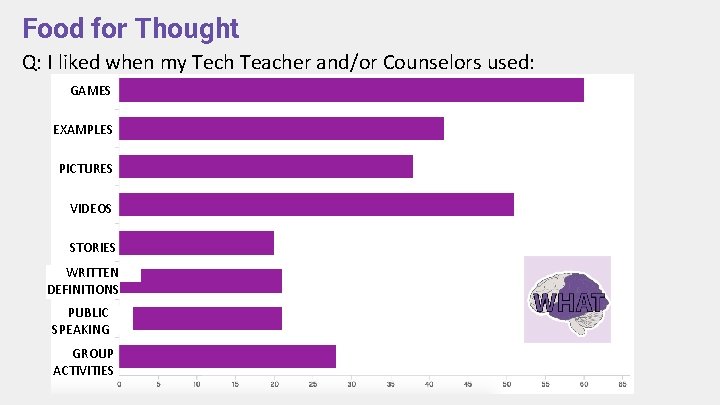
Food for Thought Q: I liked when my Tech Teacher and/or Counselors used: GAMES EXAMPLES PICTURES VIDEOS STORIES WRITTEN DEFINITIONS PUBLIC SPEAKING GROUP ACTIVITIES
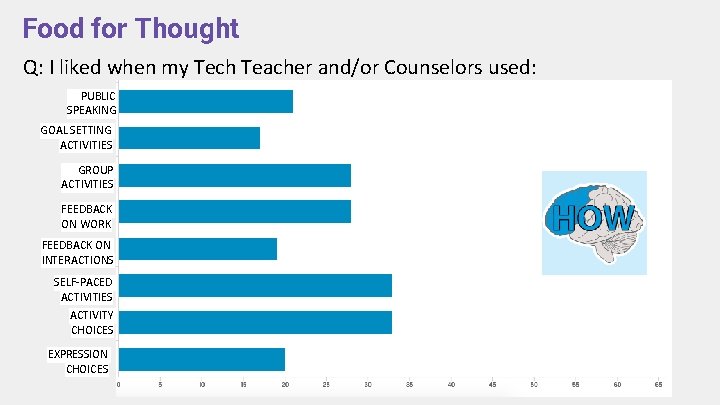
Food for Thought Q: I liked when my Tech Teacher and/or Counselors used: PUBLIC SPEAKING GOAL SETTING ACTIVITIES GROUP ACTIVITIES FEEDBACK ON WORK FEEDBACK ON INTERACTIONS SELF-PACED ACTIVITIES ACTIVITY CHOICES EXPRESSION CHOICES
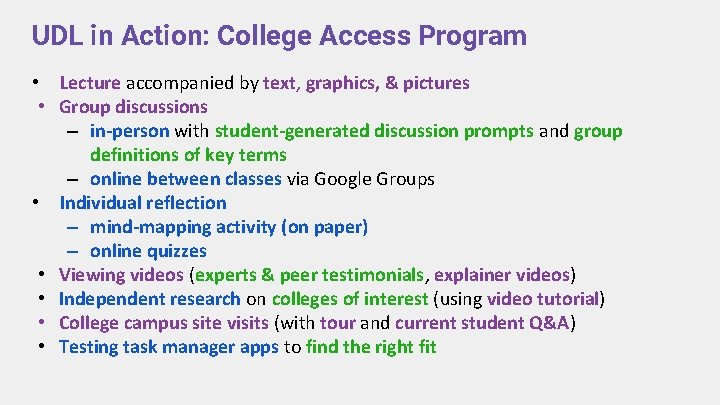
UDL in Action: College Access Program • Lecture accompanied by text, graphics, & pictures • Group discussions – in-person with student-generated discussion prompts and group definitions of key terms – online between classes via Google Groups • Individual reflection – mind-mapping activity (on paper) – online quizzes • Viewing videos (experts & peer testimonials, explainer videos) • Independent research on colleges of interest (using video tutorial) • College campus site visits (with tour and current student Q&A) • Testing task manager apps to find the right fit