
Universal Design for Learning within the Workforce Development
- Slides: 32
Universal Design for Learning within the Workforce Development System Presentation to the Department of Labor Disability Employment Initiative June 14 2016 Sam Catherine Johnston Ed. D. Research Scientist, CAST Sjohnston@cast. org
CAST and UDL CAST is an education research and development nonprofit that leverages science and technology to create products, promote practices, and inform policies that expand learning opportunities. Universal Design for Learning (UDL) is a framework to improve and optimize teaching and learning for all people based on scientific insights into how humans learn.
National Center on Accessible Educational Materials (AEM) Two significant areas of work: – Improvement, maintenance, and adoption of robust accessibility standards, including the NIMAS standard. – Provision of AEM related technical assistance and dissemination activities and products to improve availability and use of AEM for individuals with disabilities across the lifespan – http: //aem. cast. org
DEI UDL Initiatives • Universal Design for Learning work stations and assistive technology upgrades. • Career pathways incorporating universally designed service delivery principles. • Reading, writing and math skills contextualized within occupational training and enhanced by incorporating Universal Design for Learning (UDL) principles within instructional methods and strategies. • Increase access to and use of accessible electronic information technology and assistive technology. • Applying Universal Design for Learning principles to ensure tools are customized to participants individual needs. • Trained staff in disability awareness.
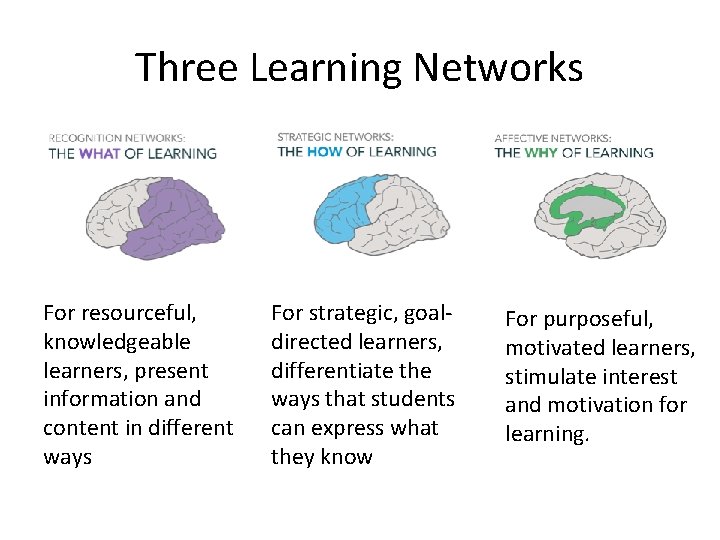
Three Learning Networks For resourceful, knowledgeable learners, present information and content in different ways For strategic, goaldirected learners, differentiate the ways that students can express what they know For purposeful, motivated learners, stimulate interest and motivation for learning.
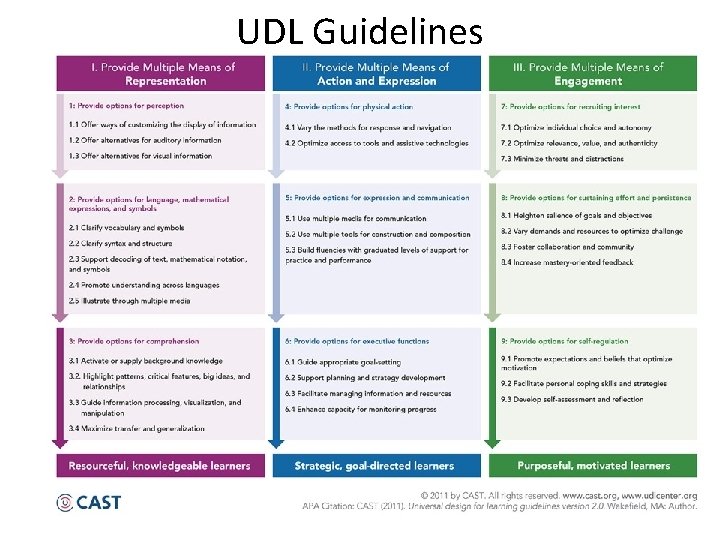
UDL Guidelines
Career Pathways Element 1 BUILD CROSS-AGENCY PARTNERSHIPS AND CLARIFY ROLES
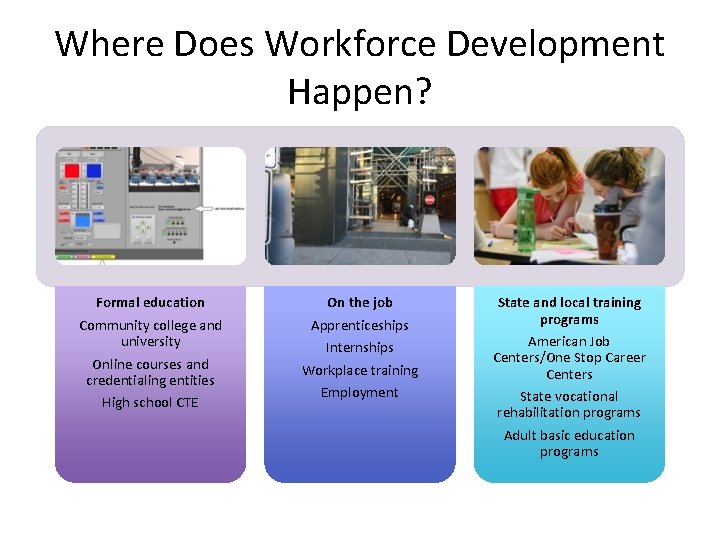
Where Does Workforce Development Happen? Formal education Community college and university Online courses and credentialing entities High school CTE On the job Apprenticeships Internships Workplace training State and local training programs American Job Centers/One Stop Career Centers Employment State vocational rehabilitation programs Adult basic education programs
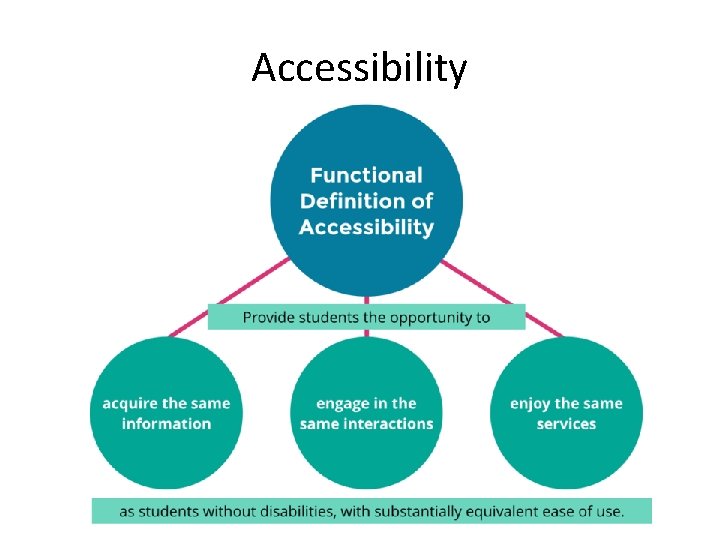
Accessibility
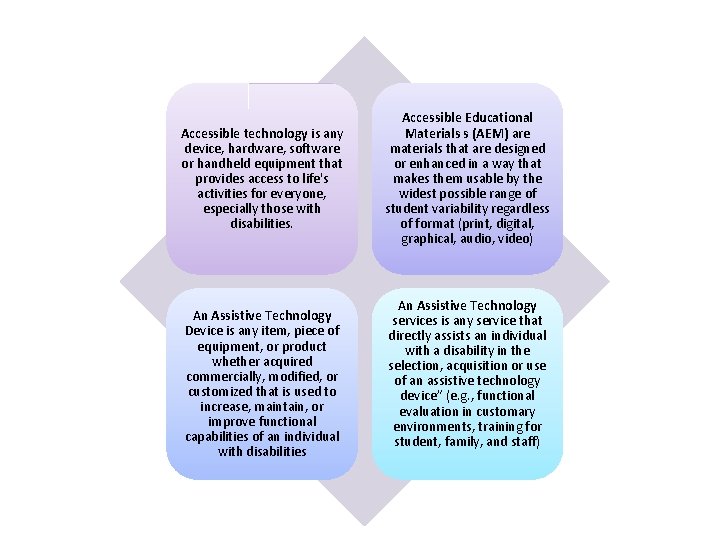
Accessible technology is any device, hardware, software or handheld equipment that provides access to life's activities for everyone, especially those with disabilities. An Assistive Technology Device is any item, piece of equipment, or product whether acquired commercially, modified, or customized that is used to increase, maintain, or improve functional capabilities of an individual with disabilities Accessible Educational Materials s (AEM) are materials that are designed or enhanced in a way that makes them usable by the widest possible range of student variability regardless of format (print, digital, graphical, audio, video) An Assistive Technology services is any service that directly assists an individual with a disability in the selection, acquisition or use of an assistive technology device” (e. g. , functional evaluation in customary environments, training for student, family, and staff)
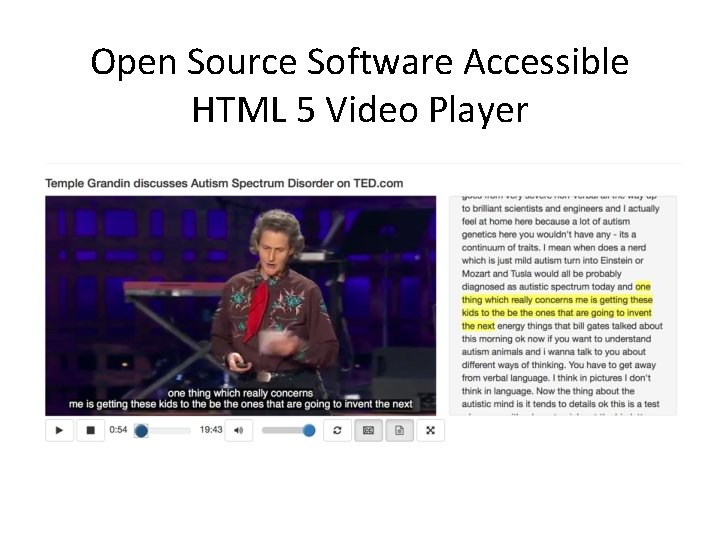
Open Source Software Accessible HTML 5 Video Player
Include an Accessibility and UDL Policy in the Work Plan and/or MOU for the Partnership • Develop an accessibility Policy and Accessible Procurement Policy for the partnership • Develop a protocol for commercial technology vendors and open educational software providers that requires specific answers to specific questions about accessibility before purchasing or procuring their software. • Develop a protocol for procurement of accessible open educational resources that requires specific answers to specific questions about accessibility before using OERs. • Build in training in Universal Design for Learning and accessibility on the service delivery and education and training sides. • Include benchmarks and measures to evaluate movement towards use of UDL and accessibility best practices and write these into the MOU
California State University System Accessibility Policy • All CSU programs, services, and activities should be accessible to all students, staff, faculty, and the general public. This encompasses all technology products used to deliver academic programs and services, student services, information technology services, and auxiliary programs and services. • Policy EO 926
Develop Guiding Principles for the Accessibility and UDL Policy • The CSU's Accessible Technology Initiative (ATI) implementation approach is driven by the following principles: • Technology accessibility is an institution-wide responsibility that requires commitment and involvement from leadership across the enterprise. • Technology access for individuals with disabilities must provide comparable functionality, affordability, and timeliness and should be delivered in as seamless a manner as possible. • The implementation of Universal Design principles should reduce the need for, and costs associated with individual accommodations for inaccessible technology products.
Accessible Procurement Policy and Protocol The CSU Accessible Procurement Process includes the following components: Process Steps; Roles and Responsibilities; and Resources: Forms, Links, Definition of Terms and FAQ's The Accessible Procurement Process consists of four major steps: • Gather Pre-Purchase and Accessibility Information; • Review Accessibility Documentation; • Review Product/Service; and • Place Order Sample Language for what to put into contracts can be found on the Accessible Educational Materials site with the purchasing accessible learning materials PALM Initiative.
Questions to Ask Technology Vendors Is it accessible? Can users perform all functions without a mouse? Has it been tested using assistive technologies? If so, which AT? What was your method? What were your findings? Who did the testing? • If it supports audio, does it support captions? • If it produces output, is the output accessible? • Is accessibility documentation available? • • - Voluntary Product Accessibility Template (VPAT), Accessibility information on website - product user forums (search for "accessibility" or "disabilities") Terrill Thompson Do-IT Center, University of Washington, Keynote Presentation UDL Impact Conference, Edmonton Alberta, January 29 th 2016
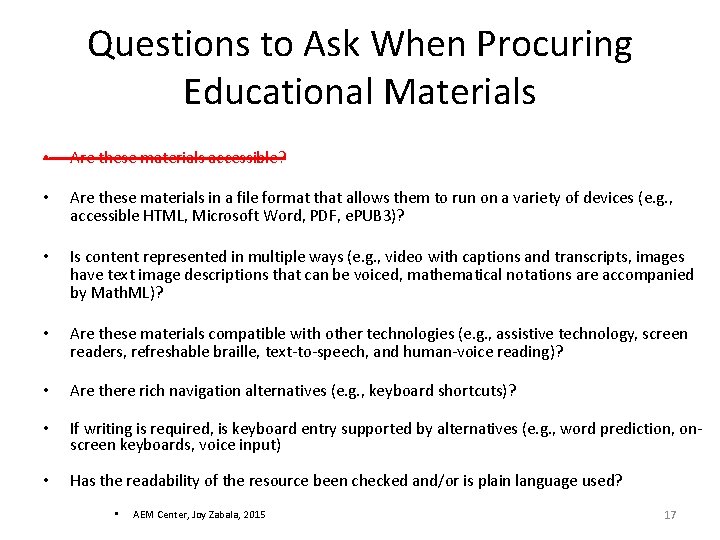
Questions to Ask When Procuring Educational Materials • Are these materials accessible? • Are these materials in a file format that allows them to run on a variety of devices (e. g. , accessible HTML, Microsoft Word, PDF, e. PUB 3)? • Is content represented in multiple ways (e. g. , video with captions and transcripts, images have text image descriptions that can be voiced, mathematical notations are accompanied by Math. ML)? • Are these materials compatible with other technologies (e. g. , assistive technology, screen readers, refreshable braille, text-to-speech, and human-voice reading)? • Are there rich navigation alternatives (e. g. , keyboard shortcuts)? • If writing is required, is keyboard entry supported by alternatives (e. g. , word prediction, onscreen keyboards, voice input) • Has the readability of the resource been checked and/or is plain language used? • AEM Center, Joy Zabala, 2015 17
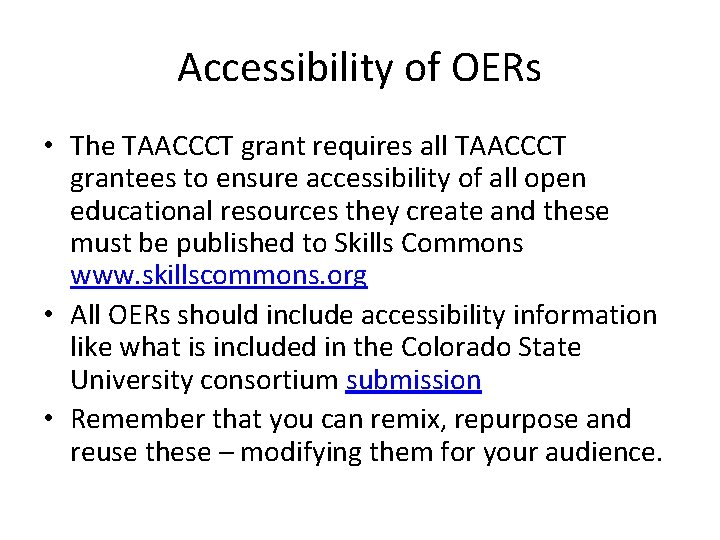
Accessibility of OERs • The TAACCCT grant requires all TAACCCT grantees to ensure accessibility of all open educational resources they create and these must be published to Skills Commons www. skillscommons. org • All OERs should include accessibility information like what is included in the Colorado State University consortium submission • Remember that you can remix, repurpose and reuse these – modifying them for your audience.
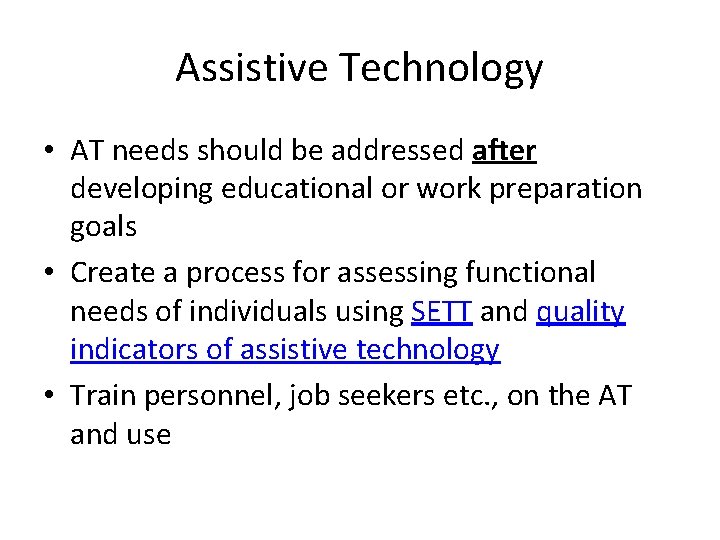
Assistive Technology • AT needs should be addressed after developing educational or work preparation goals • Create a process for assessing functional needs of individuals using SETT and quality indicators of assistive technology • Train personnel, job seekers etc. , on the AT and use
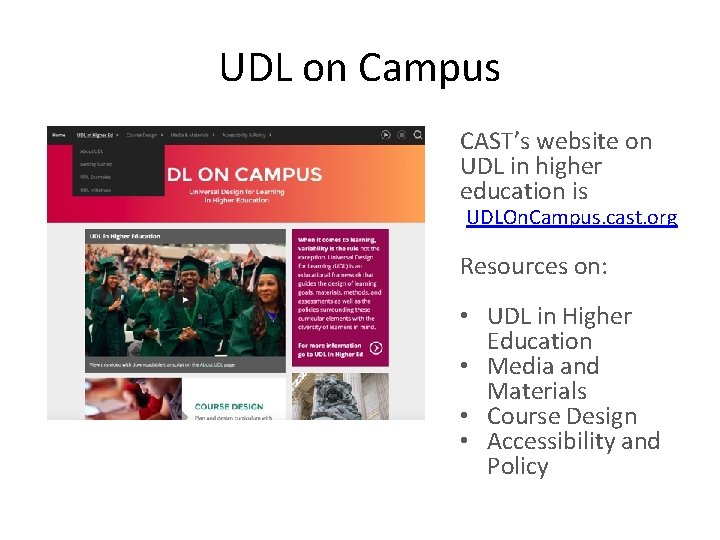
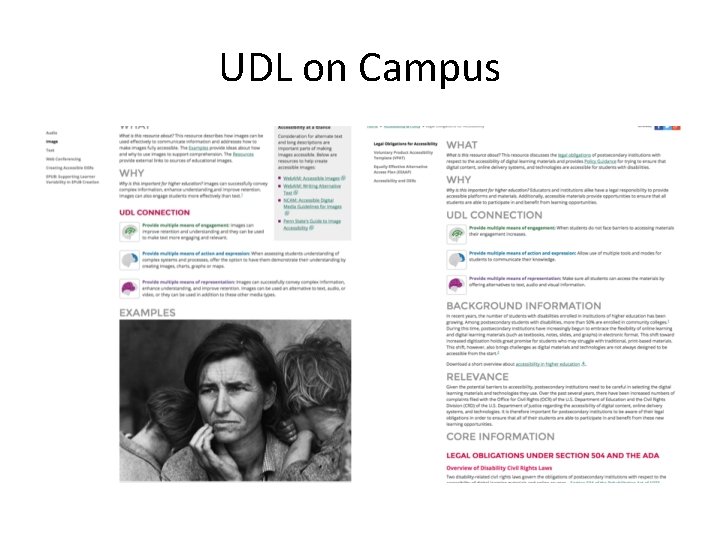
UDL on Campus CAST’s website on UDL in higher education is UDLOn. Campus. cast. org Resources on: • UDL in Higher Education • Media and Materials • Course Design • Accessibility and Policy
UDL on Campus
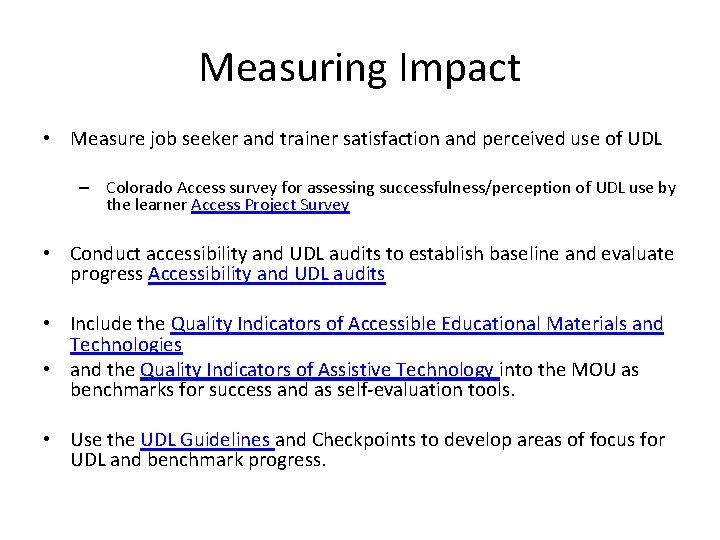
Measuring Impact • Measure job seeker and trainer satisfaction and perceived use of UDL – Colorado Access survey for assessing successfulness/perception of UDL use by the learner Access Project Survey • Conduct accessibility and UDL audits to establish baseline and evaluate progress Accessibility and UDL audits • Include the Quality Indicators of Accessible Educational Materials and Technologies • and the Quality Indicators of Assistive Technology into the MOU as benchmarks for success and as self-evaluation tools. • Use the UDL Guidelines and Checkpoints to develop areas of focus for UDL and benchmark progress.
Career Pathways Element 3 DESIGN EDUCATION AND TRAINING PROGRAMS
“The purpose of education is not to make information accessible, but rather to teach learners how to transform accessible information into useable knowledge. ” Introduction to the UDL Guidelines (CAST, 2012)
Community College OERs • STEM Bridge program will provide an accelerated pathway…that will help students bring their math, reading/writing, computer and critical thinking skills to the level necessary to take full advantage of the technical curriculum in one of the five programs. – National STEM Consortium Anne Arundel Community College Guidance Memo 07 -2012
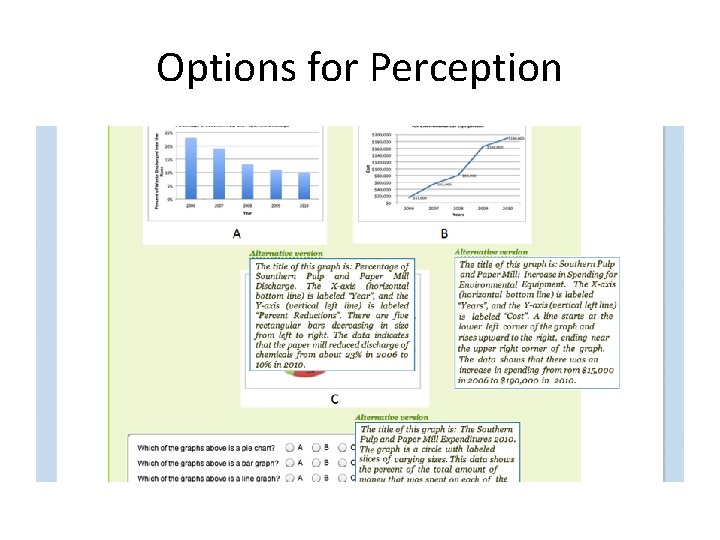
Options for Perception
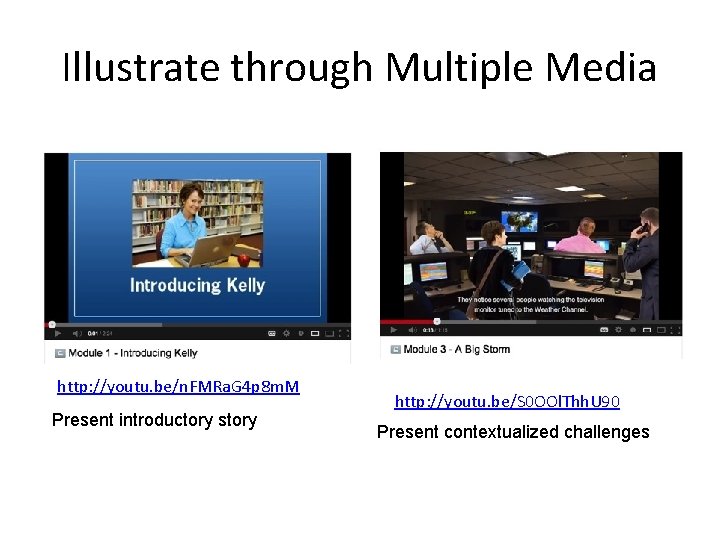
Illustrate through Multiple Media http: //youtu. be/n. FMRa. G 4 p 8 m. M Present introductory story http: //youtu. be/S 0 OOl. Thh. U 90 Present contextualized challenges
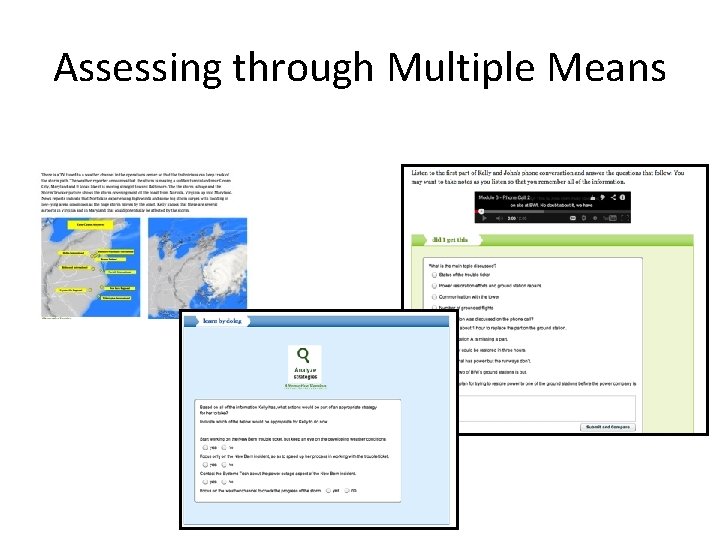
Assessing through Multiple Means
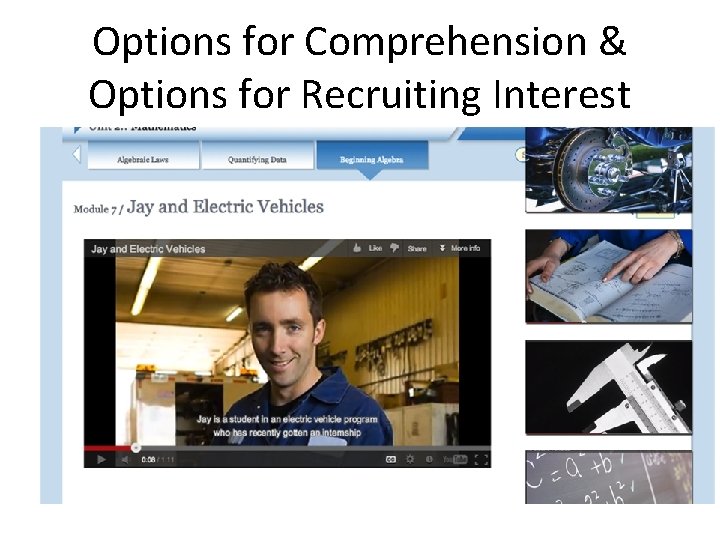
Options for Comprehension & Options for Recruiting Interest
UDL Applied to Service Delivery • Mc. Gill University - UDL Audit of disability services followed by applying UDL to all interactions with DS users. – Moved to paper free interactions (e. g. , for exam accommodations) – Rebranding such that disabilities viewed as a function of the individual and their interaction with the environment, not solely in the capacities of the individual – Outreach and initial engagement made more student centered (e. g. , no documentation required at first meeting) • Mc. Gill DSS handled 460 service user requests with 9 staff in 2011 and handled service requests from close to 1800 users with the same staff and the same budget in 2015. Applying Universal Design to Disability Service Provision Beck, T. , Diaz del Castillo, P. , Fovet, F. , Mole, H. , & Noga, B, No date.
Resources Social Media Accessibility https: //www. youtube. com/watch? v=AN 5 Jj. Jv. Ukm 4&feature=youtu. be Accessibility Checks Quick Check: http: //webaim. org/standards/508/checklist Detailed Review: http: //projectone. cannect. org/ WCAG 2 Technical Details: http: //www. w 3. org/WAI/WCAG 20/quickref/ 2016 Road Map to Web Accessibility in Higher Education http: //info. 3 playmedia. com/rs/744 -UDO-697/images/2016 -Roadmap. pdf Web. AIM: http: //webaim. org/techniques/word/ http: //webaim. org/techniques/powerpoint/ FLOE (Flexible Learning for Open Education ) http: //www. floeproject. org/ Web Accessibility for Online Learning http: //projectone. cannect. org/ B. C. Open Textbook Authoring Guide http: //opentextbc. ca/opentextbook/
PEAT resources • • PEATWorks. org, a central hub for accessible technology-related tools and resources, including the latest PEAT research on the accessibility of online job applications and other e. Recruiting technologies. PEATworks content is designed to help employers and the technology industry adopt and promote accessible technology as part of everyday business practices, for the benefit of all employers and workers. PEATTalks, a new virtual speaker series showcasing organizations and individuals whose work is advancing accessible technology in the workplace. Held the third Thursday of every month at 2: 00 p. m. ET, PEAT Talks are energetic and interactive discussions highlighting a spectrum of exciting work. Featured speakers deliver a 15 minute talk and then field questions from attendees. Tech. Check, a powerful but simple tool to help employers assess their technology accessibility practices and find tools to help improve them. Tech. Check can help employers gauge the current state of their accessible technology policies, the goals they want to reach, and what steps they can take to reach them. Tech. Check is intended for U. S. employers of all types — public or private, large or small. http: //www. dol. gov/odep/resources/PEAT. htm The U. S. Department of Labor’s Office of Disability Employment Policy (ODEP) has launched “Talent. Works, ” a free tool that helps employers and human resources professionals ensure that online job applications and other recruitment tools are accessible for jobseekers with disabilities. Created by ODEP’s Partnership on Employment & Accessible Technology, "Talent. Works" offers employers tip sheets on making online job applications, digital interviews, pre-employment tests and resume upload programs accessible. Top accessibility issues include websites with complex navigation, timeout restrictions, a lack of video captioning, and applications that can't be navigated with keystrokes and required using a mouse. http: //www. dol. gov/newsroom/releases/odep 20160323 http: //www. peatworks. org/webinars/2016/04/introducingtalentworks