
Universal Design and Accessibility Principles Goals Understand Principles
Universal Design and Accessibility Principles
Goals • Understand • • Principles of universal design Application of universal design to technology and to accessibility CSU Accessible Technology Initiative Accessibility best practices • Be able to • Conduct a four-point accessibility evaluation
Law and Policy "It is the policy of the CSU to make information technology resources and services accessible to all CSU students, faculty, staff and the general public regardless of disability. " (E. O. 926) • Accessible Technology Initiative: www. csun. edu/ati • Instructional Materials • Procurement • Web • Americans with Disabilities Act (ADA) • Rehabilitation Act Amendment (Section 508) • State of California Government Code Section 11135
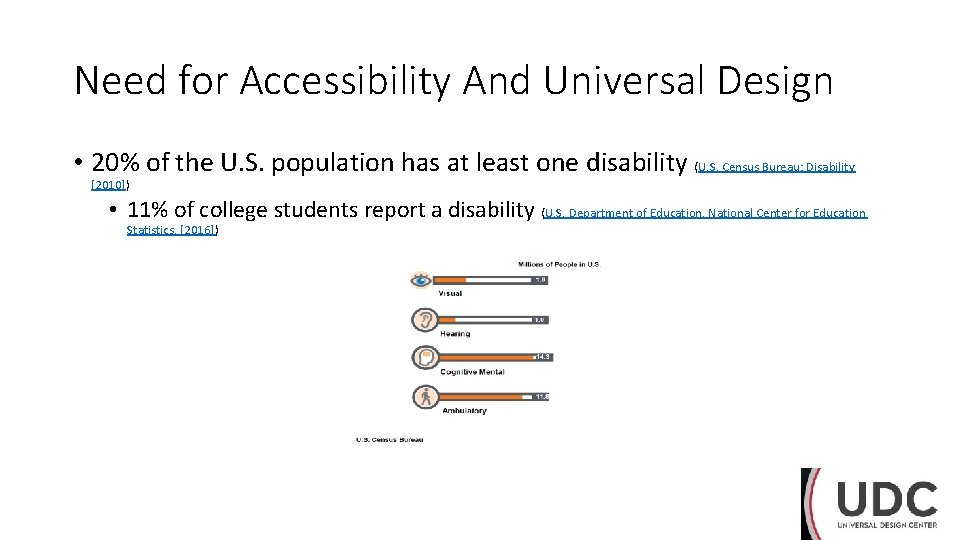
Need for Accessibility And Universal Design • 20% of the U. S. population has at least one disability (U. S. Census Bureau: Disability [2010]) • 11% of college students report a disability (U. S. Department of Education, National Center for Education Statistics. [2016])
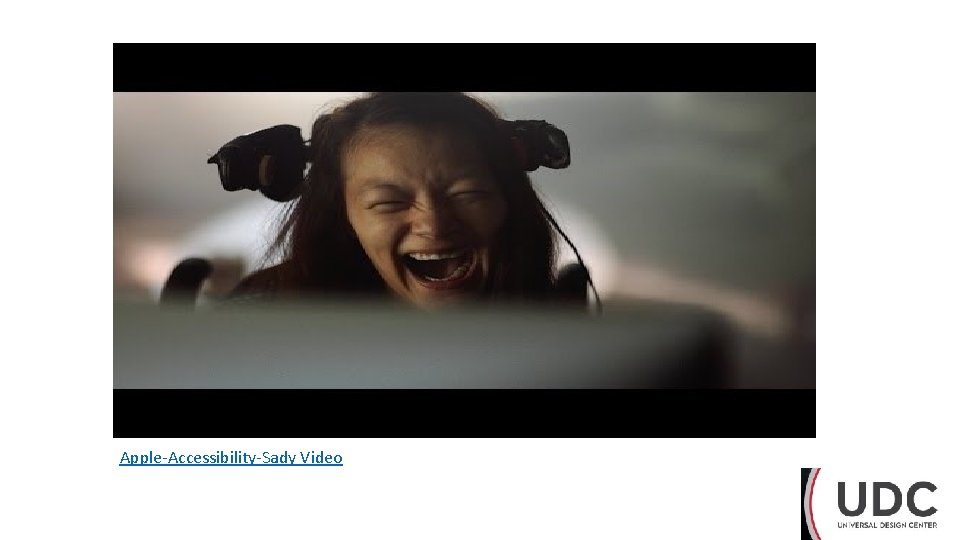
Apple-Accessibility-Sady Video
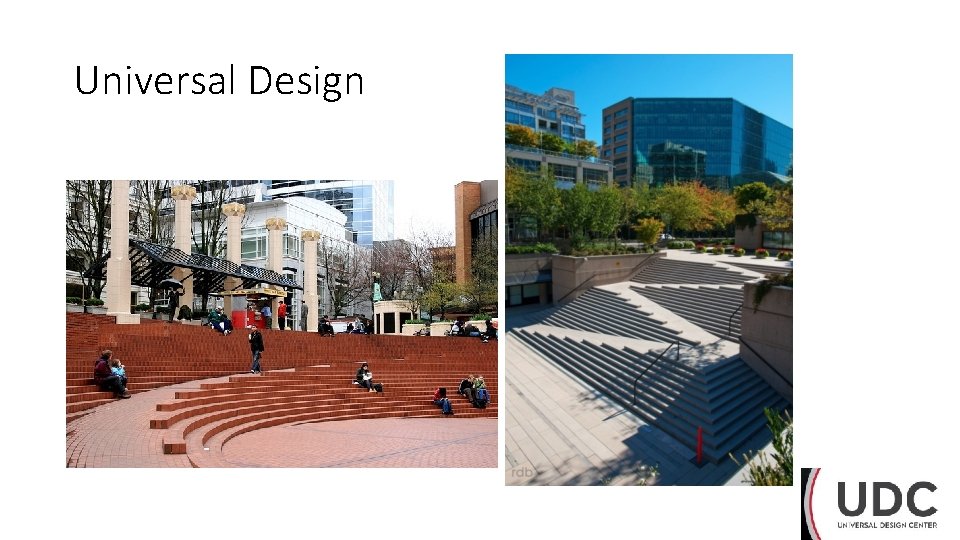
Universal Design
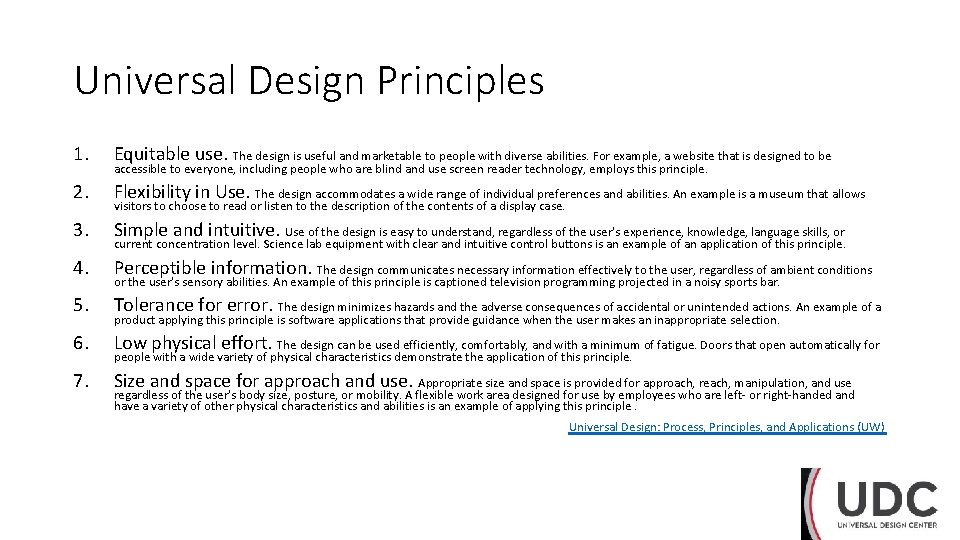
Universal Design Principles 1. Equitable use. The design is useful and marketable to people with diverse abilities. For example, a website that is designed to be 2. Flexibility in Use. The design accommodates a wide range of individual preferences and abilities. An example is a museum that allows 3. Simple and intuitive. Use of the design is easy to understand, regardless of the user's experience, knowledge, language skills, or 4. Perceptible information. The design communicates necessary information effectively to the user, regardless of ambient conditions 5. Tolerance for error. The design minimizes hazards and the adverse consequences of accidental or unintended actions. An example of a 6. Low physical effort. The design can be used efficiently, comfortably, and with a minimum of fatigue. Doors that open automatically for 7. Size and space for approach and use. Appropriate size and space is provided for approach, reach, manipulation, and use accessible to everyone, including people who are blind and use screen reader technology, employs this principle. visitors to choose to read or listen to the description of the contents of a display case. current concentration level. Science lab equipment with clear and intuitive control buttons is an example of an application of this principle. or the user's sensory abilities. An example of this principle is captioned television programming projected in a noisy sports bar. product applying this principle is software applications that provide guidance when the user makes an inappropriate selection. people with a wide variety of physical characteristics demonstrate the application of this principle. regardless of the user's body size, posture, or mobility. A flexible work area designed for use by employees who are left- or right-handed and have a variety of other physical characteristics and abilities is an example of applying this principle. Universal Design: Process, Principles, and Applications (UW)

Universal Design Principles for Information / Technology P. O. U. R. üPerceivable: so that individuals with sensory impairments can understand the information being conveyed üOperable: navigate to information via multiple methods (not only the mouse) üUnderstandable: enough so that all different learning styles can engage üRobust: technology should be compatible with a user’s desired devices, applications or system preferences
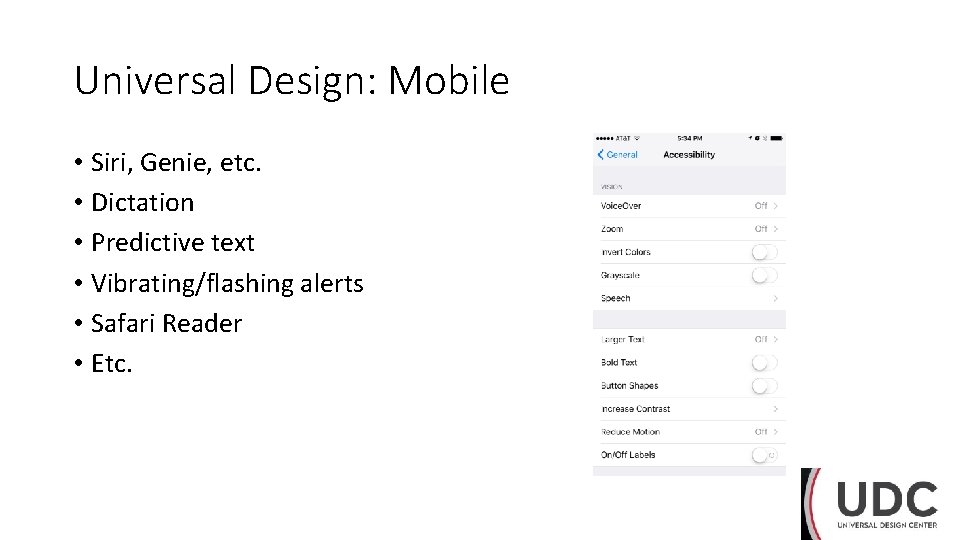
Universal Design: Mobile • Siri, Genie, etc. • Dictation • Predictive text • Vibrating/flashing alerts • Safari Reader • Etc.
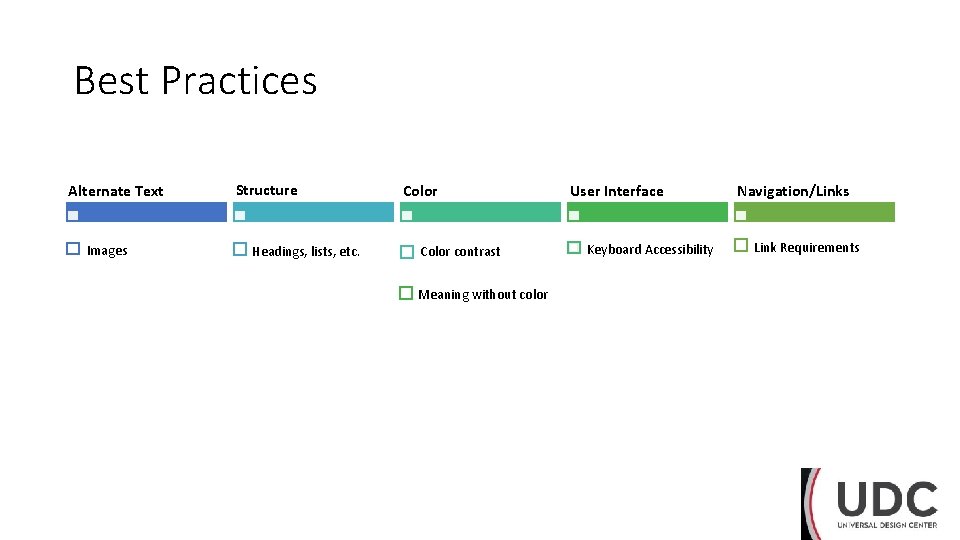
Best Practices Alternate Text Images Structure Headings, lists, etc. Color contrast Meaning without color User Interface Keyboard Accessibility Navigation/Links Link Requirements
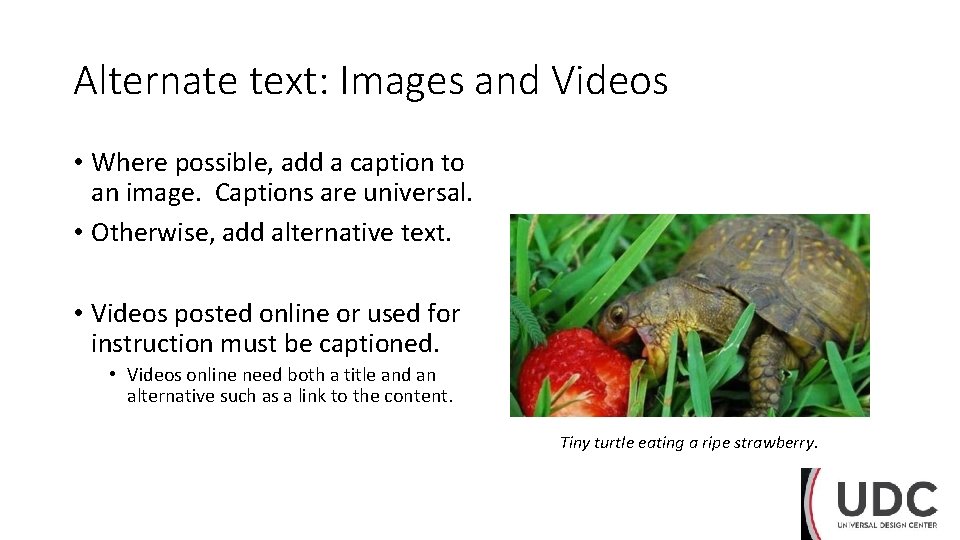
Alternate text: Images and Videos • Where possible, add a caption to an image. Captions are universal. • Otherwise, add alternative text. • Videos posted online or used for instruction must be captioned. • Videos online need both a title and an alternative such as a link to the content. Tiny turtle eating a ripe strawberry.
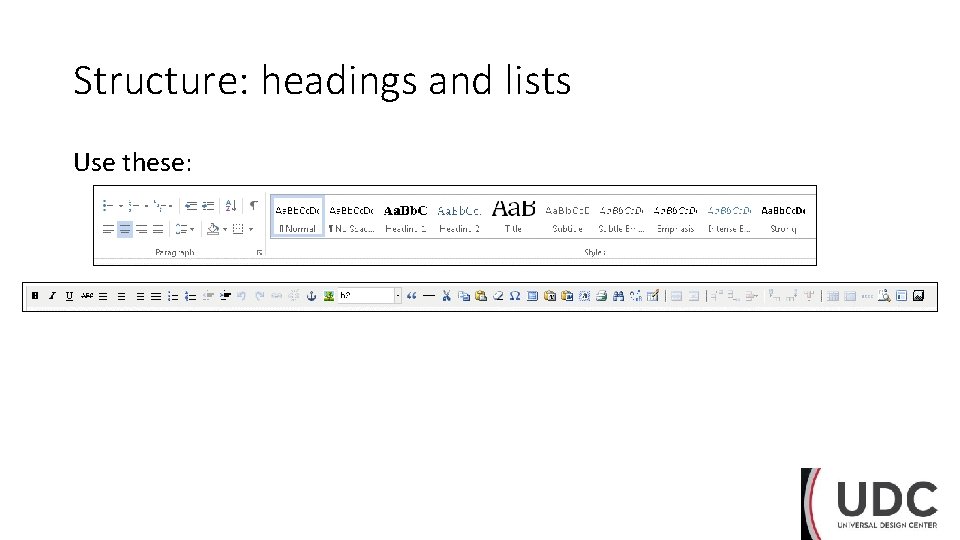
Structure: headings and lists Use these:
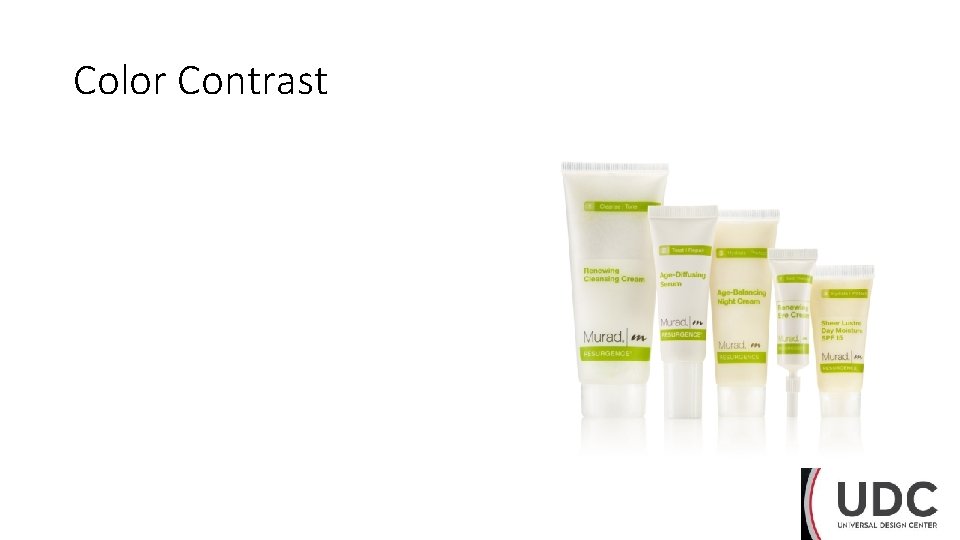
Color Contrast
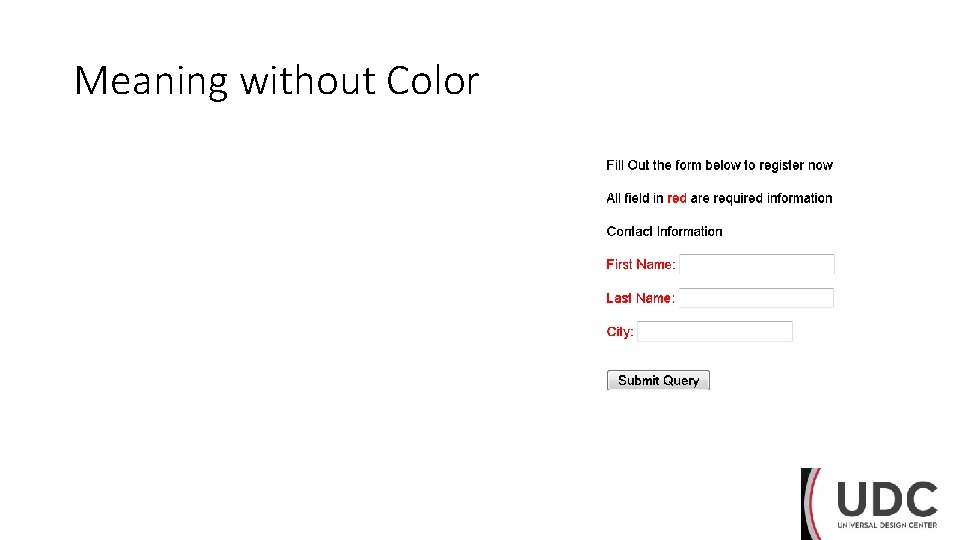
Meaning without Color
User Interface • Users should be able to get to content without using a mouse. • Keyboard • Hearing • Touch • Users should be able to access content on different screens (phone, tablet, etc. ).
Navigation and Links • Fix broken links. • Use descriptive link text, not URLs. (Always on the web; usually in documents. ) • Link text should clearly identify the target of each link. Good link text should not be overly general. • Do not use different link text to refer to the same resource. • Do not to use the same link text to refer to different resources. • Web pages with links to files that require a special reader or plug-in should contain a link to obtain the reader or plug-in.
Four-point accessibility evaluation 1. Is the text easy to read? Is the font clear? 2. How is color used? Can you read the text clearly against the background? Does color mean anything that isn’t conveyed another way? 3. Can you use the keyboard “tab” key to navigate to all the features on the page or screen? 4. Can you enlarge the screen without distorting the text? Use “Ctrl +” and “Ctrl -” on a keyboard, or the accessibility features or gestures on your mobile device.
Reflection • What’s one thing you can do tomorrow to make the work you produce more accessible? • What’s one thing the UDC can do to make this training better?
What’s next? UDC scheduled trainings in October • Web Accessibility Principles Part I: • October 17 th from 1: 30 – 3 PM • Word Accessibility Principles Part I: • October 3 rd from 9: 30 to 11 AM and • October 10 th from 9: 30 to 11 AM • Word Accessibility Principles Part II: • October 17 th from 9: 30 to 11 AM and • October 24 th from 9: 30 to 11 AM
Thank you Trainings coming soon in November • PDF Accessibility Principles Part I • PDF Remedy • Testing for Accessibility • Compliance Sheriff Foundations Contact • Kate Sharron, x 3065, kathryn. sharron@csun. edu • Alen Davoudian, x 6263, alen. davoudian@csun. edu
- Slides: 20