
Universal Course Design Applied to Secondary Education The
- Slides: 63
Universal Course Design Applied to Secondary Education • The Learning Environments (buildings, classrooms) • Educational Tools Used (documents, websites) • Learning and Instructional Materials (courses, activities, assignments, assessments)
UDL and the Learning Environment • Classroom Comfort – Furniture, tables, chairs, space, AV • Audio – ability to hear the instructor • Visual – ability to see the information • Physical – ability to get to the classroom • Fatigue and time of day and attention span • Temperature and Lighting • E-Learning Environment
Universal Design Principles for Curriculum, Instruction, Environment and Assessment 1. Present information in multiple ways • Visual • Auditory • tactile
What is your students Learning Style • Garner’s Multiple Intellegence Test • http: //www. berghuis. co. nz/abiator/lsi/mi_te st. html • http: //lth 3. k 12. il. us/rhampton/mi/mi. html
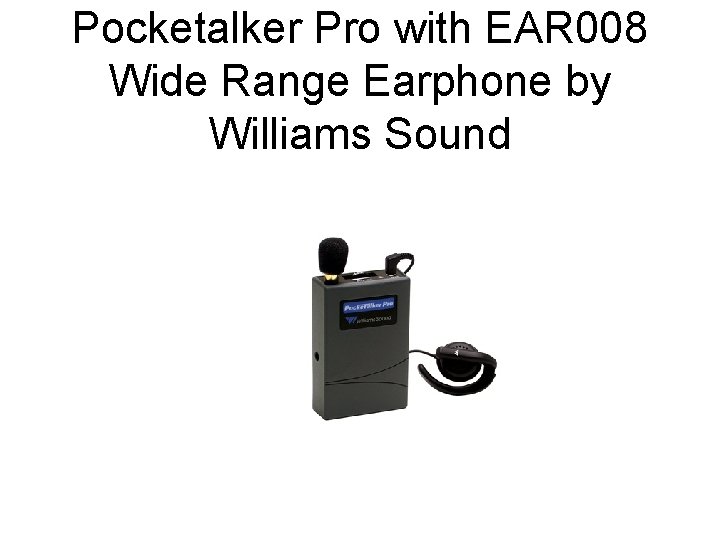
Pocketalker Pro with EAR 008 Wide Range Earphone by Williams Sound
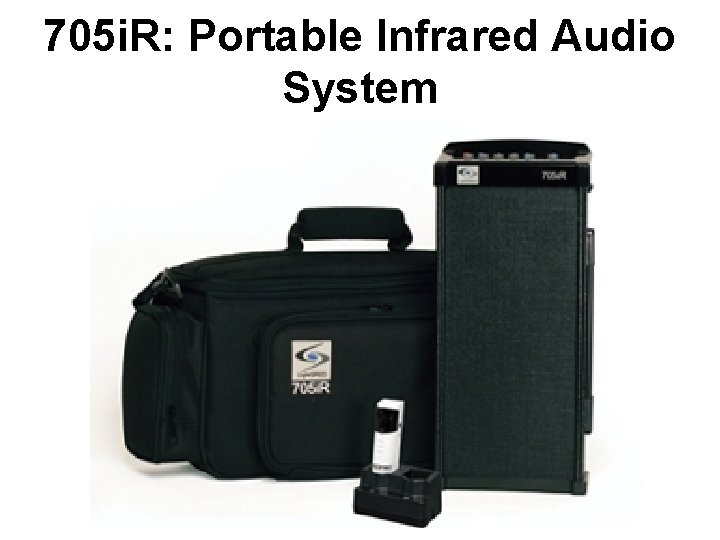
705 i. R: Portable Infrared Audio System
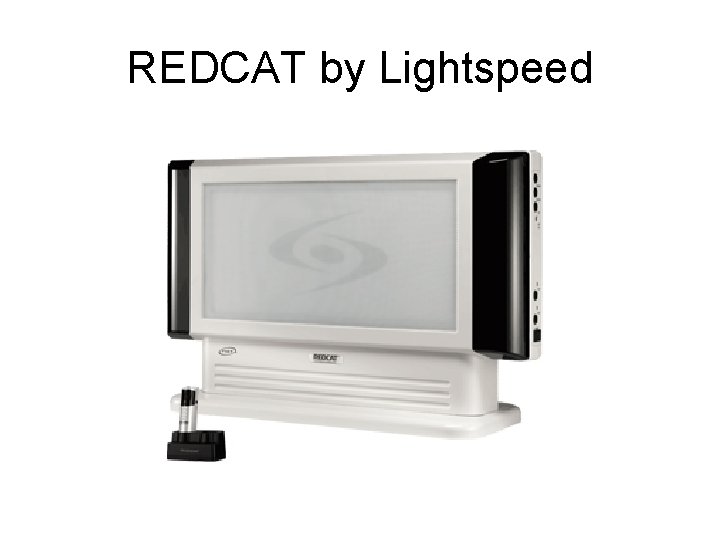
REDCAT by Lightspeed
Noise Canceling Strategies • Reducing Fan Noise • Reducing Table Noise distractions • Noise cancelling headset
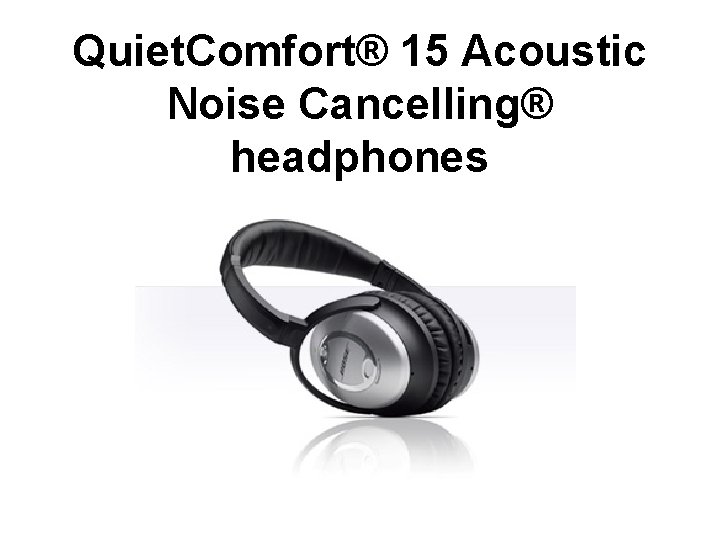
Quiet. Comfort® 15 Acoustic Noise Cancelling® headphones
Text to Speech • http: //www. nextup. com/Text. Aloud/ • http: //www. naturalreaders. com/? gclid=CP e 1 r 7 fwj 58 CFa. M 45 Qody. Uso. Lw • http: //www. dkszone. net/2009/10/best-freetext-to-speech-online. html
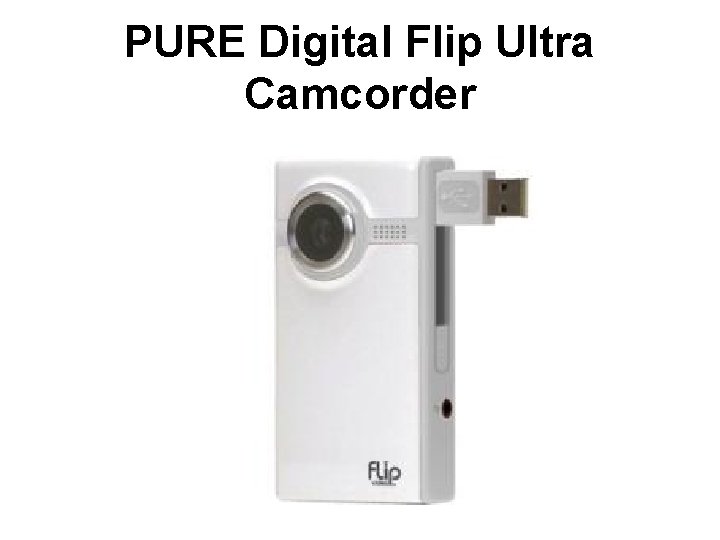
Taping of Lectures • • Camptasia Flip Video Free podcasts from ITUNES Podcast Alley http: //www. podcastalley. com/
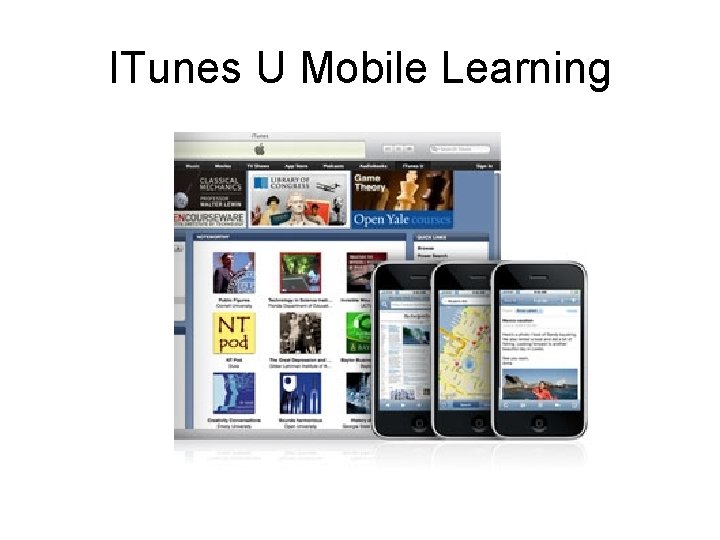
ITunes U Mobile Learning
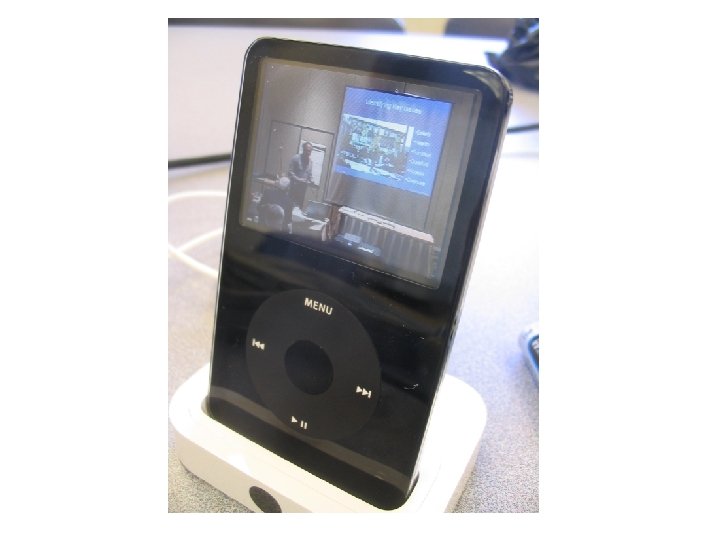
Once your classroom presentations and lectures have been captured and published, students can download them from i. Tunes. Then they can transfer them to i. Pod or i. Phone and take it all with them.
• http: //www. apple. com/education/mobilelearning/
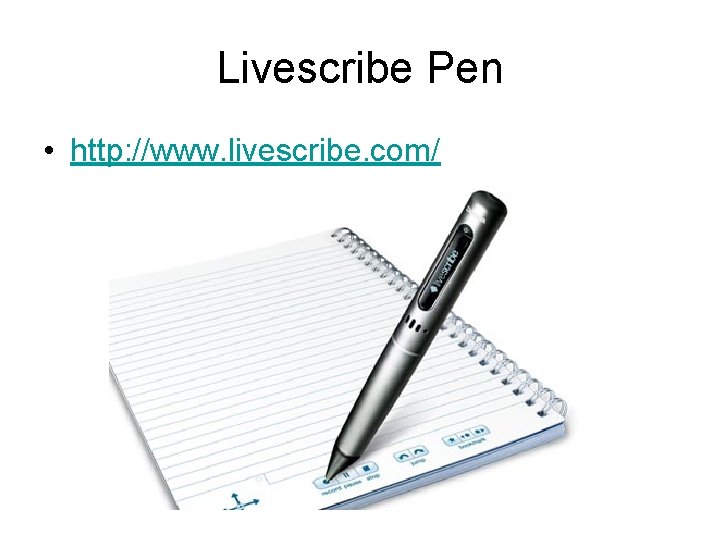
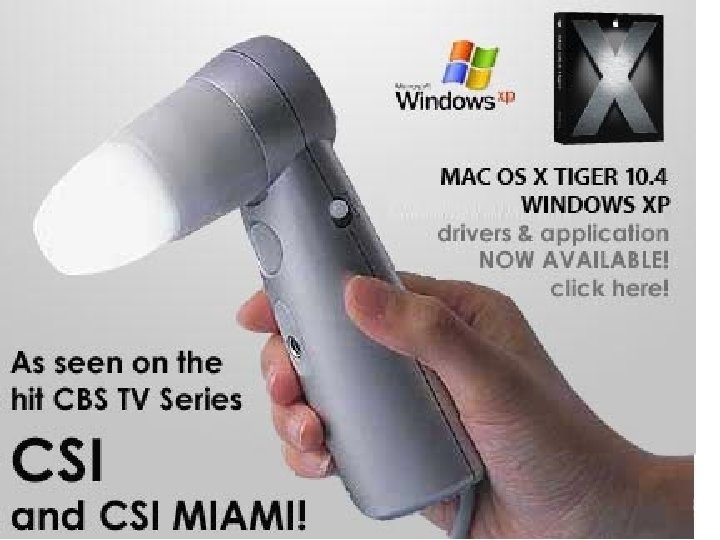
Livescribe Pen • http: //www. livescribe. com/
2. Use multiple ways for students to learn 3. Use multiple way to demonstrate competencies Curriculum, Instruction, Environment and Assessment
Writing Solutions • Ginger http: //www. gingersoftware. com/
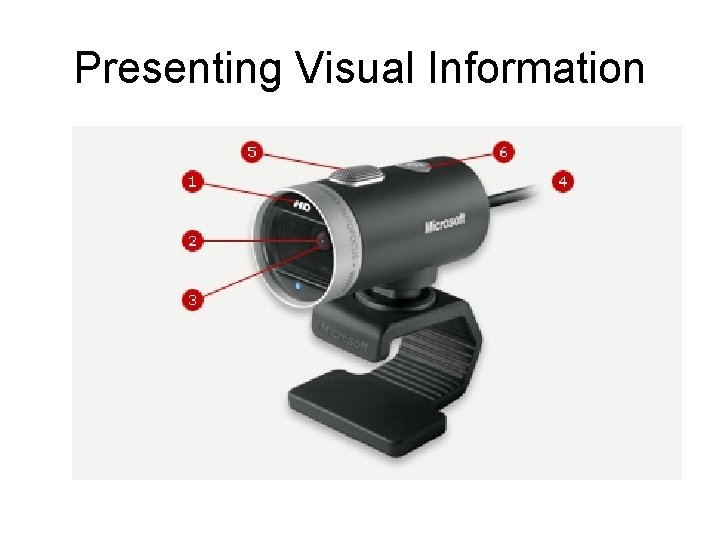
Presenting Visual Information
You. Tube Clips • http: //video. google. com/videoplay? docid=8 904666123687875074&q=Macarena&hl=e n • Passive Range of Motion of a Baby • http: //video. google. com/videoplay? docid=3 894087728547115142&q=Shoulder+Move ment
• Rotator cuff repair • http: //video. google. com/videoplay? docid=2 399321985158264326&q=Shoulder+Move ment
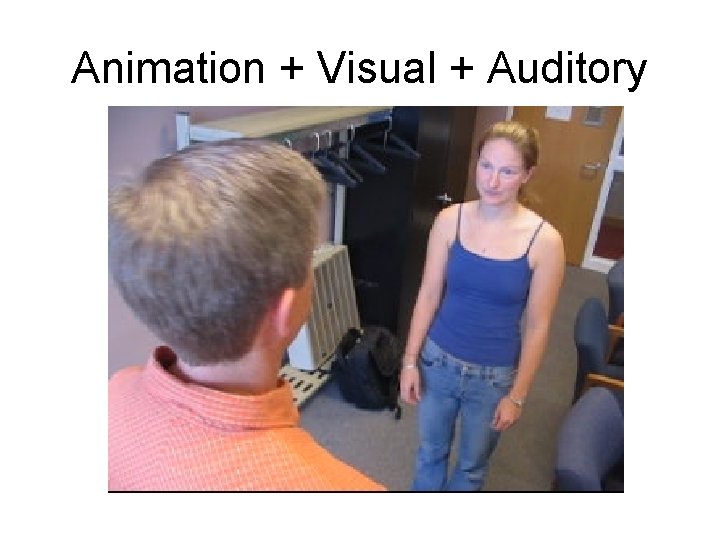
Animation + Visual + Auditory
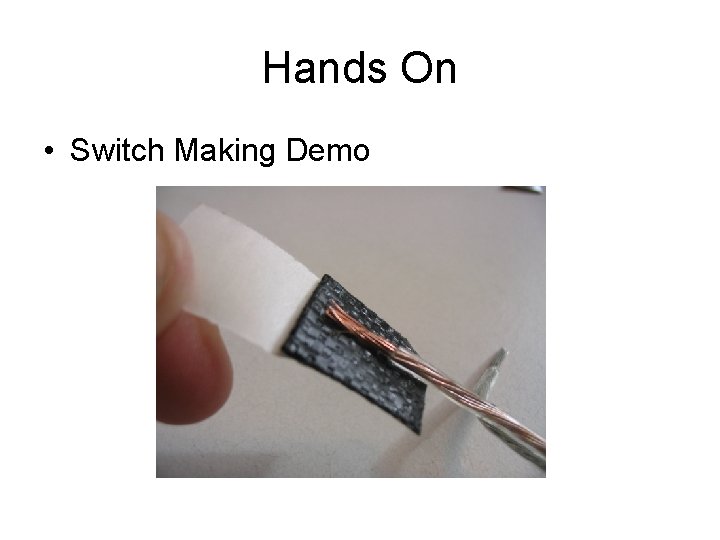
Hands On • Switch Making Demo
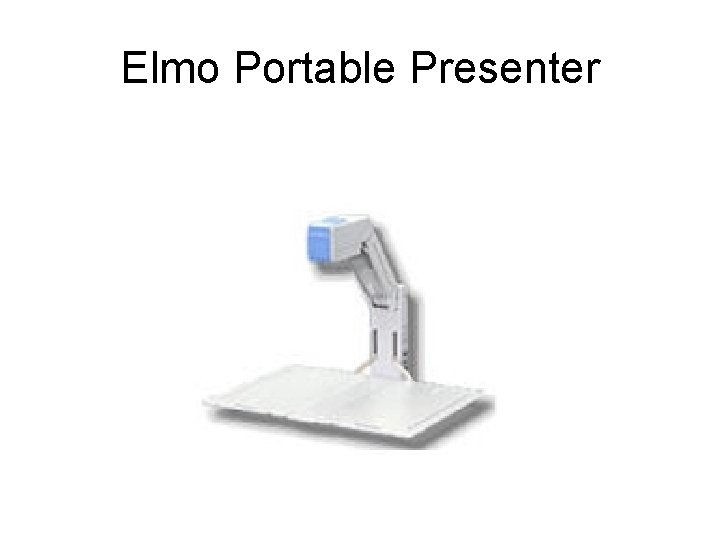
Elmo Portable Presenter
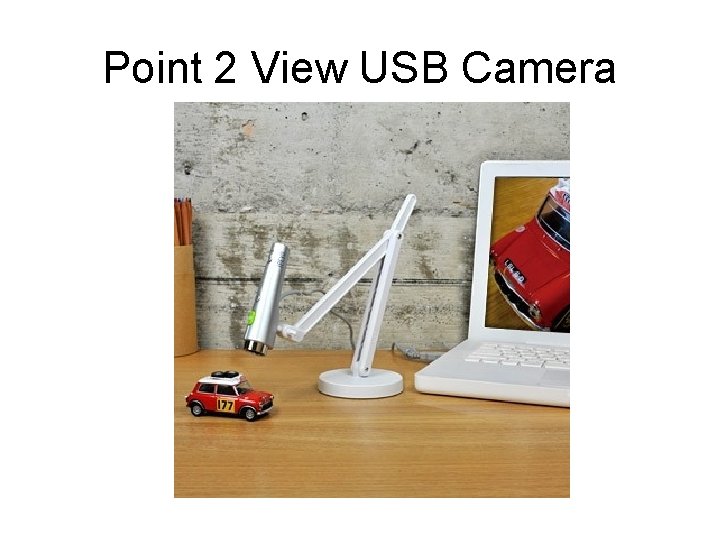
Point 2 View USB Camera
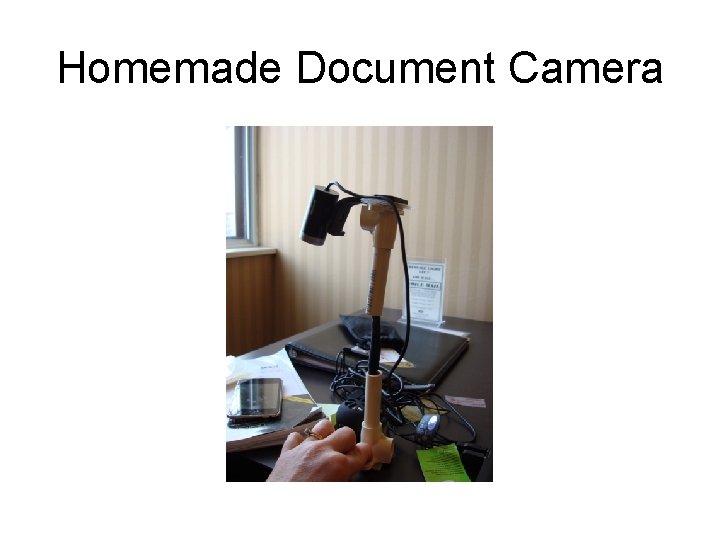
Homemade Document Camera
Comfort • Head and Neck – Book or document Holder • Feet – foot rests • Arm – arm rests • Butt - cushions
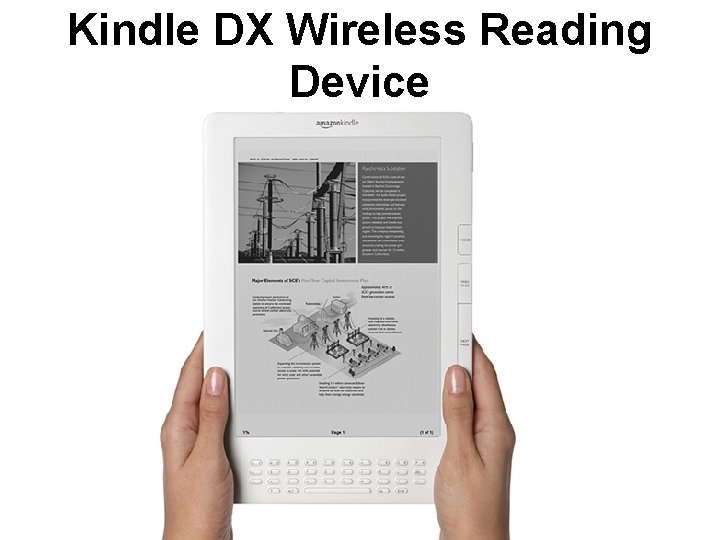
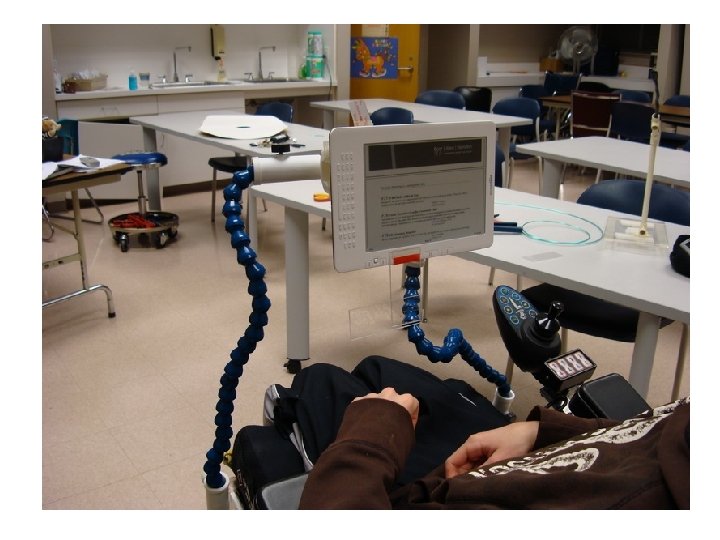
Kindle DX Wireless Reading Device
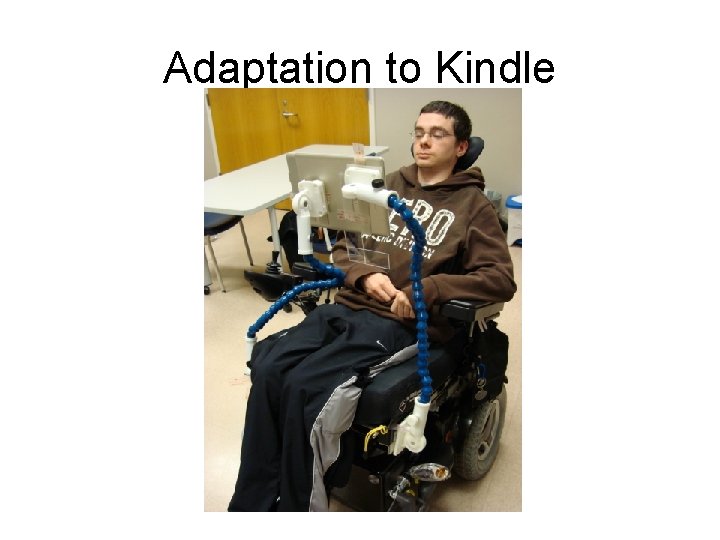
Adaptation to Kindle
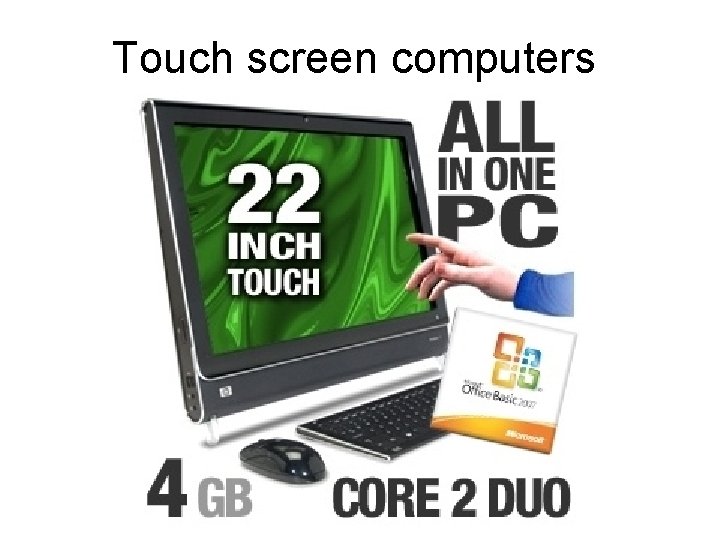
Touch screen computers
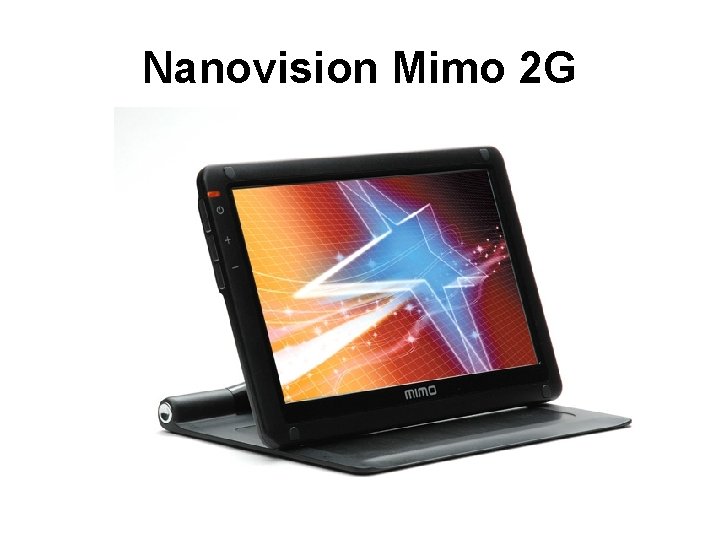
Nanovision Mimo 2 G
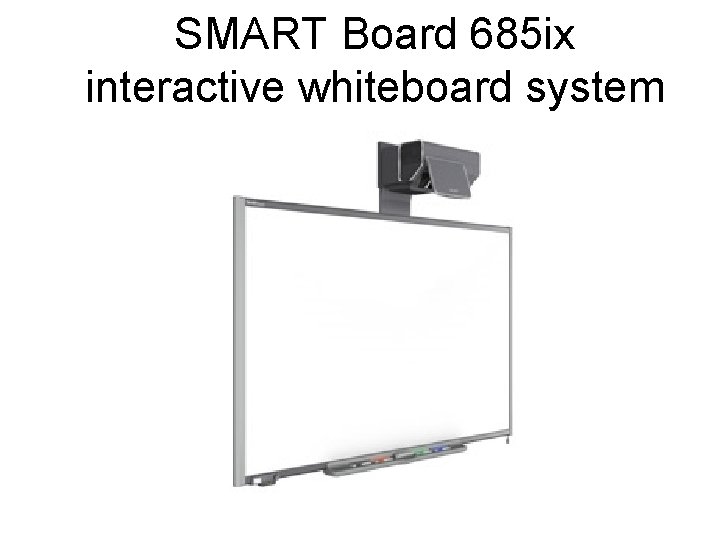
SMART Board 685 ix interactive whiteboard system
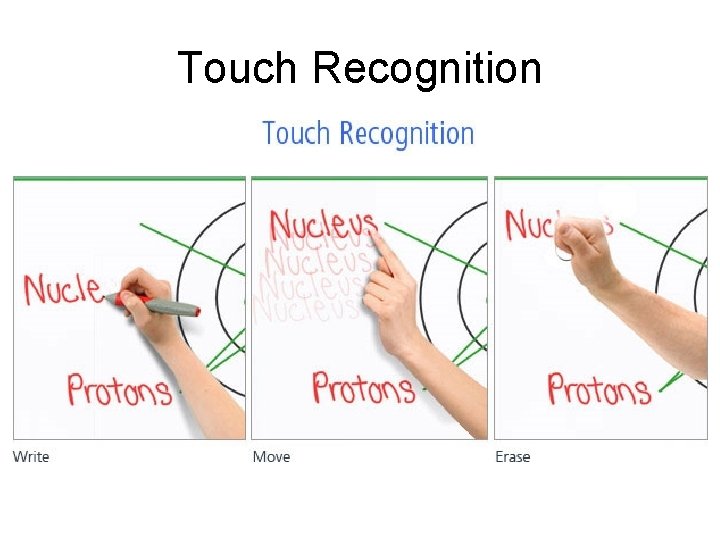
Touch Recognition
Environment • • • Tennis Balls Blowers Glare External Speakers Temperature Food
Color • Black Letter on Light Yellow, Blue or White Background • San Serif font • Use less words • Don’t combine words with pictures
• Black Letter on Light Yellow, Blue or White Background • San Serif font • Use less words • Don’t combine words with pictures
• Black Letter on Light Yellow, Blue or White Background • San Serif font • Use less words • Don’t combine words with pictures
• Black Letter on Light Yellow, Blue or White Background • San Serif font • Use less words • Don’t combine words with pictures
• Black Letter on Light Yellow, Blue or White Background • San Serif font • Use less words • Don’t combine words with pictures
Keyboard Short Cuts • • • B key Alt Tab Triple click Ctrl C Ctrl V Right Click over picture (Fair Use Provision)
Drawing on Power Point • Right Click + o f • Right Click + o e (to erase)
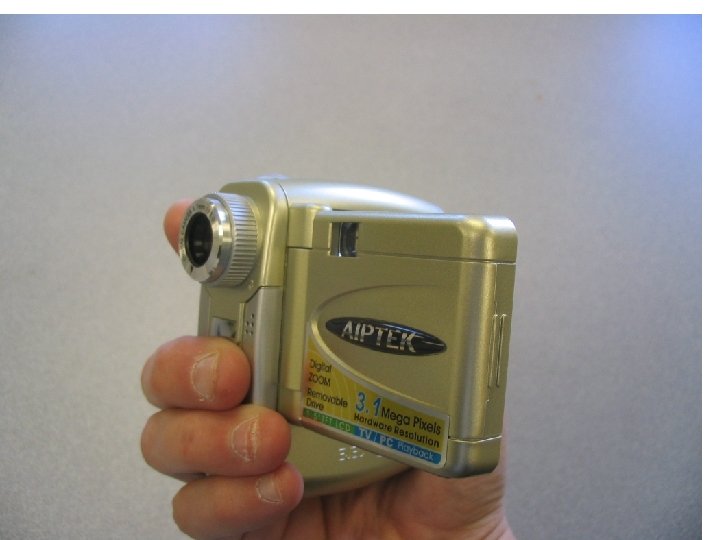
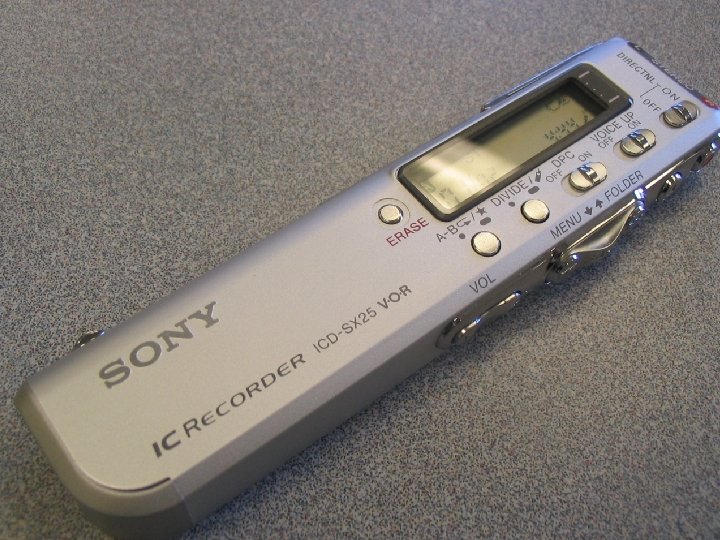
Recording • • Disposable Video Cameras Tape Recorder Computer capture Scanning Documents Cuing - Tapping Re-auditorzation
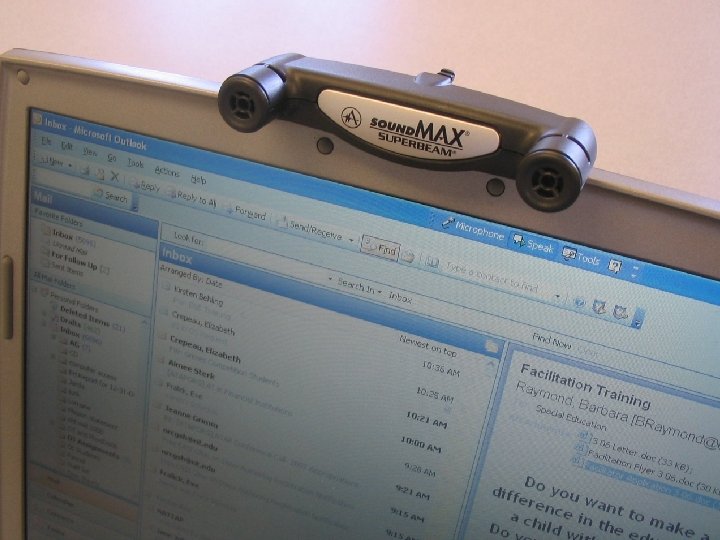
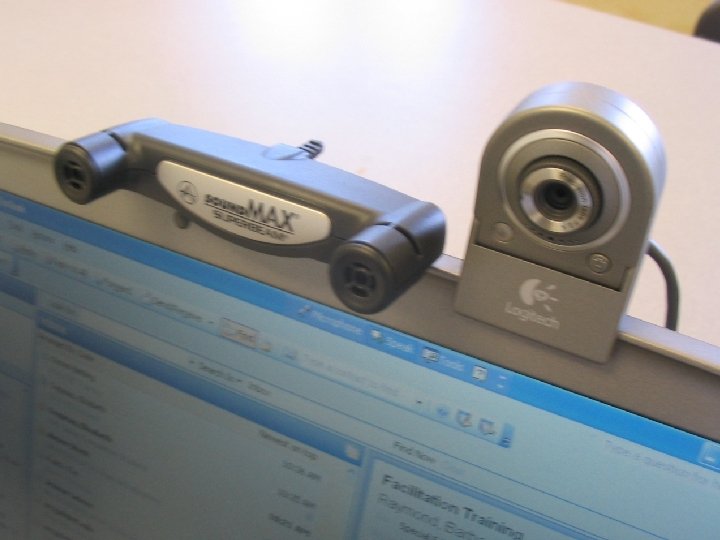
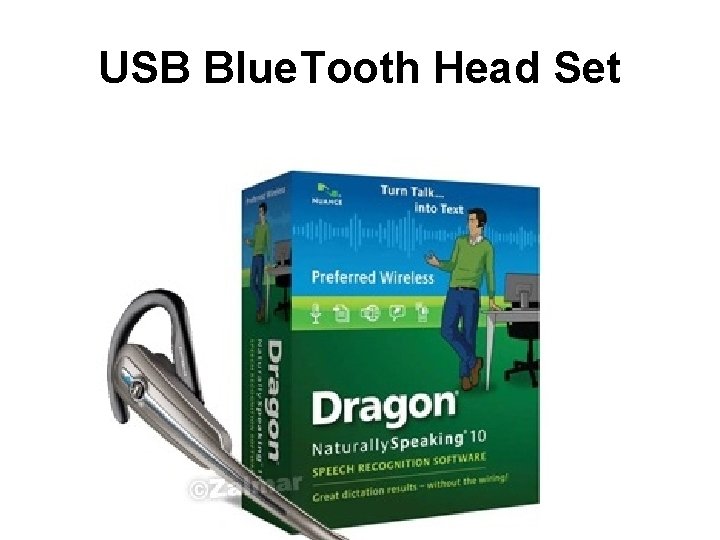
Other Tools Instructors Should Use • • Elmo ACDSee Camera with video and macros Dictaphone and Dragon Naturally Speaking • Scanner • Webcam
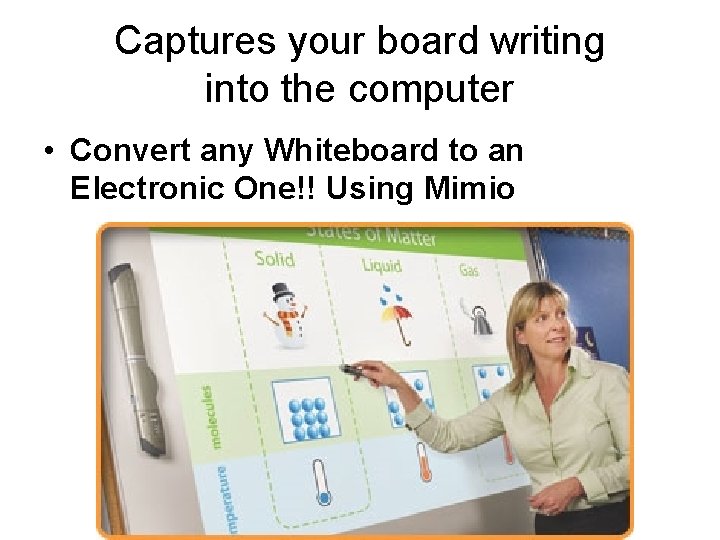
Captures your board writing into the computer • Convert any Whiteboard to an Electronic One!! Using Mimio
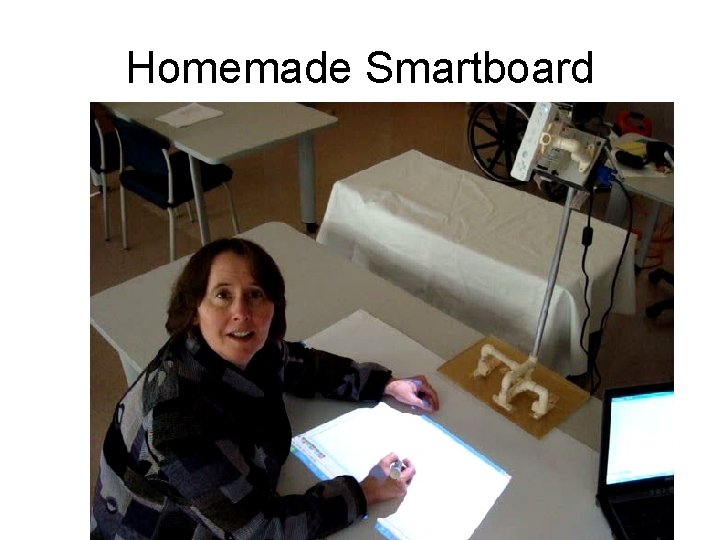
Homemade Smartboard
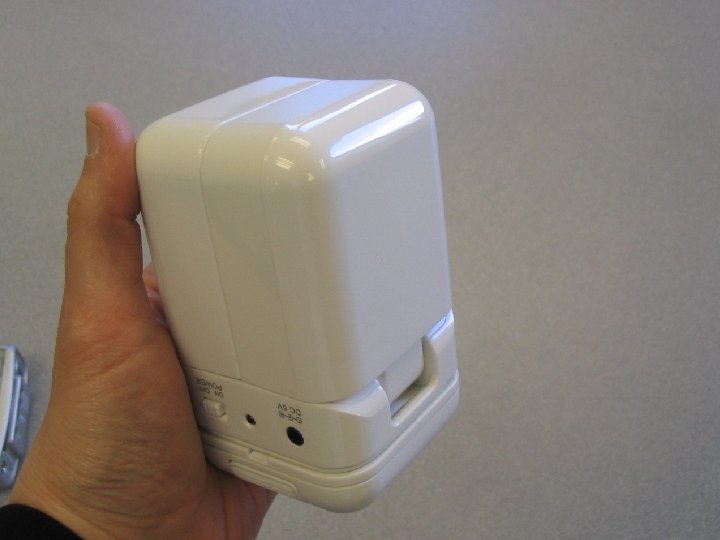
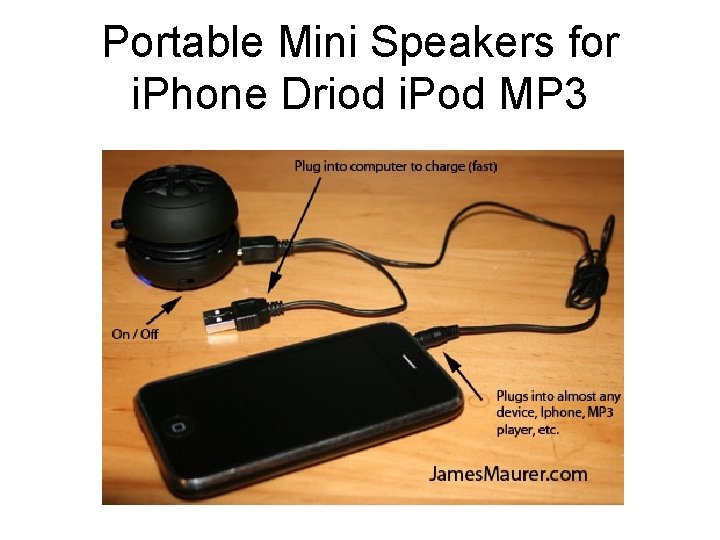
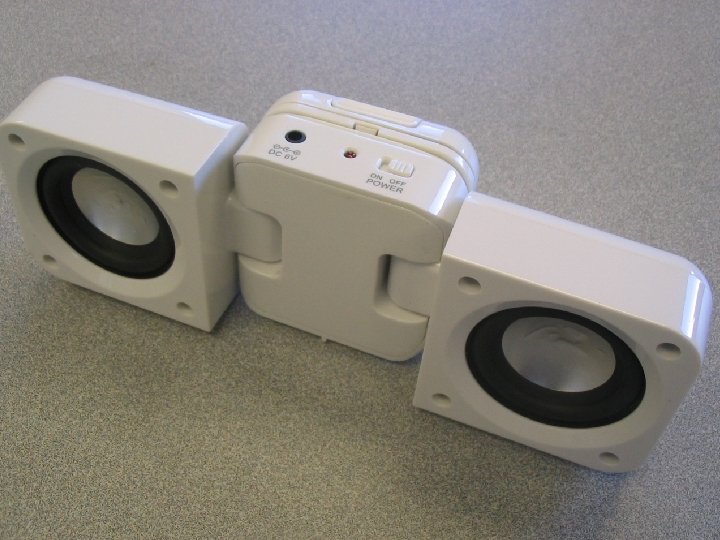
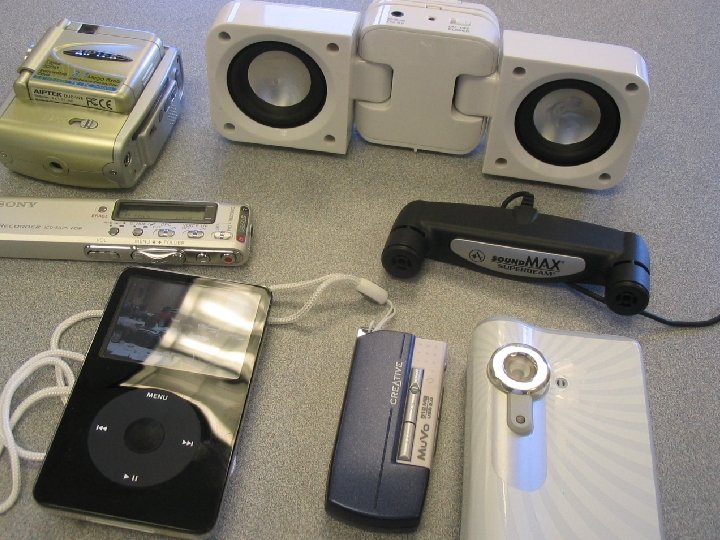
Portable Mini Speakers for i. Phone Driod i. Pod MP 3
USB Blue. Tooth Head Set
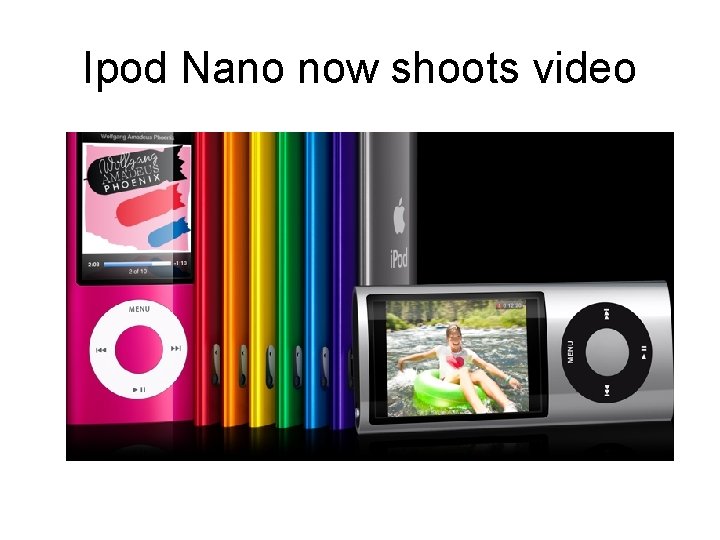
Ipod Nano now shoots video
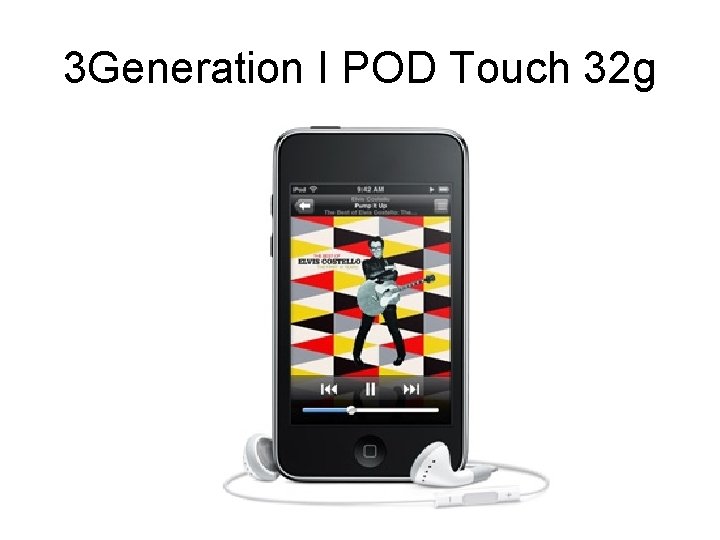
3 Generation I POD Touch 32 g
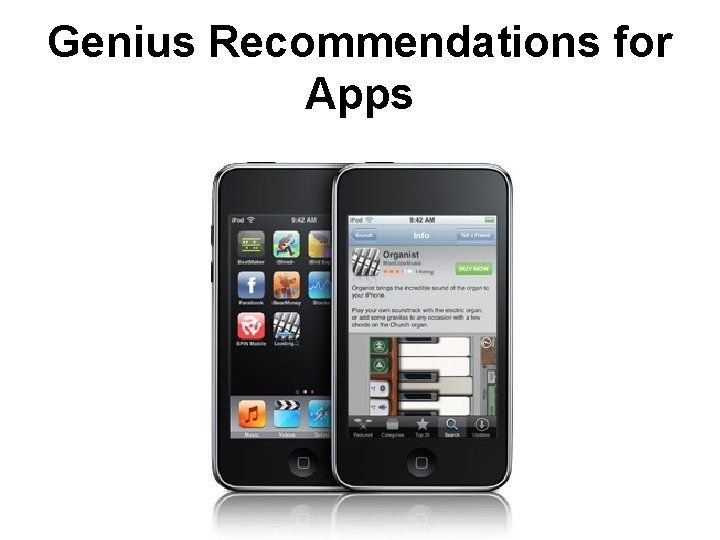
Genius Recommendations for Apps
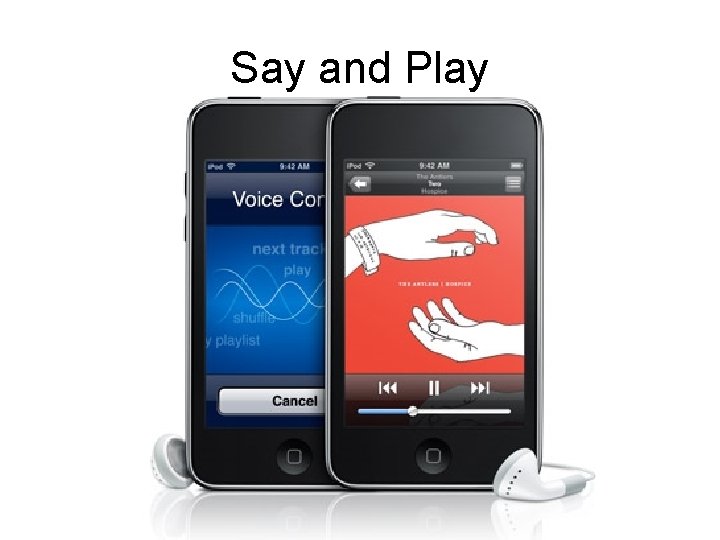
Say and Play
PURE Digital Flip Ultra Camcorder