
UNITY GAME DEVELOPMENT Multiplayer Networking CLASS OVERVIEW Class
![[COMMAND] Commands are sent from player objects on the client to player objects on](https://slidetodoc.com/presentation_image_h/9f1d38f0e5cf18d5755f23ba6727e8f1/image-14.jpg "[COMMAND] Commands are sent from player objects on the client to player objects on")
![[CLIENTRPC] Client. Rpc calls are sent from objects on the server to objects on](https://slidetodoc.com/presentation_image_h/9f1d38f0e5cf18d5755f23ba6727e8f1/image-15.jpg "[CLIENTRPC] Client. Rpc calls are sent from objects on the server to objects on")
- Slides: 16
UNITY GAME DEVELOPMENT Multiplayer Networking
CLASS OVERVIEW Class 12 Revision UNet Deprication Server Client Model Network. Manager. HUD Network. Behaviour Network. Identity is. Local. Player, is. Server Network. Transform. Child Network. Animator [Command] [Client. Rpc]
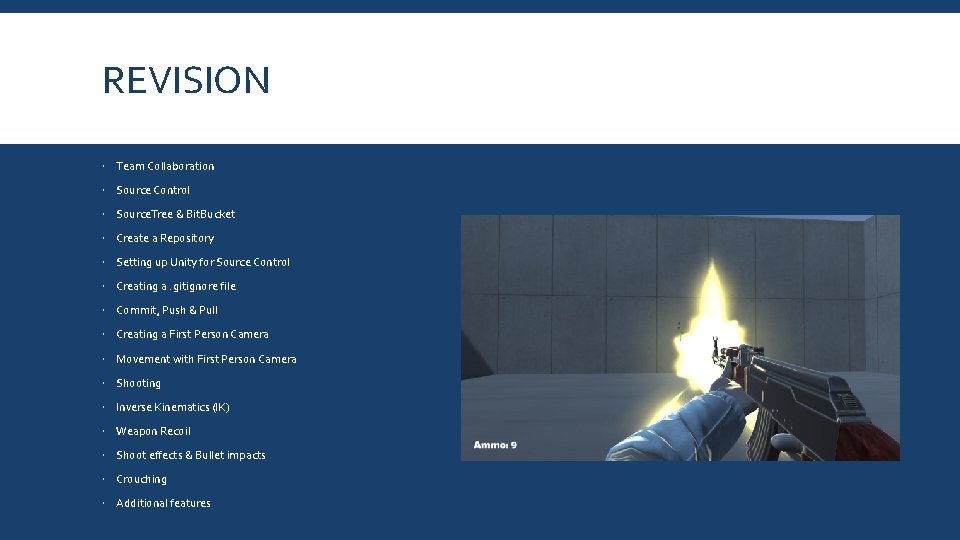
REVISION Team Collaboration Source Control Source. Tree & Bit. Bucket Create a Repository Setting up Unity for Source Control Creating a. gitignore file Commit, Push & Pull Creating a First Person Camera Movement with First Person Camera Shooting Inverse Kinematics (IK) Weapon Recoil Shoot effects & Bullet impacts Crouching Additional features
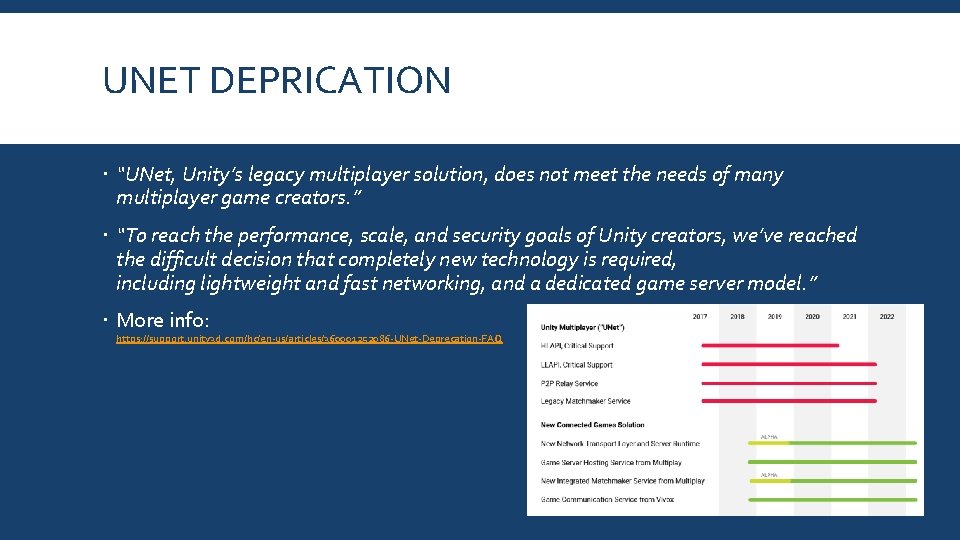
UNET DEPRICATION “UNet, Unity’s legacy multiplayer solution, does not meet the needs of many multiplayer game creators. ” “To reach the performance, scale, and security goals of Unity creators, we’ve reached the difficult decision that completely new technology is required, including lightweight and fast networking, and a dedicated game server model. ” More info: https: //support. unity 3 d. com/hc/en-us/articles/360001252086 -UNet-Deprecation-FAQ
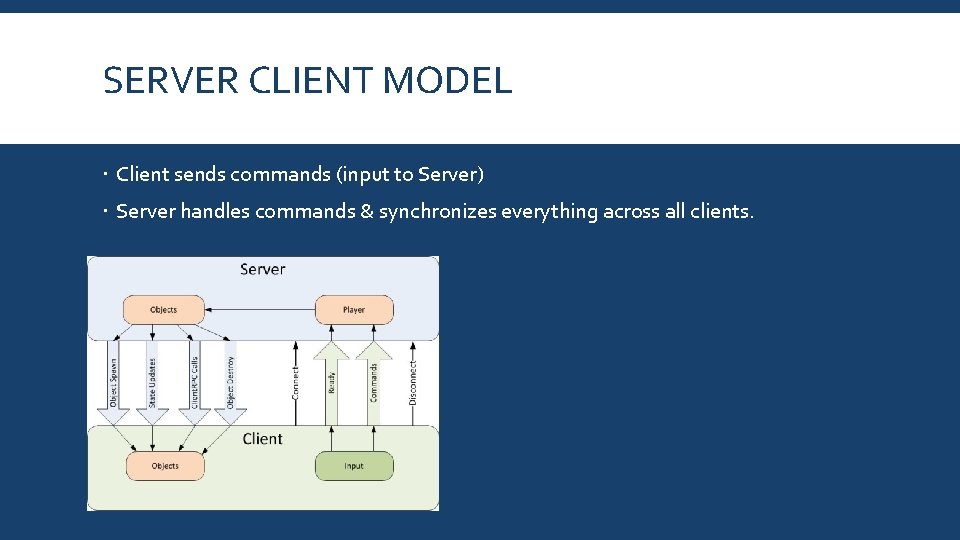
SERVER CLIENT MODEL Client sends commands (input to Server) Server handles commands & synchronizes everything across all clients.
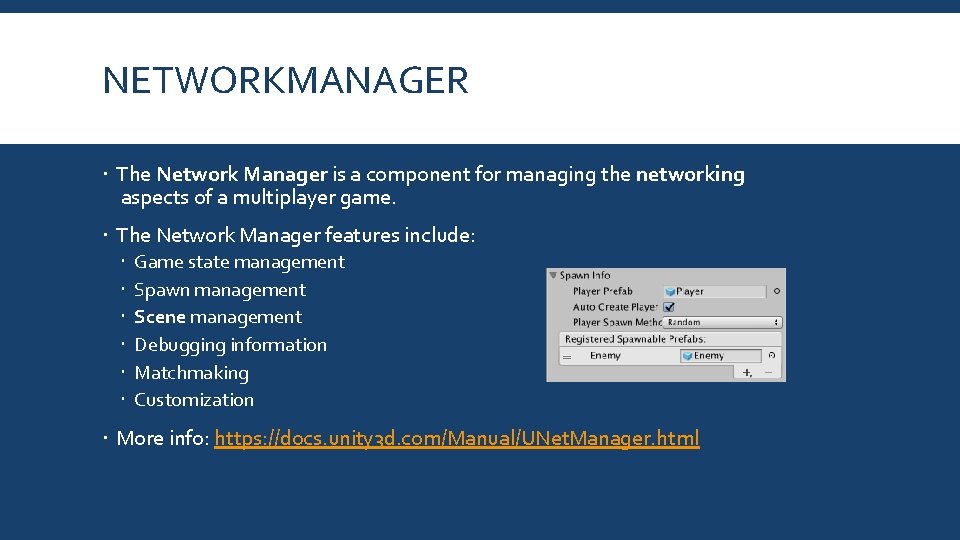
NETWORKMANAGER The Network Manager is a component for managing the networking aspects of a multiplayer game. The Network Manager features include: Game state management Spawn management Scene management Debugging information Matchmaking Customization More info: https: //docs. unity 3 d. com/Manual/UNet. Manager. html
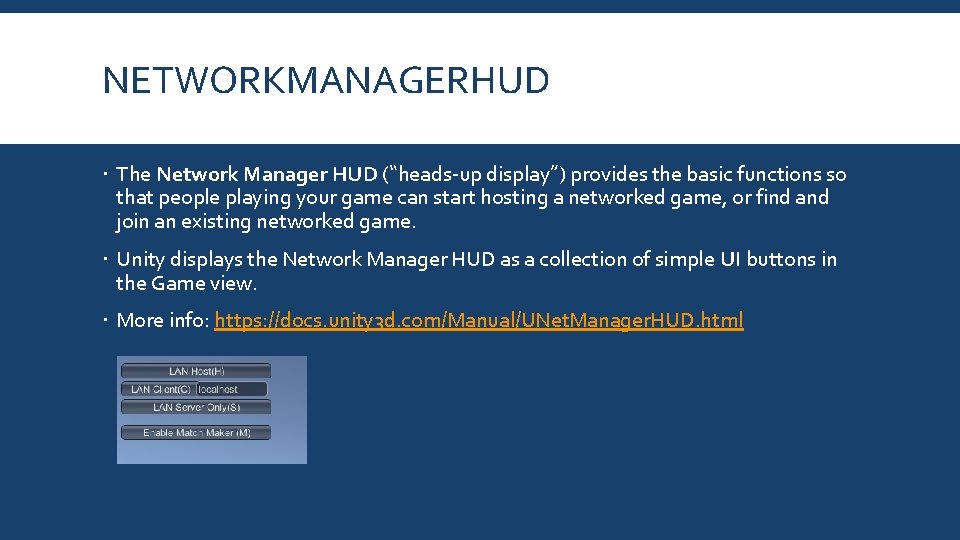
NETWORKMANAGERHUD The Network Manager HUD (“heads-up display”) provides the basic functions so that people playing your game can start hosting a networked game, or find and join an existing networked game. Unity displays the Network Manager HUD as a collection of simple UI buttons in the Game view. More info: https: //docs. unity 3 d. com/Manual/UNet. Manager. HUD. html
NETWORKBEHAVIOUR Network. Behaviour scripts work with Game. Objects that have a Network Identity component. These scripts can perform high-level API functions such as Commands, Client. RPCs, Sync. Events and Sync. Vars. With the server-authoritative system of the Unity Network System, the server must use the Network. Server. Spawn function to spawn Game. Objects with Network Identity components. Spawning them this way assigns them a Network. Instance. Id and creates them on clients connected to the server. More info: https: //docs. unity 3 d. com/Manual/class-Network. Behaviour. html
NETWORKIDENTITY The Network Identity component is at the heart of the Unity networking highlevel API. It controls a Game. Object’s unique identity on the network, and it uses that identity to make the networking system aware of the Game. Object. More info: https: //docs. unity 3 d. com/Manual/class-Network. Identity. html
ISLOCALPLAYER, ISSERVER is. Local. Player = This returns true if this object is the one that represents the player on the local machine. is. Server = True if this object is running on the server, and has been spawned.
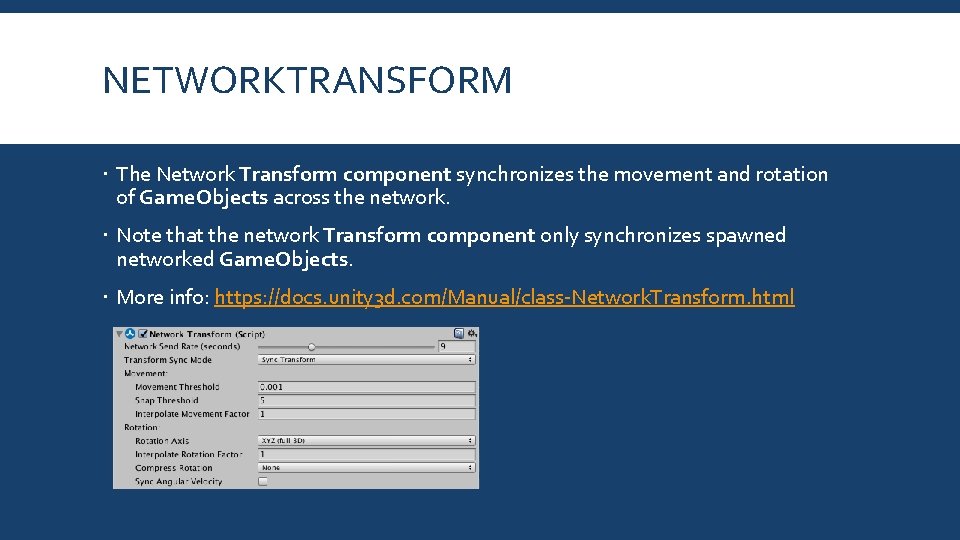
NETWORKTRANSFORM The Network Transform component synchronizes the movement and rotation of Game. Objects across the network. Note that the network Transform component only synchronizes spawned networked Game. Objects. More info: https: //docs. unity 3 d. com/Manual/class-Network. Transform. html
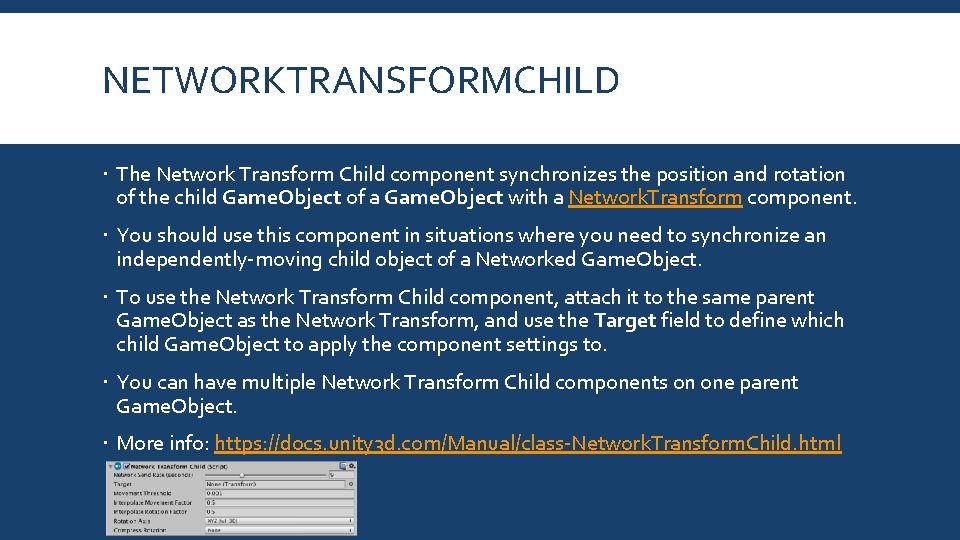
NETWORKTRANSFORMCHILD The Network Transform Child component synchronizes the position and rotation of the child Game. Object of a Game. Object with a Network. Transform component. You should use this component in situations where you need to synchronize an independently-moving child object of a Networked Game. Object. To use the Network Transform Child component, attach it to the same parent Game. Object as the Network Transform, and use the Target field to define which child Game. Object to apply the component settings to. You can have multiple Network Transform Child components on one parent Game. Object. More info: https: //docs. unity 3 d. com/Manual/class-Network. Transform. Child. html
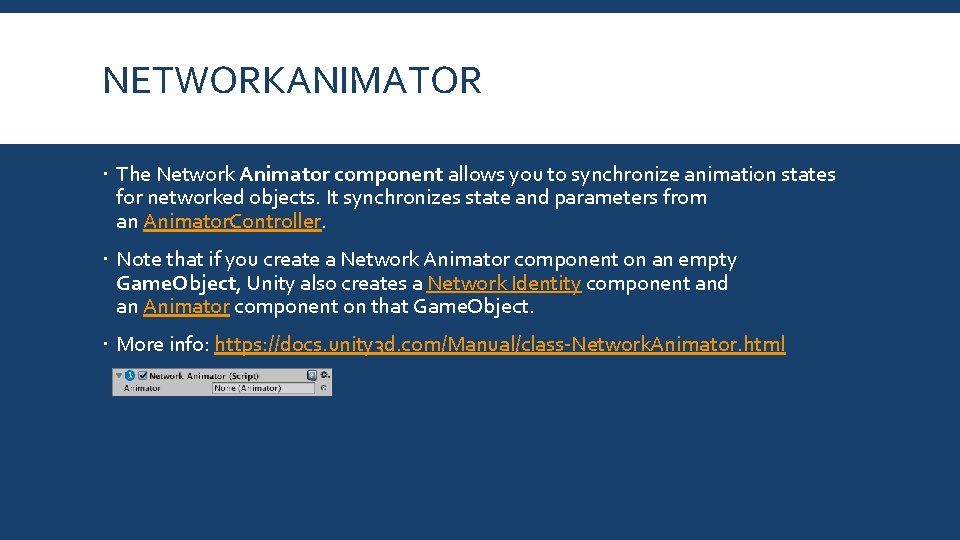
NETWORKANIMATOR The Network Animator component allows you to synchronize animation states for networked objects. It synchronizes state and parameters from an Animator. Controller. Note that if you create a Network Animator component on an empty Game. Object, Unity also creates a Network Identity component and an Animator component on that Game. Object. More info: https: //docs. unity 3 d. com/Manual/class-Network. Animator. html
[COMMAND] Commands are sent from player objects on the client to player objects on the server. For security, Commands can only be sent from YOUR player object, so you cannot control the objects of other players. To make a function into a command, add the [Command] custom attribute to it, and add the “Cmd” prefix. This function will now be run on the server when it is called on the client. Any arguments will automatically be passed to the server with the command. More info: https: //docs. unity 3 d. com/Manual/UNet. Actions. html
[CLIENTRPC] Client. Rpc calls are sent from objects on the server to objects on clients. They can be sent from any server object with a Network. Identity that has been spawned. Since the server has authority, then there no security issues with server objects being able to send these calls. To make a function into a Client. Rpc call, add the [Client. Rpc] custom attribute to it, and add the “Rpc” prefix. This function will now be run on clients when it is called on the server. Any arguments will automatically be passed to the clients with the Client. Rpc call. More info: https: //docs. unity 3 d. com/Manual/UNet. Actions. html
Q&A Do you have any questions related to the topics mentioned?