
Unit1 f o l a t n e

- Slides: 16
Unit-1 f o l a t n e m a d n Fu r e t u p m o c
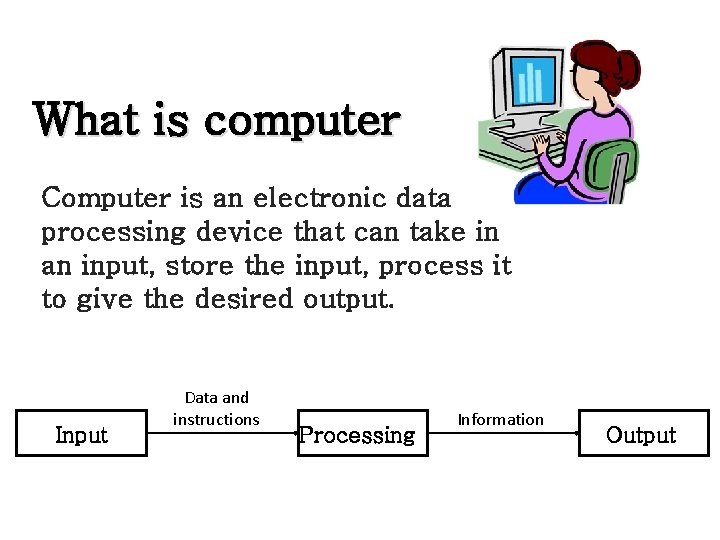
What is computer Computer is an electronic data processing device that can take in an input, store the input, process it to give the desired output. Input Data and instructions Processing Information Output
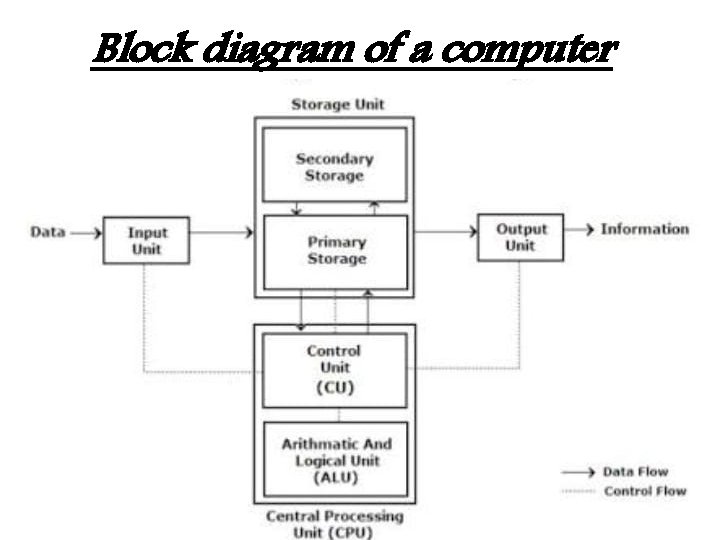
Block diagram of a computer
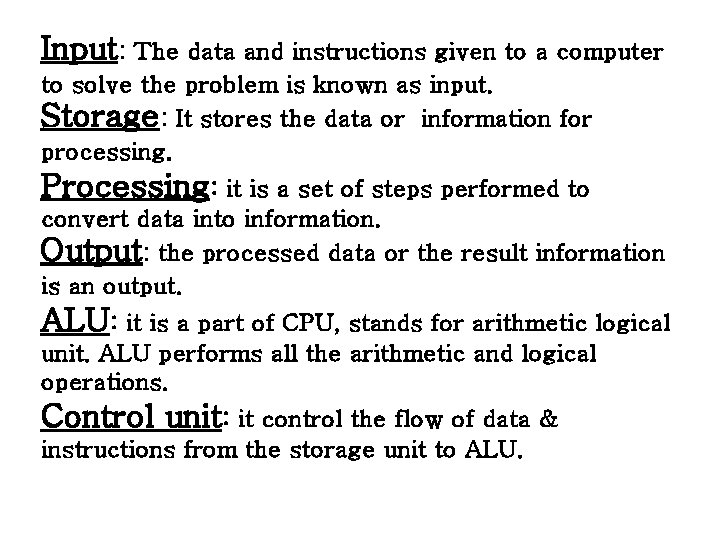
Input: The data and instructions given to a computer to solve the problem is known as input. Storage: It stores the data or information for processing. Processing: it is a set of steps performed to convert data into information. Output: the processed data or the result information is an output. ALU: it is a part of CPU, stands for arithmetic logical unit. ALU performs all the arithmetic and logical operations. Control unit: it control the flow of data & instructions from the storage unit to ALU.
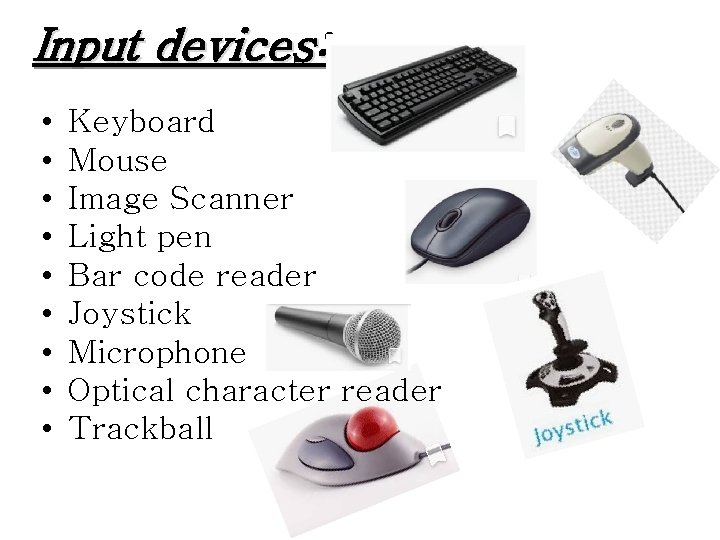
Input devices: • • • Keyboard Mouse Image Scanner Light pen Bar code reader Joystick Microphone Optical character reader Trackball
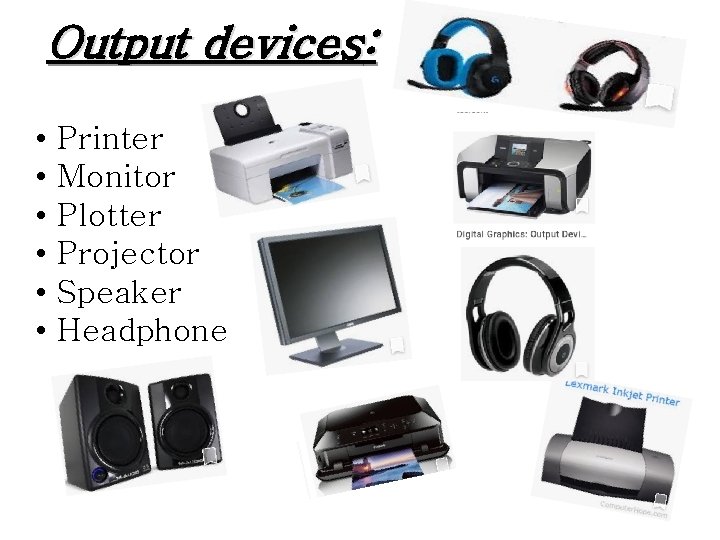
Output devices: • • • Printer Monitor Plotter Projector Speaker Headphone
1. Hardware: The physical component of the computer, for e. g. CPU, monitor mouse. 2. Software: The set of programs that governs operations of a computer system & made the hardware perform a desired task. For e. g. Window 7, MS-Excel, Auto. CAD. 3. Memory: it stores information temporarily or permanently. • • Primary memory Secondary memory 4. Cache memory: it act as an interface between the main memory and the processor.
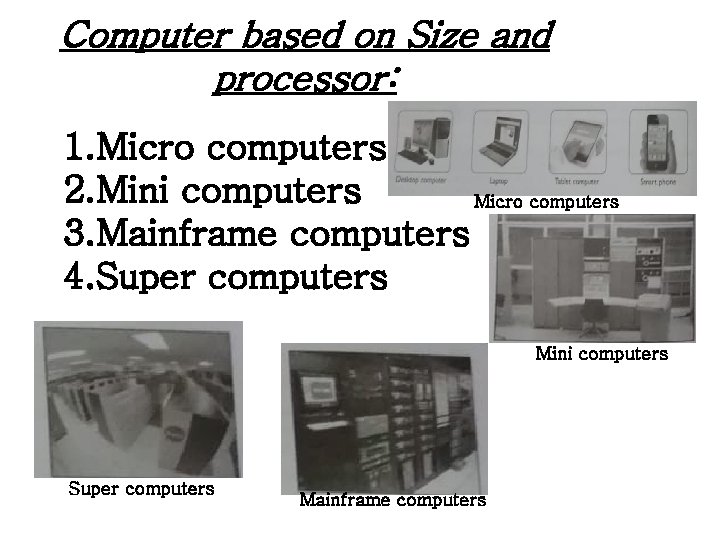
Computer based on Size and processor: 1. Micro computers 2. Mini computers Micro computers 3. Mainframe computers 4. Super computers Mini computers Super computers Mainframe computers
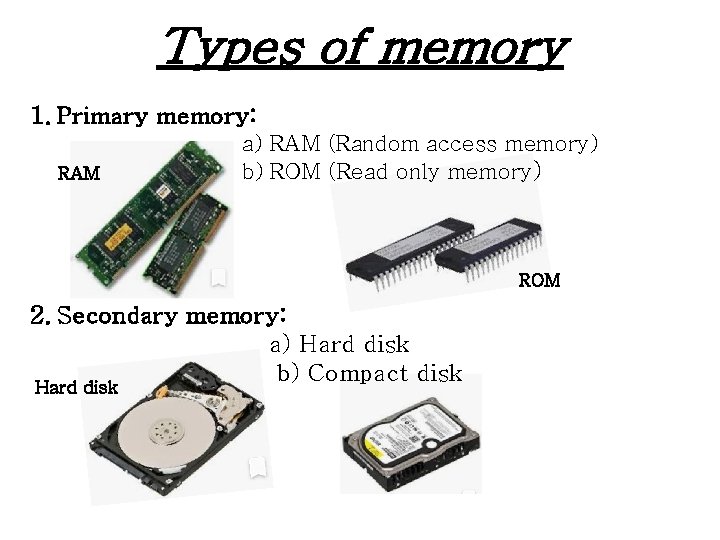
Types of memory 1. Primary memory: RAM a) RAM (Random access memory) b) ROM (Read only memory) ROM 2. Secondary memory: a) Hard disk b) Compact disk Hard disk
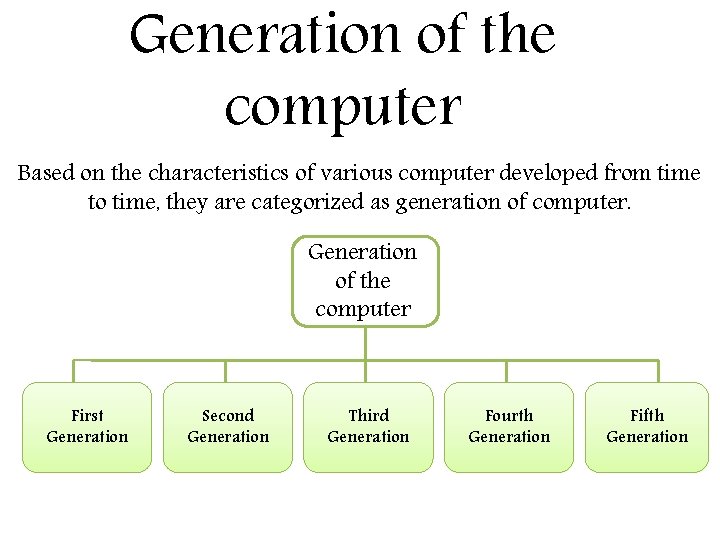
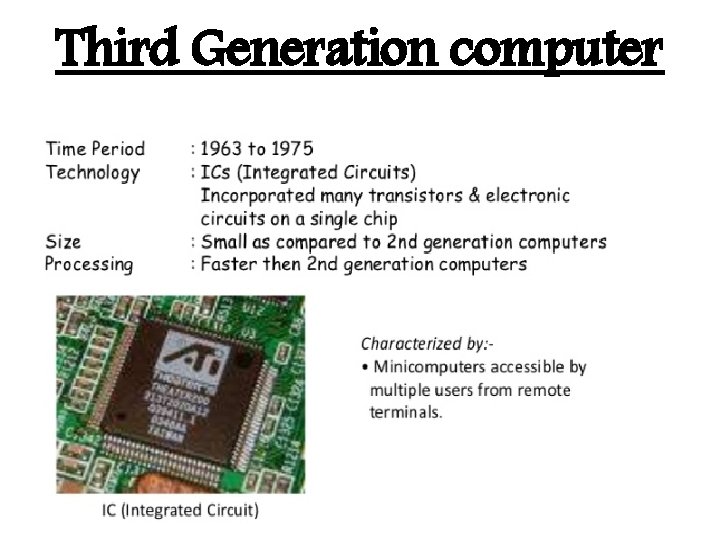
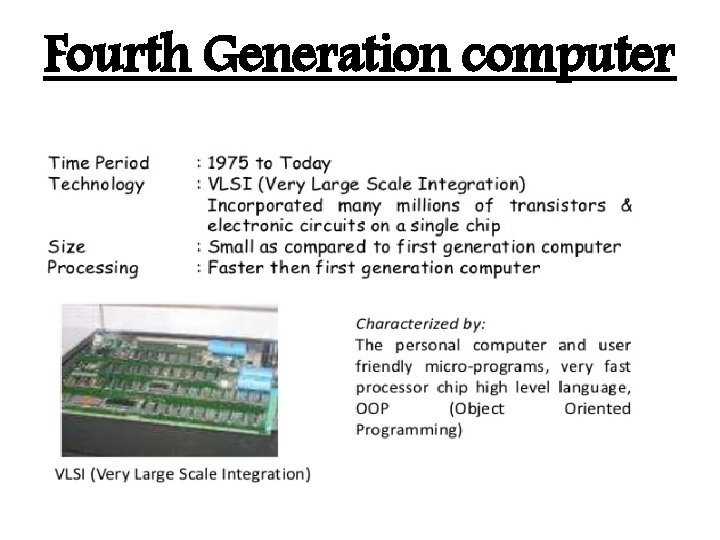
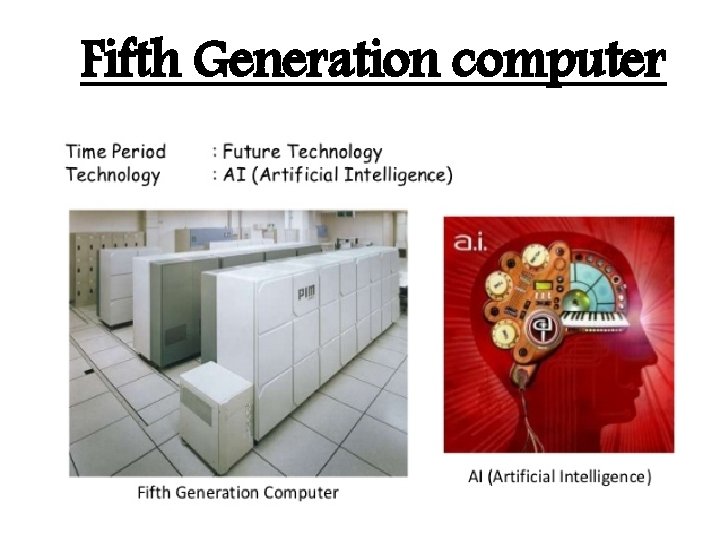
Generation of the computer Based on the characteristics of various computer developed from time to time, they are categorized as generation of computer. Generation of the computer First Generation Second Generation Third Generation Fourth Generation Fifth Generation
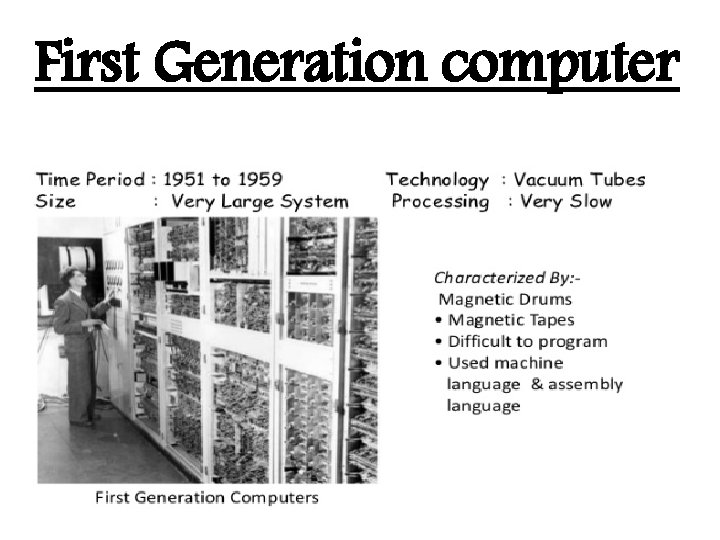
First Generation computer
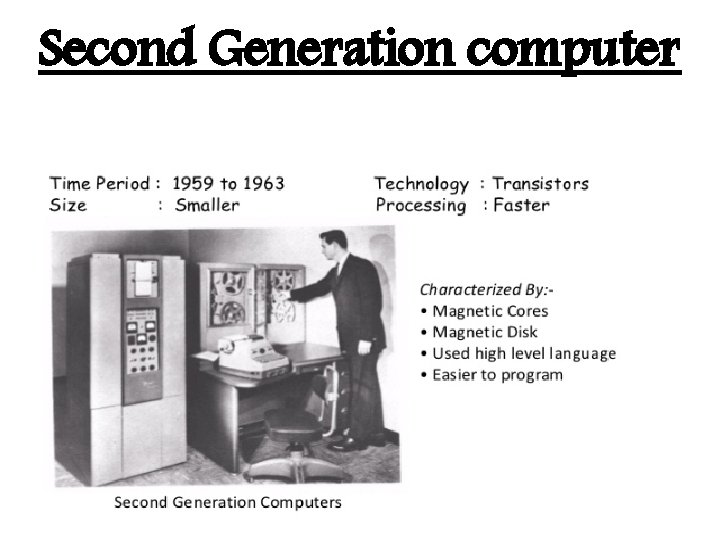
Second Generation computer
Third Generation computer
Fourth Generation computer
Fifth Generation computer