
Unit Testing Continuous Integration PYUNIT AND JENKINS FRAMEWORK

- Slides: 16
Unit Testing Continuous Integration PYUNIT AND JENKINS FRAMEWORK Presenter Rachita Agasthy
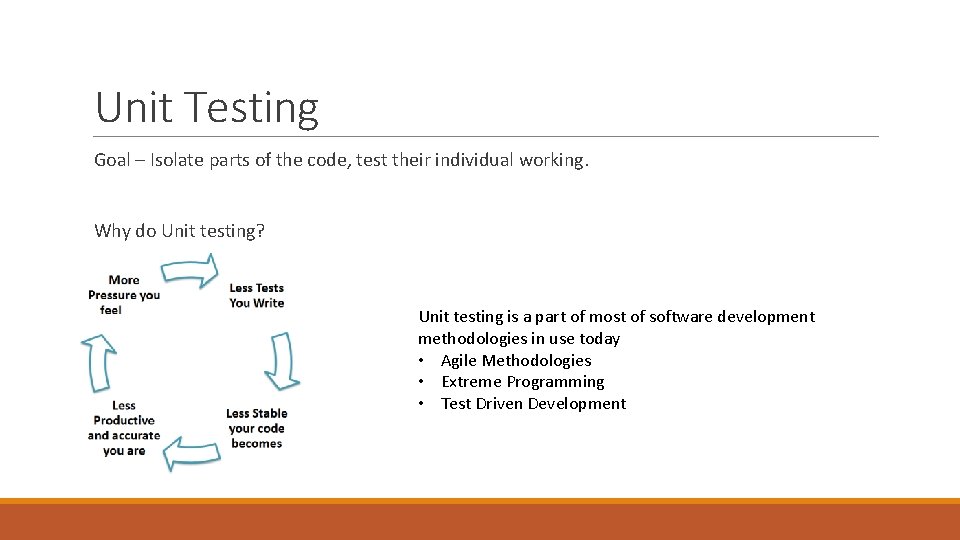
Unit Testing Goal – Isolate parts of the code, test their individual working. Why do Unit testing? Unit testing is a part of most of software development methodologies in use today • Agile Methodologies • Extreme Programming • Test Driven Development
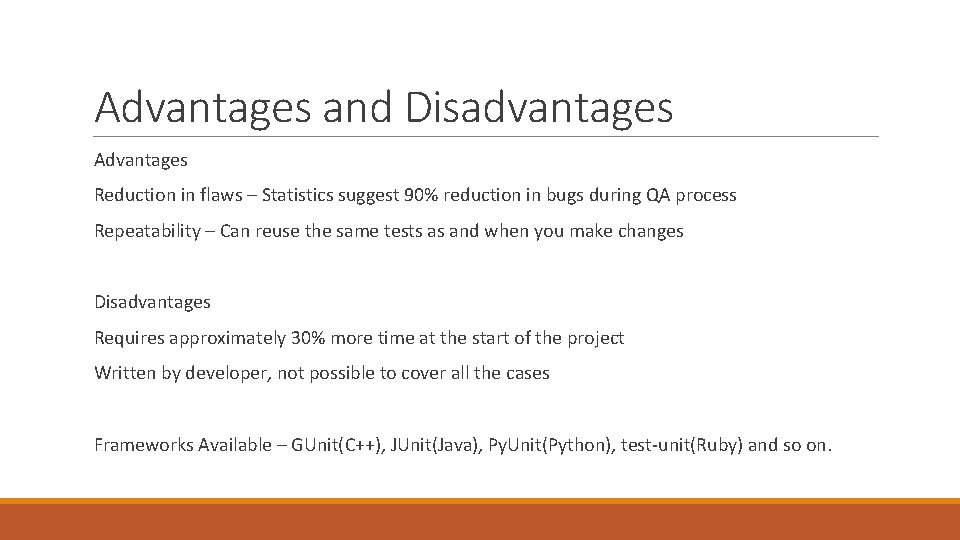
Advantages and Disadvantages Advantages Reduction in flaws – Statistics suggest 90% reduction in bugs during QA process Repeatability – Can reuse the same tests as and when you make changes Disadvantages Requires approximately 30% more time at the start of the project Written by developer, not possible to cover all the cases Frameworks Available – GUnit(C++), JUnit(Java), Py. Unit(Python), test-unit(Ruby) and so on.
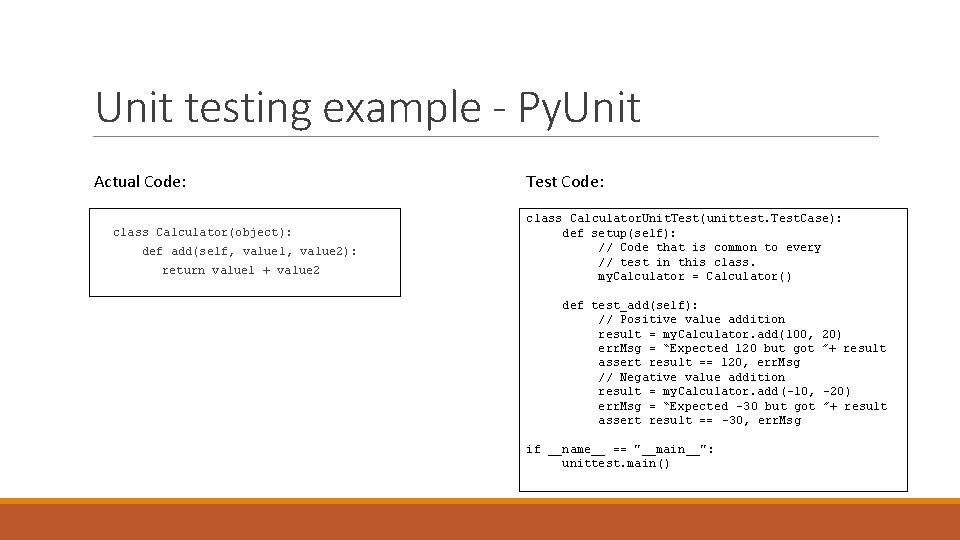
Unit testing example - Py. Unit Actual Code: class Calculator(object): def add(self, value 1, value 2): return value 1 + value 2 Test Code: class Calculator. Unit. Test(unittest. Test. Case): def setup(self): // Code that is common to every // test in this class. my. Calculator = Calculator() def test_add(self): // Positive value addition result = my. Calculator. add(100, err. Msg = “Expected 120 but got assert result == 120, err. Msg // Negative value addition result = my. Calculator. add (-10, err. Msg = “Expected -30 but got assert result == -30, err. Msg if __name__ == "__main__": unittest. main() 20) ”+ result -20) ”+ result
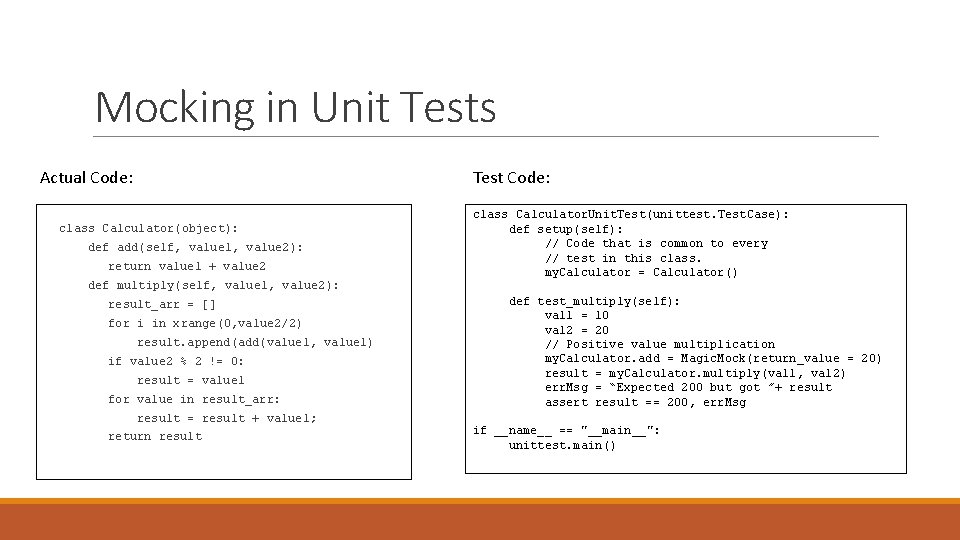
Mocking in Unit Tests Actual Code: Test Code: class Calculator(object): def add(self, value 1, value 2): return value 1 + value 2 def multiply(self, value 1, value 2): result_arr = [] for i in xrange(0, value 2/2) result. append(add(value 1, value 1) if value 2 % 2 != 0: result = value 1 for value in result_arr: result = result + value 1; return result class Calculator. Unit. Test(unittest. Test. Case): def setup(self): // Code that is common to every // test in this class. my. Calculator = Calculator() def test_multiply(self): val 1 = 10 val 2 = 20 // Positive value multiplication my. Calculator. add = Magic. Mock(return_value = 20) result = my. Calculator. multiply(val 1, val 2) err. Msg = “Expected 200 but got ”+ result assert result == 200, err. Msg if __name__ == "__main__": unittest. main()
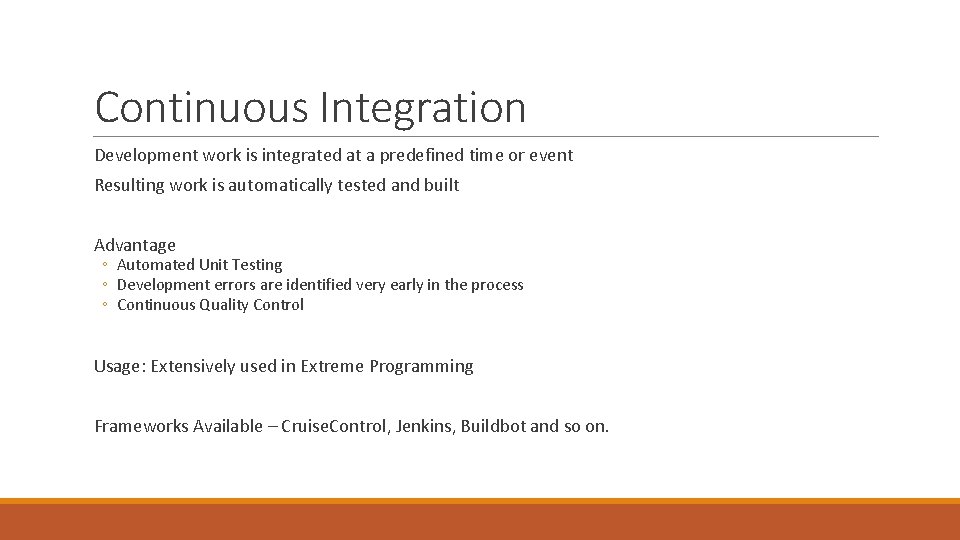
Continuous Integration Development work is integrated at a predefined time or event Resulting work is automatically tested and built Advantage ◦ Automated Unit Testing ◦ Development errors are identified very early in the process ◦ Continuous Quality Control Usage: Extensively used in Extreme Programming Frameworks Available – Cruise. Control, Jenkins, Buildbot and so on.
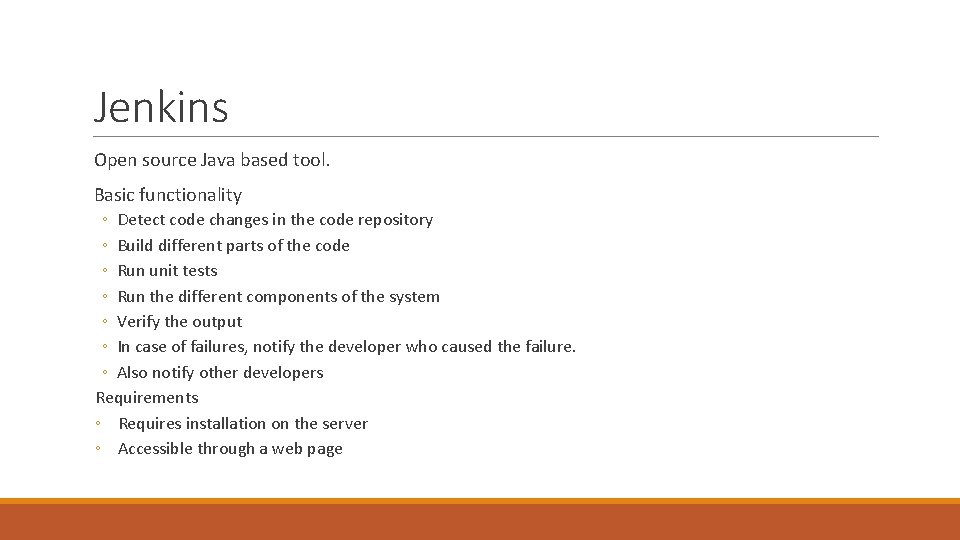
Jenkins Open source Java based tool. Basic functionality ◦ Detect code changes in the code repository ◦ Build different parts of the code ◦ Run unit tests ◦ Run the different components of the system ◦ Verify the output ◦ In case of failures, notify the developer who caused the failure. ◦ Also notify other developers Requirements ◦ Requires installation on the server ◦ Accessible through a web page
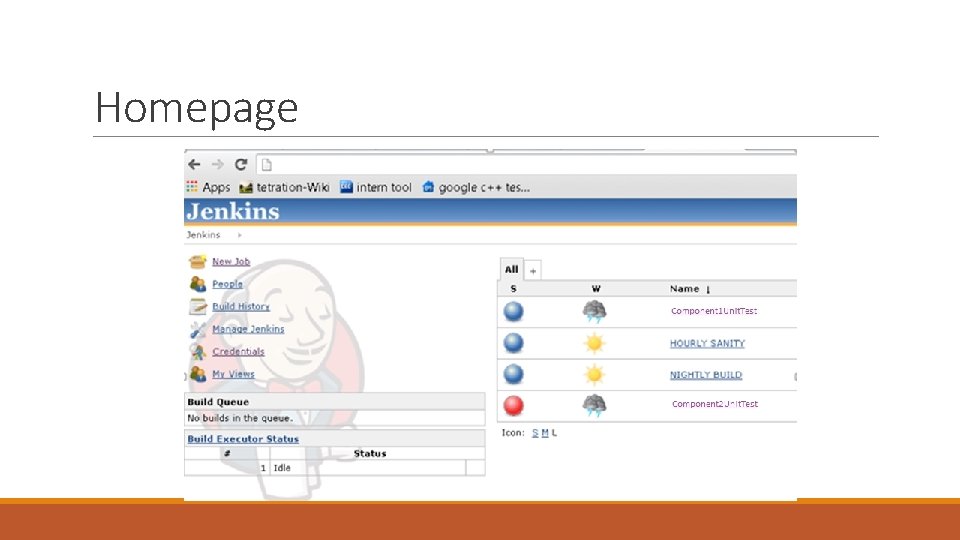
Homepage
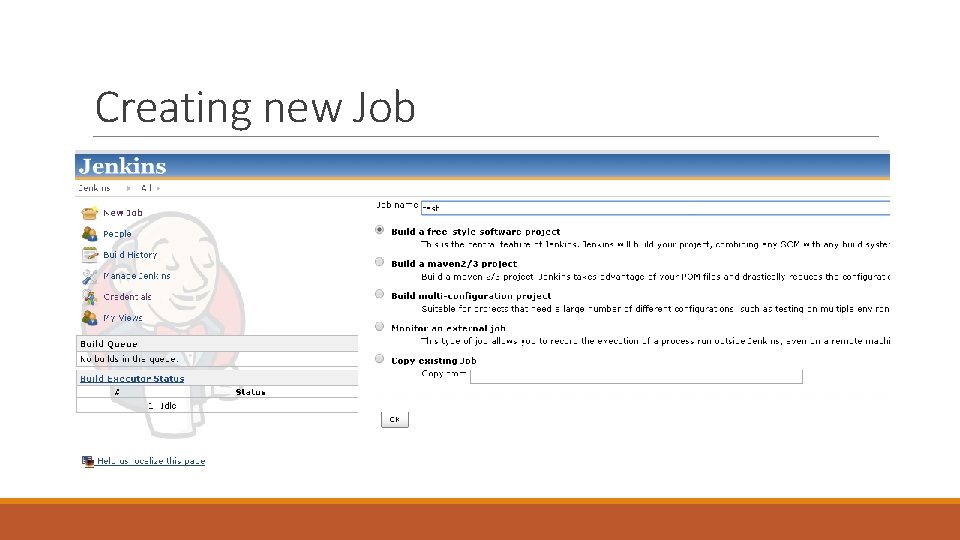
Creating new Job
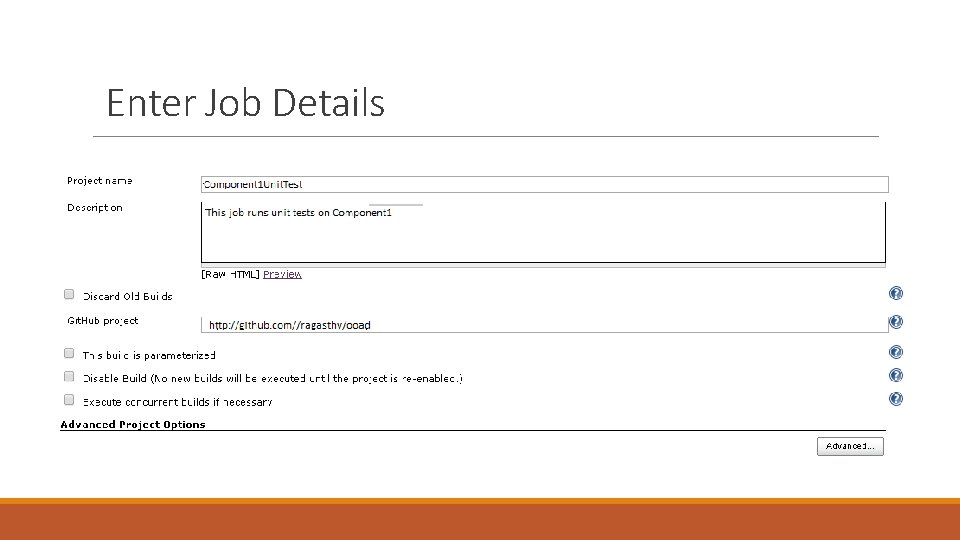
Enter Job Details
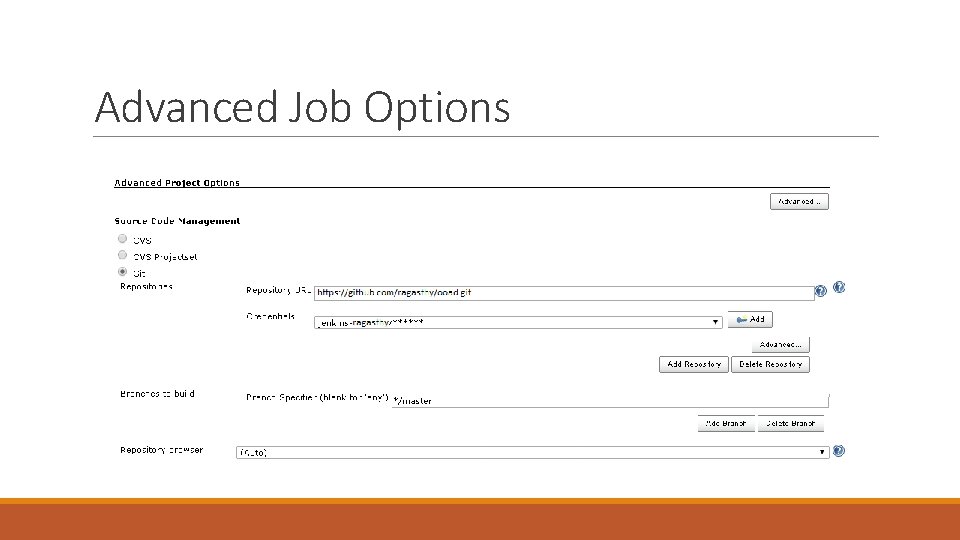
Advanced Job Options
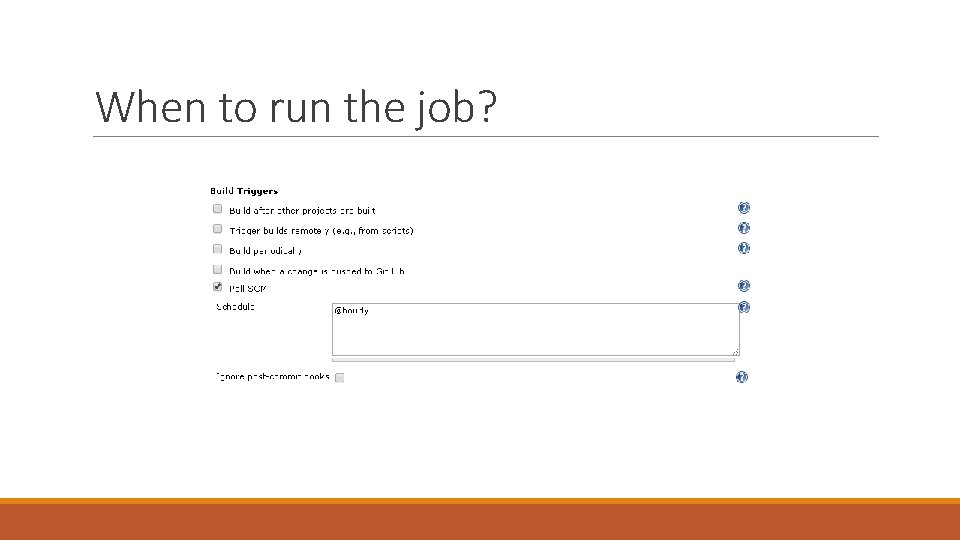
When to run the job?
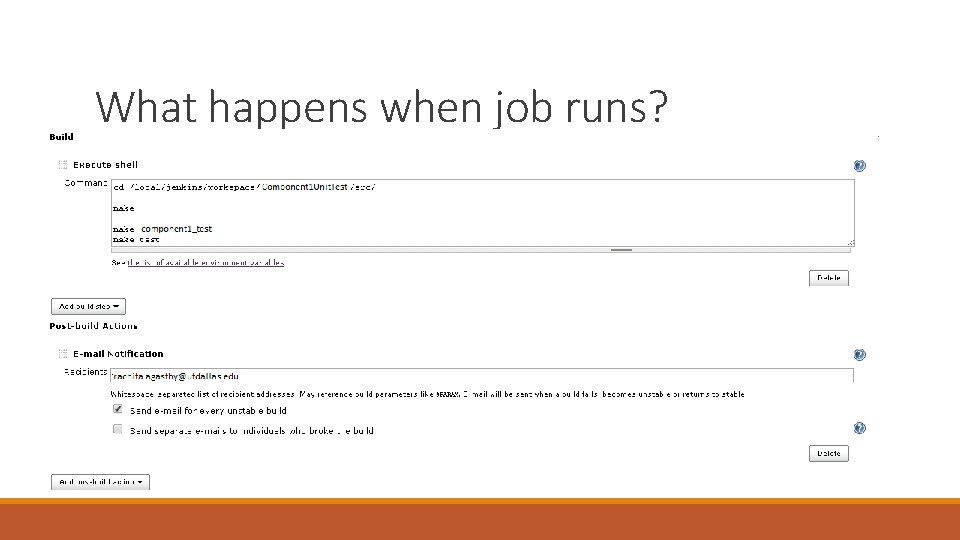
What happens when job runs?
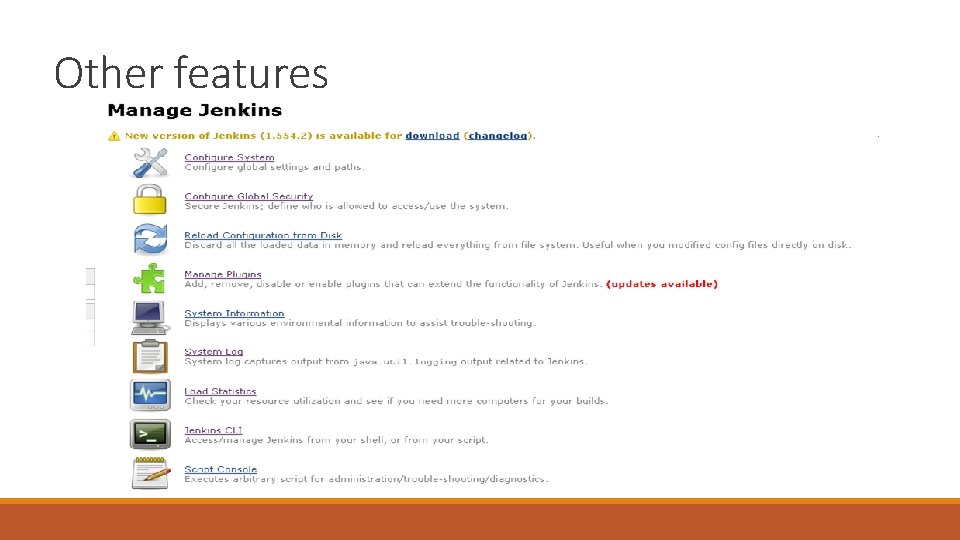
Other features ◦ Managing Jenkins
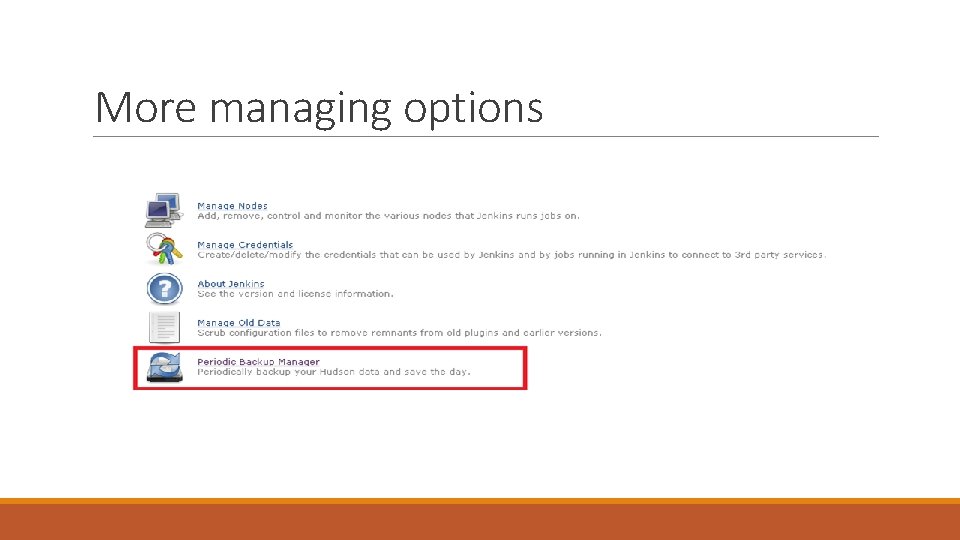
More managing options
Thank you!