
Unit 8 Storage devices Map of the Unit

- Slides: 25
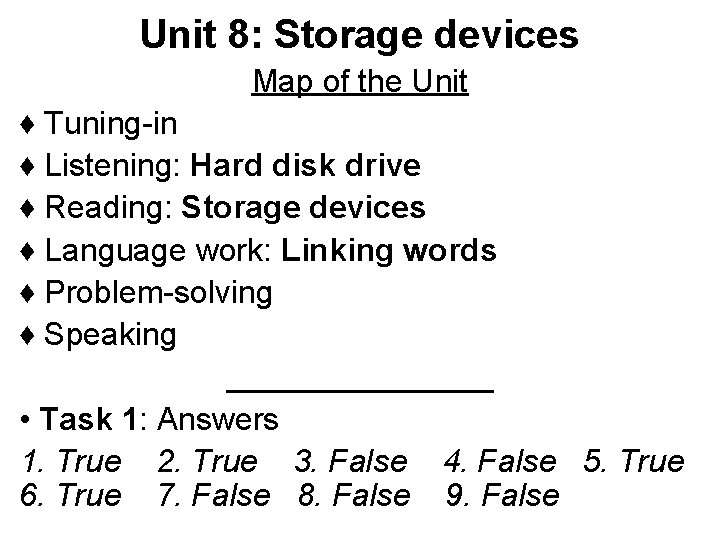
Unit 8: Storage devices Map of the Unit ♦ Tuning-in ♦ Listening: Hard disk drive ♦ Reading: Storage devices ♦ Language work: Linking words ♦ Problem-solving ♦ Speaking ________ • Task 1: Answers 1. True 2. True 3. False 4. False 5. True 6. True 7. False 8. False 9. False
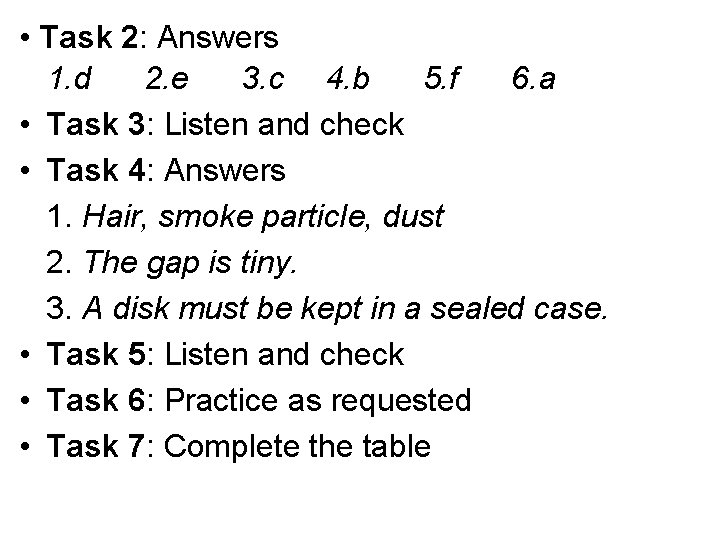
• Task 2: Answers 1. d 2. e 3. c 4. b 5. f 6. a • Task 3: Listen and check • Task 4: Answers 1. Hair, smoke particle, dust 2. The gap is tiny. 3. A disk must be kept in a sealed case. • Task 5: Listen and check • Task 6: Practice as requested • Task 7: Complete the table
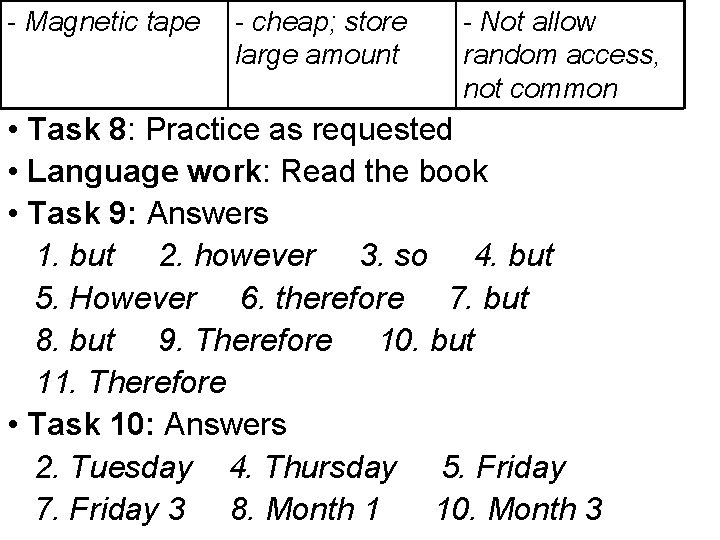
Medium -Floppy disk Advantages -Carry data from place to place; cheap fast, greater -Fixed hard disk storage - fast, high -Removable hard capacity disk - common; - CD-ROM disk removable; cheap -Magneto-optical - can write data disk on; removable; large capacity, last for long time Disadvantages -slow; limited capacity -Fixed inside, not for transfer data -expensive, not common - read-only; not change information, slow - expensive; not common
- Magnetic tape - cheap; store large amount - Not allow random access, not common • Task 8: Practice as requested • Language work: Read the book • Task 9: Answers 1. but 2. however 3. so 4. but 5. However 6. therefore 7. but 8. but 9. Therefore 10. but 11. Therefore • Task 10: Answers 2. Tuesday 4. Thursday 5. Friday 7. Friday 3 8. Month 1 10. Month 3
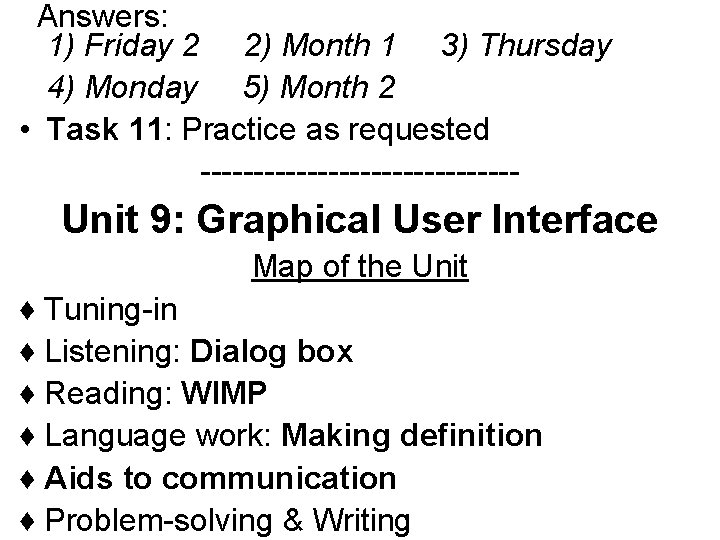
Answers: 1) Friday 2 2) Month 1 3) Thursday 4) Monday 5) Month 2 • Task 11: Practice as requested --------------- Unit 9: Graphical User Interface Map of the Unit ♦ Tuning-in ♦ Listening: Dialog box ♦ Reading: WIMP ♦ Language work: Making definition ♦ Aids to communication ♦ Problem-solving & Writing
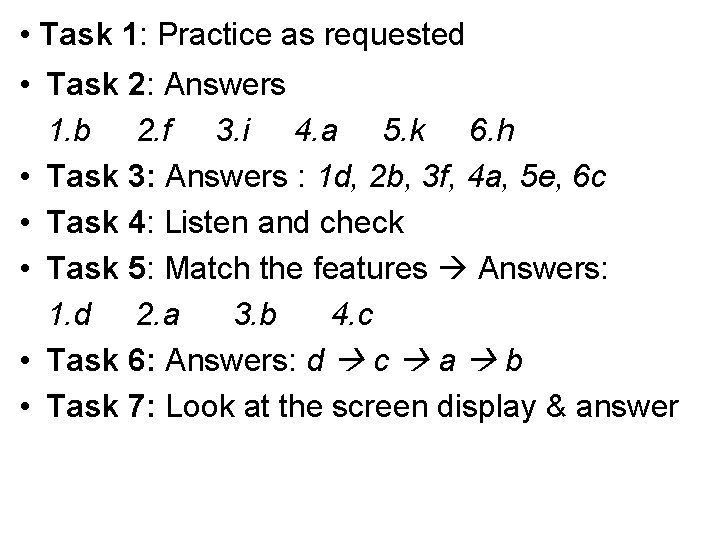
• Task 1: Practice as requested • Task 2: Answers 1. b 2. f 3. i 4. a 5. k 6. h • Task 3: Answers : 1 d, 2 b, 3 f, 4 a, 5 e, 6 c • Task 4: Listen and check • Task 5: Match the features Answers: 1. d 2. a 3. b 4. c • Task 6: Answers: d c a b • Task 7: Look at the screen display & answer
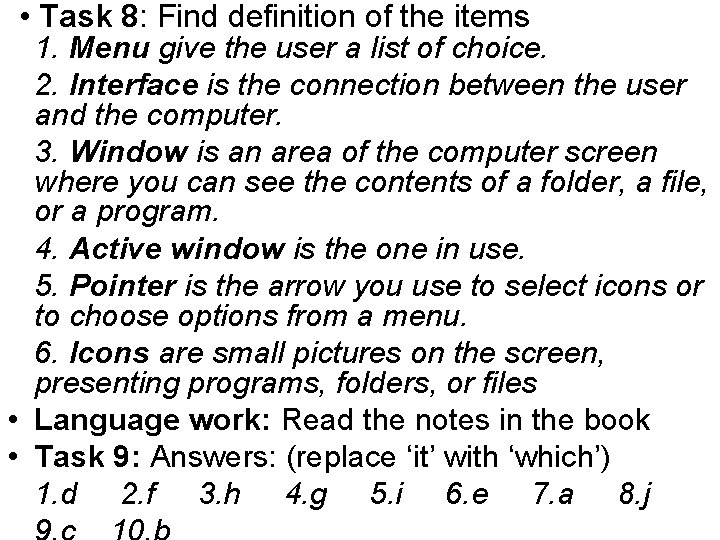
• Task 8: Find definition of the items 1. Menu give the user a list of choice. 2. Interface is the connection between the user and the computer. 3. Window is an area of the computer screen where you can see the contents of a folder, a file, or a program. 4. Active window is the one in use. 5. Pointer is the arrow you use to select icons or to choose options from a menu. 6. Icons are small pictures on the screen, presenting programs, folders, or files • Language work: Read the notes in the book • Task 9: Answers: (replace ‘it’ with ‘which’) 1. d 2. f 3. h 4. g 5. i 6. e 7. a 8. j
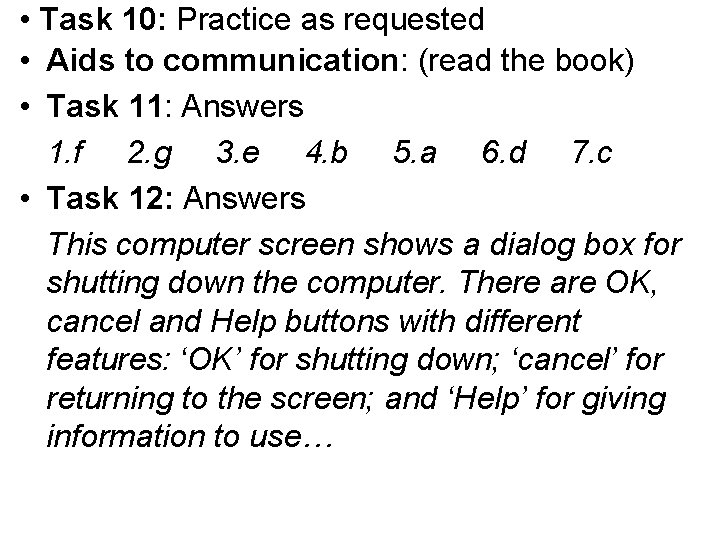
• Task 10: Practice as requested • Aids to communication: (read the book) • Task 11: Answers 1. f 2. g 3. e 4. b 5. a 6. d 7. c • Task 12: Answers This computer screen shows a dialog box for shutting down the computer. There are OK, cancel and Help buttons with different features: ‘OK’ for shutting down; ‘cancel’ for returning to the screen; and ‘Help’ for giving information to use…
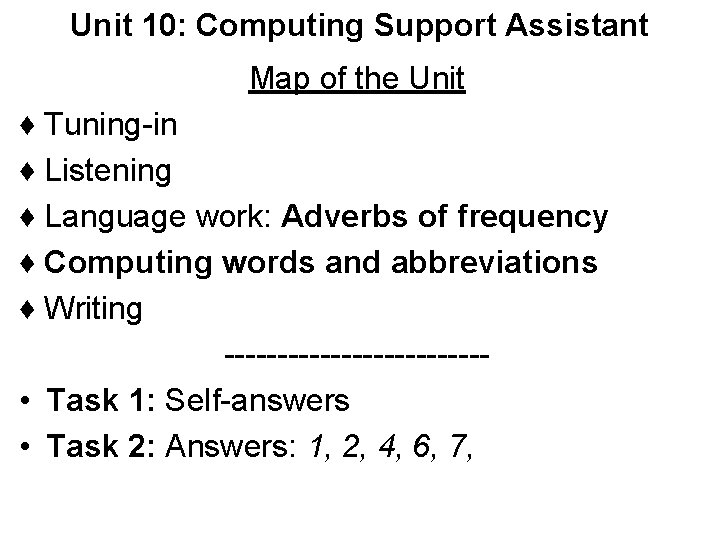
Unit 10: Computing Support Assistant Map of the Unit ♦ Tuning-in ♦ Listening ♦ Language work: Adverbs of frequency ♦ Computing words and abbreviations ♦ Writing ------------ • Task 1: Self-answers • Task 2: Answers: 1, 2, 4, 6, 7,
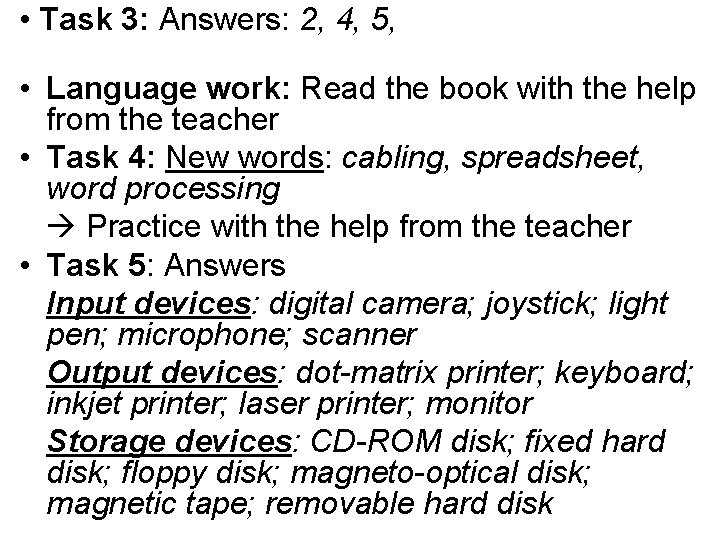
• Task 3: Answers: 2, 4, 5, • Language work: Read the book with the help from the teacher • Task 4: New words: cabling, spreadsheet, word processing Practice with the help from the teacher • Task 5: Answers Input devices: digital camera; joystick; light pen; microphone; scanner Output devices: dot-matrix printer; keyboard; inkjet printer; laser printer; monitor Storage devices: CD-ROM disk; fixed hard disk; floppy disk; magneto-optical disk; magnetic tape; removable hard disk
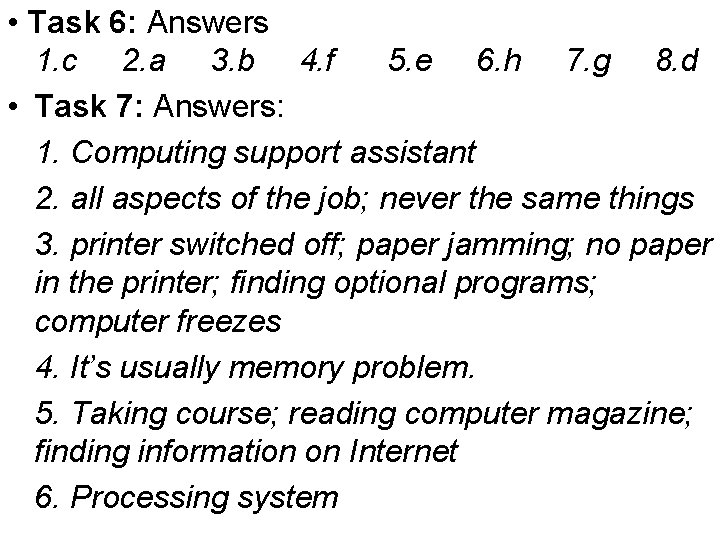
• Task 6: Answers 1. c 2. a 3. b 4. f 5. e 6. h 7. g 8. d • Task 7: Answers: 1. Computing support assistant 2. all aspects of the job; never the same things 3. printer switched off; paper jamming; no paper in the printer; finding optional programs; computer freezes 4. It’s usually memory problem. 5. Taking course; reading computer magazine; finding information on Internet 6. Processing system
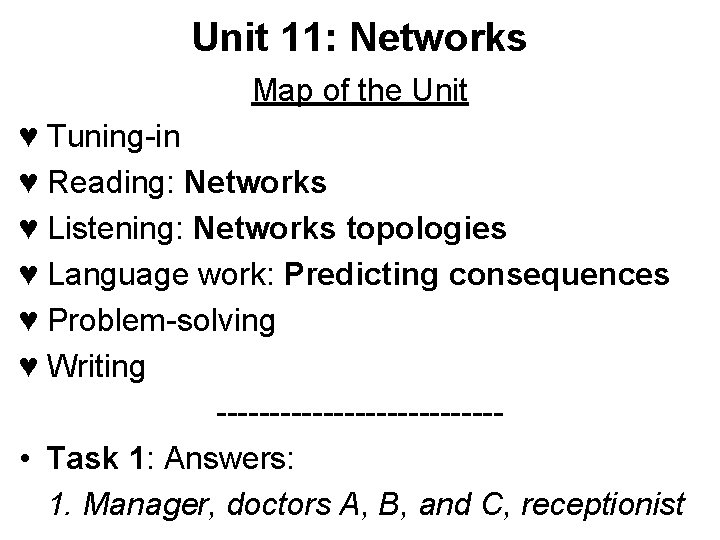
Unit 11: Networks Map of the Unit ♥ Tuning-in ♥ Reading: Networks ♥ Listening: Networks topologies ♥ Language work: Predicting consequences ♥ Problem-solving ♥ Writing ------------- • Task 1: Answers: 1. Manager, doctors A, B, and C, receptionist
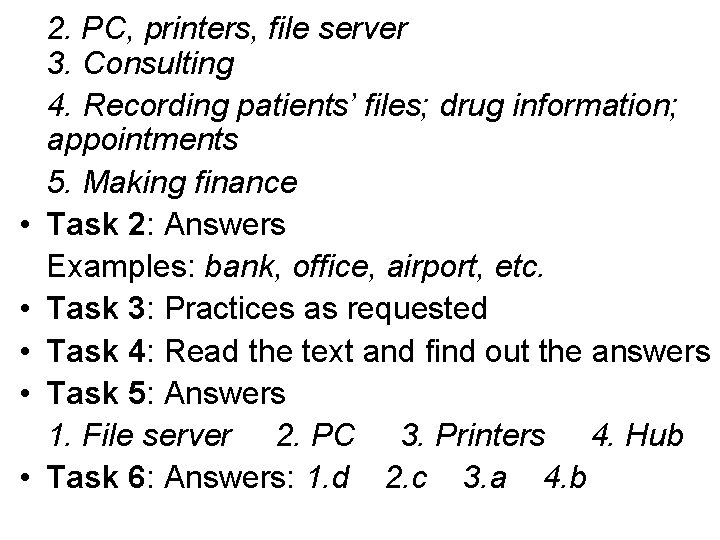
• • • 2. PC, printers, file server 3. Consulting 4. Recording patients’ files; drug information; appointments 5. Making finance Task 2: Answers Examples: bank, office, airport, etc. Task 3: Practices as requested Task 4: Read the text and find out the answers Task 5: Answers 1. File server 2. PC 3. Printers 4. Hub Task 6: Answers: 1. d 2. c 3. a 4. b
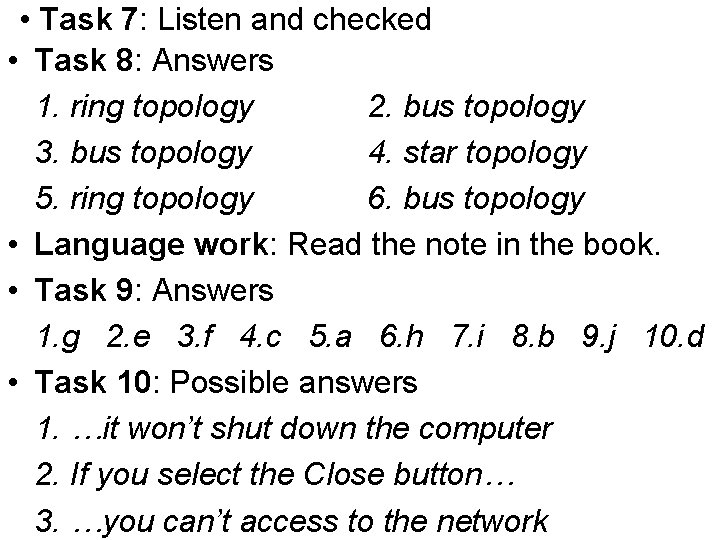
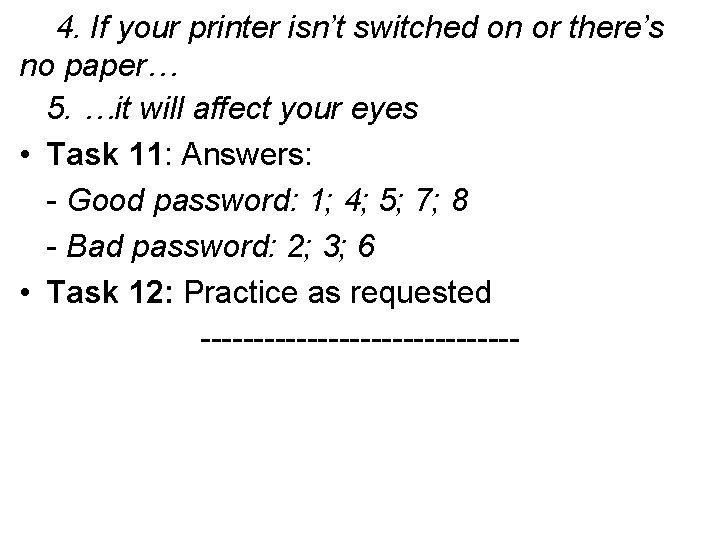
• Task 7: Listen and checked • Task 8: Answers 1. ring topology 2. bus topology 3. bus topology 4. star topology 5. ring topology 6. bus topology • Language work: Read the note in the book. • Task 9: Answers 1. g 2. e 3. f 4. c 5. a 6. h 7. i 8. b 9. j 10. d • Task 10: Possible answers 1. …it won’t shut down the computer 2. If you select the Close button… 3. …you can’t access to the network
4. If your printer isn’t switched on or there’s no paper… 5. …it will affect your eyes • Task 11: Answers: - Good password: 1; 4; 5; 7; 8 - Bad password: 2; 3; 6 • Task 12: Practice as requested ---------------
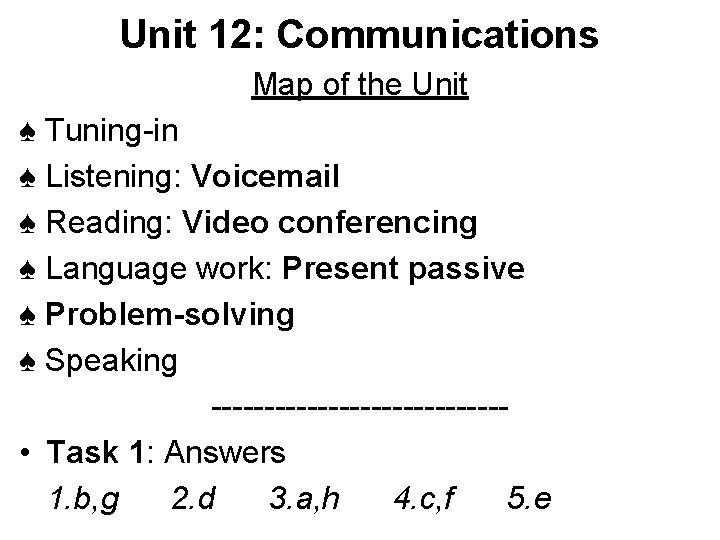
Unit 12: Communications Map of the Unit ♠ Tuning-in ♠ Listening: Voicemail ♠ Reading: Video conferencing ♠ Language work: Present passive ♠ Problem-solving ♠ Speaking -------------- • Task 1: Answers 1. b, g 2. d 3. a, h 4. c, f 5. e
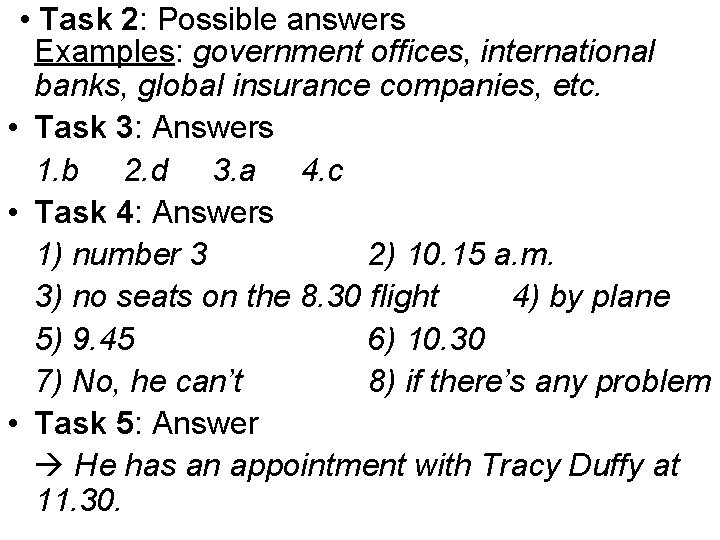
• Task 2: Possible answers Examples: government offices, international banks, global insurance companies, etc. • Task 3: Answers 1. b 2. d 3. a 4. c • Task 4: Answers 1) number 3 2) 10. 15 a. m. 3) no seats on the 8. 30 flight 4) by plane 5) 9. 45 6) 10. 30 7) No, he can’t 8) if there’s any problem • Task 5: Answer He has an appointment with Tracy Duffy at 11. 30.
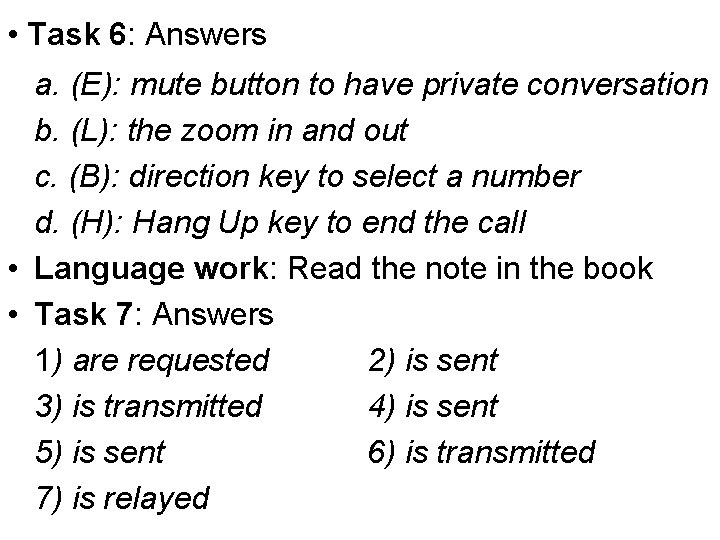
• Task 6: Answers a. (E): mute button to have private conversation b. (L): the zoom in and out c. (B): direction key to select a number d. (H): Hang Up key to end the call • Language work: Read the note in the book • Task 7: Answers 1) are requested 2) is sent 3) is transmitted 4) is sent 5) is sent 6) is transmitted 7) is relayed
• Task 8: Self-practice • Task 9: Video conferencing • Task 10: Practice as requested -------------- Unit 13: The Internet 1: Email and newsgroups Map of the Unit ♣ Tuning-in ♣ Listening: Email ♣ Reading: Newsgroups ♣ Language work: Past simple & Past continuous ♣ Problem-solving / ♣ Writing
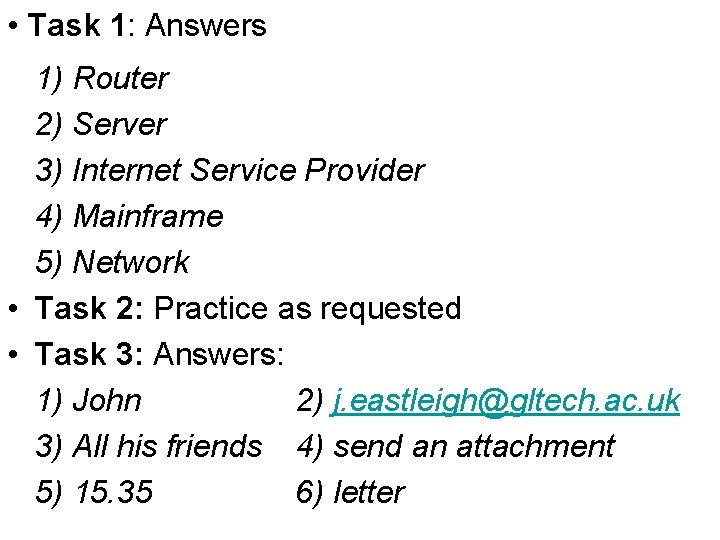
• Task 1: Answers 1) Router 2) Server 3) Internet Service Provider 4) Mainframe 5) Network • Task 2: Practice as requested • Task 3: Answers: 1) John 2) j. eastleigh@gltech. ac. uk 3) All his friends 4) send an attachment 5) 15. 35 6) letter
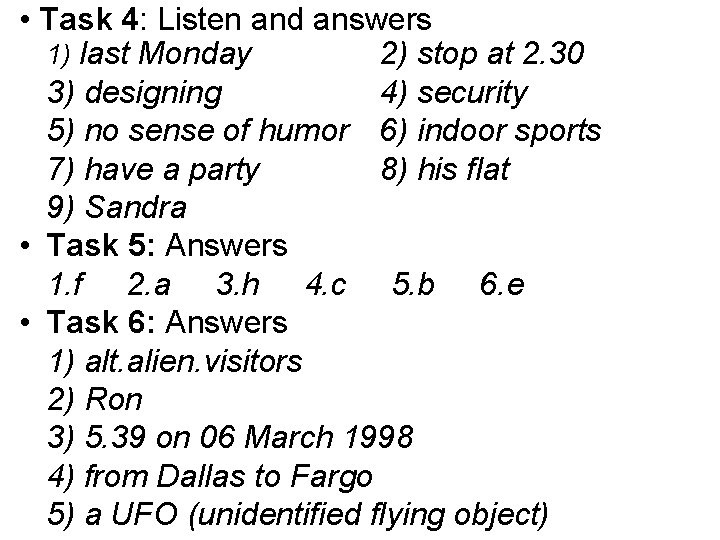
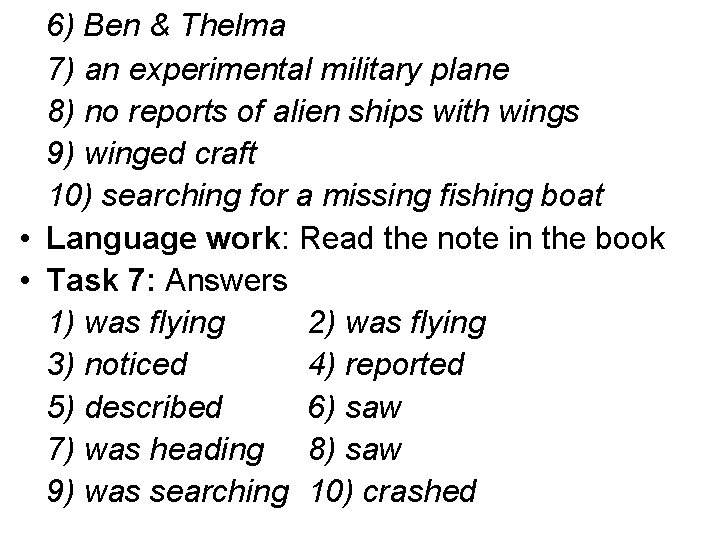
• Task 4: Listen and answers 1) last Monday 2) stop at 2. 30 3) designing 4) security 5) no sense of humor 6) indoor sports 7) have a party 8) his flat 9) Sandra • Task 5: Answers 1. f 2. a 3. h 4. c 5. b 6. e • Task 6: Answers 1) alt. alien. visitors 2) Ron 3) 5. 39 on 06 March 1998 4) from Dallas to Fargo 5) a UFO (unidentified flying object)
6) Ben & Thelma 7) an experimental military plane 8) no reports of alien ships with wings 9) winged craft 10) searching for a missing fishing boat • Language work: Read the note in the book • Task 7: Answers 1) was flying 2) was flying 3) noticed 4) reported 5) described 6) saw 7) was heading 8) saw 9) was searching 10) crashed
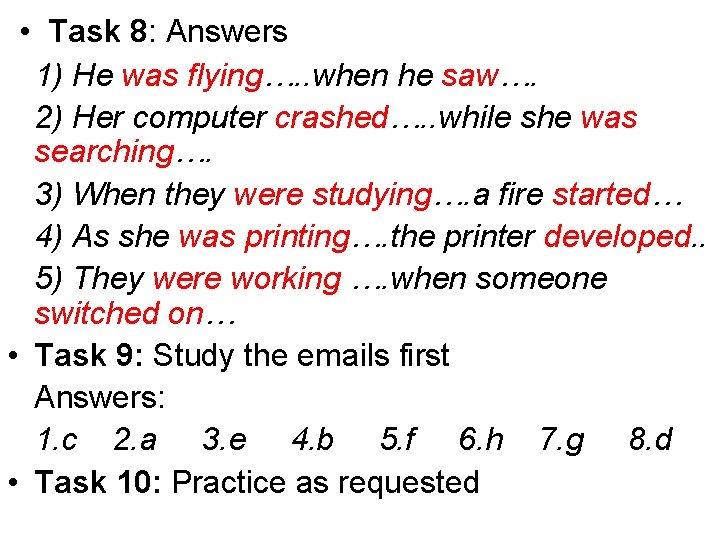
• Task 8: Answers 1) He was flying…. . when he saw…. 2) Her computer crashed…. . while she was searching…. 3) When they were studying…. a fire started… 4) As she was printing…. the printer developed. . 5) They were working …. when someone switched on… • Task 9: Study the emails first Answers: 1. c 2. a 3. e 4. b 5. f 6. h 7. g 8. d • Task 10: Practice as requested
Unit 14: The Internet 2: the World Wide Web Map of the Unit ♥ Tuning-in ♥ Reading: Web. Pages ♥ Listening: Browser ♥ Language work: -ing forms ♥ Problem-solving ♥ Writing -----------------
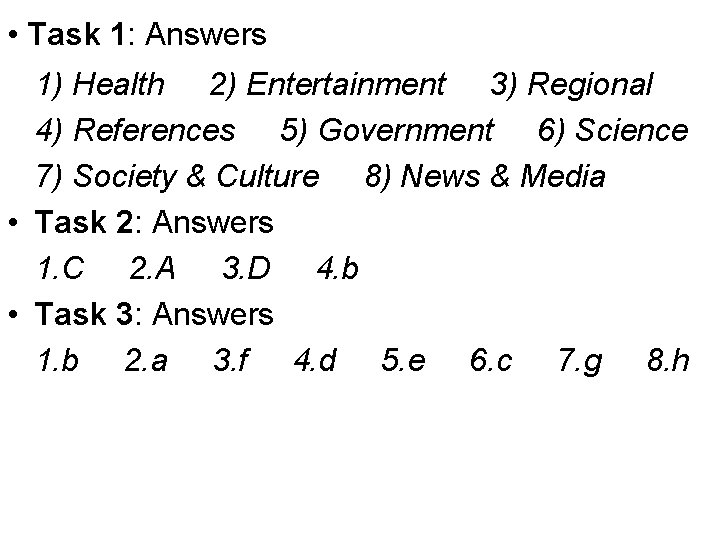
• Task 1: Answers 1) Health 2) Entertainment 3) Regional 4) References 5) Government 6) Science 7) Society & Culture 8) News & Media • Task 2: Answers 1. C 2. A 3. D 4. b • Task 3: Answers 1. b 2. a 3. f 4. d 5. e 6. c 7. g 8. h