
Unit 8 Mobile App Development Task 1 By
Unit 8 Mobile App Development - Task 1 By Ryan Eyres
Introduction During this task, I will be analysing and talking about two different mobile applications. I will show the uses, features and purposes of both these applications, and I will talk about their cost, the OS they are being used on and the programming language that they were made on. I will also be reviewing their themes, colour schemes etc.
Gmail • Features You can view your emails that have been sent to you, and can send replies or send emails to different people. You are able to view attachments that are sent to you by people, and it warns you if they could be dangerous. You are able to have multiple accounts logged in at once, and able to search for emails with certain subject names or from certain senders. • Purpose The purpose of this app is to be able to view and send emails from your Gmail account with ease. It means that you do not have to go through the hassle of going onto an internet browser and searching for Gmail and logging in, if you go to the app it will be auto logged in and you can view your emails more or less instantly.
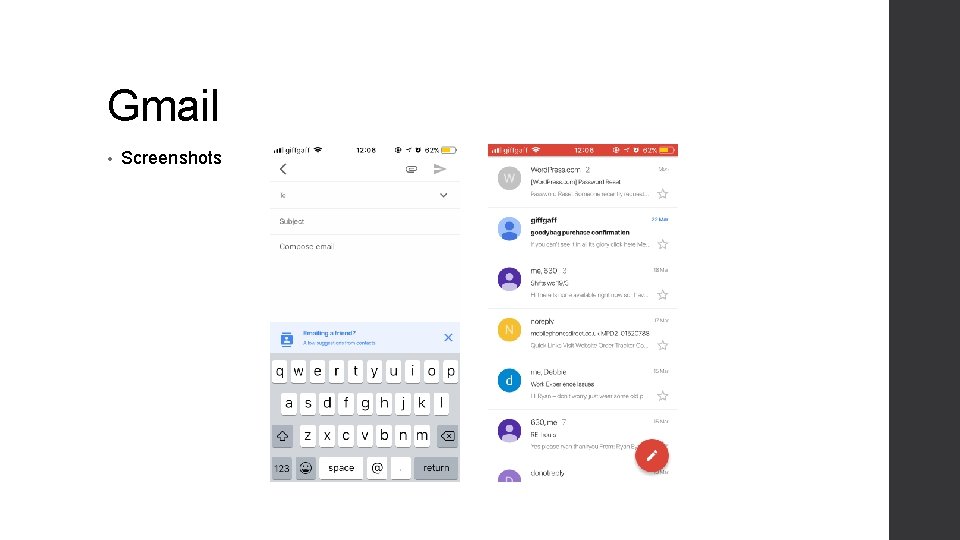
Gmail • Screenshots
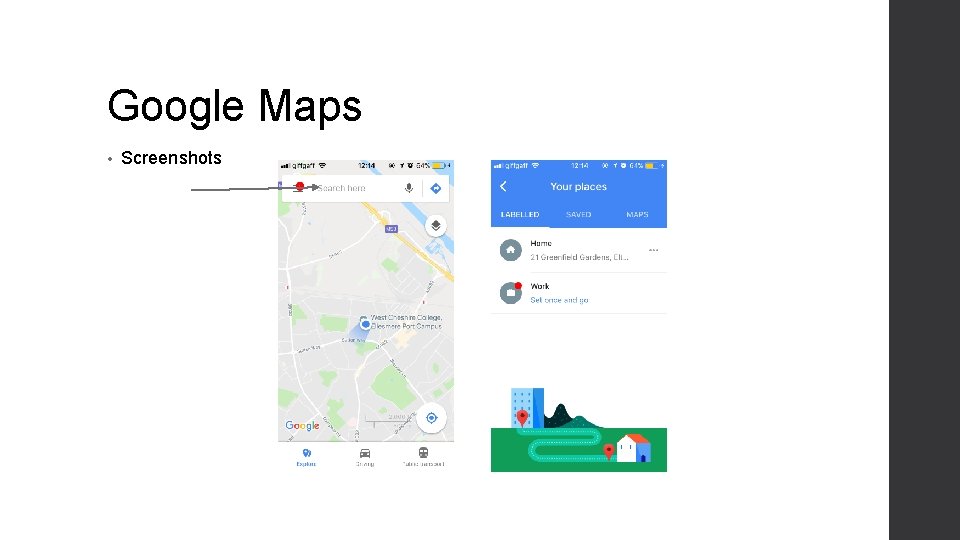
Google Maps • Features With Google Maps, you can use your phone location to see where you are at the moment. You can search for places anywhere on the planet, and you can set directions to where you want to go. You can also view public transport to places, fare prices, and how long they take to get there. • Purpose It’s to get you from one location to the other in the fastest time possible for your mode of transport.
Google Maps • Screenshots
- Slides: 6