
Unit 7 Introducing Music Sequencing Grading Criteria PASS
- Slides: 6
Unit 7 Introducing Music Sequencing
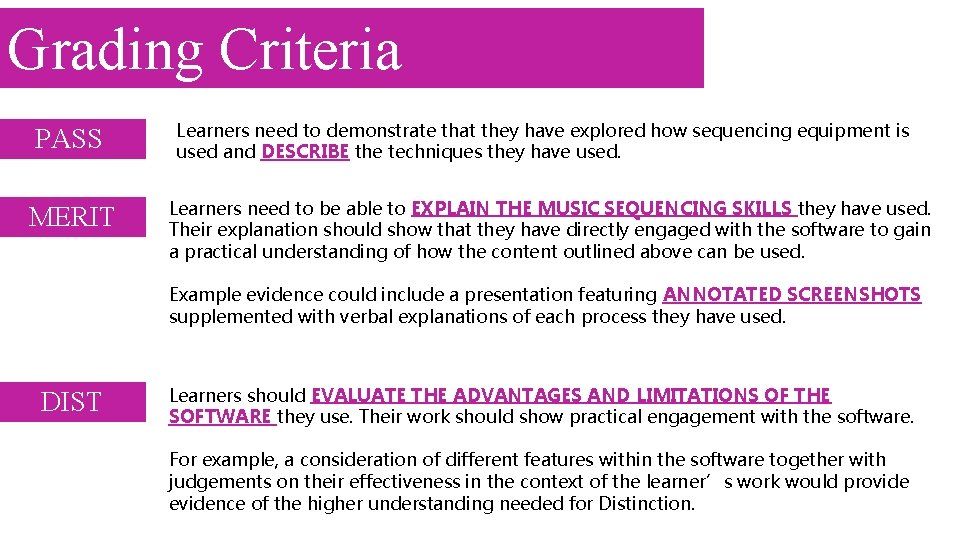
Grading Criteria PASS MERIT Learners need to demonstrate that they have explored how sequencing equipment is used and DESCRIBE the techniques they have used. Learners need to be able to EXPLAIN THE MUSIC SEQUENCING SKILLS they have used. Their explanation should show that they have directly engaged with the software to gain a practical understanding of how the content outlined above can be used. Example evidence could include a presentation featuring ANNOTATED SCREENSHOTS supplemented with verbal explanations of each process they have used. DIST Learners should EVALUATE THE ADVANTAGES AND LIMITATIONS OF THE SOFTWARE they use. Their work should show practical engagement with the software. For example, a consideration of different features within the software together with judgements on their effectiveness in the context of the learner’s work would provide evidence of the higher understanding needed for Distinction.
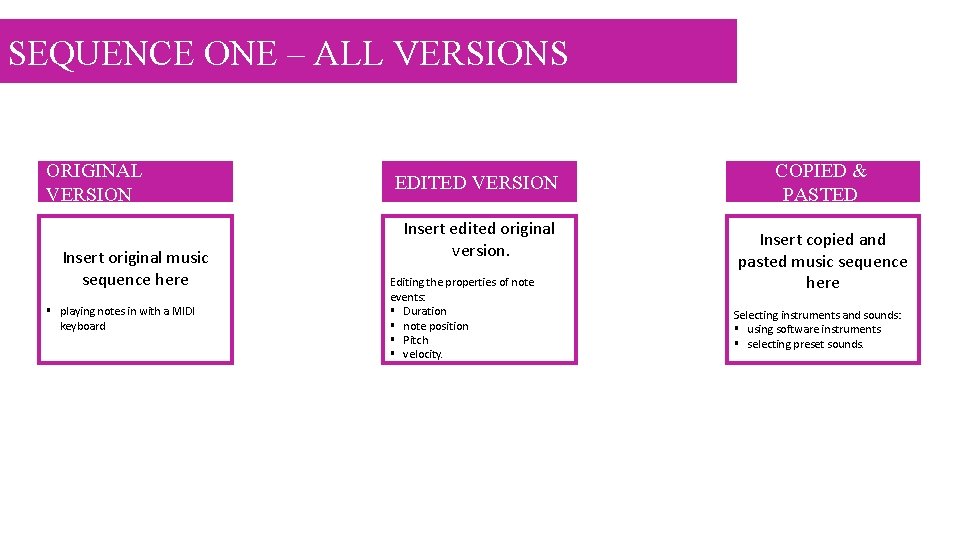
SEQUENCE ONE – ALL VERSIONS ORIGINAL VERSION Insert original music sequence here § playing notes in with a MIDI keyboard EDITED VERSION Insert edited original version. Editing the properties of note events: § Duration § note position § Pitch § velocity. COPIED & PASTED Insert copied and pasted music sequence here Selecting instruments and sounds: § using software instruments § selecting preset sounds.
SEQUENCE ONE - ORIGINAL Explain how you created your original sequence include print screen shots. Advantages and effectiveness of software features used: Limitations of software features used: Insert original music sequence here § playing notes in with a MIDI keyboard
SEQUENCE ONE – EDITED ORIGINAL Explain how you created your edited sequence include print screen shots. Advantages and effectiveness of software features used: Limitations of software features used: Insert edited original version. Editing the properties of note events: § Duration § note position § Pitch § velocity.
SEQUENCE ONE – COPIED AND PASTED Explain how you created your original sequence. Advantages and effectiveness of software features used: Limitations of software features used: Insert copied and pasted music sequence here Selecting instruments and sounds: § using software instruments § selecting preset sounds.