
Unit 6 Developing Oral Business Communication Skills Unit
Unit 6 Developing Oral Business Communication Skills Unit 6 Business Communication
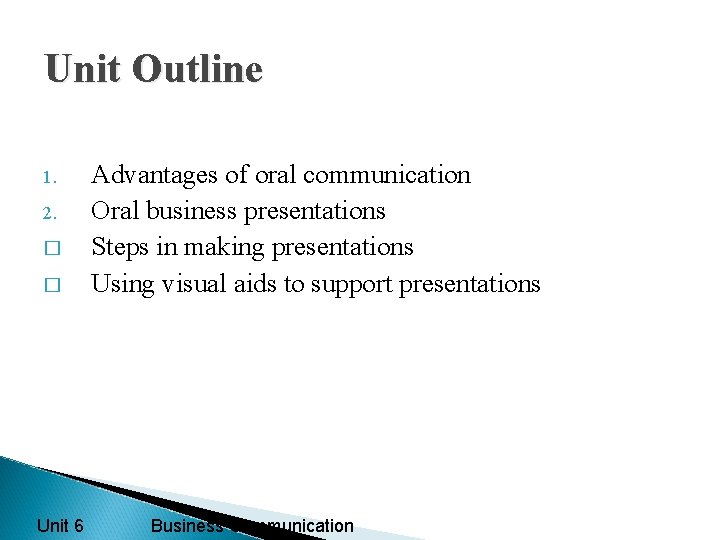
Unit Outline 1. 2. � � Unit 6 Advantages of oral communication Oral business presentations Steps in making presentations Using visual aids to support presentations Business Communication
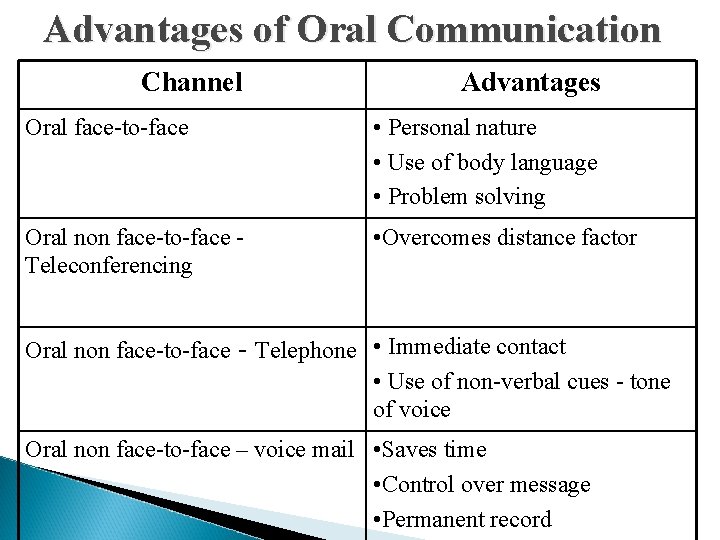
Advantages of Oral Communication Channel Advantages Oral face-to-face • Personal nature • Use of body language • Problem solving Oral non face-to-face Teleconferencing • Overcomes distance factor Oral non face-to-face - Telephone • Immediate contact • Use of non-verbal cues - tone of voice Oral non face-to-face – voice mail • Saves time • Control over message • Permanent record
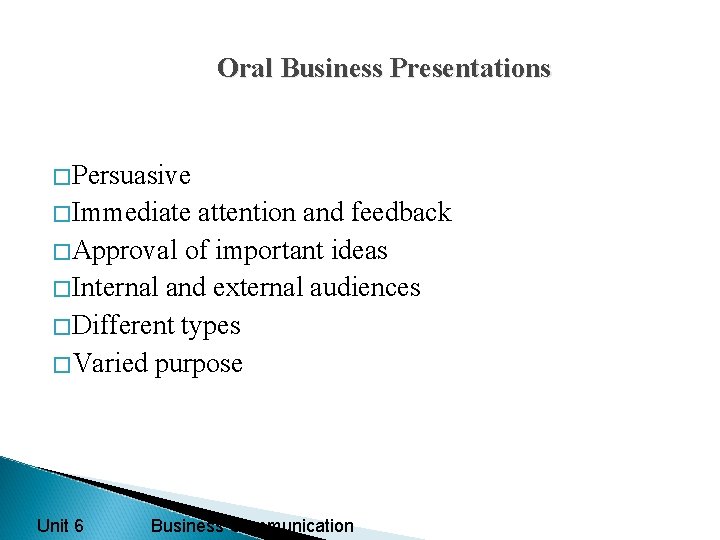
Oral Business Presentations �Persuasive �Immediate attention and feedback �Approval of important ideas �Internal and external audiences �Different types �Varied purpose Unit 6 Business Communication
Steps in making Oral Presentations 1. � � Define purpose General purpose – inform, analyze, persuade Specific purpose – “whom, what, when, where, how? ” 2. Develop key idea – main message for audience Unit 6 Business Communication
Steps in making Oral Presentations 3. Audience analysis �Designations and areas of expertise �Preferred styles of presentation �Demographic factors �Audience size �Familiarity with topic �Attitude towards speaker and topic Unit 6 Business Communication
Steps in making Oral Presentations 4. Self analysis - knowledge level - conviction level 5. Analysis of constraints - infrastructure - time - context
Steps in making Oral Presentations 6. Presentation outline �Introduction – grabbing attention �Body – main points �Conclusion – summary 7. Information collection - secondary sources - primary sources Unit 6 Business Communication
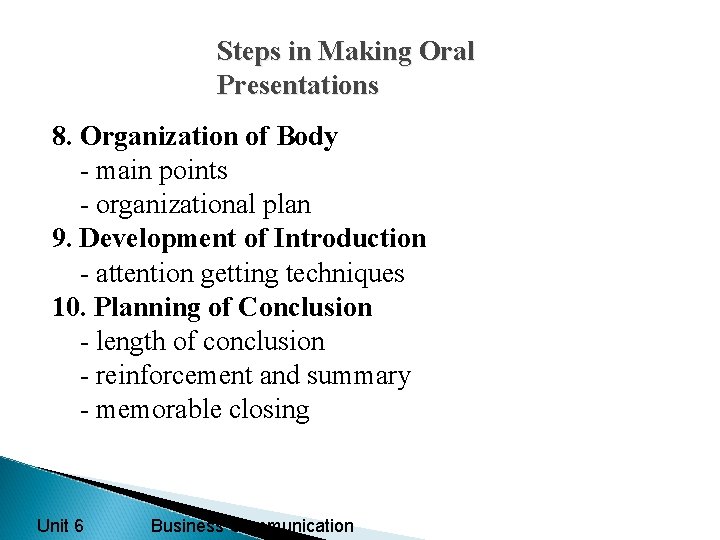
Steps in Making Oral Presentations 8. Organization of Body - main points - organizational plan 9. Development of Introduction - attention getting techniques 10. Planning of Conclusion - length of conclusion - reinforcement and summary - memorable closing Unit 6 Business Communication
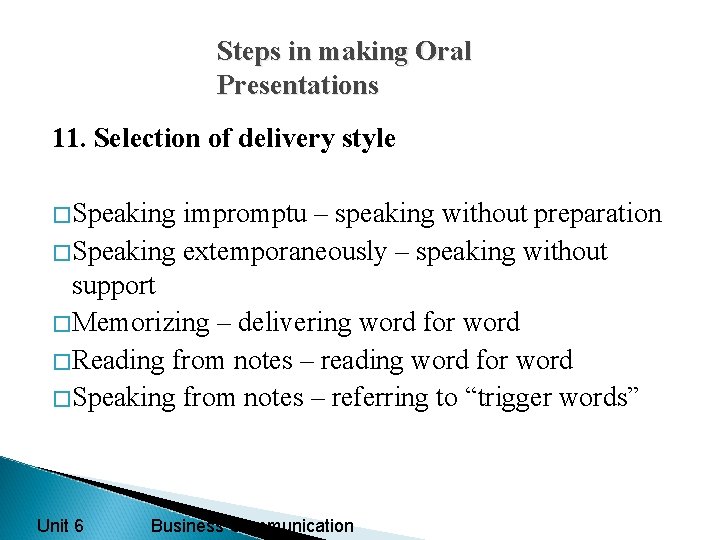
Steps in making Oral Presentations 11. Selection of delivery style �Speaking impromptu – speaking without preparation �Speaking extemporaneously – speaking without support �Memorizing – delivering word for word �Reading from notes – reading word for word �Speaking from notes – referring to “trigger words” Unit 6 Business Communication
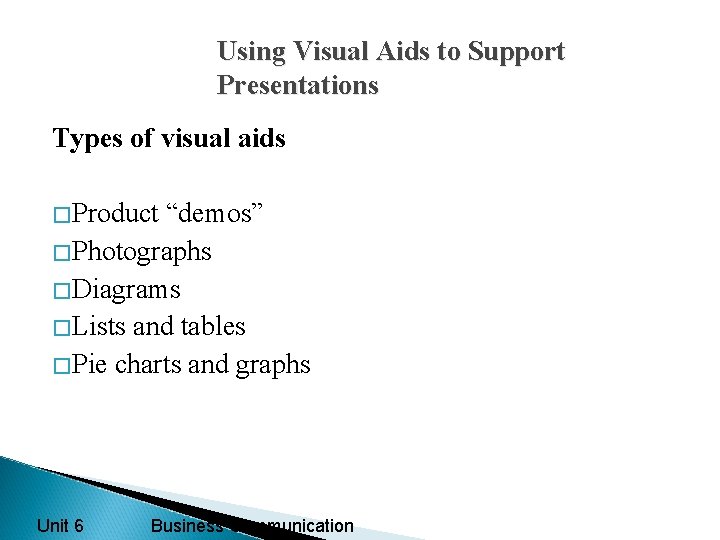
Using Visual Aids to Support Presentations Types of visual aids �Product “demos” �Photographs �Diagrams �Lists and tables �Pie charts and graphs Unit 6 Business Communication
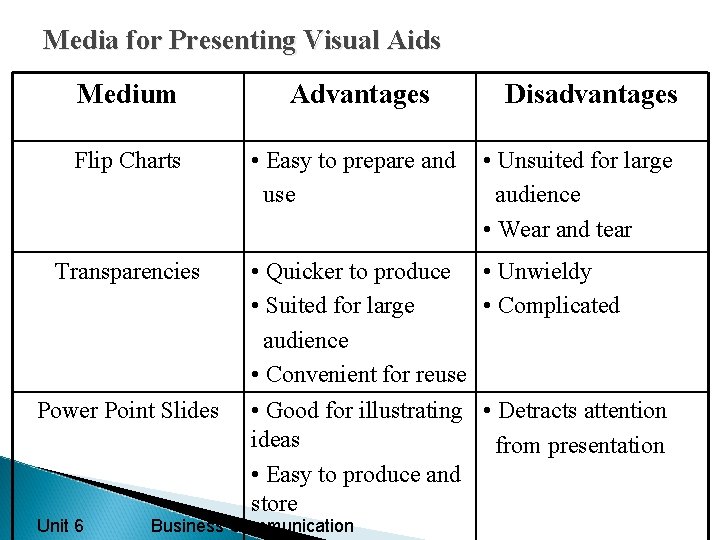
Media for Presenting Visual Aids Medium Advantages Flip Charts • Easy to prepare and use Transparencies Power Point Slides Unit 6 Disadvantages • Unsuited for large audience • Wear and tear • Quicker to produce • Unwieldy • Suited for large • Complicated audience • Convenient for reuse • Good for illustrating • Detracts attention ideas from presentation • Easy to produce and store Business Communication
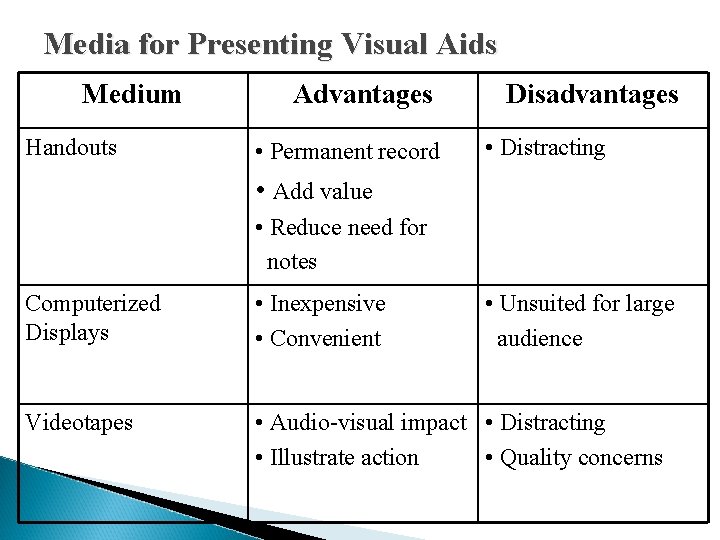
Media for Presenting Visual Aids Medium Handouts Advantages • Permanent record Disadvantages • Distracting • Add value • Reduce need for notes Computerized Displays • Inexpensive • Convenient • Unsuited for large audience Videotapes • Audio-visual impact • Distracting • Illustrate action • Quality concerns
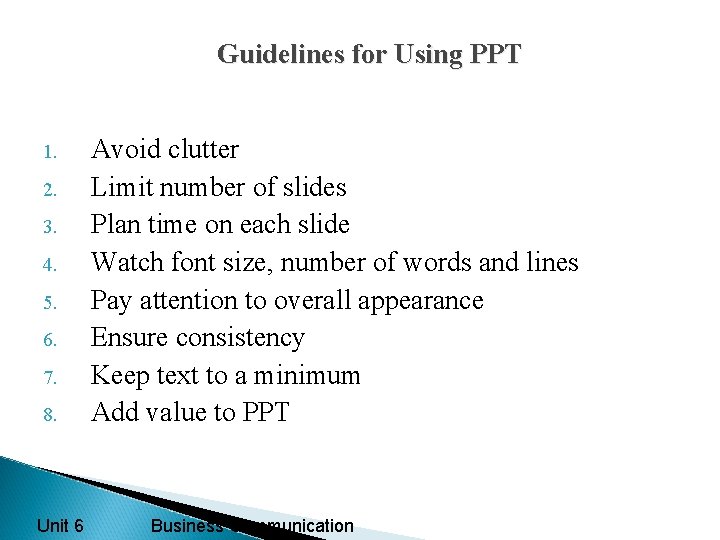
Guidelines for Using PPT 1. 2. 3. 4. 5. 6. 7. 8. Unit 6 Avoid clutter Limit number of slides Plan time on each slide Watch font size, number of words and lines Pay attention to overall appearance Ensure consistency Keep text to a minimum Add value to PPT Business Communication
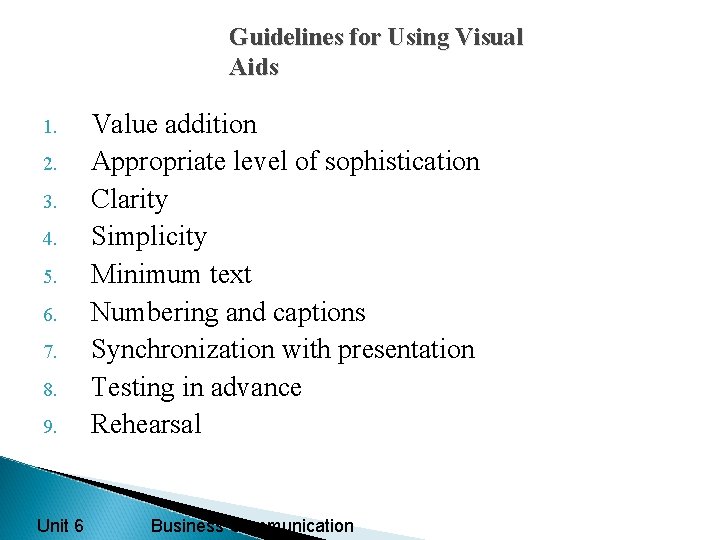
Guidelines for Using Visual Aids 1. 2. 3. 4. 5. 6. 7. 8. 9. Unit 6 Value addition Appropriate level of sophistication Clarity Simplicity Minimum text Numbering and captions Synchronization with presentation Testing in advance Rehearsal Business Communication
- Slides: 15