
Unit 4 Struts 2 with Tiles Integration Tile
- Slides: 5
Unit – 4 Struts 2 with Tiles Integration
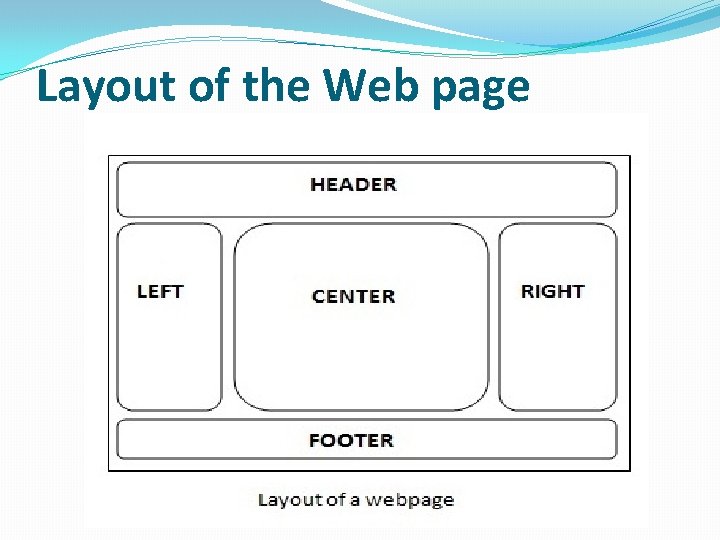
Tile Framework �We can customize the layout of the struts 2 application by integrating with tiles framework. �A web page can contain many parts (known as tile) such as header, left pane, right pane, body part, footer etc. In tiles framework, we manage all the tile by our Layout Manager page.
Advantage of tiles framework �Customization by centralized page : We can customize the layout of all the pages by single page (centralized page) only. �Code reusability : A single part e. g. header or footer can be used in many pages. So it saves coding. �Easy to modify : If any part (tile) is modified, we don't need to change many pages. �Easy to remove : If any part (tile) of the page is removed, we don't need to remove the code from all the pages. We can remove the tile from our layout manager page.
Layout of the Web page
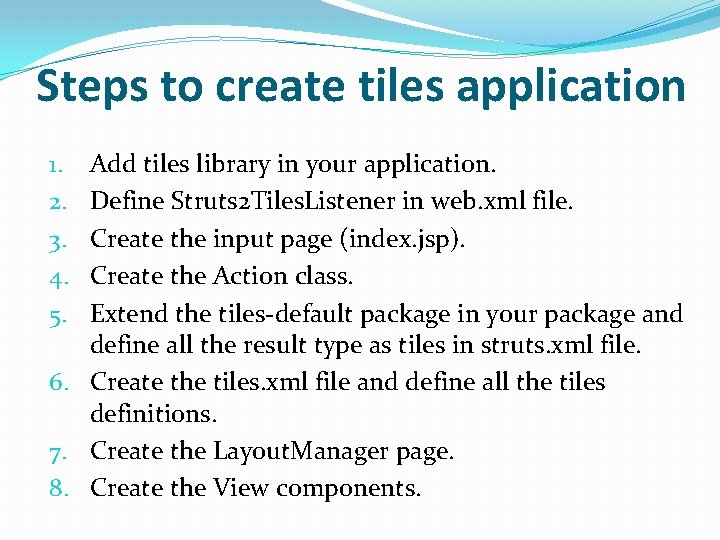
Steps to create tiles application Add tiles library in your application. Define Struts 2 Tiles. Listener in web. xml file. Create the input page (index. jsp). Create the Action class. Extend the tiles-default package in your package and define all the result type as tiles in struts. xml file. 6. Create the tiles. xml file and define all the tiles definitions. 7. Create the Layout. Manager page. 8. Create the View components. 1. 2. 3. 4. 5.