
Unit 2 Software Engineering COURSE OUT COME Course
![Interaction Diagrams: Collaboration diagrams start 6: remove reservation 3 : [not available] reserve title](https://slidetodoc.com/presentation_image_h/cf3d20f4d8d531f3d35e9db5496af5c0/image-71.jpg "Interaction Diagrams: Collaboration diagrams start 6: remove reservation 3 : [not available] reserve title")
![SRS Prototype Outline [ IEEE SRS Standard ] 1. Introduction 1. 1 Purpose 1.](https://slidetodoc.com/presentation_image_h/cf3d20f4d8d531f3d35e9db5496af5c0/image-98.jpg "SRS Prototype Outline [ IEEE SRS Standard ] 1. Introduction 1. 1 Purpose 1.")
![SRS Prototype Outline [ IEEE SRS Standard ] 2. General description 2. 1 Product](https://slidetodoc.com/presentation_image_h/cf3d20f4d8d531f3d35e9db5496af5c0/image-100.jpg "SRS Prototype Outline [ IEEE SRS Standard ] 2. General description 2. 1 Product")
![SRS Prototype Outline [ IEEE SRS Standard ] 3. Specific Requirements - Functional requirements](https://slidetodoc.com/presentation_image_h/cf3d20f4d8d531f3d35e9db5496af5c0/image-104.jpg "SRS Prototype Outline [ IEEE SRS Standard ] 3. Specific Requirements - Functional requirements")
- Slides: 119
Unit -2 Software Engineering
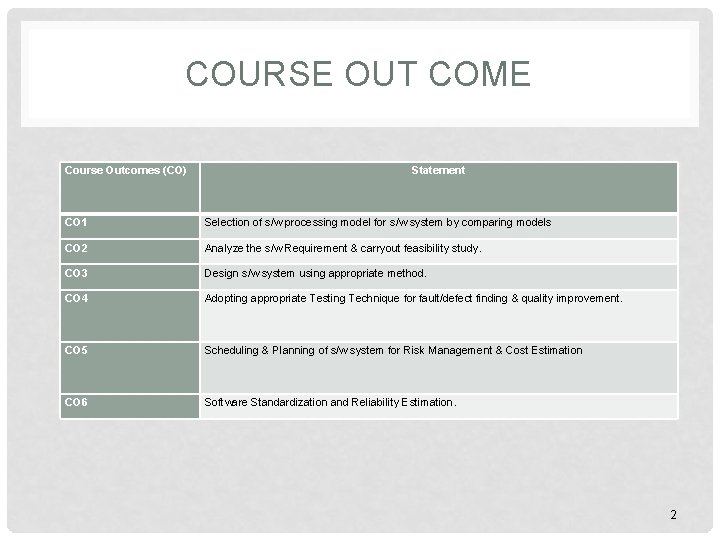
COURSE OUT COME Course Outcomes (CO) Statement CO 1 Selection of s/w processing model for s/w system by comparing models CO 2 Analyze the s/w Requirement & carryout feasibility study. CO 3 Design s/w system using appropriate method. CO 4 Adopting appropriate Testing Technique for fault/defect finding & quality improvement. CO 5 Scheduling & Planning of s/w system for Risk Management & Cost Estimation CO 6 Software Standardization and Reliability Estimation. 2
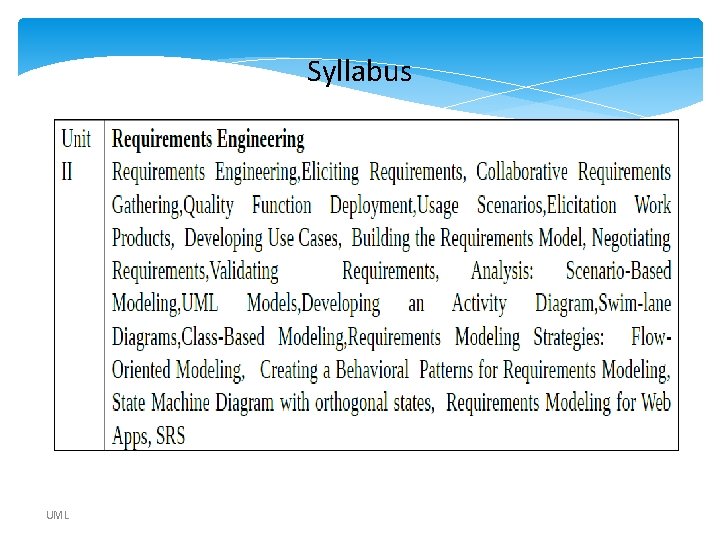
Syllabus UML
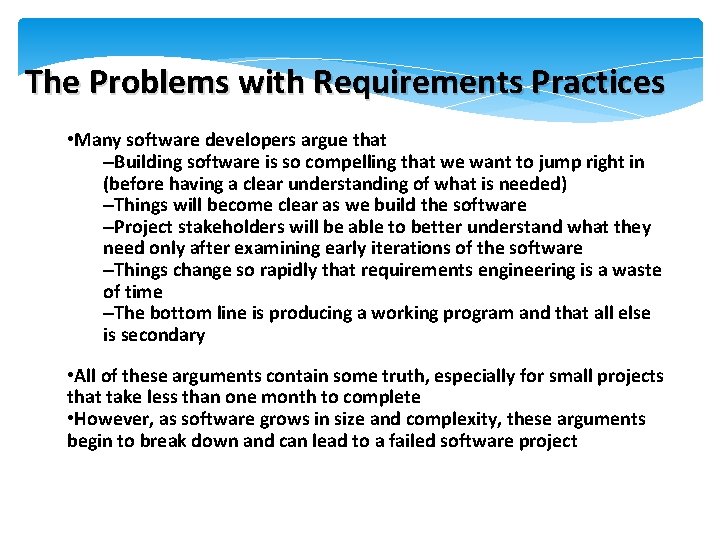
The Problems with Requirements Practices • Many software developers argue that –Building software is so compelling that we want to jump right in (before having a clear understanding of what is needed) –Things will become clear as we build the software –Project stakeholders will be able to better understand what they need only after examining early iterations of the software –Things change so rapidly that requirements engineering is a waste of time –The bottom line is producing a working program and that all else is secondary • All of these arguments contain some truth, especially for small projects that take less than one month to complete • However, as software grows in size and complexity, these arguments begin to break down and can lead to a failed software project
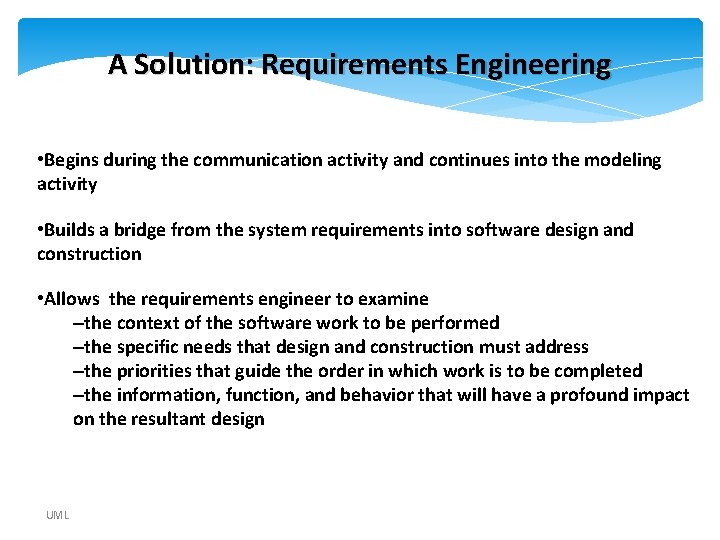
A Solution: Requirements Engineering • Begins during the communication activity and continues into the modeling activity • Builds a bridge from the system requirements into software design and construction • Allows the requirements engineer to examine –the context of the software work to be performed –the specific needs that design and construction must address –the priorities that guide the order in which work is to be completed –the information, function, and behavior that will have a profound impact on the resultant design UML
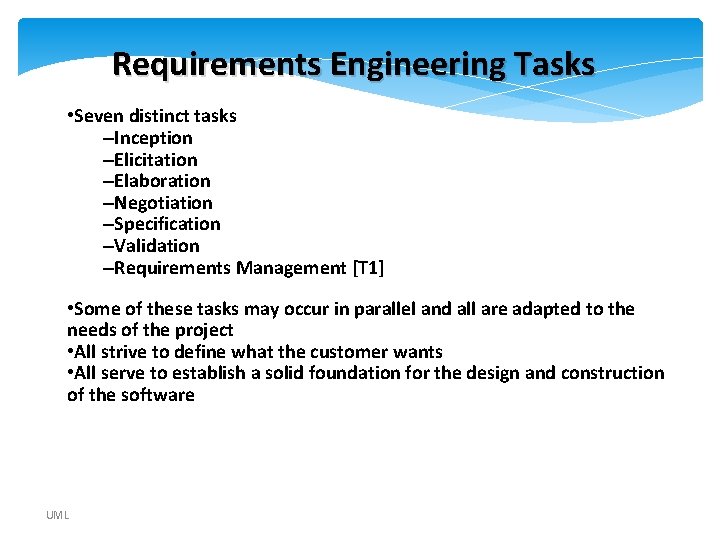
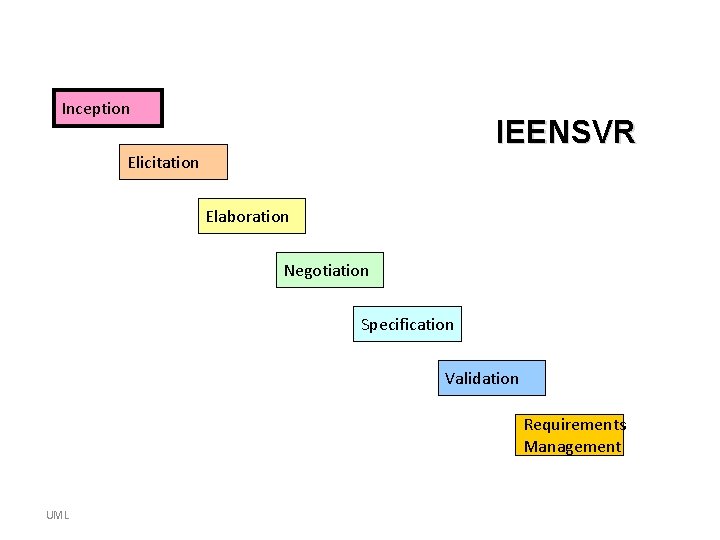
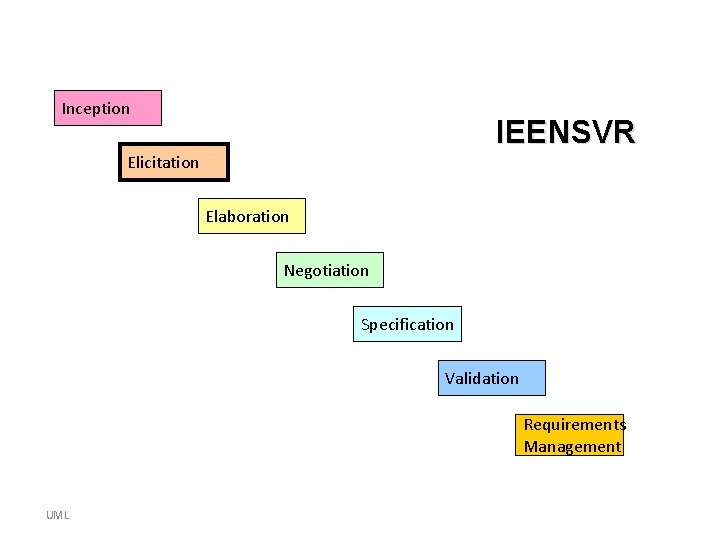
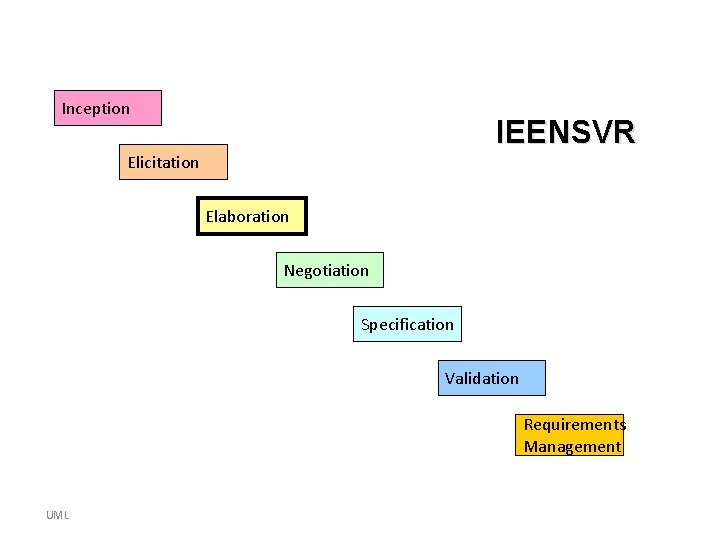
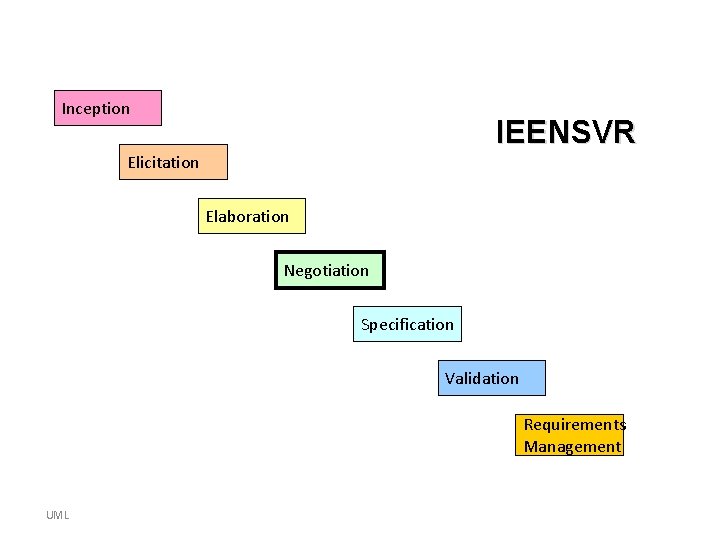
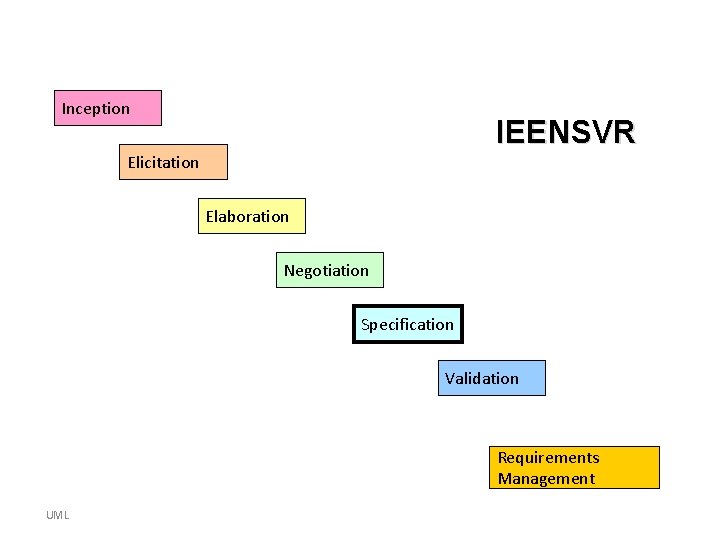
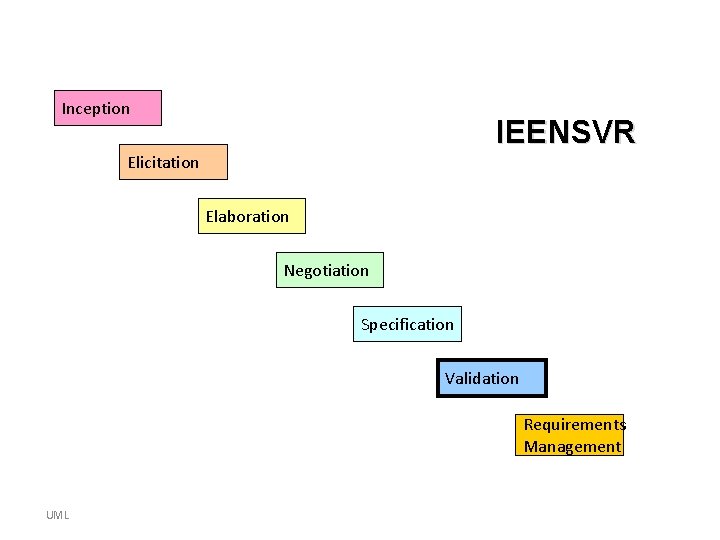
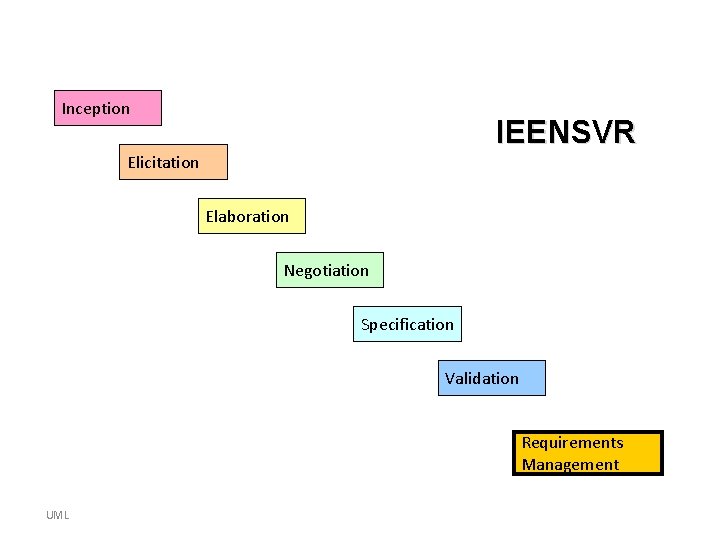
Requirements Engineering Tasks • Seven distinct tasks –Inception –Elicitation –Elaboration –Negotiation –Specification –Validation –Requirements Management [T 1] • Some of these tasks may occur in parallel and all are adapted to the needs of the project • All strive to define what the customer wants • All serve to establish a solid foundation for the design and construction of the software UML
Inception IEENSVR Elicitation Elaboration Negotiation Specification Validation Requirements Management UML
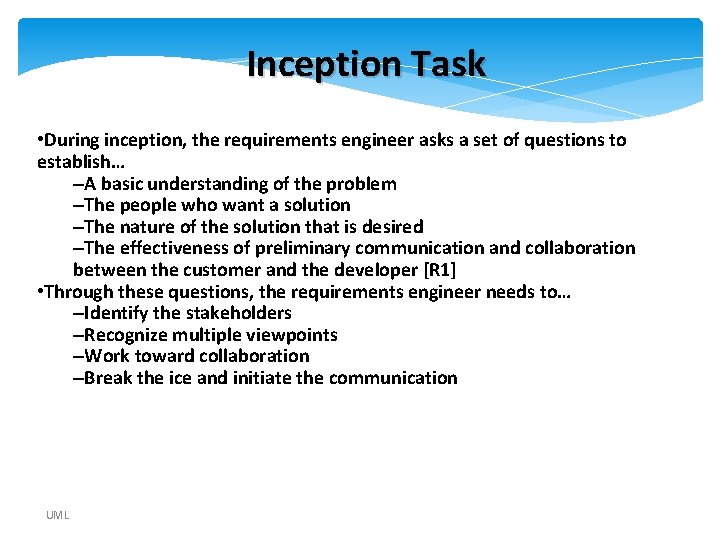
Inception Task • During inception, the requirements engineer asks a set of questions to establish… –A basic understanding of the problem –The people who want a solution –The nature of the solution that is desired –The effectiveness of preliminary communication and collaboration between the customer and the developer [R 1] • Through these questions, the requirements engineer needs to… –Identify the stakeholders –Recognize multiple viewpoints –Work toward collaboration –Break the ice and initiate the communication UML
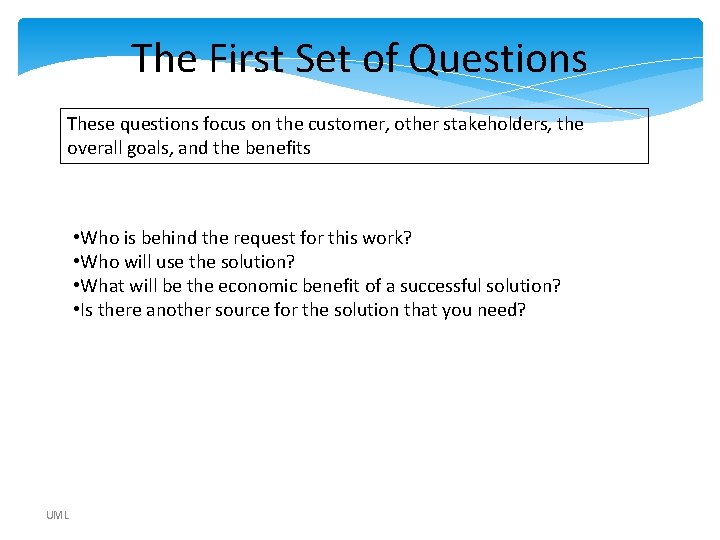
The First Set of Questions These questions focus on the customer, other stakeholders, the overall goals, and the benefits • Who is behind the request for this work? • Who will use the solution? • What will be the economic benefit of a successful solution? • Is there another source for the solution that you need? UML
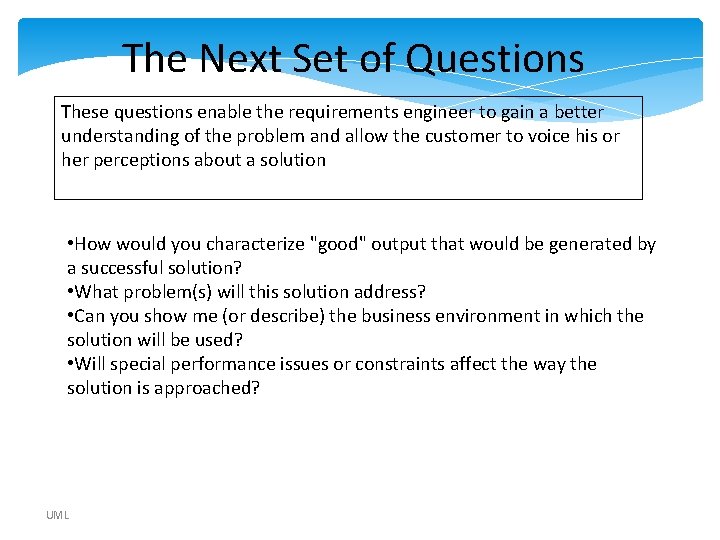
The Next Set of Questions These questions enable the requirements engineer to gain a better understanding of the problem and allow the customer to voice his or her perceptions about a solution • How would you characterize "good" output that would be generated by a successful solution? • What problem(s) will this solution address? • Can you show me (or describe) the business environment in which the solution will be used? • Will special performance issues or constraints affect the way the solution is approached? UML
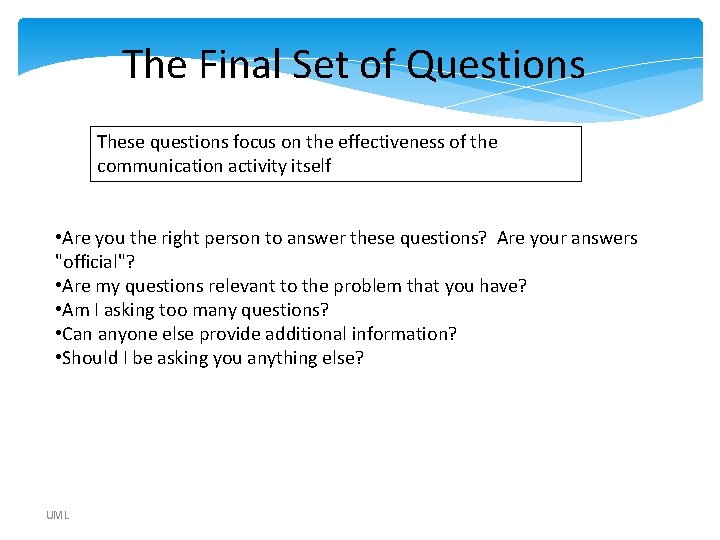
The Final Set of Questions These questions focus on the effectiveness of the communication activity itself • Are you the right person to answer these questions? Are your answers "official"? • Are my questions relevant to the problem that you have? • Am I asking too many questions? • Can anyone else provide additional information? • Should I be asking you anything else? UML
Inception IEENSVR Elicitation Elaboration Negotiation Specification Validation Requirements Management UML
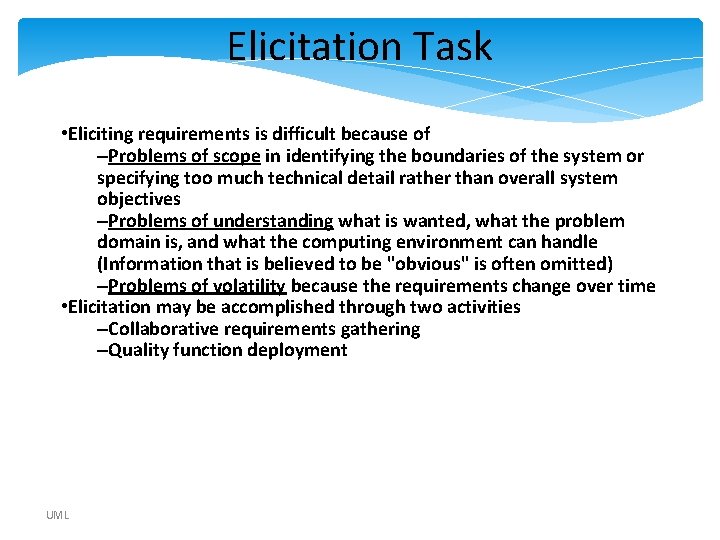
Elicitation Task • Eliciting requirements is difficult because of –Problems of scope in identifying the boundaries of the system or specifying too much technical detail rather than overall system objectives –Problems of understanding what is wanted, what the problem domain is, and what the computing environment can handle (Information that is believed to be "obvious" is often omitted) –Problems of volatility because the requirements change over time • Elicitation may be accomplished through two activities –Collaborative requirements gathering –Quality function deployment UML
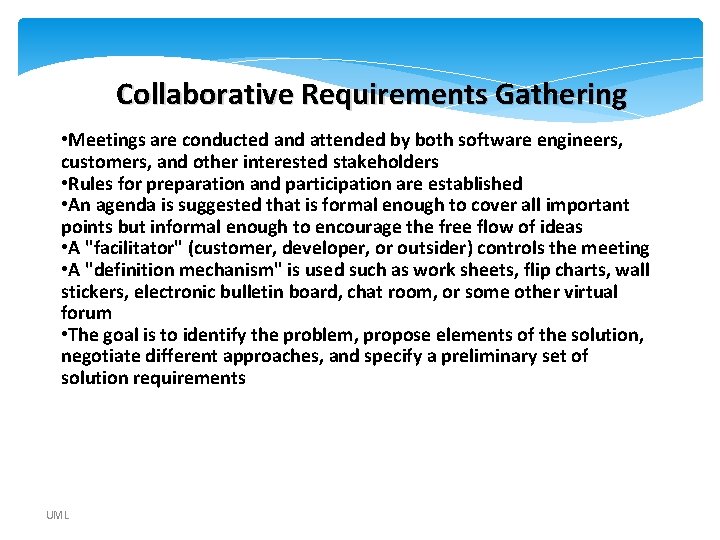
Collaborative Requirements Gathering • Meetings are conducted and attended by both software engineers, customers, and other interested stakeholders • Rules for preparation and participation are established • An agenda is suggested that is formal enough to cover all important points but informal enough to encourage the free flow of ideas • A "facilitator" (customer, developer, or outsider) controls the meeting • A "definition mechanism" is used such as work sheets, flip charts, wall stickers, electronic bulletin board, chat room, or some other virtual forum • The goal is to identify the problem, propose elements of the solution, negotiate different approaches, and specify a preliminary set of solution requirements UML
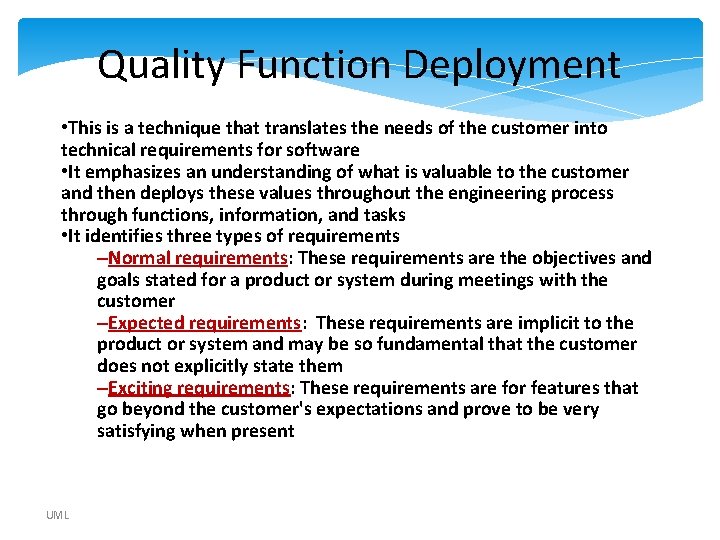
Quality Function Deployment • This is a technique that translates the needs of the customer into technical requirements for software • It emphasizes an understanding of what is valuable to the customer and then deploys these values throughout the engineering process through functions, information, and tasks • It identifies three types of requirements –Normal requirements: These requirements are the objectives and goals stated for a product or system during meetings with the customer –Expected requirements: These requirements are implicit to the product or system and may be so fundamental that the customer does not explicitly state them –Exciting requirements: These requirements are for features that go beyond the customer's expectations and prove to be very satisfying when present UML
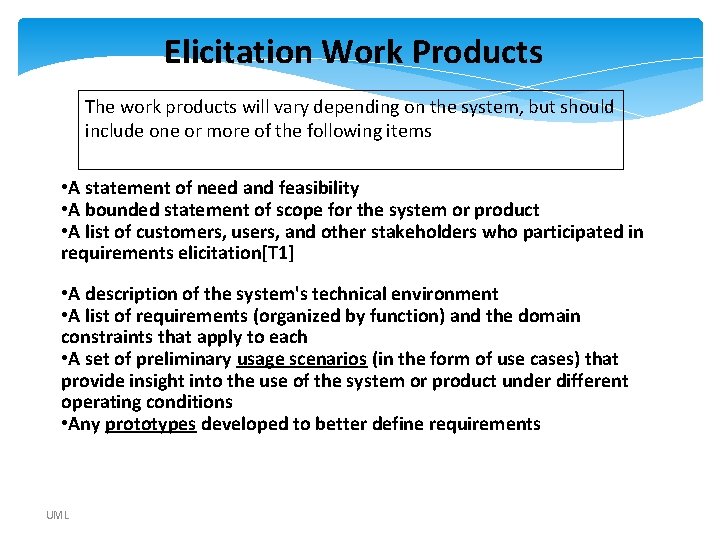
Elicitation Work Products The work products will vary depending on the system, but should include one or more of the following items • A statement of need and feasibility • A bounded statement of scope for the system or product • A list of customers, users, and other stakeholders who participated in requirements elicitation[T 1] • A description of the system's technical environment • A list of requirements (organized by function) and the domain constraints that apply to each • A set of preliminary usage scenarios (in the form of use cases) that provide insight into the use of the system or product under different operating conditions • Any prototypes developed to better define requirements UML
Inception IEENSVR Elicitation Elaboration Negotiation Specification Validation Requirements Management UML
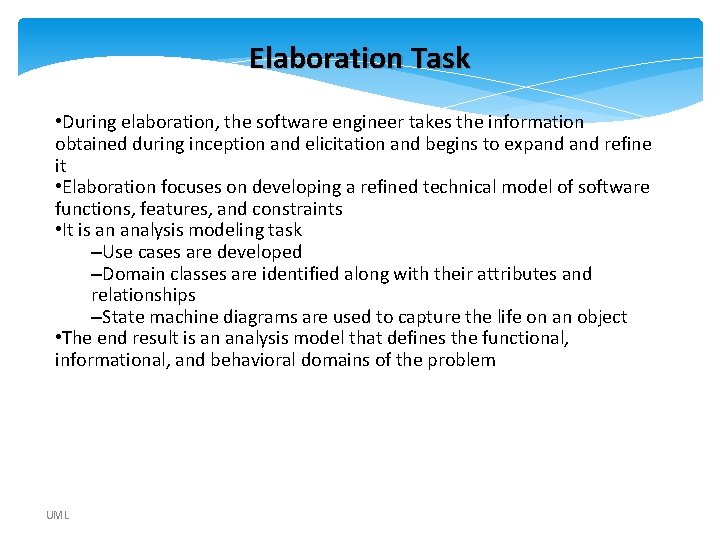
Elaboration Task • During elaboration, the software engineer takes the information obtained during inception and elicitation and begins to expand refine it • Elaboration focuses on developing a refined technical model of software functions, features, and constraints • It is an analysis modeling task –Use cases are developed –Domain classes are identified along with their attributes and relationships –State machine diagrams are used to capture the life on an object • The end result is an analysis model that defines the functional, informational, and behavioral domains of the problem UML
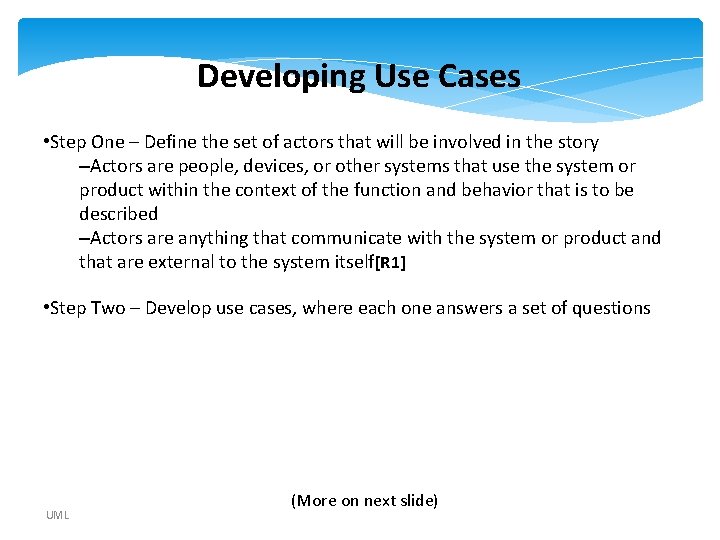
Developing Use Cases • Step One – Define the set of actors that will be involved in the story –Actors are people, devices, or other systems that use the system or product within the context of the function and behavior that is to be described –Actors are anything that communicate with the system or product and that are external to the system itself[R 1] • Step Two – Develop use cases, where each one answers a set of questions UML (More on next slide)
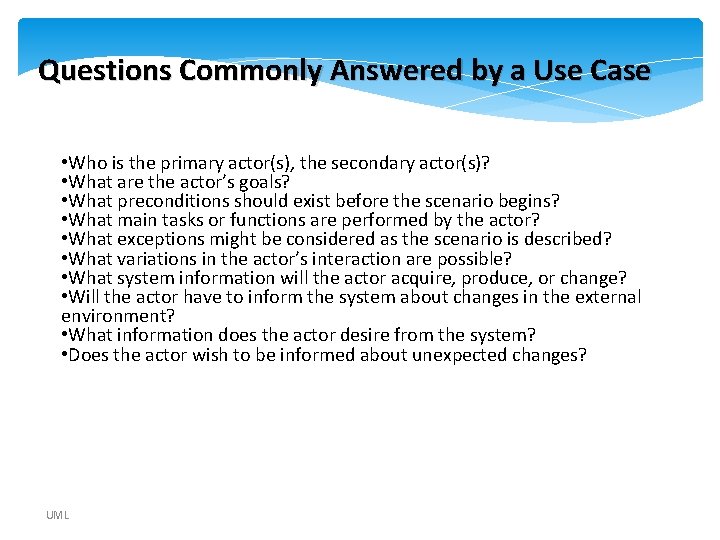
Questions Commonly Answered by a Use Case • Who is the primary actor(s), the secondary actor(s)? • What are the actor’s goals? • What preconditions should exist before the scenario begins? • What main tasks or functions are performed by the actor? • What exceptions might be considered as the scenario is described? • What variations in the actor’s interaction are possible? • What system information will the actor acquire, produce, or change? • Will the actor have to inform the system about changes in the external environment? • What information does the actor desire from the system? • Does the actor wish to be informed about unexpected changes? UML
Inception IEENSVR Elicitation Elaboration Negotiation Specification Validation Requirements Management UML
Negotiation Task • During negotiation, the software engineer reconciles the conflicts between what the customer wants and what can be achieved given limited business resources • Requirements are ranked (i. e. , prioritized) by the customers, users, and other stakeholders • Risks associated with each requirement are identified analyzed • Rough guesses of development effort are made and used to assess the impact of each requirement on project cost and delivery time • Using an iterative approach, requirements are eliminated, combined and/or modified so that each party achieves some measure of satisfaction[T 1] UML
The Art of Negotiation • Recognize that it is not competition • Map out a strategy • Listen actively • Focus on the other party’s interests • Don’t let it get personal • Be creative • Be ready to commit UML
Inception IEENSVR Elicitation Elaboration Negotiation Specification Validation Requirements Management UML
Specification Task • A specification is the final work product produced by the requirements engineer • It is normally in the form of a software requirements specification • It serves as the foundation for subsequent software engineering activities • It describes the function and performance of a computer-based system and the constraints that will govern its development • It formalizes the informational, functional, and behavioral requirements of the proposed software in both a graphical and textual format UML
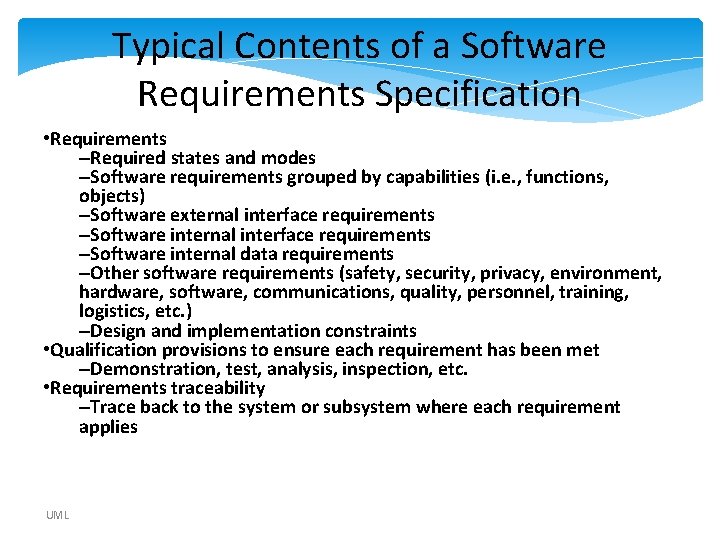
Typical Contents of a Software Requirements Specification • Requirements –Required states and modes –Software requirements grouped by capabilities (i. e. , functions, objects) –Software external interface requirements –Software internal data requirements –Other software requirements (safety, security, privacy, environment, hardware, software, communications, quality, personnel, training, logistics, etc. ) –Design and implementation constraints • Qualification provisions to ensure each requirement has been met –Demonstration, test, analysis, inspection, etc. • Requirements traceability –Trace back to the system or subsystem where each requirement applies UML
Inception IEENSVR Elicitation Elaboration Negotiation Specification Validation Requirements Management UML
Validation Task • During validation, the work products produced as a result of requirements engineering are assessed for quality • The specification is examined to ensure that –all software requirements have been stated unambiguously –inconsistencies, omissions, and errors have been detected and corrected –the work products conform to the standards established for the process, the project, and the product • The formal technical review serves as the primary requirements validation mechanism –Members include software engineers, customers, users, and other stakeholders UML
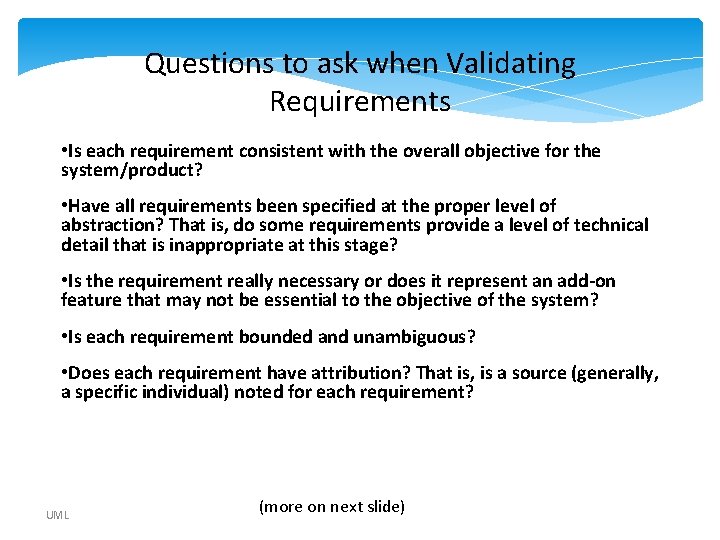
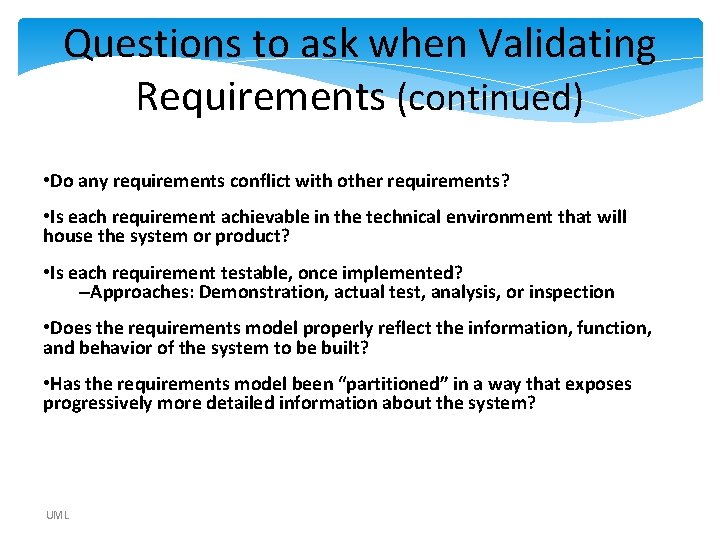
Questions to ask when Validating Requirements • Is each requirement consistent with the overall objective for the system/product? • Have all requirements been specified at the proper level of abstraction? That is, do some requirements provide a level of technical detail that is inappropriate at this stage? • Is the requirement really necessary or does it represent an add-on feature that may not be essential to the objective of the system? • Is each requirement bounded and unambiguous? • Does each requirement have attribution? That is, is a source (generally, a specific individual) noted for each requirement? UML (more on next slide)
Questions to ask when Validating Requirements (continued) • Do any requirements conflict with other requirements? • Is each requirement achievable in the technical environment that will house the system or product? • Is each requirement testable, once implemented? –Approaches: Demonstration, actual test, analysis, or inspection • Does the requirements model properly reflect the information, function, and behavior of the system to be built? • Has the requirements model been “partitioned” in a way that exposes progressively more detailed information about the system? UML
Inception IEENSVR Elicitation Elaboration Negotiation Specification Validation Requirements Management UML
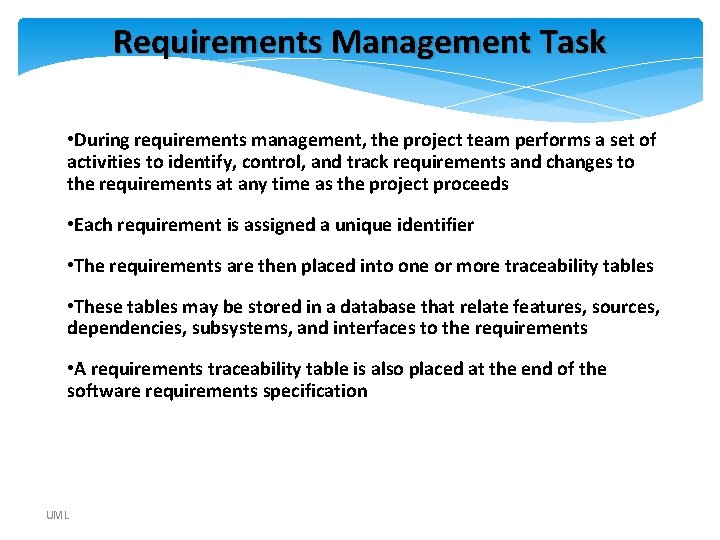
Requirements Management Task • During requirements management, the project team performs a set of activities to identify, control, and track requirements and changes to the requirements at any time as the project proceeds • Each requirement is assigned a unique identifier • The requirements are then placed into one or more traceability tables • These tables may be stored in a database that relate features, sources, dependencies, subsystems, and interfaces to the requirements • A requirements traceability table is also placed at the end of the software requirements specification UML
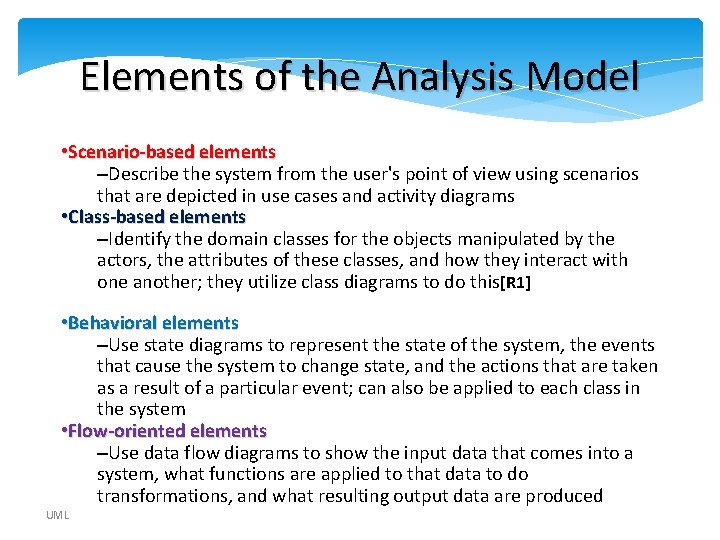
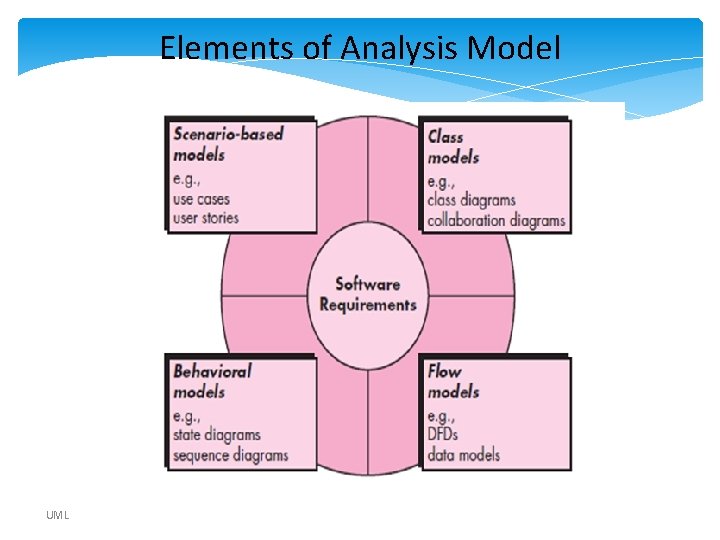
Elements of the Analysis Model • Scenario-based elements –Describe the system from the user's point of view using scenarios that are depicted in use cases and activity diagrams • Class-based elements –Identify the domain classes for the objects manipulated by the actors, the attributes of these classes, and how they interact with one another; they utilize class diagrams to do this[R 1] • Behavioral elements –Use state diagrams to represent the state of the system, the events that cause the system to change state, and the actions that are taken as a result of a particular event; can also be applied to each class in the system • Flow-oriented elements –Use data flow diagrams to show the input data that comes into a system, what functions are applied to that data to do transformations, and what resulting output data are produced UML
Elements of Analysis Model UML
Modeling • Describing a system at a high level of abstraction –A model of the system –Used for requirements and specifications • Is it necessary to model software systems? UML
What is UML? • UML stands for “Unified Modeling Language” • It is a industry-standard graphical language for specifying, visualizing, constructing, and documenting the artifacts of software systems • The UML uses mostly graphical notations to express the OO analysis and design of software projects. • Simplifies the complex process of software design UML
Why UML for Modeling • Use graphical notation to communicate more clearly than natural language (imprecise) and code(too detailed). • Help acquire an overall view of a system. [T 1] • UML is not dependent on any one language or technology. • UML moves us from fragmentation to standardization. UML
Types of UML Diagrams • Use Case Diagram • Class Diagram • Sequence Diagram • Collaboration Diagram • State Diagram This is only a subset of diagrams … but are most widely used UML
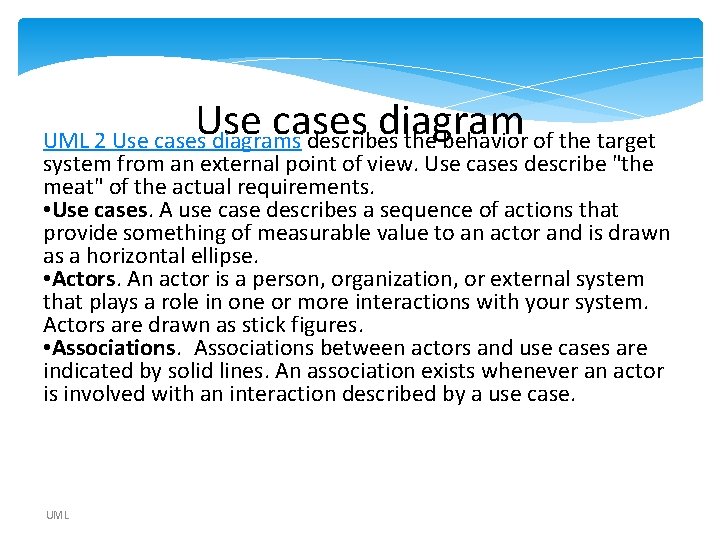
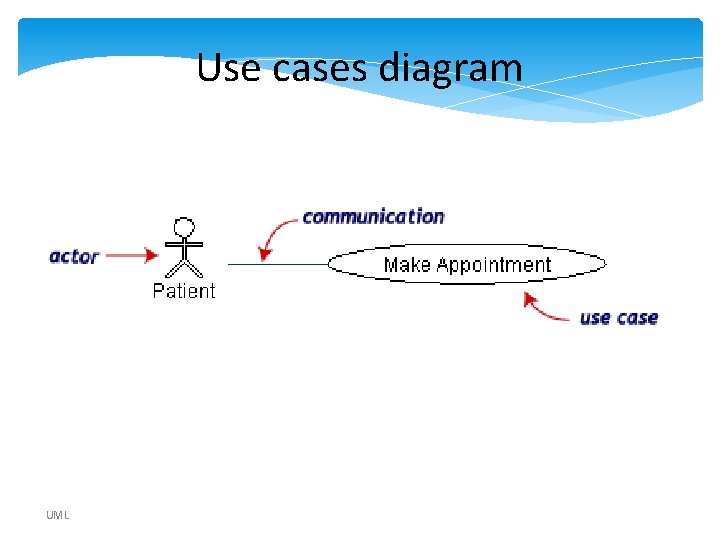
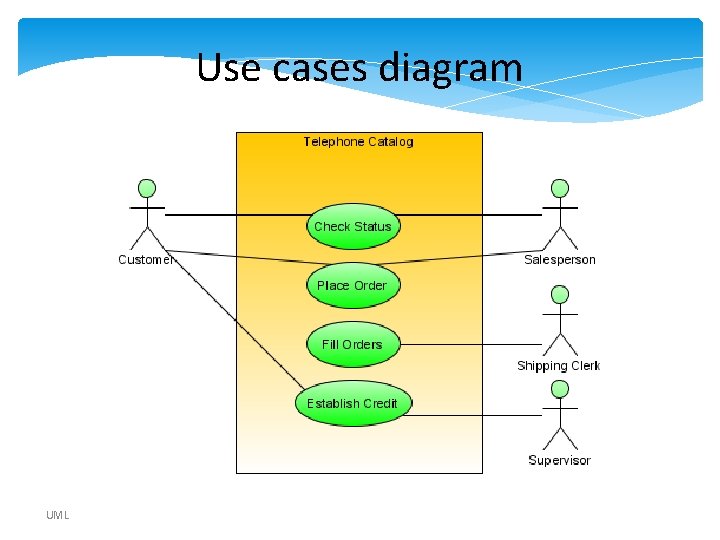
Use cases diagram UML 2 Use cases diagrams describes the behavior of the target system from an external point of view. Use cases describe "the meat" of the actual requirements. • Use cases. A use case describes a sequence of actions that provide something of measurable value to an actor and is drawn as a horizontal ellipse. • Actors. An actor is a person, organization, or external system that plays a role in one or more interactions with your system. Actors are drawn as stick figures. • Associations between actors and use cases are indicated by solid lines. An association exists whenever an actor is involved with an interaction described by a use case. UML
Use Case Diagram • For capturing the functional requirements of a system. • Typical interaction between user and system –captures some user-visible function –achieves a discrete goal for the user note the distinction between the user goal and system interaction in which system interaction is the low-level work that ultimately achieves the user goal UML
Use Case Diagram • Used for describing a set of user scenarios • Mainly used for capturing user requirements • Work like a contract between end user and software developers UML
Scenario • a thread through a use case • a sequence of steps describing an interaction between a user and a system. • A use case is a set of scenarios tied together by a common user goal. UML
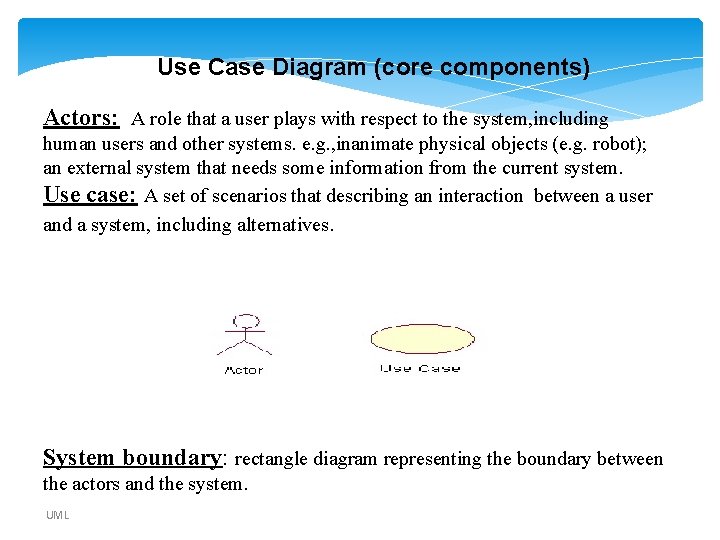
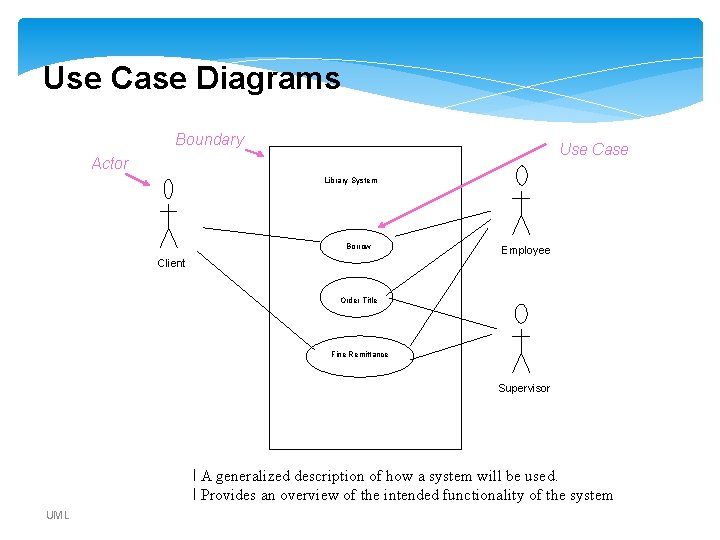
Use Case Diagram (core components) Actors: A role that a user plays with respect to the system, including human users and other systems. e. g. , inanimate physical objects (e. g. robot); an external system that needs some information from the current system. Use case: A set of scenarios that describing an interaction between a user and a system, including alternatives. System boundary: rectangle diagram representing the boundary between the actors and the system. UML
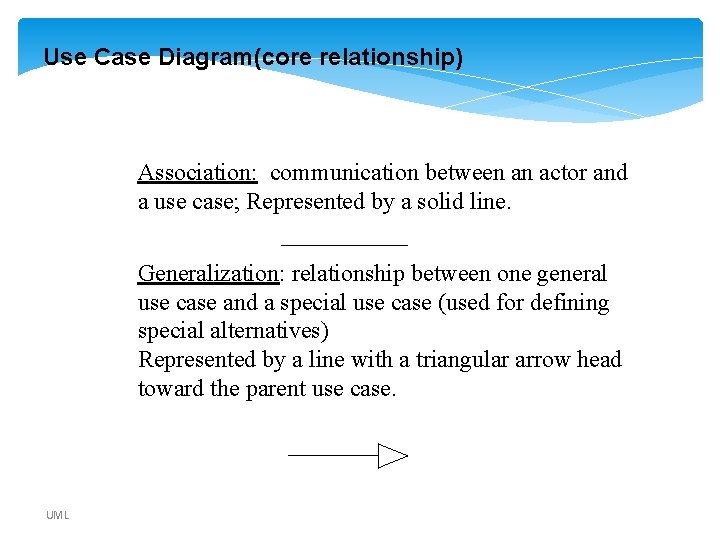
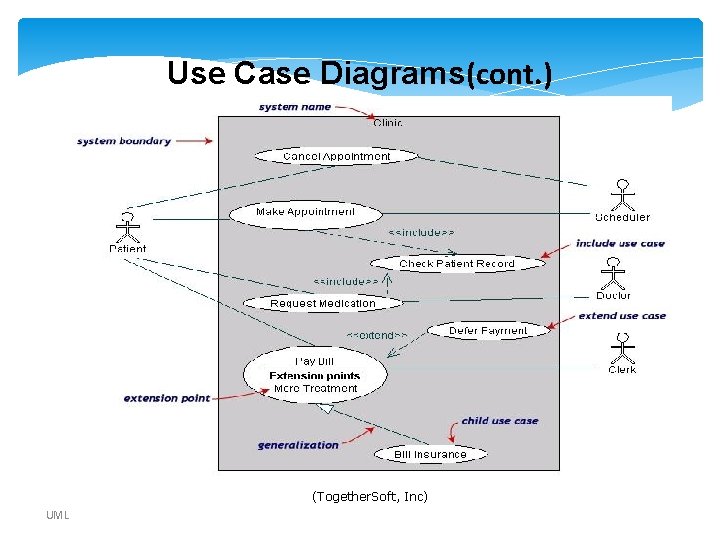
Use Case Diagram(core relationship) Association: communication between an actor and a use case; Represented by a solid line. Generalization: relationship between one general use case and a special use case (used for defining special alternatives) Represented by a line with a triangular arrow head toward the parent use case. UML
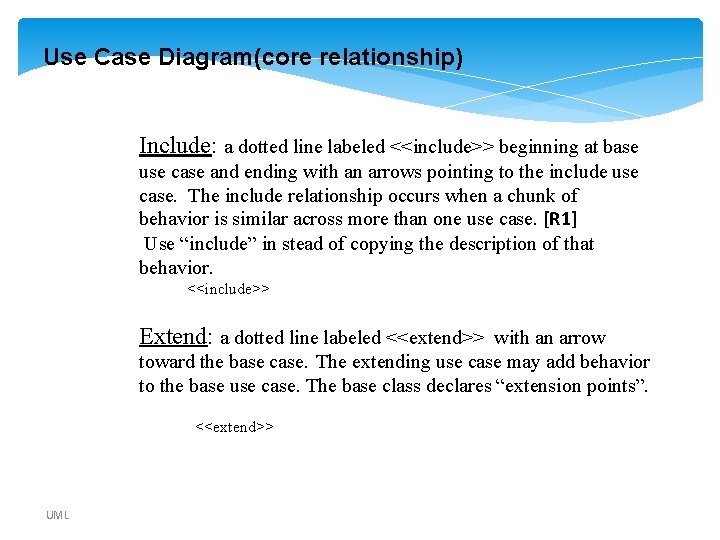
Use Case Diagram(core relationship) Include: a dotted line labeled <<include>> beginning at base use case and ending with an arrows pointing to the include use case. The include relationship occurs when a chunk of behavior is similar across more than one use case. [R 1] Use “include” in stead of copying the description of that behavior. <<include>> Extend: a dotted line labeled <<extend>> with an arrow toward the base case. The extending use case may add behavior to the base use case. The base class declares “extension points”. <<extend>> UML
Use cases diagram UML
Use Case Diagrams Boundary Use Case Actor Library System Borrow Employee Client Order Title Fine Remittance Supervisor l A generalized description of how a system will be used. l Provides an overview of the intended functionality of the system UML
Use Case Diagrams(cont. ) (Together. Soft, Inc) UML
Use cases diagram UML
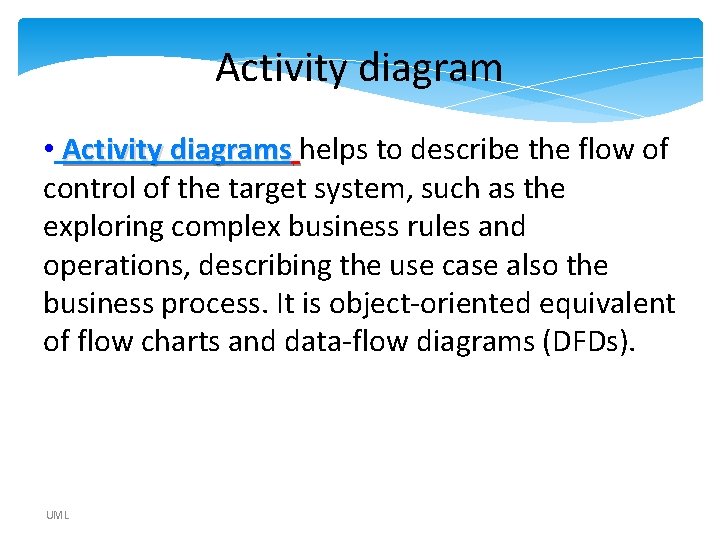
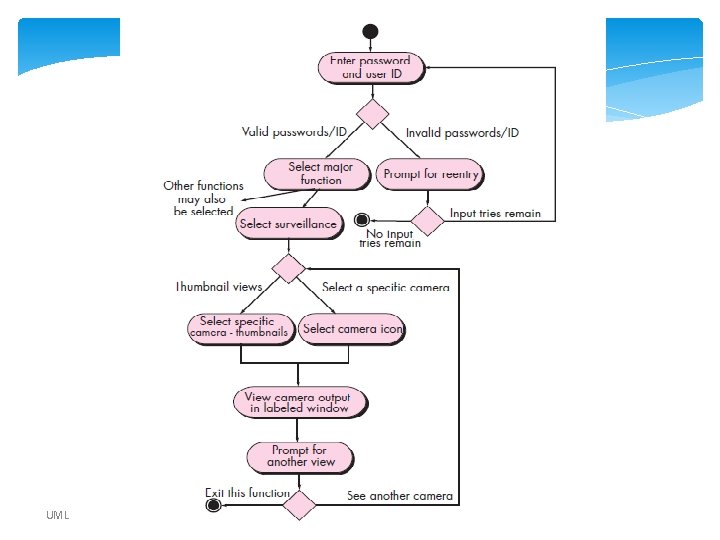
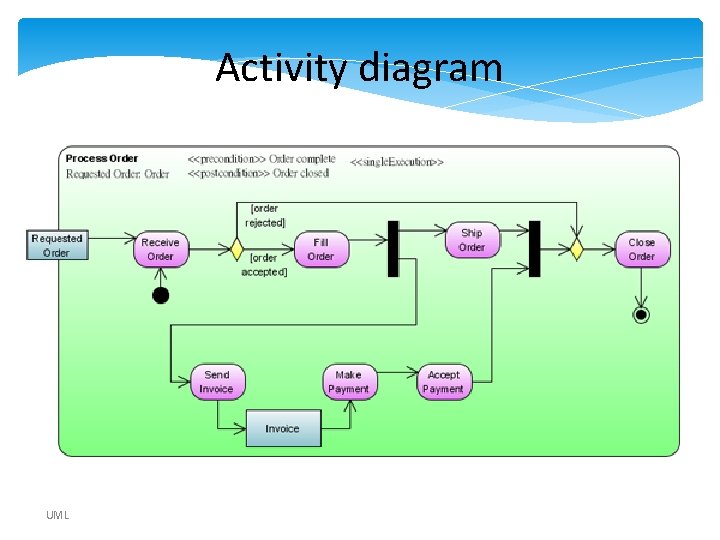
Activity diagram • Activity diagrams helps to describe the flow of control of the target system, such as the exploring complex business rules and operations, describing the use case also the business process. It is object-oriented equivalent of flow charts and data-flow diagrams (DFDs). UML
UML
Activity diagram UML
Class diagram • Used for describing structure and behavior in the use cases • Provide a conceptual model of the system in terms of entities and their relationships • Used for requirement capture, end-user interaction • Detailed class diagrams are used for developers UML
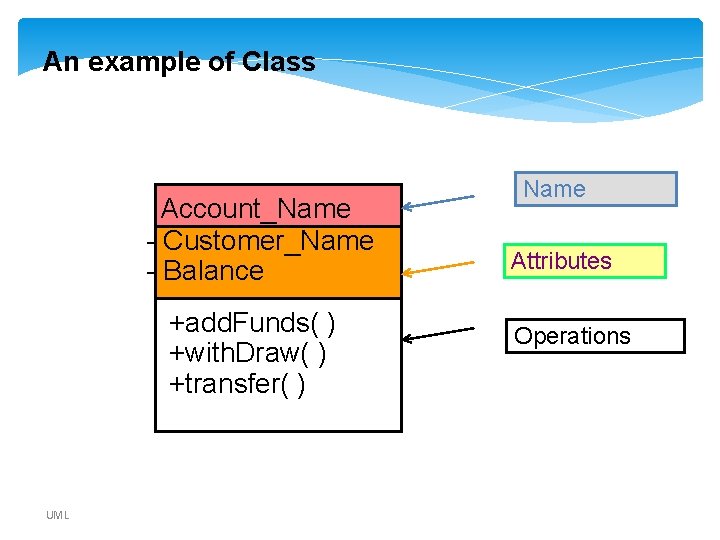
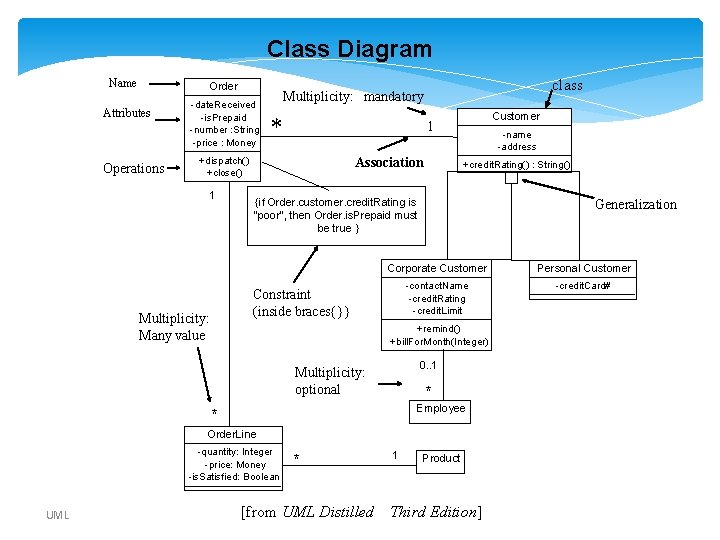
An example of Class Account_Name - Customer_Name - Balance +add. Funds( ) +with. Draw( ) +transfer( ) UML Name Attributes Operations
Terminology • association: a description of a related set of links between objects of two classes • subtype: “is a” or “is a kind of” • generalization: relationship between a more general and a more specific element - see subtype[T 1] UML
Terminology (cont. ) • dependency: relationship where a change in the independent element affects the dependent element • refinement: relationship between two descriptions of the same thing, but at different levels of abstraction UML
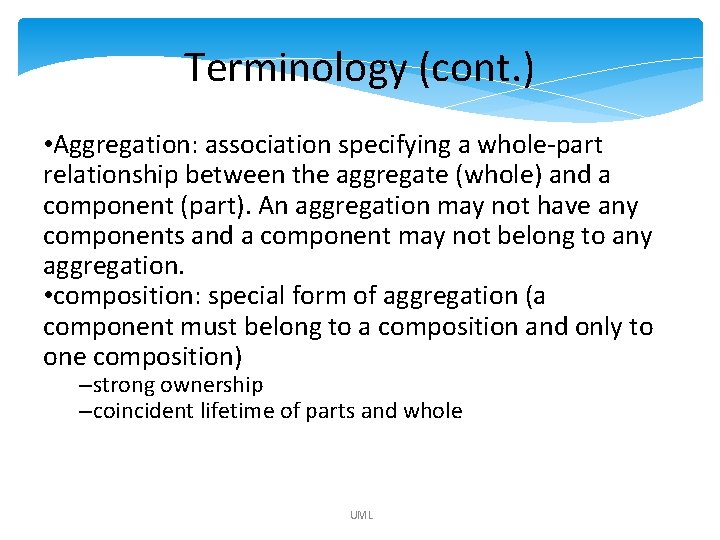
Terminology (cont. ) • Aggregation: association specifying a whole-part relationship between the aggregate (whole) and a component (part). An aggregation may not have any components and a component may not belong to any aggregation. • composition: special form of aggregation (a component must belong to a composition and only to one composition) –strong ownership –coincident lifetime of parts and whole UML
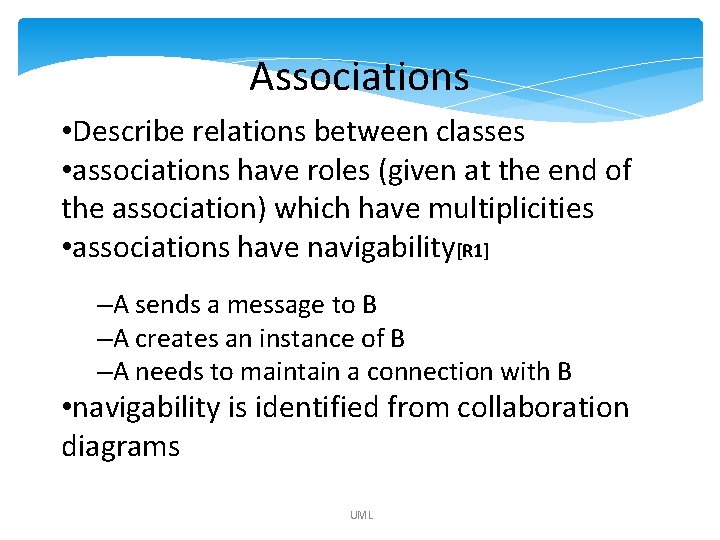
Associations • Describe relations between classes • associations have roles (given at the end of the association) which have multiplicities • associations have navigability[R 1] –A sends a message to B –A creates an instance of B –A needs to maintain a connection with B • navigability is identified from collaboration diagrams UML
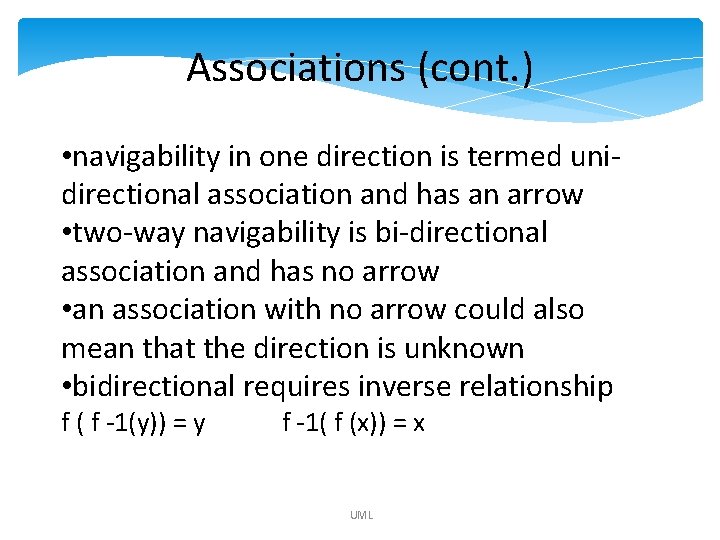
Associations (cont. ) • navigability in one direction is termed unidirectional association and has an arrow • two-way navigability is bi-directional association and has no arrow • an association with no arrow could also mean that the direction is unknown • bidirectional requires inverse relationship f ( f -1(y)) = y f -1( f (x)) = x UML
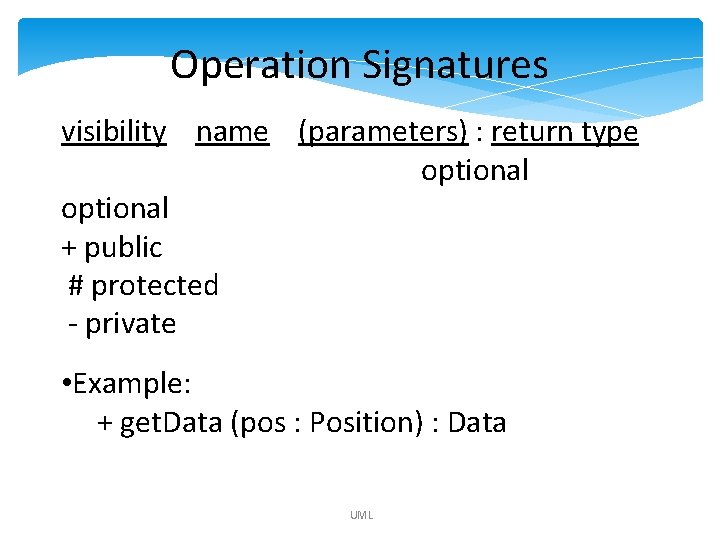
Operation Signatures visibility name (parameters) : return type optional + public # protected - private • Example: + get. Data (pos : Position) : Data UML
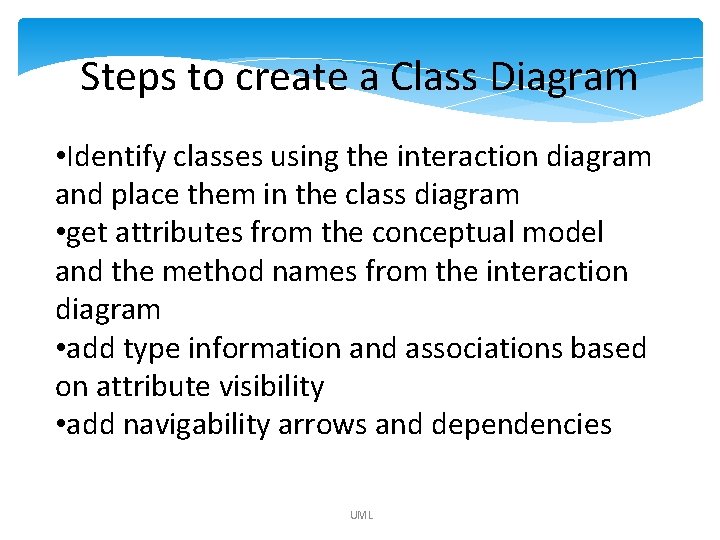
Steps to create a Class Diagram • Identify classes using the interaction diagram and place them in the class diagram • get attributes from the conceptual model and the method names from the interaction diagram • add type information and associations based on attribute visibility • add navigability arrows and dependencies UML
Class Diagram Name Order Attributes Operations -date. Received -is. Prepaid -number : String -price : Money * Multiplicity: Many value Customer 1 +dispatch() +close() 1 class Multiplicity: mandatory Association -name -address +credit. Rating() : String() {if Order. customer. credit. Rating is "poor", then Order. is. Prepaid must be true } Generalization Corporate Customer Personal Customer -contact. Name -credit. Rating -credit. Limit -credit. Card# Constraint (inside braces{}} +remind() +bill. For. Month(Integer) 0. . 1 Multiplicity: optional * Employee * Order. Line -quantity: Integer -price: Money -is. Satisfied: Boolean UML * [from UML Distilled 1 Product Third Edition]
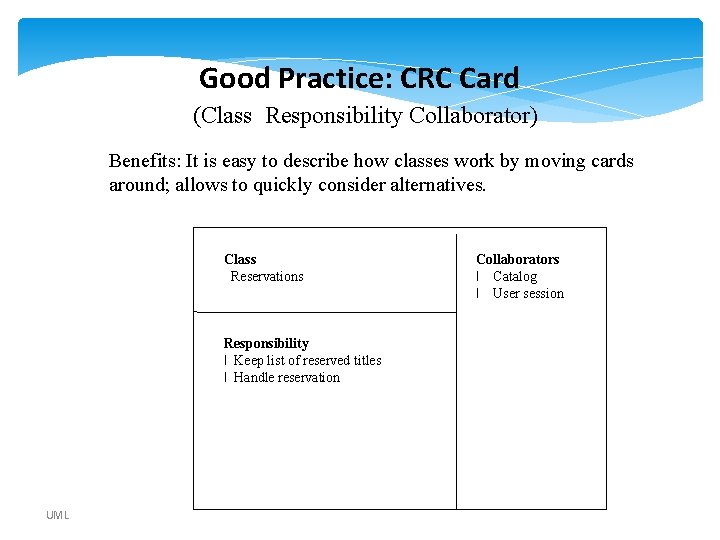
Good Practice: CRC Card (Class Responsibility Collaborator) Benefits: It is easy to describe how classes work by moving cards around; allows to quickly consider alternatives. Class Reservations Responsibility l Keep list of reserved titles l Handle reservation UML Collaborators l Catalog l User session
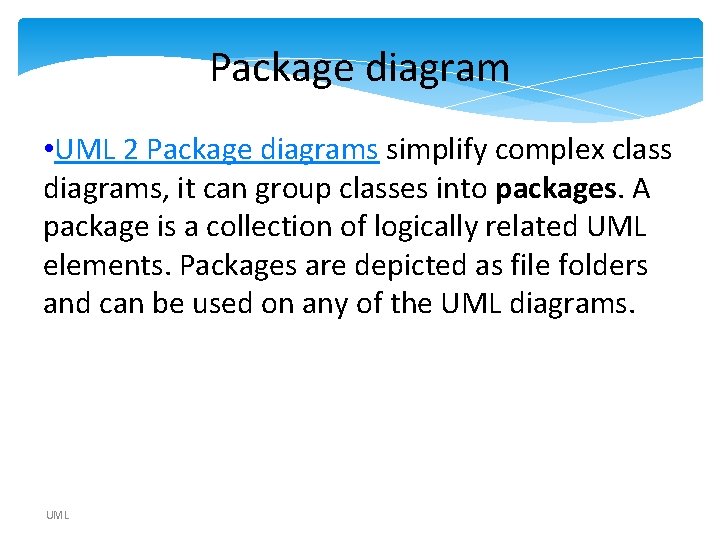
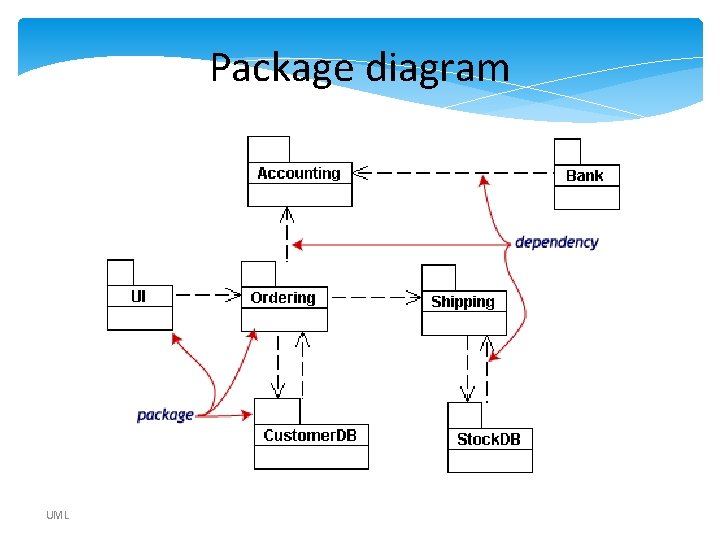
Package diagram • UML 2 Package diagrams simplify complex class diagrams, it can group classes into packages. A package is a collection of logically related UML elements. Packages are depicted as file folders and can be used on any of the UML diagrams. UML
Package diagram UML
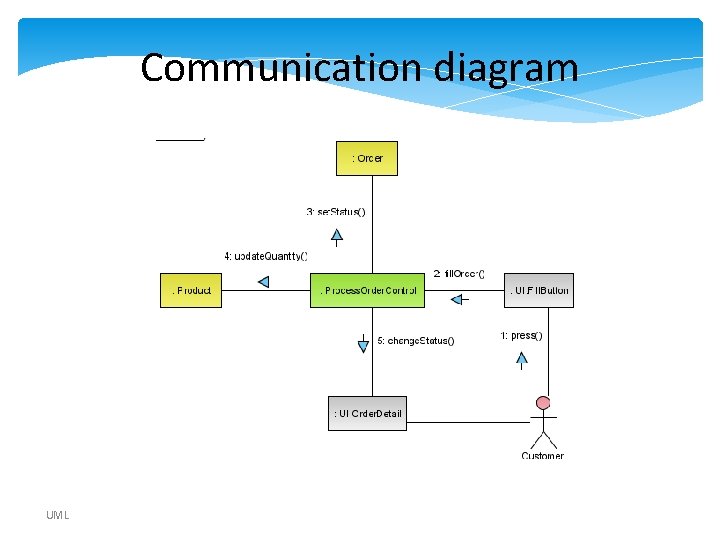
Communication diagram UML
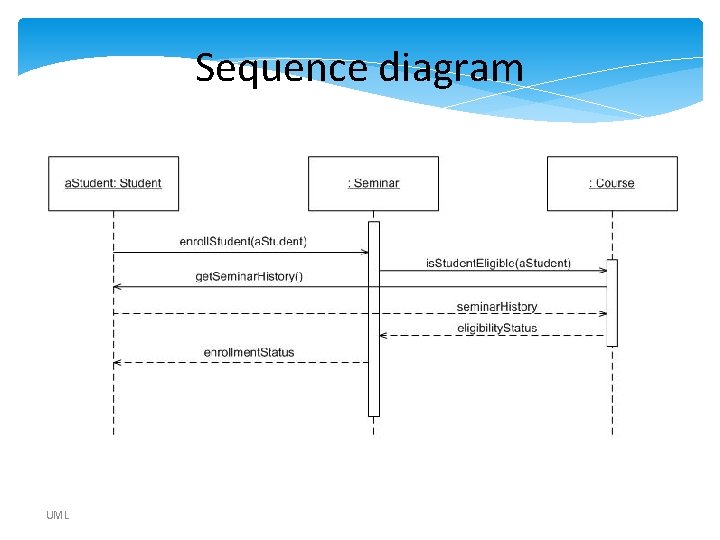
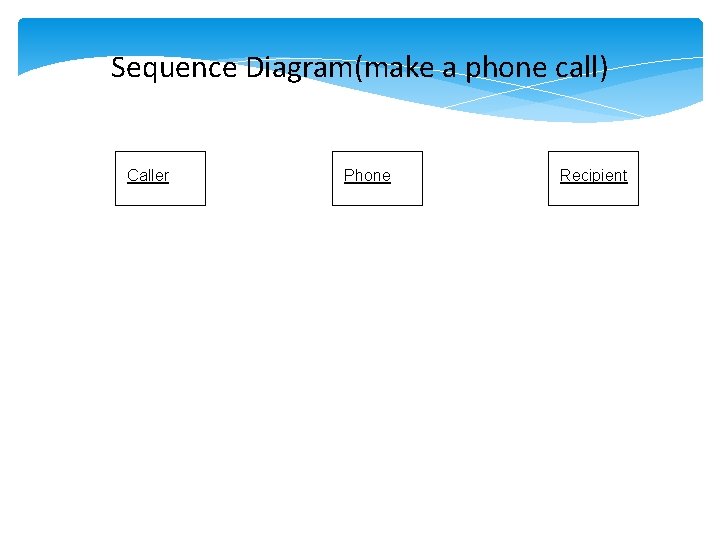
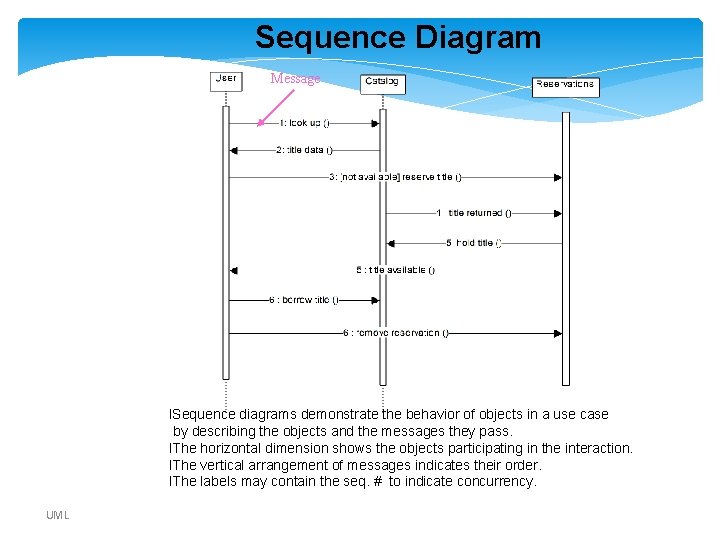
Sequence diagram • UML 2 Sequence diagrams models the collaboration of objects based on a time sequence. It shows how the objects interact with others in a particular scenario of a use case. UML
Sequence diagram UML
Sequence Diagram(make a phone call) Caller Phone Recipient Picks up Dial tone Dial Ring notification Ring Picks up Hello UML
Sequence Diagram Message l. Sequence diagrams demonstrate the behavior of objects in a use case by describing the objects and the messages they pass. l. The horizontal dimension shows the objects participating in the interaction. l. The vertical arrangement of messages indicates their order. l. The labels may contain the seq. # to indicate concurrency. UML
Interaction Diagrams: Collaboration diagrams start 6: remove reservation 3 : [not available] reserve title User Reservations 5: title available 6 : borrow title 2: title data 1: look up 4 : title returned Catalog 5 : hold title UML l. Shows the relationship between objects and the order of messages passed between them. l. The objects are listed as rectangles and arrows indicate the messages being passed l. The numbers next to the messages are called sequence numbers. They show the sequence of the messages as they are passed between the objects. lconvey the same information as sequence diagrams, but focus on object roles instead of the time sequence.
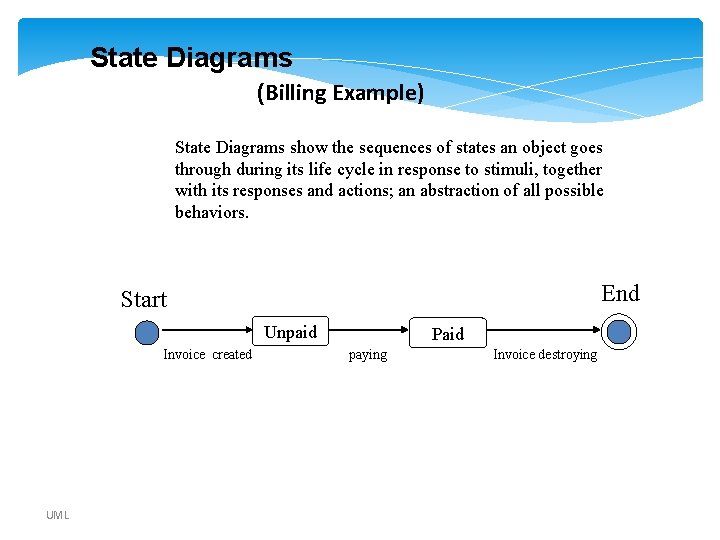
State Diagrams (Billing Example) State Diagrams show the sequences of states an object goes through during its life cycle in response to stimuli, together with its responses and actions; an abstraction of all possible behaviors. End Start Unpaid Invoice created UML Paid paying Invoice destroying
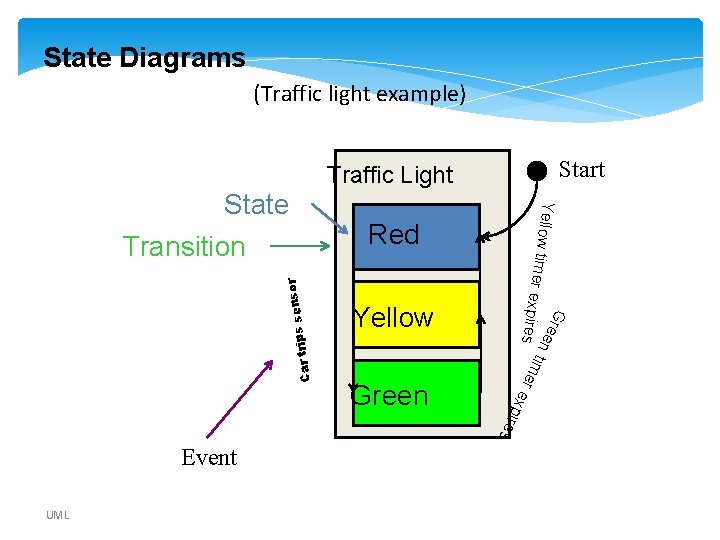
State Diagrams (Traffic light example) Start Traffic Light Red Green G r e en t pires ime Yellow s r e x pire r s senso Car trip Yellow t imer ex State Transition Event UML
Composite structure diagram • UML 2 Composite structure diagrams used to explore run-time instances of interconnected instances collaborating over communications links. It shows the internal structure (including parts and connectors) of a structured classifier or collaboration. UML
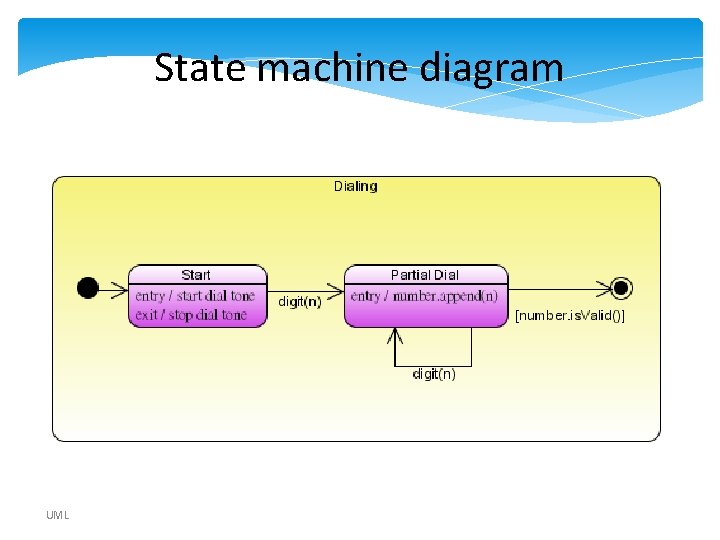
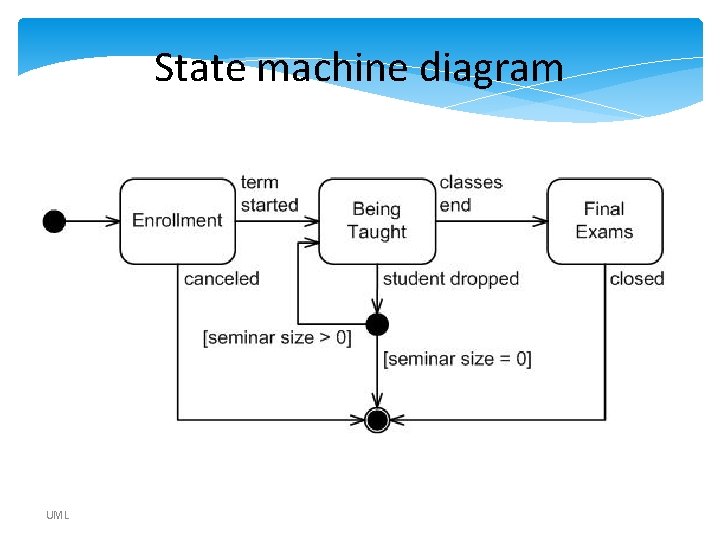
State machine diagram • UML 2 State machine diagrams can show the different states of an entity also how an entity responds to various events by changing from one state to another. The history of an entity can best be modeled by a finite state diagram. UML
State machine diagram UML
State machine diagram UML
Communication diagram • UML 2 Communication diagrams used to model the dynamic behavior of the use case. When compare to Sequence Diagram, the Communication Diagram is more focused on showing the collaboration of objects rather than the time sequence. [R 1] UML
Software Requirements Specification
Software Requirements Specification: A Contract Document • Requirements document is a reference document. • SRS document is a contract between the development team and the customer. –Once the SRS document is approved by the customer, • any subsequent controversies are settled by referring the SRS document.
SW Requirements Specification • Purpose of SRS –communication between the Customer, Analyst, system developers, maintainers, . . . –contract between Purchaser and Supplier –firm foundation for the design phase –support system testing activities –support project management and control –controlling the evolution of the system
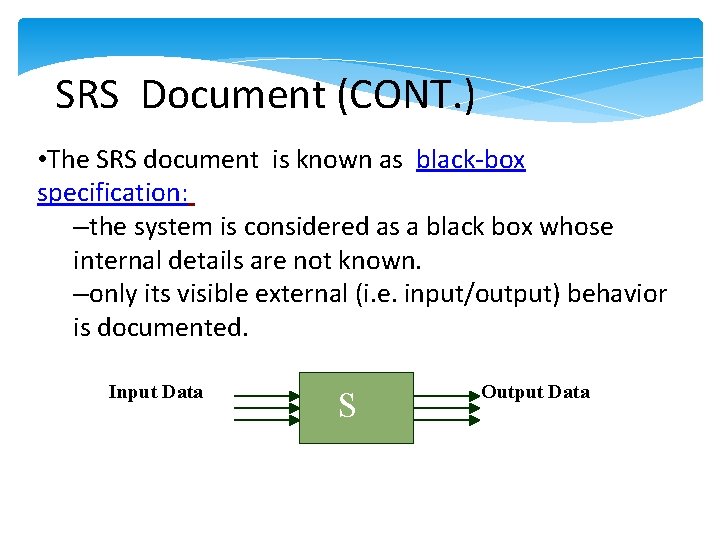
SRS Document (CONT. ) • The SRS document is known as black-box specification: –the system is considered as a black box whose internal details are not known. –only its visible external (i. e. input/output) behavior is documented. Input Data S Output Data
SRS Document (CONT. ) • SRS document concentrates on: –what needs to be done –carefully avoids the solution (“how to do”) aspects. • The SRS document serves as a contract –between development team and the customer. –Should be carefully written
SRS Document (CONT. ) • The requirements at this stage: –written using end-user terminology. • If necessary: –later a formal requirement specification may be developed from it.
Software Requirements Specification (SRS) • Defines the customer’s requirements in terms of : – Function – Performance – External interfaces – Design constraints • The SRS is the basis of contract between the purchaser and supplier
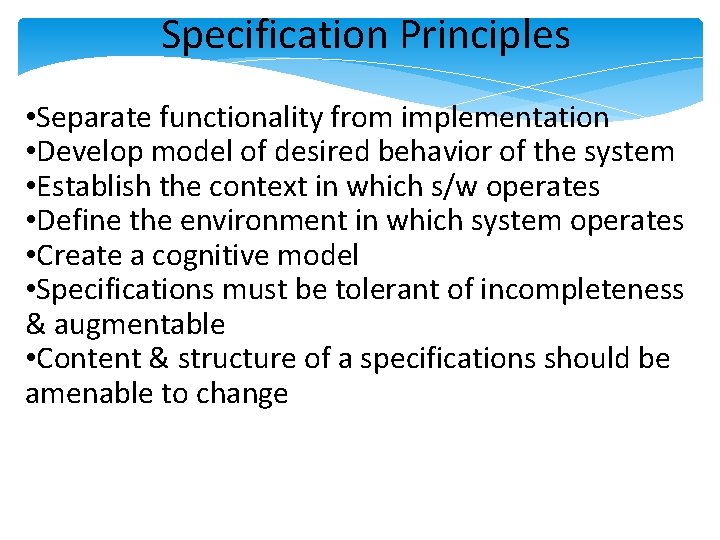
Specification Principles • Separate functionality from implementation • Develop model of desired behavior of the system • Establish the context in which s/w operates • Define the environment in which system operates • Create a cognitive model • Specifications must be tolerant of incompleteness & augmentable • Content & structure of a specifications should be amenable to change
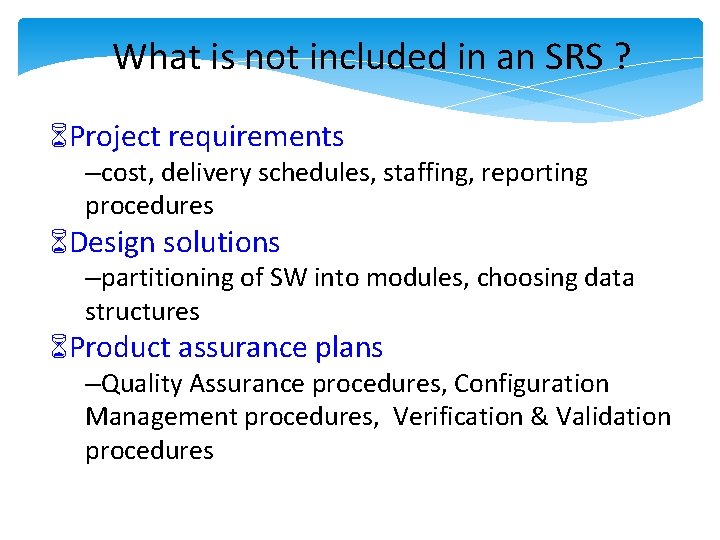
What is not included in an SRS ? Project requirements –cost, delivery schedules, staffing, reporting procedures Design solutions –partitioning of SW into modules, choosing data structures Product assurance plans –Quality Assurance procedures, Configuration Management procedures, Verification & Validation procedures
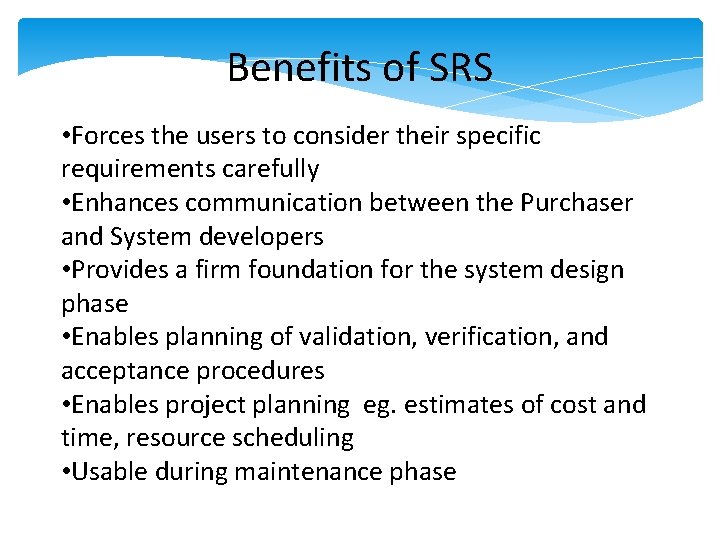
Benefits of SRS • Forces the users to consider their specific requirements carefully • Enhances communication between the Purchaser and System developers • Provides a firm foundation for the system design phase • Enables planning of validation, verification, and acceptance procedures • Enables project planning eg. estimates of cost and time, resource scheduling • Usable during maintenance phase
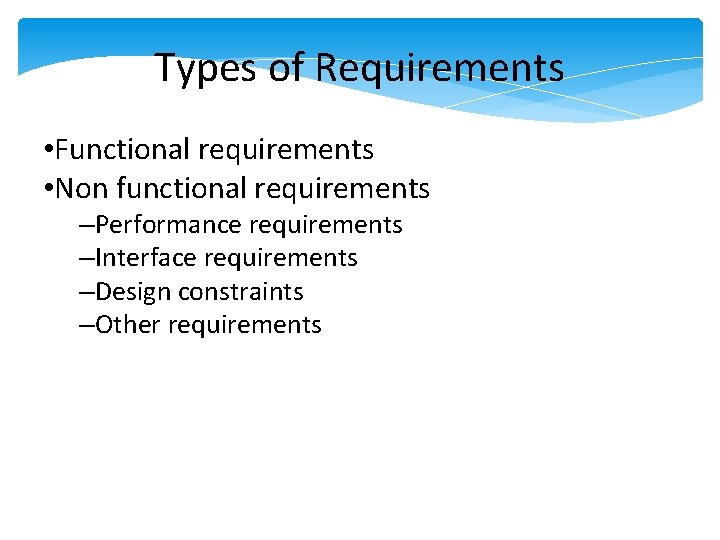
Types of Requirements • Functional requirements • Non functional requirements –Performance requirements –Interface requirements –Design constraints –Other requirements
Functional Requirements • Transformations (inputs, processing, outputs) • Requirements for sequencing and parallelism (dynamic requirements) • Data –Inputs and Outputs –Stored data –Transient data • Exception handling • Nature of function: Mandatory/ Desirable/ Optional / Volatile / Stable
Performance Requirements • Capacity –no. of simultaneous users, processing requirements for normal and peak loads, static storage capacity, spare capacity • Response time • System priorities for users and functions • System efficiency • Availability • Fault recovery[R 1] All these requirements should be stated in measurable terms so that they can be verified.
Verifiable • A requirement is verifiable if and only if there exists some finite cost effective process with which a person or machine can check that the SW meets the requirement.
External Interface Requirements • User interfaces –eg. if display terminal used, specify required screen formats, menus, report layouts, function keys • Hardware interfaces –characteristics of the interface between the SW product and HW components of the system • Software interfaces –specify the use of other SW products eg. OS, DBMS, other SW packages
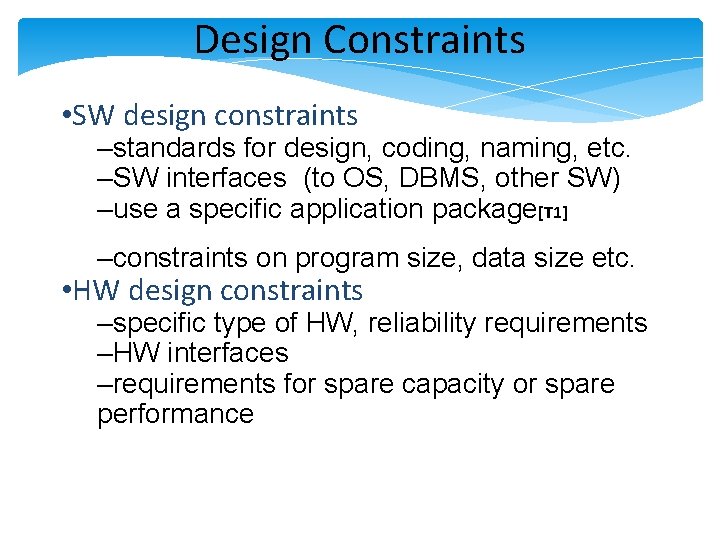
Design Constraints • SW design constraints –standards for design, coding, naming, etc. –SW interfaces (to OS, DBMS, other SW) –use a specific application package[T 1] –constraints on program size, data size etc. • HW design constraints –specific type of HW, reliability requirements –HW interfaces –requirements for spare capacity or spare performance
Design Constraints (contd) • User-interface design constraints –features of operator/user with details of working environment –any special features required
Other Requirements • Security • Safety • Environmental • Reusability • Training • . . .
SRS Standards • ANSI/IEEE SRS Standard 830 -1984 • BS 6719: 1986 • European Space Agency Standards (ESA PSS-05 -0, Jan 1987) • US Do. D-Std-7935 A • . . .
SRS Prototype Outline [ IEEE SRS Standard ] 1. Introduction 1. 1 Purpose 1. 2 Scope 1. 3 Definitions, Acronyms and Abbreviations 1. 4 References 1. 5 Overview
SRS - Introduction Section • Purpose –delineate the purpose of the particular SRS –specify the intended audience for the SRS • Scope –identify the SW products to be produced by name –explain what the SW product will do, and if necessary, what it will not do –describe the application of the SW being specified. ie. benefits, objectives, goals as precisely as possible • Overview –describe what the rest of the SRS contains –how the SRS is organized
SRS Prototype Outline [ IEEE SRS Standard ] 2. General description 2. 1 Product perspective 2. 2 Product function summary 2. 3 User characteristics 2. 4 General constraints 2. 5 Assumptions and dependencies
Product Perspective • State whether the product is independent and totally self contained • If the product is component of a larger system then: –describe the functions of each component of the larger system and identify interfaces –overview of the principal external interfaces of this product –overview of HW and peripheral equipment to be used • Give a block diagram showing the major components of the product, interconnections, and external interfaces.
Product Functions • Provide a summary of functions the SW will perform • The functions should be organized in such a way that they are understandable by the user User Characteristics • Describe the general characteristics of the eventual users of the product. (such as educational level, experience and technical expertise )
General Constraints • Regulatory policies • HW limitations • Interfaces to other applications • Parallel operation • Audit functions • Control functions • Criticality of the application • Safety and security considerations
SRS Prototype Outline [ IEEE SRS Standard ] 3. Specific Requirements - Functional requirements - External interface requirements - Performance requirements - Design constraints - Attributes eg. security, availability, maintainability, transferability/conversion - Other requirements Appendices Index
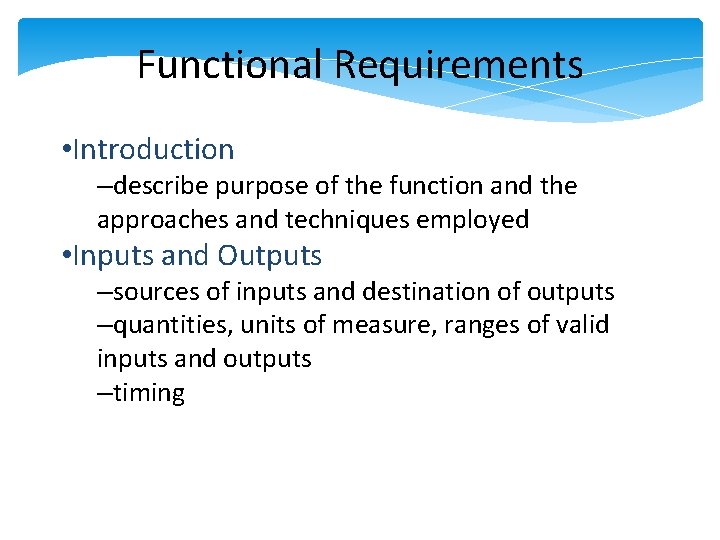
Functional Requirements • Introduction –describe purpose of the function and the approaches and techniques employed • Inputs and Outputs –sources of inputs and destination of outputs –quantities, units of measure, ranges of valid inputs and outputs –timing
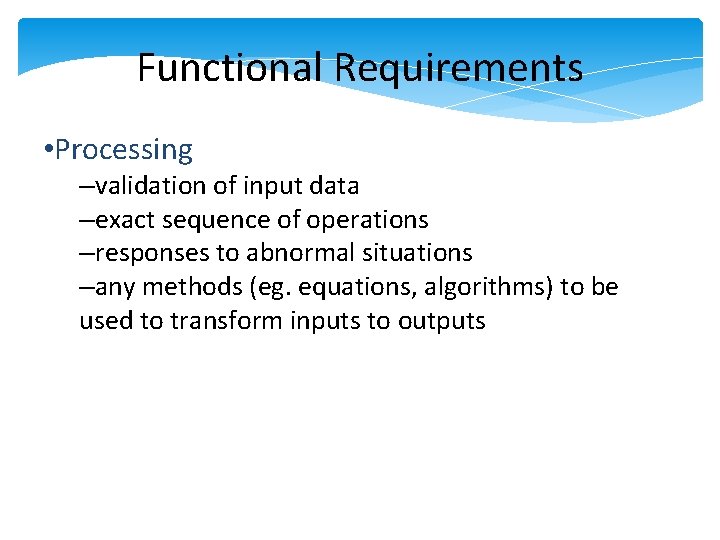
Functional Requirements • Processing –validation of input data –exact sequence of operations –responses to abnormal situations –any methods (eg. equations, algorithms) to be used to transform inputs to outputs
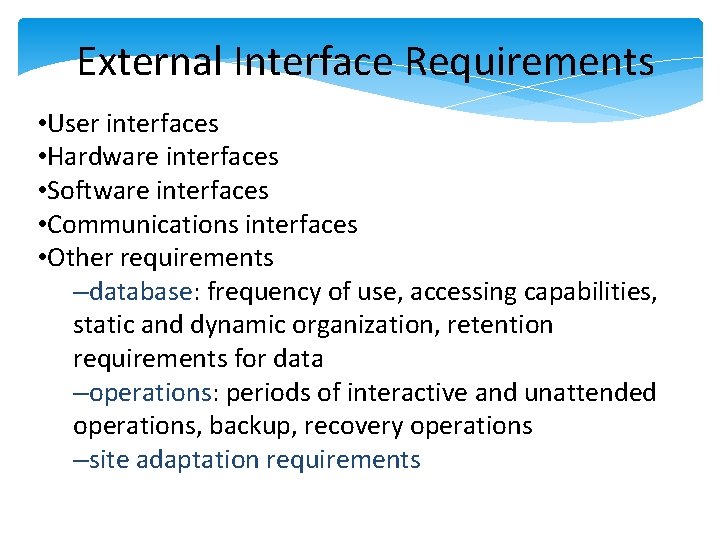
External Interface Requirements • User interfaces • Hardware interfaces • Software interfaces • Communications interfaces • Other requirements –database: frequency of use, accessing capabilities, static and dynamic organization, retention requirements for data –operations: periods of interactive and unattended operations, backup, recovery operations –site adaptation requirements
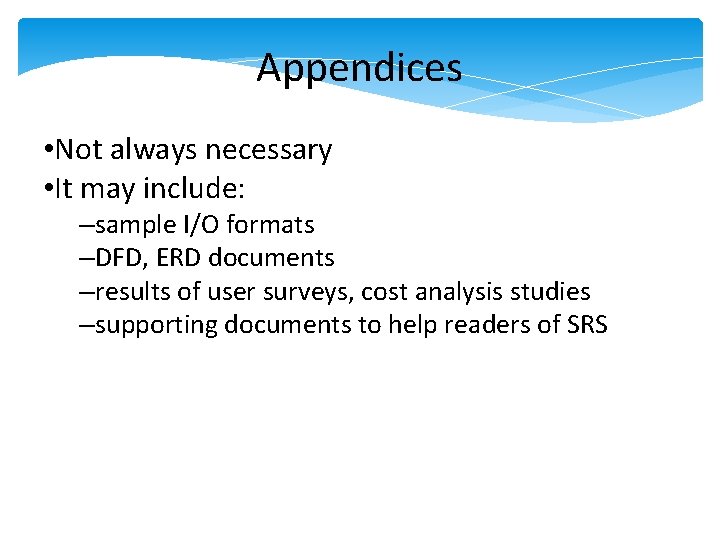
Appendices • Not always necessary • It may include: –sample I/O formats –DFD, ERD documents –results of user surveys, cost analysis studies –supporting documents to help readers of SRS
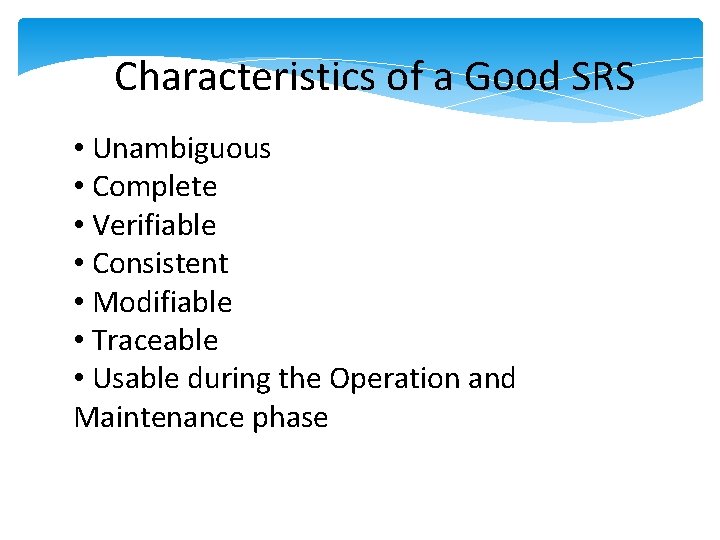
Characteristics of a Good SRS • Unambiguous • Complete • Verifiable • Consistent • Modifiable • Traceable • Usable during the Operation and Maintenance phase
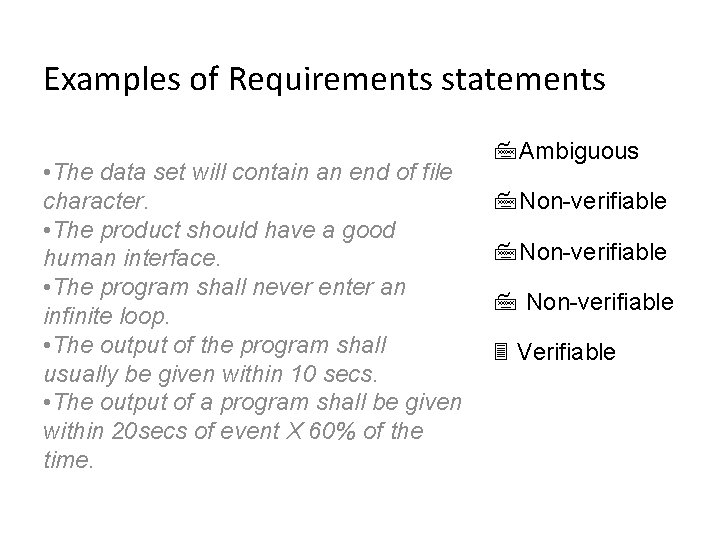
Examples of Requirements statements • The data set will contain an end of file character. • The product should have a good human interface. • The program shall never enter an infinite loop. • The output of the program shall usually be given within 10 secs. • The output of a program shall be given within 20 secs of event X 60% of the time. Ambiguous Non-verifiable Verifiable
Examples of Bad SRS Documents • Unstructured Specifications: –Narrative essay --- one of the worst types of specification document: • Difficult to change, • difficult to be precise, • difficult to be unambiguous, • scope for contradictions, etc.
Examples of Bad SRS Documents • Noise: –Presence of text containing information irrelevant to the problem. • Silence: –aspects important to proper solution of the problem are omitted. [R 1]
Examples of Bad SRS Documents • Overspecification: –Addressing “how to” aspects –For example, “Library member names should be stored in a sorted descending order” –Overspecification restricts the solution space for the designer. [T 1] • Contradictions: –Contradictions might arise • if the same thing described at several places in different ways.
Examples of Bad SRS Documents • Ambiguity: –Literary expressions –Unquantifiable aspects, e. g. “good user interface” • Forward References: –References to aspects of problem • defined only later on in the text. • Wishful Thinking: –Descriptions of aspects • for which realistic solutions will be hard to find.
Complete • All significant requirements are included • Definition of responses of the SW to all realizable classes of input data in all situations. • Conformity to a standard • Full labeling and referencing of all figures, tables etc. and definition of all terms and units of measure
Verifiable • A requirement is verifiable if and only if there exists some finite cost effective process with which a person or machine can check that the SW meets the requirement. Consistent • No two requirements are in conflict
Modifiable • Structure and style of SRS is such that changes to requirements can be made easily, completely and consistently. –SRS organisation -- table of contents, index, explicit cross-referencing –no redundancy
Traceable • An SRS is traceable if the origin of each requirement is clear and it facilitates the referencing of each requirement in future. • Backward traceability –requirement explicitly referencing its source in previous documents • Foward traceability –each requirement has a unique name or reference number and it can be traced to design documents, program implementation.
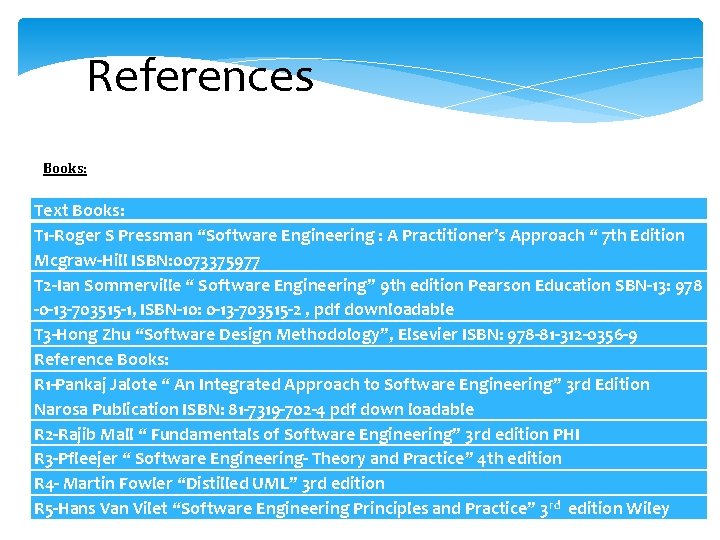
References Books: Text Books: T 1 -Roger S Pressman “Software Engineering : A Practitioner’s Approach “ 7 th Edition Mcgraw-Hill ISBN: 0073375977 T 2 -Ian Sommerville “ Software Engineering” 9 th edition Pearson Education SBN-13: 978 -0 -13 -703515 -1, ISBN-10: 0 -13 -703515 -2 , pdf downloadable T 3 -Hong Zhu “Software Design Methodology”, Elsevier ISBN: 978 -81 -312 -0356 -9 Reference Books: R 1 -Pankaj Jalote “ An Integrated Approach to Software Engineering” 3 rd Edition Narosa Publication ISBN: 81 -7319 -702 -4 pdf down loadable R 2 -Rajib Mall “ Fundamentals of Software Engineering” 3 rd edition PHI R 3 -Pfleejer “ Software Engineering- Theory and Practice” 4 th edition R 4 - Martin Fowler “Distilled UML” 3 rd edition R 5 -Hans Van Vilet “Software Engineering Principles and Practice” 3 rd edition Wiley