
Unit 1 Use technology to solve human problems
Unit 1
§ Use technology to solve human problems § One of the main tools we use for doing computer science is code. § In this class we will be using Python.
§ Creativity § Innovation § The Internet § DATA § Algorithms § Programming
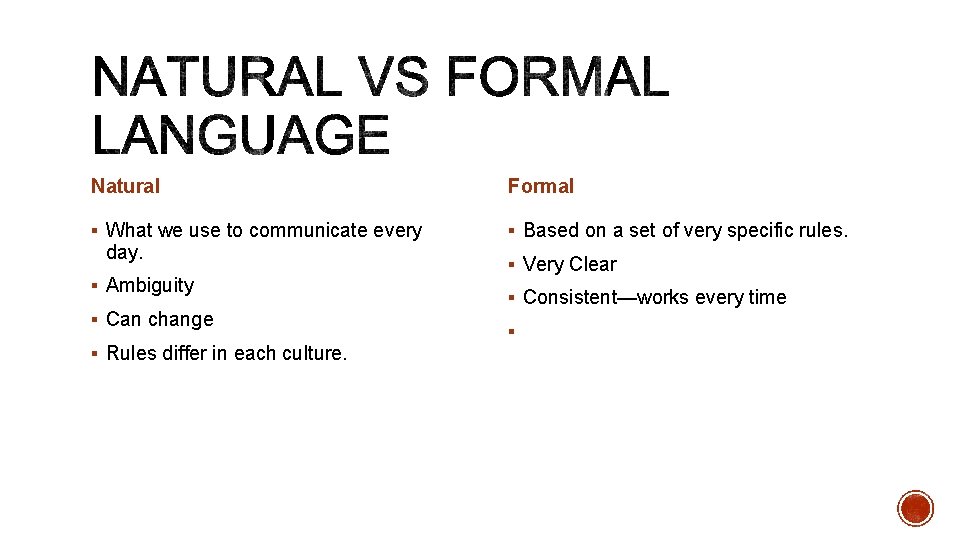
Natural Formal § What we use to communicate every § Based on a set of very specific rules. day. § Ambiguity § Can change § Rules differ in each culture. § Very Clear § Consistent—works every time §
USING PYTHON § IDE: Integrated Development Environment § Code. Skulptor

§ Integrated Development Environment § Also called a programming environment § The programming environment acts as our compiler, translating the code into machine language for us. § We will learn Code. Skulptor § Take the commands we write in the Python Language and communicate them to the computer § A way to translate them from code to binary
§ Print (‘Hello World’) § Does print mean PRINT? No! § In Python print and PRINT are not the same. § Command that displays text and numbers on the screen.
§ Will simply print some text to the screen. § print (“hello world”) § The print command will write the text “Hello World” (without the quotes). § It is important that the command has matching parentheses. There must be a closing “)” parentheses for every opening parentheses “(“, and there must be a closing quote for every opening quote. Otherwise, you will get a Token. Error § Python expects the text you want to print out to be in quotes—otherwise it will not know that by HELLO WORLD you mean the text Hello World. § Can “add” words together with a + symbol. Be careful with formatting, especially with spacing. § § Code: print (“Hello “ + “world”) Outputs: Hello World Code: print (“hello” + “world”) Outputs: helloworld
§ You must understand: § Hardware § Software § Programs § Do you know what a computer is? § How do we define what hardware is? § Does your computer have a brain? § What are the different types of software? § How does a computer understand what you are telling it?
Hardware Software § The physical machine § Programs that run on hardware § Anything you can touch. § Power. Point, Chrome, Photoshop § Any set of instructions that tell your hardware what to do.
Instructions that a computer follows Programs are written in code.
§ Many types of hardware § They all have 5 things in common: § Input devices § Output devices § CPU § Main memory § Secondary memory
§ Central Processing Unit § The brain § Carries out the program instructions.

Main Memory Secondary Memory § Short-term § Long-term Memory § Temporary—computer is turned off, § Storage the information is lost. § Permanent—power off, data is ok.
§ Operating system § Compiler § applications

OS Compiler § Runs the computer § Creates programs for computer to § Controls the memory follow. § Applications § Software that does a certain task.

§ Translate code to machine language § Check for mistakes § Translate commands to machine language § Runs the commands.
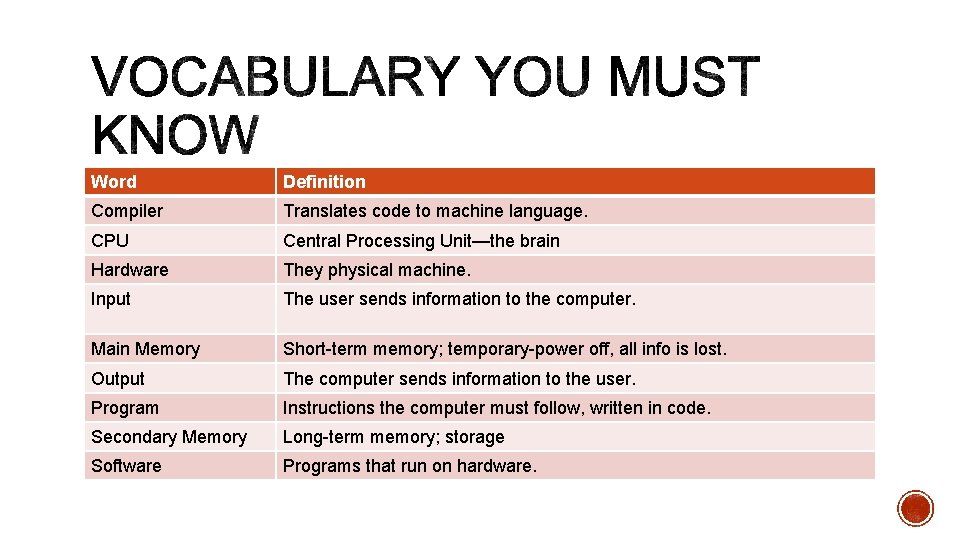
Word Definition Compiler Translates code to machine language. CPU Central Processing Unit—the brain Hardware They physical machine. Input The user sends information to the computer. Main Memory Short-term memory; temporary-power off, all info is lost. Output The computer sends information to the user. Program Instructions the computer must follow, written in code. Secondary Memory Long-term memory; storage Software Programs that run on hardware.
§ You should be able to define and use comments, escape characters, special characters, and explain output.
§ What is output? § How can you keep text on the same line? § How do we output an actual quotation mark? § How do we output numbers? § What is a comment and do we use it?
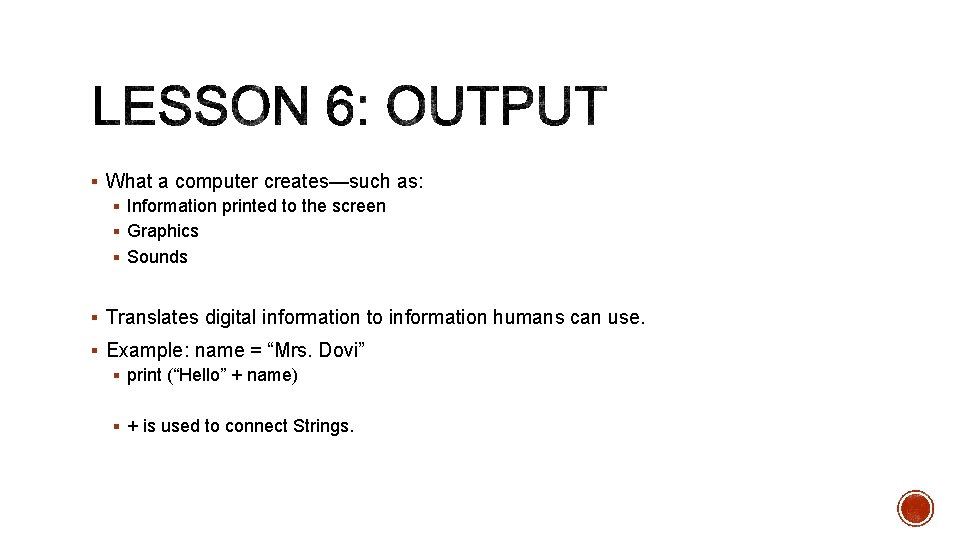
§ What a computer creates—such as: § Information printed to the screen § Graphics § Sounds § Translates digital information to information humans can use. § Example: name = “Mrs. Dovi” § print (“Hello” + name) § + is used to connect Strings.
§ What is the output? § The ‘n’ command inserts a new line.
§ Display: § “this is a quote” § print (“”this is a quote””)
§ Marked with a § Lets you print special characters § Examples: § n t ” ’
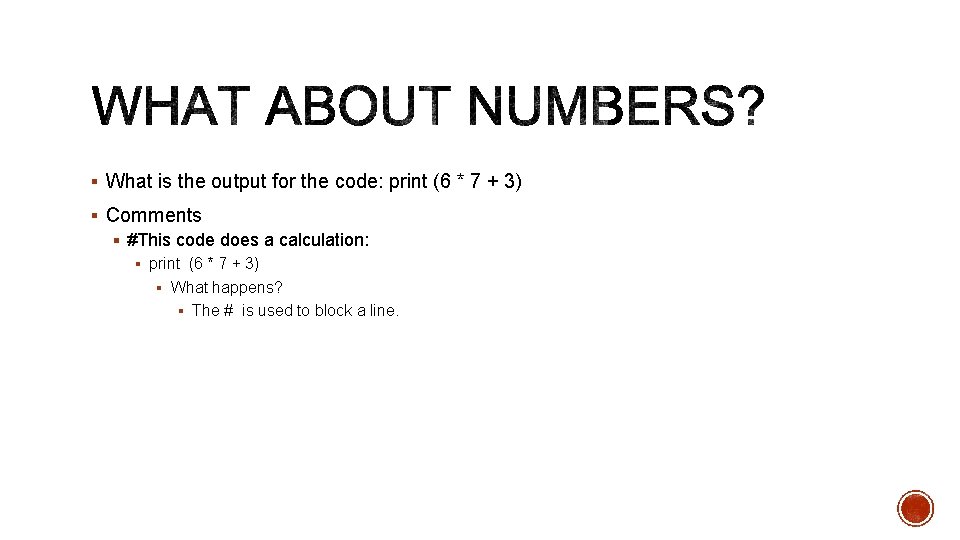
§ What is the output for the code: print (6 * 7 + 3) § Comments § #This code does a calculation: § print (6 * 7 + 3) § What happens? § The # is used to block a line.
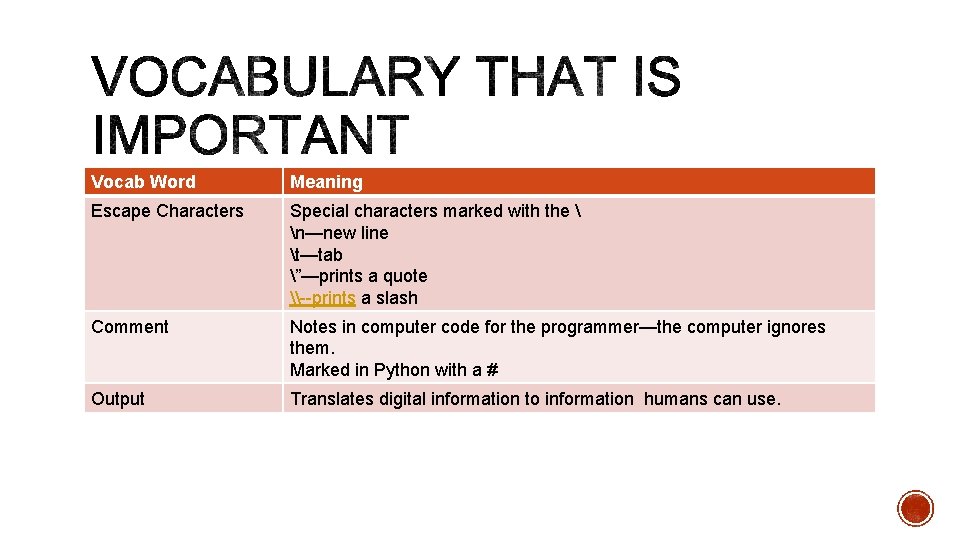
Vocab Word Meaning Escape Characters Special characters marked with the n—new line t—tab ”—prints a quote \--prints a slash Comment Notes in computer code for the programmer—the computer ignores them. Marked in Python with a # Output Translates digital information to information humans can use.
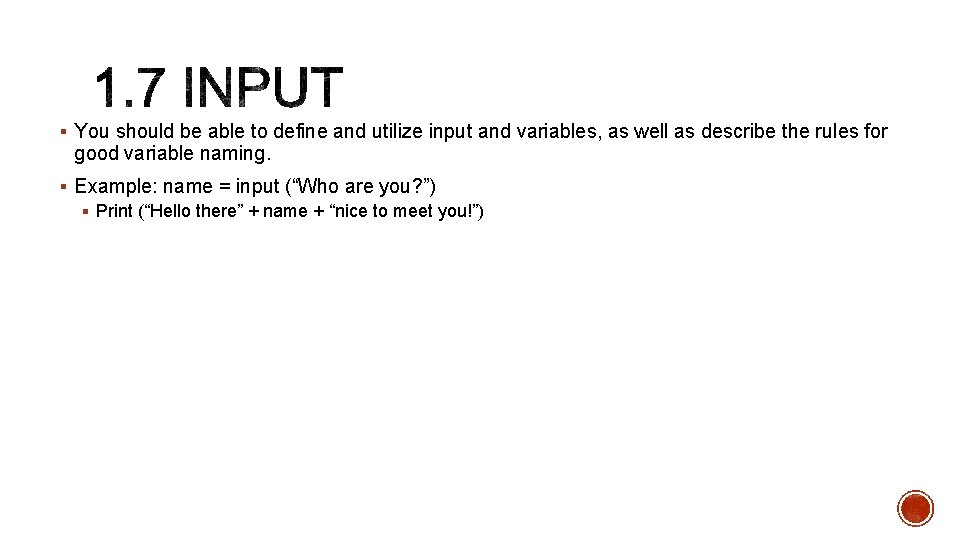
§ You should be able to define and utilize input and variables, as well as describe the rules for good variable naming. § Example: name = input (“Who are you? ”) § Print (“Hello there” + name + “nice to meet you!”)
§ Name is a variable § It is a spot in memory that holds the information the user types in
§ Input is pulling the information into the computer. § For this to work, you need to have a spot in memory to hold this value.
§ A name for a spot in the computer’s memory § This value can change while the program runs § This is not the same as a variable in Algebra
![§ Input a name and an adjective and print: § Hi there [name], nice](http://slidetodoc.com/presentation_image_h2/e05559e6e6bff5712741dca56a012968/image-31.jpg "§ Input a name and an adjective and print: § Hi there [name], nice")
§ Input a name and an adjective and print: § Hi there [name], nice to meet you. You seem very [adjective] today. § Replace [name] and [adjective] with the words you enter.
§ Can use letters and numbers, but no spaces § test 1, test 2, test 3 § Must start with a letter—usually lowercase § capitalize. Each. Word. In. Long. Names § Describe what it holds § Or_use_underscores
§ Input § The user send information to the computer. § Variable § A name for a spot in the computer’s memory.
§ In this lesson, you should define and utilize variables § You should be able to tell the difference between variable types of integer and string.
§ Variables § A name for a spot in the computer’s memory. § This value can change while the program runs. § Different types of data take up different amounts of space in memory. § Example: § Noun = input (“Enter a noun: “) § Adjective = input (“Enter an Adjective: “ ) § print (“the” + noun + “is “ + adjective.
§ num 1 = input (“Enter a number: “ ) § Num 2= input (“Enter a number: “) § print (num 1 + num 2) § What? ? § The Fix § num 1 = int (input (“Enter a number: “)) § num 2 = int (input (“Enter a number: “)) § print (num 1 + num 2) § What changed? § Int function tells Python to handle the value in the ( ) as a number, not as words.
§ Two major categories § Numbers § Everything else—we call these Strings § Lets the user type in letters, numbers and words. § Not used for calculations § Python defaults to Strings—have to change a String to a number.
§ The str function tells Pyhton to handle the value in the ( ) as a String, not as a number.
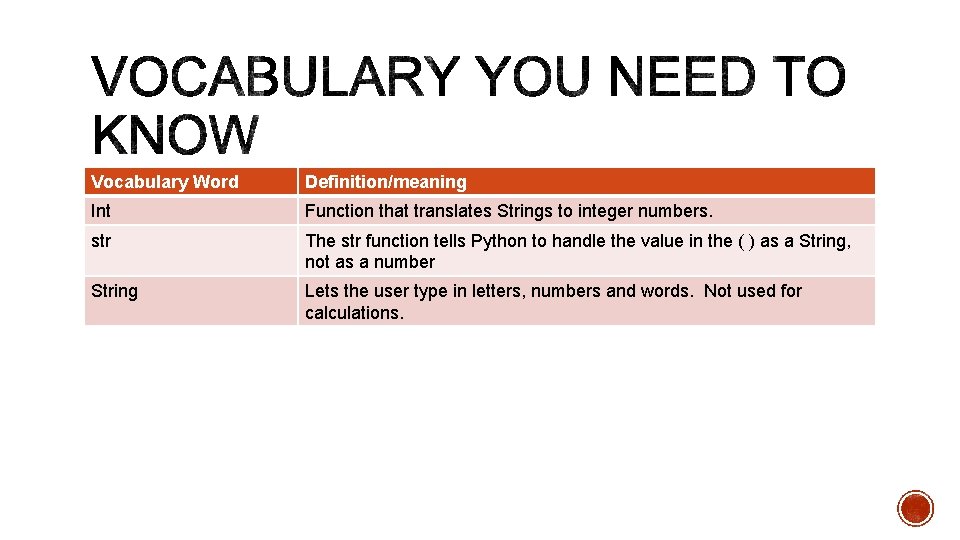
Vocabulary Word Definition/meaning Int Function that translates Strings to integer numbers. str The str function tells Python to handle the value in the ( ) as a String, not as a number String Lets the user type in letters, numbers and words. Not used for calculations.
- Slides: 39