
Unit 1 Selection of Instructional Methods and Materials

- Slides: 24
Unit 1 Selection of Instructional Methods and Materials
Selection of Instructional Methods and Materials What you will learn in this lesson: Understand selection considerations regarding Instructional Methods & Materials - Identify various methods of presenting information to the student - Name various types of instructional media - State the considerations in determining the type of instructional methods to be used Why?
Instructional Methods • Instructional Method definition – procedure or process used to attain an objective • In design phase, the most important task is selecting the instructional method
Instructional Methods • Examples – Lecture, Demonstration, Self-study, Computer-Based Training (CBT), E-learning or On-The-Job Training (OJT) • Responsibility for Selection – Instructional Developer has overall responsibility or design team selects most effective, cost-efficient method
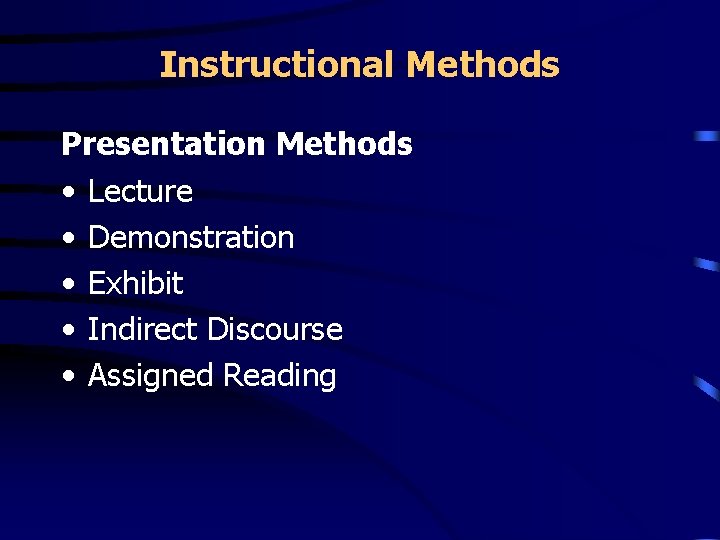
Instructional Methods Presentation Methods • Lecture • Demonstration • Exhibit • Indirect Discourse • Assigned Reading
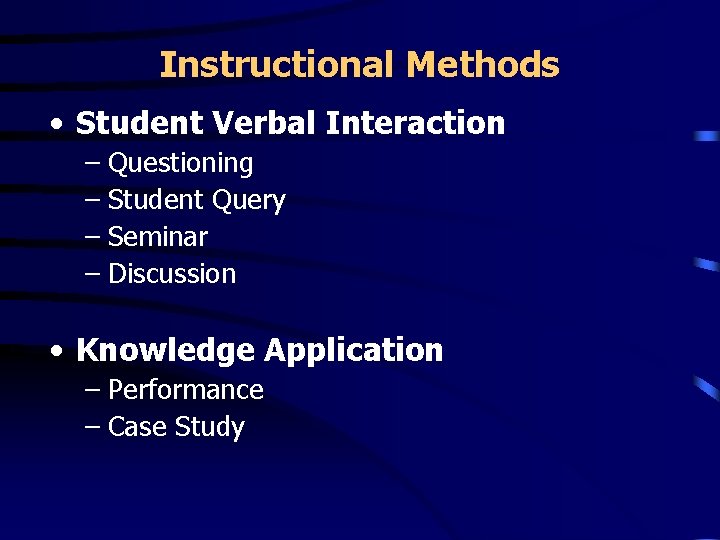
Instructional Methods • Student Verbal Interaction – Questioning – Student Query – Seminar – Discussion • Knowledge Application – Performance – Case Study
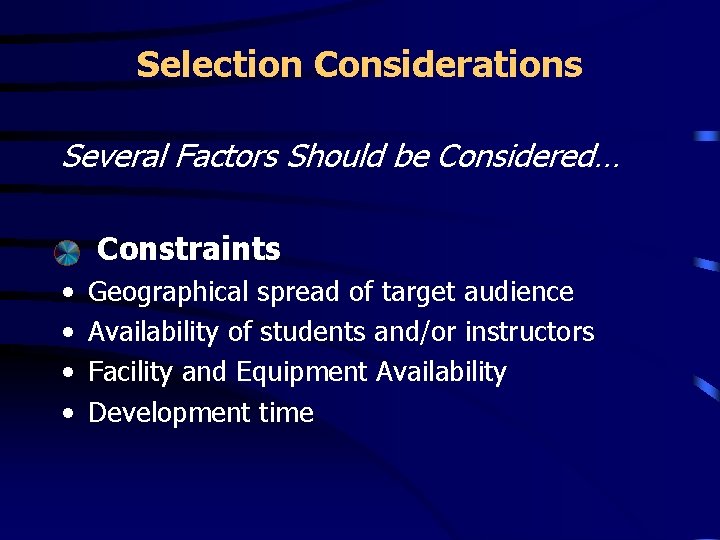
Selection Considerations Several Factors Should be Considered… Constraints • • Geographical spread of target audience Availability of students and/or instructors Facility and Equipment Availability Development time
Selection Considerations (cont’d) Several Factors Should be Considered… Cost-Effectiveness – Trained personnel requirements – Content stability – Amount of practice required
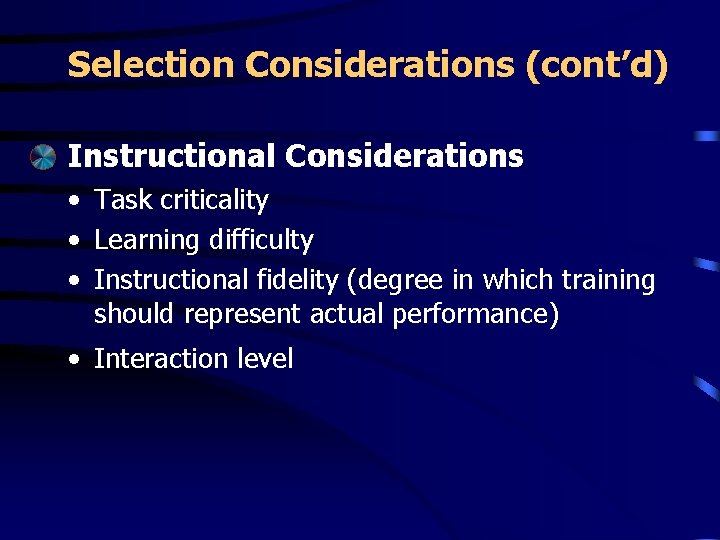
Selection Considerations (cont’d) Instructional Considerations • Task criticality • Learning difficulty • Instructional fidelity (degree in which training should represent actual performance) • Interaction level
Media Selection -Definition – Media are means, instruments, or materials used to communicate information - Selecting appropriate media insures that the information is presented in the most effective and efficient means possible - Using a variety of media is beneficial; blended training. - Selection of media for the instructional system is the responsibility of the instructional developer
Media Selection (cont’d) • Examples of Media types: - Classroom instructor with classroom aids - Multimedia - Print - Peer or Group - Training devices and simulators
Media Characteristics Printed Media (pros and cons) + Include common types of materials + Wide variety of application + Simple types are quick to prepare - Sophisticated types are more expensive - Requires suitable reading ability
Media Characteristics (cont’d) Overhead Transparencies (pros) + Information presented in systematic, developmental sequences + Simple to operate, speed controlled by instructor + Limited planning + Easy preparation + Useful with large groups
Media Characteristics (cont’d) Overhead Transparencies (cons) - Requires special equipment and skills for advanced preparation - Large, compared with other projectors
Media Characteristics, (cont’d) Multimedia Presentations (pros) + Demands attention + Compress large amounts of information into short presentation + More effective communications in certain situations
Media Characteristics, (cont’d) Multimedia Presentations (cons) - Requires additional equipment, complex setup, careful coordination - Equipment and production costs high for complex programs
Media Characteristics, (cont’d) Power. Point Presentations + Can be used with various media equipment (overhead, computer) - Requires additional equipment, setup, planning, preparation and use
Media Characteristics, (cont’d) Video (pros) + Useful in describing motion, showing relationships, impact to topic + Allows instant replay + Video media reusable + Special video techniques (animation, timelapse) + Combines still and motion on videodisc
Media Characteristics, (cont’d) Video (cons) - High cost for production equipment - Fine detail resolution can be limited - Incompatibility of some video format
Media Characteristics, (cont’d) Interactive Courseware (ICW) – (pros) + Presents text and graphics + Interaction with students + Maintains records of responses + Adapts to needs of learner + Can interface with computer and video
Media Characteristics, (cont’d) Interactive Courseware (ICW) – (cons) - Requires computer programming skills - Requires essential hardware and software to develop - Incompatibility of hardware and software among different systems
Media Selection Guidelines Should determine effectiveness and efficiency of instructional system: • Design in relation to system constraints and instructional objectives • Instructional strategy planned on types of learning involved • Extent and impact of cost-effectiveness • Availability of work hours, know-how, funds, delivery resources
Questions ? ? ? • Quiz 1 Video: Face to Face vs Online Training Video: E-Learning for Dummies • Group discussion exercise (NEXT SLIDE)
DEBATE THE PROS AND CONS OF -LEARNING E Rules: • Instructor will pick students to present the pros of elearning/ Instructor will pick students to present the cons of e-learning • Each group will have 15 minutes to prepare their oral presentation • Each group will present their view point in 5 minutes • Each group will answer moderator questions for 5 minutes • Each group will present a conclusion/summary of view point and counter • All participants will respect each others opinion • All other students will observe debate and discuss the purpose of the exercise