
Unit 1 Overview of System Software Hardik Doshi
- Slides: 29
Unit – 1 Overview of System Software Hardik Doshi � 99789 11553 � hardik. doshi@darshan. ac. in System Programming (2150708) Darshan Institute of Engineering & Technology
Topics to be covered § § § Introduction Software, Software Hierarchy Systems Programming Machine Structure Interfaces Address Space Computer Languages, Tools Life Cycle of a Source Program System Software Development Recent Trends in Software Development Levels of System Software Unit – 1: Overview of System Software 2 Darshan Institute of Engineering & Technology
Software § A set of instructions to perform specific tasks is called a program. § The collection of one or many programs for a specific purpose is termed as computer software or, simply, software. § These instructions can be on internal command or an external input received from devices such as a mouse or keyboard. Unit – 1: Overview of System Software 3 Darshan Institute of Engineering & Technology
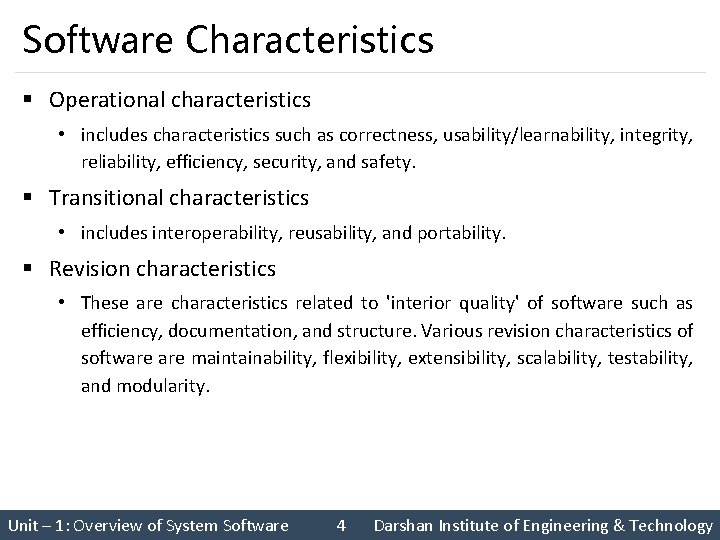
Software Characteristics § Operational characteristics • includes characteristics such as correctness, usability/learnability, integrity, reliability, efficiency, security, and safety. § Transitional characteristics • includes interoperability, reusability, and portability. § Revision characteristics • These are characteristics related to 'interior quality' of software such as efficiency, documentation, and structure. Various revision characteristics of software maintainability, flexibility, extensibility, scalability, testability, and modularity. Unit – 1: Overview of System Software 4 Darshan Institute of Engineering & Technology
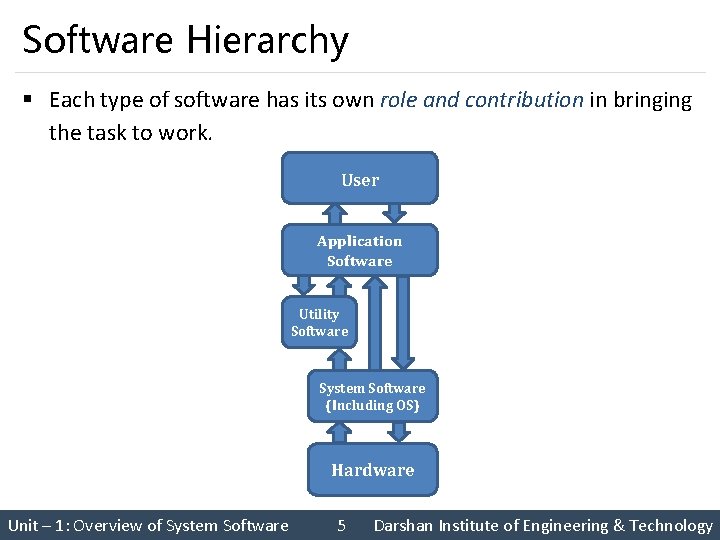
Software Hierarchy § Each type of software has its own role and contribution in bringing the task to work. User Application Software Utility Software System Software (Including OS) Hardware Unit – 1: Overview of System Software 5 Darshan Institute of Engineering & Technology
Application Software § Designed to perform special functions other than the basic operations carried out by a computer. § Cannot be directly understood by the underlying hardware of the computer. § Examples : • Creating text & image documents • Game playing • Multimedia applications • Accounting software • Browsing software, etc… Unit – 1: Overview of System Software 6 Darshan Institute of Engineering & Technology
Utility Software § Designed for users to assist in maintenance and monitoring activities. § Help maintain and protect system but do not directly interface with the hardware. § Examples • Anti-virus software • Firewalls • Disk utilities, etc… Unit – 1: Overview of System Software 7 Darshan Institute of Engineering & Technology
System Software § Logically binds components of a computer to work as a single unit. § Provides the infrastructure over which programs can operate. § Responsible for controlling computer hardware and other resources. § Allows the application software to interact with computers to perform their tasks. § Examples • • Operating system, Device drivers, Language translators, etc. Some specific system software assemblers, linkers, loaders, macro processors, text editors, compilers, debugging system, source code control system, etc. Unit – 1: Overview of System Software 8 Darshan Institute of Engineering & Technology
System Programming § System Programs are programs that govern access and operation either directly or indirectly. § System programming is characterized by the fact, • it is aimed at producing system software that provides services to computer hardware or specialized system services. • Requires high level of knowledge about architecture and functioning of computing machines Unit – 1: Overview of System Software 9 Darshan Institute of Engineering & Technology
Essential characteristics of system programming § Programmers are expected to know the hardware and internal behavior of the computer system on which the program will run. § Uses a low level programming language. § Requires little runtime overheads and can execute in a resourceconstrained environment. Unit – 1: Overview of System Software 10 Darshan Institute of Engineering & Technology
Essential characteristics of system programming § These are very efficient programs with a small or no runtime library requirements. § Has access to systems resources, including memory. § Can be written in assembly language. Unit – 1: Overview of System Software 11 Darshan Institute of Engineering & Technology
Limiting factors of System Programming § Many times, system programs cannot be run in debugging mode. § Limited programming facility is available, which requires high skills for the system programmer. § Less powerful runtime library (if available at all), with less errorchecking capabilities. Unit – 1: Overview of System Software 12 Darshan Institute of Engineering & Technology
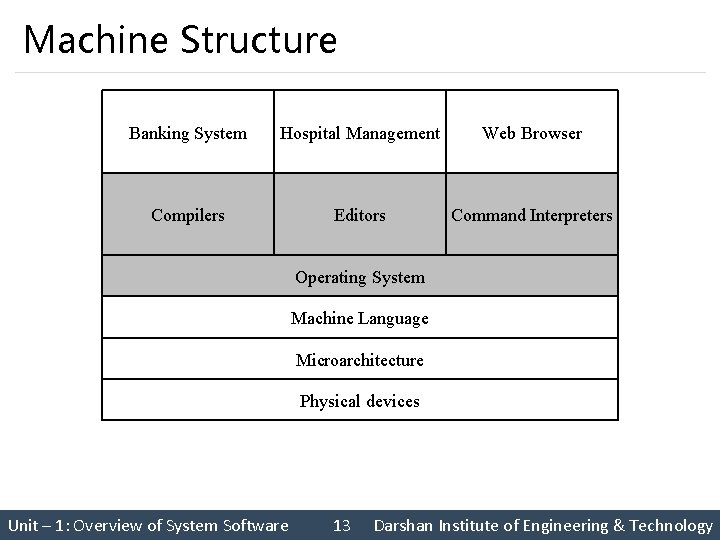
Machine Structure Banking System Hospital Management Web Browser Compilers Editors Command Interpreters Operating System Machine Language Microarchitecture Physical devices Unit – 1: Overview of System Software 13 Darshan Institute of Engineering & Technology
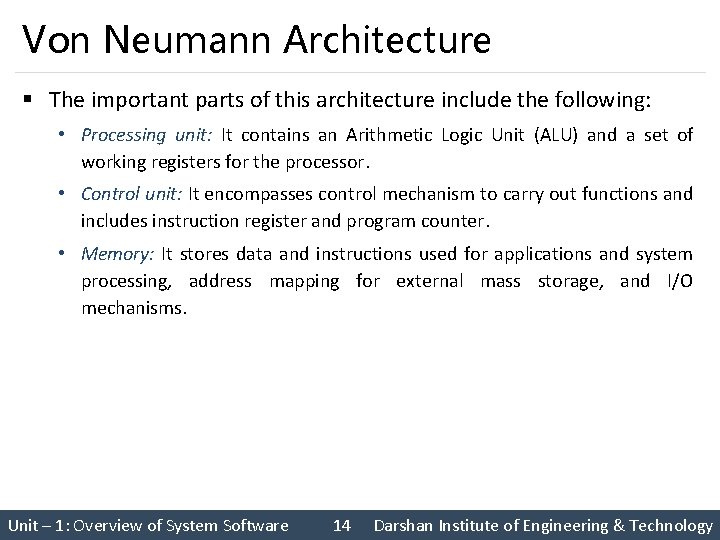
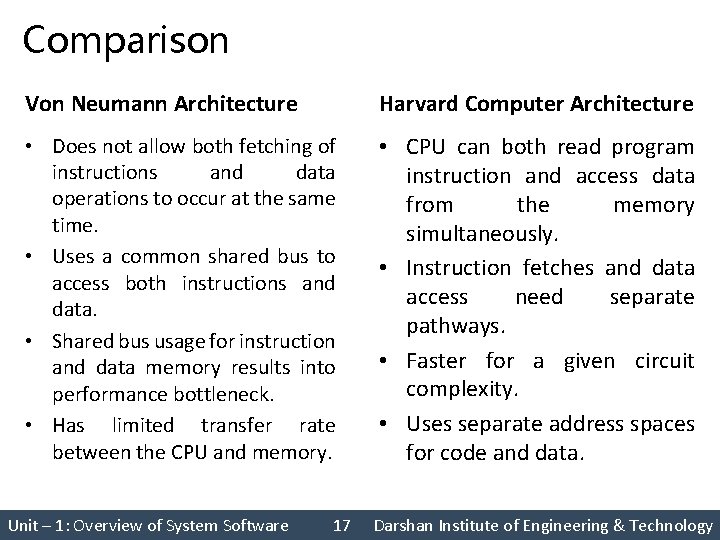
Von Neumann Architecture § The important parts of this architecture include the following: • Processing unit: It contains an Arithmetic Logic Unit (ALU) and a set of working registers for the processor. • Control unit: It encompasses control mechanism to carry out functions and includes instruction register and program counter. • Memory: It stores data and instructions used for applications and system processing, address mapping for external mass storage, and I/O mechanisms. Unit – 1: Overview of System Software 14 Darshan Institute of Engineering & Technology
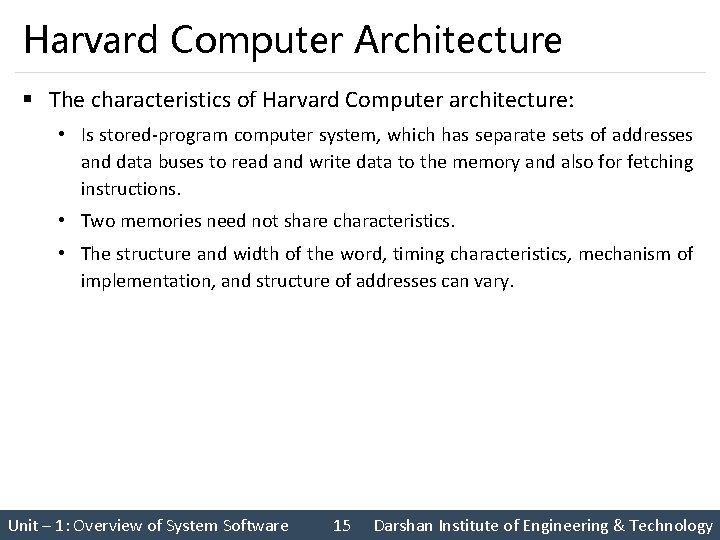
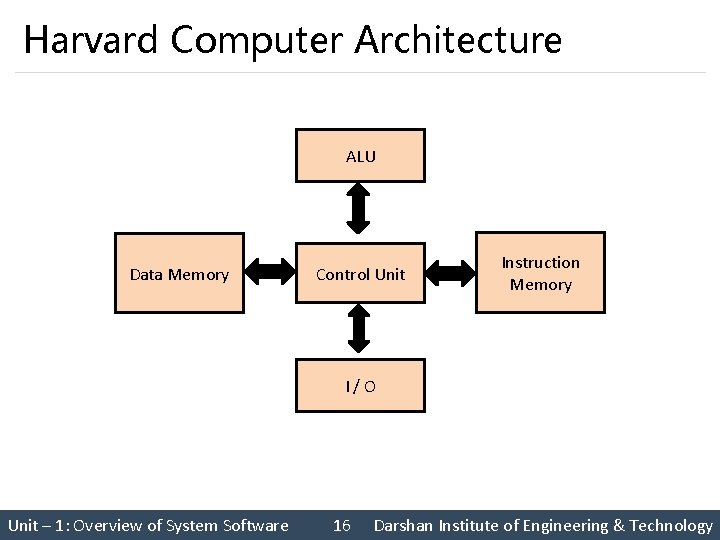
Harvard Computer Architecture § The characteristics of Harvard Computer architecture: • Is stored-program computer system, which has separate sets of addresses and data buses to read and write data to the memory and also for fetching instructions. • Two memories need not share characteristics. • The structure and width of the word, timing characteristics, mechanism of implementation, and structure of addresses can vary. Unit – 1: Overview of System Software 15 Darshan Institute of Engineering & Technology
Harvard Computer Architecture ALU Data Memory Control Unit Instruction Memory I / O Unit – 1: Overview of System Software 16 Darshan Institute of Engineering & Technology
Comparison Von Neumann Architecture Harvard Computer Architecture • Does not allow both fetching of instructions and data operations to occur at the same time. • Uses a common shared bus to access both instructions and data. • Shared bus usage for instruction and data memory results into performance bottleneck. • Has limited transfer rate between the CPU and memory. • CPU can both read program instruction and access data from the memory simultaneously. • Instruction fetches and data access need separate pathways. • Faster for a given circuit complexity. • Uses separate address spaces for code and data. Unit – 1: Overview of System Software 17 Darshan Institute of Engineering & Technology
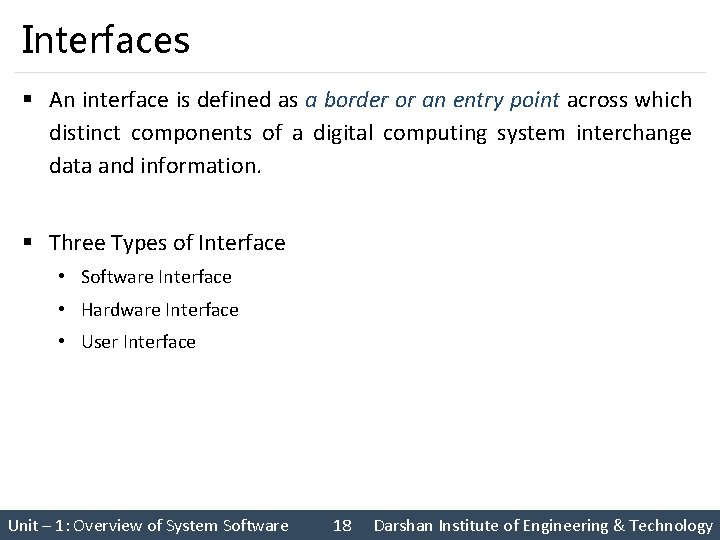
Interfaces § An interface is defined as a border or an entry point across which distinct components of a digital computing system interchange data and information. § Three Types of Interface • Software Interface • Hardware Interface • User Interface Unit – 1: Overview of System Software 18 Darshan Institute of Engineering & Technology
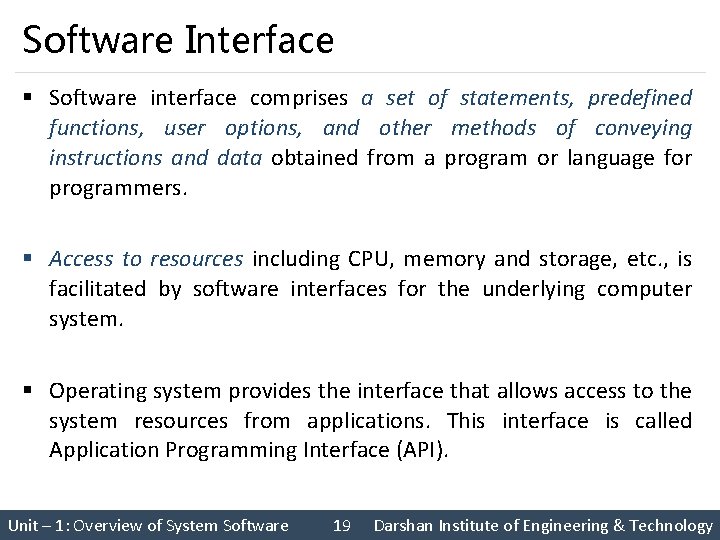
Software Interface § Software interface comprises a set of statements, predefined functions, user options, and other methods of conveying instructions and data obtained from a program or language for programmers. § Access to resources including CPU, memory and storage, etc. , is facilitated by software interfaces for the underlying computer system. § Operating system provides the interface that allows access to the system resources from applications. This interface is called Application Programming Interface (API). Unit – 1: Overview of System Software 19 Darshan Institute of Engineering & Technology
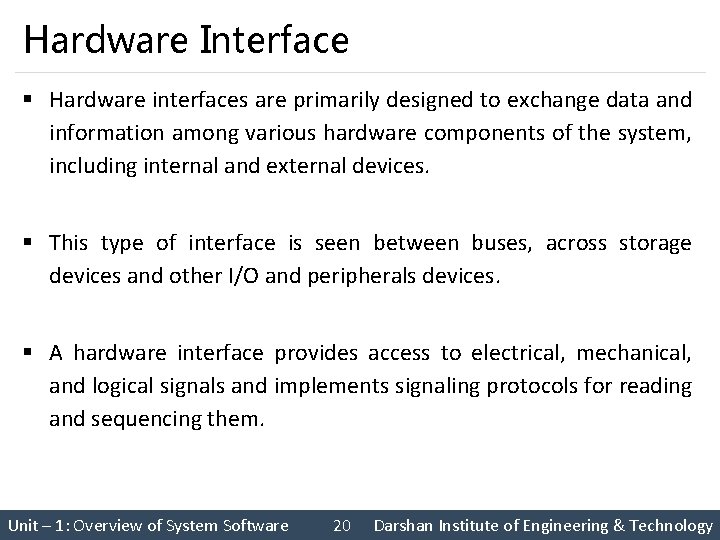
Hardware Interface § Hardware interfaces are primarily designed to exchange data and information among various hardware components of the system, including internal and external devices. § This type of interface is seen between buses, across storage devices and other I/O and peripherals devices. § A hardware interface provides access to electrical, mechanical, and logical signals and implements signaling protocols for reading and sequencing them. Unit – 1: Overview of System Software 20 Darshan Institute of Engineering & Technology
User Interface § User interface allows interaction between a computer and a user by providing various modalities of interaction including graphics, sound, position, movement, etc. § These interfaces facilitate transfer of data between the user and the computing system. § User interface is very important for all systems that require user inputs. Unit – 1: Overview of System Software 21 Darshan Institute of Engineering & Technology
Address Space § The amount of space allocated for all possible addresses for data and other computational entities is called an address space. § The address space is governed by the architecture and managed by the operating system. § The computational entities such as a device, file, server, or networked computer all are addressed within space. Unit – 1: Overview of System Software 22 Darshan Institute of Engineering & Technology
Address Space Physical Address Space Logical Address Space • Physical address space is the collection of all physical addresses produced by a computer program and provided by the hardware. • Logical address space is generated by the CPU or provided by the OS kernel. It is also sometimes called virtual address space. • Every machine has its own physical address space with its valid address range between 0 and some maximum limits supported by the machine. • In the virtual address space, there is one address space per process, which may or may not start at zero and extend to the highest address. Unit – 1: Overview of System Software 23 Darshan Institute of Engineering & Technology
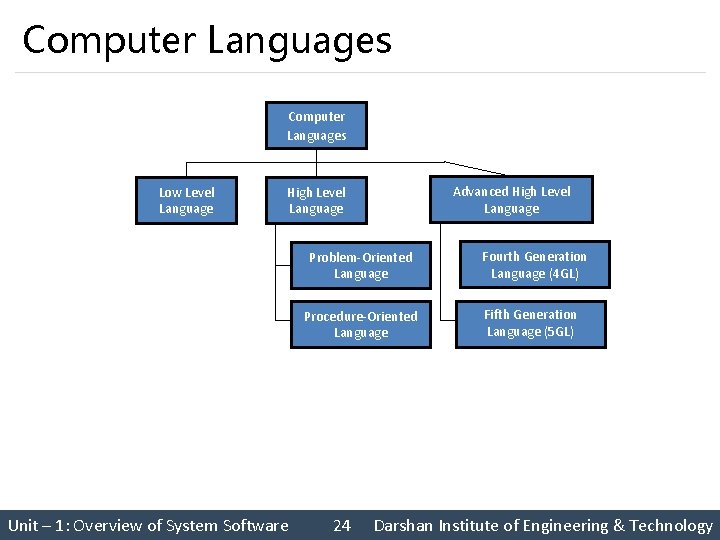
Computer Languages Low Level Language Advanced High Level Language Problem-Oriented Language Procedure-Oriented Language Unit – 1: Overview of System Software 24 Fourth Generation Language (4 GL) Fifth Generation Language (5 GL) Darshan Institute of Engineering & Technology
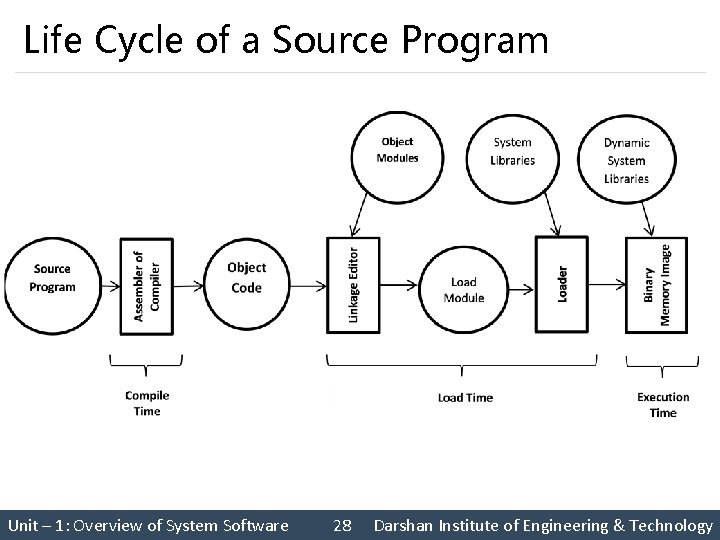
Life Cycle of Source Program § Edit time: It is the phase where editing of the program code takes place and is also known as design time. At this stage, the code is in its raw form and may not be in a consistent state. § Compile time: At the compile time stage, the source code after editing is passed to a translator that translates it into machine code. One such translator is a compiler. This stage checks the program for inconsistencies and errors and produces an executable file. § Distribution time: It is the stage that sends or distributes the program from the entity creating it to an entity invoking it. Mostly executable files are distributed. Unit – 1: Overview of System Software 25 Darshan Institute of Engineering & Technology
Life Cycle of a Source Program § Installation time: • Typically, a program goes through the installation process, which makes it ready for execution within the system. • The installation can also optionally generate calls to other stages of a program's life cycle. § Link time: • At this stage, the specific implementation of the interface is linked and associated to the program invoking it. • System libraries are linked and the interface of the library needed. • Linking can be done during compile time or throughout the installation time, or invoked with the start or even during the execution process. Unit – 1: Overview of System Software 26 Darshan Institute of Engineering & Technology
Life Cycle of a Source Program § Load time: • This stage actively takes the executable image from its stored repositories and places them into active memory to initiate the execution. • Load time activities are influenced by the underlying operating system. § Run time: • This is the final stage of the life cycle in which the programmed behavior of the source program is demonstrated. Unit – 1: Overview of System Software 27 Darshan Institute of Engineering & Technology
Life Cycle of a Source Program Unit – 1: Overview of System Software 28 Darshan Institute of Engineering & Technology
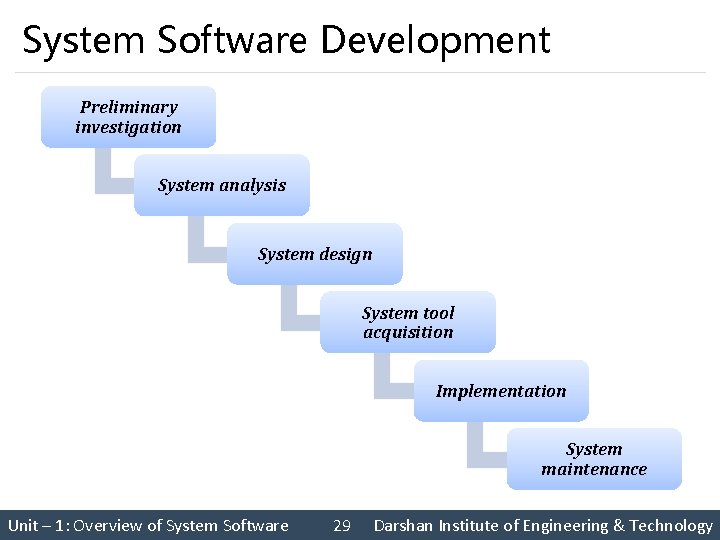
System Software Development Preliminary investigation System analysis System design System tool acquisition Implementation System maintenance Unit – 1: Overview of System Software 29 Darshan Institute of Engineering & Technology