
Unit 1 Network Types Speed Learning Objectives 5
Unit 1 Network Types & Speed Learning Objectives: 5. 1. 1 Understand why computers are connected in a network 5. 1. 2 Understand the different types of networks 5. 1. 3 Understand the network media 5. 14 Understand that network data speeds are measured in bits per second
What is a Computer Network? A network is a group of computers and other devices connected together. As a class come up with a list of activities that computer networks make possible. Activities: Now complete tasks 1. 1 and 1. 2.
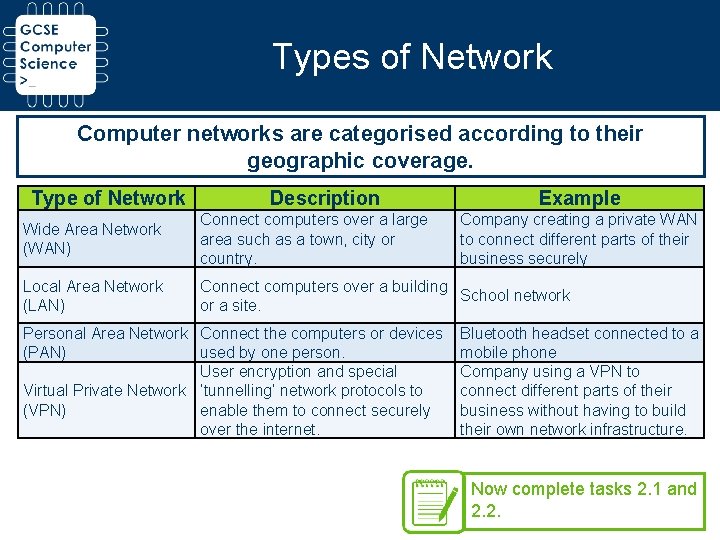
Types of Network Computer networks are categorised according to their geographic coverage. Type of Network Description Example Wide Area Network (WAN) Connect computers over a large area such as a town, city or country. Local Area Network (LAN) Connect computers over a building School network or a site. Personal Area Network Connect the computers or devices (PAN) used by one person. User encryption and special Virtual Private Network ‘tunnelling’ network protocols to (VPN) enable them to connect securely over the internet. Company creating a private WAN to connect different parts of their business securely Bluetooth headset connected to a mobile phone Company using a VPN to connect different parts of their business without having to build their own network infrastructure. Now complete tasks 2. 1 and 2. 2.
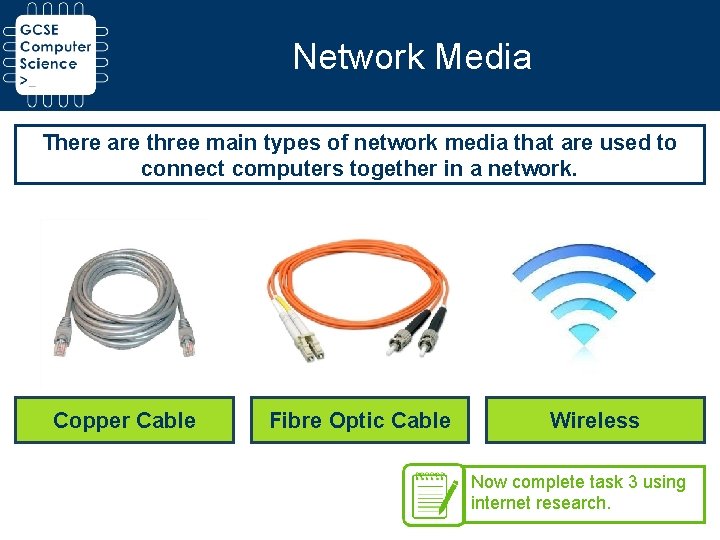
Network Media There are three main types of network media that are used to connect computers together in a network. Copper Cable Fibre Optic Cable Wireless Now complete task 3 using internet research.
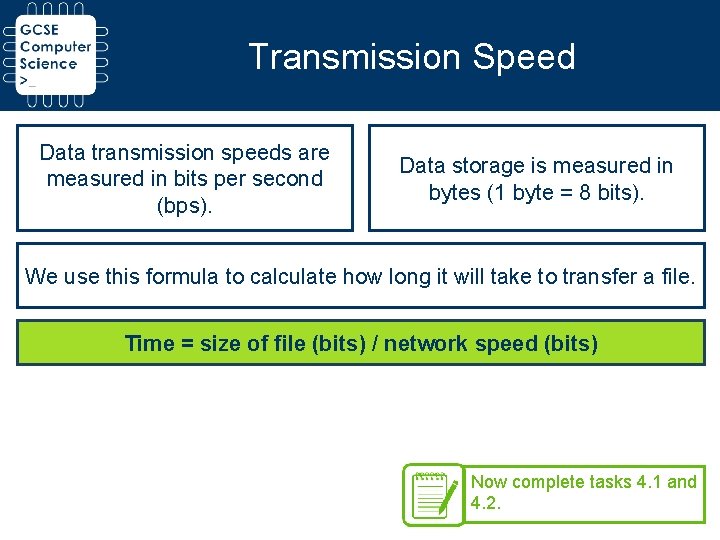
Transmission Speed Data transmission speeds are measured in bits per second (bps). Data storage is measured in bytes (1 byte = 8 bits). We use this formula to calculate how long it will take to transfer a file. Time = size of file (bits) / network speed (bits) Now complete tasks 4. 1 and 4. 2.
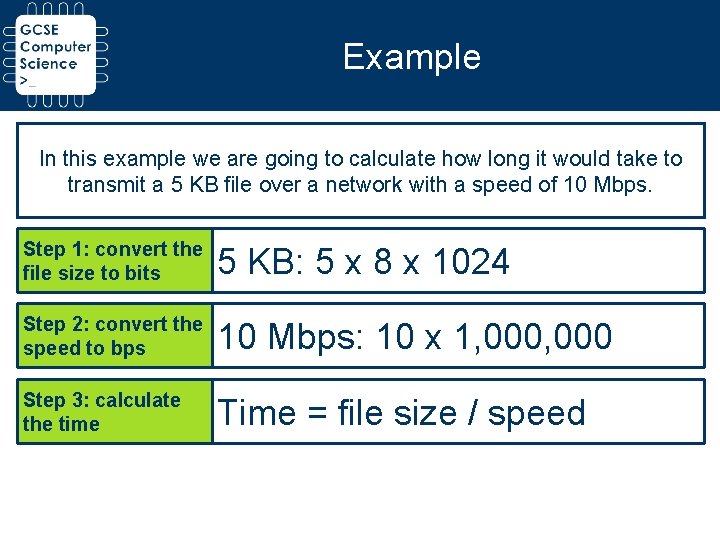
Example In this example we are going to calculate how long it would take to transmit a 5 KB file over a network with a speed of 10 Mbps. Step 1: convert the file size to bits 5 KB: 5 x 8 x 1024 Step 2: convert the speed to bps 10 Mbps: 10 x 1, 000 Step 3: calculate the time Time = file size / speed
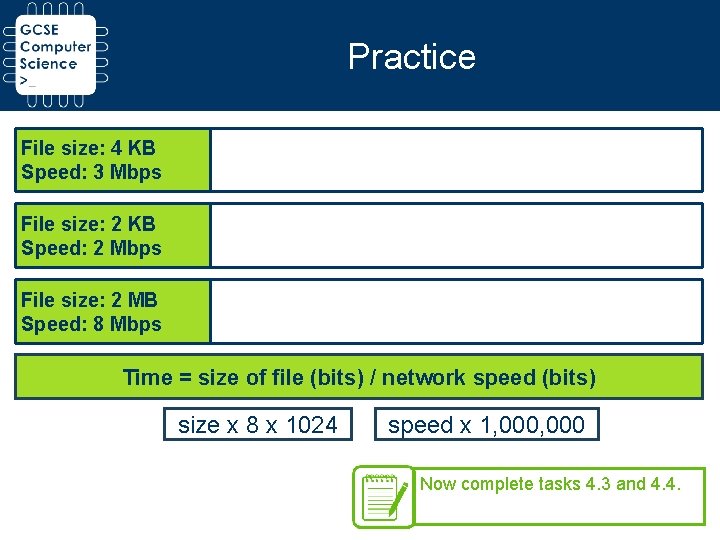
Practice File size: 4 KB Speed: 3 Mbps File size: 2 KB Speed: 2 Mbps File size: 2 MB Speed: 8 Mbps Time = size of file (bits) / network speed (bits) size x 8 x 1024 speed x 1, 000 Now complete tasks 4. 3 and 4. 4.

Challenge Develop a Python programme that takes a file size in KB and a network speed in Mbps and outputs the time it would take to transfer the file.
- Slides: 8