
Unit 1 lesson 2 Follow HTML Form some
- Slides: 9
Unit 1 lesson 2 Follow HTML (Form- some form input controls )
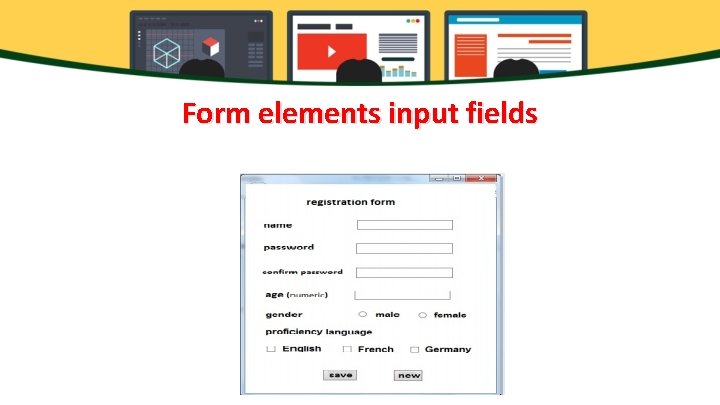
Form elements input fields
Checkbox field give ability to the user that he can select more than one choice at the same time. *To add checkbox field to a webpage: <input type = "checkbox"> You can repeat the previous command to add more than option.
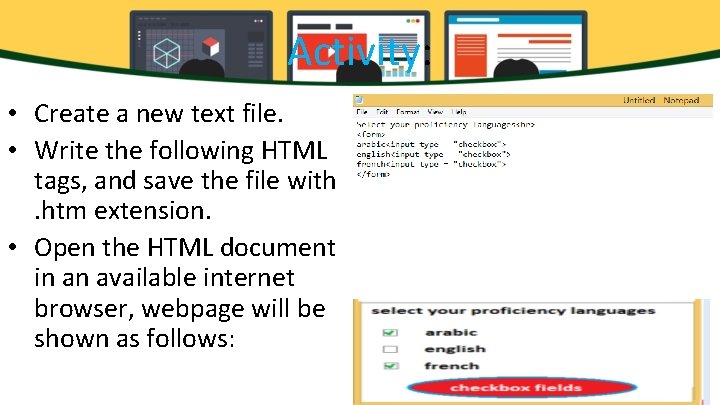
Activity: • Create a new text file. • Write the following HTML tags, and save the file with. htm extension. • Open the HTML document in an available internet browser, webpage will be shown as follows:
Button 1 -Button 2 -Submit 3 -Reset
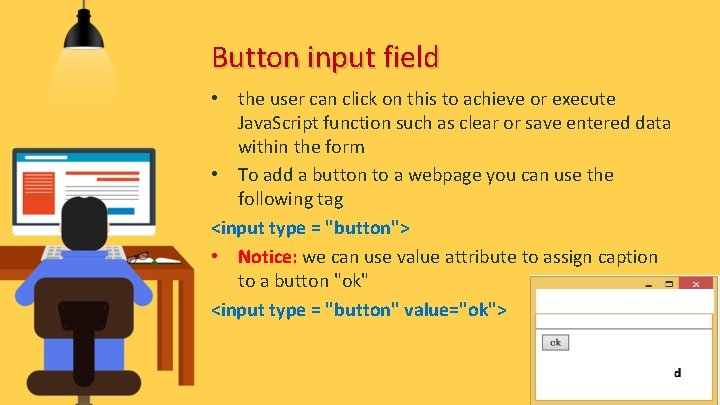
Button input field • the user can click on this to achieve or execute Java. Script function such as clear or save entered data within the form • To add a button to a webpage you can use the following tag <input type = "button"> • Notice: we can use value attribute to assign caption to a button "ok" <input type = "button" value="ok">
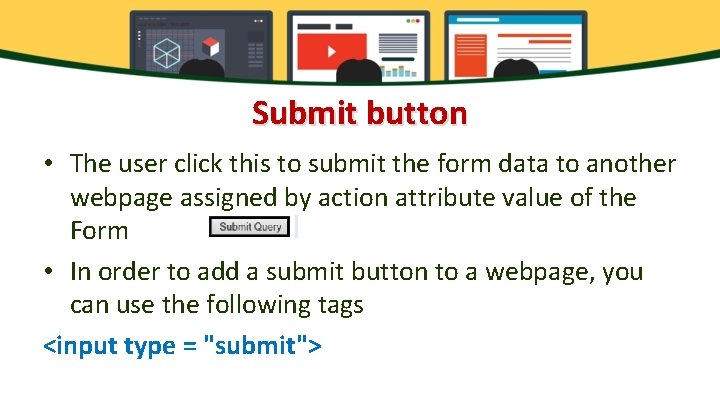
Submit button • The user click this to submit the form data to another webpage assigned by action attribute value of the Form • In order to add a submit button to a webpage, you can use the following tags <input type = "submit">
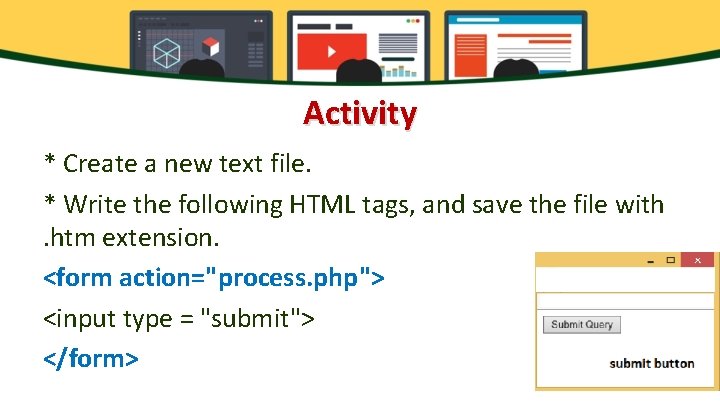
Activity * Create a new text file. * Write the following HTML tags, and save the file with. htm extension. <form action="process. php"> <input type = "submit"> </form>
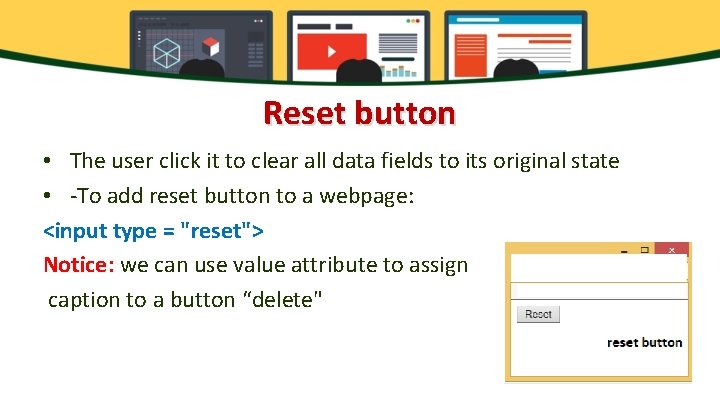
Reset button • The user click it to clear all data fields to its original state • -To add reset button to a webpage: <input type = "reset"> Notice: we can use value attribute to assign caption to a button “delete"