
Unit 1 Being Social Online Lesson 4 Protecting
Unit 1: Being Social Online Lesson 4: Protecting Yourself Socially
Logins and Passwords • Never give anyone your login information. • Your password should be a unique string of characters that must be provided before a logon or access is authorized.
Tips for Managing Passwords • Take a sentence or phrase that means something to you and turn it into a password. (I hate Mondays) • Take the words from the sentence and abbreviate and combine them in unique ways, using uppercase letters, lowercase letters and special characters, to form a password. (Eye. H 8 M 0 nd@y$!) • Don’t use the same password for everything you log into! • Do not share your passwords with others or keep them stored in places where others have access.
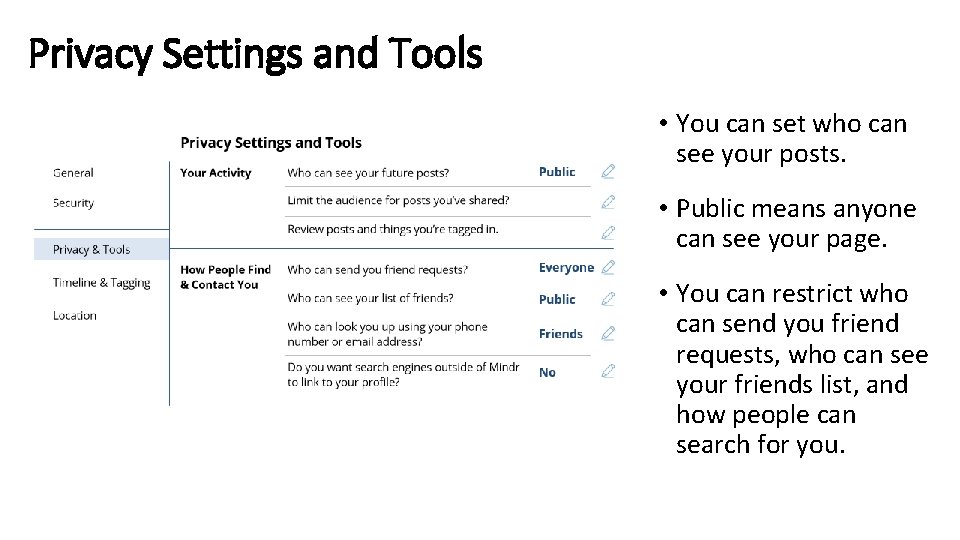
Privacy Settings and Tools • You can set who can see your posts. • Public means anyone can see your page. • You can restrict who can send you friend requests, who can see your friends list, and how people can search for you.

Accepting Friend Requests • Check people’s profiles before accepting requests. • Check to see if you have people or activities in common. • Make sure they have a real page with real friends connected to their page.
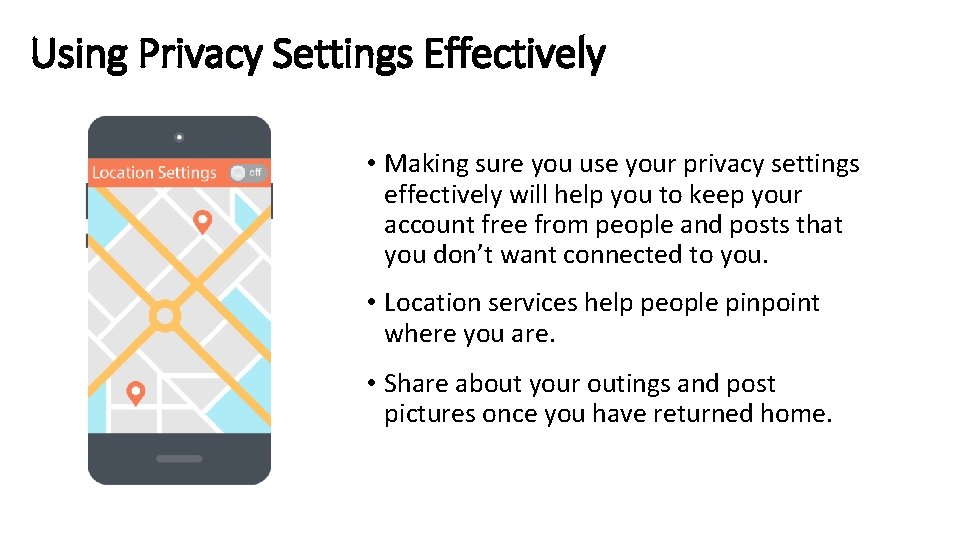
Using Privacy Settings Effectively • Making sure you use your privacy settings effectively will help you to keep your account free from people and posts that you don’t want connected to you. • Location services help people pinpoint where you are. • Share about your outings and post pictures once you have returned home.
- Slides: 6