
uni FORM uni The complete solution Case Management
- Slides: 24
uni. FORM uni The complete solution… Case Management System So Sophisticated…It’s Simple™ Copyright © 2004 -2012 Applied Information Sciences Corp.
Before uni. FORM ► Reports were printed out and a routing slip attached to send the report to the supervisor. ► The supervisor would make changes and attach another routing slip to send the report back to the author. ► When the report was archived, it was place in a filing cabinet. ► Monitoring deadlines for completing reports was completely manual with many missed deadlines and a poor showing on the Supervisor’s Log Report. ► Managing case numbers was a manual process and resulted in duplicate case numbers being used. ► Reports were completed by hand data had to be entered multiple times resulting in lost time and errors. ► Different versions of a form could be in use simultaneously. uni. FORM…The complete case management solution
uni. FORM Case Management System is one of the uni. FORM Family of Products
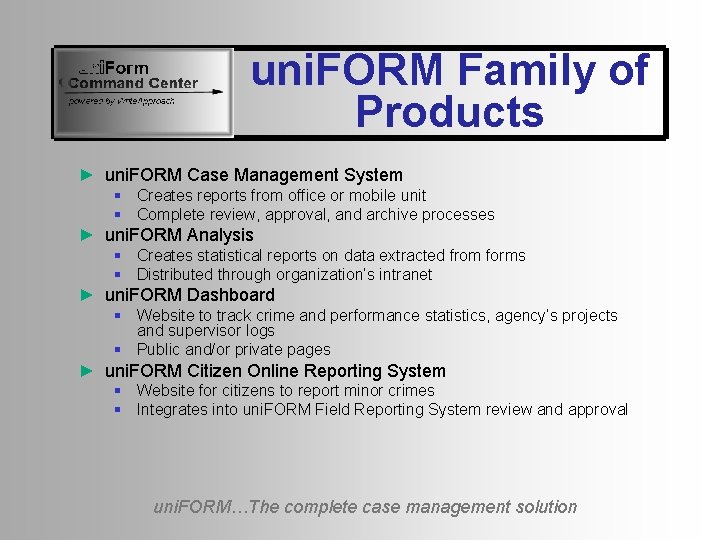
uni. FORM Family of Products ► uni. FORM Case Management System § Creates reports from office or mobile unit § Complete review, approval, and archive processes ► uni. FORM Analysis § Creates statistical reports on data extracted from forms § Distributed through organization’s intranet ► uni. FORM Dashboard § Website to track crime and performance statistics, agency’s projects and supervisor logs § Public and/or private pages ► uni. FORM Citizen Online Reporting System § Website for citizens to report minor crimes § Integrates into uni. FORM Field Reporting System review and approval uni. FORM…The complete case management solution
uni. FORM Family of Products ►All products integrate together ►Can work as a single software system ►Each product can be purchased separately uni. FORM…The complete case management solution
uni. FORM Case Management System
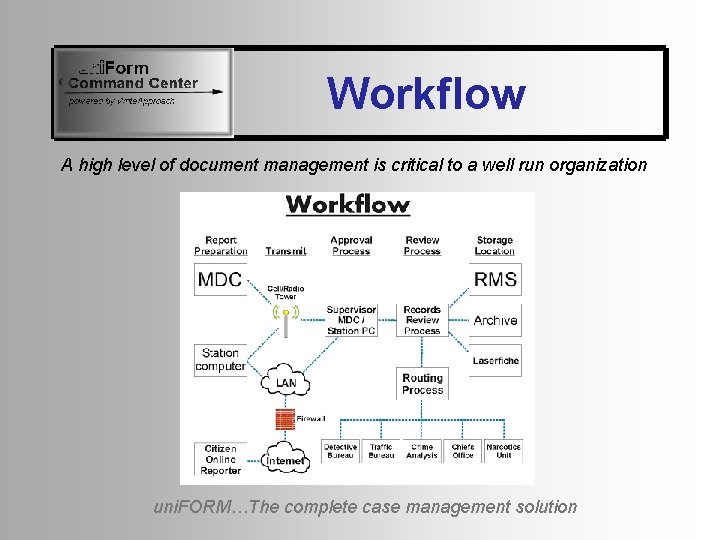
Workflow A high level of document management is critical to a well run organization uni. FORM…The complete case management solution
Workflow ►Completely configurable to organization’s needs ►Reports sent to supervisor for review, comment and edit ►Reports returned to author for revision ►Reports approved and sent to records ►Records sends report to archive ►Some personnel can send report to records as a sealed document ►Original author receives a notice of approval uni. FORM…The complete case management solution
Collaboration Features ►Can designate several users to share and collaborate on a document ►Can CC several users when submitting a document for review. CC users are read only. ►Can submit document to a designated group of users such as Records. First person to open the document controls it. uni. FORM…The complete case management solution
Alerts ►Designed to ensure that all reports are completed within the required time ►Alerts are sent to designated supervisors when new cases are opened ►Reminders are periodically sent to author if report is not completed timely uni. FORM…The complete case management solution
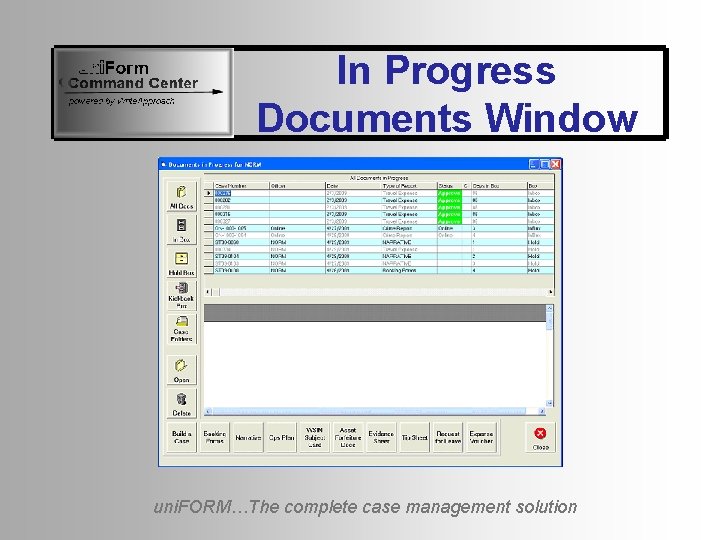
In Progress Documents Window ►Displays all in progress documents ►Three Inbox categories § Inbox – documents to be reviewed § Hold box – documents not completed § Kickback box – documents returned by supervisor for revision ►First window displayed to user on startup ►Buttons can be configured for each user uni. FORM…The complete case management solution
In Progress Documents Window uni. FORM…The complete case management solution
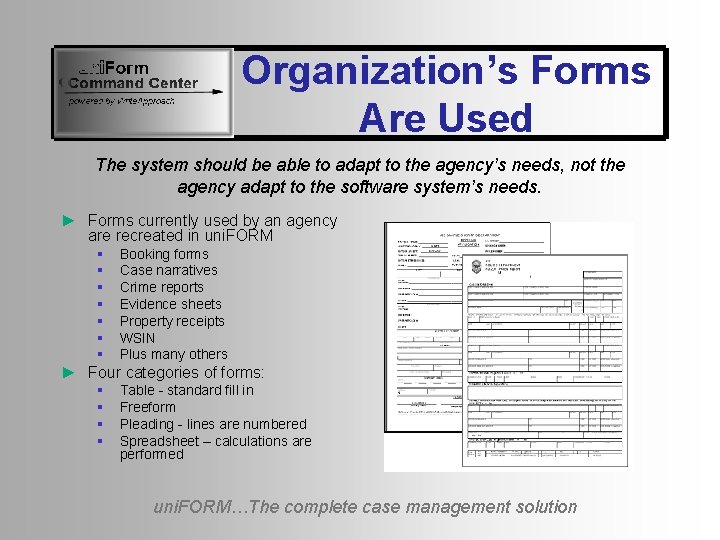
Organization’s Forms Are Used The system should be able to adapt to the agency’s needs, not the agency adapt to the software system’s needs. ► Forms currently used by an agency are recreated in uni. FORM § § § § Booking forms Case narratives Crime reports Evidence sheets Property receipts WSIN Plus many others ► Four categories of forms: § § Table - standard fill in Freeform Pleading - lines are numbered Spreadsheet – calculations are performed uni. FORM…The complete case management solution
Case Numbers ►Can have many different types of case numbers ►Each form can have its own sequence of case numbers ►Case numbers can have special formatting § § Fixed prefix Include 2 or 4 digit year Special punctuation such as hyphen Can restart at the beginning of each year uni. FORM…The complete case management solution
Mobile Units ► Touch screen format available ► Two modes of operation § § § Connected to central server Locally – when wireless connection to central server is lost Can automatically move between modes if connection is lost Complete capability with or without central server connection Seamless transition between modes Case numbers are taken from Central server when connection is possible and stored locally for use when connection is lost. ► Night colors available for reduced visibility operation uni. FORM…The complete case management solution
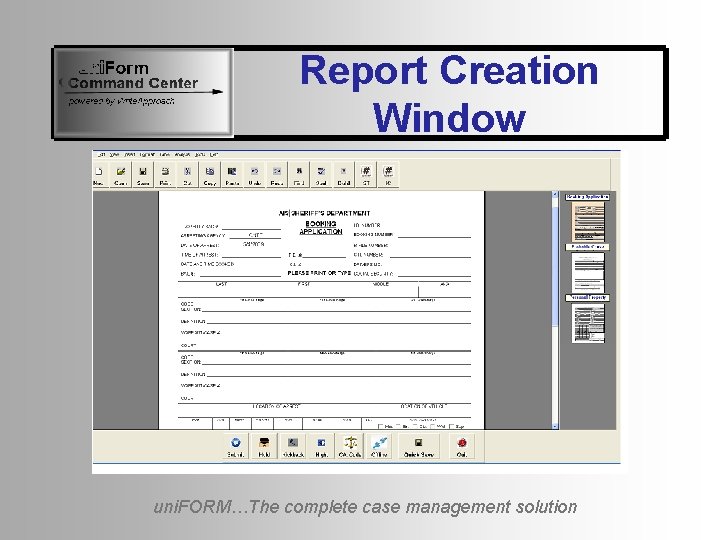
Report Creation Window uni. FORM…The complete case management solution
Dockets ►Several forms for the same case § Can be created by many different people § Can be created at different times § Can include many different types of forms ►All forms associated with the same case can be retrieved, viewed or moved as a group uni. FORM…The complete case management solution
Archive Formats Available ►Microsoft Word ►Adobe PDF (with/without passwords) ►Web Page HTML ►Text file ►Rich Text Format uni. FORM…The complete case management solution
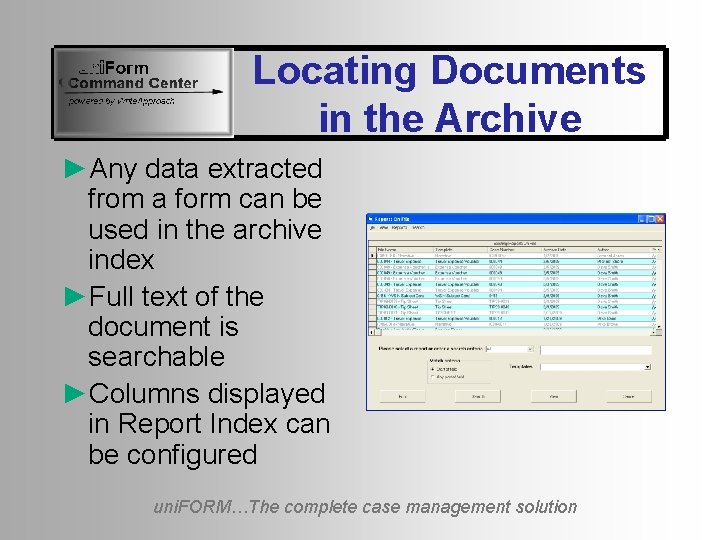
Locating Documents in the Archive ►Any data extracted from a form can be used in the archive index ►Full text of the document is searchable ►Columns displayed in Report Index can be configured uni. FORM…The complete case management solution
Integration to Other Databases ►Easily integrates into existing enterprise and legacy applications ►Can share data with other legacy application databases ►Enhances the performance of these other applications uni. FORM…The complete case management solution
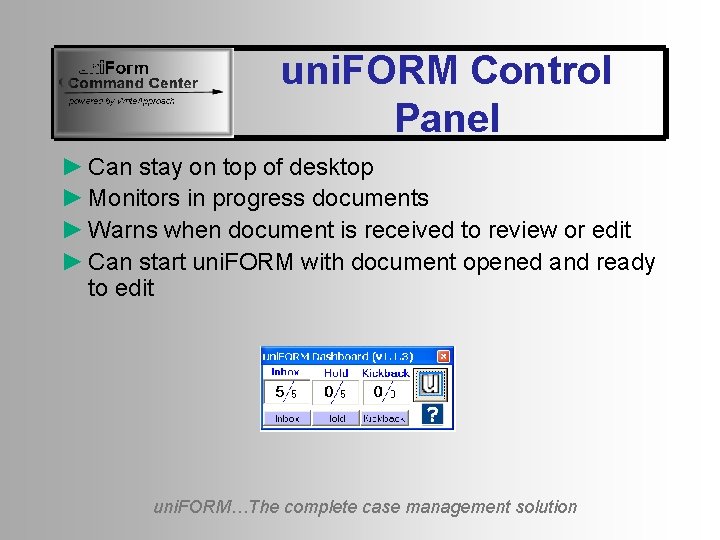
uni. FORM Control Panel ► Can stay on top of desktop ► Monitors in progress documents ► Warns when document is received to review or edit ► Can start uni. FORM with document opened and ready to edit uni. FORM…The complete case management solution
Security and Passwords
User Sign On ►Can use windows user name or separate user name / password login window ►Many levels of access including: § Administrator – complete access to the system including template creation and editing § User – can create forms but cannot change report templates § Read only – can view reports but cannot create or modify any report § Archive – Can send documents to the archive uni. FORM…The complete case management solution
Conclusions ►uni. FORM is the complete case management solution ►Specifically designed for law enforcement, fire, and EMS ►Special features for mobile units ►Share data with existing enterprise and legacy applications and improve their performance. uni. FORM…The complete case management solution