
Unfortunately Nothing works perfectly all the time l
- Slides: 78
Unfortunately Nothing works perfectly all the time. l What will happen if: l l Your hard-drive crashes. l Your last transaction made a failure. l Power shutdowns while you’re saving changes on your database. Wiliwili…. . 1
Recovery By: Sebbane Mehdi Supervised by: Dr. H. Haddouti Monday, April 14 th 2003 2
Agenda Intro… l Transactions Failures… l System Failures… l Media Failures… l Two-Phase Commit… l ARIES Recovery Algorithm… l Conclusion… l References… l 3
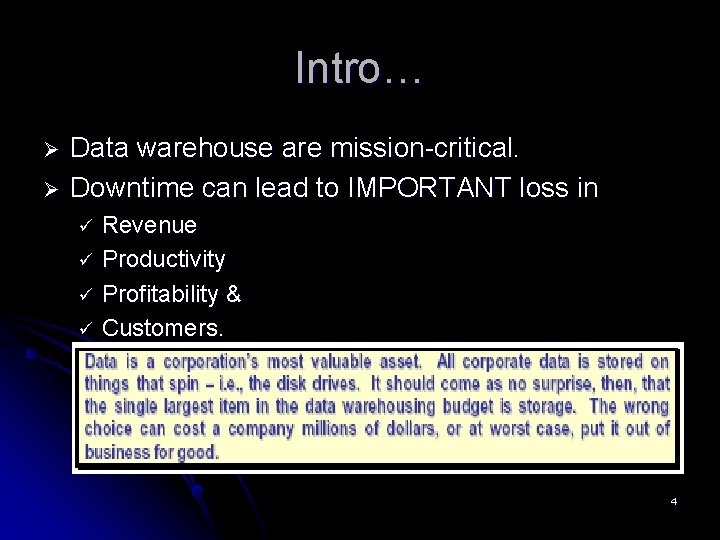
Intro… Ø Ø Data warehouse are mission-critical. Downtime can lead to IMPORTANT loss in ü ü Revenue Productivity Profitability & Customers. 4
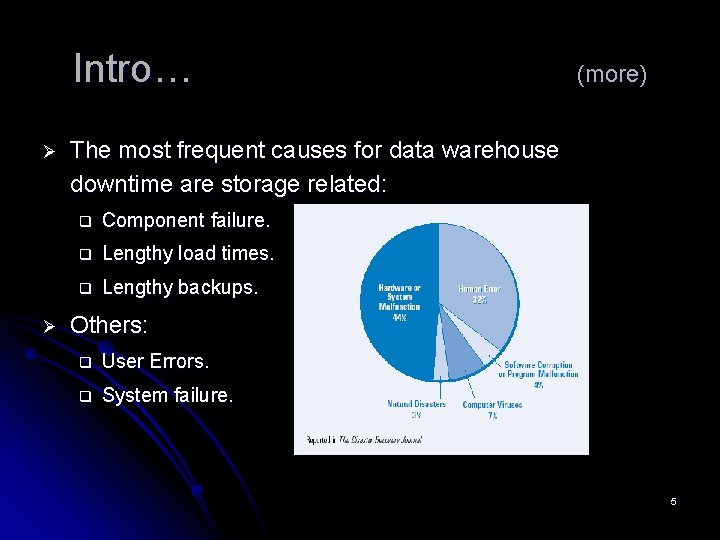
Intro… Ø Ø (more) The most frequent causes for data warehouse downtime are storage related: q Component failure. q Lengthy load times. q Lengthy backups. Others: q User Errors. q System failure. 5
Failures classification l l Synchronous: q Trappable by the operating system. q No loss of data of any kind. q Possible causes: Program/logic errors: e. g. division by zero Asynchronous: q q System crash: • Assume loss of all data on volatile storage. • Possible causes: power failure, OS error. Media crash: • Loss of data on online and volatile storage. • Possible causes: damage of storage media: human errors. 6
What is Recovery? ? ? Recovery = Redundancy…. l Simple example: l l Periodically, copy or dump the database to an archive storage. l For every change, a log entry is made. l If failure: l A) Database damaged… l B) Content unreliable… 7
Why not Duplexing? ? l Have two identical databases. Applying changes simultaneously. l However, l l l Twice as much storage. The 2 copies should be independent. To reduce the chance that a single failure affects both copies. Very hard to achieve. 8
Transaction Failures… Intro… l Transactions Failures… l System Failures… l Media Failures… l Two-Phase Commit… l ARIES Recovery Algorithm… l Conclusion… l References… l 9
Transaction Failures… l l Intro… Transactions Failures… l l l l l Transactions. Message handling. Transaction structure. Transaction failures. System Failures… Media Failures… Two-Phase Commit… ARIES Recovery Algorithm… Conclusion… References… 10
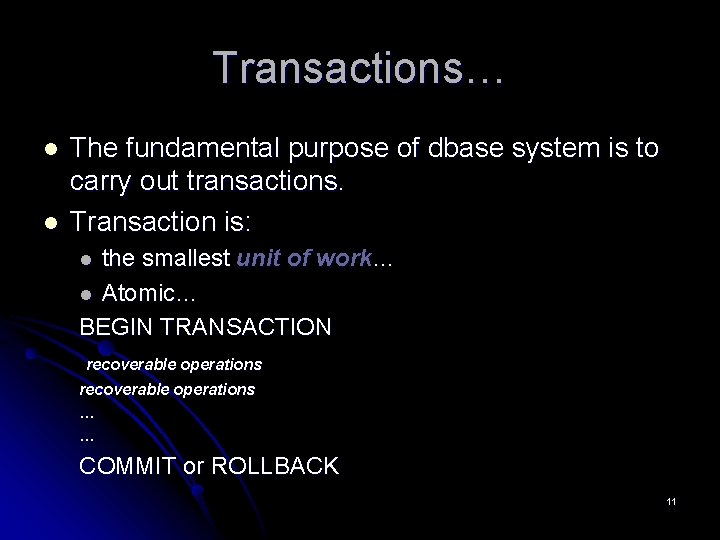
Transactions… l l The fundamental purpose of dbase system is to carry out transactions. Transaction is: the smallest unit of work… l Atomic… BEGIN TRANSACTION l recoverable operations … … COMMIT or ROLLBACK 11
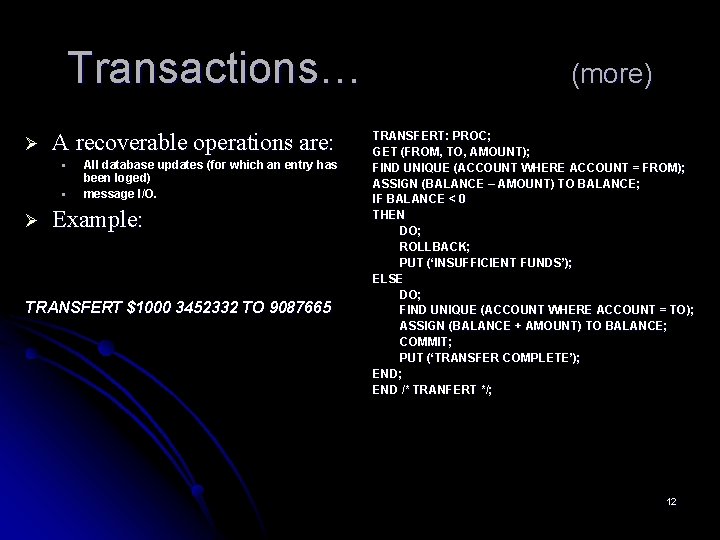
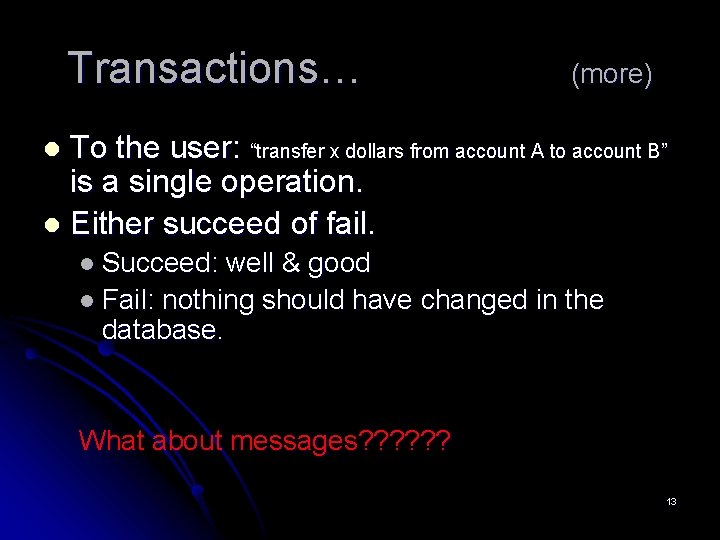
Transactions… Ø A recoverable operations are: § § Ø All database updates (for which an entry has been loged) message I/O. Example: TRANSFERT $1000 3452332 TO 9087665 (more) TRANSFERT: PROC; GET (FROM, TO, AMOUNT); FIND UNIQUE (ACCOUNT WHERE ACCOUNT = FROM); ASSIGN (BALANCE – AMOUNT) TO BALANCE; IF BALANCE < 0 THEN DO; ROLLBACK; PUT (‘INSUFFICIENT FUNDS’); ELSE DO; FIND UNIQUE (ACCOUNT WHERE ACCOUNT = TO); ASSIGN (BALANCE + AMOUNT) TO BALANCE; COMMIT; PUT (‘TRANSFER COMPLETE’); END /* TRANFERT */; 12
Transactions… (more) To the user: “transfer x dollars from account A to account B” is a single operation. l Either succeed of fail. l l Succeed: well & good l Fail: nothing should have changed in the database. What about messages? ? ? 13
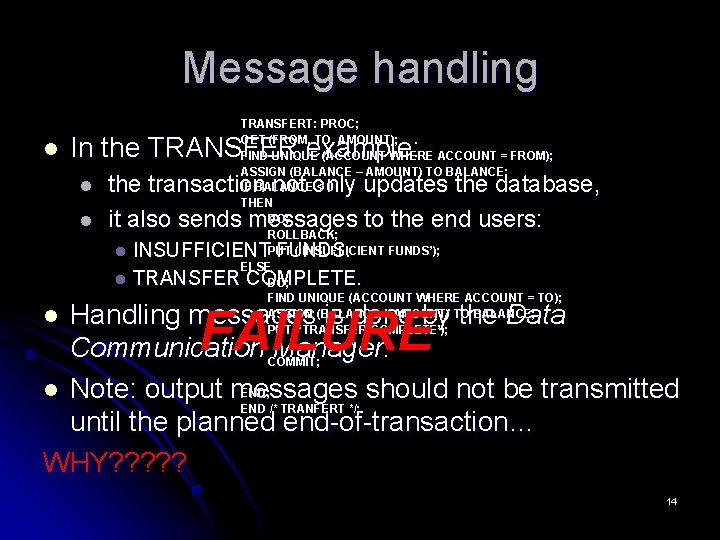
Message handling l TRANSFERT: PROC; GET (FROM, TO, AMOUNT); FIND UNIQUE (ACCOUNT WHERE ACCOUNT = FROM); ASSIGN (BALANCE – AMOUNT) TO BALANCE; IF BALANCE < 0 THEN DO; ROLLBACK; PUT (‘INSUFFICIENT FUNDS’); ELSE DO; FIND UNIQUE (ACCOUNT WHERE ACCOUNT = TO); ASSIGN (BALANCE + AMOUNT) TO BALANCE; PUT (‘TRANSFER COMPLETE’); In the TRANSFER example: l l the transaction not only updates the database, it also sends messages to the end users: INSUFFICIENT FUNDS. l TRANSFER COMPLETE. l Handling messages is done by the Data Communication COMMIT; Manager. END; l Note: output messages should not be transmitted END /* TRANFERT */; until the planned end-of-transaction… WHY? ? ? l FAILURE 14
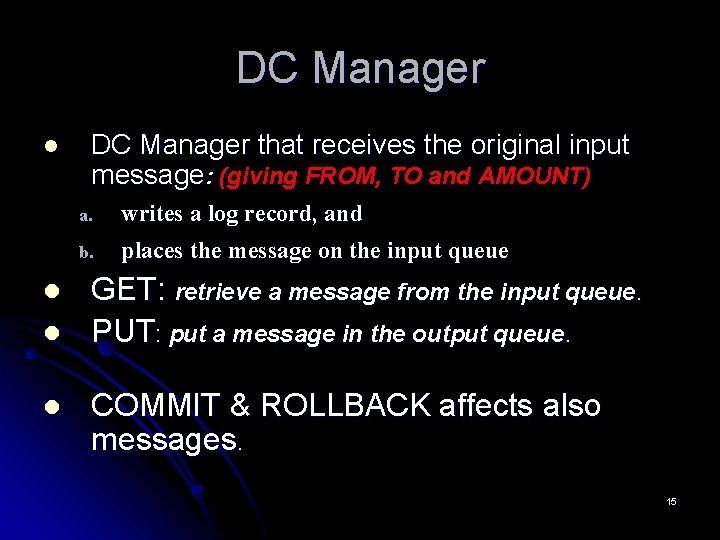
DC Manager l DC Manager that receives the original input message: (giving FROM, TO and AMOUNT) a. b. l l l writes a log record, and places the message on the input queue GET: retrieve a message from the input queue. PUT: put a message in the output queue. COMMIT & ROLLBACK affects also messages. 15
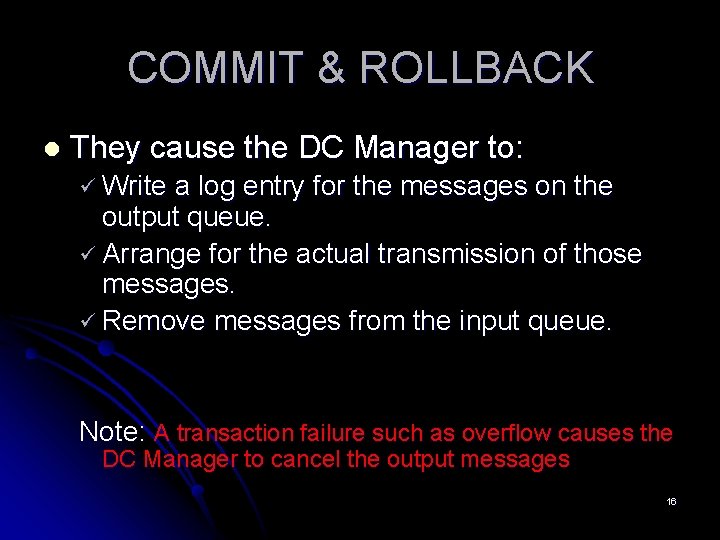
COMMIT & ROLLBACK l They cause the DC Manager to: ü Write a log entry for the messages on the output queue. ü Arrange for the actual transmission of those messages. ü Remove messages from the input queue. Note: A transaction failure such as overflow causes the DC Manager to cancel the output messages 16
Transaction structure l As we can see from the TRANSFER examlpe: Ø Accept input message; Ø Perform database processing; Ø Send output message(s); Ø Ø Too simple. What about complex structures with multiple communications? ? ? 17
Complex structures l Two ways to deal with multiple communications: • Subdivide them into a sequence of simple transactions. • the database may be changed in the interval between two “conversations” • treated as one big transaction. • at any time the end-user must be prepared to get a message like “ignore all previous messages, a failure occurred”. 18
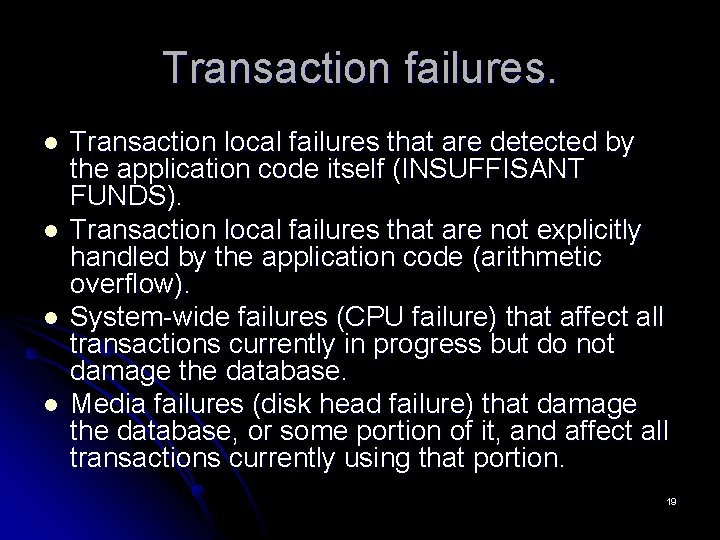
Transaction failures. l l Transaction local failures that are detected by the application code itself (INSUFFISANT FUNDS). Transaction local failures that are not explicitly handled by the application code (arithmetic overflow). System-wide failures (CPU failure) that affect all transactions currently in progress but do not damage the database. Media failures (disk head failure) that damage the database, or some portion of it, and affect all transactions currently using that portion. 19
Why? ? ? l Conditions that may cause such terminations include: l arithmetic operation overflow, l division by zero, and l storage protection violation. l Transaction failure means that the program did not reach its planned termination. ROLLBACK 20
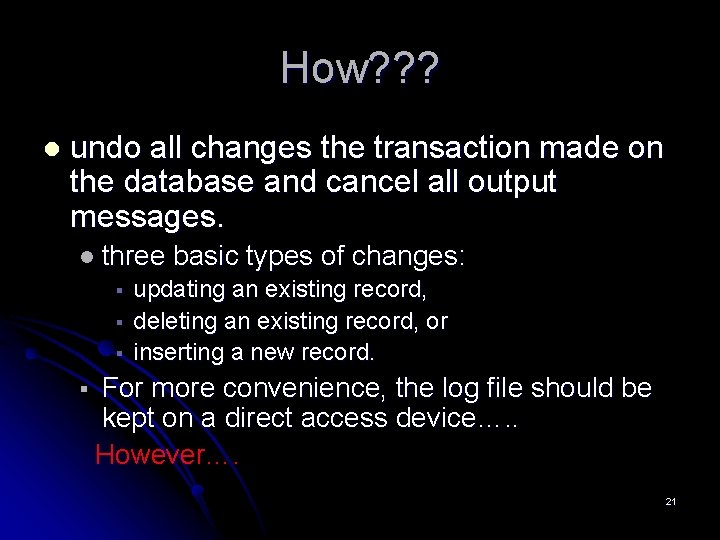
How? ? ? l undo all changes the transaction made on the database and cancel all output messages. l three § § basic types of changes: updating an existing record, deleting an existing record, or inserting a new record. For more convenience, the log file should be kept on a direct access device…. . However…. 21
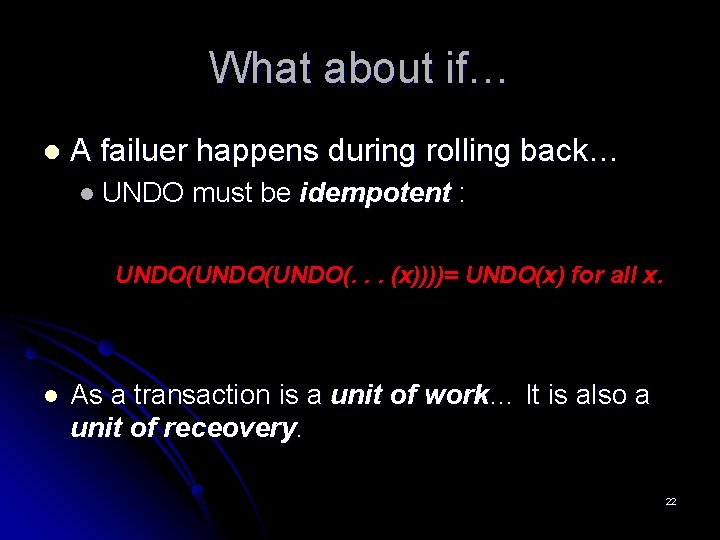
What about if… l A failuer happens during rolling back… l UNDO must be idempotent : UNDO(UNDO(. . . (x))))= UNDO(x) for all x. l As a transaction is a unit of work… It is also a unit of receovery. 22
System Failures… Intro… l Transactions Failures… l System Failures… l Media Failures… l Two-Phase Commit… l ARIES Recovery Algorithm… l Conclusion… l References… l 23
System Failures… l l l Intro… Transactions Failures… System Failures… l l l l l Checkpoints. Types of transactions. REDO. Write-Ahead-Log. System startup. Media Failures… Two-Phase Commit… ARIES Recovery Algorithm… Conclusion… References… 24
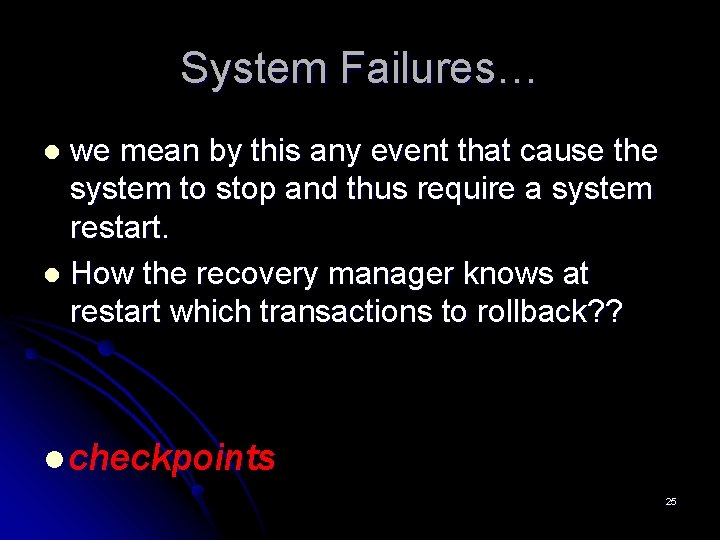
System Failures… we mean by this any event that cause the system to stop and thus require a system restart. l How the recovery manager knows at restart which transactions to rollback? ? l l checkpoints 25
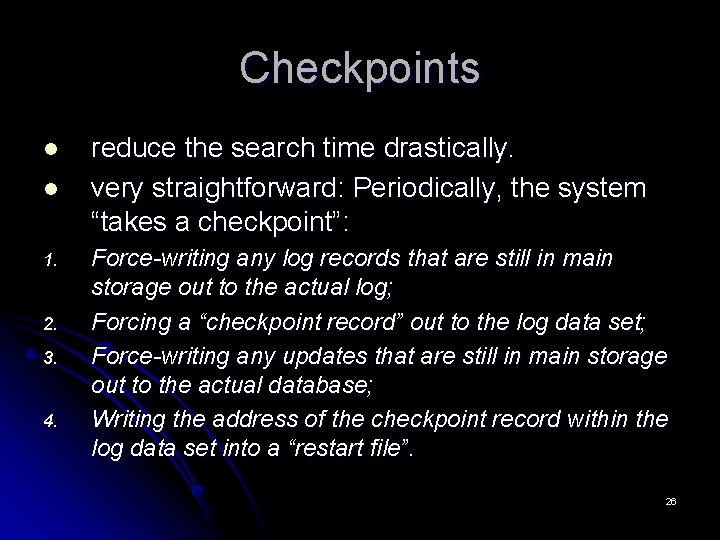
Checkpoints l l 1. 2. 3. 4. reduce the search time drastically. very straightforward: Periodically, the system “takes a checkpoint”: Force-writing any log records that are still in main storage out to the actual log; Forcing a “checkpoint record” out to the log data set; Force-writing any updates that are still in main storage out to the actual database; Writing the address of the checkpoint record within the log data set into a “restart file”. 26
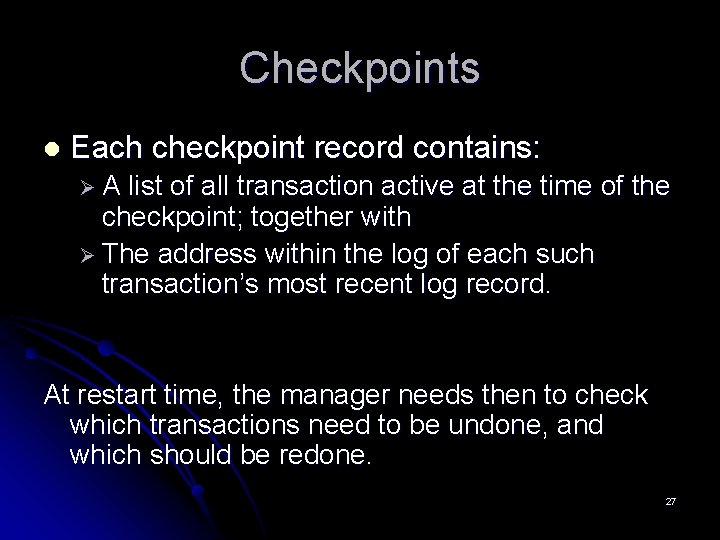
Checkpoints l Each checkpoint record contains: ØA list of all transaction active at the time of the checkpoint; together with Ø The address within the log of each such transaction’s most recent log record. At restart time, the manager needs then to check which transactions need to be undone, and which should be redone. 27
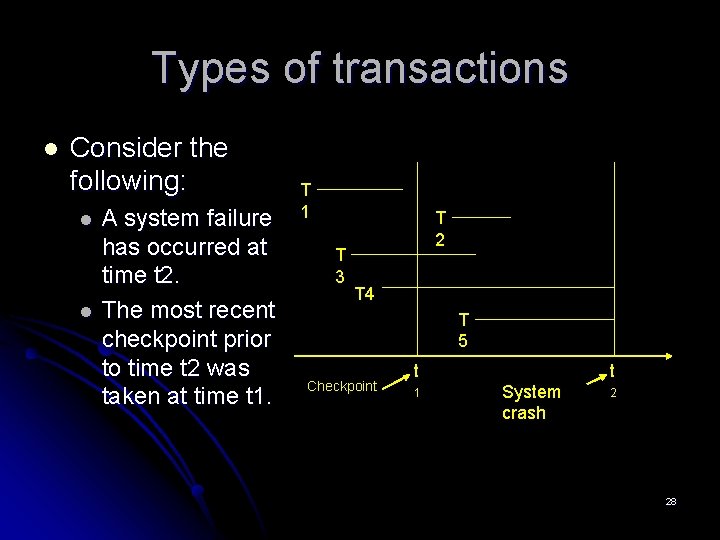
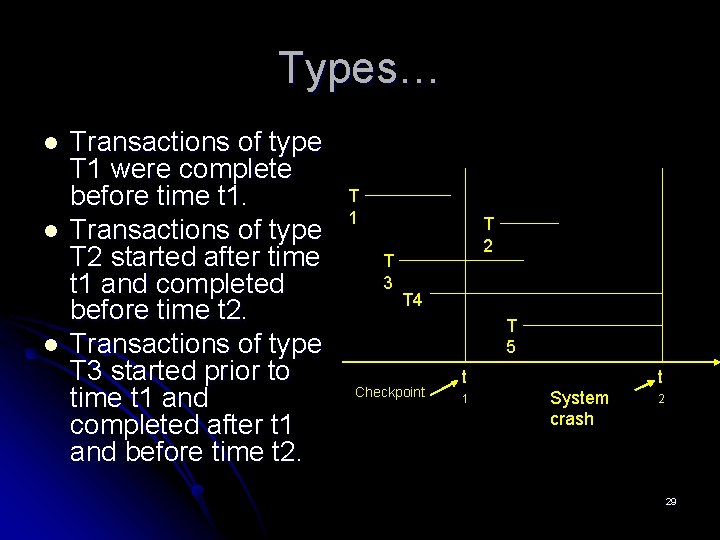
Types of transactions l Consider the following: l l A system failure has occurred at time t 2. The most recent checkpoint prior to time t 2 was taken at time t 1. T 1 T 3 T 2 T 4 T 5 Checkpoint t 1 t System crash 2 28
Types… l l l Transactions of type T 1 were complete before time t 1. Transactions of type T 2 started after time t 1 and completed before time t 2. Transactions of type T 3 started prior to time t 1 and completed after t 1 and before time t 2. T 1 T 3 T 2 T 4 T 5 Checkpoint t 1 t System crash 2 29
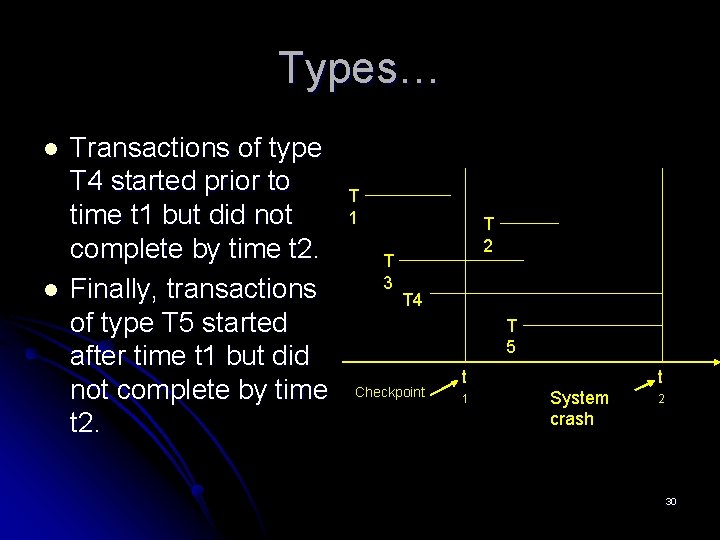
Types… l l Transactions of type T 4 started prior to time t 1 but did not complete by time t 2. Finally, transactions of type T 5 started after time t 1 but did not complete by time t 2. T 1 T 3 T 2 T 4 T 5 Checkpoint t 1 t System crash 2 30
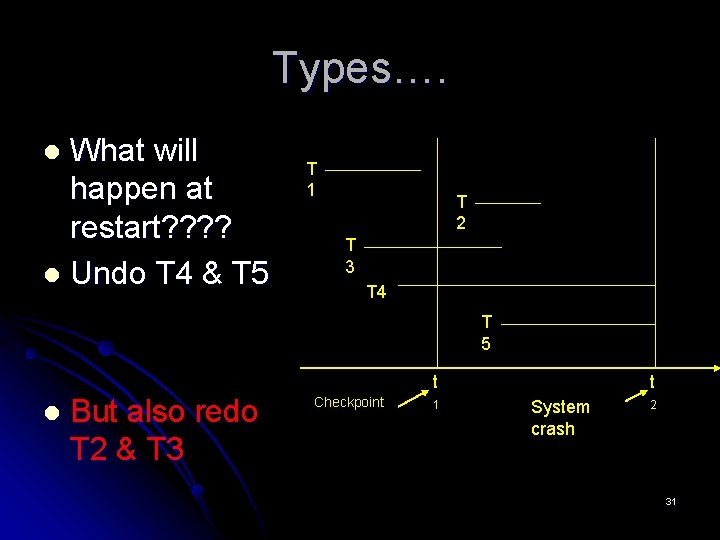
Types…. What will happen at restart? ? l Undo T 4 & T 5 l T 1 T 2 T 3 T 4 T 5 t l But also redo T 2 & T 3 Checkpoint 1 t System crash 2 31
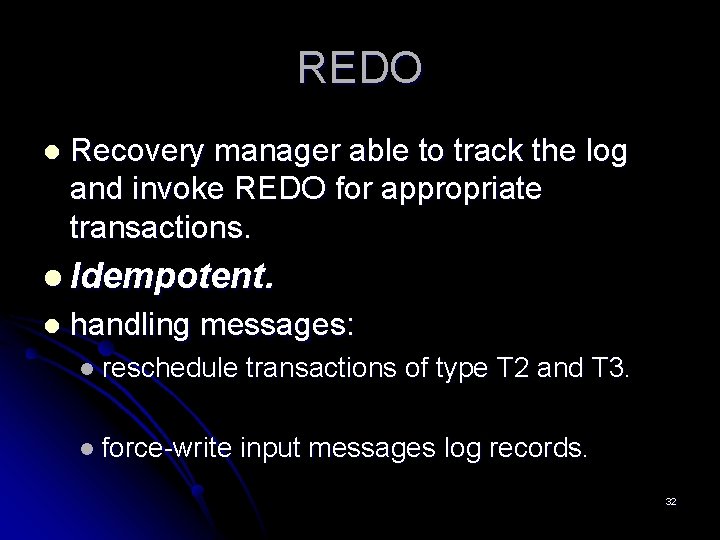
REDO l Recovery manager able to track the log and invoke REDO for appropriate transactions. l Idempotent. l handling messages: l reschedule transactions of type T 2 and T 3. l force-write input messages log records. 32
Write-Ahead Log Protocol l Up to now, l Changing the database. l Writing the log record. Two separate operations…. l What will happen after a failure occurring in the interval between the two. l l Write-Ahead-Log… 33
Write-Ahead Log Protocol l for safety, the log record should always be written first. l A transaction is not allowed to write a record to the physical database until at least the undo portion of the corresponding log record has been written to the physical log. A transaction is not allowed to complete COMMIT processing until both the redo and the undo portions of all log records for the transaction have been written to the physical log. l 34
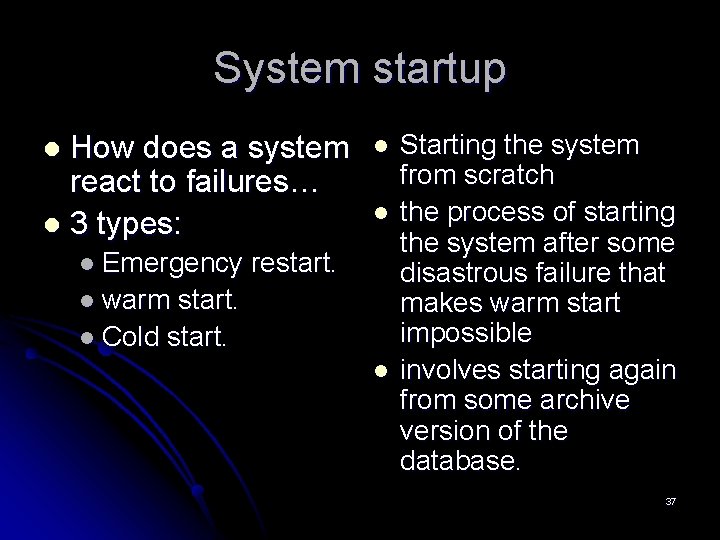
System startup How does a system react to failures… l 3 types: l l Emergency restart. l the process that is invoked after a system failure has occurred. It involves the recovery procedures (UNDO or REDO). 35
System startup How does a system react to failures… l 3 types: l l Emergency l warm start. l the process of starting up the system after a controlled system shutdown. l On a receipt of a SHUTDOWN command… restart. 36
System startup How does a system react to failures… l 3 types: l l Emergency l l restart. l warm start. l Cold start. l Starting the system from scratch the process of starting the system after some disastrous failure that makes warm start impossible involves starting again from some archive version of the database. 37
Media Failures… Intro… l Transactions Failures… l System Failures… l Media Failures… l Two-Phase Commit… l ARIES Recovery Algorithm… l Conclusion… l References… l 38
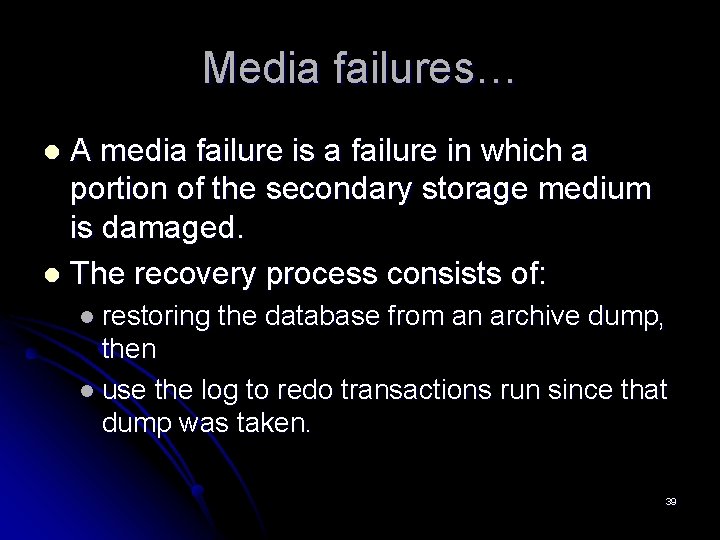
Media failures… A media failure is a failure in which a portion of the secondary storage medium is damaged. l The recovery process consists of: l l restoring the database from an archive dump, then l use the log to redo transactions run since that dump was taken. 39
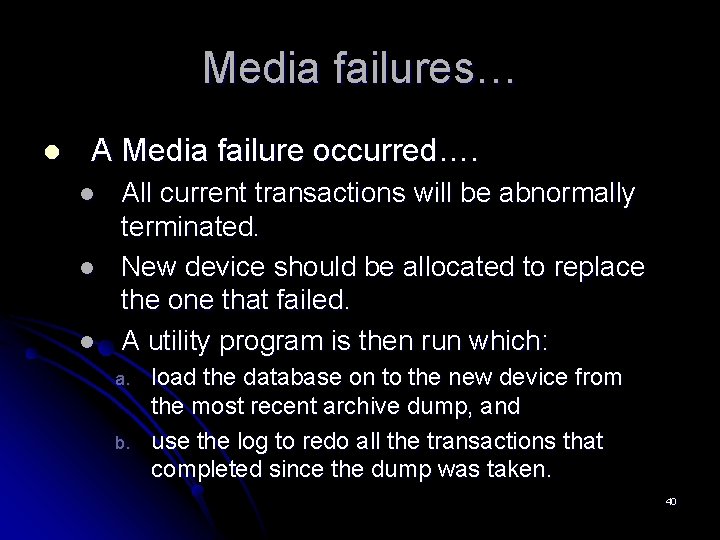
Media failures… l A Media failure occurred…. l l l All current transactions will be abnormally terminated. New device should be allocated to replace the one that failed. A utility program is then run which: a. b. load the database on to the new device from the most recent archive dump, and use the log to redo all the transactions that completed since the dump was taken. 40
Two-Phase Commit… Intro… l Transactions Failures… l System Failures… l Media Failure… l Two-Phase Commit… l ARIES Recovery Algorithm… l Conclusion… l References… l 41
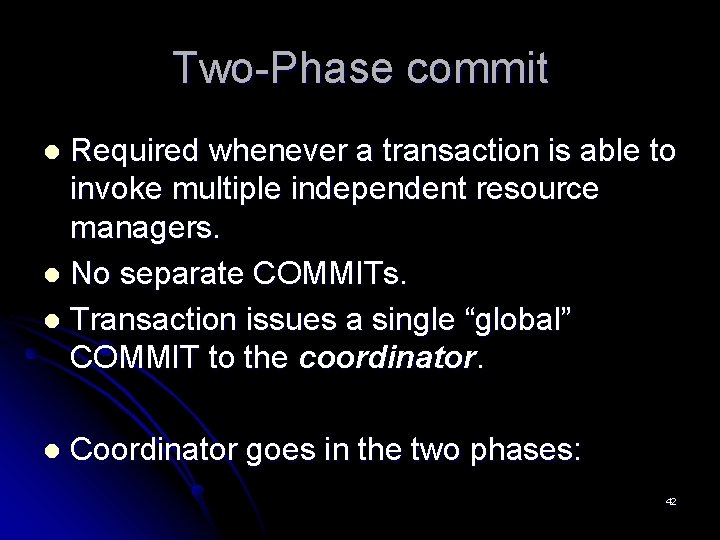
Two-Phase commit Required whenever a transaction is able to invoke multiple independent resource managers. l No separate COMMITs. l Transaction issues a single “global” COMMIT to the coordinator. l l Coordinator goes in the two phases: 42
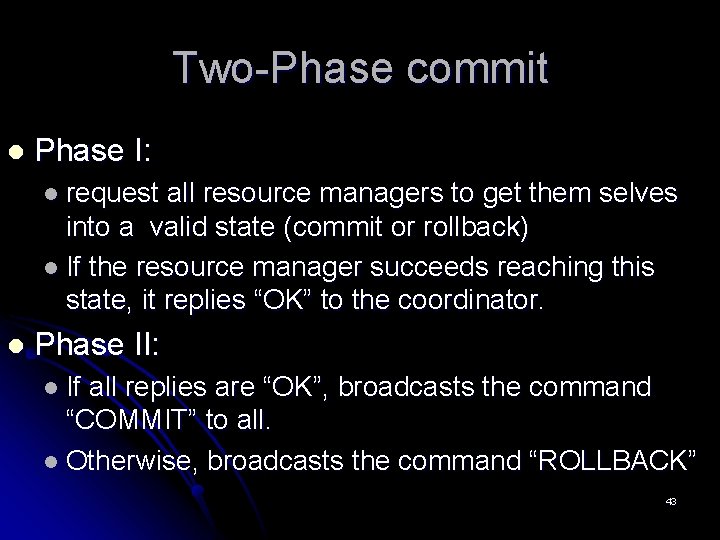
Two-Phase commit l Phase I: l request all resource managers to get them selves into a valid state (commit or rollback) l If the resource manager succeeds reaching this state, it replies “OK” to the coordinator. l Phase II: l If all replies are “OK”, broadcasts the command “COMMIT” to all. l Otherwise, broadcasts the command “ROLLBACK” 43
ARIES Recovery Algorithm… Intro… l Transactions Failures… l System Failures… l Media Failure… l Two-Phase Commit… l ARIES Recovery Algorithm… l Conclusion… l References… l 44
reminder l Up to now, l Transaction failures. l System failures. l Media failures. l WAL, 2 PC, and checkpoint l All this is good, but how to combine it to have a better recovery…… 45
ARIES Recovery Algorithm… l l l Intro… Transactions Failures… System Failures… Media Failure… Two-Phase Commit… ARIES Recovery Algorithm… l l l l The concept. Data structure used in ARIES in details. ARIES features. Why ARIES optimizations. Conclusion… References… 46
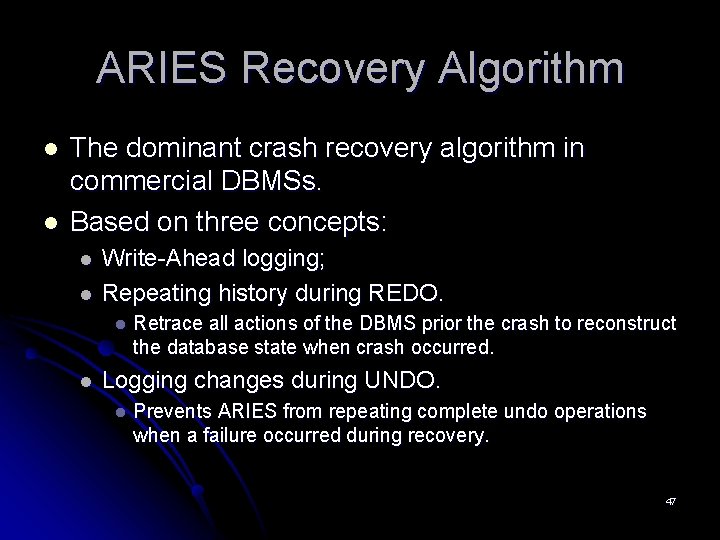
ARIES Recovery Algorithm l l The dominant crash recovery algorithm in commercial DBMSs. Based on three concepts: l l Write-Ahead logging; Repeating history during REDO. l l Retrace all actions of the DBMS prior the crash to reconstruct the database state when crash occurred. Logging changes during UNDO. l Prevents ARIES from repeating complete undo operations when a failure occurred during recovery. 47
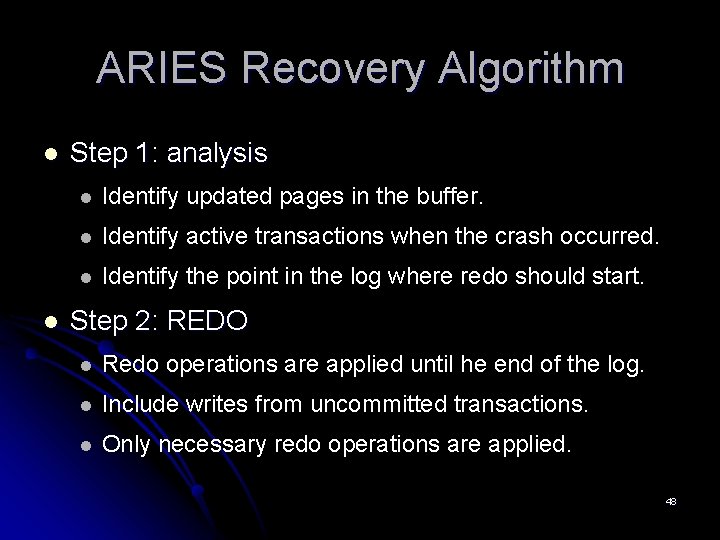
ARIES Recovery Algorithm l l Step 1: analysis l Identify updated pages in the buffer. l Identify active transactions when the crash occurred. l Identify the point in the log where redo should start. Step 2: REDO l Redo operations are applied until he end of the log. l Include writes from uncommitted transactions. l Only necessary redo operations are applied. 48
ARIES Recovery Algorithm l Step 3: UNDO Log is scanned backward. l Updates from active transactions are undone. l 49
Data Structures Used in ARIES 50
ARIES Data Structures l Log sequence number (LSN) identifies each log record l Must be sequentially increasing l Typically an offset from beginning of log file to allow fast access l Easily extended to handle multiple log files 51
ARIES Data Structures l Each page contains a Page. LSN which is the LSN of the last log record whose effects are reflected on the page l To update a page: l Lock the page, and write the log record l Update the page l Record the LSN of the log record in Page. LSN l Unlock page l Page. LSN is used during recovery to prevent repeated redo. l Thus ensuring idempotence 52
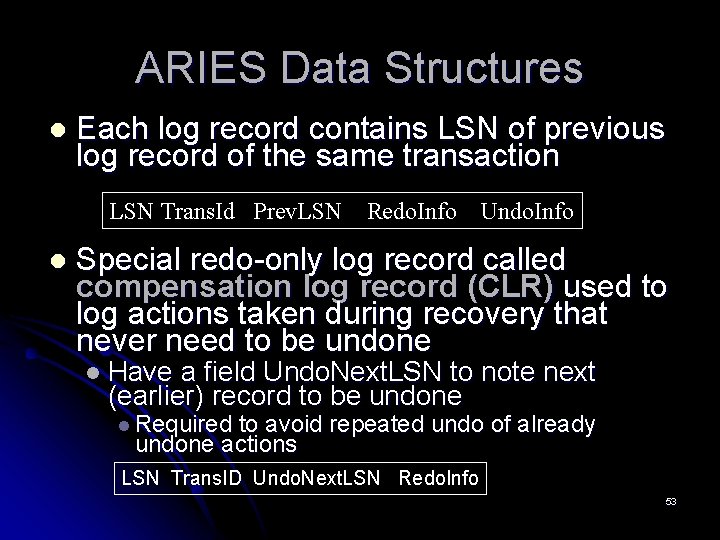
ARIES Data Structures l Each log record contains LSN of previous log record of the same transaction LSN Trans. Id Prev. LSN l Redo. Info Undo. Info Special redo-only log record called compensation log record (CLR) used to log actions taken during recovery that never need to be undone l Have a field Undo. Next. LSN to note next (earlier) record to be undone l Required to avoid repeated undo of already undone actions LSN Trans. ID Undo. Next. LSN Redo. Info 53
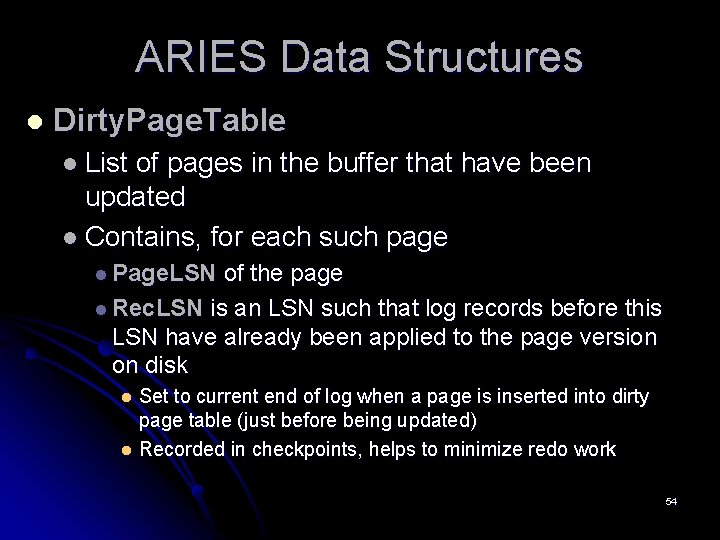
ARIES Data Structures l Dirty. Page. Table l List of pages in the buffer that have been updated l Contains, for each such page l Page. LSN of the page l Rec. LSN is an LSN such that log records before this LSN have already been applied to the page version on disk Set to current end of log when a page is inserted into dirty page table (just before being updated) l Recorded in checkpoints, helps to minimize redo work l 54
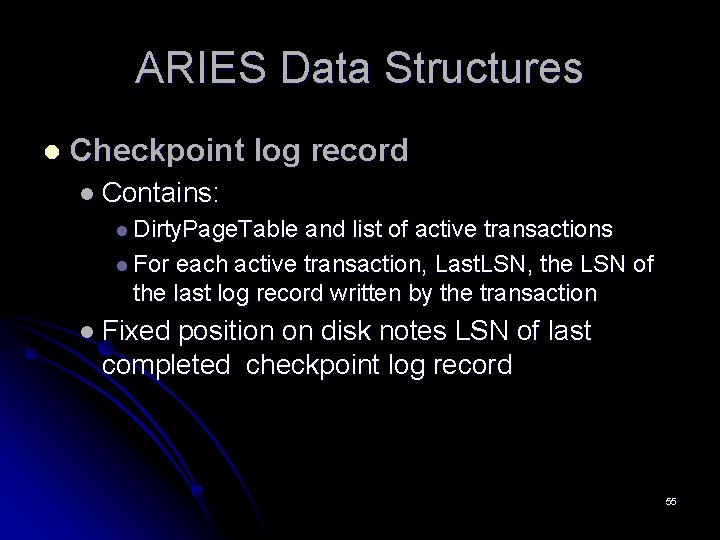
ARIES Data Structures l Checkpoint log record l Contains: l Dirty. Page. Table and list of active transactions l For each active transaction, Last. LSN, the LSN of the last log record written by the transaction l Fixed position on disk notes LSN of last completed checkpoint log record 55
ARIES In Details… 56
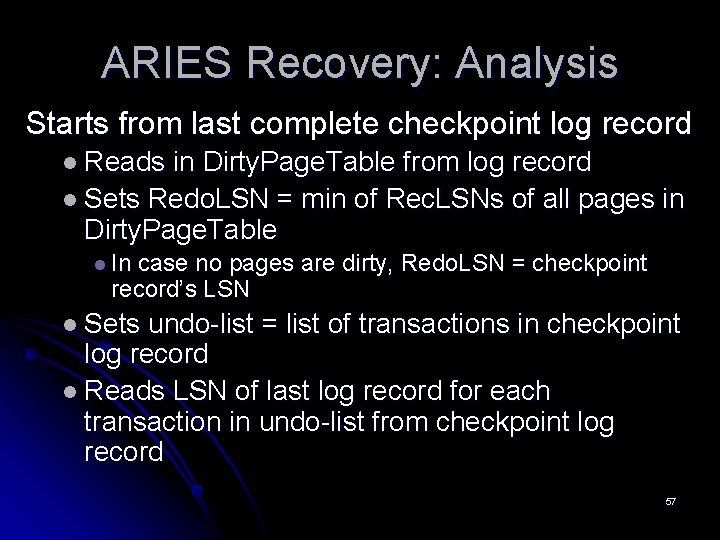
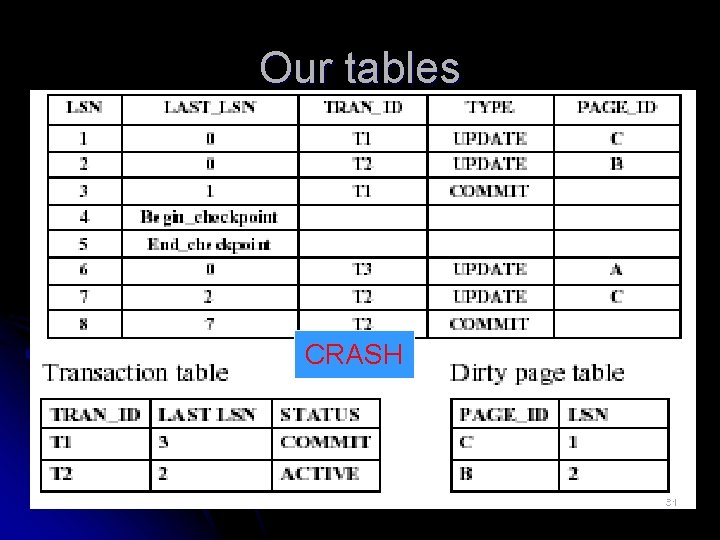
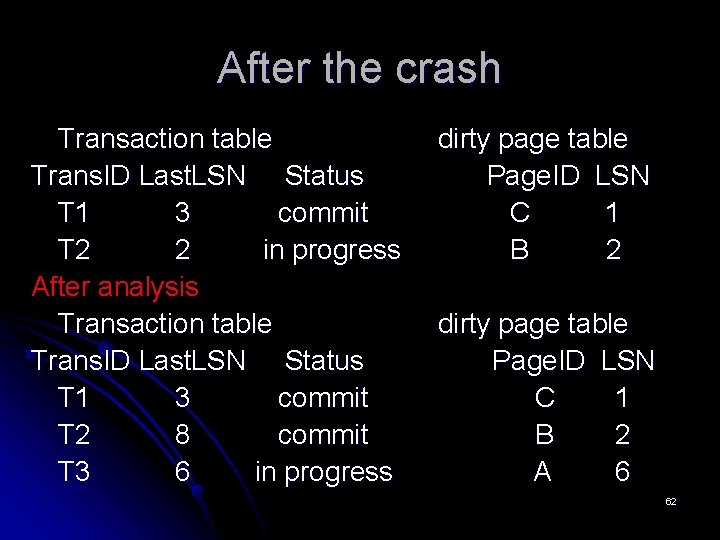
ARIES Recovery: Analysis Starts from last complete checkpoint log record l Reads in Dirty. Page. Table from log record l Sets Redo. LSN = min of Rec. LSNs of all pages in Dirty. Page. Table l In case no pages are dirty, Redo. LSN = checkpoint record’s LSN l Sets undo-list = list of transactions in checkpoint log record l Reads LSN of last log record for each transaction in undo-list from checkpoint log record 57
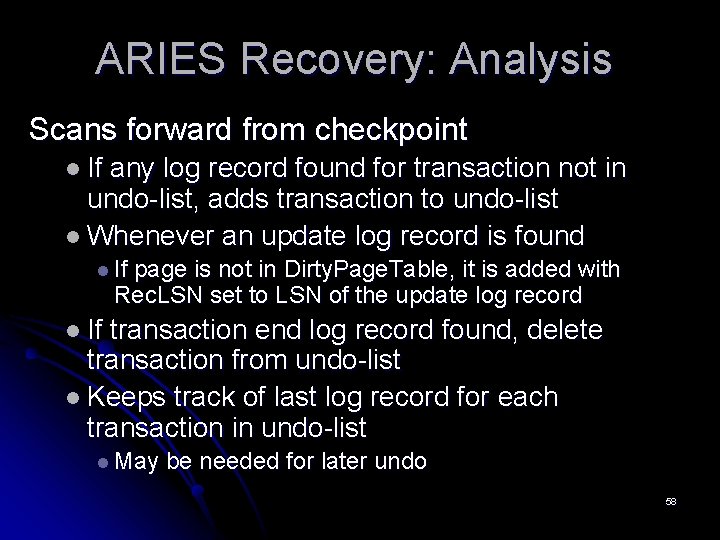
ARIES Recovery: Analysis Scans forward from checkpoint l If any log record found for transaction not in undo-list, adds transaction to undo-list l Whenever an update log record is found l If page is not in Dirty. Page. Table, it is added with Rec. LSN set to LSN of the update log record l If transaction end log record found, delete transaction from undo-list l Keeps track of last log record for each transaction in undo-list l May be needed for later undo 58
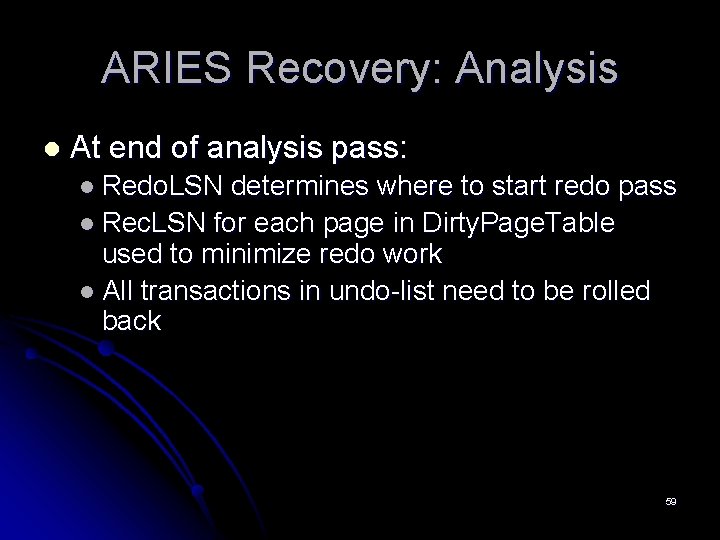
ARIES Recovery: Analysis l At end of analysis pass: l Redo. LSN determines where to start redo pass l Rec. LSN for each page in Dirty. Page. Table used to minimize redo work l All transactions in undo-list need to be rolled back 59
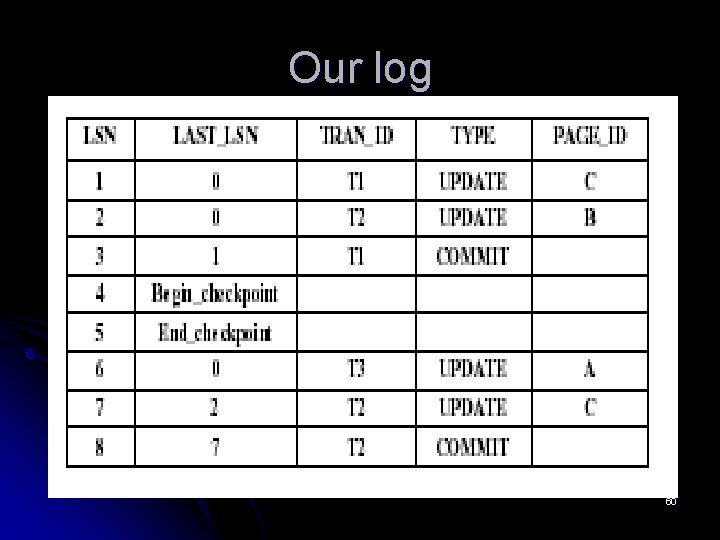
Our log 60
Our tables CRASH 61
After the crash Transaction table Trans. ID Last. LSN Status T 1 3 commit T 2 2 in progress After analysis Transaction table Trans. ID Last. LSN Status T 1 3 commit T 2 8 commit T 3 6 in progress dirty page table Page. ID LSN C 1 B 2 A 6 62
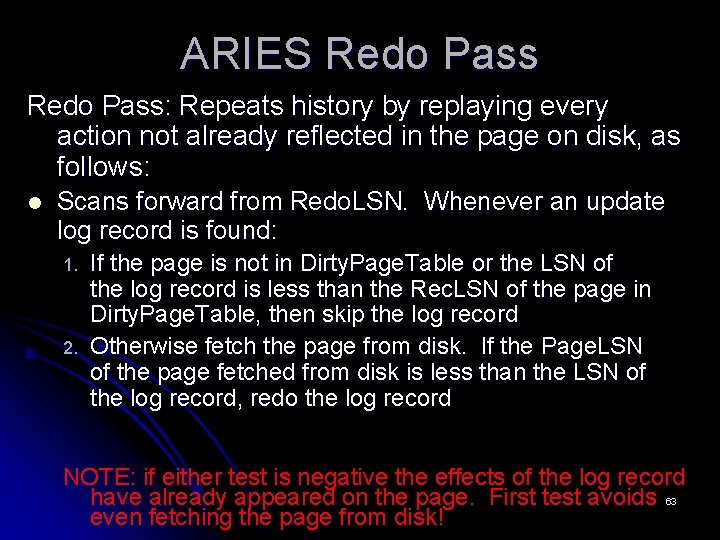
ARIES Redo Pass: Repeats history by replaying every action not already reflected in the page on disk, as follows: l Scans forward from Redo. LSN. Whenever an update log record is found: 1. 2. If the page is not in Dirty. Page. Table or the LSN of the log record is less than the Rec. LSN of the page in Dirty. Page. Table, then skip the log record Otherwise fetch the page from disk. If the Page. LSN of the page fetched from disk is less than the LSN of the log record, redo the log record NOTE: if either test is negative the effects of the log record have already appeared on the page. First test avoids 63 even fetching the page from disk!
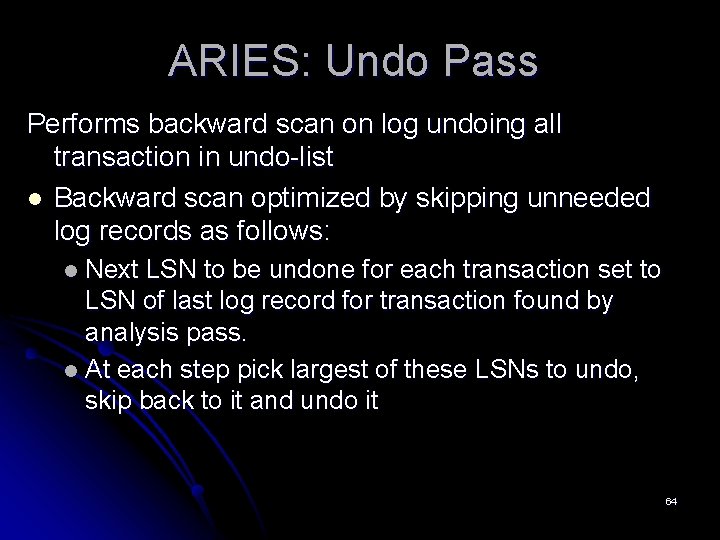
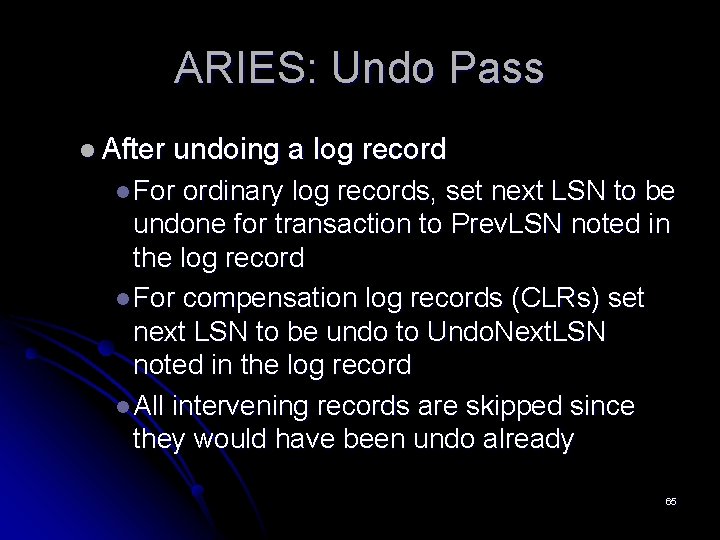
ARIES: Undo Pass Performs backward scan on log undoing all transaction in undo-list l Backward scan optimized by skipping unneeded log records as follows: Next LSN to be undone for each transaction set to LSN of last log record for transaction found by analysis pass. l At each step pick largest of these LSNs to undo, skip back to it and undo it l 64
ARIES: Undo Pass l After undoing a log record l For ordinary log records, set next LSN to be undone for transaction to Prev. LSN noted in the log record l For compensation log records (CLRs) set next LSN to be undo to Undo. Next. LSN noted in the log record l All intervening records are skipped since they would have been undo already 65
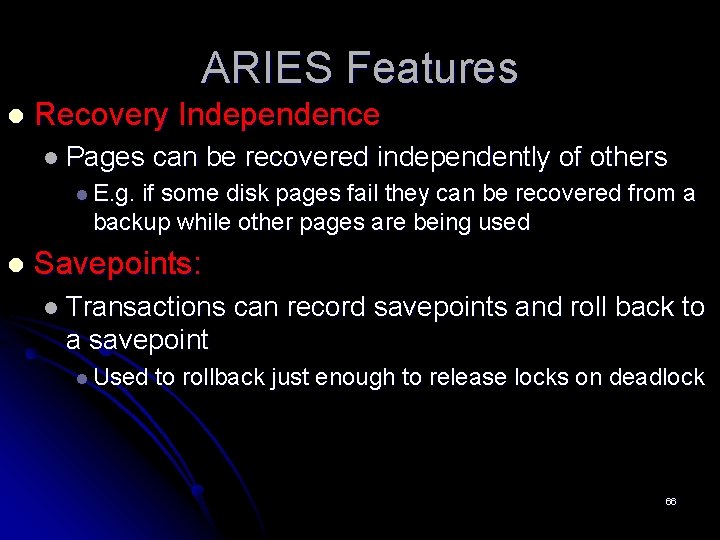
ARIES Features l Recovery Independence l Pages can be recovered independently of others l E. g. if some disk pages fail they can be recovered from a backup while other pages are being used l Savepoints: l Transactions can record savepoints and roll back to a savepoint l Used to rollback just enough to release locks on deadlock 66
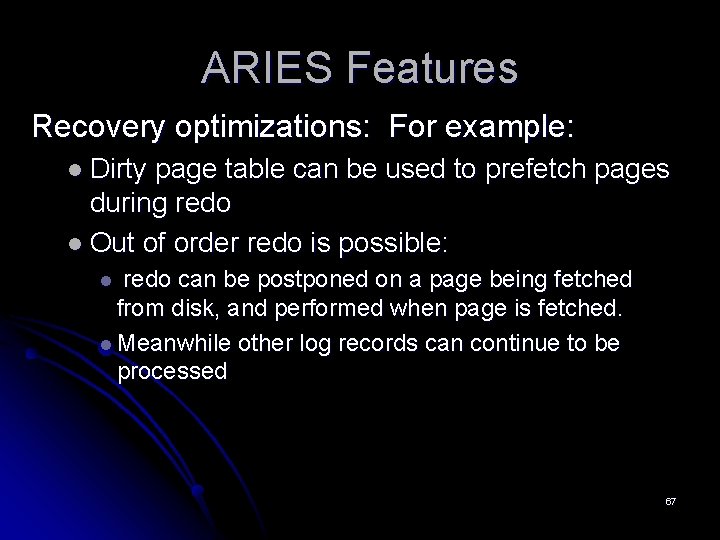
ARIES Features Recovery optimizations: For example: l Dirty page table can be used to prefetch pages during redo l Out of order redo is possible: redo can be postponed on a page being fetched from disk, and performed when page is fetched. l Meanwhile other log records can continue to be processed l 67
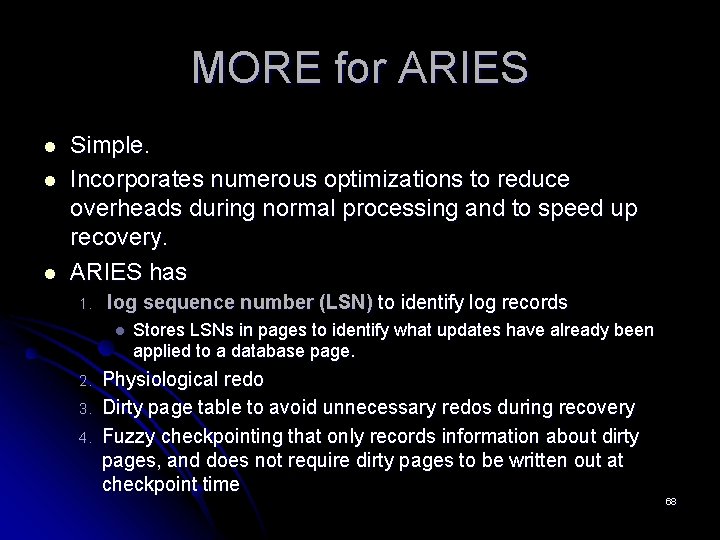
MORE for ARIES l l l Simple. Incorporates numerous optimizations to reduce overheads during normal processing and to speed up recovery. ARIES has 1. log sequence number (LSN) to identify log records l 2. 3. 4. Stores LSNs in pages to identify what updates have already been applied to a database page. Physiological redo Dirty page table to avoid unnecessary redos during recovery Fuzzy checkpointing that only records information about dirty pages, and does not require dirty pages to be written out at checkpoint time 68
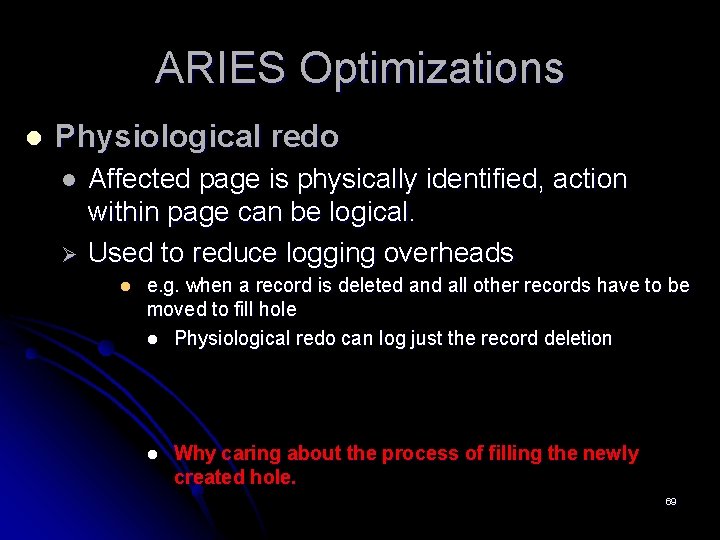
ARIES Optimizations l Physiological redo l Ø Affected page is physically identified, action within page can be logical. Used to reduce logging overheads l e. g. when a record is deleted and all other records have to be moved to fill hole l Physiological redo can log just the record deletion l Why caring about the process of filling the newly created hole. 69
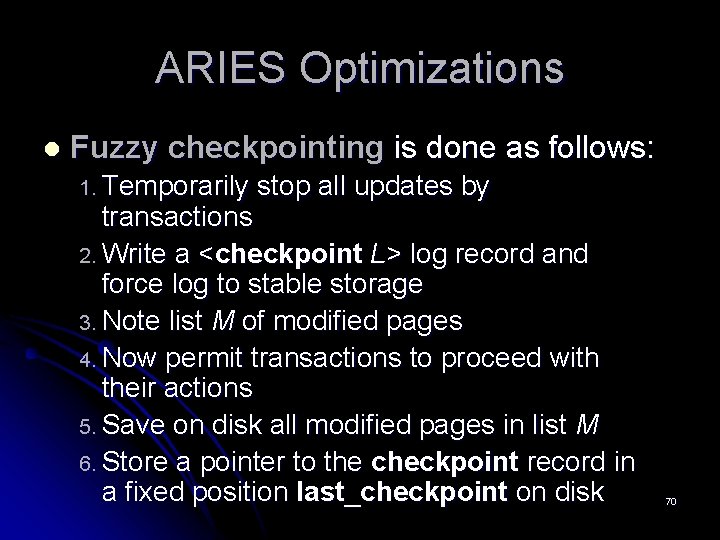
ARIES Optimizations l Fuzzy checkpointing is done as follows: 1. Temporarily stop all updates by transactions 2. Write a <checkpoint L> log record and force log to stable storage 3. Note list M of modified pages 4. Now permit transactions to proceed with their actions 5. Save on disk all modified pages in list M 6. Store a pointer to the checkpoint record in a fixed position last_checkpoint on disk 70
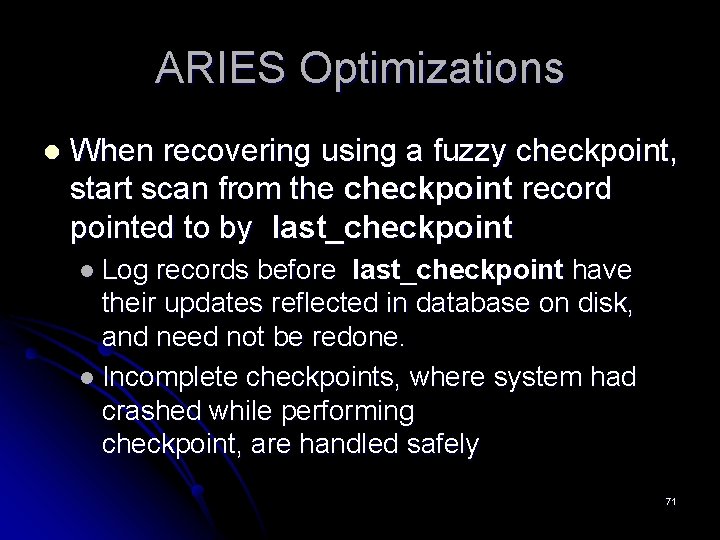
ARIES Optimizations l When recovering using a fuzzy checkpoint, start scan from the checkpoint record pointed to by last_checkpoint l Log records before last_checkpoint have their updates reflected in database on disk, and need not be redone. l Incomplete checkpoints, where system had crashed while performing checkpoint, are handled safely 71
ARIES family Ø Aries for shared disk Ø Aries for semi-structured data. Ø ARIES/CSA. Ø ARIES/RRH. Ø ARIES/NT. Ø ARIES/KVL. Ø ARIES/IM. Ø ARIES/LHS. 72
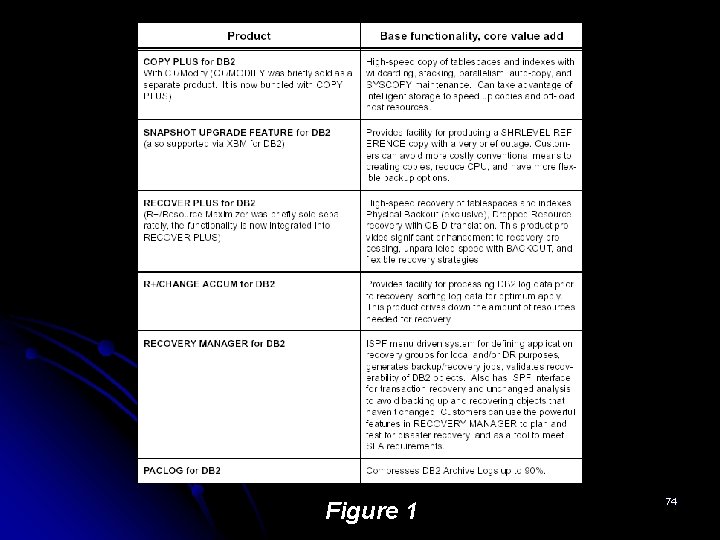
Conclusion Implementing the right recovery procedure is as important as benchmarking your warehouse product performance. l Big giants SQL, DB 2 … have their own recovery technique specific to them. l They have their own recovery products. l l Just for DB 2 73
Figure 1 74
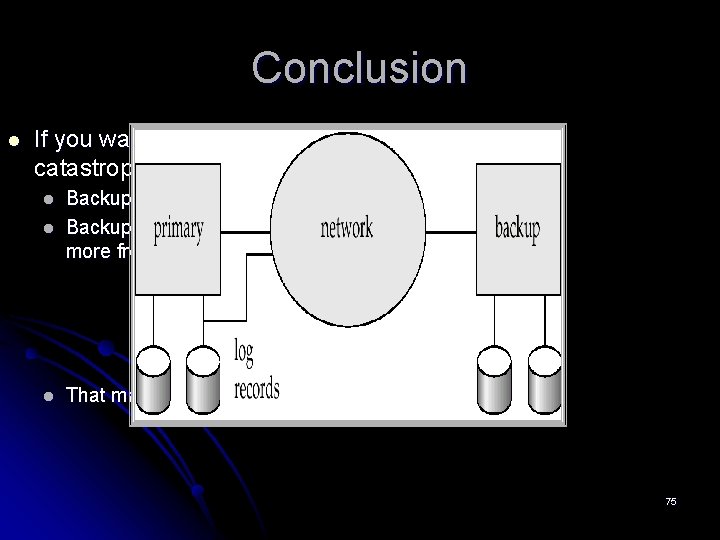
Conclusion l If you want account for catastrophic failures: l Backup entire database. Backup system log more frequently. l That may be costly…. . l 75
Conclusion l Recovery procedure should be relative to the: l Amount of data to protect. l The importance of this data. 76
Thank you Q&A 77
References… l Date Book: Chapter 1 recovery… Database Management Systems l http: //discovery. csc. ncsu. edu/~pning/Courses/csc 742 -Spring-02/T 15_Recovery_6. pdf l l ARIES Recovery Algorithm: Recovery with aries… http: //www-2. cs. cmu. edu/afs/cs/academic/class/15721 -f 01/www/lectures/recovery_with_aries. pdf l Figure 1 http: //www. bmc. com/products/database/resourcecenter/db 2 backup_recovery. pdf l Figure 2 http: //www 2. cs. cmu. edu/afs/cs/academic/class/15721 f 01/www/lectures/rec overy_with_aries. pdf 78