
Understanding the MultiBook Capabilities of ADERANT Expert Global
Understanding the Multi-Book Capabilities of ADERANT Expert Global Accounting Kathleen Grant, Product Manager
Agenda Why Multi-Book Sample Use Case Product requirements for Multi-Book Terminology Review Application Functionality Questions
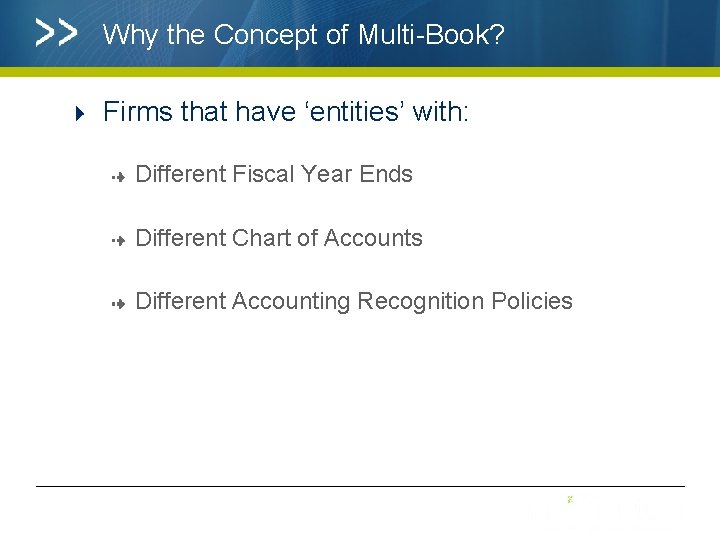
Why the Concept of Multi-Book? Firms that have ‘entities’ with: Different Fiscal Year Ends Different Chart of Accounts Different Accounting Recognition Policies
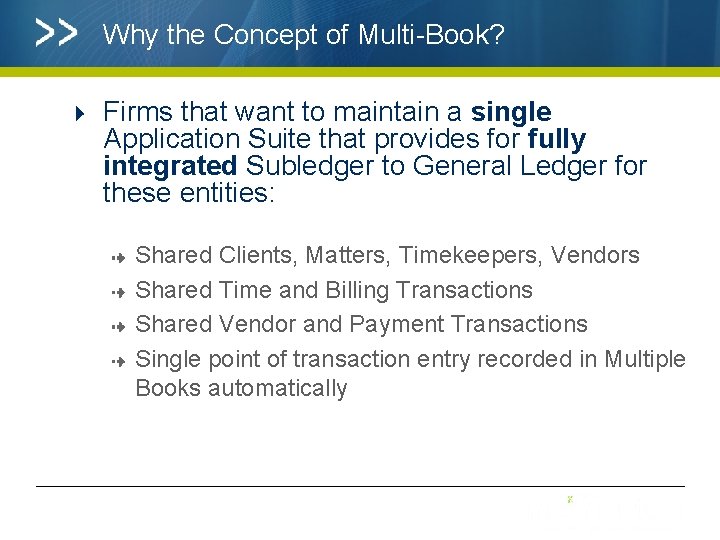
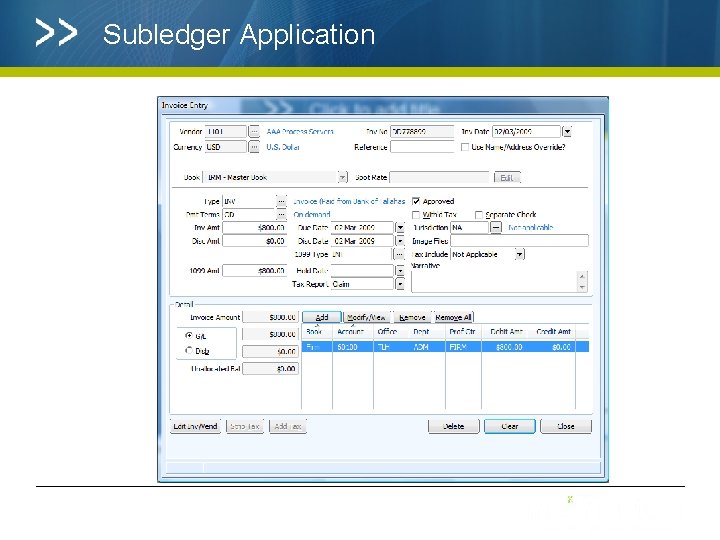
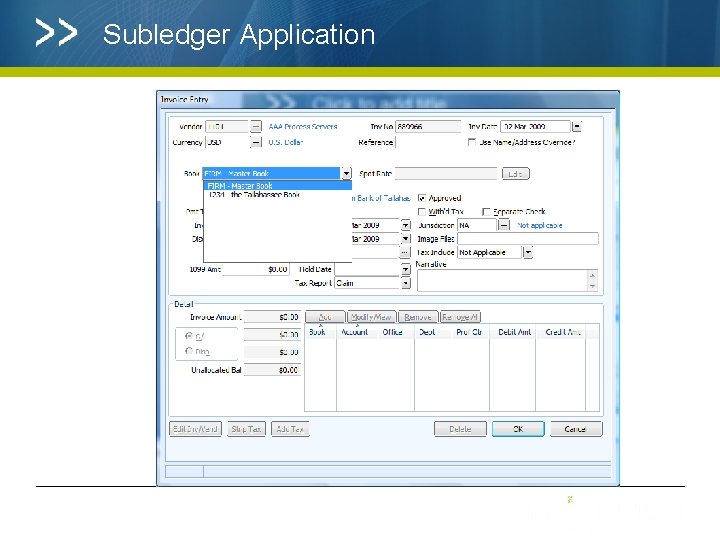
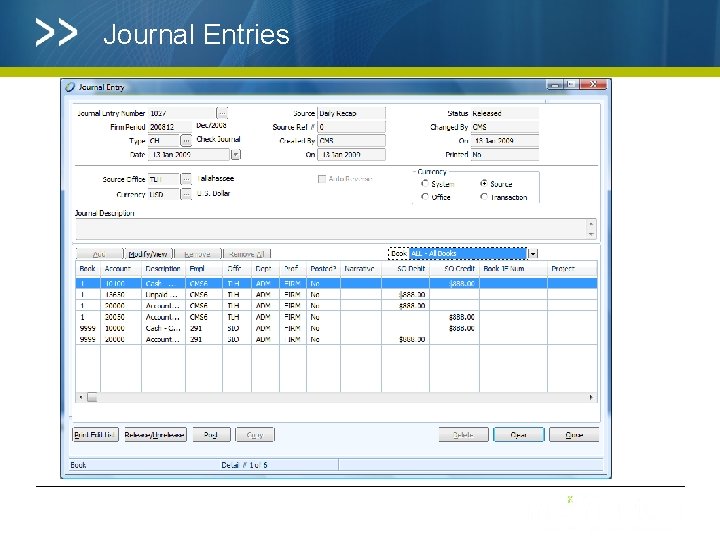
Why the Concept of Multi-Book? Firms that want to maintain a single Application Suite that provides for fully integrated Subledger to General Ledger for these entities: Shared Clients, Matters, Timekeepers, Vendors Shared Time and Billing Transactions Shared Vendor and Payment Transactions Single point of transaction entry recorded in Multiple Books automatically
Why the Concept of Multi Book in Practice? ØA Firm with an office in a jurisdiction where the Chart of Accounts is ‘prescribed’ ØA firm with an office in a jurisdiction where the Accounting Policy for revenue recognition and expense recognition is based on local rules (local GAAP, FASB, IASB, other local authorities) Ø A firm with a management company, or alternate partnership structure that requires its own Accounting policies, or year end
What Multi-Book G/L leverages Multi-Book G/L extends the existing features and functions within ADERANT Expert for Subledger and General Ledger Reporting The concept of the ‘Ledger’ has been extended to allow for the creation of an unlimited number of additional Books Traditional ‘Ledger 1 and Ledger 2’ functionality remain as the ‘Firm Book
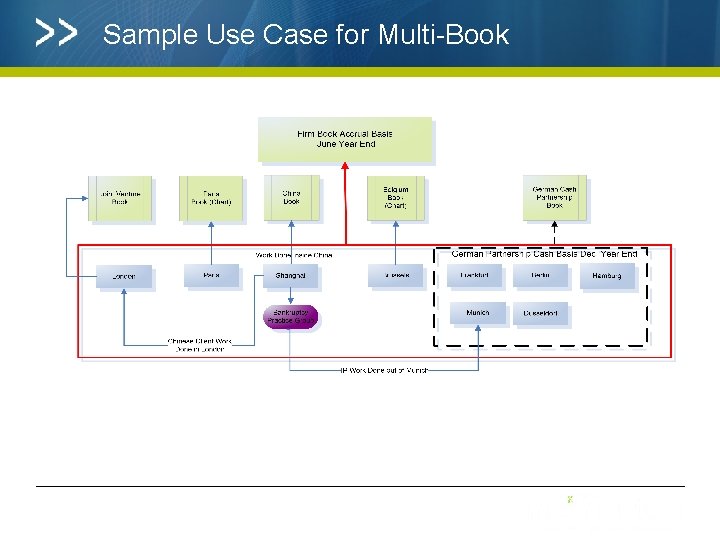
Sample Use Case for Multi-Book
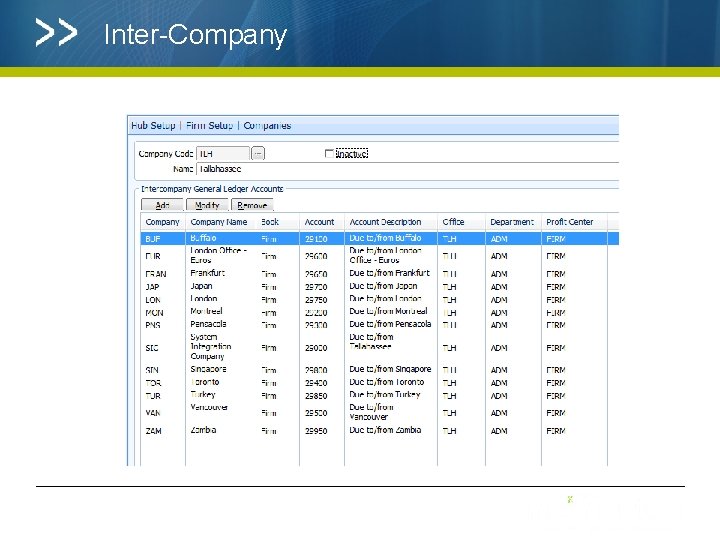
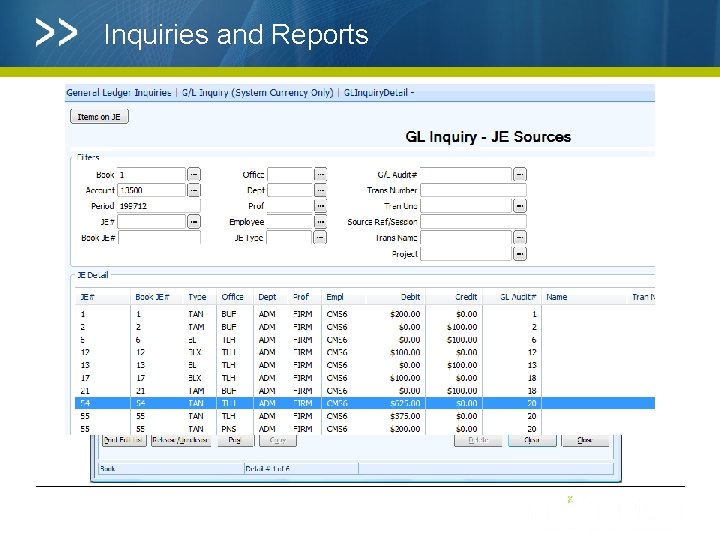
Key features that Multi-Book Addresses Ability to create multiple Books Ability to designate a Book’s Fiscal Year End Ability to create a Book Chart of Accounts and Map Ability to secure a book to a group of people Ability to produce Financial Statements for a Book or books Observance of Inter Company Accounting, Omni Currency, and tax Ability to create manual Year End Journal Entries Ensure that existing set up and transactional applications within ADERANT Expert integrate with the new Multi Book Model
Terminology -Firm Books 1 and 2 collectively are the ‘Firm Book’ – all Offices belong to Firm Books 1 and 2 are system owned Books Share common Chart of Accounts – Account Codes and Descriptions are the same – system maintained Can have a different GL Map (Cash, Accrual, Modified Accrual) – existing functionality Has the ‘Firm’ Year End Has common GL Type Codes and GL Type Code Overrides Continue to be maintained in General Ledger Parameters
Terminology -Data Sets Existing functionality preserved – values 3 through 999 Will be associated to a Book Chart of Accounts Can associate a ‘Budget’ or ‘Forecast’ Data Set with a particular Book to use the Book specific Chart of Accounts structure needed for the Data Set Maintained in the current GL Data Sets Application Establish Data Set Security
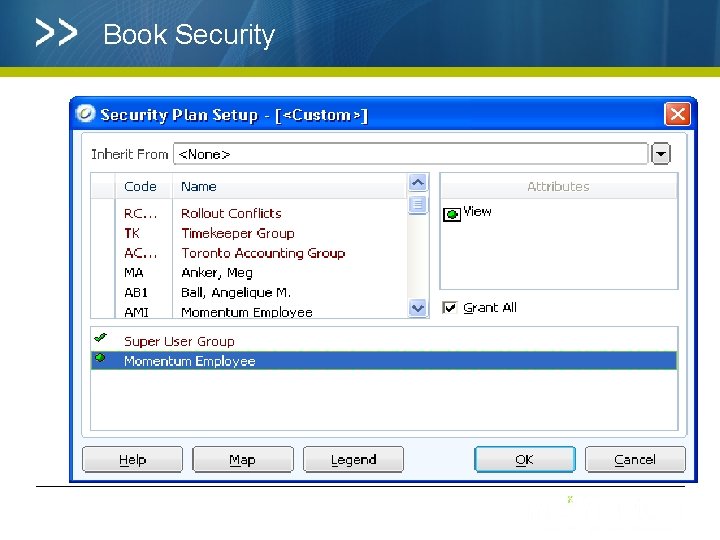
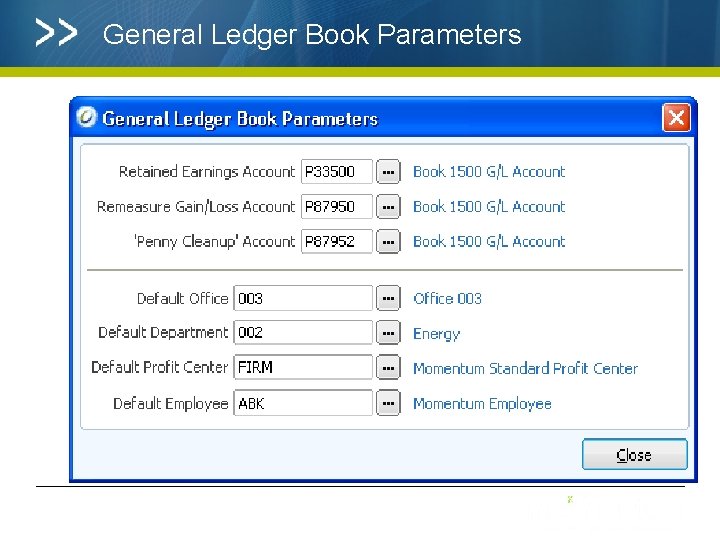
New Application for Multi-Book Maintenance Book Values between 1000 to 9999 – user defined code Select the Year End Attach Offices to the Book – Offices can belong to more than one Book Establish Book Level General Ledger Defaults for Office, Department, Profit Centre and Employee Establish Book Accounts for Retained Earnings, ‘Penny Clean Up’ and Remeasure Gain/Loss Establish Book Security
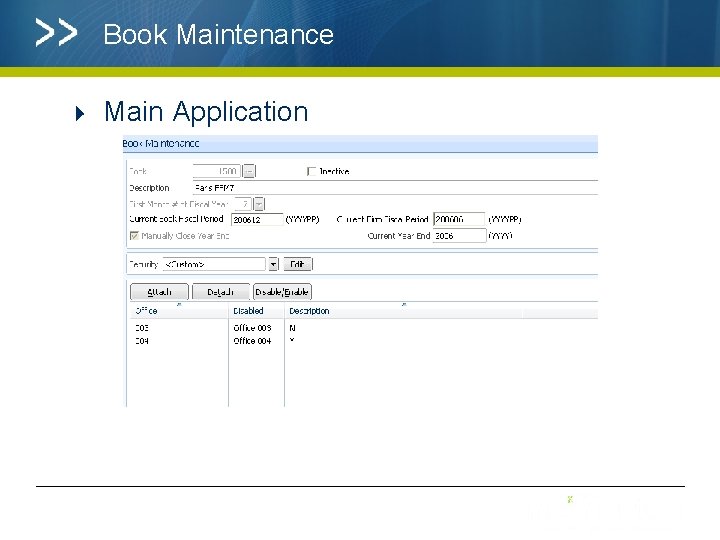
Book Maintenance Main Application
Book Security
General Ledger Book Parameters
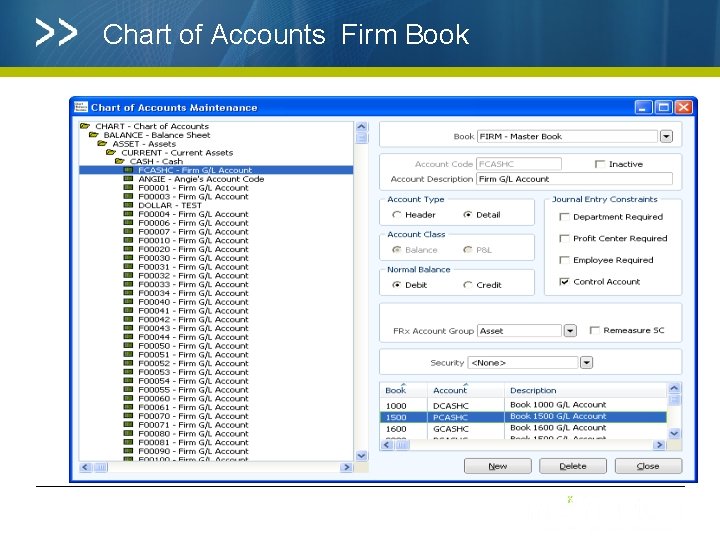
Chart of Accounts Firm Book
Inter-Company
Subledger Application
Subledger Application
Journal Entries
Inquiries and Reports
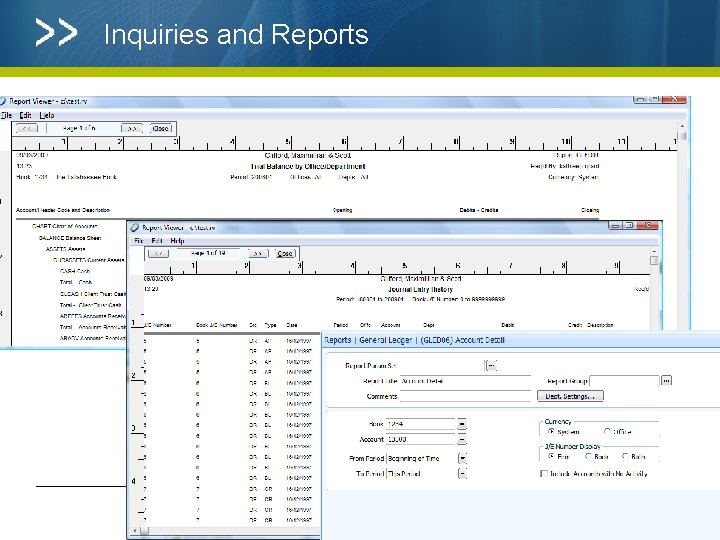
Inquiries and Reports
Availability of Multi-Book GL Enhancement 7. 5 Release (75 GA) Existing Clients can still maintain a ‘dual ledger’ system (defined as Book 1 and Book 2)
Summary ADERANT Expert Multi Book leverages and extends the core features and functionality of a fully integrated Financial Management and Reporting Package to include: Jurisdiction specific accounting rules Local requirements for Chart Of Account and financial reporting structures Alternate year ends Flexible reporting
QUESTIONS? Kathleen. grant@aderant. com
- Slides: 24