
UNDERSTANDING THE ESPV SYSTEM PRESENTATION ON ELECTRONIC SALARY


- Slides: 35
UNDERSTANDING THE E-SPV SYSTEM PRESENTATION ON ELECTRONIC SALARY PAYMENT VOUCHER (E-SPV)
OBJECTIVES OF PRESENTATION Electronic Salary Payment Voucher (E-SPV) Understanding of the 10 Simple Steps to E-SPV Validation Process E-Payslip Picture Registration Validation
E-SPV- SETUP Take the details of the validators. ( Staff ID, Name, Signature, Telephone Number. ) Create a user Identity Training Change of validators
E-SPV SETUP - Continuation There are two (2) user categories (SPV validators) Ø The Head of a Management Unit (HMU) Ø The Human Resource Manager of the Management Unit Ø The Accountant of the Management Unit (an alternative to the HR)
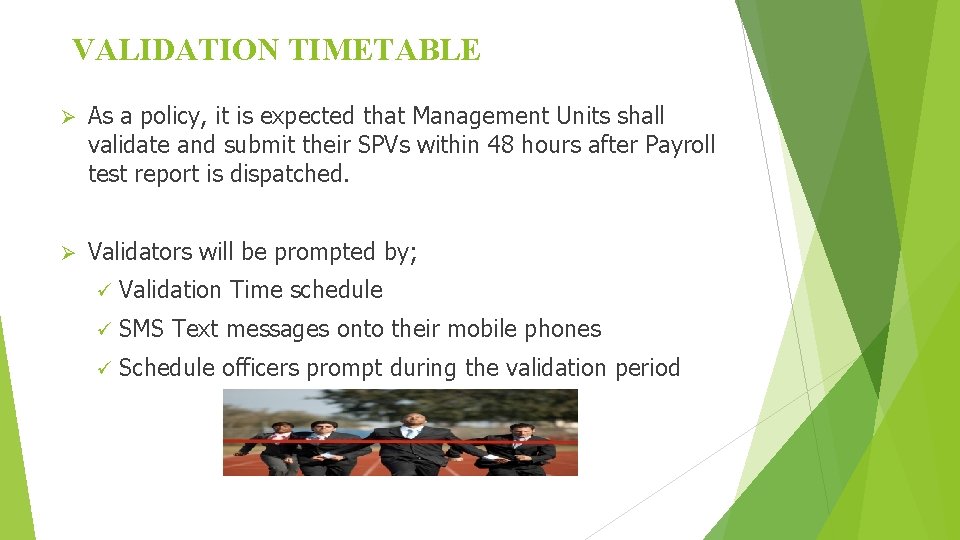
VALIDATION TIMETABLE Ø As a policy, it is expected that Management Units shall validate and submit their SPVs within 48 hours after Payroll test report is dispatched. Ø Validators will be prompted by; ü Validation Time schedule ü SMS Text messages onto their mobile phones ü Schedule officers prompt during the validation period
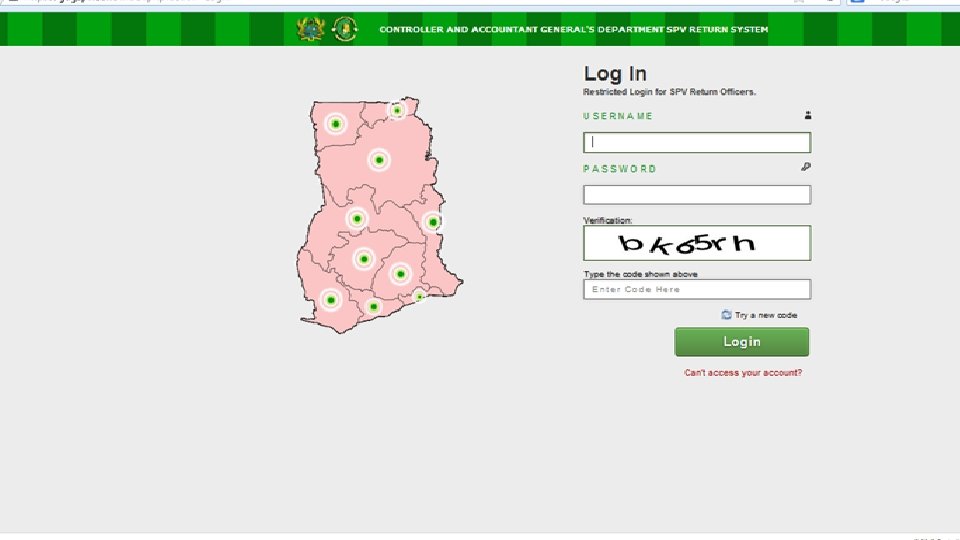
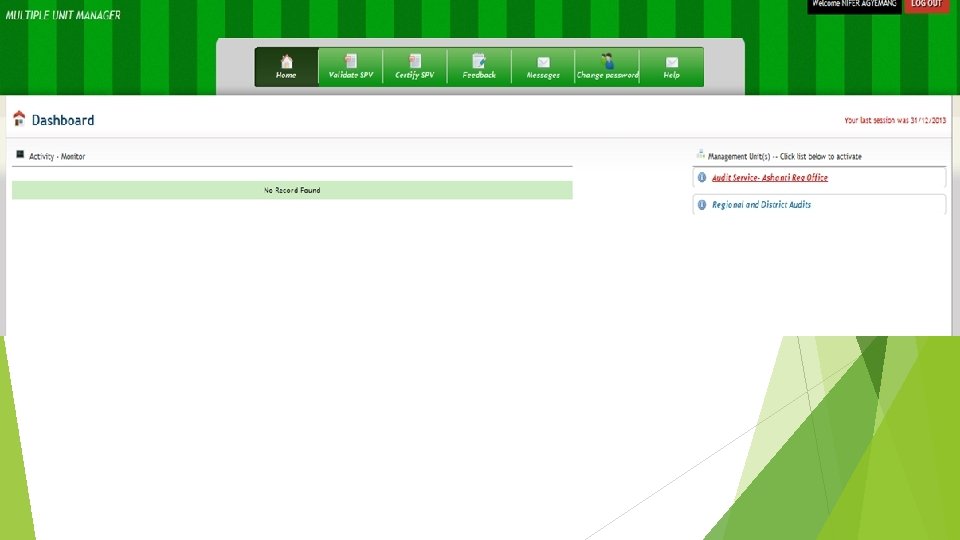
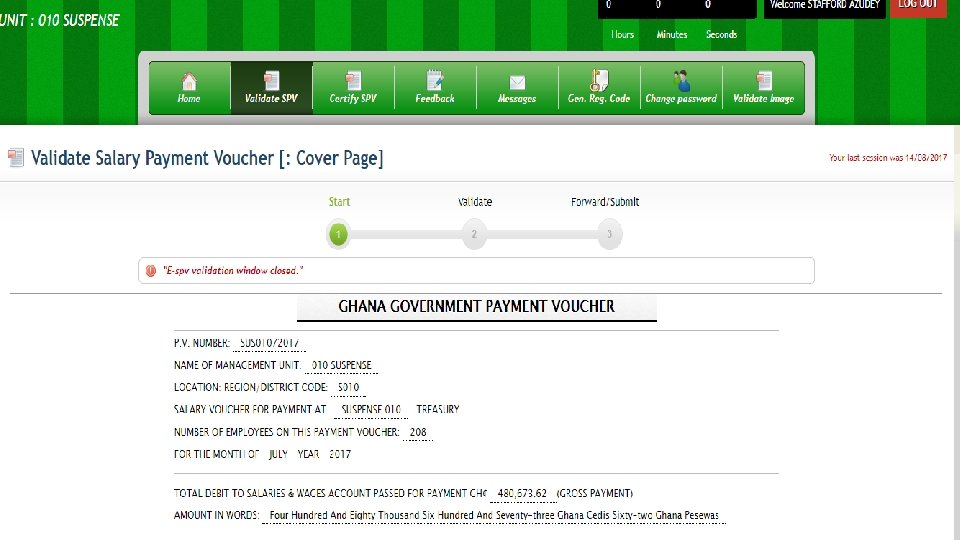
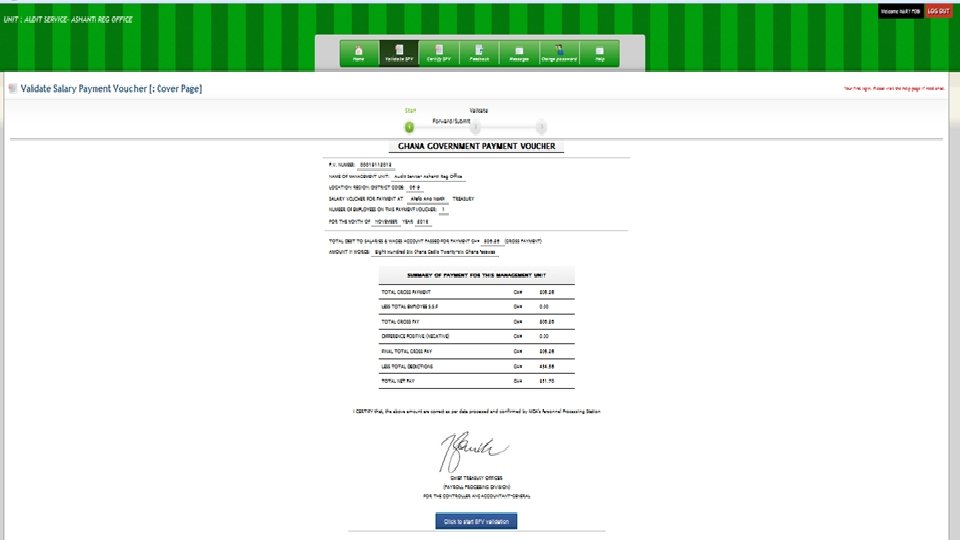
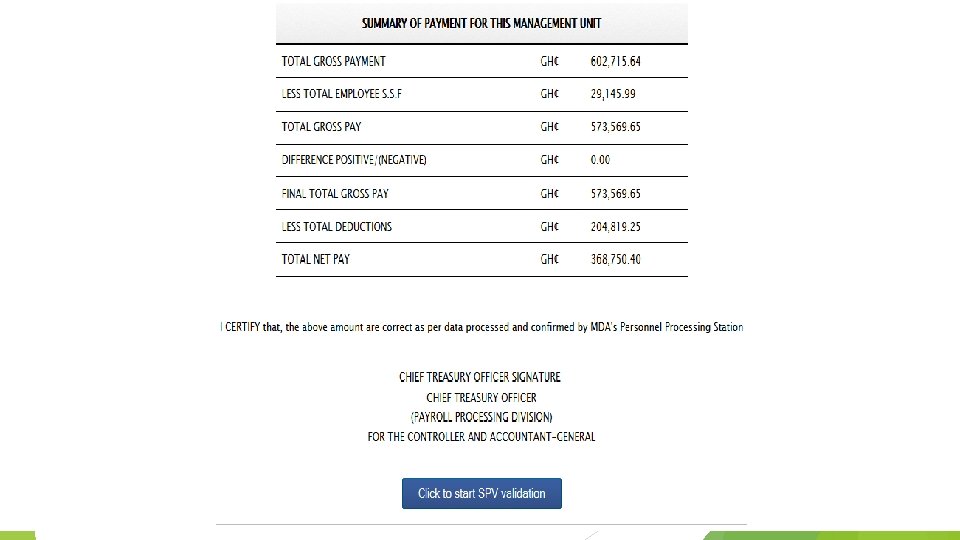
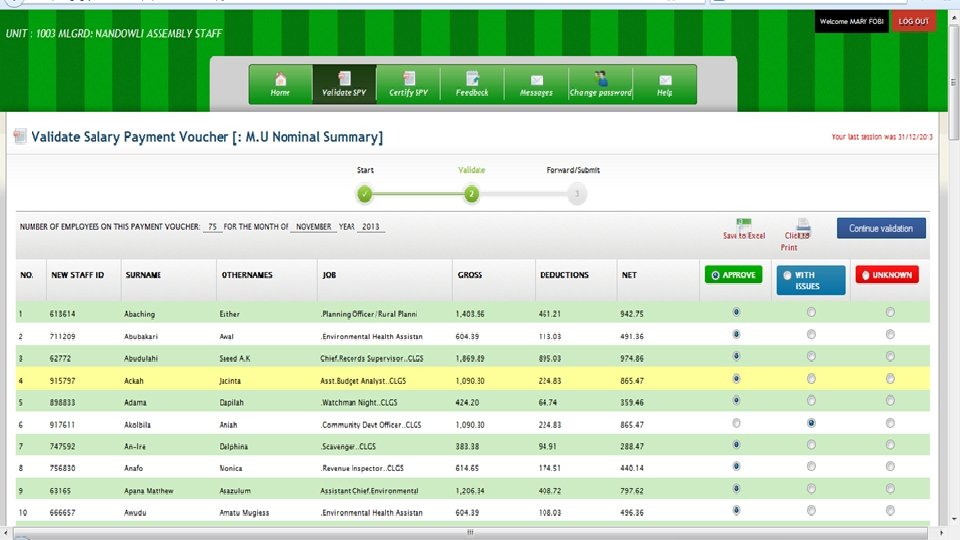
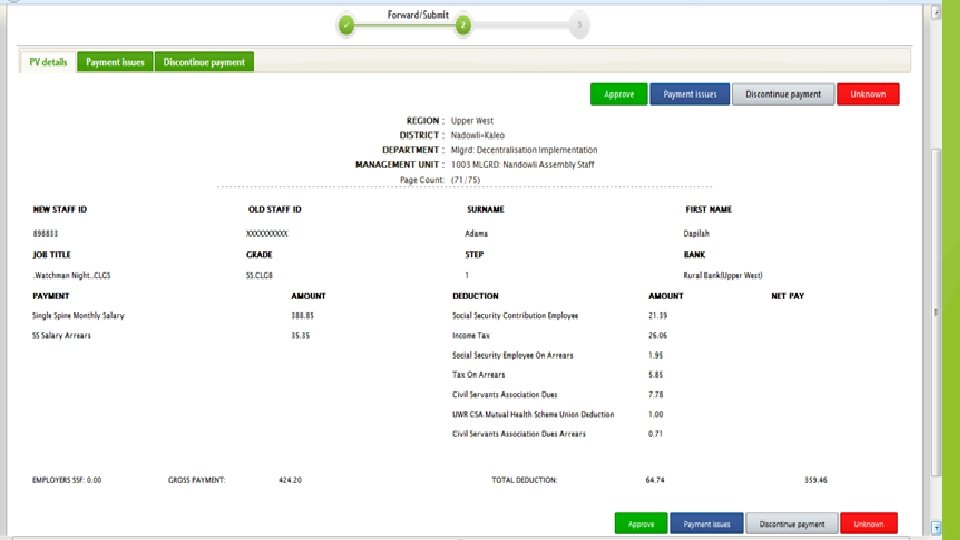
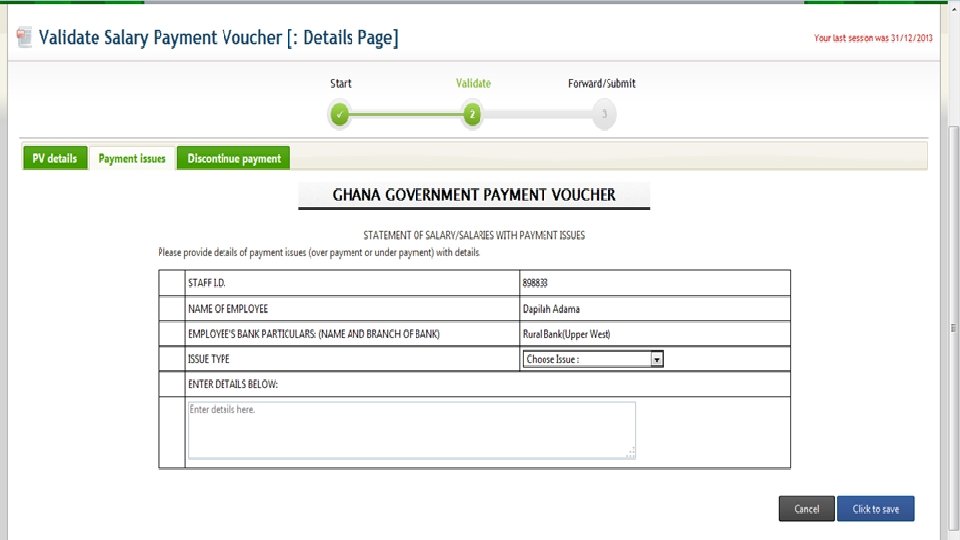
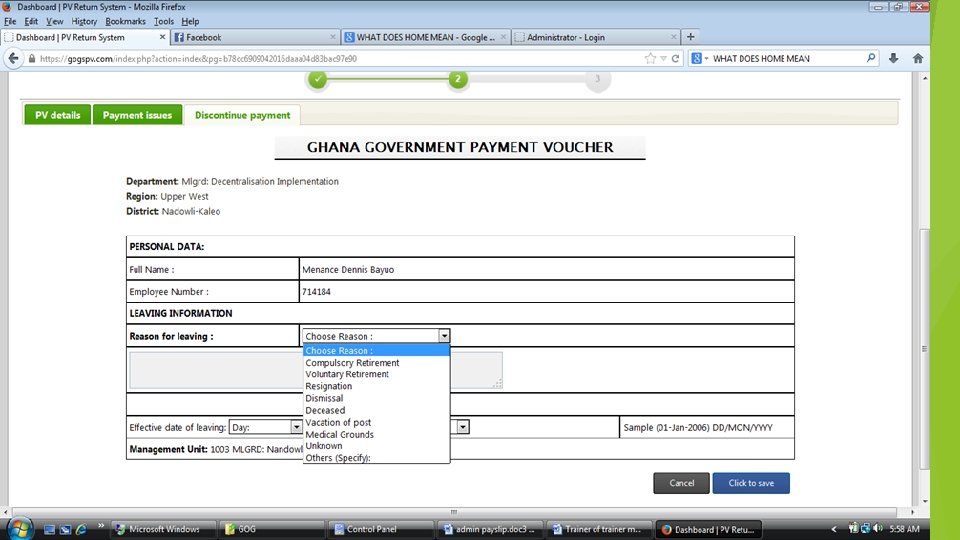
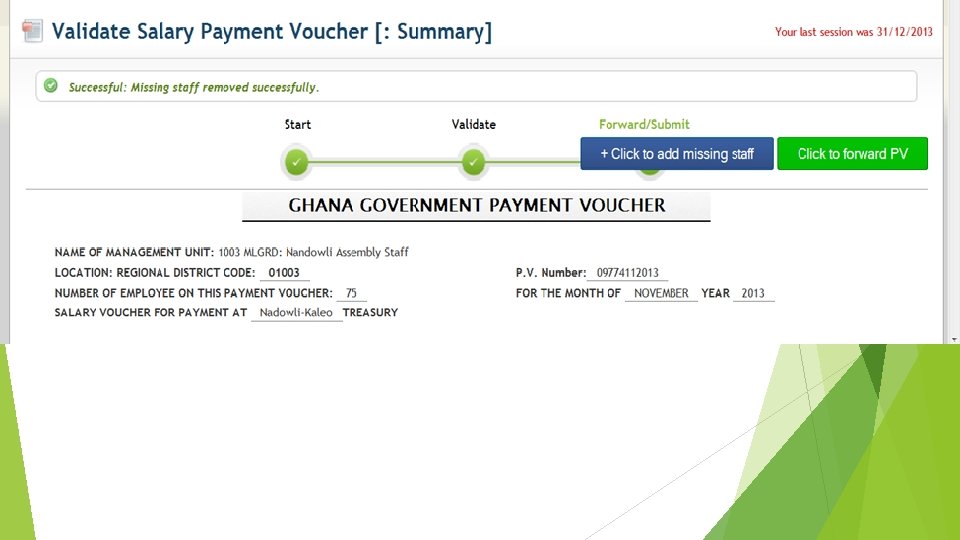
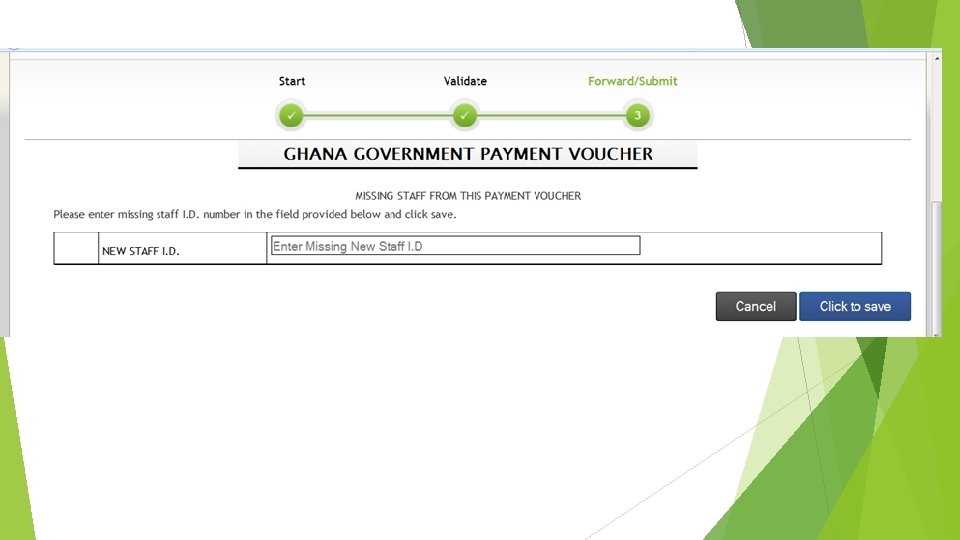
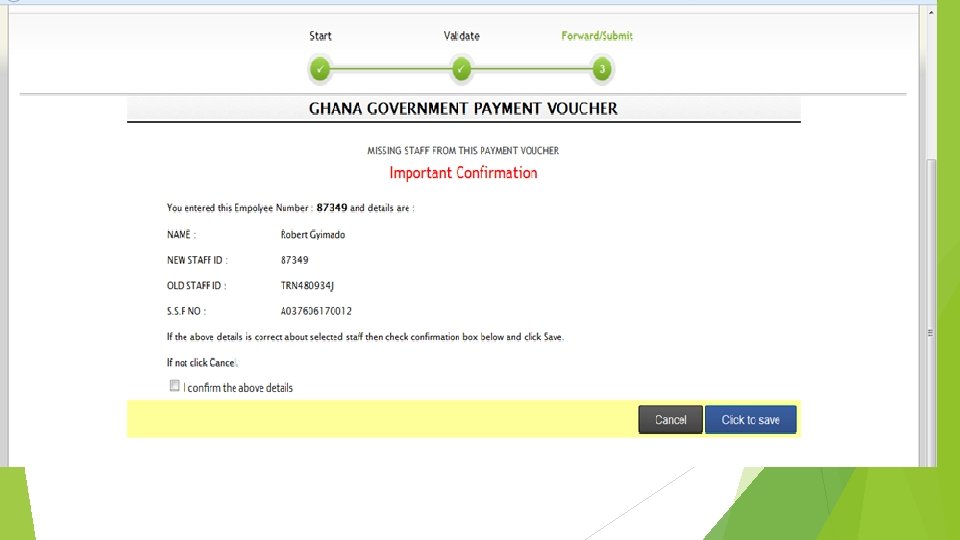
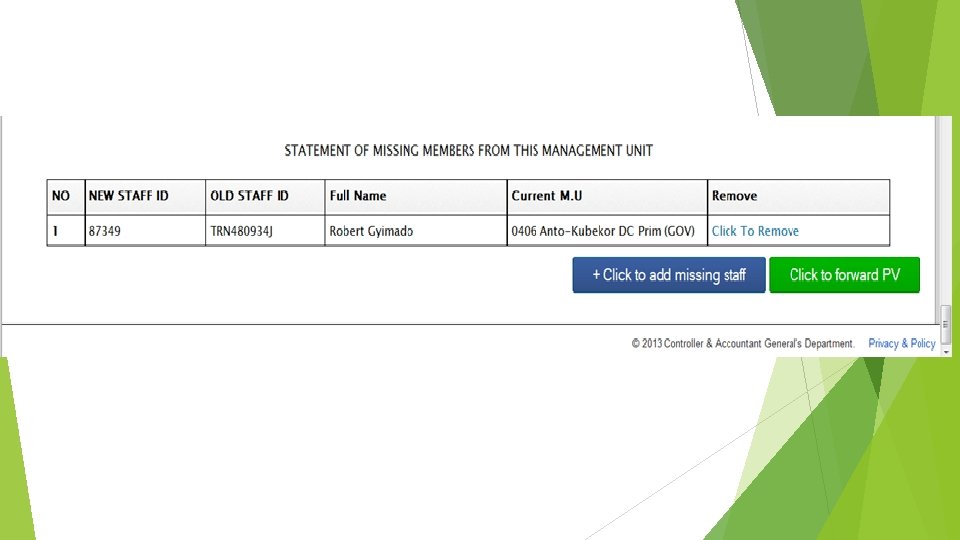
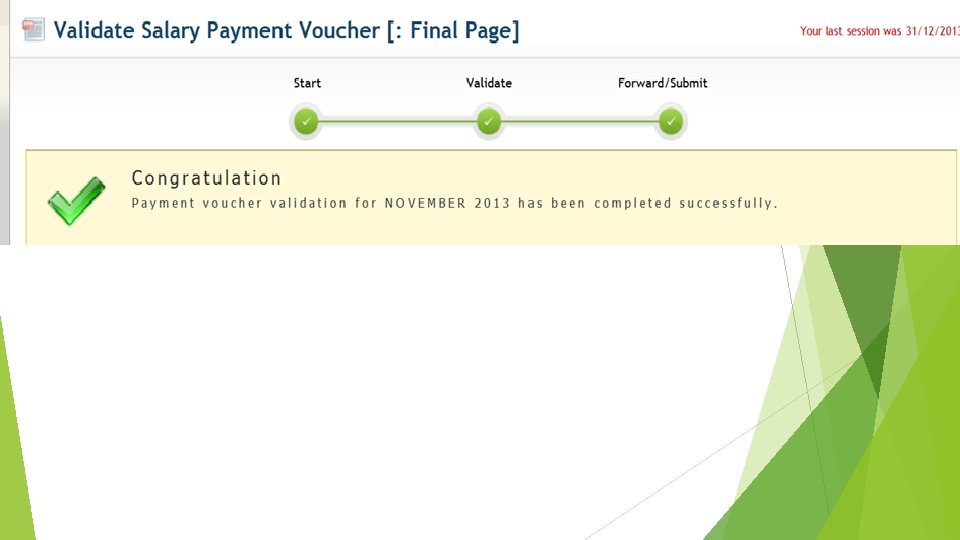
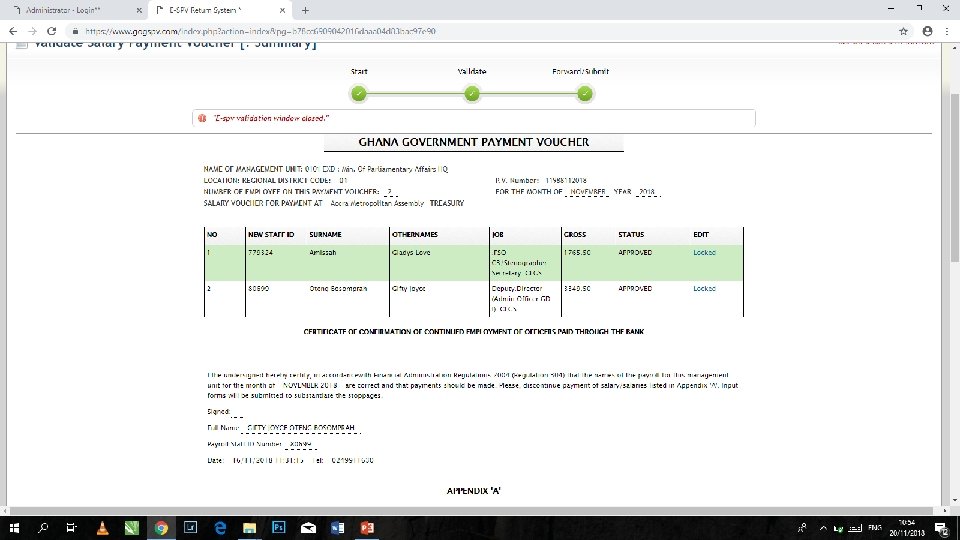
10 SIMPLE VALIDATION STEPS The following are the 10 simple steps to E-SPV Validation: Go to www. gogspv. com. Logon with your username, password and the verification code that appears on the login page
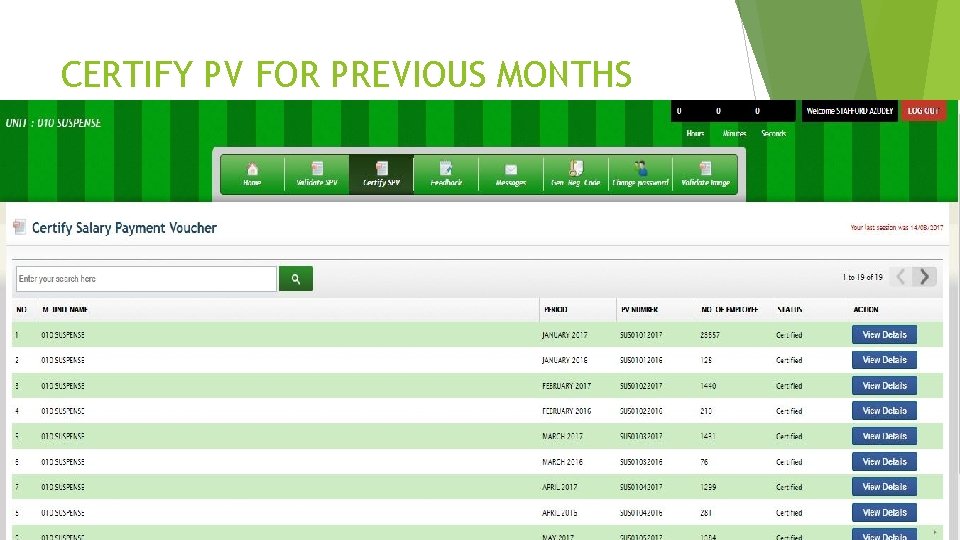
CERTIFY PV FOR PREVIOUS MONTHS
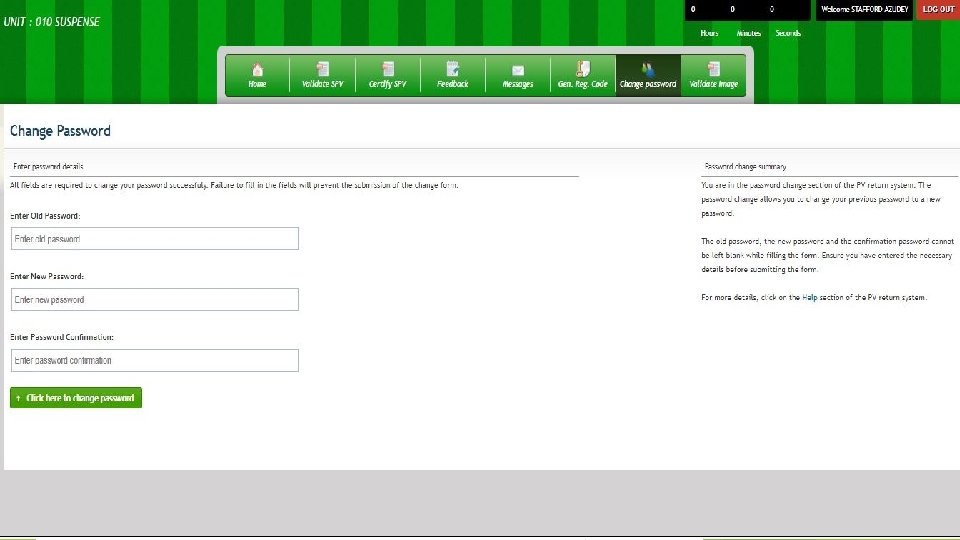
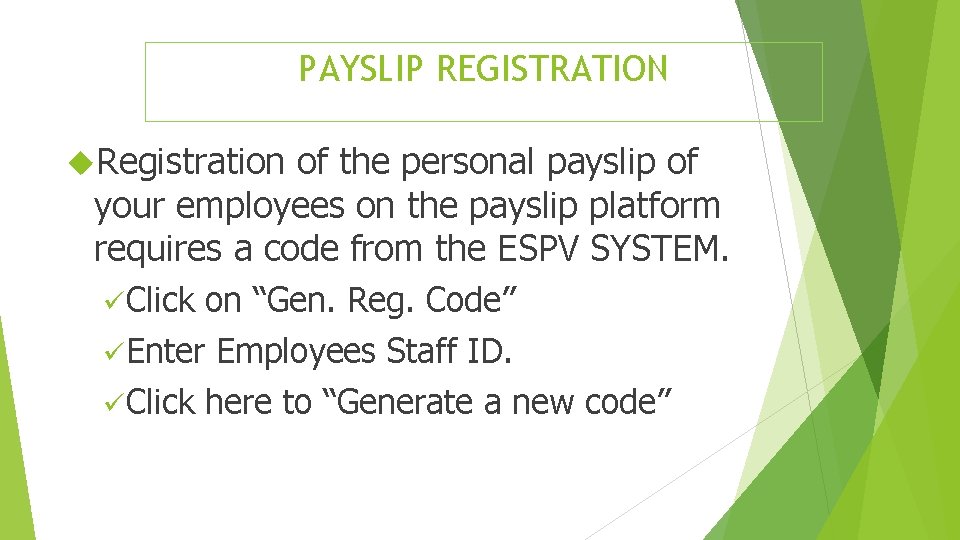
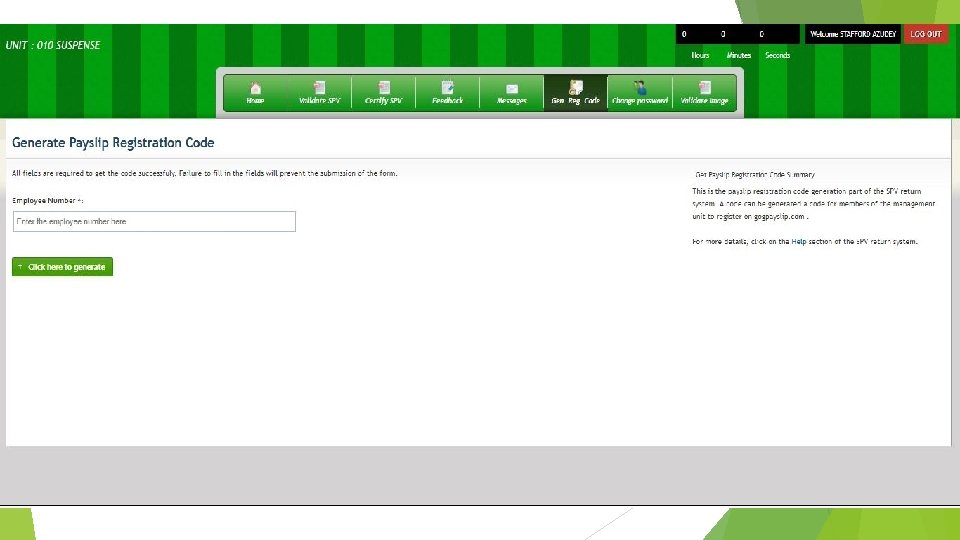
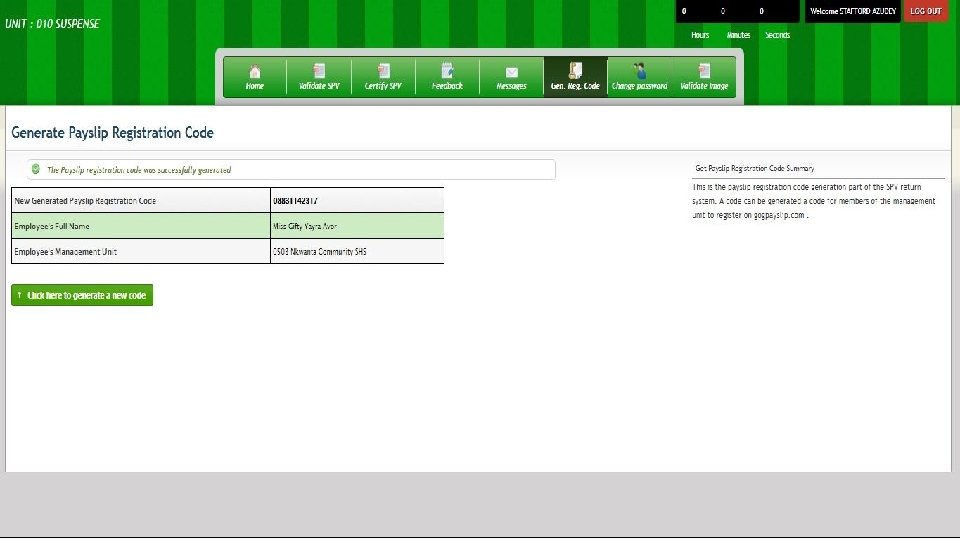
PAYSLIP REGISTRATION Registration of the personal payslip of your employees on the payslip platform requires a code from the ESPV SYSTEM. üClick on “Gen. Reg. Code” üEnter Employees Staff ID. üClick here to “Generate a new code”
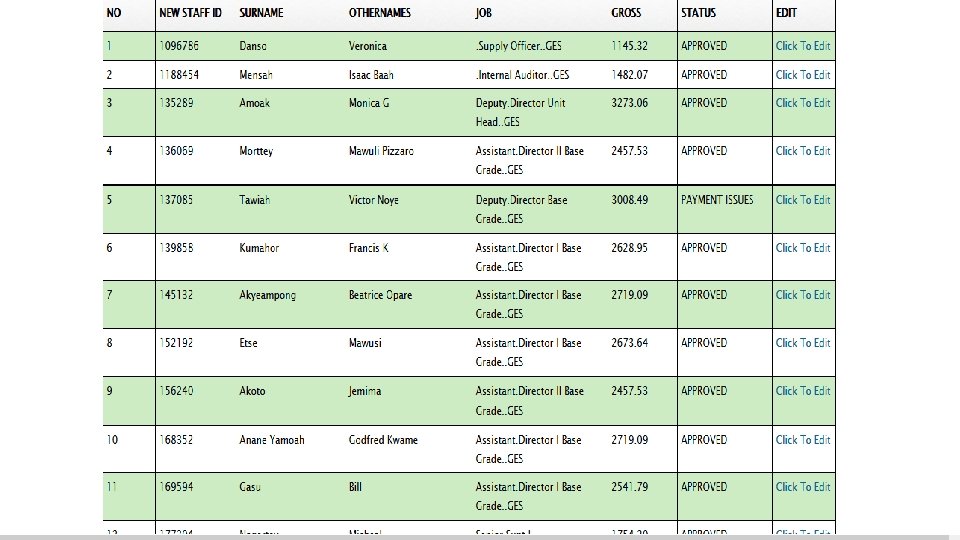
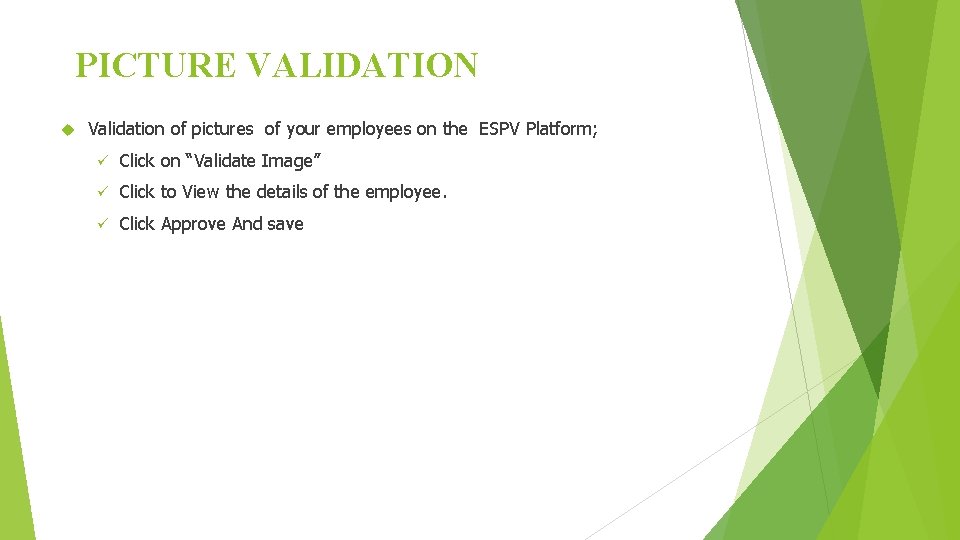
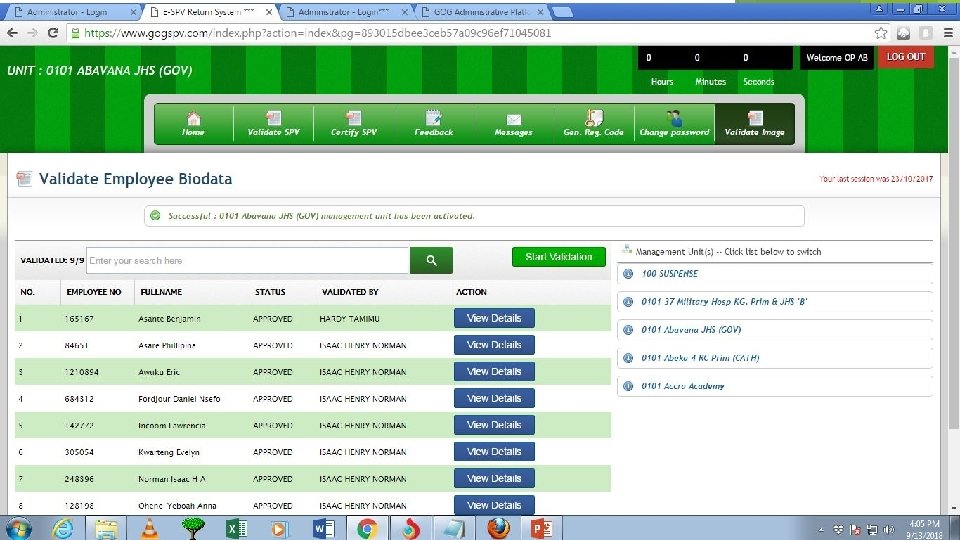
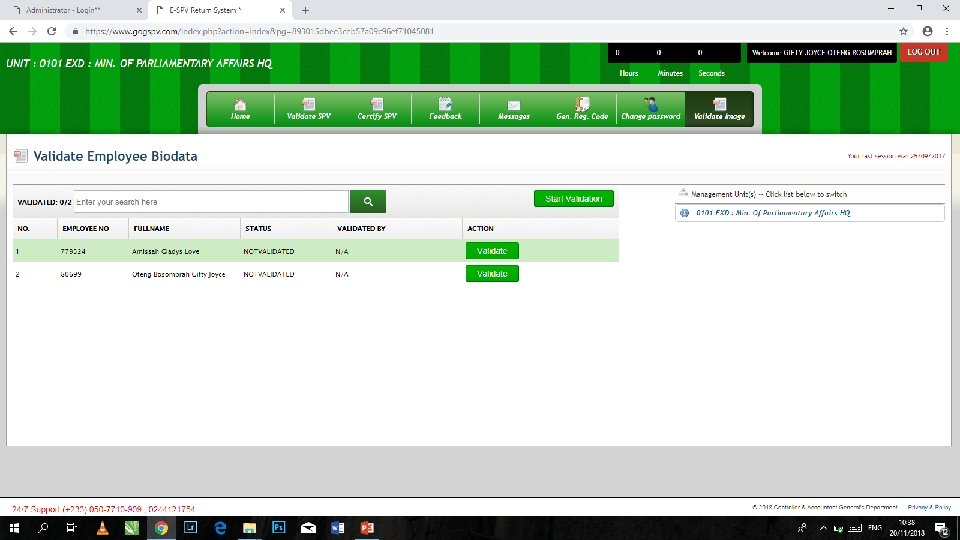
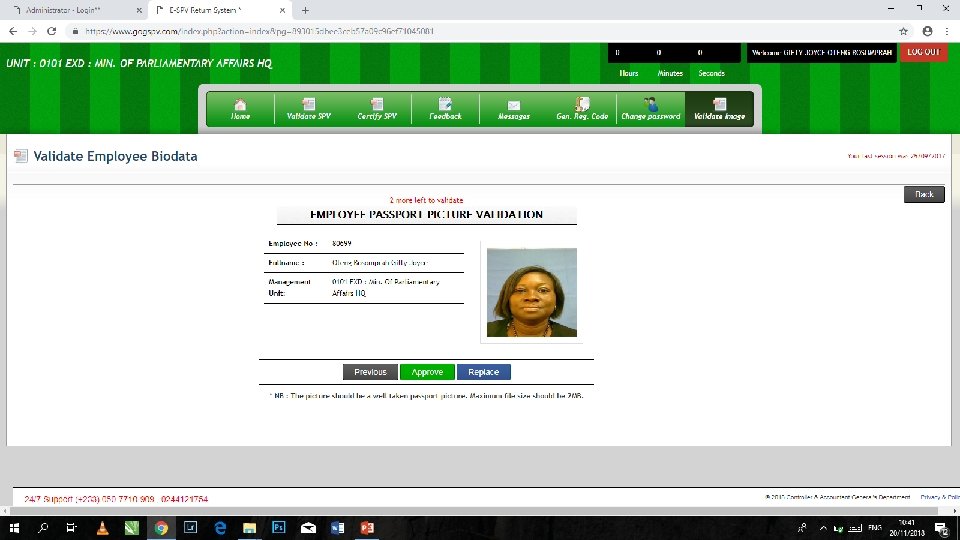
PICTURE VALIDATION Validation of pictures of your employees on the ESPV Platform; ü Click on “Validate Image” ü Click to View the details of the employee. ü Click Approve And save
ELECTRONIC SALARY PAYMENT VOUCHER Using Intelligent Systems to solve Tomorrow’s Problems Today! Thank you 34
SET UP ISSUES NEW MANAGEMENT UNIT / NEW SCHOOLS CHANGE NEW / REPLACEMENT OF VALIDATORS FORGOTTEN PASSWORDS – ESPV