
Understanding Search Engines What Is The Web Web
Understanding Search Engines What Is The Web? Web Search Lesson Plan Module A 1
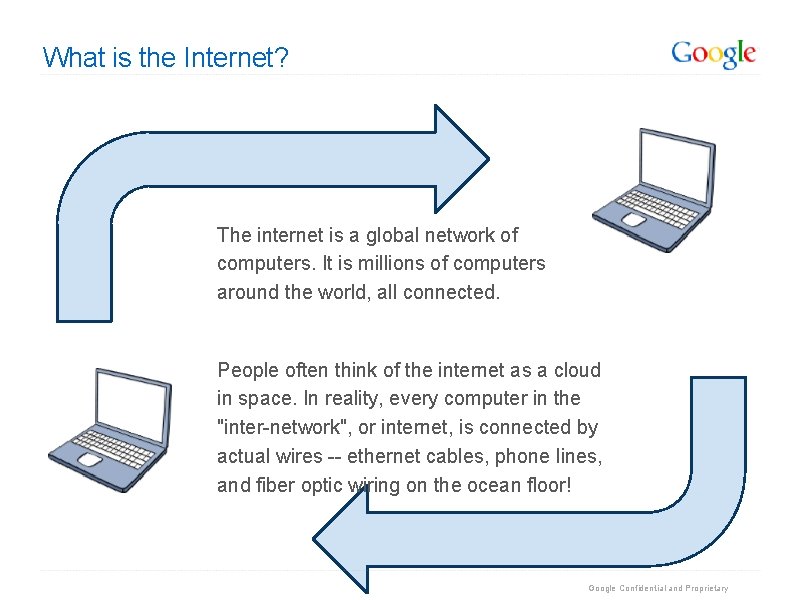
What is the Internet? The internet is a global network of computers. It is millions of computers around the world, all connected. People often think of the internet as a cloud in space. In reality, every computer in the "inter-network", or internet, is connected by actual wires -- ethernet cables, phone lines, and fiber optic wiring on the ocean floor! Google Confidential and Proprietary
What is the Web? People often use the words "the internet" and "the web" interchangeably. Is there a difference? The World Wide Web is just one part of the internet. The internet also includes e-mail, instant messaging, multiplayer gaming, and FTP (peer-to-peer file sharing). Google Confidential and Proprietary
Websites vs. Webpages A website is a collection of webpages that belong to one domain or owner. A webpage is a single document (which can include images, videos, charts, etc) viewable through a web browser. For example, www. sandiegozoo. org is a website for the San Diego Zoo. "Hours & Directions" is one webpage on the website. Google Confidential and Proprietary
What is a Web Address? A web address is the identifying address for a file, or webpage, on the internet. Typing a web address into the browser bar, or address bar, allows you to access this file on the internet. Another word for "web address" is URL. An example of a web address is http: //www. google. com. Google Confidential and Proprietary
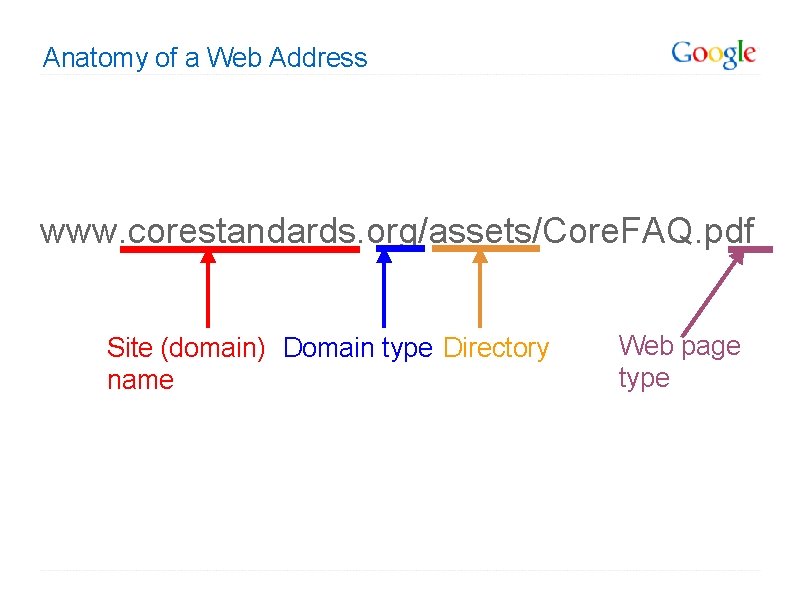
Anatomy of a Web Address www. corestandards. org/assets/Core. FAQ. pdf Site (domain) Domain type Directory name Web page type
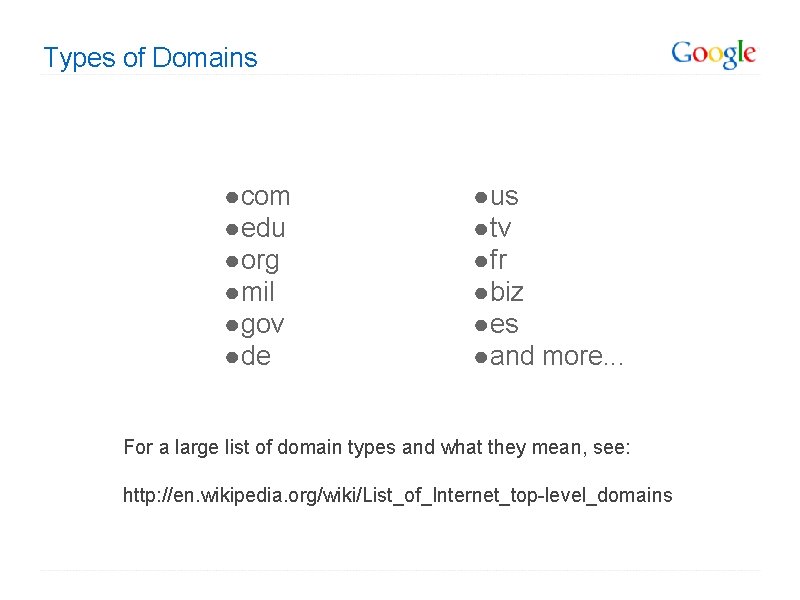
Types of Domains ● com ● edu ● org ● mil ● gov ● de ● us ● tv ● fr ● biz ● es ● and more. . . For a large list of domain types and what they mean, see: http: //en. wikipedia. org/wiki/List_of_Internet_top-level_domains
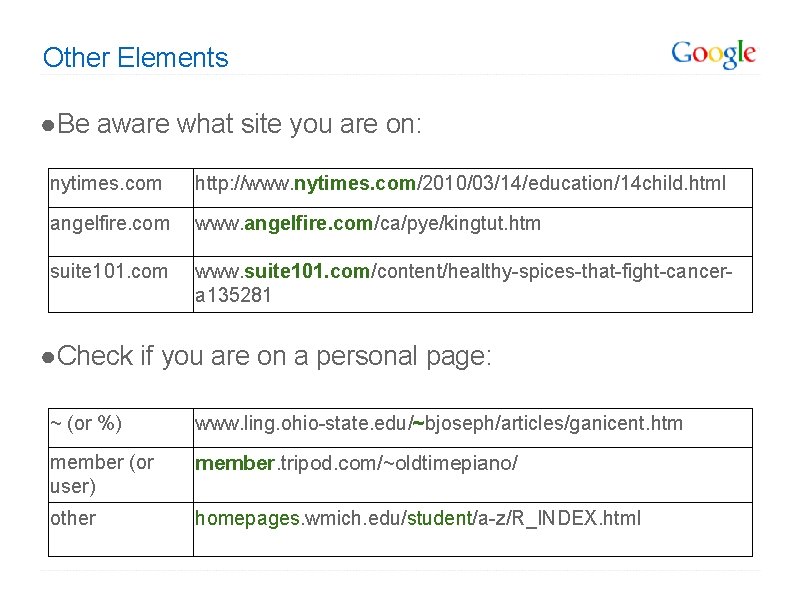
Other Elements ● Be aware what site you are on: nytimes. com http: //www. nytimes. com/2010/03/14/education/14 child. html angelfire. com www. angelfire. com/ca/pye/kingtut. htm suite 101. com www. suite 101. com/content/healthy-spices-that-fight-cancera 135281 ● Check if you are on a personal page: ~ (or %) www. ling. ohio-state. edu/~bjoseph/articles/ganicent. htm member (or user) member. tripod. com/~oldtimepiano/ other homepages. wmich. edu/student/a-z/R_INDEX. html
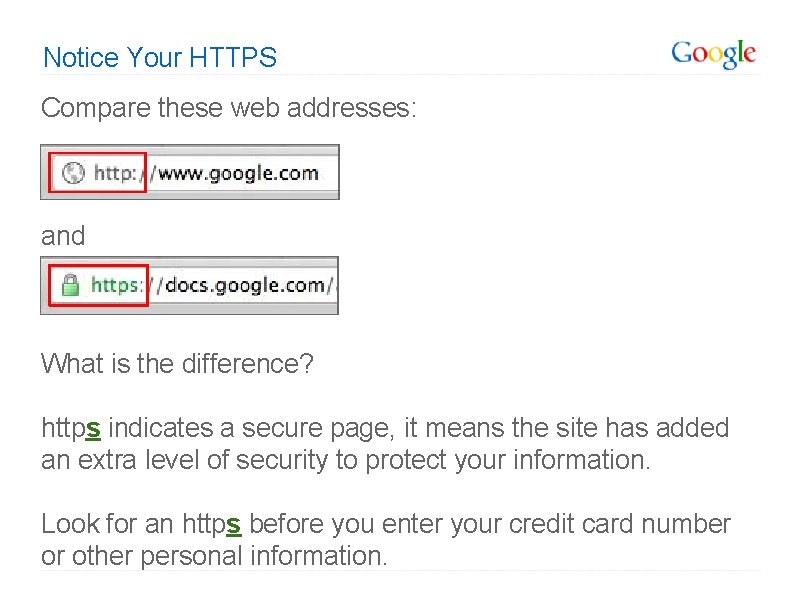
Notice Your HTTPS Compare these web addresses: and What is the difference? https indicates a secure page, it means the site has added an extra level of security to protect your information. Look for an https before you enter your credit card number or other personal information.
What is a Search Engine? A search engine is a program to help you find webpages on the internet. Search engines do not search the whole web, but only an index of the web. Some examples of search engines include Google, Bing, Yahoo, and Ask. Google Confidential and Proprietary
Deep Web vs. Visible Web When you use a search engine, you only have access to the visible web -- the part of the web your search engine has indexed. The entire web is much larger than any one search engine's index. It is estimated that the deep web is over 500 times the size of the visible web! The deep web includes webpages that are not linked to by other pages, passwordprotected sites, and private databases (such as library catalogs). Google Confidential and Proprietary
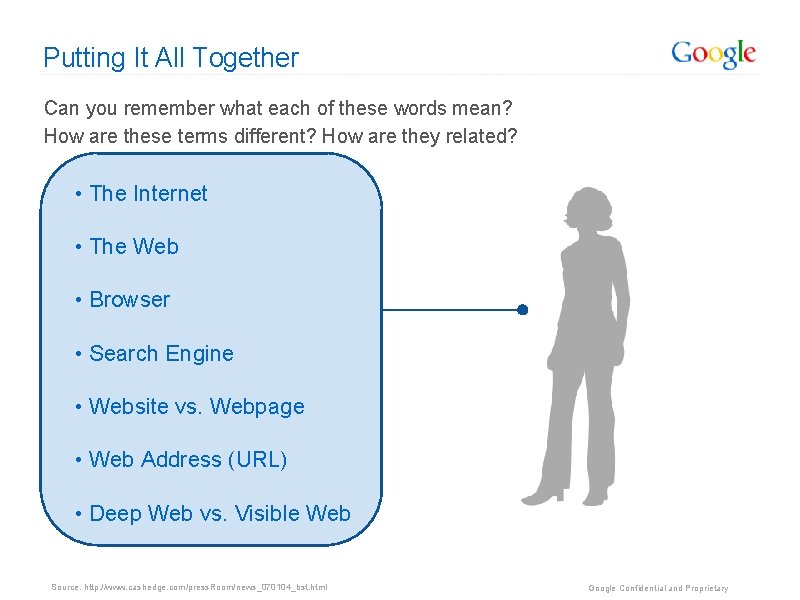
Putting It All Together Can you remember what each of these words mean? How are these terms different? How are they related? • The Internet • The Web • Browser • Search Engine • Website vs. Webpage • Web Address (URL) • Deep Web vs. Visible Web Source: http: //www. cashedge. com/press. Room/news_070104_bst. html Google Confidential and Proprietary
Using Your Browser Launching, Navigating, Tabbing, etc.
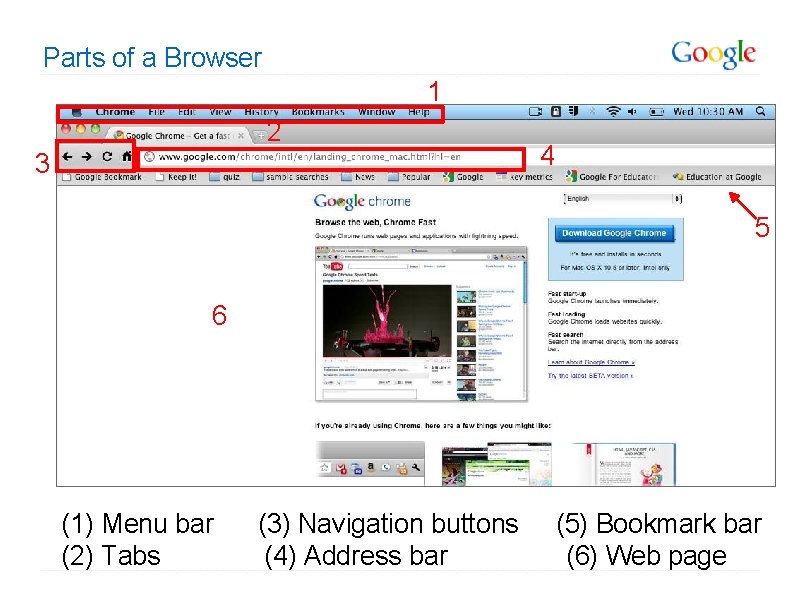
Parts of a Browser 1 2 3 4 5 6 (1) Menu bar (3) Navigation buttons (5) Bookmark bar (2) Tabs (4) Address bar (6) Web page
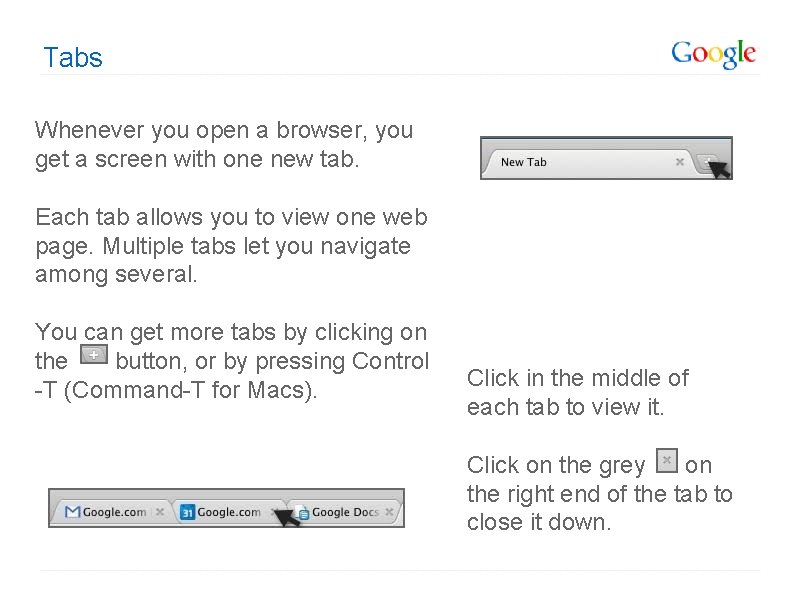
Tabs Whenever you open a browser, you get a screen with one new tab. Each tab allows you to view one web page. Multiple tabs let you navigate among several. You can get more tabs by clicking on the button, or by pressing Control -T (Command-T for Macs). Click in the middle of each tab to view it. Click on the grey on the right end of the tab to close it down.
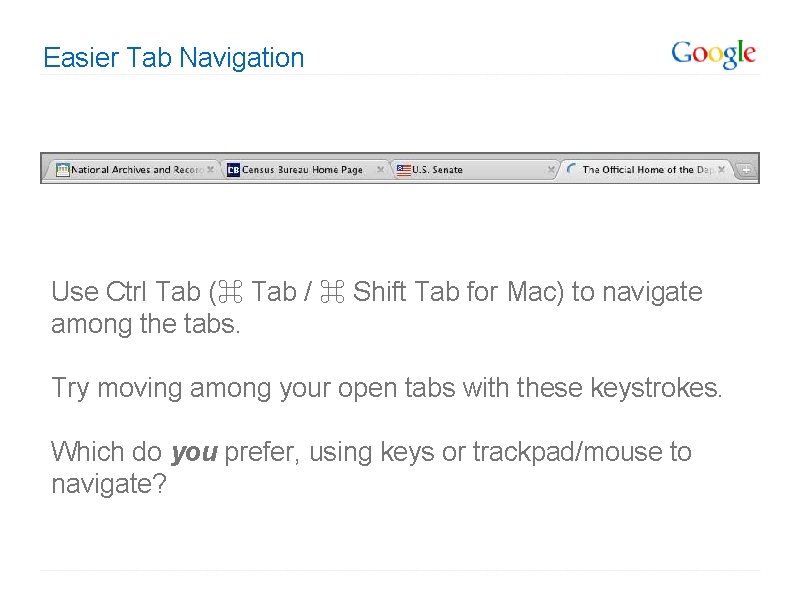
Easier Tab Navigation Use Ctrl Tab (⌘ Tab / ⌘ Shift Tab for Mac) to navigate among the tabs. Try moving among your open tabs with these keystrokes. Which do you prefer, using keys or trackpad/mouse to navigate?
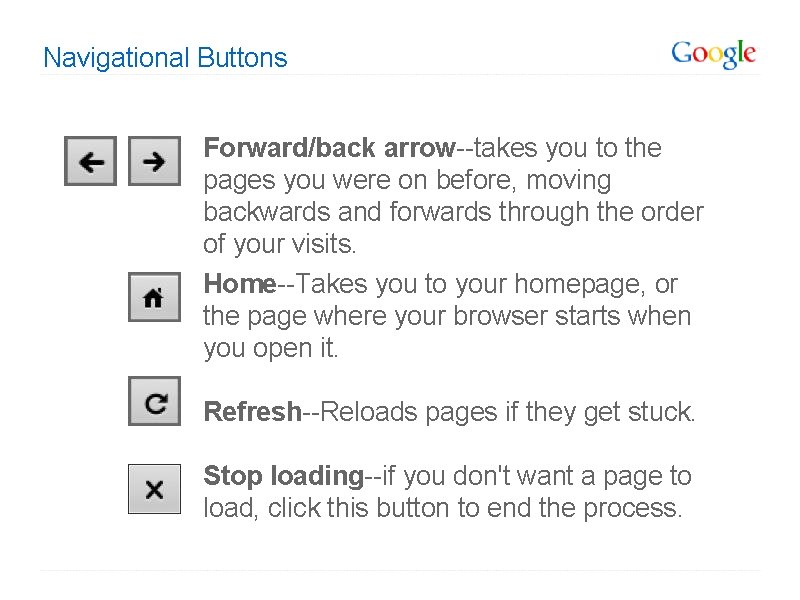
Navigational Buttons Forward/back arrow--takes you to the pages you were on before, moving backwards and forwards through the order of your visits. Home--Takes you to your homepage, or the page where your browser starts when you open it. Refresh--Reloads pages if they get stuck. Stop loading--if you don't want a page to load, click this button to end the process.
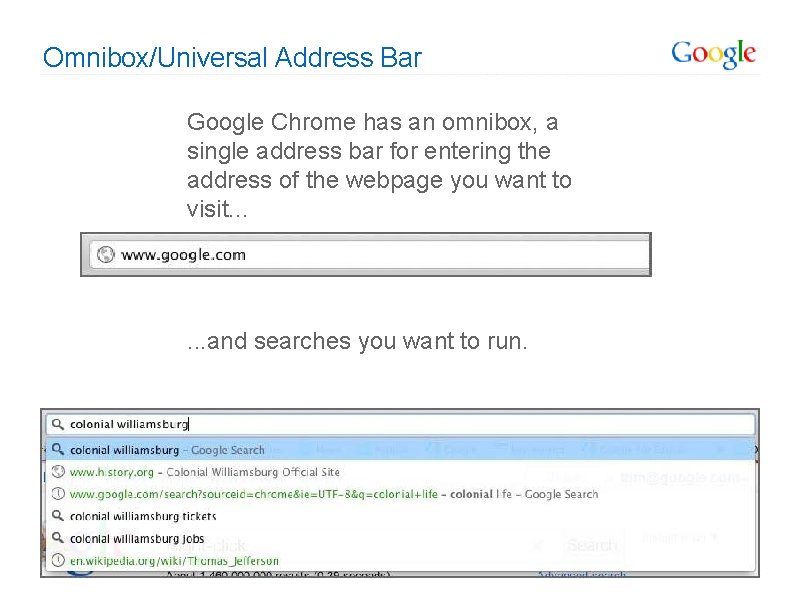
Omnibox/Universal Address Bar Google Chrome has an omnibox, a single address bar for entering the address of the webpage you want to visit. . . . and searches you want to run.
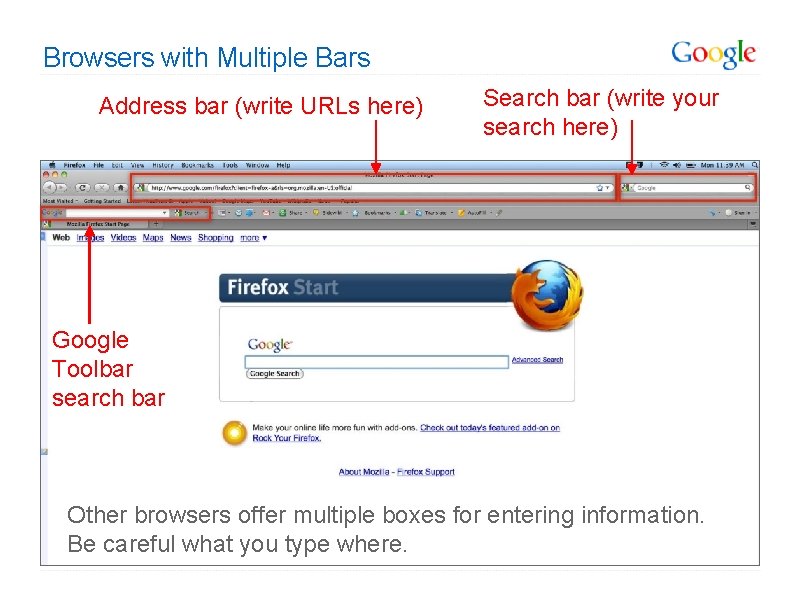
Browsers with Multiple Bars Address bar (write URLs here) Search bar (write your search here) Google Toolbar search bar Other browsers offer multiple boxes for entering information. Be careful what you type where.
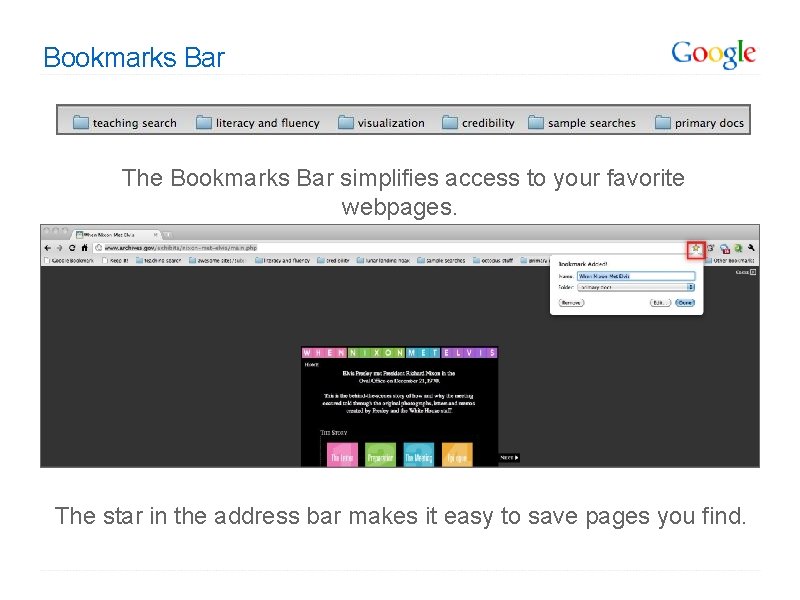
Bookmarks Bar The Bookmarks Bar simplifies access to your favorite webpages. The star in the address bar makes it easy to save pages you find.
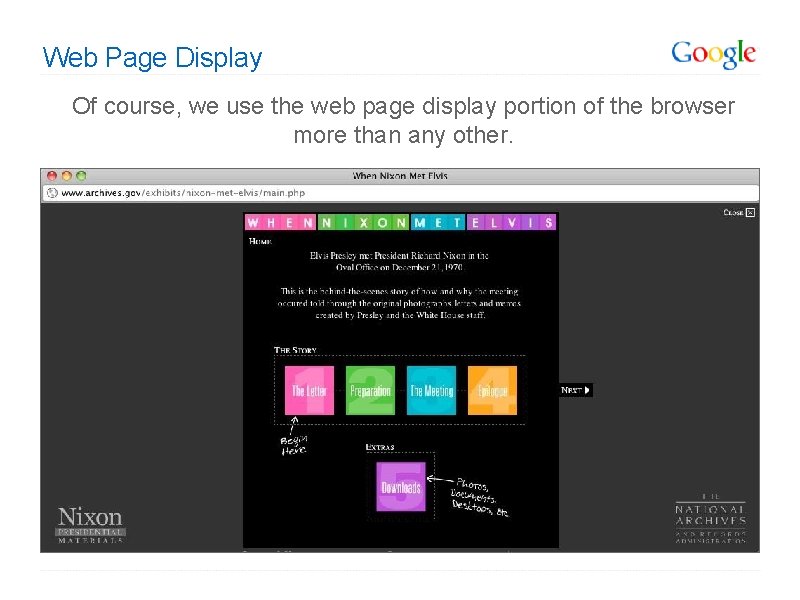
Web Page Display Of course, we use the web page display portion of the browser more than any other.
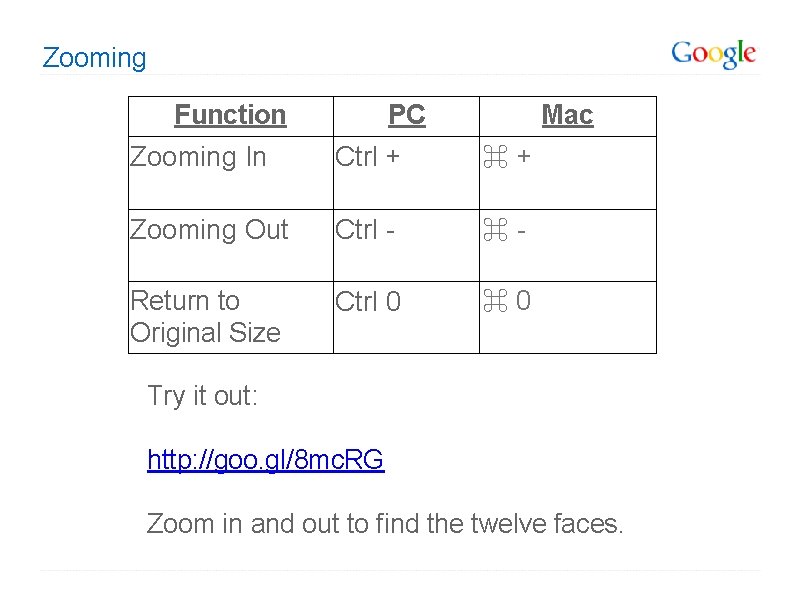
Zooming Function PC Mac Zooming In Ctrl + ⌘ + Zooming Out Ctrl - ⌘ - Return to Original Size Ctrl 0 ⌘ 0 Try it out: http: //goo. gl/8 mc. RG Zoom in and out to find the twelve faces.
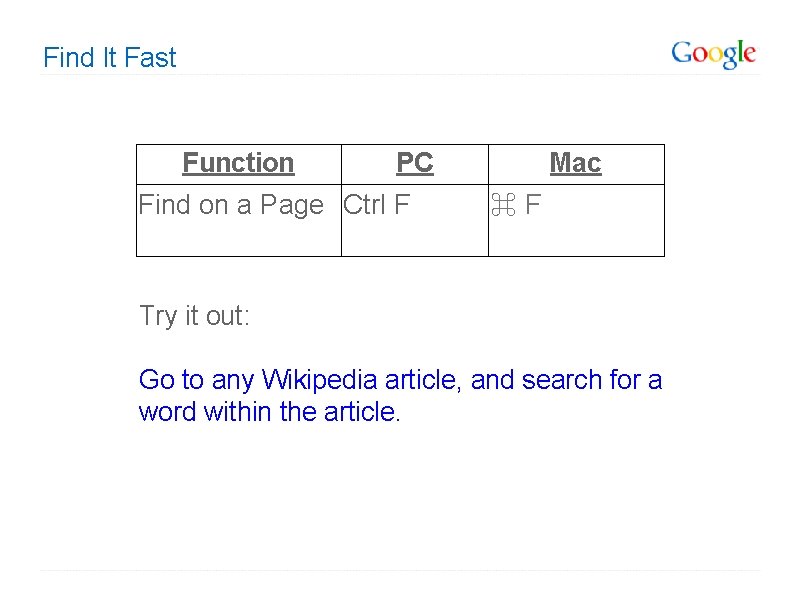
Find It Fast Function PC Find on a Page Ctrl F Mac ⌘ F Try it out: Go to any Wikipedia article, and search for a word within the article.
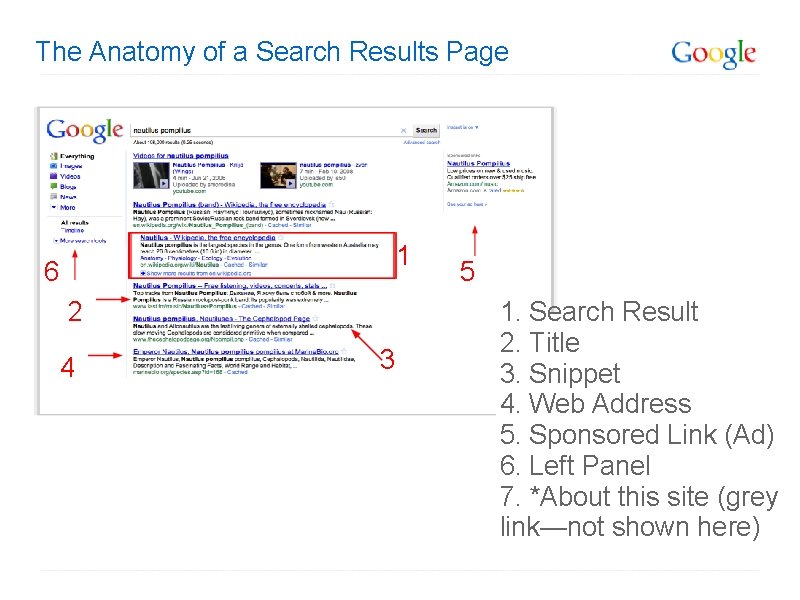
The Anatomy of a Search Results Page 1 6 2 4 3 5 1. Search Result 2. Title 3. Snippet 4. Web Address 5. Sponsored Link (Ad) 6. Left Panel 7. *About this site (grey link—not shown here)
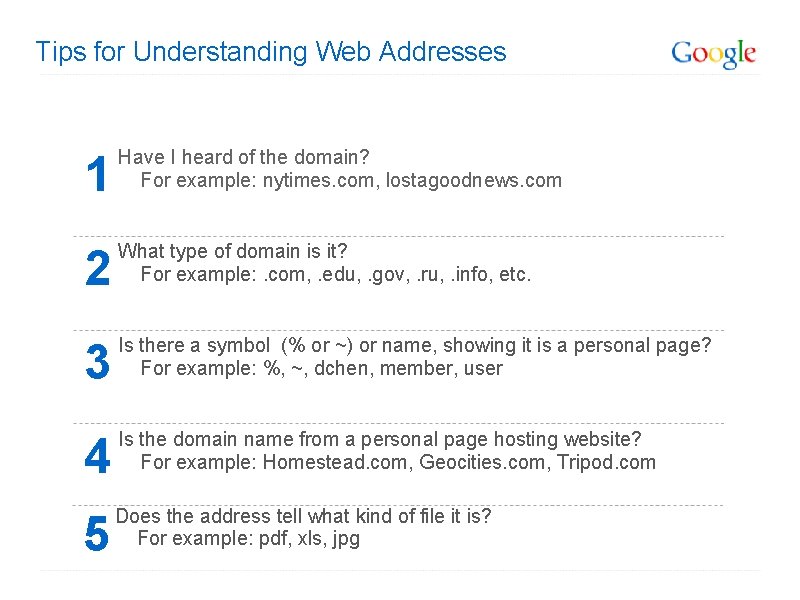
Tips for Understanding Web Addresses 1 Have I heard of the domain? For example: nytimes. com, lostagoodnews. com 2 What type of domain is it? For example: . com, . edu, . gov, . ru, . info, etc. 3 Is there a symbol (% or ~) or name, showing it is a personal page? For example: %, ~, dchen, member, user 4 Is the domain name from a personal page hosting website? For example: Homestead. com, Geocities. com, Tripod. com 5 Does the address tell what kind of file it is? For example: pdf, xls, jpg
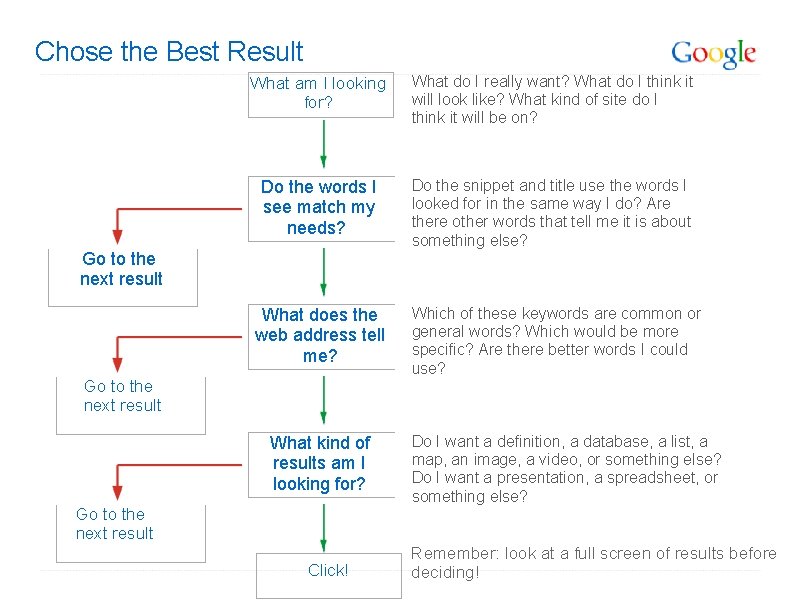
Chose the Best Result What am I looking for? What do I really want? What do I think it will look like? What kind of site do I think it will be on? Do the words I see match my needs? Do the snippet and title use the words I looked for in the same way I do? Are there other words that tell me it is about something else? Go to the next result What does the web address tell me? Go to the next result What kind of results am I looking for? Go to the next result Click! Which of these keywords are common or general words? Which would be more specific? Are there better words I could use? Do I want a definition, a database, a list, a map, an image, a video, or something else? Do I want a presentation, a spreadsheet, or something else? Remember: look at a full screen of results before deciding!
This lesson was developed by: Trent Maverick Tasha Bergson-Michelson This lesson is licensed under a Creative Commons Attribution-Share. Alike license. You can change it, transmit it, and show it to other people. Just always give credit to Google. com ("Attribution"), and make sure that any works you make based on these lessons are also under the same Creative Commons Attribution-Share-Alike license ("Share-Alike"). http: //creativecommons. org/licenses/by-sa/3. 0/legalcode.
This lesson was developed by: Daniel Russell Tasha Bergson-Michelson Trent Maverick This lesson is licensed under a Creative Commons Attribution-Share. Alike license. You can change it, transmit it, show it to other people. Just always give credit to Google. com ("Attribution"), and make sure that any works you make based on these lessons are also under the same Creative Commons Attribution-Share-Alike license ("Share-Alike"). http: //creativecommons. org/licenses/by-sa/3. 0/legalcode.
This lesson was developed by: Tasha Bergson-Michelson Trent Maverick This lesson is licensed under a Creative Commons Attribution-Share. Alike license. You can change it, transmit it, and show it to other people. Just always give credit to Google. com ("Attribution"), and make sure that any works you make based on these lessons are also under the same Creative Commons Attribution-Share-Alike license ("Share-Alike"). http: //creativecommons. org/licenses/by-sa/3. 0/legalcode.
- Slides: 29