
UNDERSTANDING CSS THINKING INSIDE THE BOX The Cottage

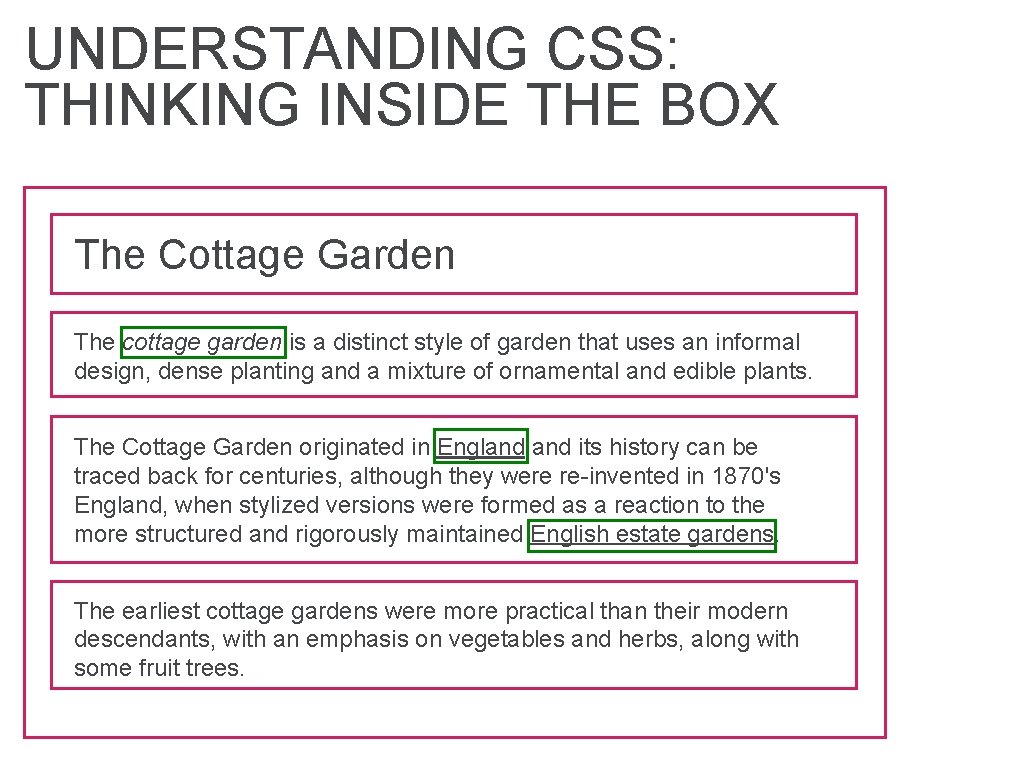
UNDERSTANDING CSS: THINKING INSIDE THE BOX The Cottage Garden The cottage garden is a distinct style of garden that uses an informal design, dense planting and a mixture of ornamental and edible plants. The Cottage Garden originated in England its history can be traced back for centuries, although they were re-invented in 1870's England, when stylized versions were formed as a reaction to the more structured and rigorously maintained English estate gardens. The earliest cottage gardens were more practical than their modern descendants, with an emphasis on vegetables and herbs, along with some fruit trees.
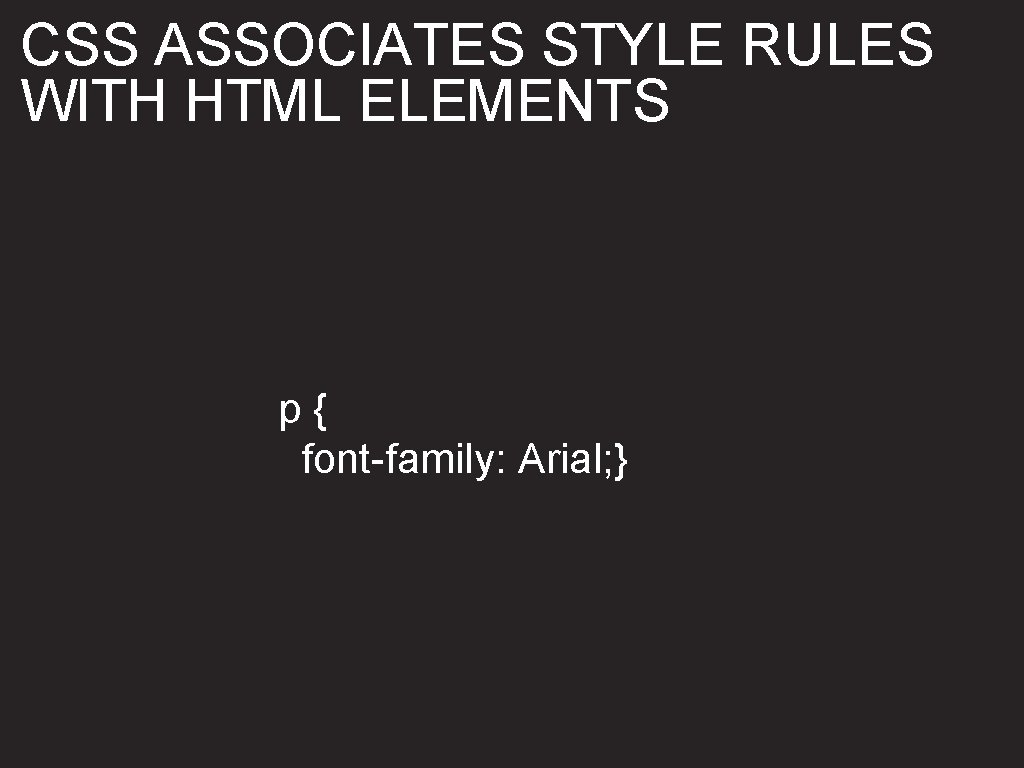
CSS ASSOCIATES STYLE RULES WITH HTML ELEMENTS p{ font-family: Arial; }
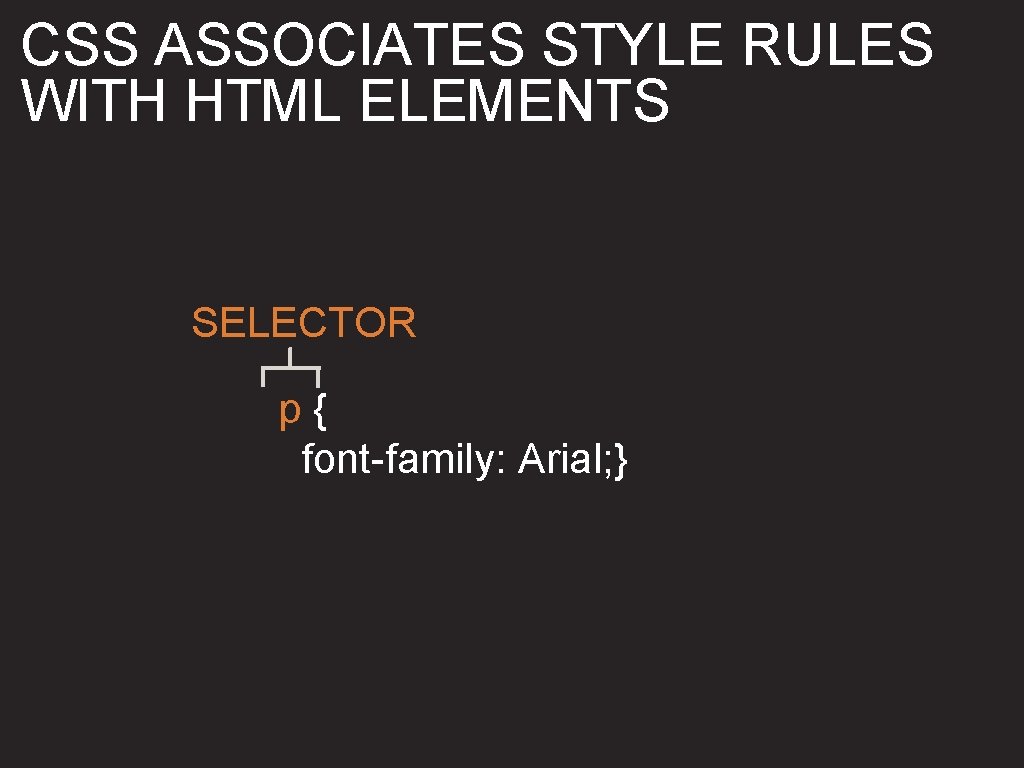
CSS ASSOCIATES STYLE RULES WITH HTML ELEMENTS SELECTOR p{ font-family: Arial; }

CSS ASSOCIATES STYLE RULES WITH HTML ELEMENTS SELECTOR p{ font-family: Arial; } DECLARATION
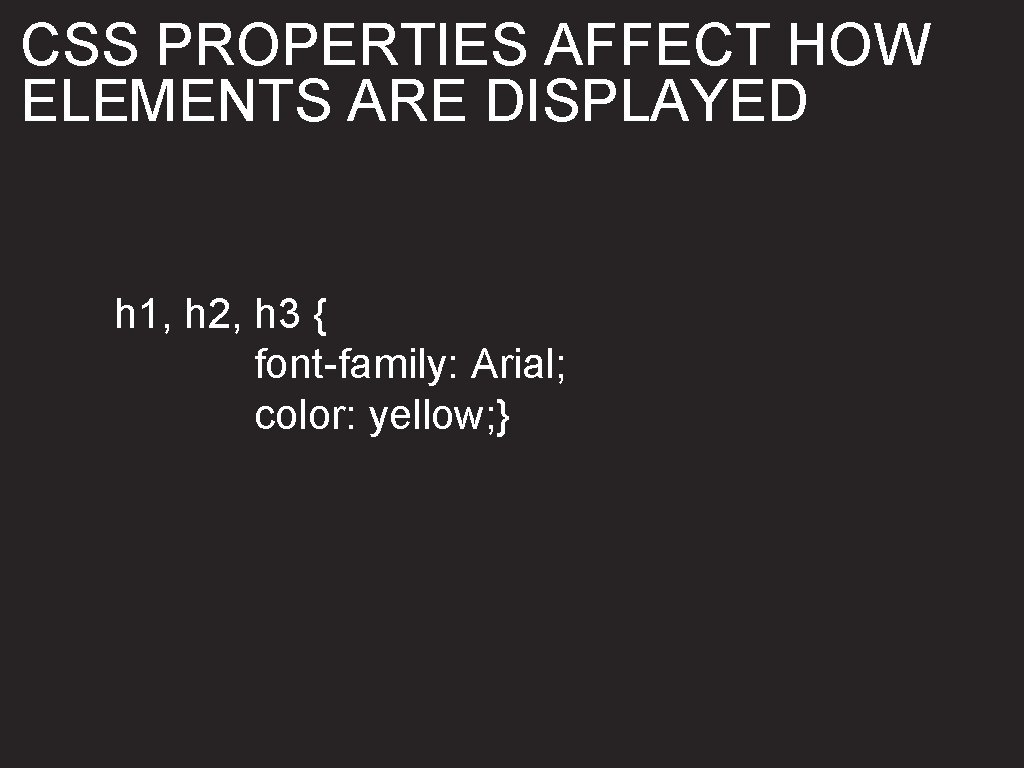
CSS PROPERTIES AFFECT HOW ELEMENTS ARE DISPLAYED h 1, h 2, h 3 { font-family: Arial; color: yellow; }
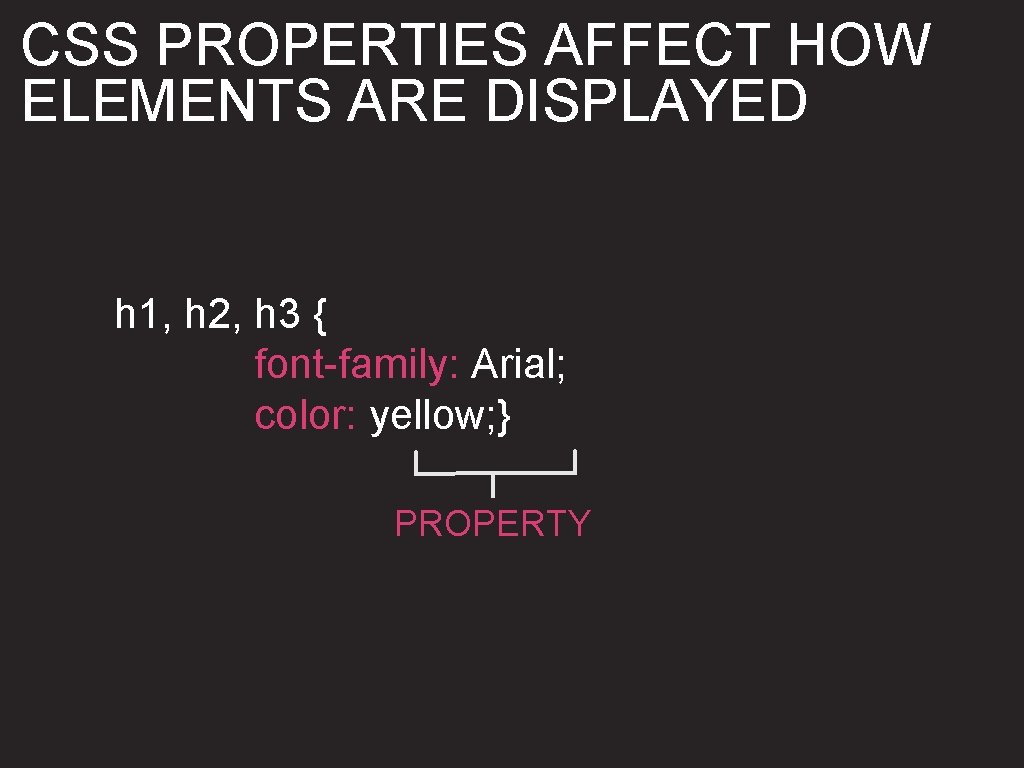
CSS PROPERTIES AFFECT HOW ELEMENTS ARE DISPLAYED h 1, h 2, h 3 { font-family: Arial; color: yellow; } PROPERTY
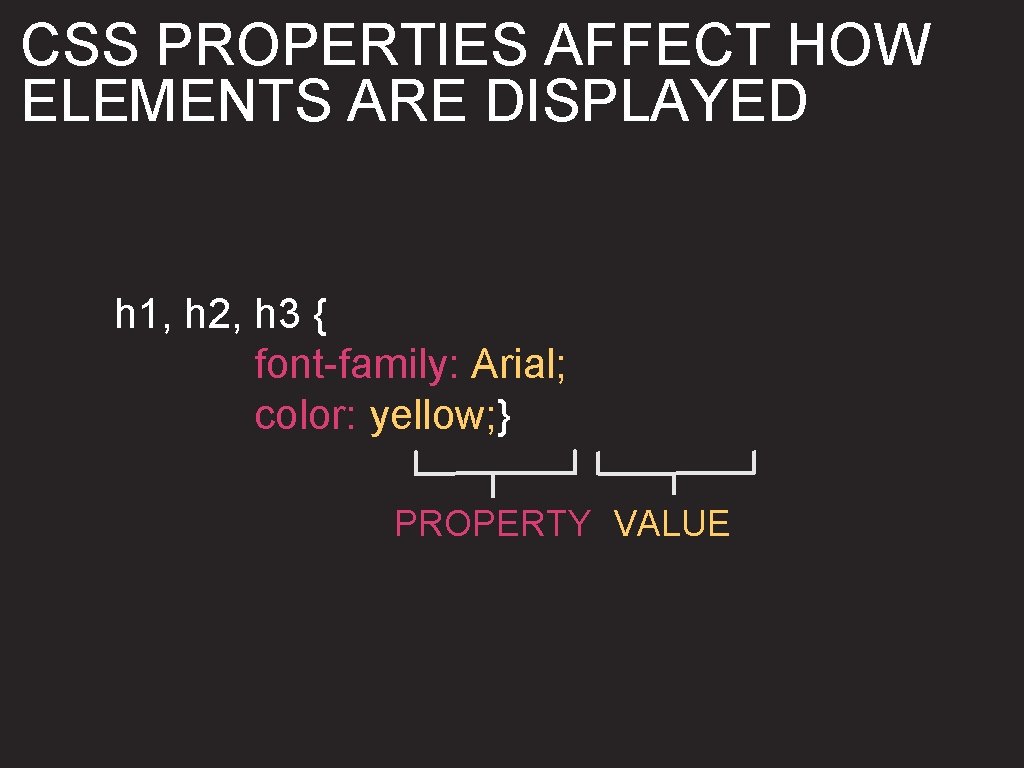
CSS PROPERTIES AFFECT HOW ELEMENTS ARE DISPLAYED h 1, h 2, h 3 { font-family: Arial; color: yellow; } PROPERTY VALUE
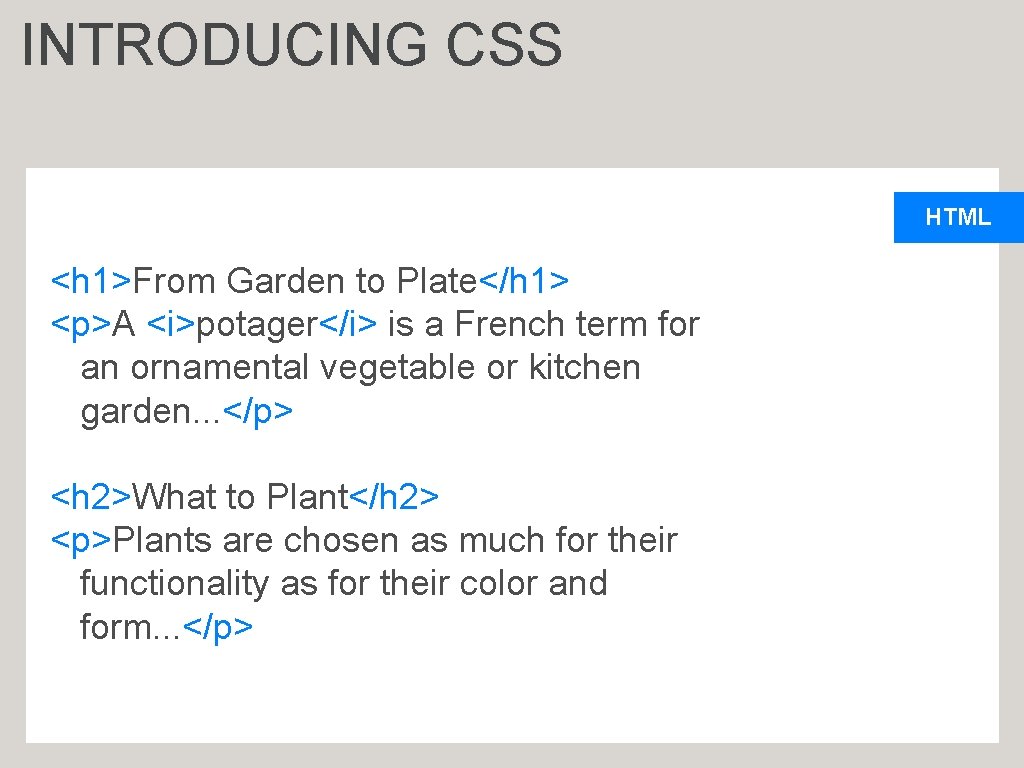
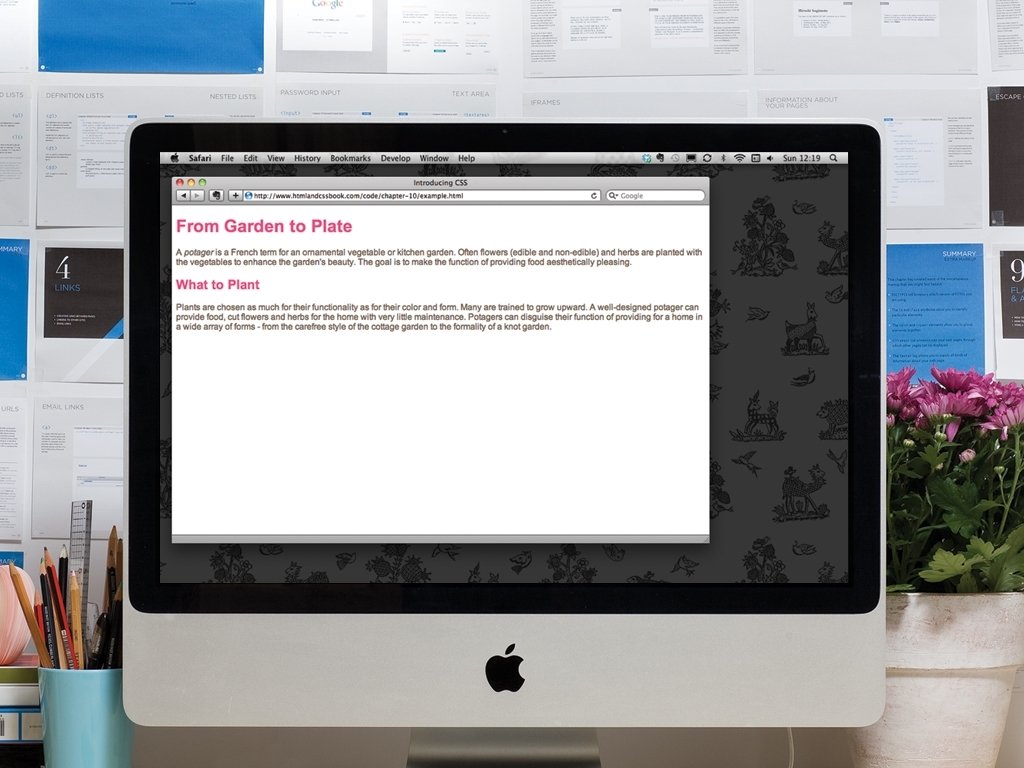
INTRODUCING CSS HTML <h 1>From Garden to Plate</h 1> <p>A <i>potager</i> is a French term for an ornamental vegetable or kitchen garden. . . </p> <h 2>What to Plant</h 2> <p>Plants are chosen as much for their functionality as for their color and form. . . </p>
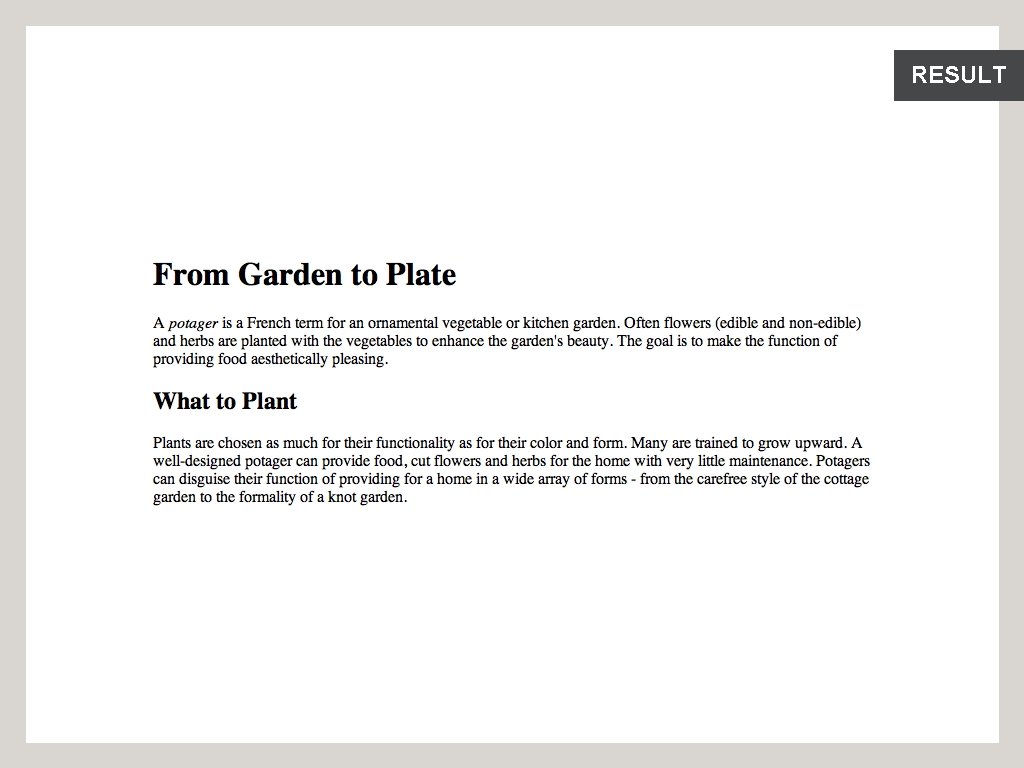
RESULT
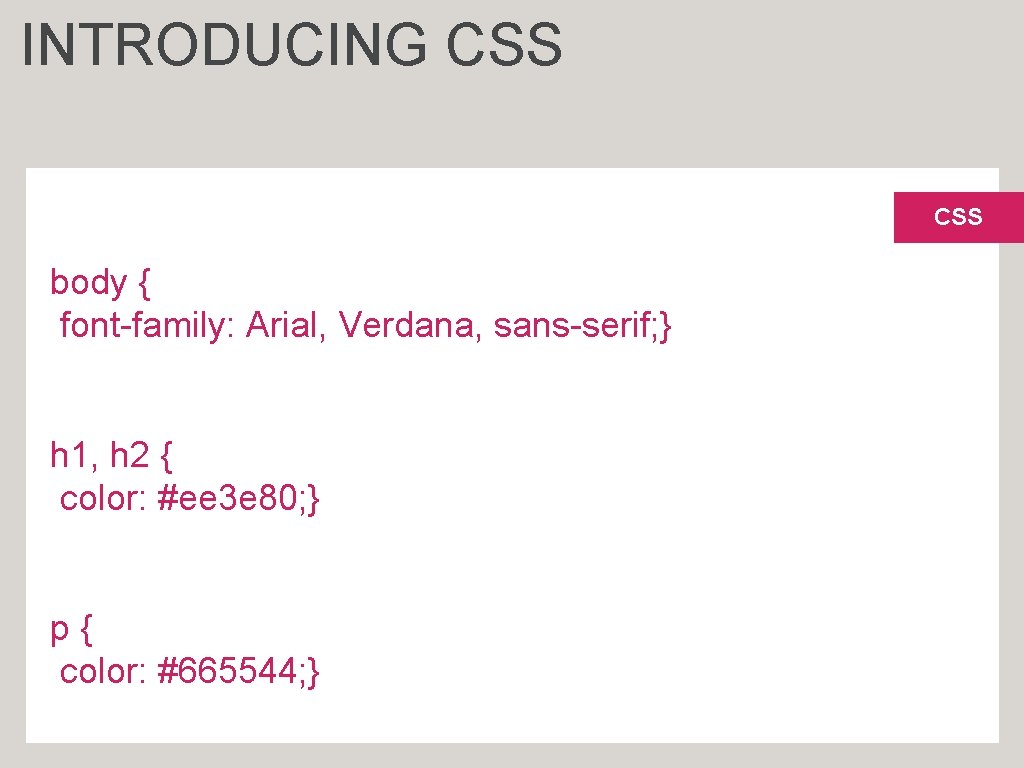
INTRODUCING CSS body { font-family: Arial, Verdana, sans-serif; } h 1, h 2 { color: #ee 3 e 80; } p{ color: #665544; }

INTRODUCING CSS Change the font used body { font-family: Arial, Verdana, sans-serif; } h 1, h 2 { color: #ee 3 e 80; } p{ color: #665544; } CSS
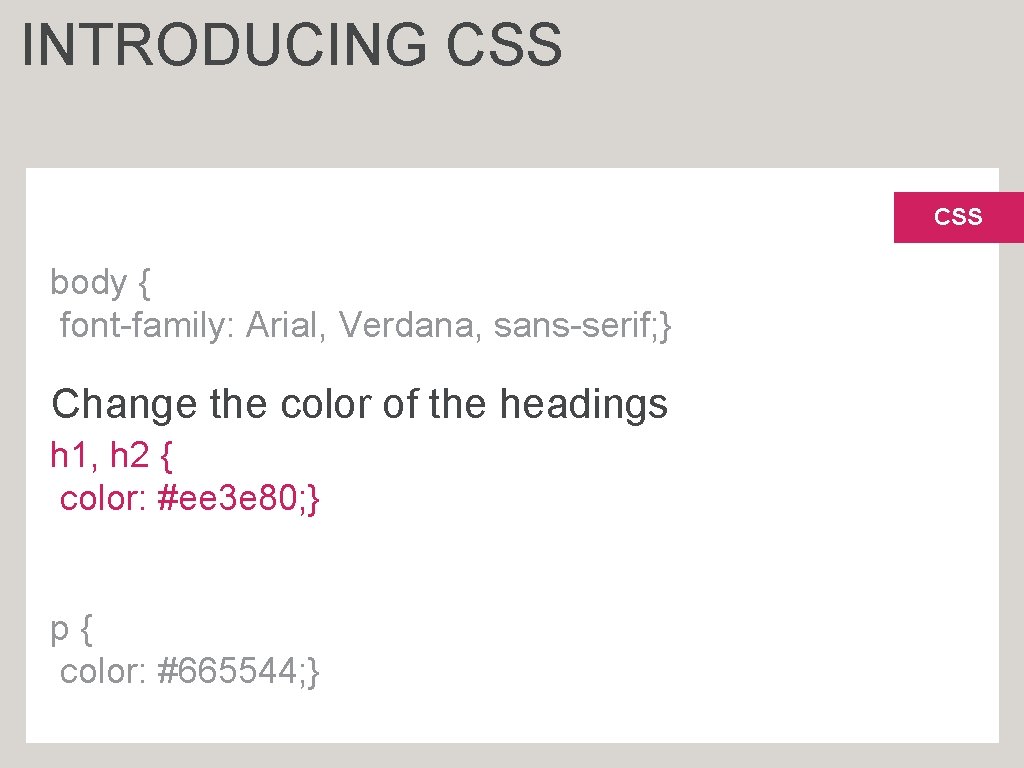
INTRODUCING CSS body { font-family: Arial, Verdana, sans-serif; } Change the color of the headings h 1, h 2 { color: #ee 3 e 80; } p{ color: #665544; }
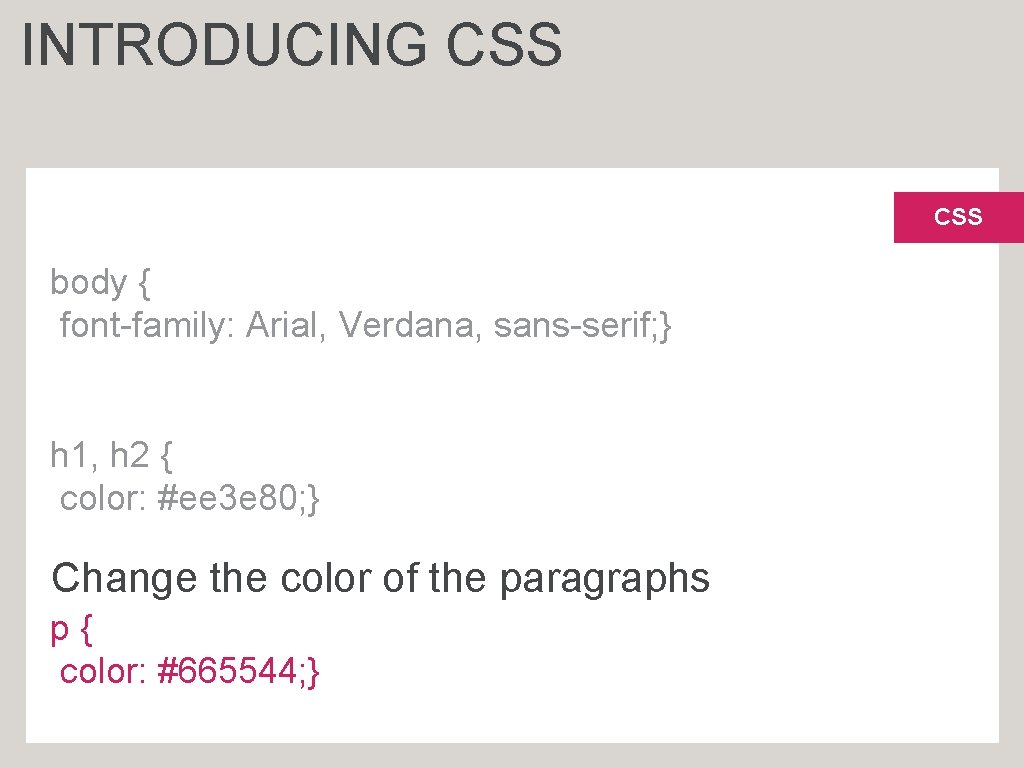
INTRODUCING CSS body { font-family: Arial, Verdana, sans-serif; } h 1, h 2 { color: #ee 3 e 80; } Change the color of the paragraphs p{ color: #665544; }
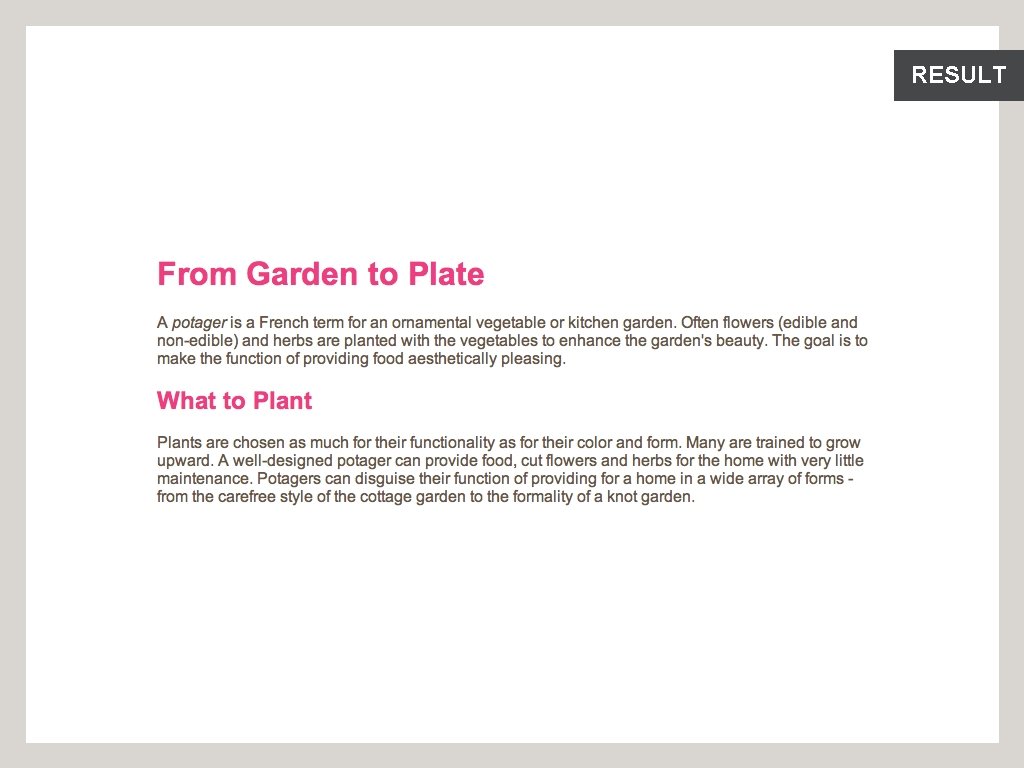
RESULT
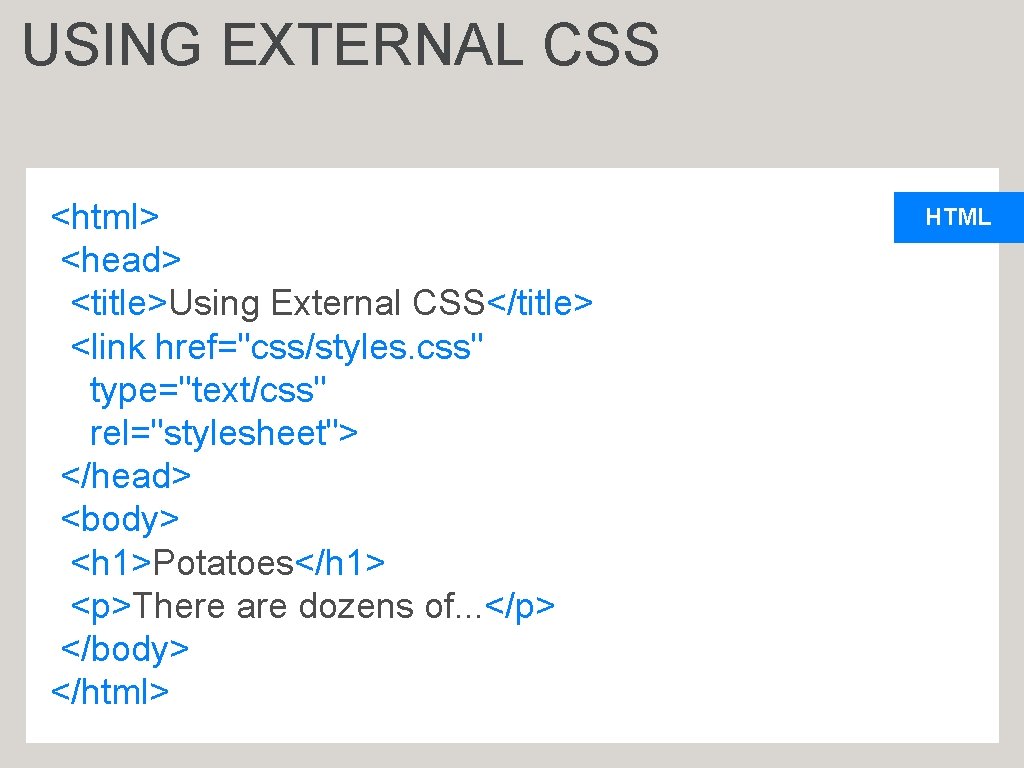
USING EXTERNAL CSS <html> <head> <title>Using External CSS</title> <link href="css/styles. css" type="text/css" rel="stylesheet"> </head> <body> <h 1>Potatoes</h 1> <p>There are dozens of. . . </p> </body> </html> HTML
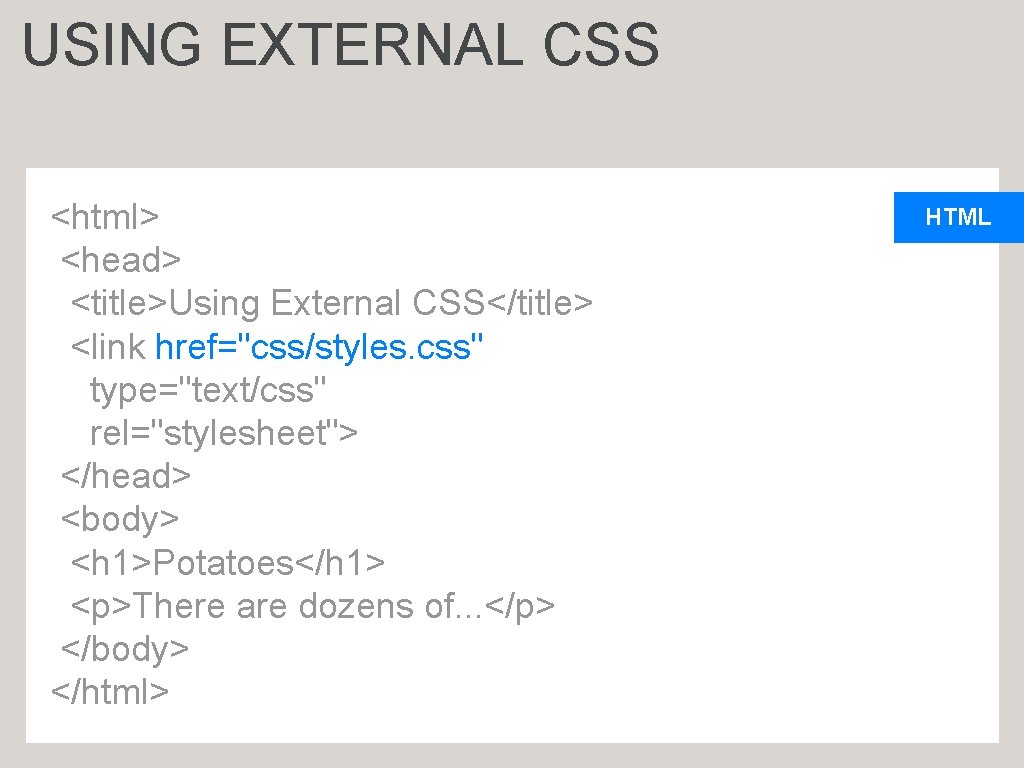
USING EXTERNAL CSS <html> <head> <title>Using External CSS</title> <link href="css/styles. css" type="text/css" rel="stylesheet"> </head> <body> <h 1>Potatoes</h 1> <p>There are dozens of. . . </p> </body> </html> HTML
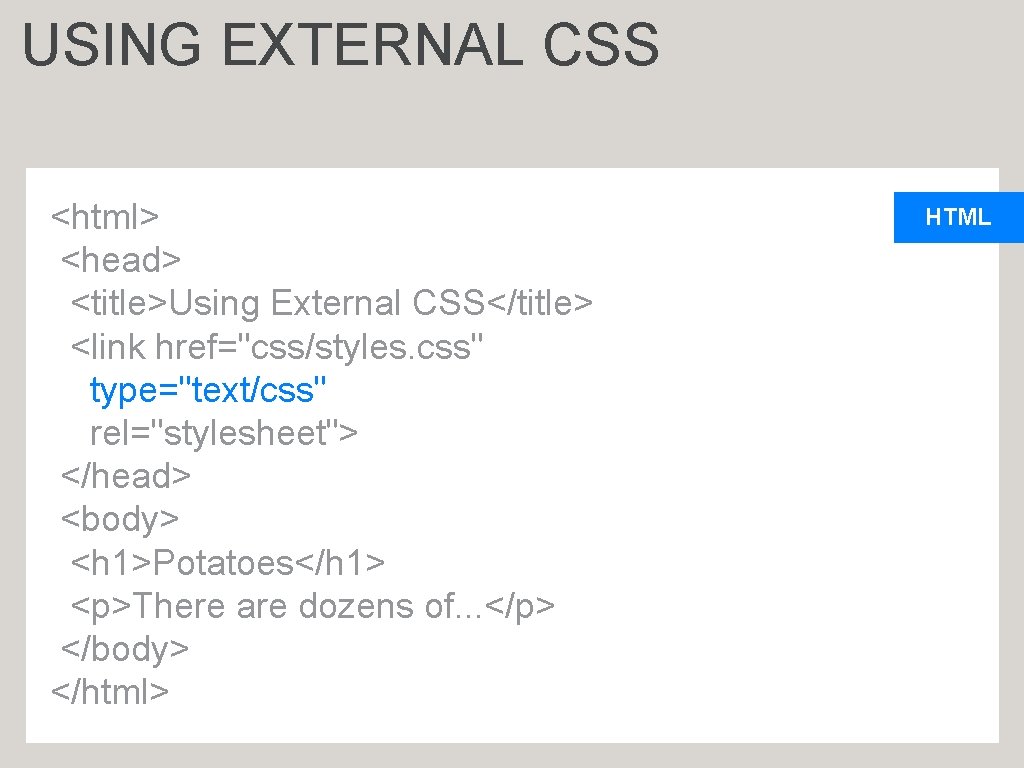
USING EXTERNAL CSS <html> <head> <title>Using External CSS</title> <link href="css/styles. css" type="text/css" rel="stylesheet"> </head> <body> <h 1>Potatoes</h 1> <p>There are dozens of. . . </p> </body> </html> HTML
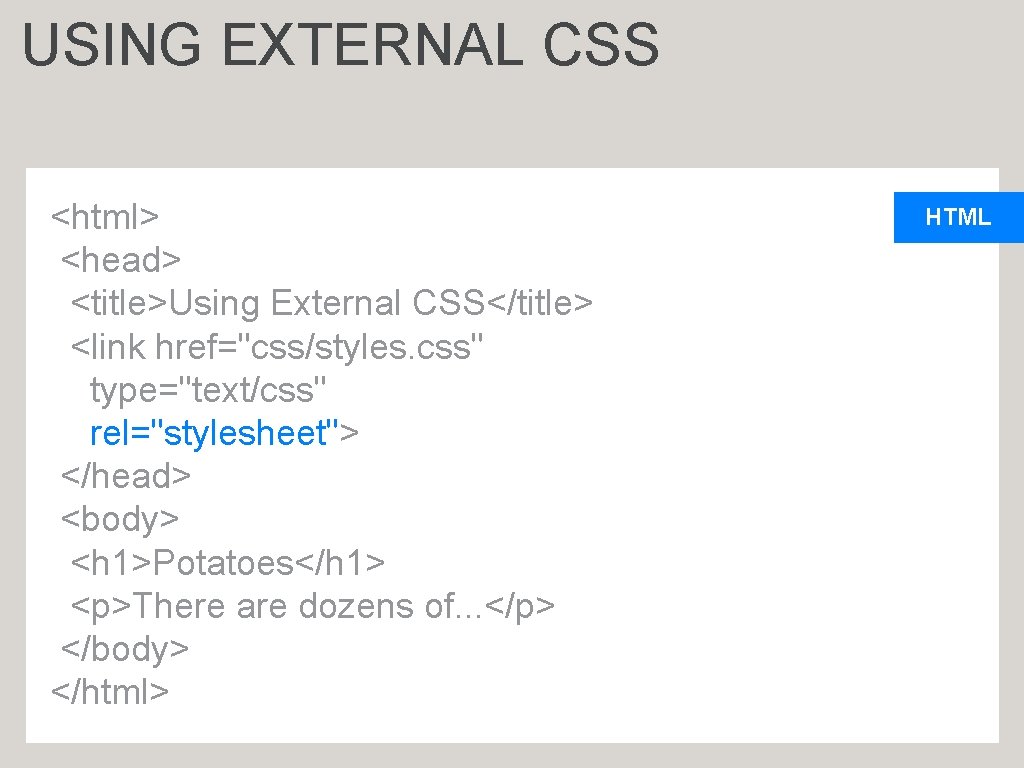
USING EXTERNAL CSS <html> <head> <title>Using External CSS</title> <link href="css/styles. css" type="text/css" rel="stylesheet"> </head> <body> <h 1>Potatoes</h 1> <p>There are dozens of. . . </p> </body> </html> HTML
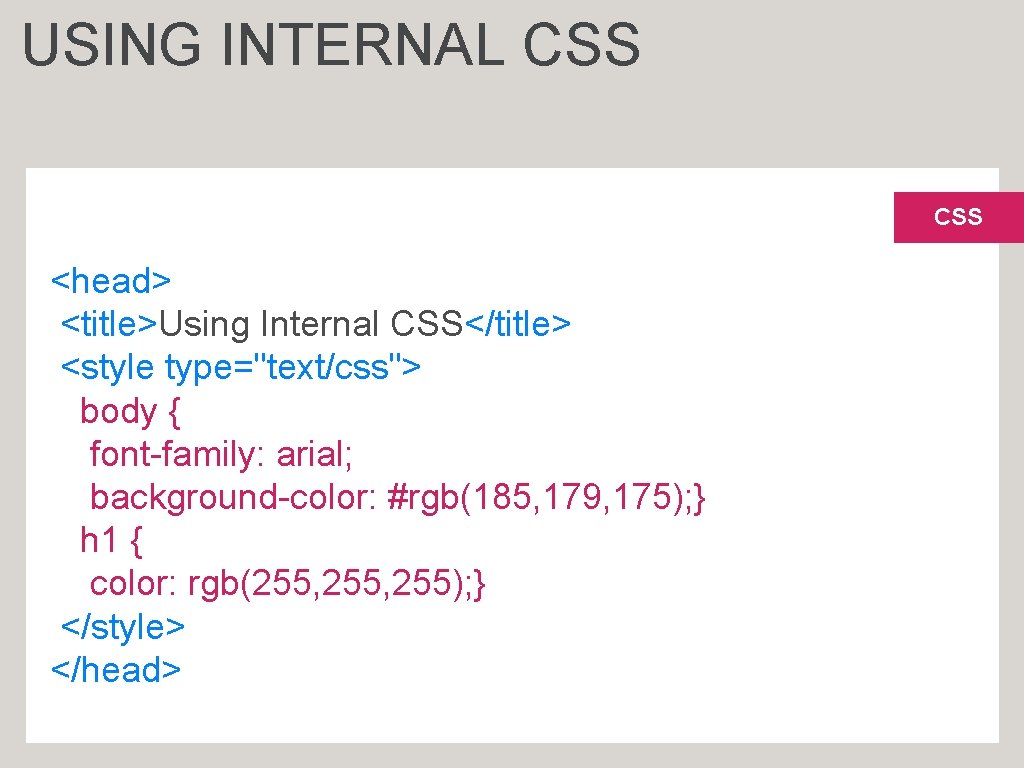
USING INTERNAL CSS <head> <title>Using Internal CSS</title> <style type="text/css"> body { font-family: arial; background-color: #rgb(185, 179, 175); } h 1 { color: rgb(255, 255); } </style> </head>
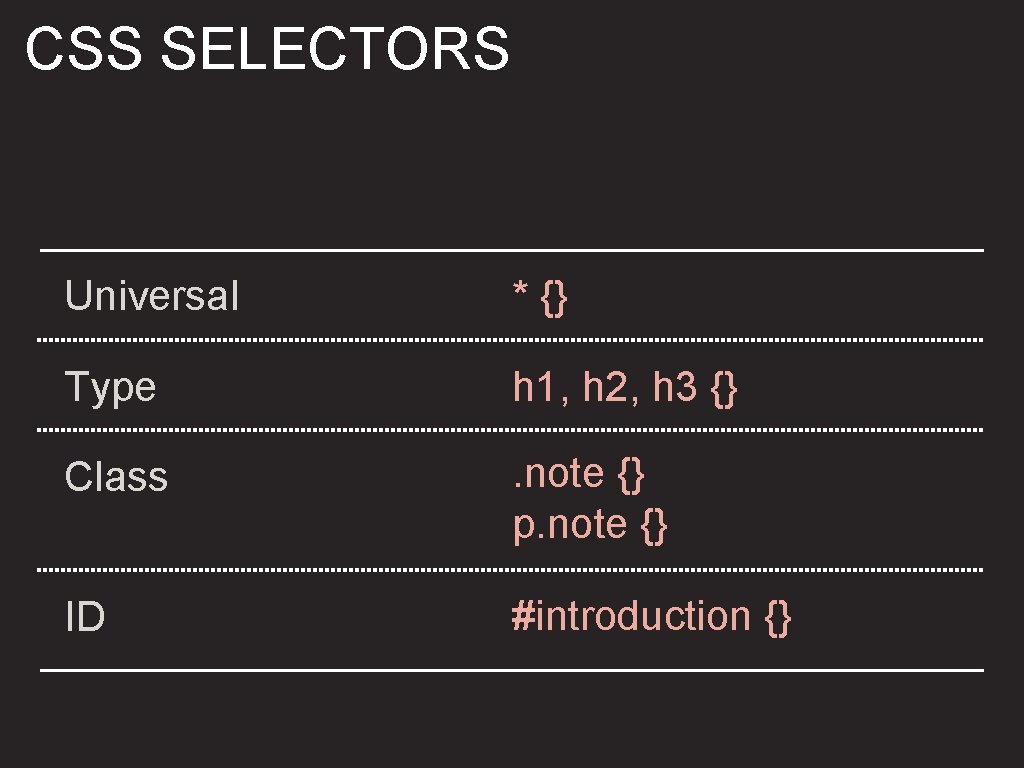
CSS SELECTORS Universal * {} Type h 1, h 2, h 3 {} Class . note {} p. note {} ID #introduction {}
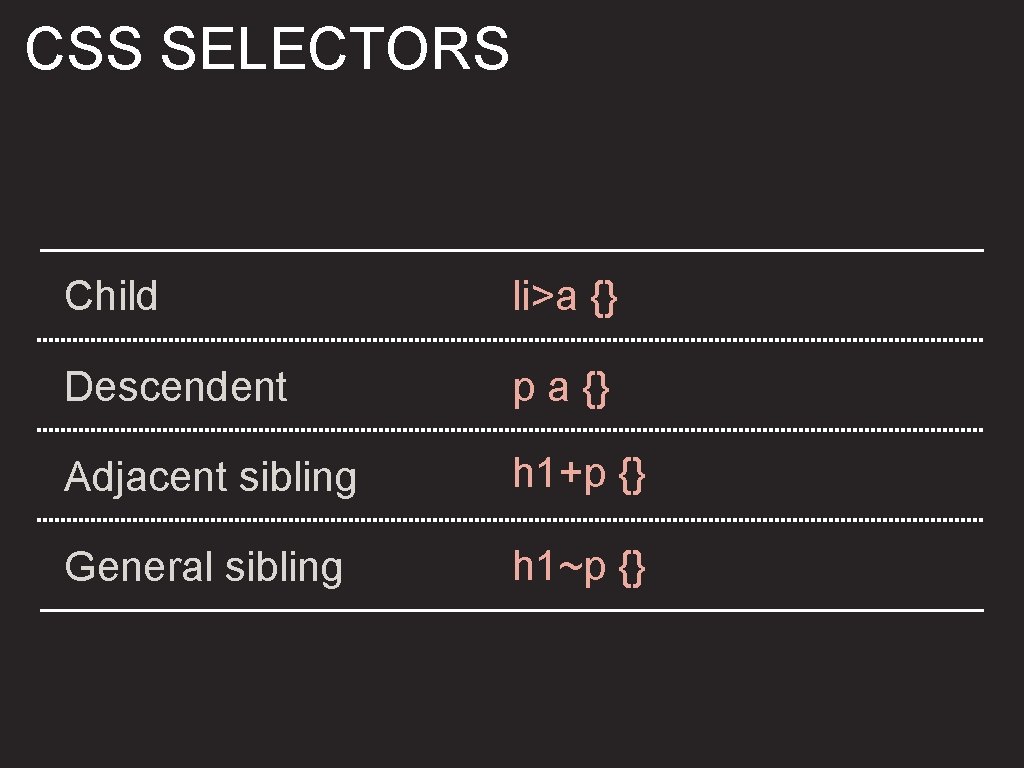
CSS SELECTORS Child li>a {} Descendent p a {} Adjacent sibling h 1+p {} General sibling h 1~p {}
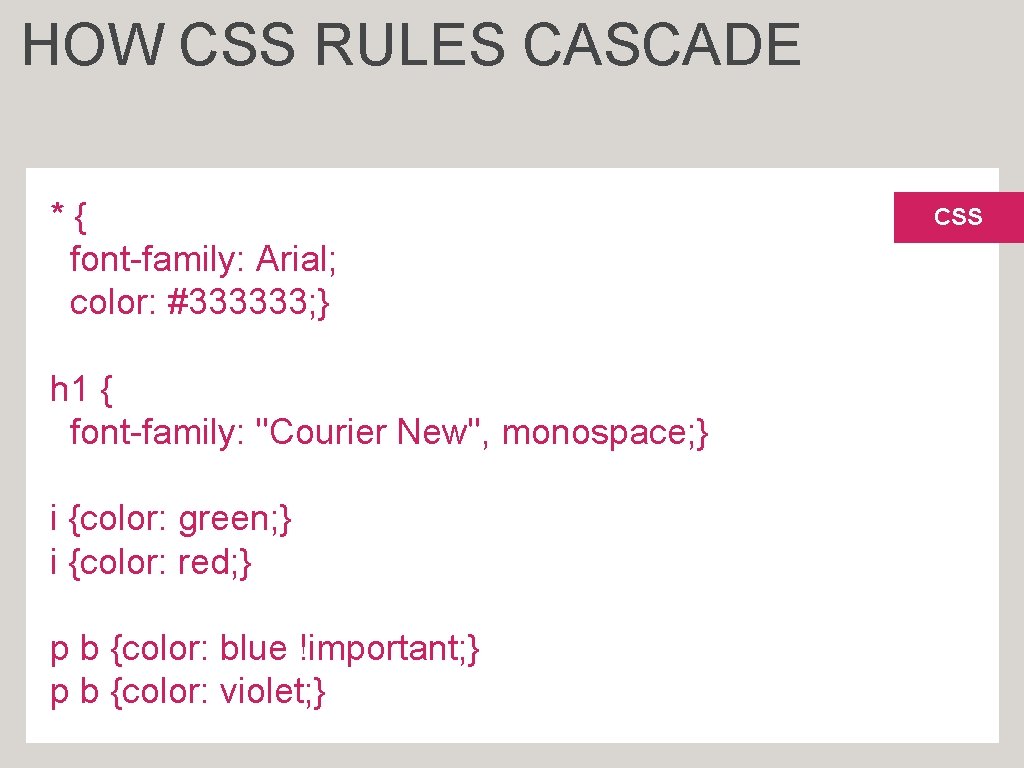
HOW CSS RULES CASCADE *{ font-family: Arial; color: #333333; } h 1 { font-family: "Courier New", monospace; } i {color: green; } i {color: red; } p b {color: blue !important; } p b {color: violet; } CSS
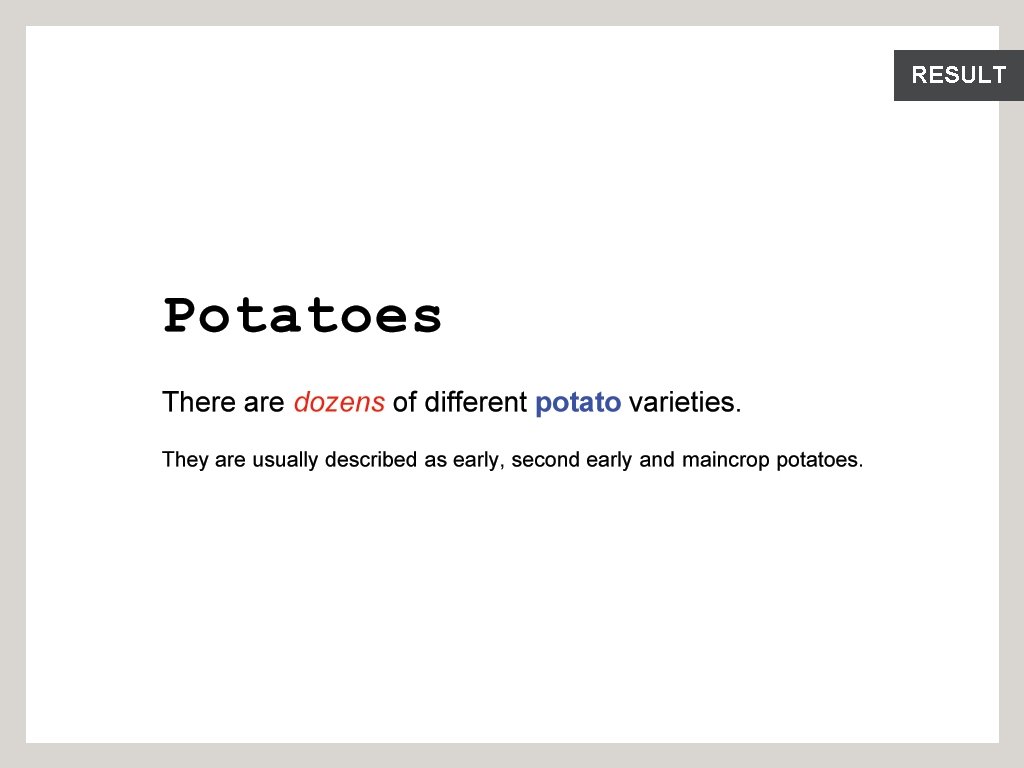
RESULT
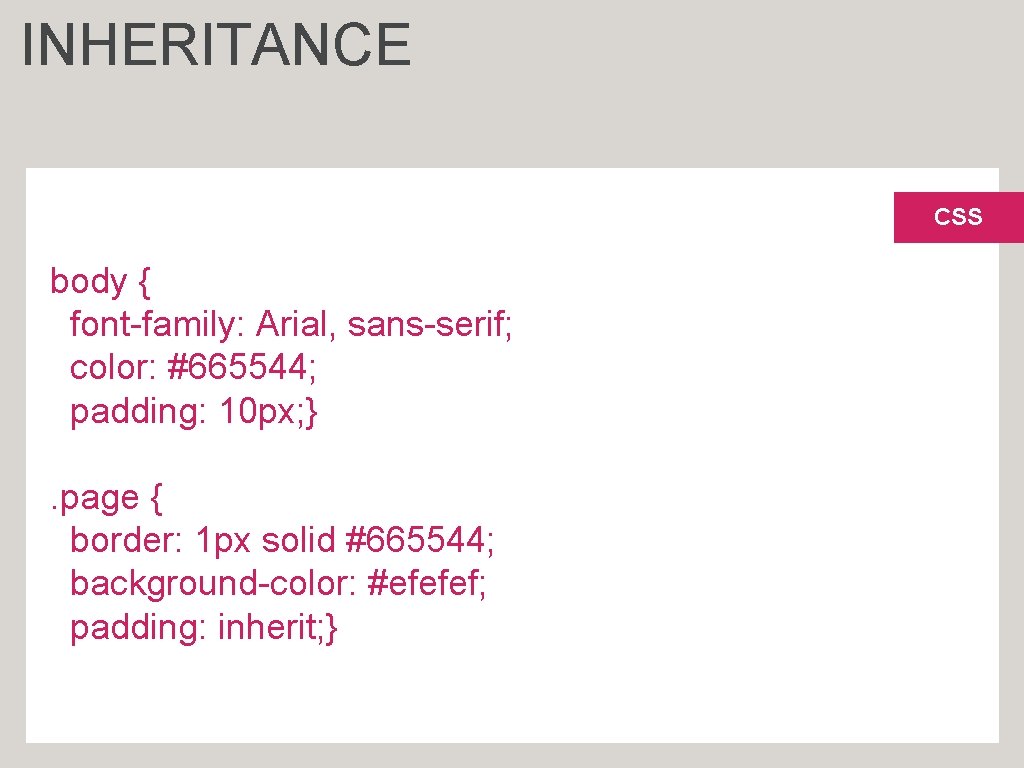
INHERITANCE CSS body { font-family: Arial, sans-serif; color: #665544; padding: 10 px; }. page { border: 1 px solid #665544; background-color: #efefef; padding: inherit; }
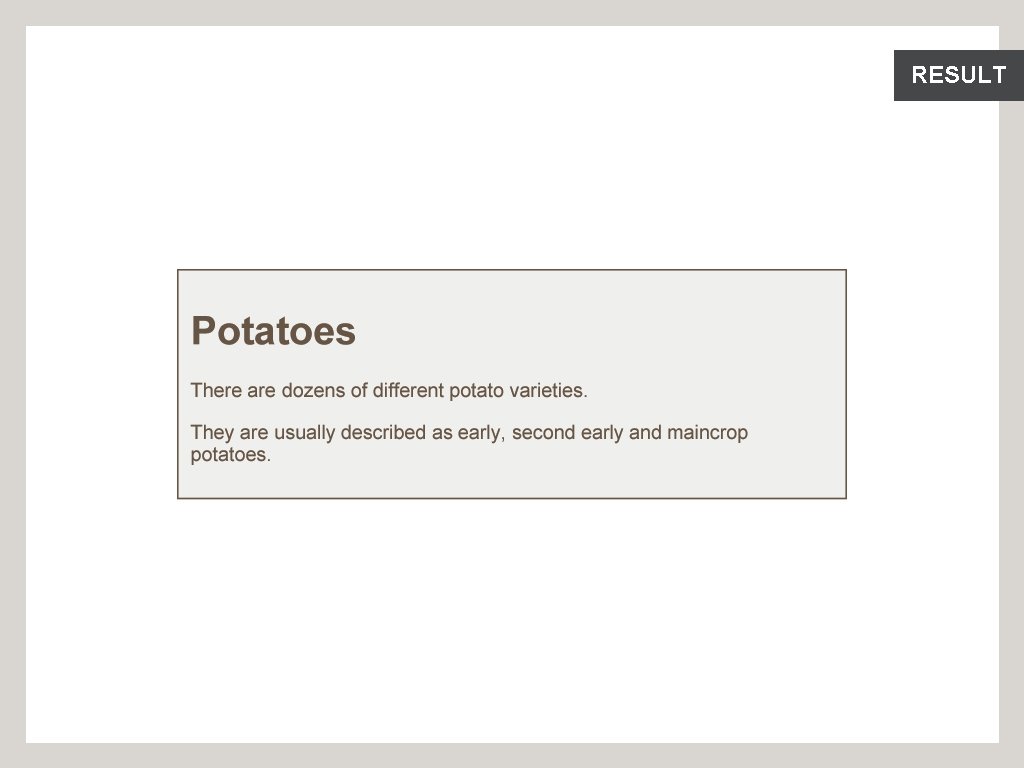
RESULT
WHY USE EXTERNAL STYLE SHEETS Same CSS can be used for every page of website
WHY USE EXTERNAL STYLE SHEETS No need to copy style code into each webpage
WHY USE EXTERNAL STYLE SHEETS Changes to CSS automatically apply to the entire website
WHY USE EXTERNAL STYLE SHEETS Faster download time for subsequent pages
WHY USE EXTERNAL STYLE SHEETS Easier for many people to create new pages in same style
DIFFERENT VERSIONS OF CSS & BROWSER QUIRKS Several different versions
DIFFERENT VERSIONS OF CSS & BROWSER QUIRKS Browsers not implemented all features
DIFFERENT VERSIONS OF CSS & BROWSER QUIRKS Older browsers do not support each property
DIFFERENT VERSIONS OF CSS & BROWSER QUIRKS Important to test
DIFFERENT VERSIONS OF CSS & BROWSER QUIRKS Some browsers have "bugs" or "quirks"
SUMMARY CSS treats each HTML element as if it appears inside its own box and uses rules to indicate how that element should look.
SUMMARY Rules are made up of selectors (to specify which elements the rule applies to) and declarations (to say what these elements should look like).
SUMMARY Different types of selectors allow you to target your rules at different elements.
SUMMARY Declarations are made up of two parts: the properties of the element that you want to change, and the values of those properties.
SUMMARY CSS rules usually appear in a separate document, although they may appear within an HTML page.

- Slides: 44