
Understanding and Designing with EJB B Ramamurthy Based
Understanding and Designing with EJB B. Ramamurthy Based on j 2 eetutorial documentation. http: //java. sun. com/j 2 ee/tutorial/1_3 -fcs/index. html 12/19/2021 1
Review Request/Response Model Distributed Objects: stubs and skeleton providing location transparency Naming and Lookup: registry and binding Server-side technology: servlets (project 1) Web applications: can be written entirely using Java Server Pages (static and dynamic content and data access can be provided); JSP is wrapper on servlet technology. Concept of initial context: The starting point for resolution of names for naming and directory operations. Data base access: using Java Data Base Connectivity 12/19/2021 2
When to use EJB For large scale applications: where resources and data are distributed. When the application is run on servers at many locations. Where scalability is critical. Where transactions are required to ensure data integrity When a variety of clients need to handled. 12/19/2021 3
Types of Enterprise Bean: Session bean: represents a single client inside the J 2 EE server. Session represents an interactive session. When a client terminates the session bean terminates/is no longer associated with the client. Stateful session bean: maintains a conversational state for the duration of a session. Ex: items reviewed in a session at some sites Stateless session bean: does not maintain a conversational state. Ex: computing a formula for a given value 12/19/2021 4
Types of Enterprise Bean: Entity An entity bean represents a business object in a persistent storage mechanism. Ex: customers, orders, and products. Each entity bean typically has an underlying table in a relational database (business data), and each instance of the bean corresponds to a row in that table. Transactional and recoverable on a server crash. 12/19/2021 5
Types of Enterprise Bean: Message-Driven A message driven bean is an enterprise bean that allows J 2 EE applications to process messages asynchronously. It acts as a JMS listener, which is similar to an event listener except that it receives messages instead of events. The messages can be sent by any J 2 EE component: an application client, another enterprise bean, or a web component, or a non-J 2 EE system using JMS. Retain no data or conversational state. 12/19/2021 6
Contents of an Enterprise Bean Interfaces: The remote and home interface for remote access. Local and local home accesses for local access. Enterprise bean class: Implements the methods defined in the above interfaces. Deployment descriptor: An XML file that specifies information about the bean such as its type, transaction attributes, etc. Helper classes: non-bean classes needed by the enterprise bean class such as utility and exception classes. 12/19/2021 7
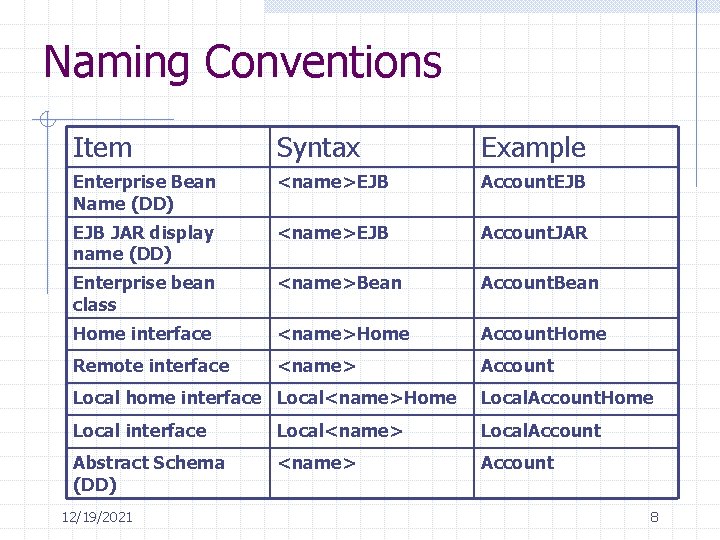
Naming Conventions Item Syntax Example Enterprise Bean Name (DD) <name>EJB Account. EJB JAR display name (DD) <name>EJB Account. JAR Enterprise bean class <name>Bean Account. Bean Home interface <name>Home Account. Home Remote interface <name> Account Local home interface Local<name>Home Local. Account. Home Local interface Local<name> Local. Account Abstract Schema (DD) <name> Account 12/19/2021 8
The life cycles of enterprise beans An enterprise bean goes through various stages during its lifetime. Each type has different life cycle. 12/19/2021 9
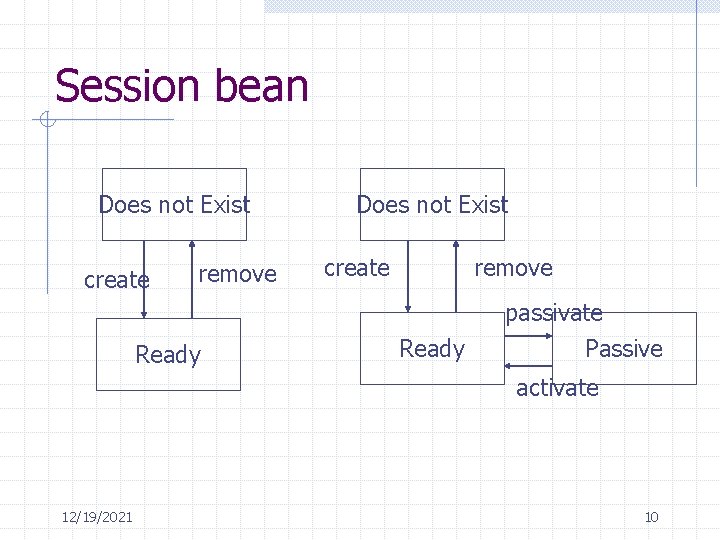
Session bean Does not Exist create remove Ready passivate Passive activate 12/19/2021 10
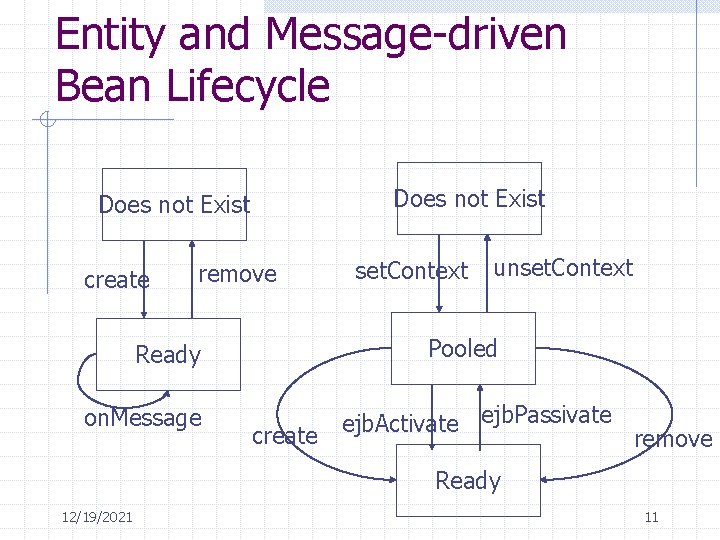
Entity and Message-driven Bean Lifecycle Does not Exist create remove unset. Context Pooled Ready on. Message set. Context create ejb. Activate ejb. Passivate remove Ready 12/19/2021 11
Designing an application Start with Remote interface methods. For completion write the Home interface. Implement these methods in a (session) bean class. Update build. xml “ant” file and compile using ant <target> Use the deploy tool to deploy the application on your j 2 EE server and set up the configuration. Write a client (preferably a web client) to test your enterprise application. Lets go through converter application. Your assignment is to make it a more meaningful and useful converter. 12/19/2021 12
Mid. Term Review Web application design: n-tier design from word problem. Represent using block diagram, use case and class diagram. Stepwise explanation; project 1 J 2 EE Application model: application model Enterprise beans: Session, entity and message-driven beans: characteristics and life cycle Enterprise integration: Ch. 1 -5 of your text 12/19/2021 13
Session Bean Home interface Remote interface Bean class Deployment descriptor Can be stateless (ex: converter) or stateful (ex: cart) Stateless: container can maintain a pool of instances of session bean and reuse them for many client requests. Stateful: instance pooling can be done but what to with the state? Activate and passivate the instances by storing and restoring them from secondary memory. 12/19/2021 14
Cart Stateful Session Bean One or more ejb. Create methods (void methods) providing flexibility of instantiating the bean with various starting states. Business methods: add. Book, remove. Book, get. Contents Data (state): string customer. Id, string Customer. Name, Vector contents 12/19/2021 15
Client calls + bean and container response Client gets naming context. Client looks up the remote object interface. Narrows it to IIOP object and then casts it to Cart. Home to set “home” variable. Creates bean: Cart shopping. Cart = home. create(“Bina”, “ 1234”); EJB container instantiates the enterprise bean. EJB container then calls the appropriate ejb. Create method in Cart. Bean. Observe ejb. Create verifies the ID using an IDVerifier object. After successful creation and initialization of the bean the client can invoke business methods as follows: 12/19/2021 16
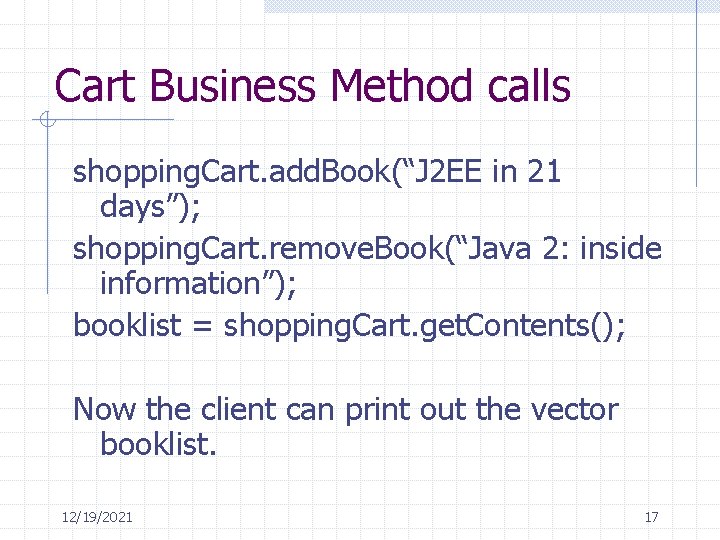
Cart Business Method calls shopping. Cart. add. Book(“J 2 EE in 21 days”); shopping. Cart. remove. Book(“Java 2: inside information”); booklist = shopping. Cart. get. Contents(); Now the client can print out the vector booklist. 12/19/2021 17
Other Features Stored in the enterprise bean’s deployment descriptor, an environment entry is a namevalue pair that allows you to customize the bean’s business logic without changing its source code. A enterprise bean that calculates discounts, may have an environment variable named discount percent. Before deploying the bean’s application one can use the deploy tool to assign the proper value for discount percent. Look at Checker. Bean example. 12/19/2021 18
Entity Bean Data is at the heart of most business applications. In J 2 EE applications, entity beans represent the business objects that need persistence (need to be stored in a database. ) You have choice of bean-managed persistence (BMP) and container-managed persistence (CMP). In BMP you write the code for database access calls. This may be additional responsibility but it gives control to the bean developer. 12/19/2021 19
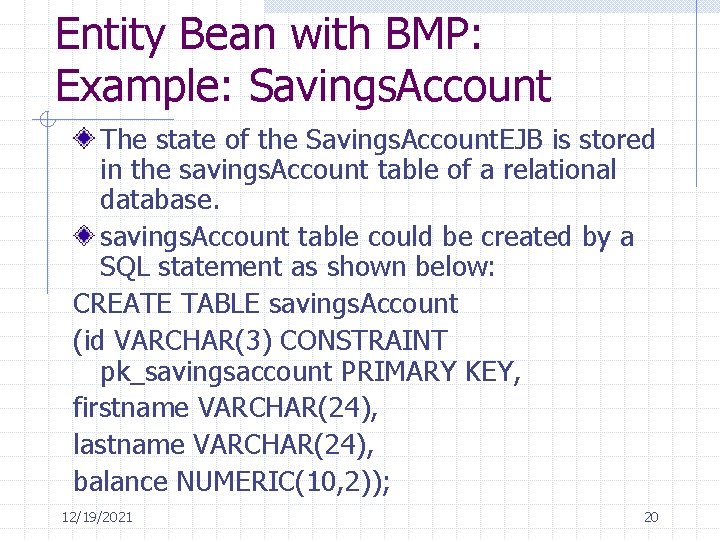
Entity Bean with BMP: Example: Savings. Account The state of the Savings. Account. EJB is stored in the savings. Account table of a relational database. savings. Account table could be created by a SQL statement as shown below: CREATE TABLE savings. Account (id VARCHAR(3) CONSTRAINT pk_savingsaccount PRIMARY KEY, firstname VARCHAR(24), lastname VARCHAR(24), balance NUMERIC(10, 2)); 12/19/2021 20
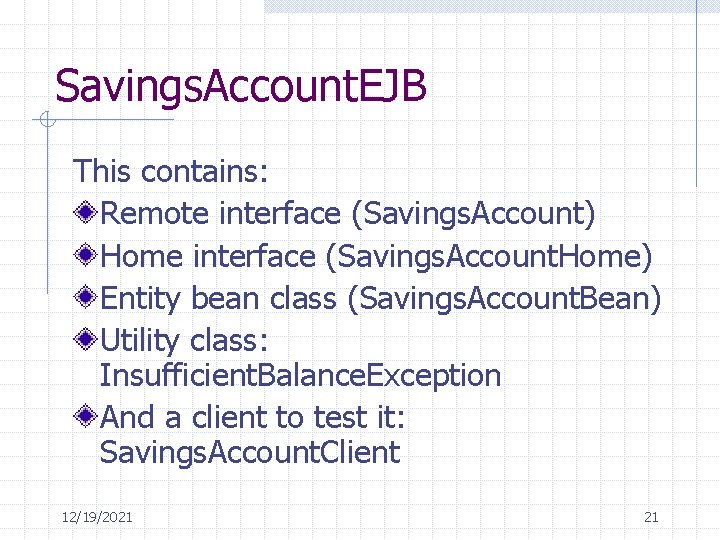
Savings. Account. EJB This contains: Remote interface (Savings. Account) Home interface (Savings. Account. Home) Entity bean class (Savings. Account. Bean) Utility class: Insufficient. Balance. Exception And a client to test it: Savings. Account. Client 12/19/2021 21
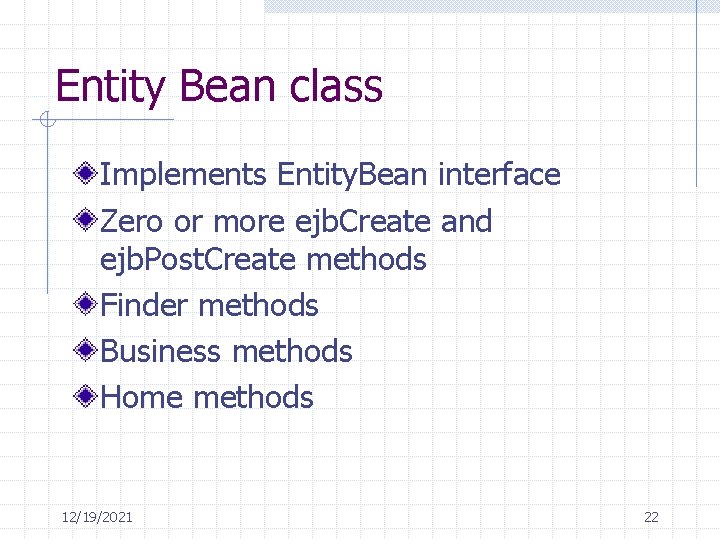
Entity Bean class Implements Entity. Bean interface Zero or more ejb. Create and ejb. Post. Create methods Finder methods Business methods Home methods 12/19/2021 22
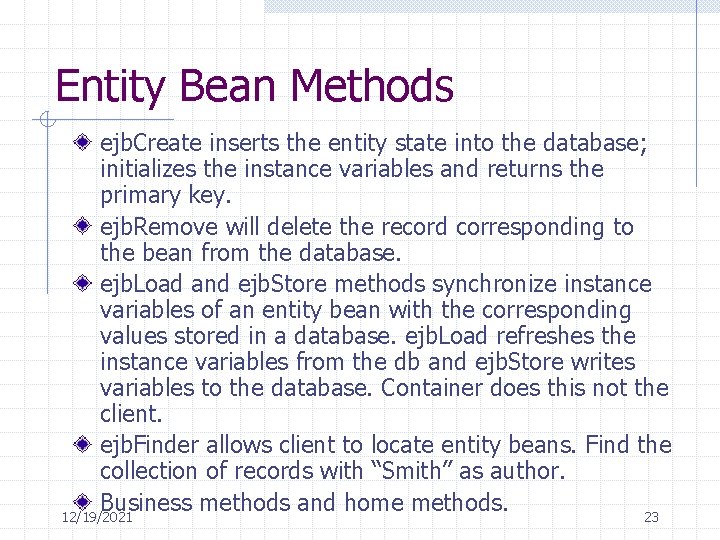
Entity Bean Methods ejb. Create inserts the entity state into the database; initializes the instance variables and returns the primary key. ejb. Remove will delete the record corresponding to the bean from the database. ejb. Load and ejb. Store methods synchronize instance variables of an entity bean with the corresponding values stored in a database. ejb. Load refreshes the instance variables from the db and ejb. Store writes variables to the database. Container does this not the client. ejb. Finder allows client to locate entity beans. Find the collection of records with “Smith” as author. Business methods and home methods. 12/19/2021 23
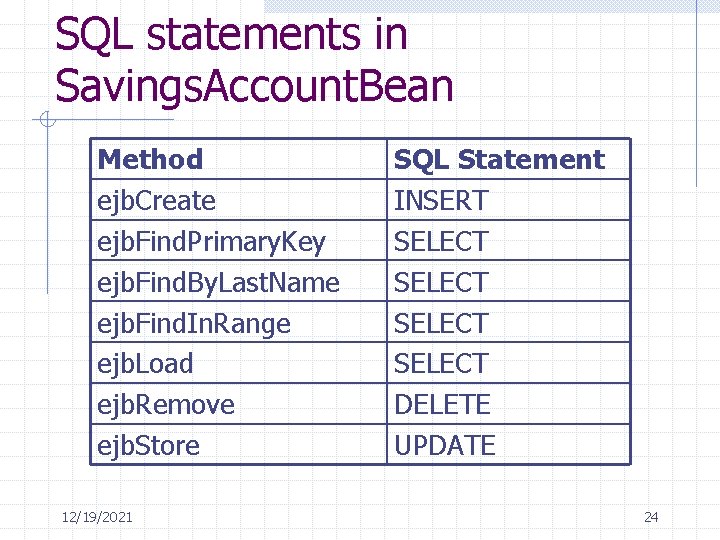
SQL statements in Savings. Account. Bean Method ejb. Create ejb. Find. Primary. Key ejb. Find. By. Last. Name ejb. Find. In. Range ejb. Load ejb. Remove ejb. Store 12/19/2021 SQL Statement INSERT SELECT DELETE UPDATE 24
- Slides: 24