
UCT Department of Computer Science 1015 F Object
UCT Department of Computer Science 1015 F Object Oriented Programming Hussein Suleman <hussein@cs. uct. ac. za> March 2007
Objects p Objects are computer representations of real-world objects. n e. g. , a. Person, tim. The. Turtle, planet. Earth p Objects are modelled on computer as complex data types, defining possibly multiple values AND various operations that may be applied to those values. p This style of programming is called Object Oriented Programming (OOP). Why OOP? p

Classes are templates to create objects. p Classes define the data and associated operations (methods) for objects of a particular type. p public class Class. Name { // data and methods here } A class is a type, just like int, boolean, etc. p One class in every file must be public exposed to the outside. p Separate files = modular programming p
Instances p p An instance is a variable of the type corresponding to a particular class. Instances are often simply called objects. Unlike variables with primitive types (e. g. , int), instances are not created when the variable is declared. To create an instance from a class use new n Simplified syntax: p p n <class_name> <variable name>; <variable name> = new <class_name> (); Examples: p p Person a. Person; a. Person = new Person ();

Instance variables p p Instance variables are variables defined within a class, with separate copies for each instance. This makes every object unique, even though they have the same class. n p Just like different int variables are unique but all have the same type! Instance variables are usually labelled private because they may only be used by methods within this class. public class Person { private String first. Name, last. Name; private int age; }
Methods p p A method is a block of statements within a class. It is considered a single unit, and named with an identifier. n p p It is used for common functions and to set/retrieve values of instance variables from outside the object. A method is called or invoked using dot-notation in the context of an object. n n p Just like a variable. e. g. , System. out. println (“Hello”); System. out is the object. println is the method executed on that object. When a method is called, execution jumps to the method and only comes back when the method is finished.
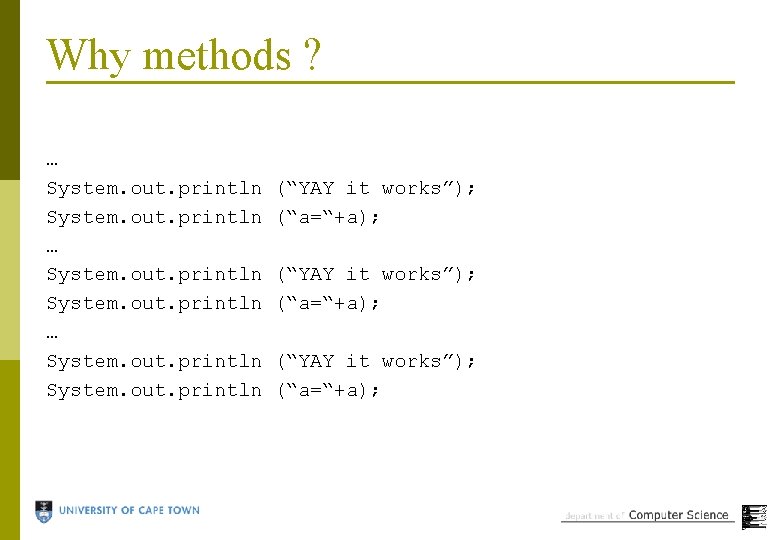
Why methods ? … System. out. println … System. out. println (“YAY it works”); (“a=“+a);
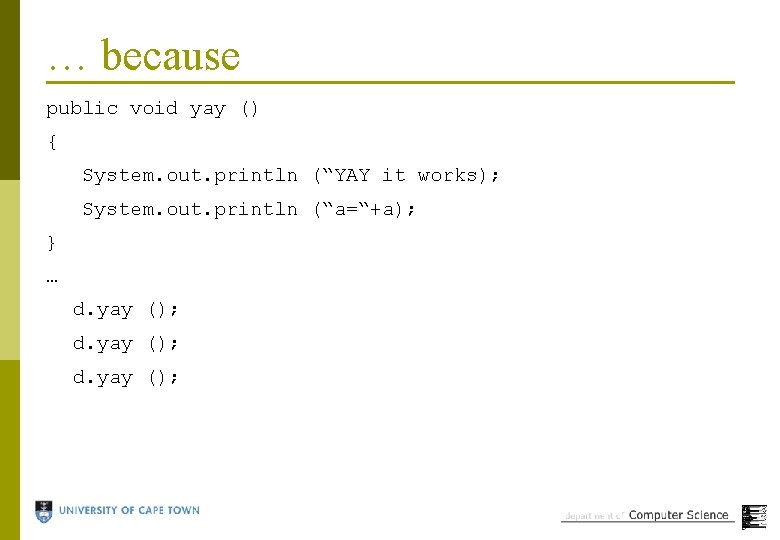
… because public void yay () { System. out. println (“YAY it works); System. out. println (“a=“+a); } … d. yay ();
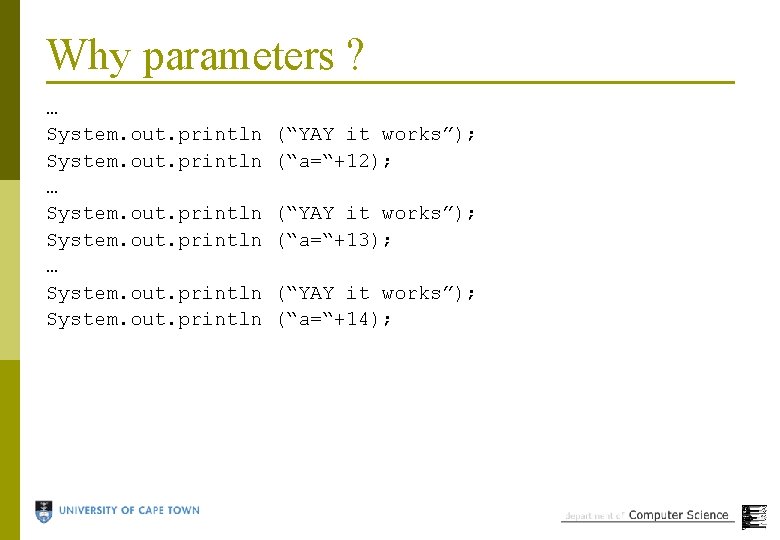
Why parameters ? … System. out. println … System. out. println (“YAY it works”); (“a=“+12); (“YAY it works”); (“a=“+13); (“YAY it works”); (“a=“+14);
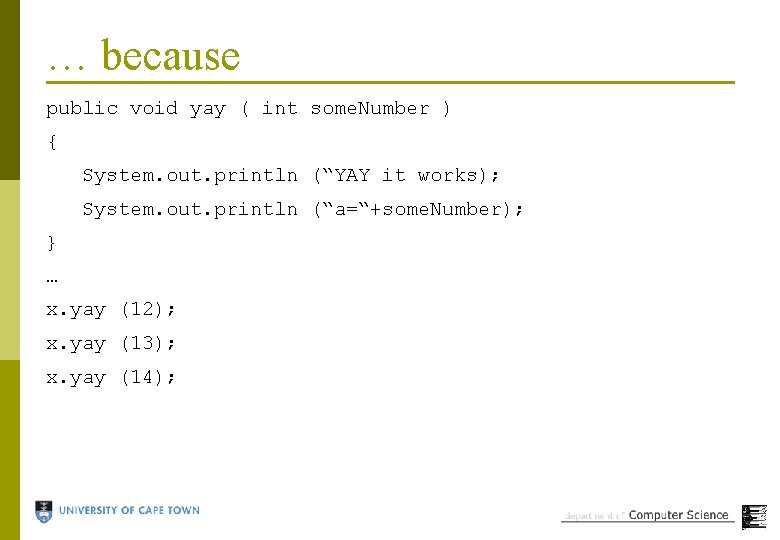
… because public void yay ( int some. Number ) { System. out. println (“YAY it works); System. out. println (“a=“+some. Number); } … x. yay (12); x. yay (13); x. yay (14);
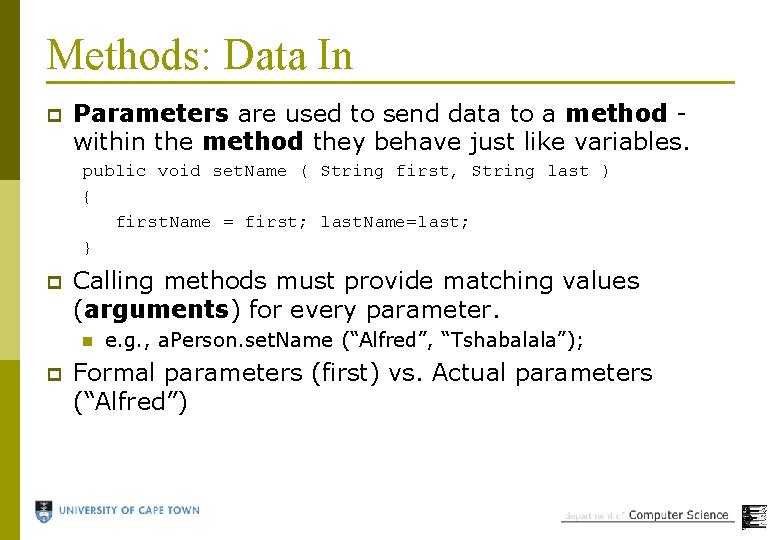
Methods: Data In p Parameters are used to send data to a method within the method they behave just like variables. public void set. Name ( String first, String last ) { first. Name = first; last. Name=last; } p Calling methods must provide matching values (arguments) for every parameter. n p e. g. , a. Person. set. Name (“Alfred”, “Tshabalala”); Formal parameters (first) vs. Actual parameters (“Alfred”)
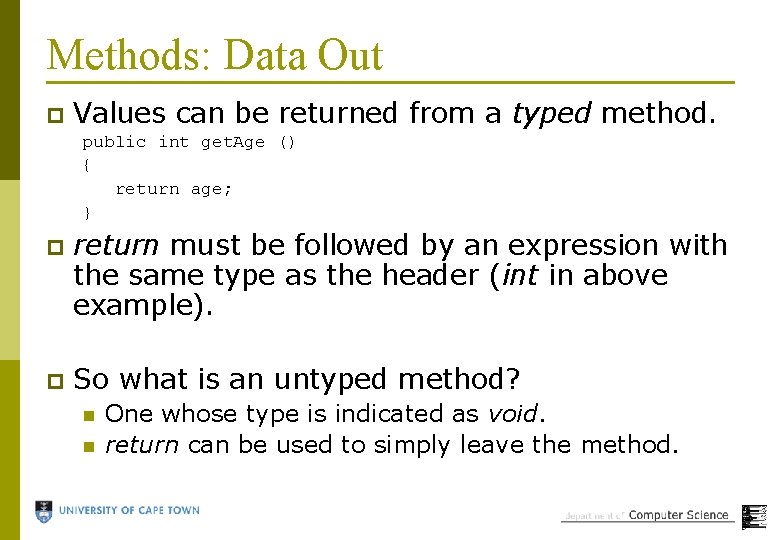
Methods: Data Out p Values can be returned from a typed method. public int get. Age () { return age; } p return must be followed by an expression with the same type as the header (int in above example). p So what is an untyped method? n n One whose type is indicated as void. return can be used to simply leave the method.
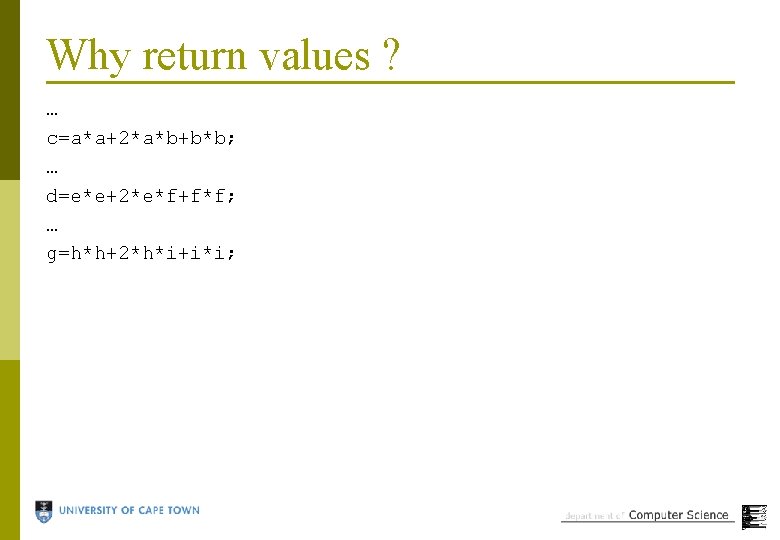
Why return values ? … c=a*a+2*a*b+b*b; … d=e*e+2*e*f+f*f; … g=h*h+2*h*i+i*i;

… because public int do. Calc ( int n 1, int n 2 ) { return (n 1*n 1+2*n 1*n 2+n 2*n 2); } … c = x. do. Calc (a, b); d = x. do. Calc (e, f); g = x. do. Calc (h, i);
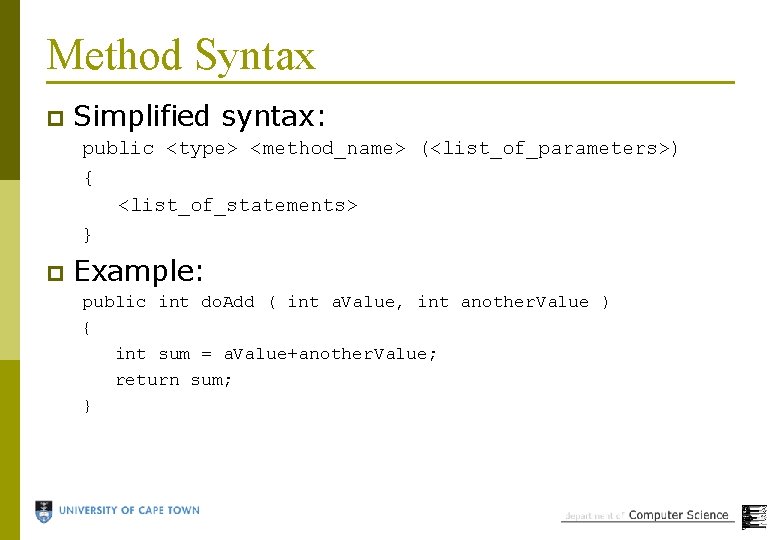
Method Syntax p Simplified syntax: public <type> <method_name> (<list_of_parameters>) { <list_of_statements> } p Example: public int do. Add ( int a. Value, int another. Value ) { int sum = a. Value+another. Value; return sum; }
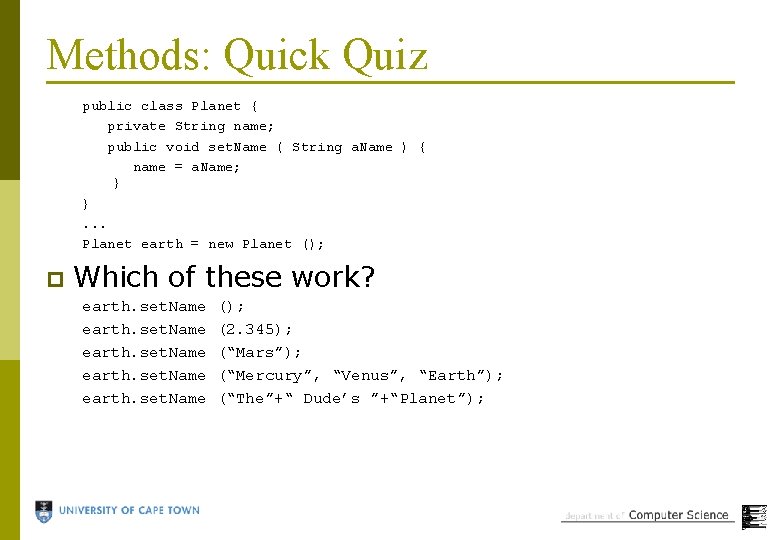
Methods: Quick Quiz public class Planet { private String name; public void set. Name ( String a. Name ) { name = a. Name; } }. . . Planet earth = new Planet (); p Which of these work? earth. set. Name (); (2. 345); (“Mars”); (“Mercury”, “Venus”, “Earth”); (“The”+“ Dude’s ”+“Planet”);
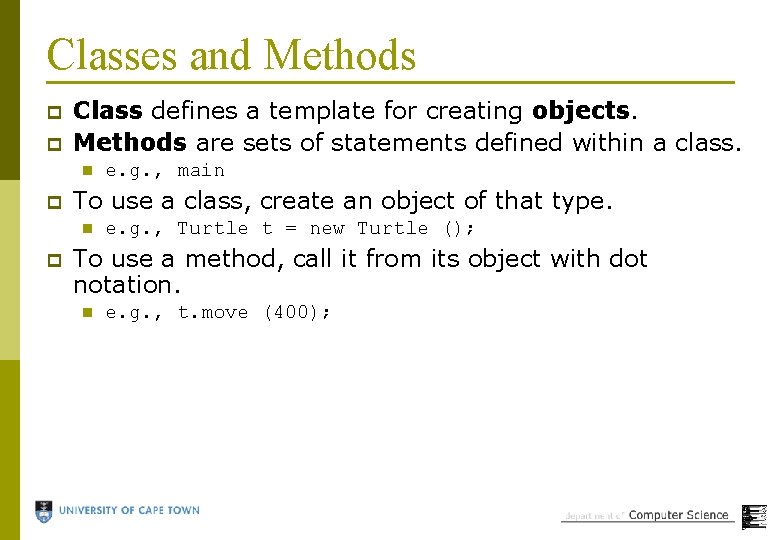
Classes and Methods p p Class defines a template for creating objects. Methods are sets of statements defined within a class. n p To use a class, create an object of that type. n p e. g. , main e. g. , Turtle t = new Turtle (); To use a method, call it from its object with dot notation. n e. g. , t. move (400);

Local and Instance Variables p Local variables are defined within a method or block (i. e. , { and } ). Local variables can even be defined in a for statement. n e. g. , for ( int a=1; a<10; a++ ) p Instance variables are defined within a class, but outside any methods, and each object has its own copy. p A variable has scope when it can be used and lifetime when it exists.
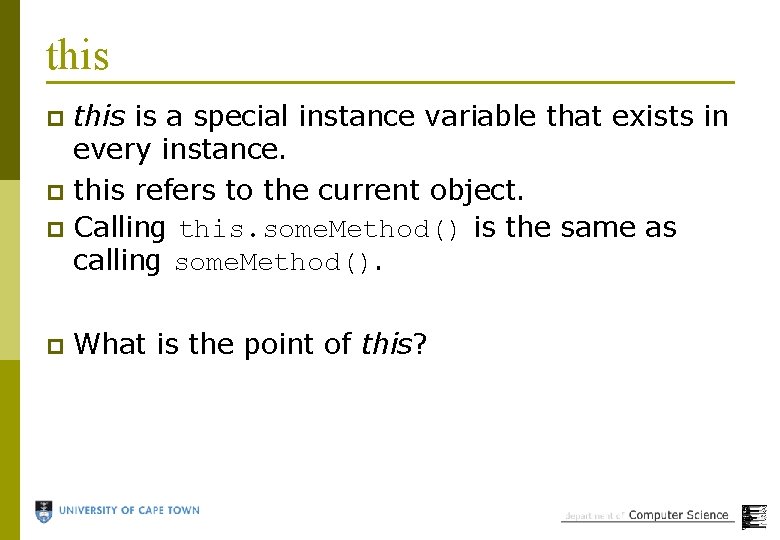
this is a special instance variable that exists in every instance. p this refers to the current object. p Calling this. some. Method() is the same as calling some. Method(). p p What is the point of this?
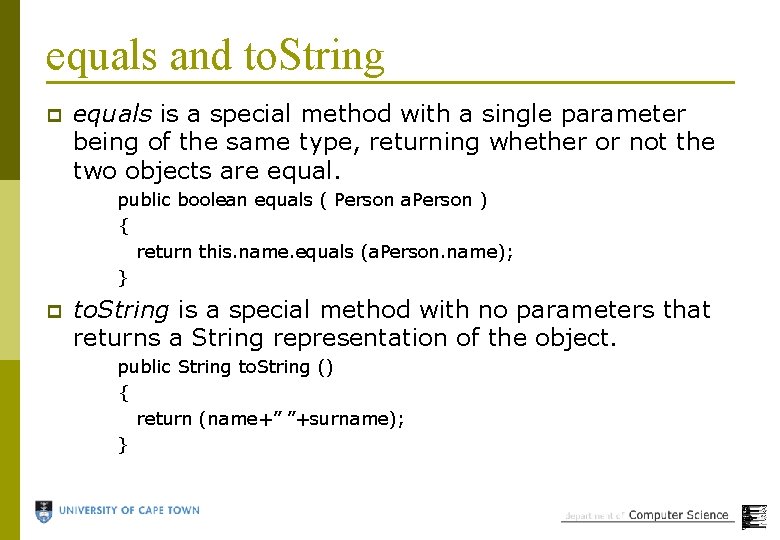
equals and to. String p equals is a special method with a single parameter being of the same type, returning whether or not the two objects are equal. public boolean equals ( Person a. Person ) { return this. name. equals (a. Person. name); } p to. String is a special method with no parameters that returns a String representation of the object. public String to. String () { return (name+” ”+surname); }
Problem p Write a program to calculate the roots of a quadratic polynomial.
Problem p Write a program to calculate whether or not a student will get DP and can write the examination in CSC 1015 F.

Problem p Write a numerology calculator using objectoriented programming. For any two given birthdates, calculate the compatibility between people as a simple 0 -100 integer. n Use any formula that makes sense.
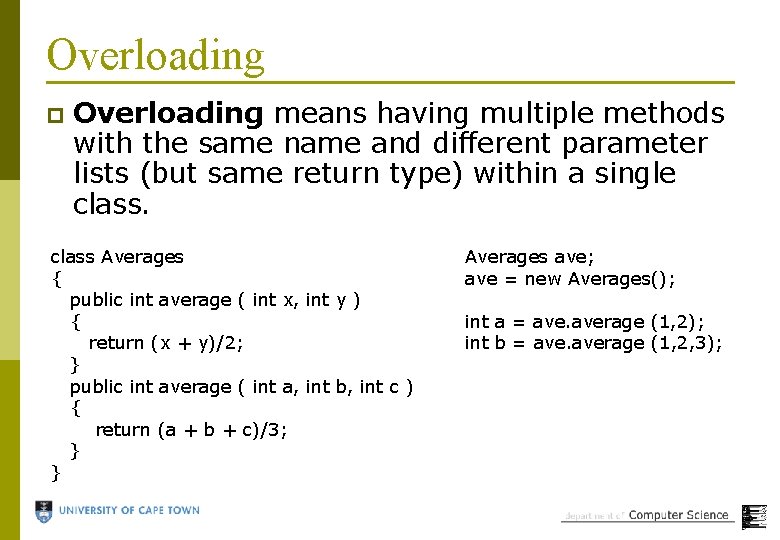
Overloading p Overloading means having multiple methods with the same name and different parameter lists (but same return type) within a single class Averages { public int average ( int x, int y ) { return (x + y)/2; } public int average ( int a, int b, int c ) { return (a + b + c)/3; } } Averages ave; ave = new Averages(); int a = average (1, 2); int b = average (1, 2, 3);

Why overload? p A programmer using the class can use the same method name for different parameters if the name is sensible. p Remove the need for lots of unique names for methods that essentially do the same thing.
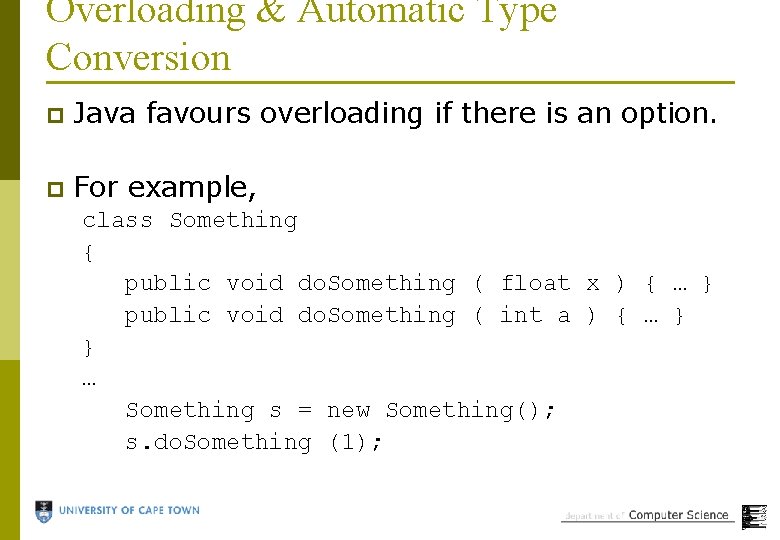
Overloading & Automatic Type Conversion p Java favours overloading if there is an option. p For example, class Something { public void do. Something ( float x ) { … } public void do. Something ( int a ) { … } } … Something s = new Something(); s. do. Something (1);

Example p Program using overloading of methods.
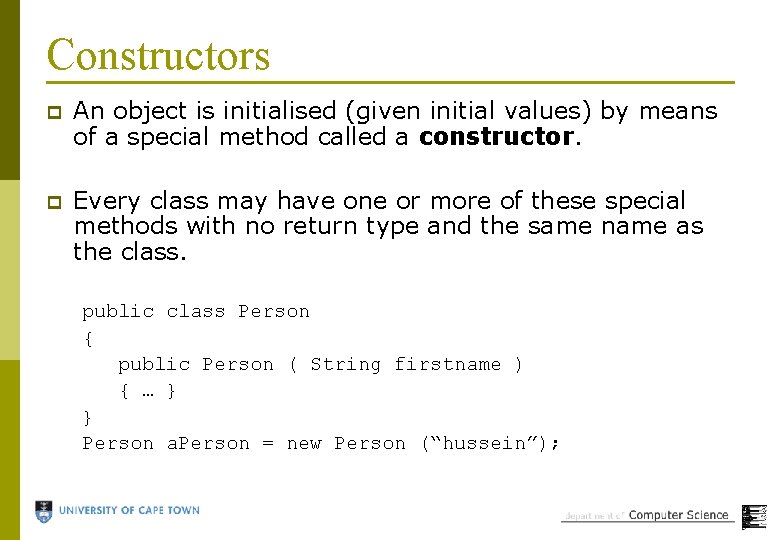
Constructors p An object is initialised (given initial values) by means of a special method called a constructor. p Every class may have one or more of these special methods with no return type and the same name as the class. public class Person { public Person ( String firstname ) { … } } Person a. Person = new Person (“hussein”);
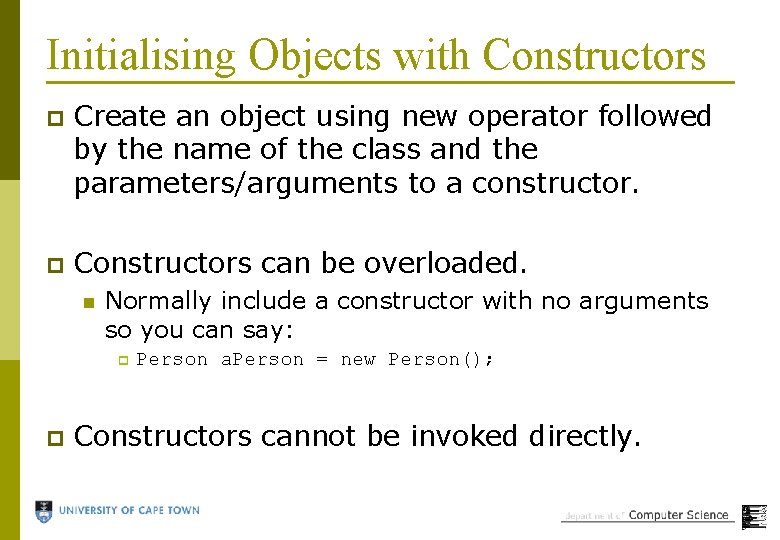
Initialising Objects with Constructors p Create an object using new operator followed by the name of the class and the parameters/arguments to a constructor. p Constructors can be overloaded. n Normally include a constructor with no arguments so you can say: p p Person a. Person = new Person(); Constructors cannot be invoked directly.
Problem p Write a OO program to calculate some basic statistics for a class test – including average, minimum and maximum marks (and track the names of best/worst students).
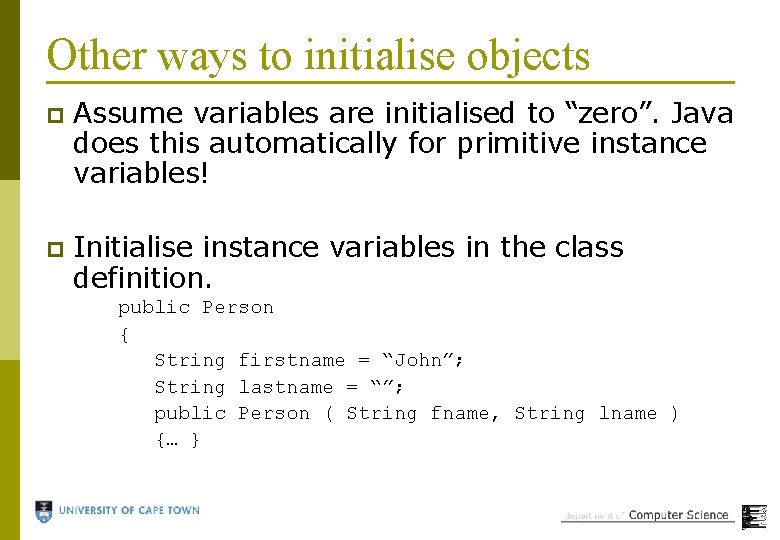
Other ways to initialise objects p Assume variables are initialised to “zero”. Java does this automatically for primitive instance variables! p Initialise instance variables in the class definition. public Person { String firstname = “John”; String lastname = “”; public Person ( String fname, String lname ) {… }
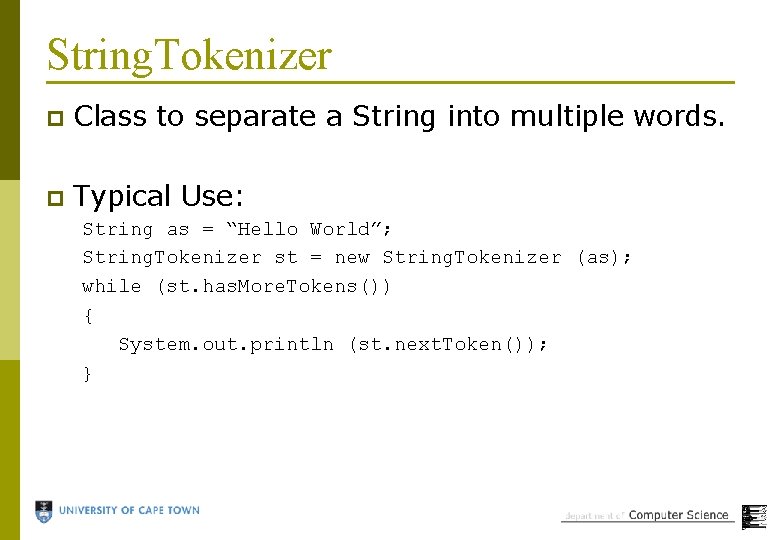
String. Tokenizer p Class to separate a String into multiple words. p Typical Use: String as = “Hello World”; String. Tokenizer st = new String. Tokenizer (as); while (st. has. More. Tokens()) { System. out. println (st. next. Token()); }
Encapsulation p Encapsulation in Java is the combining of data and methods into single units. p This allows us to treat the object as a single unit, preventing errors when keeping track of multiple related variables and methods.
Information Hiding p Information hiding means we don’t allow programmers to see details that they don’t need to see. n p This means fewer accidental programming errors. Java enables this with the “public” and “private” prefixes/modifiers.
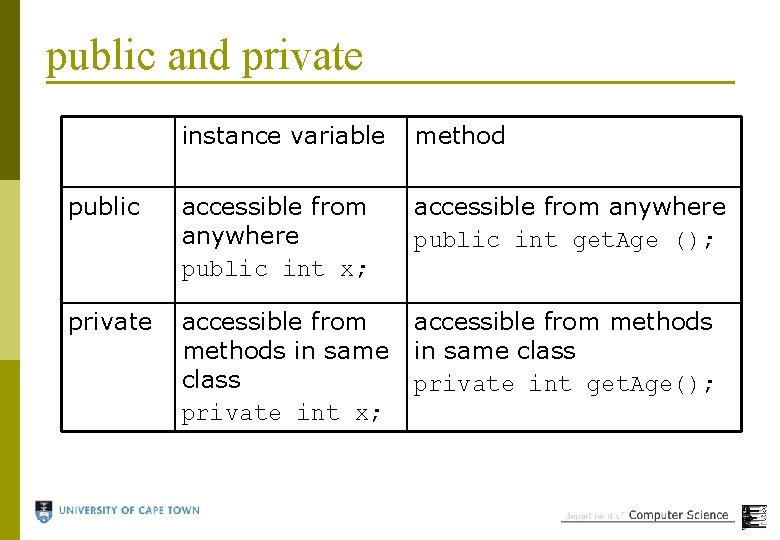
public and private instance variable method public accessible from anywhere public int x; accessible from anywhere public int get. Age (); private accessible from methods in same class private int x; accessible from methods in same class private int get. Age();
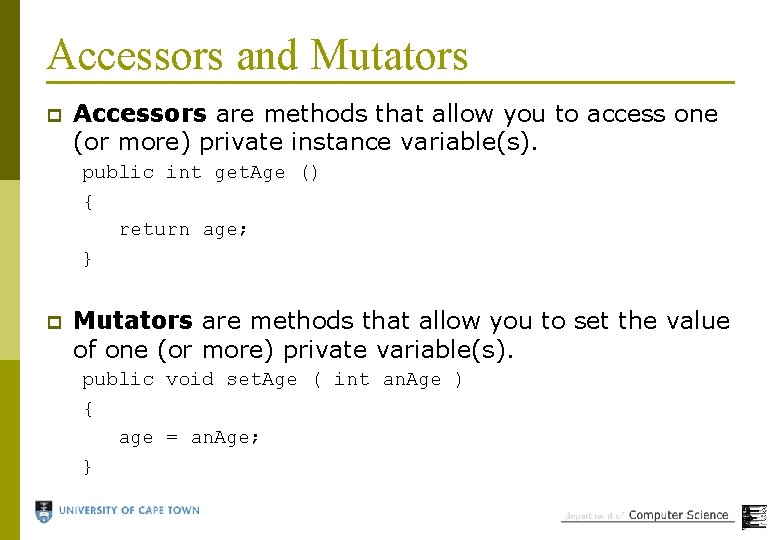
Accessors and Mutators p Accessors are methods that allow you to access one (or more) private instance variable(s). public int get. Age () { return age; } p Mutators are methods that allow you to set the value of one (or more) private variable(s). public void set. Age ( int an. Age ) { age = an. Age; }
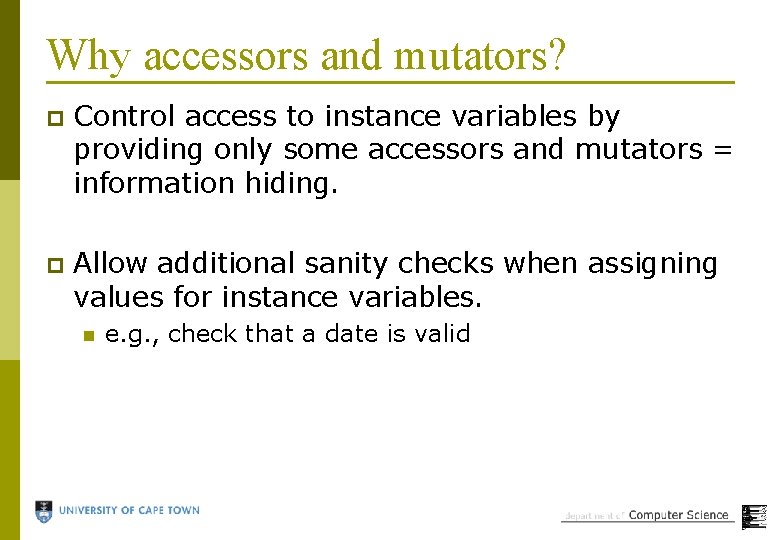
Why accessors and mutators? p Control access to instance variables by providing only some accessors and mutators = information hiding. p Allow additional sanity checks when assigning values for instance variables. n e. g. , check that a date is valid
Example p Program using modifiers to enable or disable information hiding.
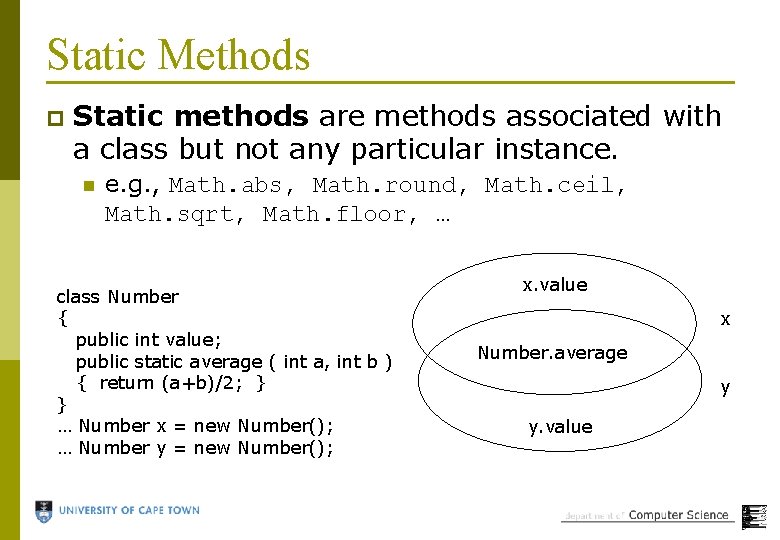
Static Methods p Static methods are methods associated with a class but not any particular instance. n e. g. , Math. abs, Math. round, Math. ceil, Math. sqrt, Math. floor, … class Number { public int value; public static average ( int a, int b ) { return (a+b)/2; } } … Number x = new Number(); … Number y = new Number(); x. value x Number. average y y. value
Why static methods? p Sometimes you want to perform a frequent task without creating objects, such as mathematical calculation. p main is static because it is invoked when no instance of its class is created!
Creating static methods p p Use the word static in the header to create a static method. remember … n p To invoke: n n p public static void main ( String [] args ) Use within the class, like any other method. Outside the class, prefix with name of class and dot. Restriction n n Since they are not related to any instance, they cannot access instance variables or call other non-static methods! However, they can call other static methods!
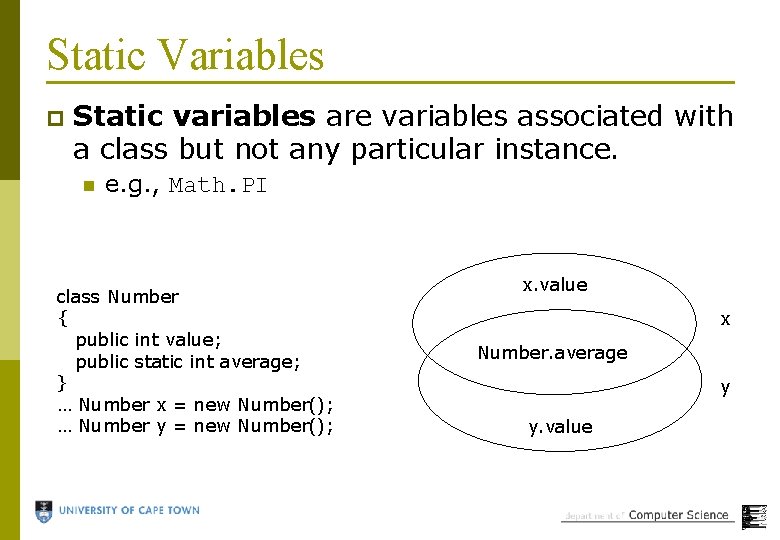
Static Variables p Static variables are variables associated with a class but not any particular instance. n e. g. , Math. PI class Number { public int value; public static int average; } … Number x = new Number(); … Number y = new Number(); x. value x Number. average y y. value

Why static variables? p To define constant values for external use without the need for instances. p To share data among multiple instances of the same class.
Creating static variables Use the word static in the header to create a static variable. p Examples: p n n private static int student. Count; public static final int meaning. Of. Life = 42; p p final denotes that the variable is a constant. To use: n n Within the class, use like any other variable. Outside the class, prefix with name of class and dot.
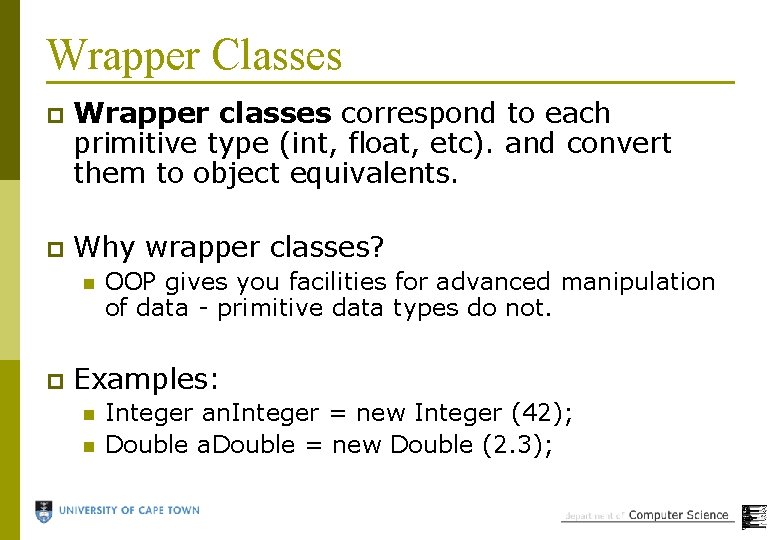
Wrapper Classes p Wrapper classes correspond to each primitive type (int, float, etc). and convert them to object equivalents. p Why wrapper classes? n p OOP gives you facilities for advanced manipulation of data - primitive data types do not. Examples: n n Integer an. Integer = new Integer (42); Double a. Double = new Double (2. 3);
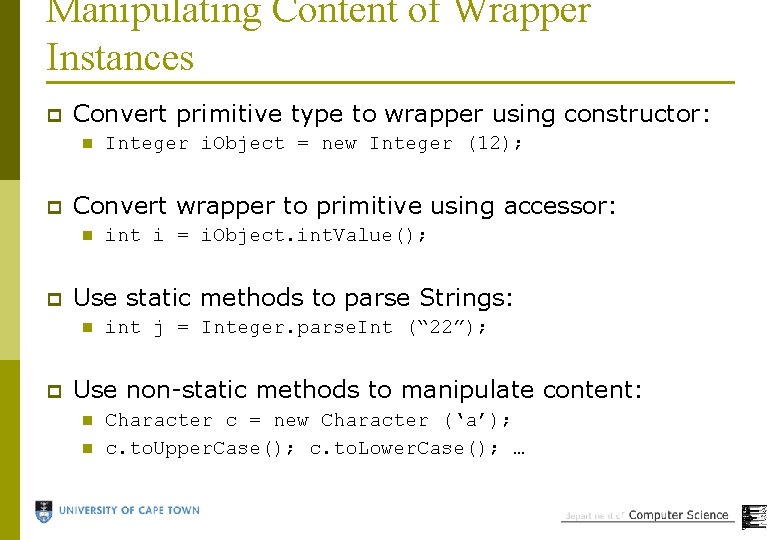
Manipulating Content of Wrapper Instances p Convert primitive type to wrapper using constructor: n p Convert wrapper to primitive using accessor: n p int i = i. Object. int. Value(); Use static methods to parse Strings: n p Integer i. Object = new Integer (12); int j = Integer. parse. Int (“ 22”); Use non-static methods to manipulate content: n n Character c = new Character (‘a’); c. to. Upper. Case(); c. to. Lower. Case(); …
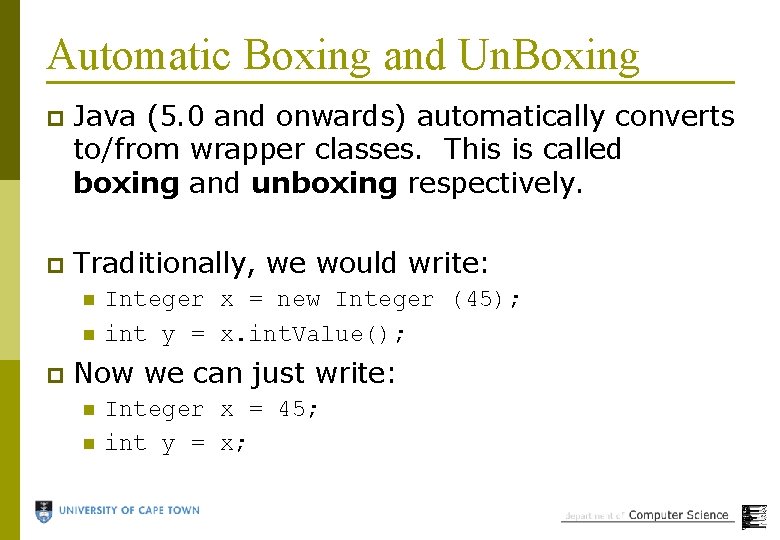
Automatic Boxing and Un. Boxing p Java (5. 0 and onwards) automatically converts to/from wrapper classes. This is called boxing and unboxing respectively. p Traditionally, we would write: n n p Integer x = new Integer (45); int y = x. int. Value(); Now we can just write: n n Integer x = 45; int y = x;
Summary p p p Overloading – eliminates need for lots of names for the same thing. Constructors – initialise objects when created. Information Hiding – protects programmers from making accidental errors. Static methods – eliminate need for instance for global function. Static variables – enable sharing of information across instances. Wrapper classes – make everything into an object!
- Slides: 48