
UCT Department of Computer Science 1015 F Java
- Slides: 44
UCT Department of Computer Science 1015 F Java Basics Hussein Suleman <hussein@cs. uct. ac. za> February 2008
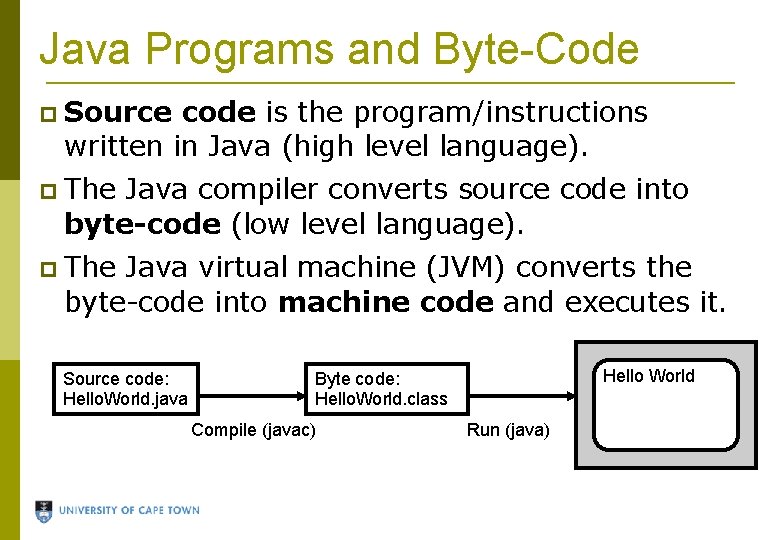
Java Programs and Byte-Code Source code is the program/instructions written in Java (high level language). The Java compiler converts source code into byte-code (low level language). The Java virtual machine (JVM) converts the byte-code into machine code and executes it. Source code: Hello. World. java Hello World Byte code: Hello. World. class Compile (javac) Run (java)
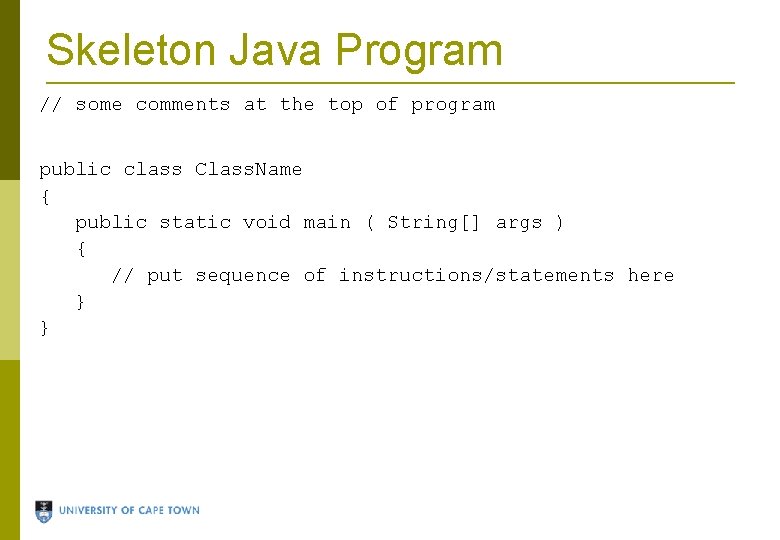
Skeleton Java Program // some comments at the top of program public class Class. Name { public static void main ( String[] args ) { // put sequence of instructions/statements here } }
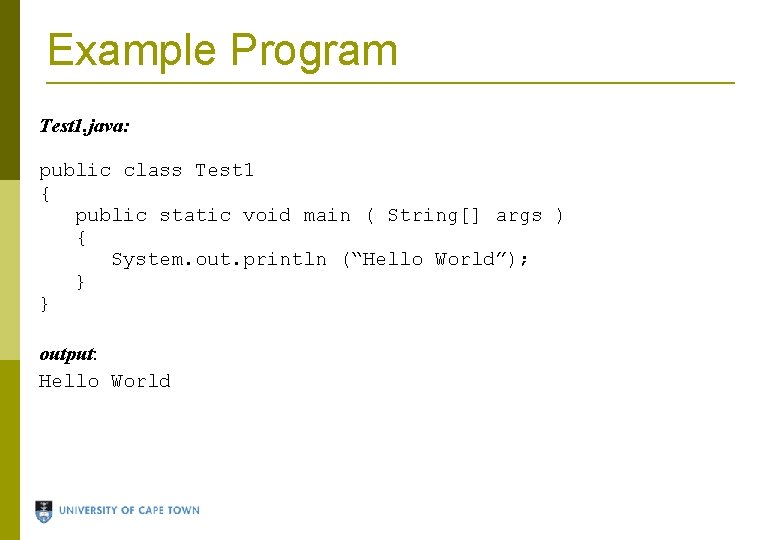
Example Program Test 1. java: public class Test 1 { public static void main ( String[] args ) { System. out. println (“Hello World”); } } output: Hello World
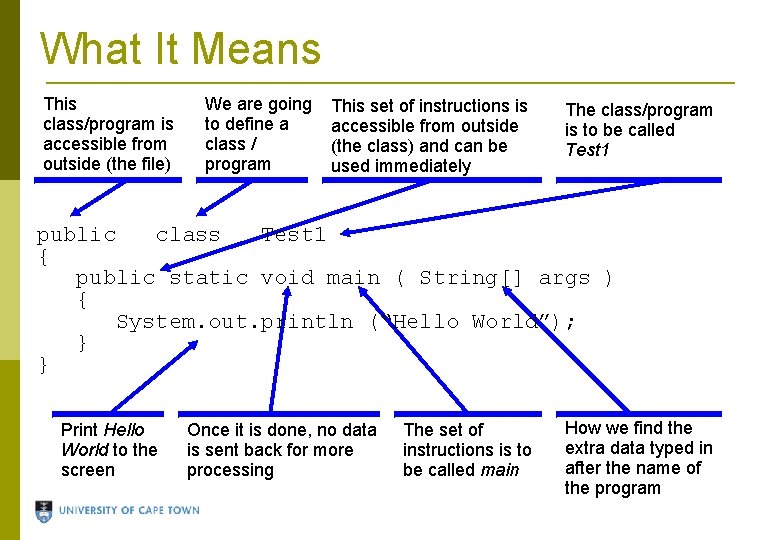
What It Means This class/program is accessible from outside (the file) We are going to define a class / program This set of instructions is accessible from outside (the class) and can be used immediately The class/program is to be called Test 1 public class Test 1 { public static void main ( String[] args ) { System. out. println (“Hello World”); } } Print Hello World to the screen Once it is done, no data is sent back for more processing The set of instructions is to be called main How we find the extra data typed in after the name of the program
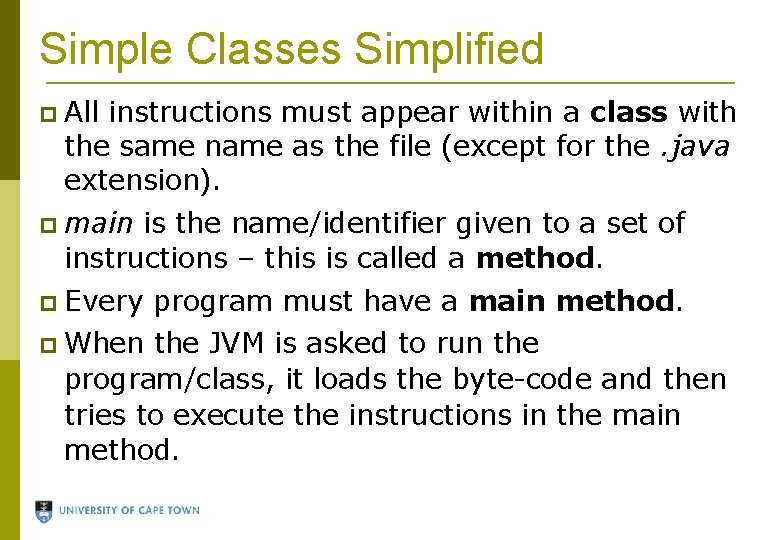
Simple Classes Simplified All instructions must appear within a class with the same name as the file (except for the. java extension). main is the name/identifier given to a set of instructions – this is called a method. Every When program must have a main method. the JVM is asked to run the program/class, it loads the byte-code and then tries to execute the instructions in the main method.
Problem Write a program to print out the lyrics of the chorus of Britney Spears' song “Gimme More”.
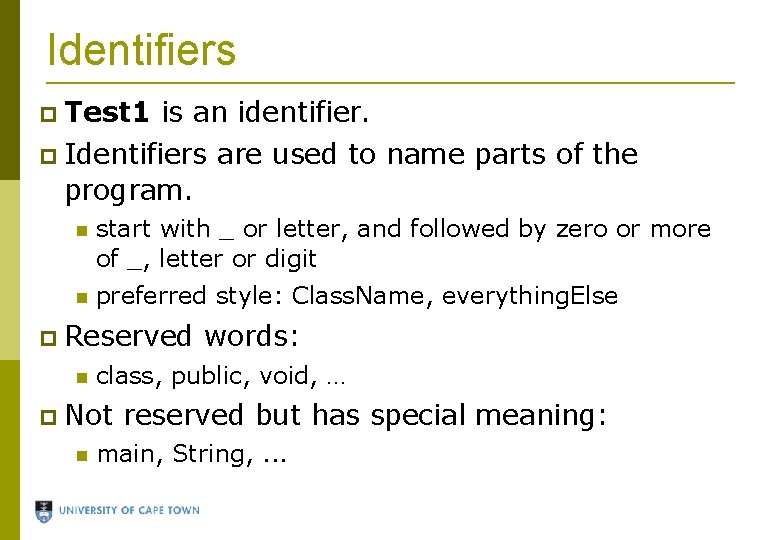
Identifiers Test 1 is an identifier. Identifiers are used to name parts of the program. start with _ or letter, and followed by zero or more of _, letter or digit preferred style: Class. Name, everything. Else Reserved class, public, void, … Not words: reserved but has special meaning: main, String, . . .
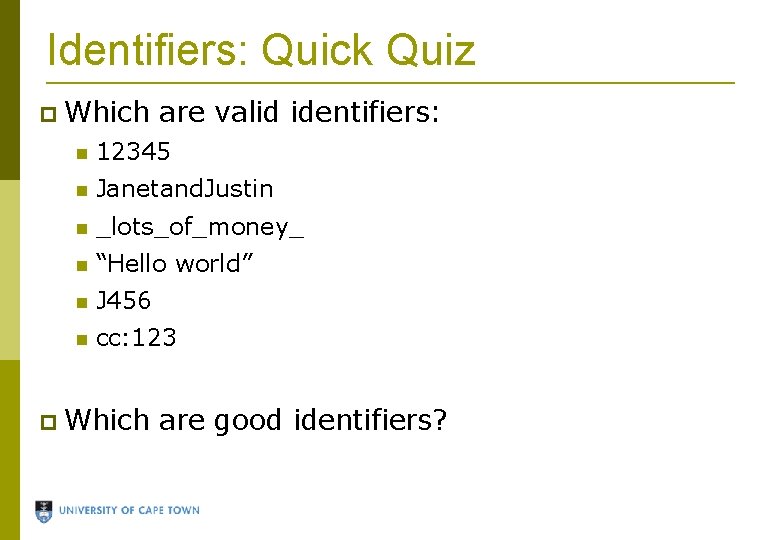
Identifiers: Quick Quiz Which are valid identifiers: 12345 Janetand. Justin _lots_of_money_ “Hello world” J 456 cc: 123 Which are good identifiers?
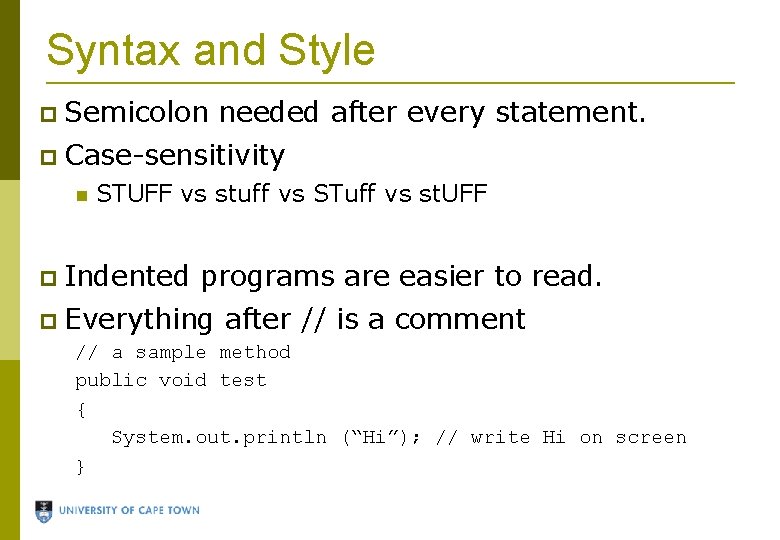
Syntax and Style Semicolon needed after every statement. Case-sensitivity STUFF vs stuff vs STuff vs st. UFF Indented programs are easier to read. Everything after // is a comment // a sample method public void test { System. out. println (“Hi”); // write Hi on screen }
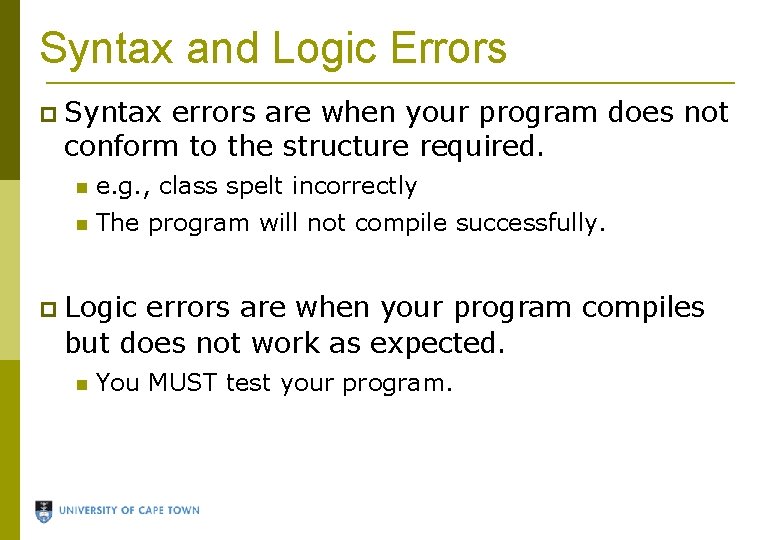
Syntax and Logic Errors Syntax errors are when your program does not conform to the structure required. e. g. , class spelt incorrectly The program will not compile successfully. Logic errors are when your program compiles but does not work as expected. You MUST test your program.
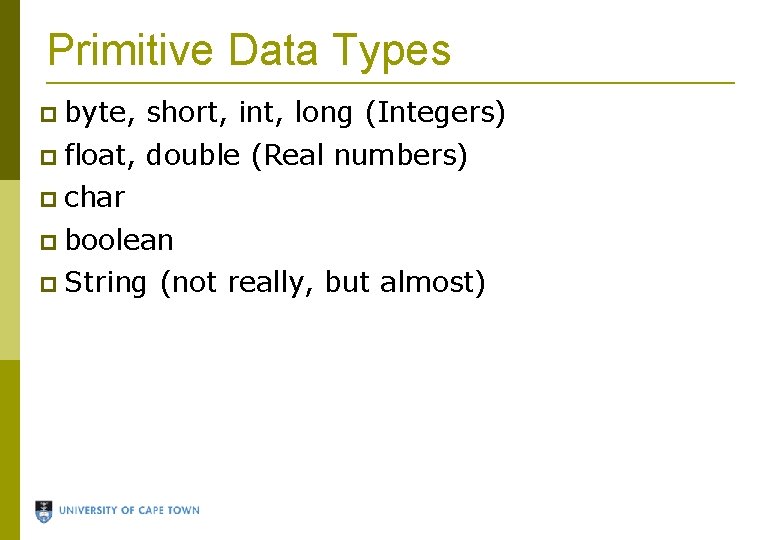
Primitive Data Types byte, short, int, long (Integers) float, double (Real numbers) char boolean String (not really, but almost)
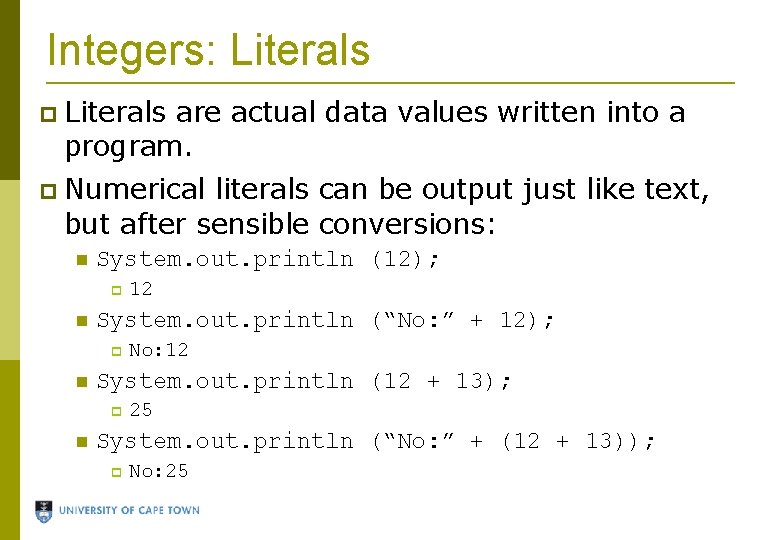
Integers: Literals are actual data values written into a program. Numerical literals can be output just like text, but after sensible conversions: System. out. println (12); System. out. println (“No: ” + 12); No: 12 System. out. println (12 + 13); 12 25 System. out. println (“No: ” + (12 + 13)); No: 25
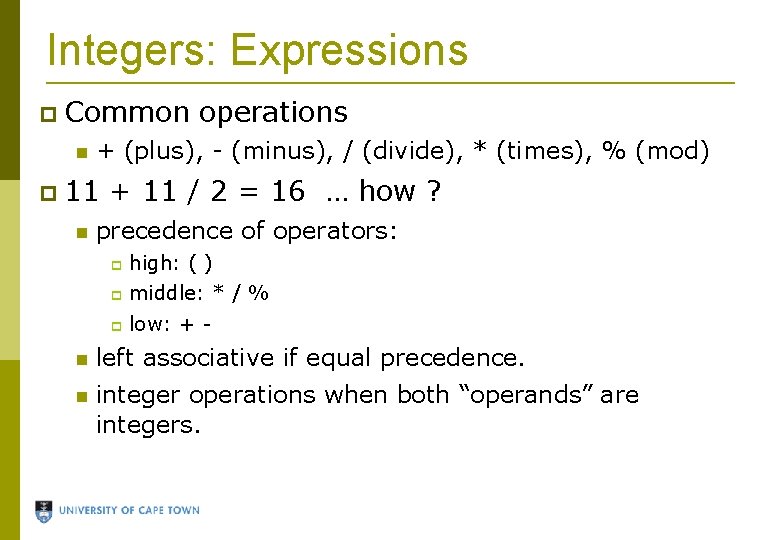
Integers: Expressions Common + (plus), - (minus), / (divide), * (times), % (mod) 11 operations + 11 / 2 = 16 … how ? precedence of operators: high: ( ) middle: * / % low: + - left associative if equal precedence. integer operations when both “operands” are integers.
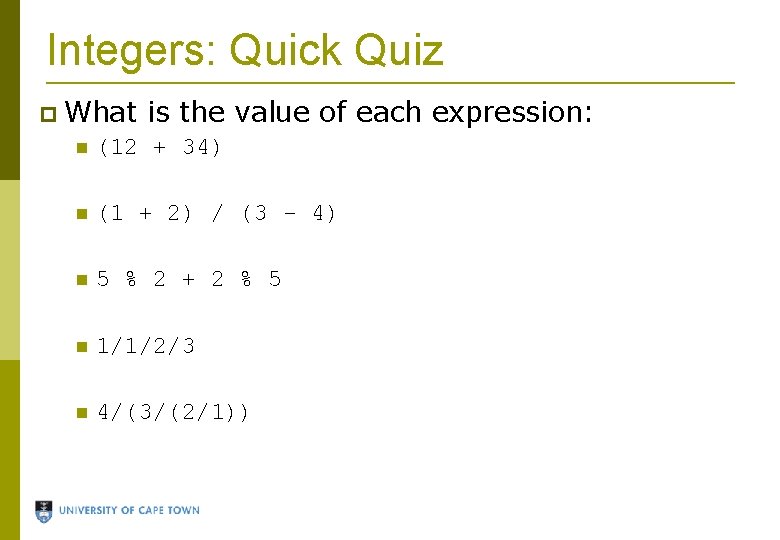
Integers: Quick Quiz What is the value of each expression: (12 + 34) (1 + 2) / (3 - 4) 5 % 2 + 2 % 5 1/1/2/3 4/(3/(2/1))
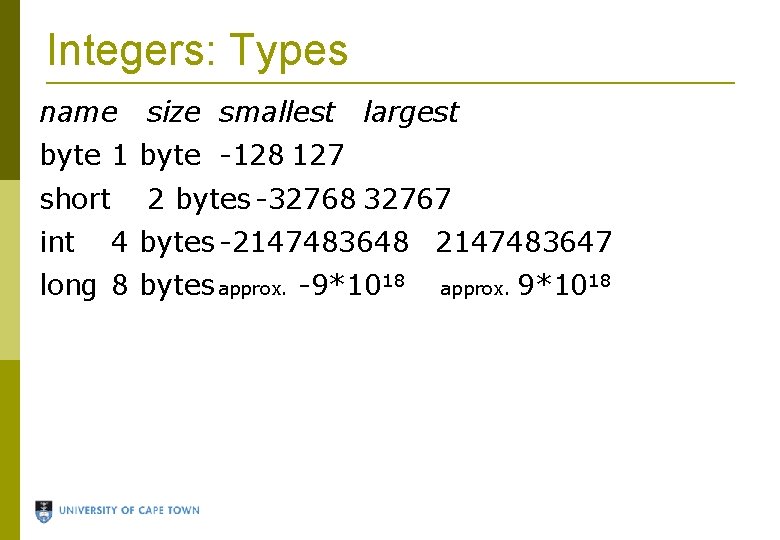
Integers: Types name size smallest largest byte 1 byte -128 127 short int 2 bytes -32768 32767 4 bytes -2147483648 2147483647 long 8 bytes approx. -9*1018 approx. 9*1018
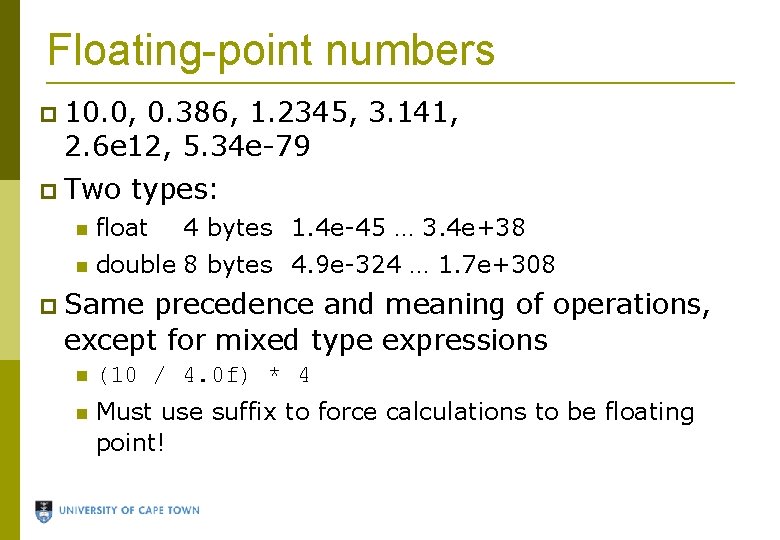
Floating-point numbers 10. 0, 0. 386, 1. 2345, 3. 141, 2. 6 e 12, 5. 34 e-79 Two types: float 4 bytes 1. 4 e-45 … 3. 4 e+38 double 8 bytes 4. 9 e-324 … 1. 7 e+308 Same precedence and meaning of operations, except for mixed type expressions (10 / 4. 0 f) * 4 Must use suffix to force calculations to be floating point!
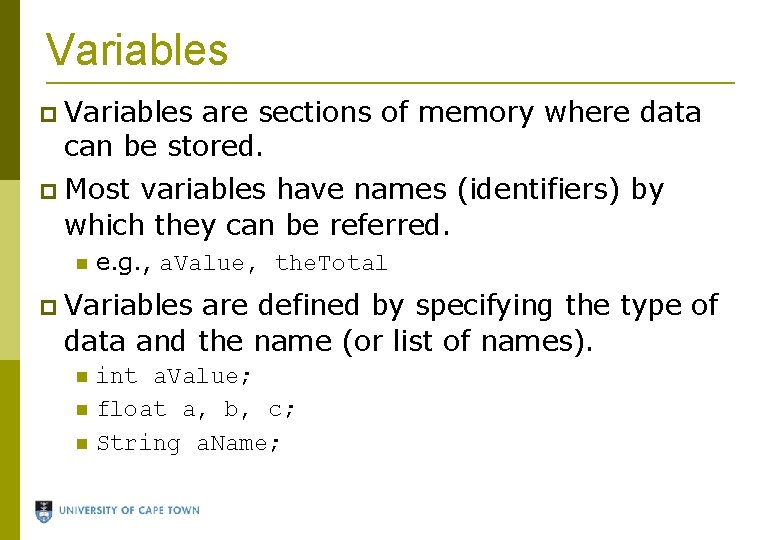
Variables are sections of memory where data can be stored. Most variables have names (identifiers) by which they can be referred. e. g. , a. Value, the. Total Variables are defined by specifying the type of data and the name (or list of names). int a. Value; float a, b, c; String a. Name;
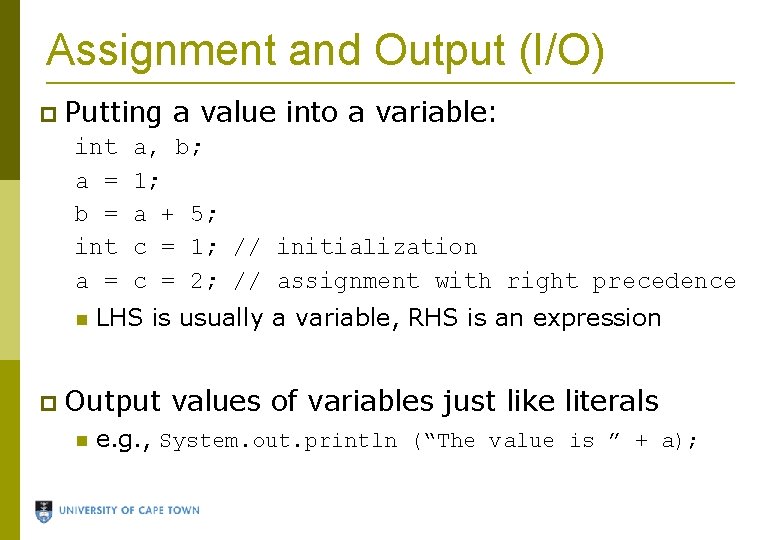
Assignment and Output (I/O) Putting int a = b = int a = a, b; 1; a + 5; c = 1; // initialization c = 2; // assignment with right precedence LHS is usually a variable, RHS is an expression Output a value into a variable: values of variables just like literals e. g. , System. out. println (“The value is ” + a);
Problem Write a program to calculate the number of precious seconds you spend at lectures in a semester, assuming you have 5 lectures a day, lectures on 4 days a week, and there are 12 weeks in a semester.
Problem Write a program to calculate your subminima and final mark for CSC 1015 F. Initialize variables for each component mark at the top of the main method so the marks can be changed relatively easily.
Problem Write a program to calculate the minimum of 4 integer values using the Math. min method, which returns the minimum of 2 numbers. Initialize variables for these 4 values at the top of the main method so the values can be changed relatively easily.
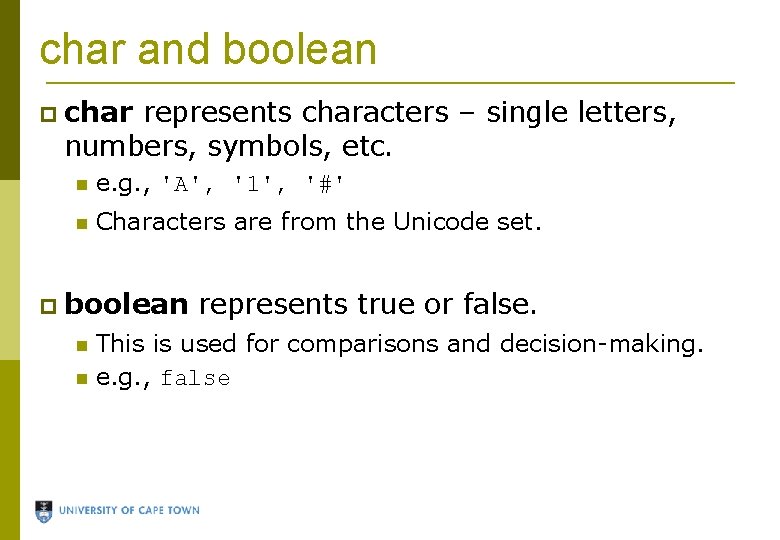
char and boolean char represents characters – single letters, numbers, symbols, etc. e. g. , 'A', '1', '#' Characters are from the Unicode set. boolean represents true or false. This is used for comparisons and decision-making. e. g. , false
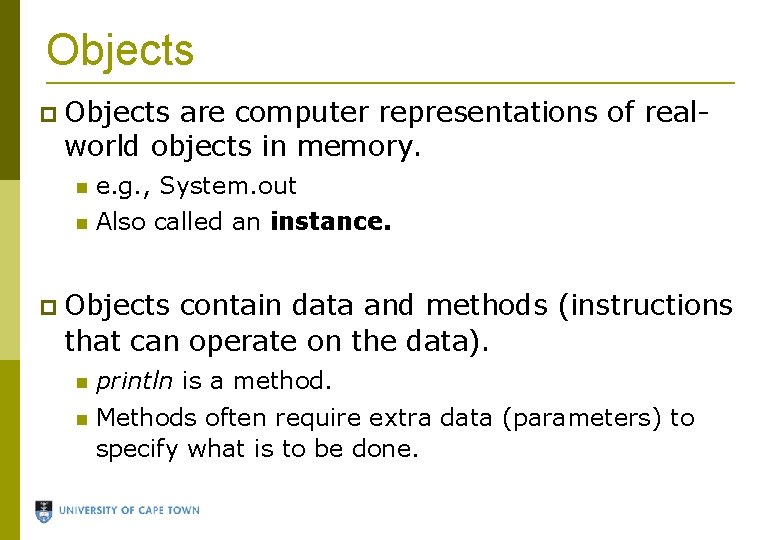
Objects are computer representations of realworld objects in memory. e. g. , System. out Also called an instance. Objects contain data and methods (instructions that can operate on the data). println is a method. Methods often require extra data (parameters) to specify what is to be done.
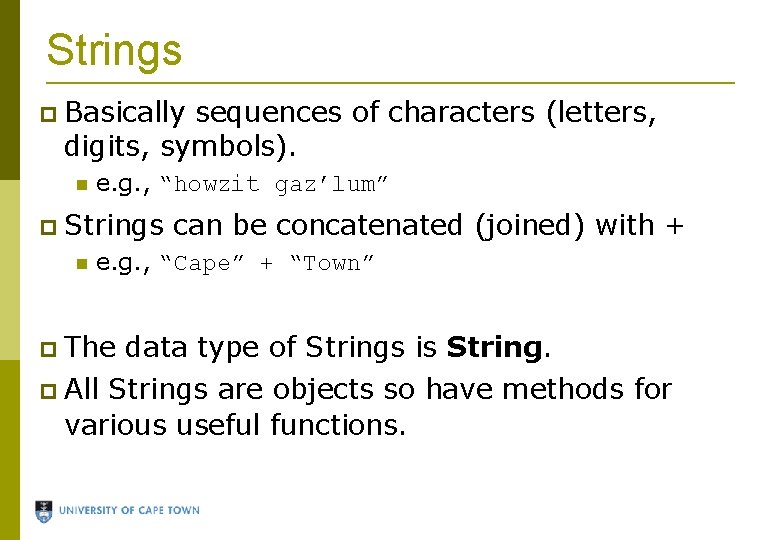
Strings Basically sequences of characters (letters, digits, symbols). e. g. , “howzit gaz’lum” Strings can be concatenated (joined) with + e. g. , “Cape” + “Town” The All data type of Strings is Strings are objects so have methods for various useful functions.
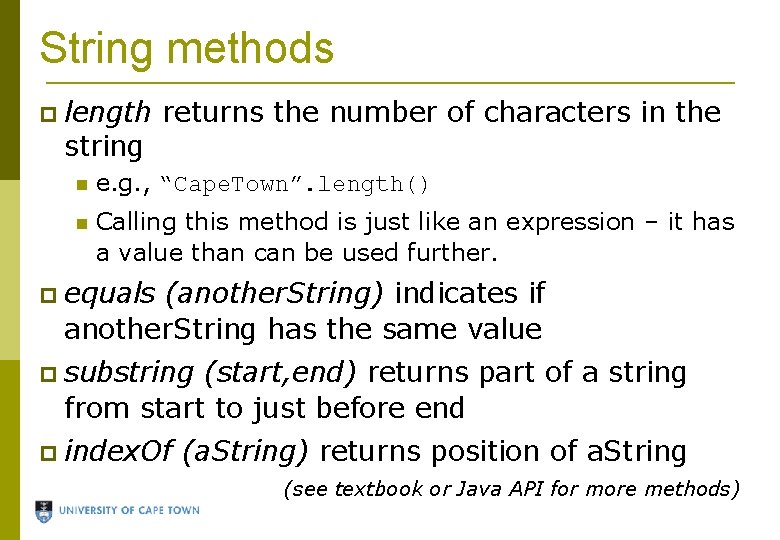
String methods length string returns the number of characters in the e. g. , “Cape. Town”. length() Calling this method is just like an expression – it has a value than can be used further. equals (another. String) indicates if another. String has the same value substring (start, end) returns part of a string from start to just before end index. Of (a. String) returns position of a. String (see textbook or Java API for more methods)
Problem Suppose we have a variable: “the quick brown fox jumped over the lazy dog”. Write a program to extract the colour of the quick fox from the sentence using only String manipulations. Make sure your program will work even if the String is different, as long as there is a quick something fox in it!
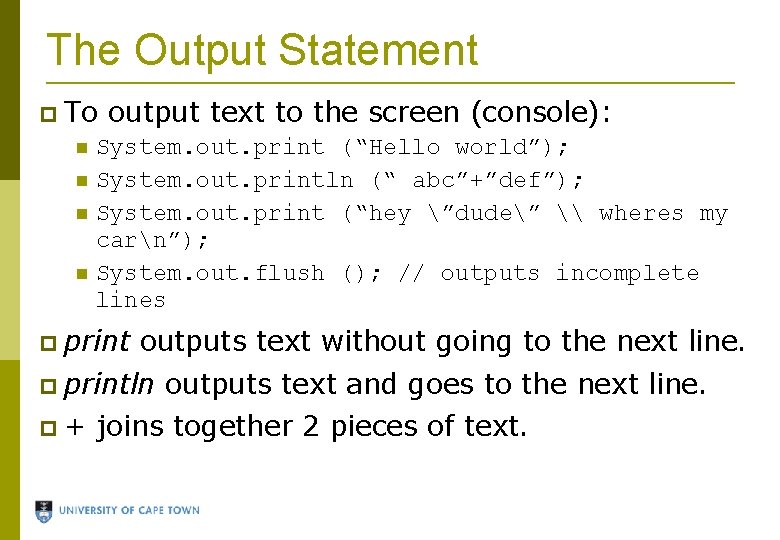
The Output Statement To output text to the screen (console): System. out. print (“Hello world”); System. out. println (“ abc”+”def”); System. out. print (“hey ”dude” \ wheres my carn”); System. out. flush (); // outputs incomplete lines print outputs text without going to the next line. println + outputs text and goes to the next line. joins together 2 pieces of text.
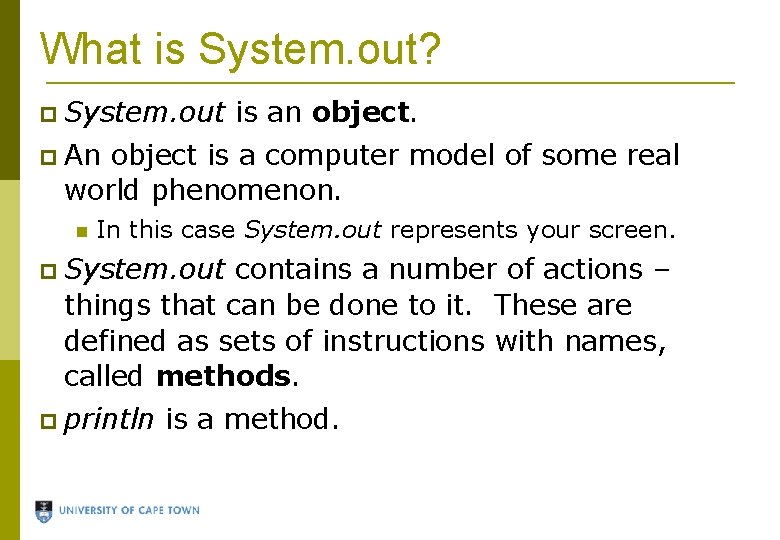
What is System. out? System. out is an object. An object is a computer model of some real world phenomenon. In this case System. out represents your screen. System. out contains a number of actions – things that can be done to it. These are defined as sets of instructions with names, called methods. println is a method.
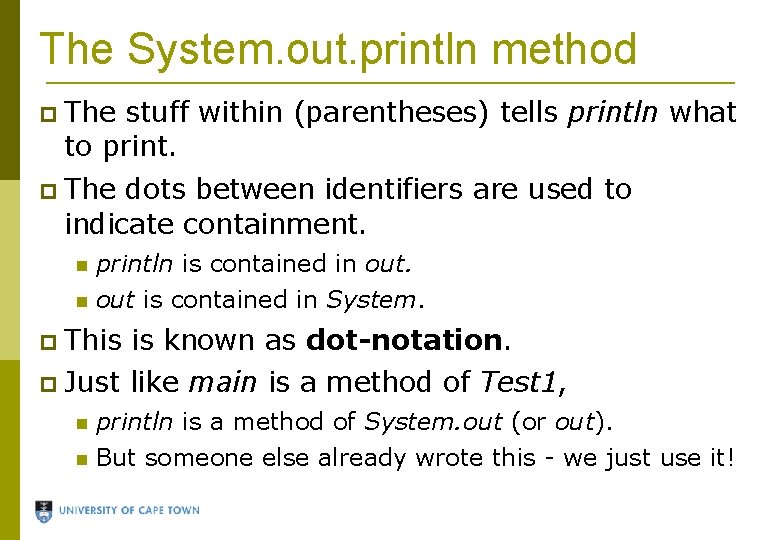
The System. out. println method The stuff within (parentheses) tells println what to print. The dots between identifiers are used to indicate containment. println is contained in out is contained in System. This is known as dot-notation. Just like main is a method of Test 1, println is a method of System. out (or out). But someone else already wrote this - we just use it!
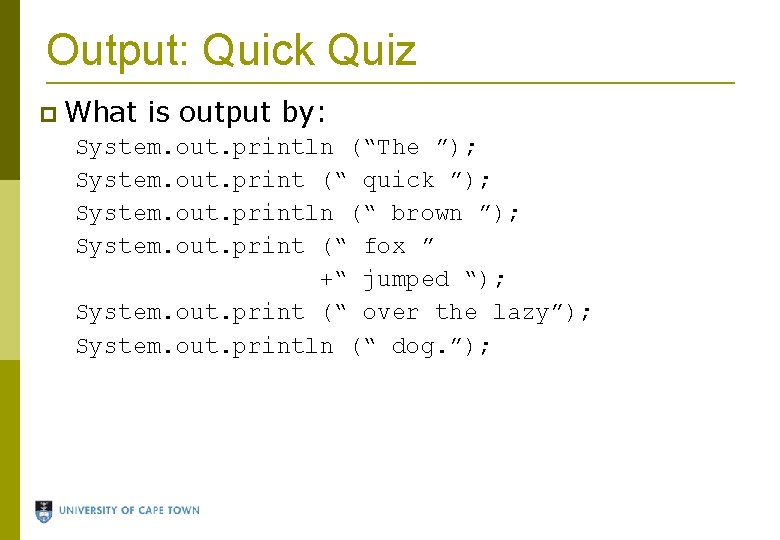
Output: Quick Quiz What is output by: System. out. println (“The ”); System. out. print (“ quick ”); System. out. println (“ brown ”); System. out. print (“ fox ” +“ jumped “); System. out. print (“ over the lazy”); System. out. println (“ dog. ”);
Problem Write a program to print out the source code for a Hello World Java program.
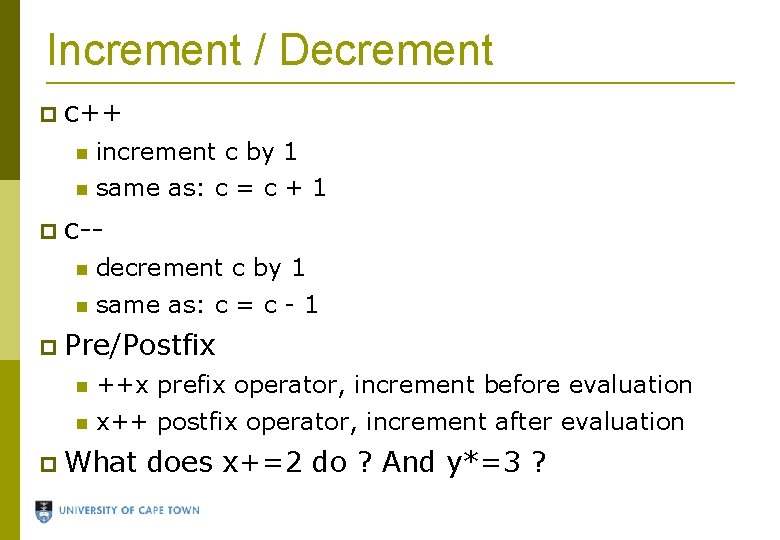
Increment / Decrement c++ increment c by 1 same as: c = c + 1 c- decrement c by 1 same as: c = c - 1 Pre/Postfix ++x prefix operator, increment before evaluation x++ postfix operator, increment after evaluation What does x+=2 do ? And y*=3 ?
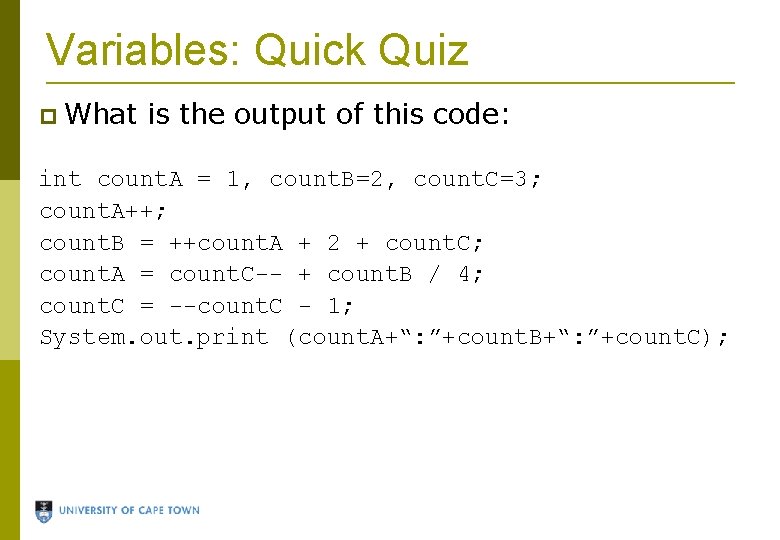
Variables: Quick Quiz What is the output of this code: int count. A = 1, count. B=2, count. C=3; count. A++; count. B = ++count. A + 2 + count. C; count. A = count. C-- + count. B / 4; count. C = --count. C - 1; System. out. print (count. A+“: ”+count. B+“: ”+count. C);
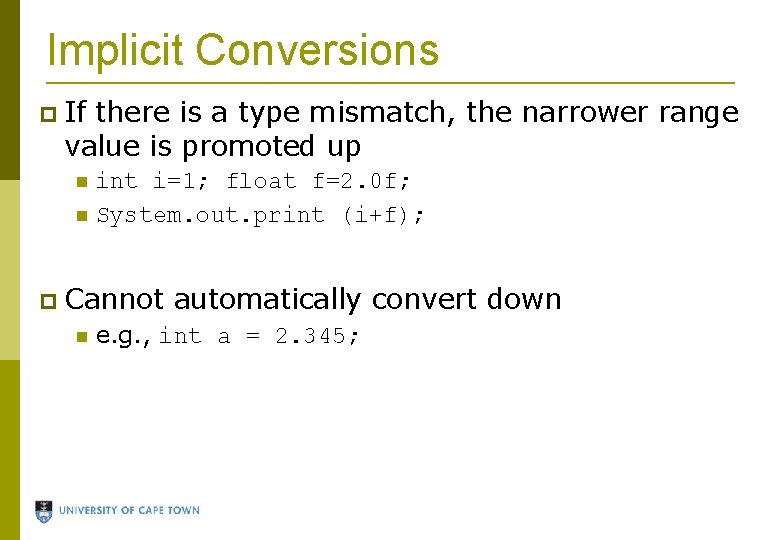
Implicit Conversions If there is a type mismatch, the narrower range value is promoted up int i=1; float f=2. 0 f; System. out. print (i+f); Cannot automatically convert down e. g. , int a = 2. 345;
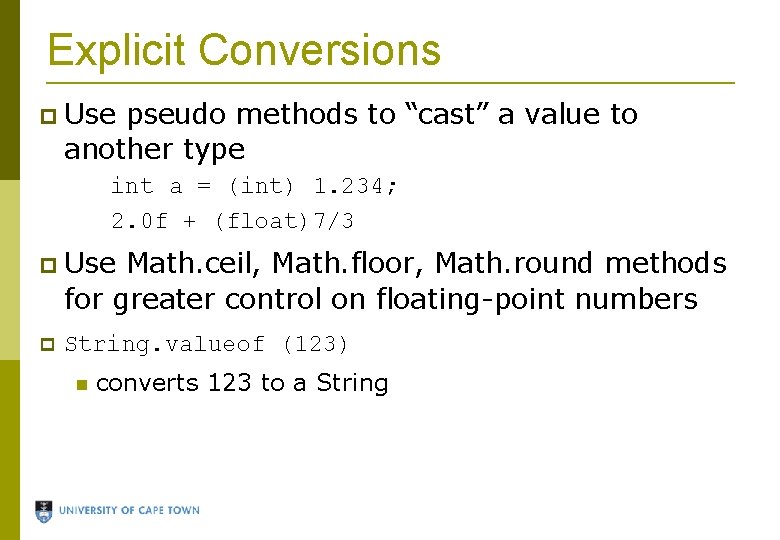
Explicit Conversions Use pseudo methods to “cast” a value to another type int a = (int) 1. 234; 2. 0 f + (float)7/3 Use Math. ceil, Math. floor, Math. round methods for greater control on floating-point numbers String. valueof (123) converts 123 to a String
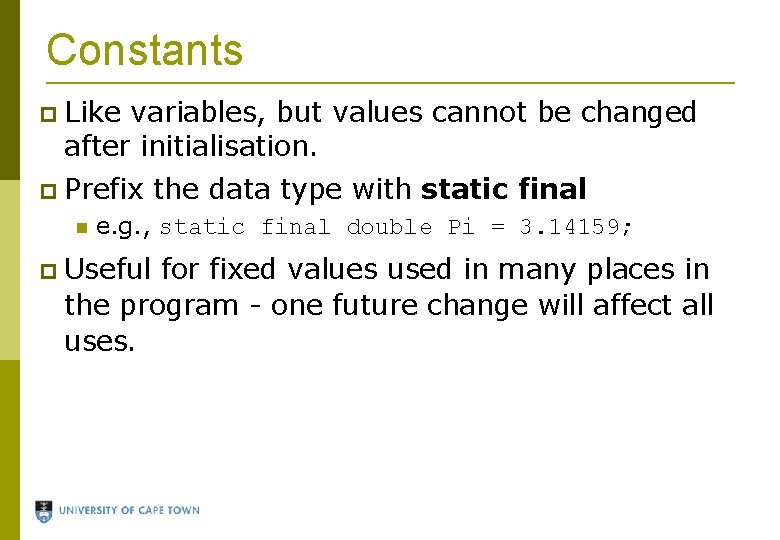
Constants Like variables, but values cannot be changed after initialisation. Prefix the data type with static final e. g. , static final double Pi = 3. 14159; Useful for fixed values used in many places in the program - one future change will affect all uses.
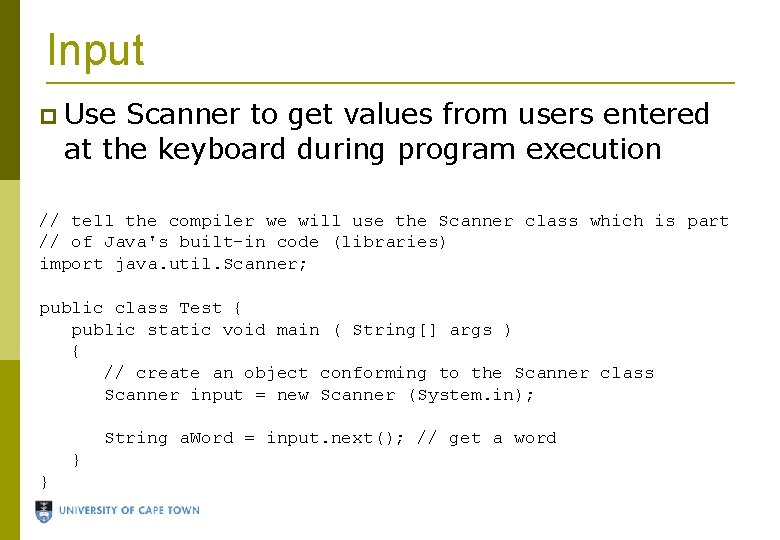
Input Use Scanner to get values from users entered at the keyboard during program execution // tell the compiler we will use the Scanner class which is part // of Java's built-in code (libraries) import java. util. Scanner; public class Test { public static void main ( String[] args ) { // create an object conforming to the Scanner class Scanner input = new Scanner (System. in); String a. Word = input. next(); // get a word } }
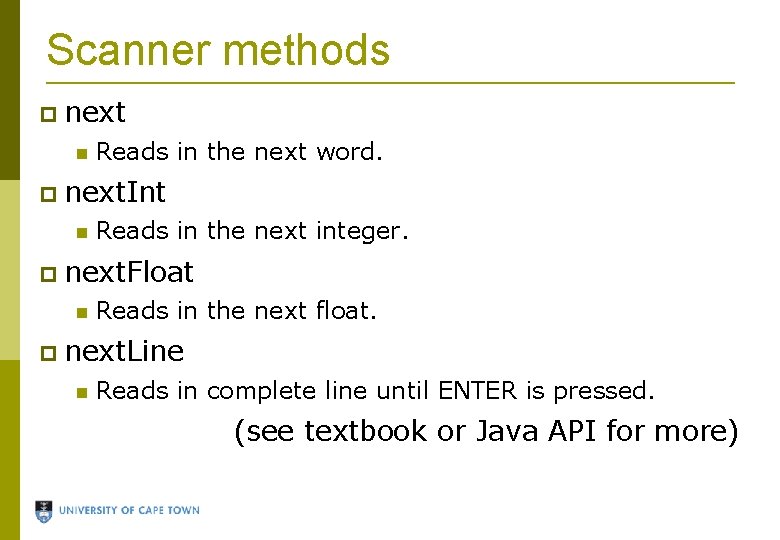
Scanner methods next Reads in the next word. next. Int Reads in the next integer. next. Float Reads in the next float. next. Line Reads in complete line until ENTER is pressed. (see textbook or Java API for more)
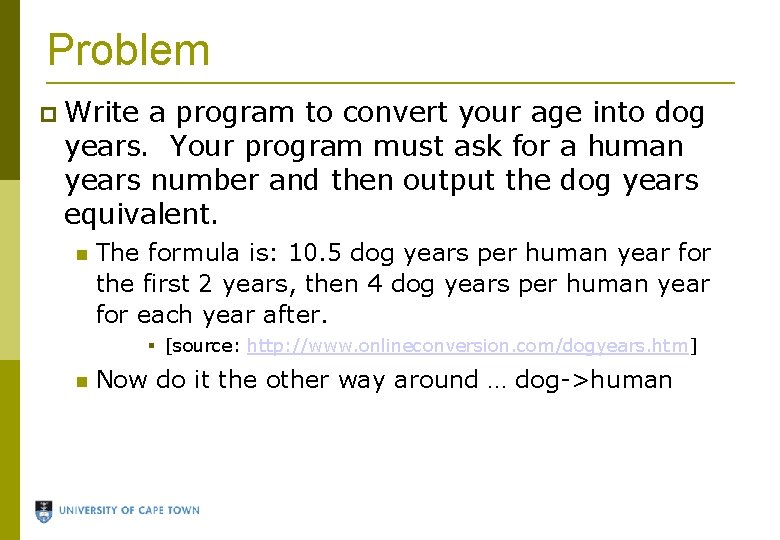
Problem Write a program to convert your age into dog years. Your program must ask for a human years number and then output the dog years equivalent. The formula is: 10. 5 dog years per human year for the first 2 years, then 4 dog years per human year for each year after. [source: http: //www. onlineconversion. com/dogyears. htm] Now do it the other way around … dog->human
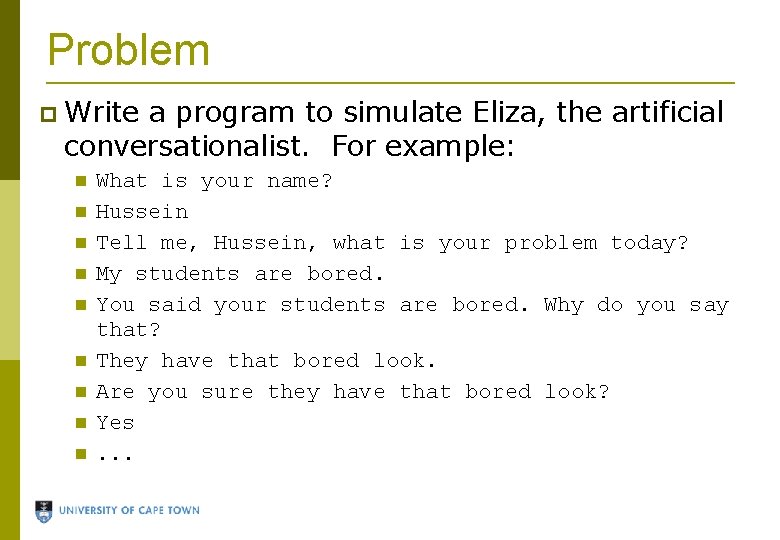
Problem Write a program to simulate Eliza, the artificial conversationalist. For example: What is your name? Hussein Tell me, Hussein, what is your problem today? My students are bored. You said your students are bored. Why do you say that? They have that bored look. Are you sure they have that bored look? Yes. . .
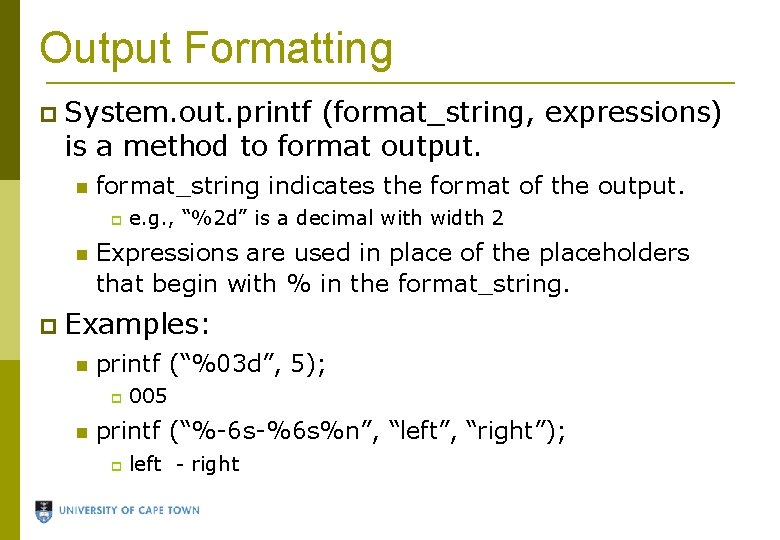
Output Formatting System. out. printf (format_string, expressions) is a method to format output. format_string indicates the format of the output. e. g. , “%2 d” is a decimal with width 2 Expressions are used in place of the placeholders that begin with % in the format_string. Examples: printf (“%03 d”, 5); 005 printf (“%-6 s-%6 s%n”, “left”, “right”); left - right
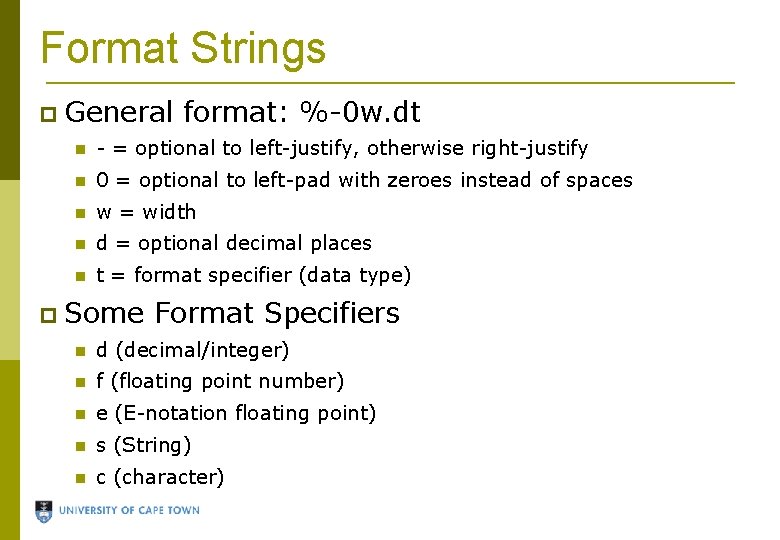
Format Strings General format: %-0 w. dt - = optional to left-justify, otherwise right-justify 0 = optional to left-pad with zeroes instead of spaces w = width d = optional decimal places t = format specifier (data type) Some Format Specifiers d (decimal/integer) f (floating point number) e (E-notation floating point) s (String) c (character)
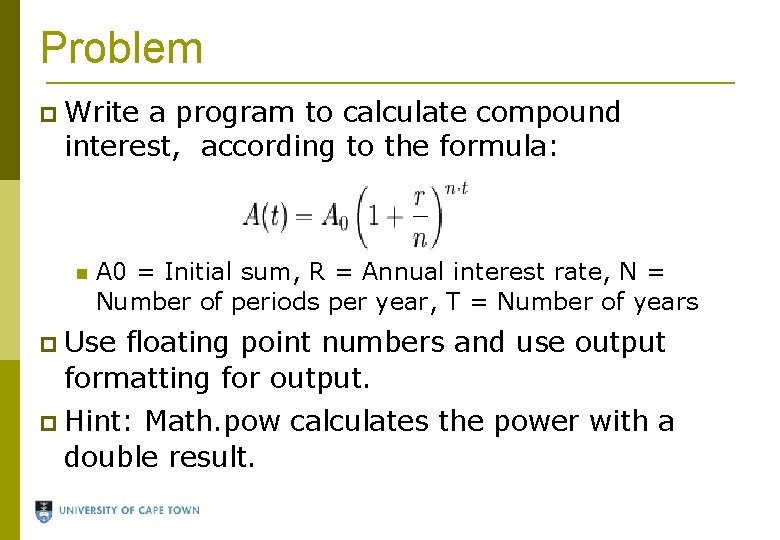
Problem Write a program to calculate compound interest, according to the formula: A 0 = Initial sum, R = Annual interest rate, N = Number of periods per year, T = Number of years Use floating point numbers and use output formatting for output. Hint: Math. pow calculates the power with a double result.