
UCT Department of Computer Science 1015 F Introduction
- Slides: 46
UCT Department of Computer Science 1015 F Introduction to Computing Hussein Suleman <hussein@cs. uct. ac. za> February 2008
What is Computer Science
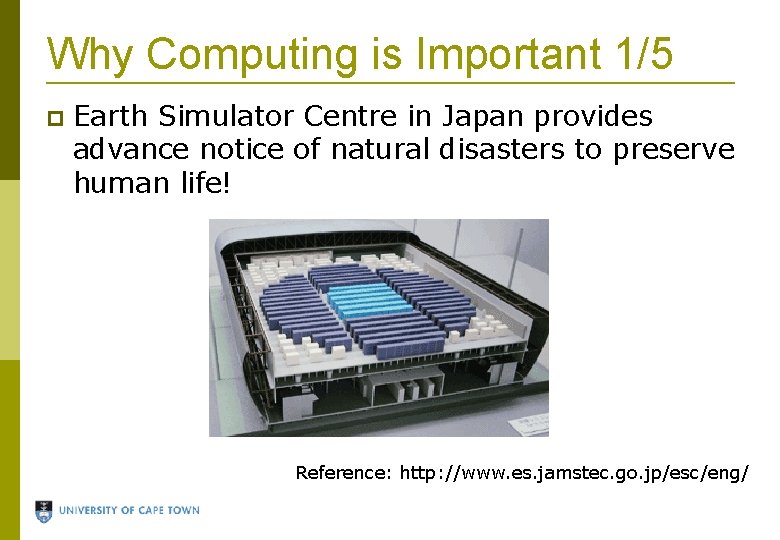
Why Computing is Important 1/5 Earth Simulator Centre in Japan provides advance notice of natural disasters to preserve human life! Reference: http: //www. es. jamstec. go. jp/esc/eng/
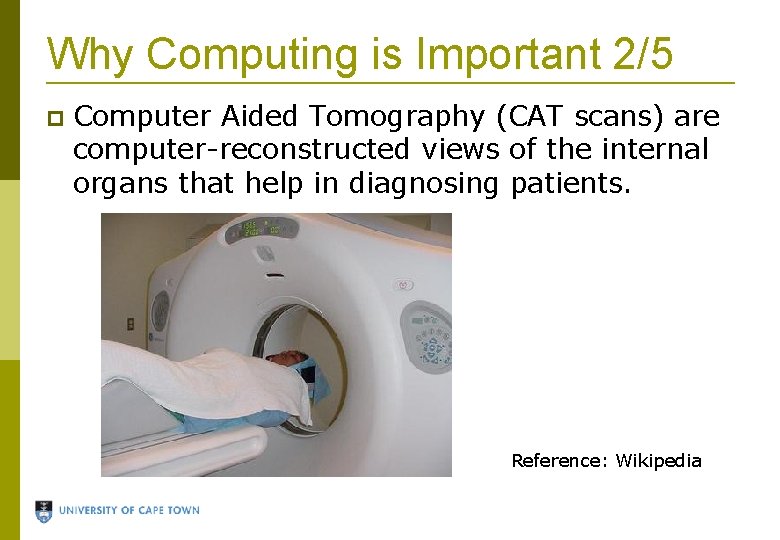
Why Computing is Important 2/5 Computer Aided Tomography (CAT scans) are computer-reconstructed views of the internal organs that help in diagnosing patients. Reference: Wikipedia
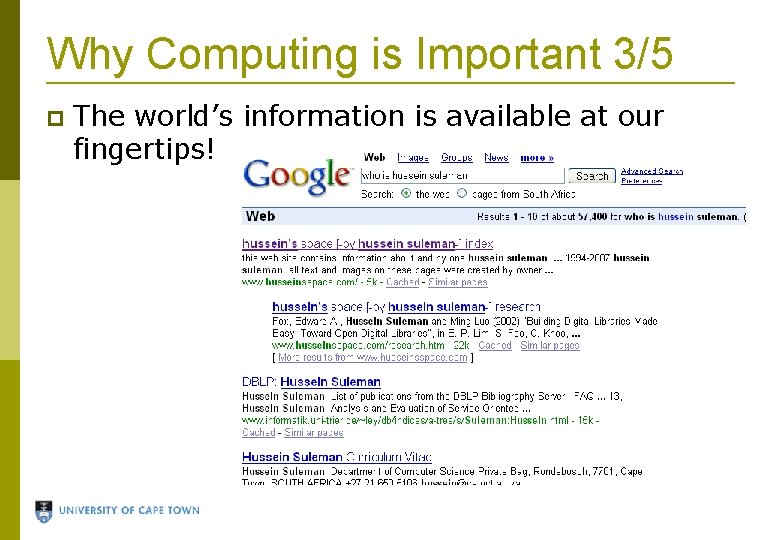
Why Computing is Important 3/5 The world’s information is available at our fingertips!
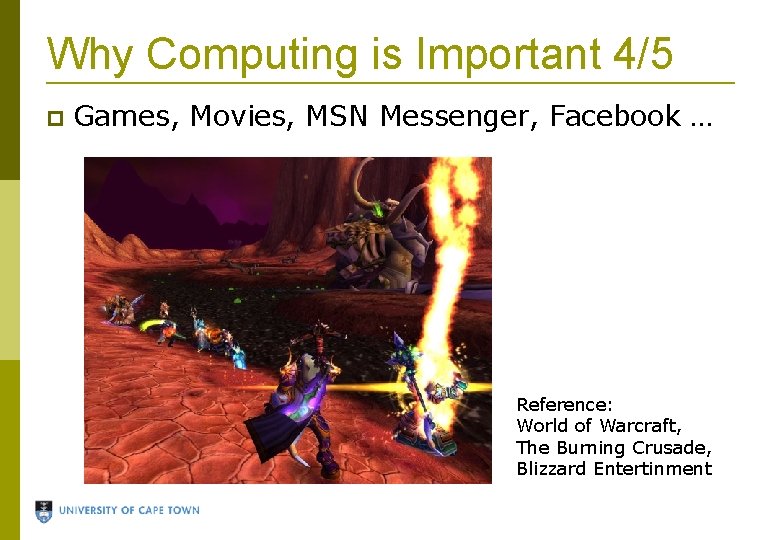
Why Computing is Important 4/5 Games, Movies, MSN Messenger, Facebook … Reference: World of Warcraft, The Burning Crusade, Blizzard Entertinment
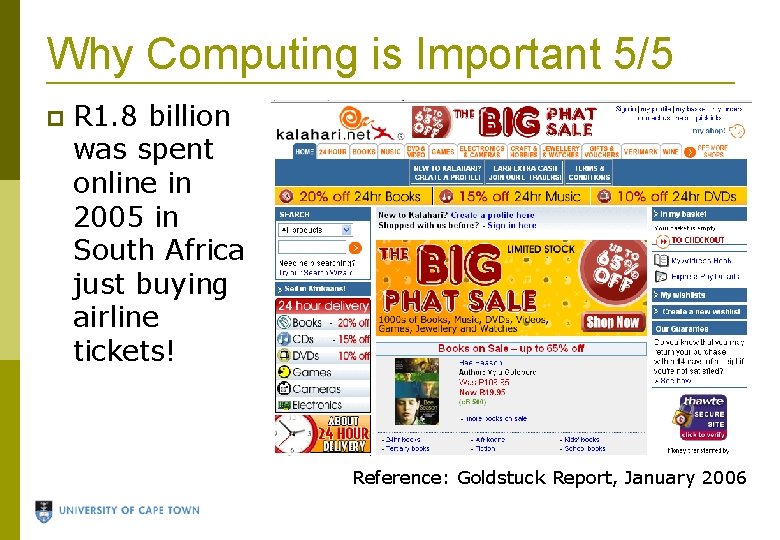
Why Computing is Important 5/5 R 1. 8 billion was spent online in 2005 in South Africa just buying airline tickets! Reference: Goldstuck Report, January 2006
What is Computer Science? Computer Science (CS) is the study of: Computer software Algorithms, abstractions and efficiency Theoretical foundation for computation What you learn in Computer Science: Principles of computation How to make machines perform complex tasks How to program a computer What current technology exists and how to use it
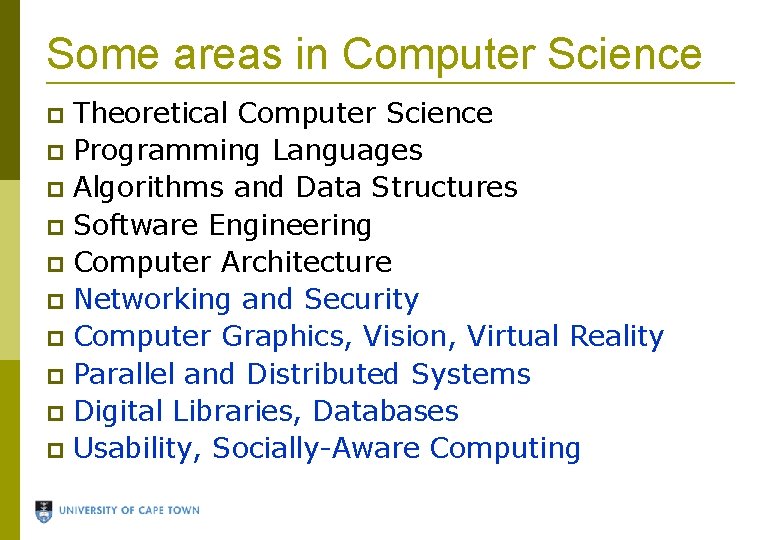
Some areas in Computer Science Theoretical Computer Science Programming Languages Algorithms and Data Structures Software Engineering Computer Architecture Networking and Security Computer Graphics, Vision, Virtual Reality Parallel and Distributed Systems Digital Libraries, Databases Usability, Socially-Aware Computing
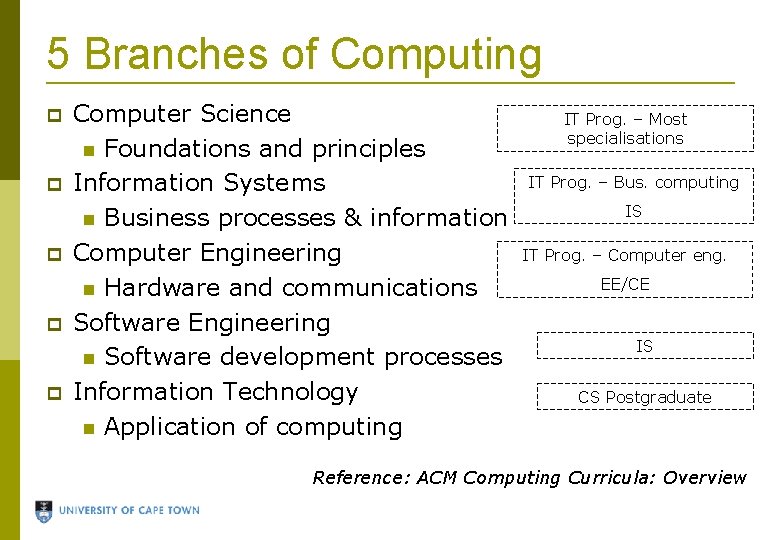
5 Branches of Computing Computer Science Foundations and principles Information Systems Business processes & information Computer Engineering Hardware and communications Software Engineering Software development processes Information Technology Application of computing IT Prog. – Most specialisations IT Prog. – Bus. computing IS IT Prog. – Computer eng. EE/CE IS CS Postgraduate Reference: ACM Computing Curricula: Overview
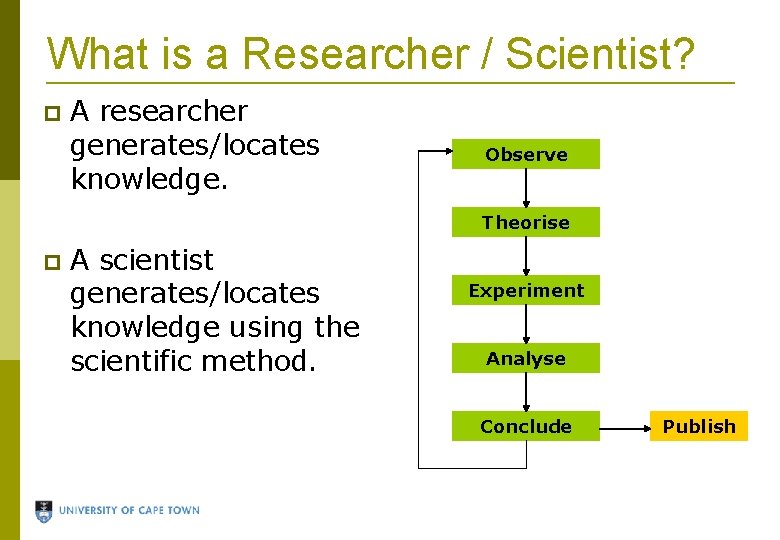
What is a Researcher / Scientist? A researcher generates/locates knowledge. Observe Theorise A scientist generates/locates knowledge using the scientific method. Experiment Analyse Conclude Publish
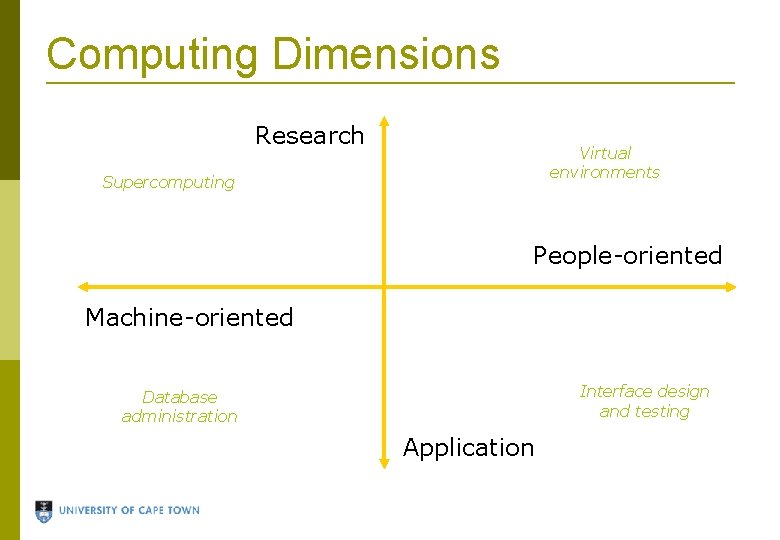
Computing Dimensions Research Virtual environments Supercomputing People-oriented Machine-oriented Interface design and testing Database administration Application
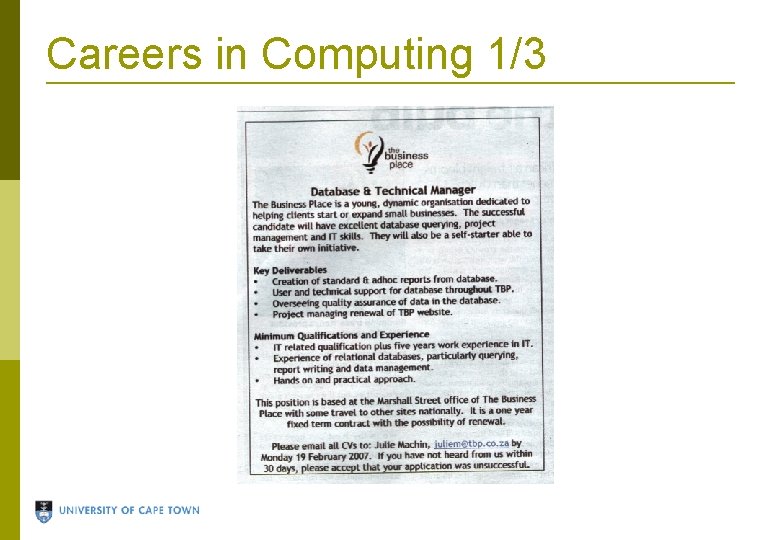
Careers in Computing 1/3
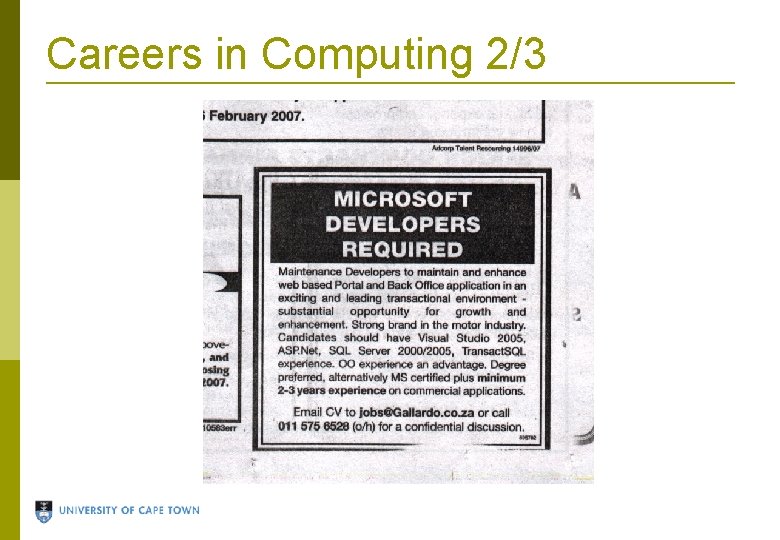
Careers in Computing 2/3
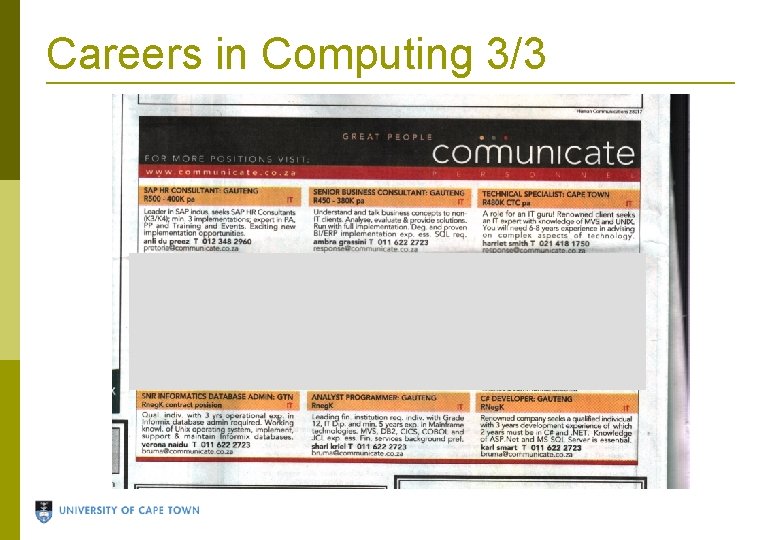
Careers in Computing 3/3
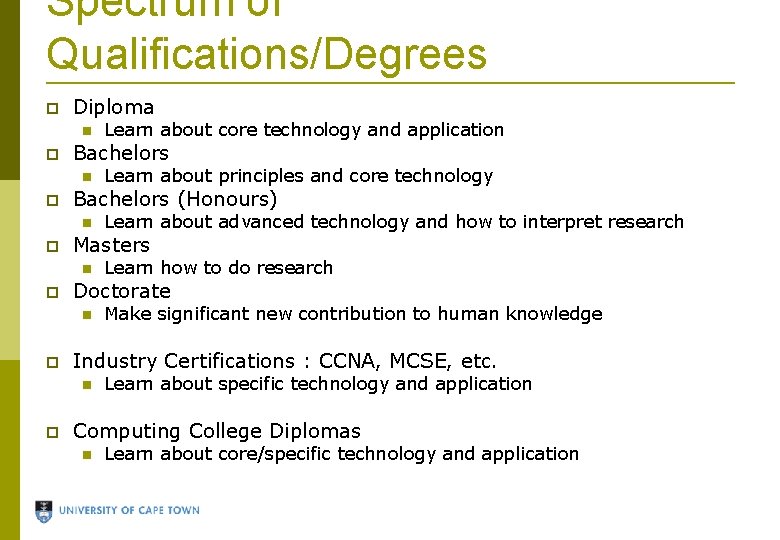
Spectrum of Qualifications/Degrees Diploma Bachelors Make significant new contribution to human knowledge Industry Certifications : CCNA, MCSE, etc. Learn how to do research Doctorate Learn about advanced technology and how to interpret research Masters Learn about principles and core technology Bachelors (Honours) Learn about core technology and application Learn about specific technology and application Computing College Diplomas Learn about core/specific technology and application
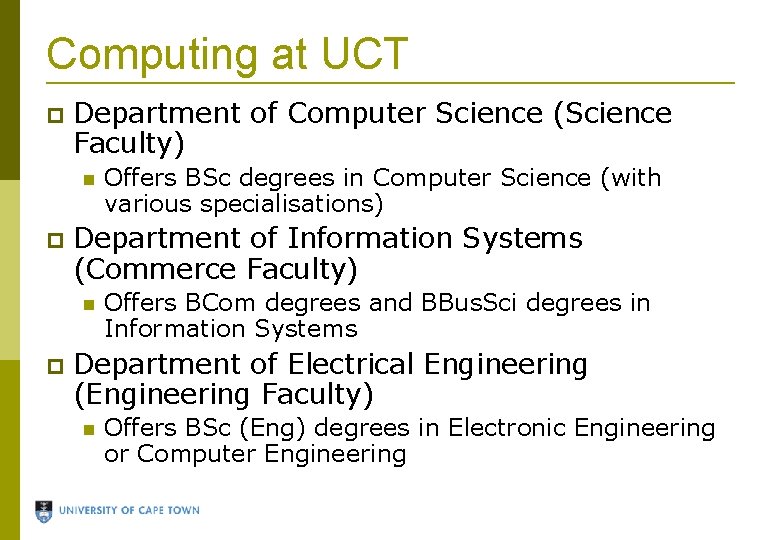
Computing at UCT Department of Computer Science (Science Faculty) Department of Information Systems (Commerce Faculty) Offers BSc degrees in Computer Science (with various specialisations) Offers BCom degrees and BBus. Sci degrees in Information Systems Department of Electrical Engineering (Engineering Faculty) Offers BSc (Eng) degrees in Electronic Engineering or Computer Engineering
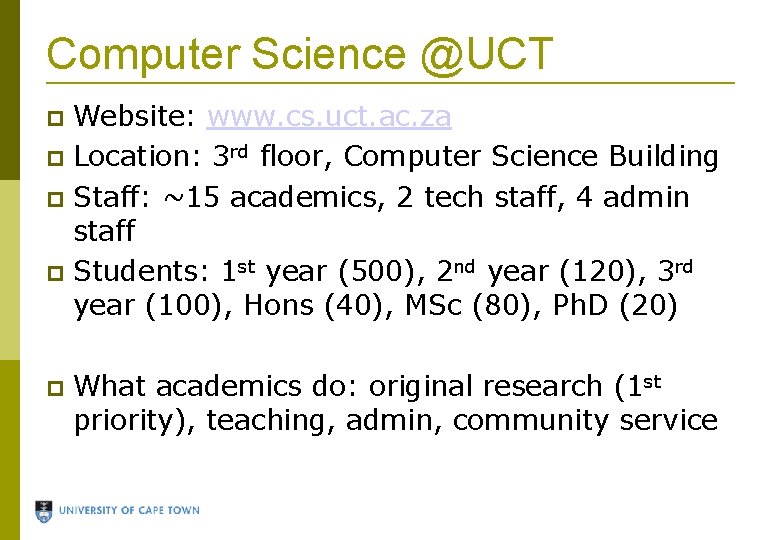
Computer Science @UCT Website: www. cs. uct. ac. za Location: 3 rd floor, Computer Science Building Staff: ~15 academics, 2 tech staff, 4 admin staff Students: 1 st year (500), 2 nd year (120), 3 rd year (100), Hons (40), MSc (80), Ph. D (20) What academics do: original research (1 st priority), teaching, admin, community service
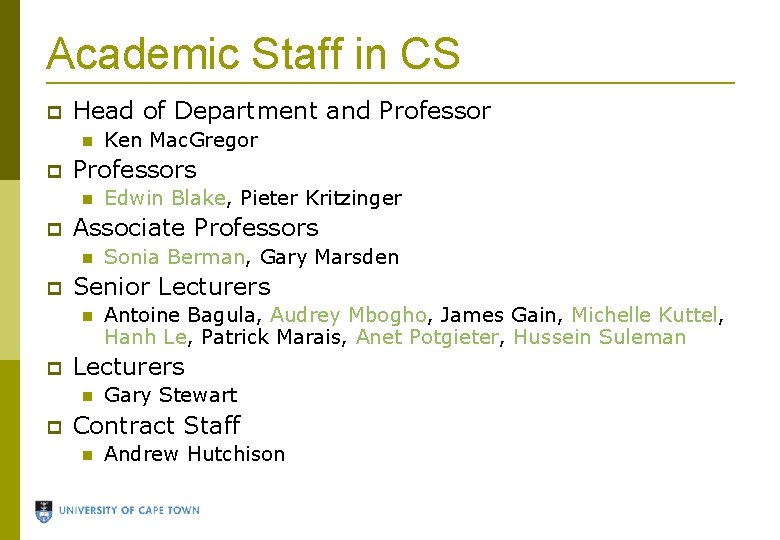
Academic Staff in CS Head of Department and Professors Antoine Bagula, Audrey Mbogho, James Gain, Michelle Kuttel, Hanh Le, Patrick Marais, Anet Potgieter, Hussein Suleman Lecturers Sonia Berman, Gary Marsden Senior Lecturers Edwin Blake, Pieter Kritzinger Associate Professors Ken Mac. Gregor Gary Stewart Contract Staff Andrew Hutchison
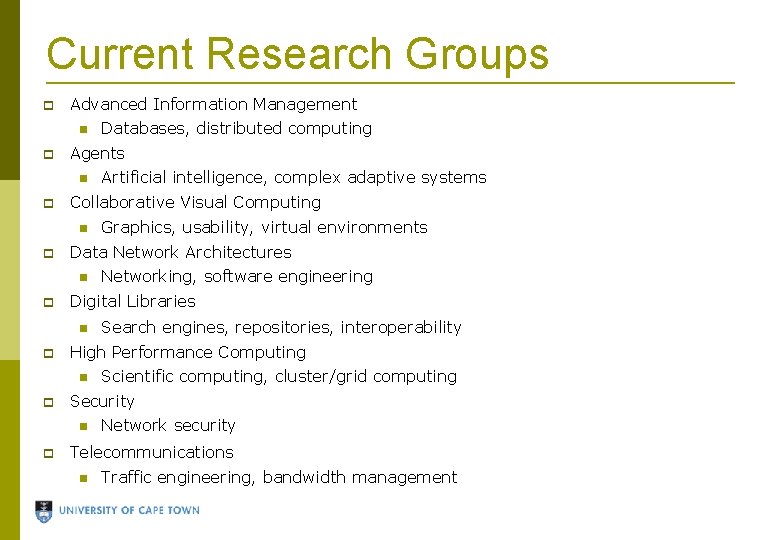
Current Research Groups Advanced Information Management Agents Scientific computing, cluster/grid computing Security Search engines, repositories, interoperability High Performance Computing Networking, software engineering Digital Libraries Graphics, usability, virtual environments Data Network Architectures Artificial intelligence, complex adaptive systems Collaborative Visual Computing Databases, distributed computing Network security Telecommunications Traffic engineering, bandwidth management
Computer Hardware
Hardware refers to the physical parts of the computer. Hardware is sometimes referred to as computer components and peripherals. E. g. , Motherboard, Hard Disk/Drive Software refers to the set(s) of instructions given to the computer to execute one or more tasks. Software is sometimes referred to as programs. E. g. , Microsoft Office, Firefox
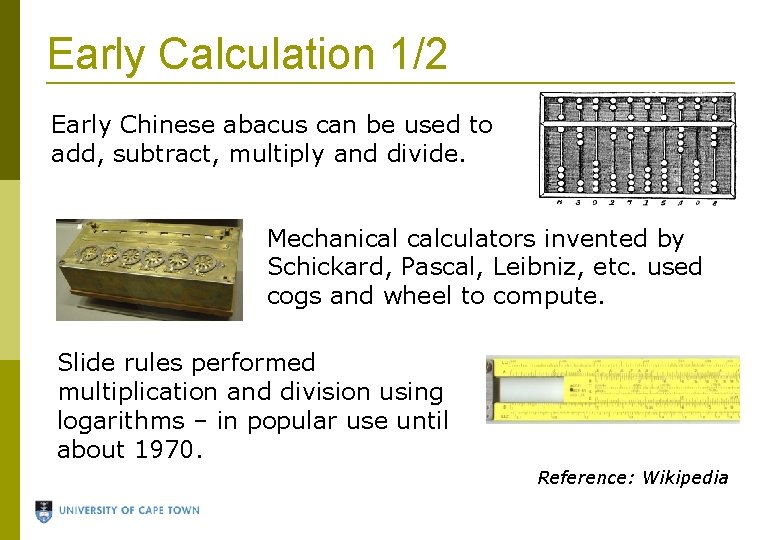
Early Calculation 1/2 Early Chinese abacus can be used to add, subtract, multiply and divide. Mechanical calculators invented by Schickard, Pascal, Leibniz, etc. used cogs and wheel to compute. Slide rules performed multiplication and division using logarithms – in popular use until about 1970. Reference: Wikipedia
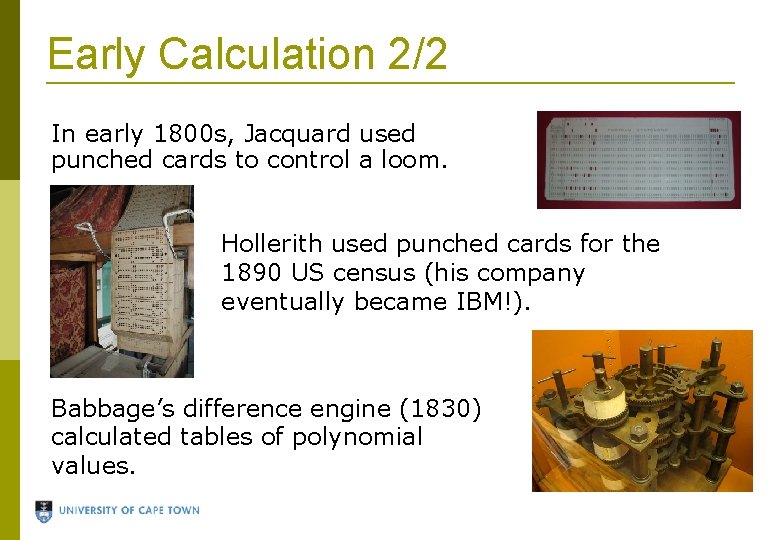
Early Calculation 2/2 In early 1800 s, Jacquard used punched cards to control a loom. Hollerith used punched cards for the 1890 US census (his company eventually became IBM!). Babbage’s difference engine (1830) calculated tables of polynomial values.
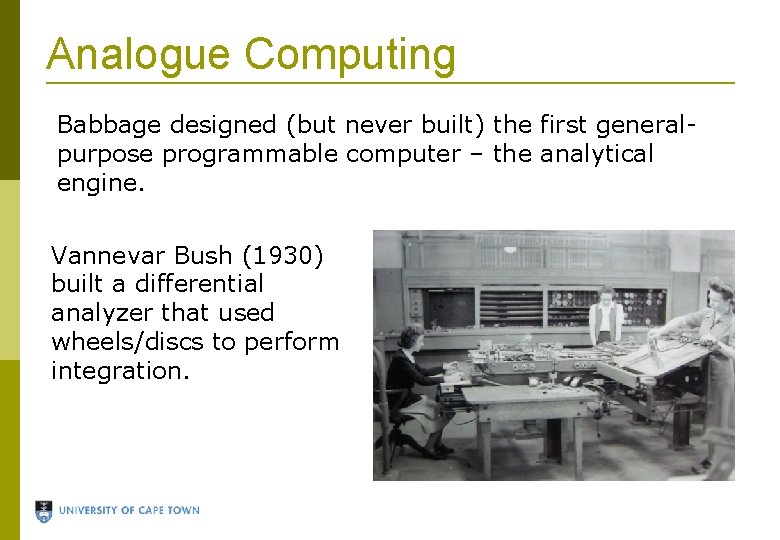
Analogue Computing Babbage designed (but never built) the first generalpurpose programmable computer – the analytical engine. Vannevar Bush (1930) built a differential analyzer that used wheels/discs to perform integration.
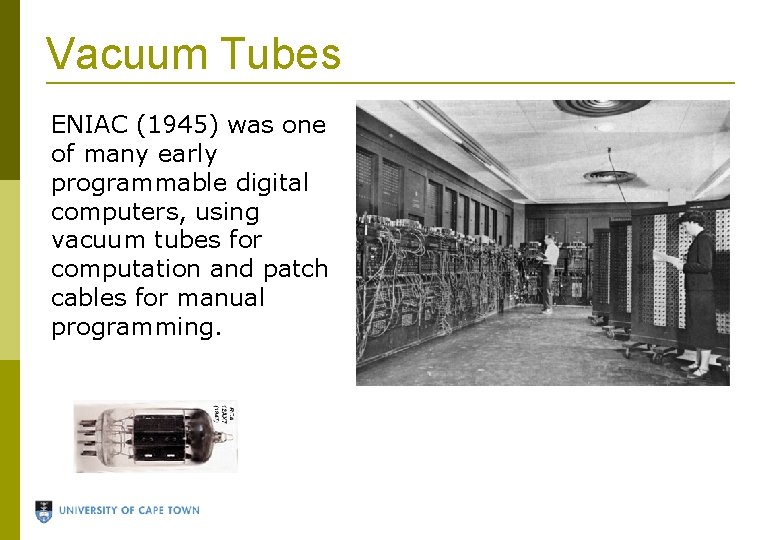
Vacuum Tubes ENIAC (1945) was one of many early programmable digital computers, using vacuum tubes for computation and patch cables for manual programming.
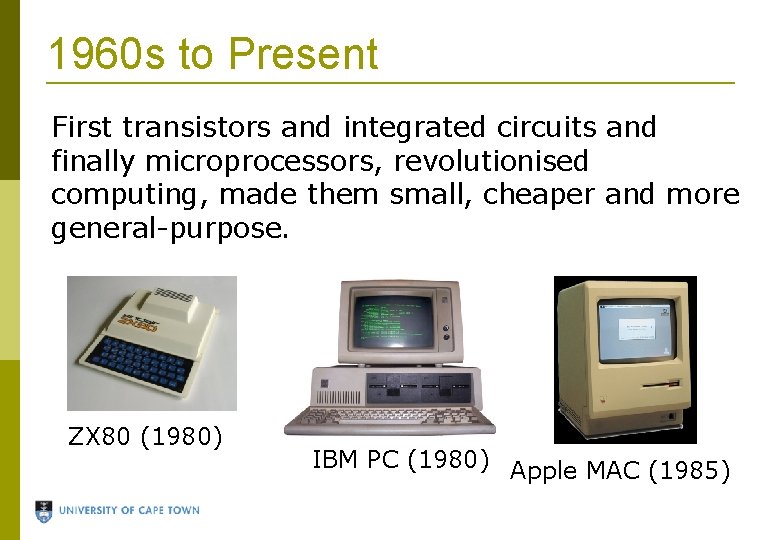
1960 s to Present First transistors and integrated circuits and finally microprocessors, revolutionised computing, made them small, cheaper and more general-purpose. ZX 80 (1980) IBM PC (1980) Apple MAC (1985)
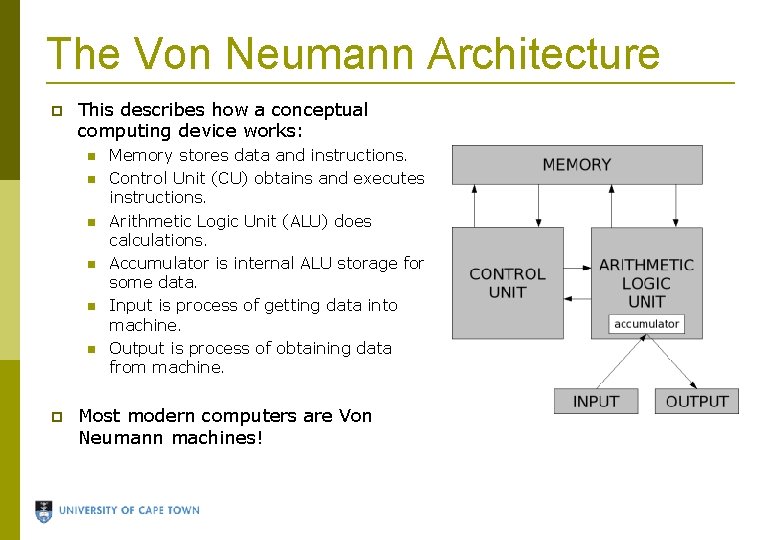
The Von Neumann Architecture This describes how a conceptual computing device works: Memory stores data and instructions. Control Unit (CU) obtains and executes instructions. Arithmetic Logic Unit (ALU) does calculations. Accumulator is internal ALU storage for some data. Input is process of getting data into machine. Output is process of obtaining data from machine. Most modern computers are Von Neumann machines!
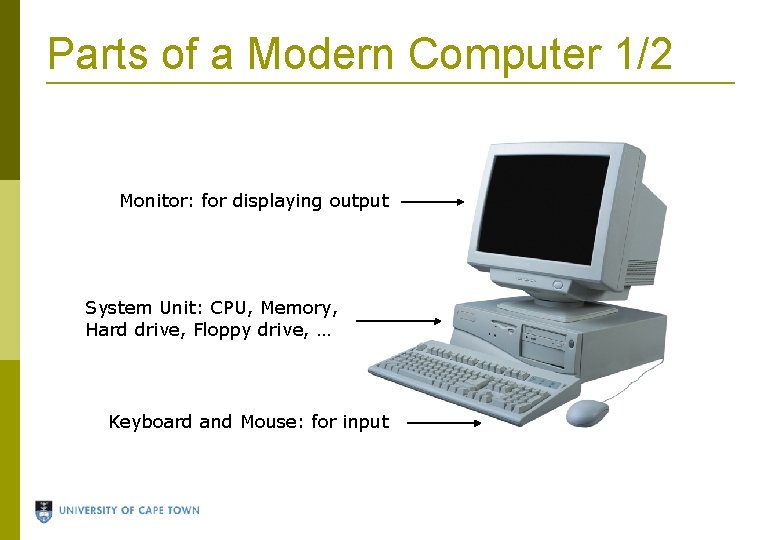
Parts of a Modern Computer 1/2 Monitor: for displaying output System Unit: CPU, Memory, Hard drive, Floppy drive, … Keyboard and Mouse: for input
Parts of a Modern Computer 2/2 Central Processing Unit (CPU): microchip that performs core computation. It usually contains the ALU and CU. Memory (primary storage): microchips that store data which can be accessed while computer is switched on. Random Access Memory (RAM) is volatile and modifiable. Read-Only Memory (ROM) cannot be changed. Hard drive, Floppy drive (secondary storage): store data on magnetic discs permanently i. e. , the data is not lost when the computer is switched off. Input/Output devices: transfers data from operator to machine and vice versa. Operating System: software system that manages resources on computer and executes application programs, e. g. , Windows XP, Ubuntu Linux.
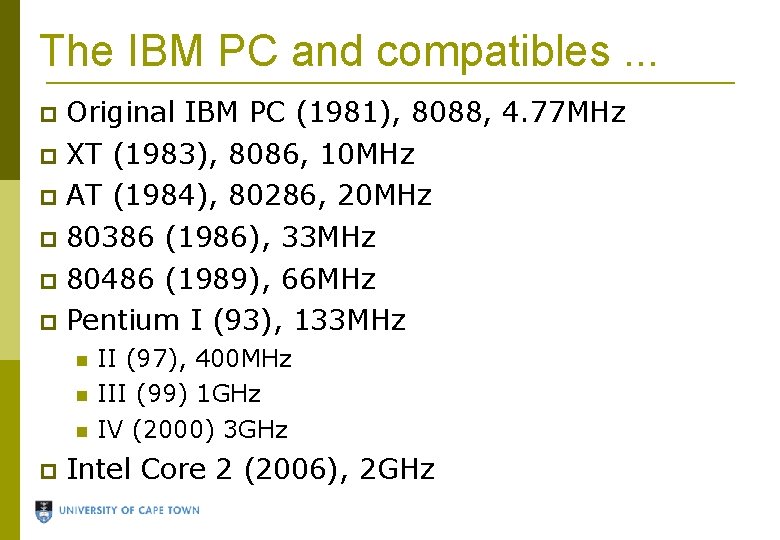
The IBM PC and compatibles. . . Original IBM PC (1981), 8088, 4. 77 MHz XT (1983), 8086, 10 MHz AT (1984), 80286, 20 MHz 80386 (1986), 33 MHz 80486 (1989), 66 MHz Pentium I (93), 133 MHz II (97), 400 MHz III (99) 1 GHz IV (2000) 3 GHz Intel Core 2 (2006), 2 GHz
Can Computers Keep Getting Faster? Moore's Law: Number of transistors (speed of computers) doubles every two years. Stopped at Pentium 4! Not possible to cram more transistors Heat dissipation Power consumption Now use more cores per CPU – currently quadcore, but soon possibly many more cores. Computer scientists must “think in parallel”!
Computer Software
Algorithms An algorithm is a sequence of steps performed to accomplish a task. Everyday tasks require algorithms but we usually do not think about them. E. g. , putting on shoes Algorithms must be precise so that they are Repeatable Have a predictable outcome Can be executed by different people
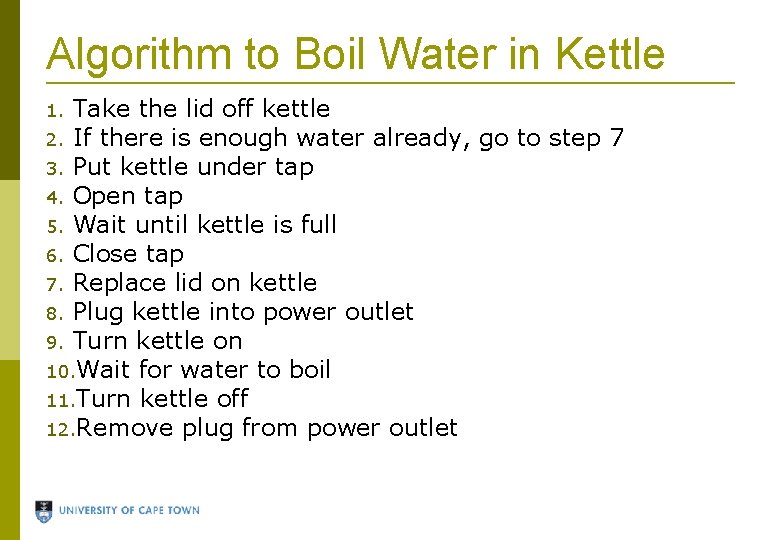
Algorithm to Boil Water in Kettle Take the lid off kettle 2. If there is enough water already, go to step 7 3. Put kettle under tap 4. Open tap 5. Wait until kettle is full 6. Close tap 7. Replace lid on kettle 8. Plug kettle into power outlet 9. Turn kettle on 10. Wait for water to boil 11. Turn kettle off 12. Remove plug from power outlet 1.
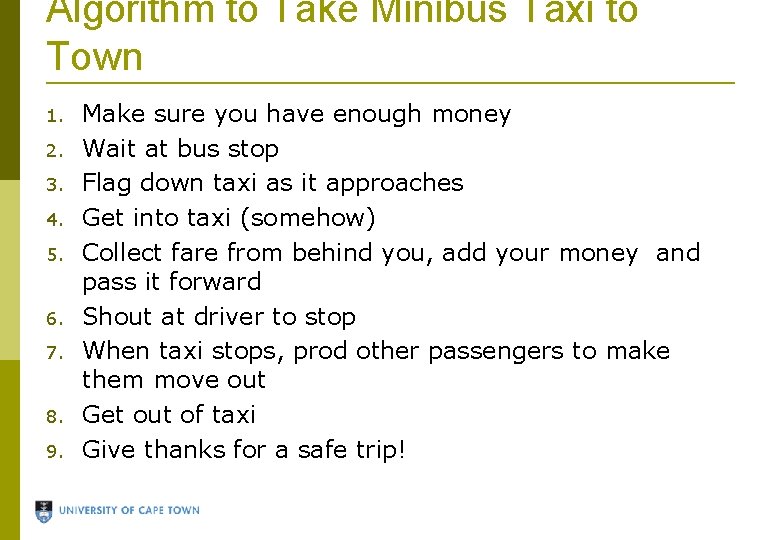
Algorithm to Take Minibus Taxi to Town 1. 2. 3. 4. 5. 6. 7. 8. 9. Make sure you have enough money Wait at bus stop Flag down taxi as it approaches Get into taxi (somehow) Collect fare from behind you, add your money and pass it forward Shout at driver to stop When taxi stops, prod other passengers to make them move out Get out of taxi Give thanks for a safe trip!
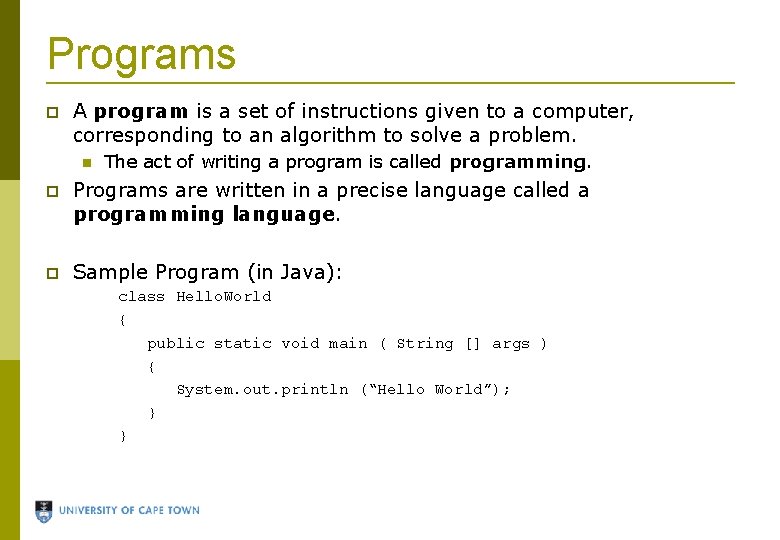
Programs A program is a set of instructions given to a computer, corresponding to an algorithm to solve a problem. The act of writing a program is called programming. Programs are written in a precise language called a programming language. Sample Program (in Java): class Hello. World { public static void main ( String [] args ) { System. out. println (“Hello World”); } }
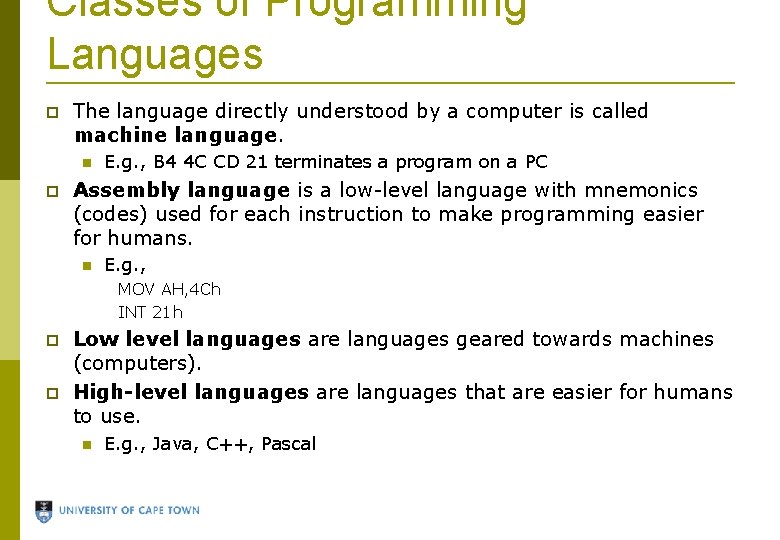
Classes of Programming Languages The language directly understood by a computer is called machine language. E. g. , B 4 4 C CD 21 terminates a program on a PC Assembly language is a low-level language with mnemonics (codes) used for each instruction to make programming easier for humans. E. g. , MOV AH, 4 Ch INT 21 h Low level languages are languages geared towards machines (computers). High-level languages are languages that are easier for humans to use. E. g. , Java, C++, Pascal
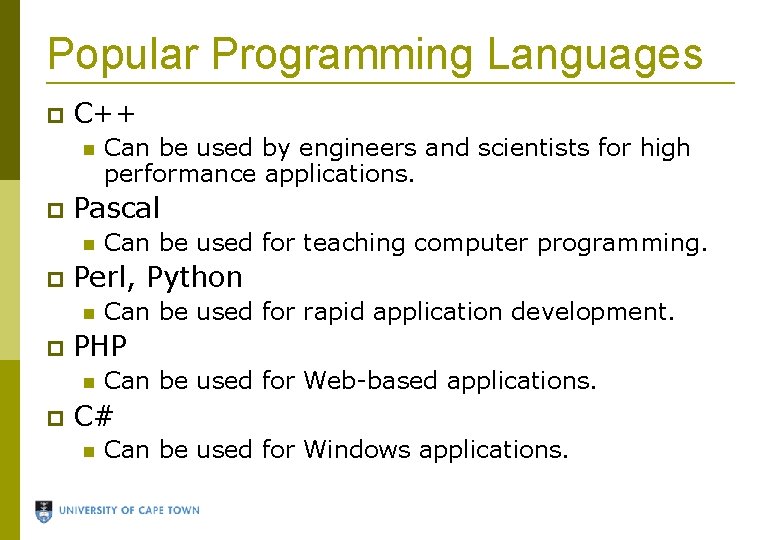
Popular Programming Languages C++ Pascal Can be used for rapid application development. PHP Can be used for teaching computer programming. Perl, Python Can be used by engineers and scientists for high performance applications. Can be used for Web-based applications. C# Can be used for Windows applications.
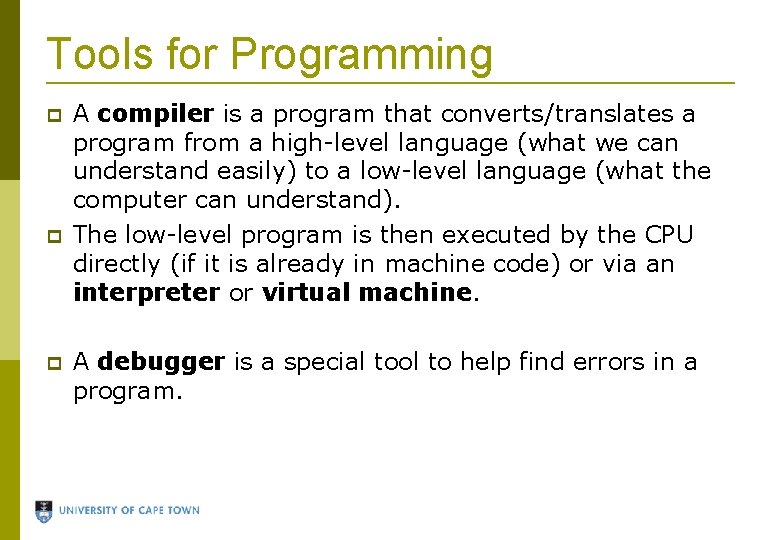
Tools for Programming A compiler is a program that converts/translates a program from a high-level language (what we can understand easily) to a low-level language (what the computer can understand). The low-level program is then executed by the CPU directly (if it is already in machine code) or via an interpreter or virtual machine. A debugger is a special tool to help find errors in a program.
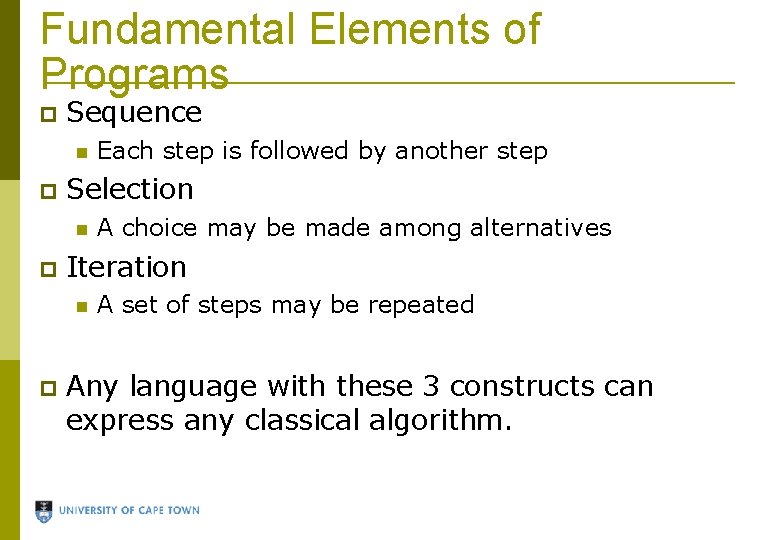
Fundamental Elements of Programs Sequence Selection A choice may be made among alternatives Iteration Each step is followed by another step A set of steps may be repeated Any language with these 3 constructs can express any classical algorithm.
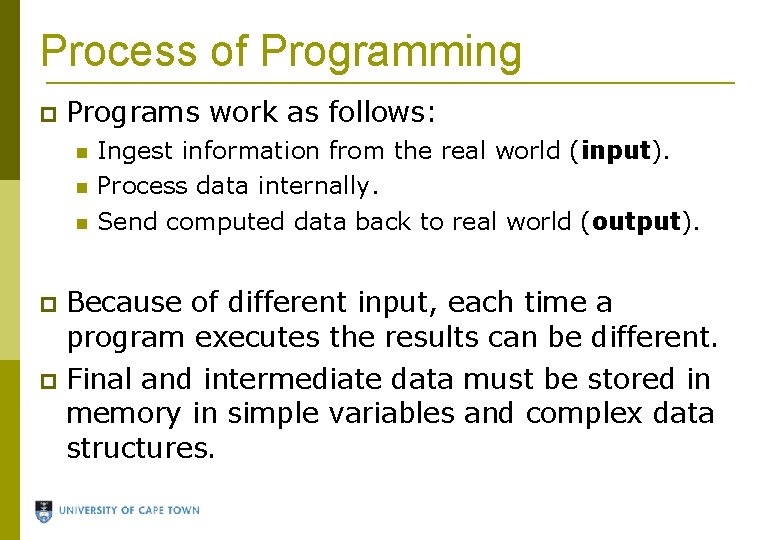
Process of Programming Programs work as follows: Ingest information from the real world (input). Process data internally. Send computed data back to real world (output). Because of different input, each time a program executes the results can be different. Final and intermediate data must be stored in memory in simple variables and complex data structures.
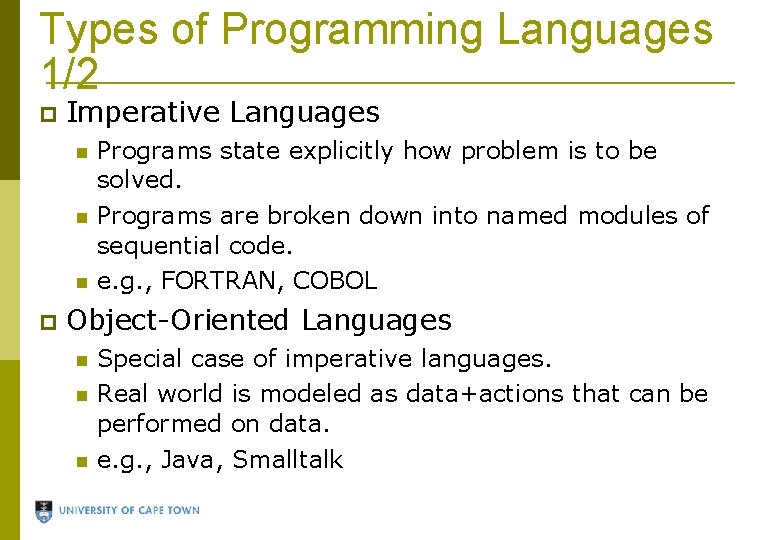
Types of Programming Languages 1/2 Imperative Languages Programs state explicitly how problem is to be solved. Programs are broken down into named modules of sequential code. e. g. , FORTRAN, COBOL Object-Oriented Languages Special case of imperative languages. Real world is modeled as data+actions that can be performed on data. e. g. , Java, Smalltalk
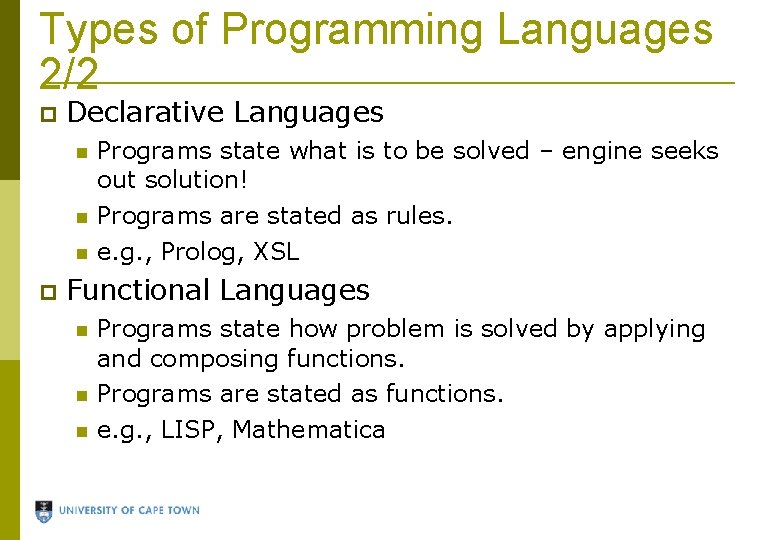
Types of Programming Languages 2/2 Declarative Languages Programs state what is to be solved – engine seeks out solution! Programs are stated as rules. e. g. , Prolog, XSL Functional Languages Programs state how problem is solved by applying and composing functions. Programs are stated as functions. e. g. , LISP, Mathematica
Java There are many different types of computer languages, and many different languages. This course is based on Java is a general-purpose object-oriented programming language invented in the mid 90 s by Sun Microsystems.
How We Program in Java We write classes. Each class is a template for the computer to create objects in memory – usually representations of some real-world concept. Ensure all classes know how to interact with other classes as is necessary. Execute the program by telling Java what the starting class is – Java then executes the main action/method from this class. This first class/action can then create other objects and perform other actions.