
UCPath Overview PPS Data Warehouse to UCPath Data
- Slides: 22
UCPath Overview PPS Data Warehouse to UCPath Data Warehouse UC Davis Application Development SIG September 12, 2017
Topics 1. Architecture and Resources 2. Overview 3. Position – Job – Person 4. Employee ID, Home Department 5. Social Security Number 6. Timeline 7. Updates 8. Technical Workgroup resources 2
Risks: Why We Need UCPath • 11 different payroll technologies system-wide. • Existing systems require manual calculations and processes, which can result in avoidable errors and rework. • Existing technologies are insufficient for UC’s complex employee population and changing business needs. • Existing systems are nearly 40 years old! 3
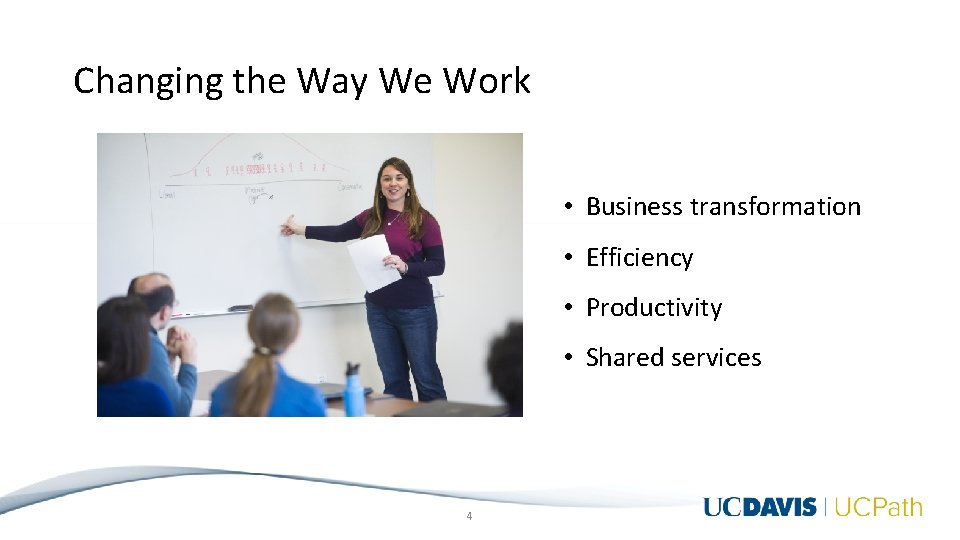
Changing the Way We Work • Business transformation • Efficiency • Productivity • Shared services 4
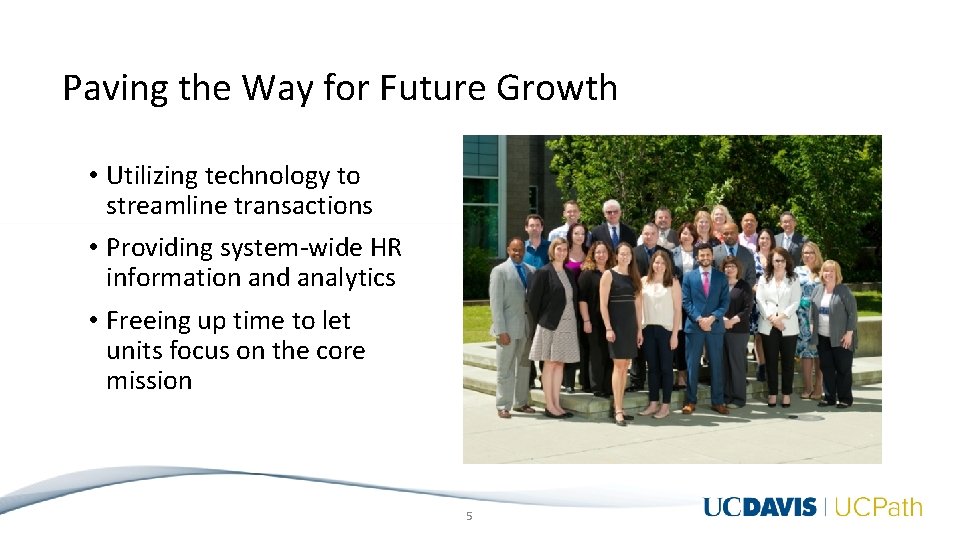
Paving the Way for Future Growth • Utilizing technology to streamline transactions • Providing system-wide HR information and analytics • Freeing up time to let units focus on the core mission 5
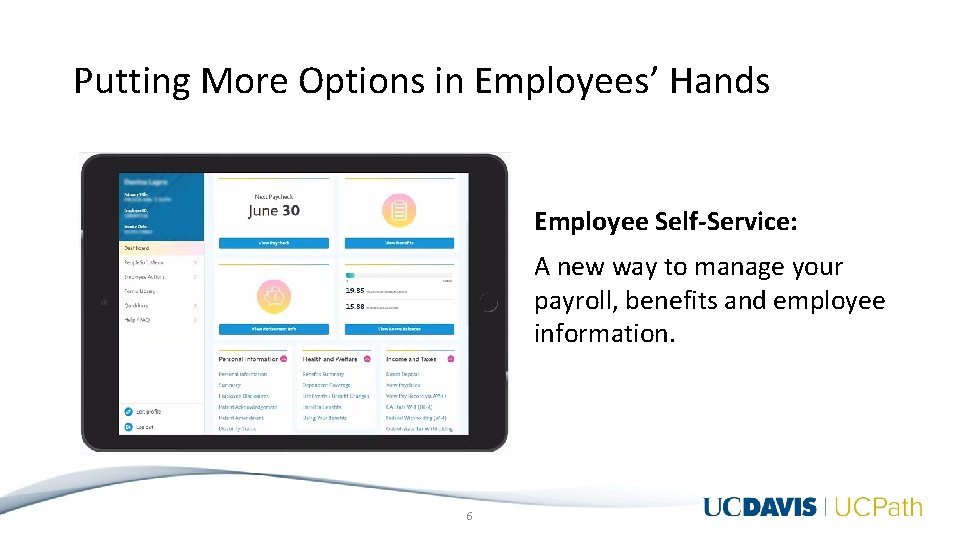
Putting More Options in Employees’ Hands Employee Self-Service: A new way to manage your payroll, benefits and employee information. 6
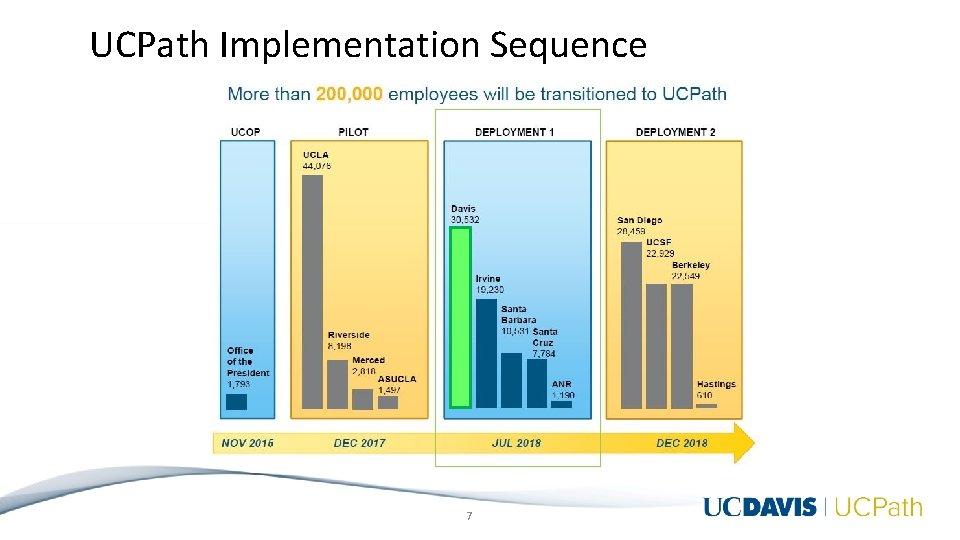
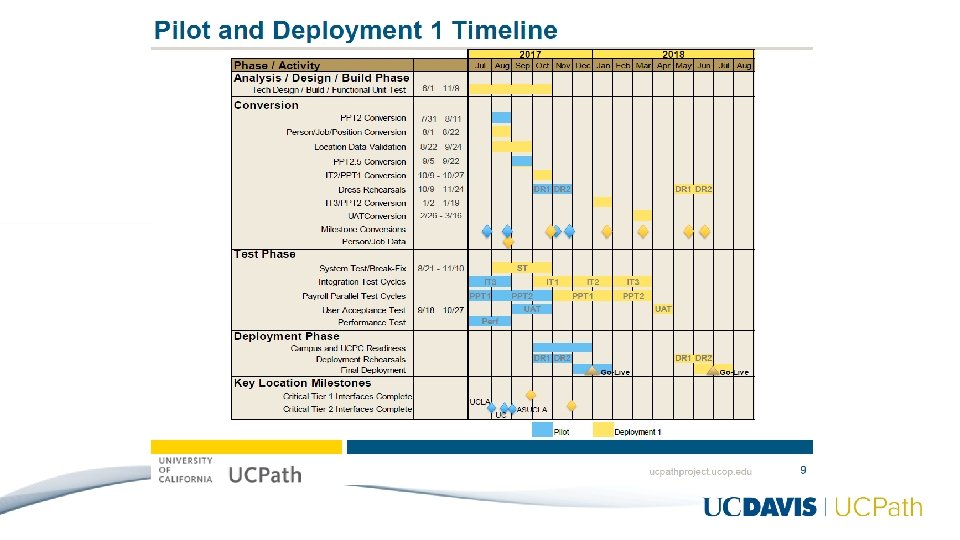
UCPath Implementation Sequence 7
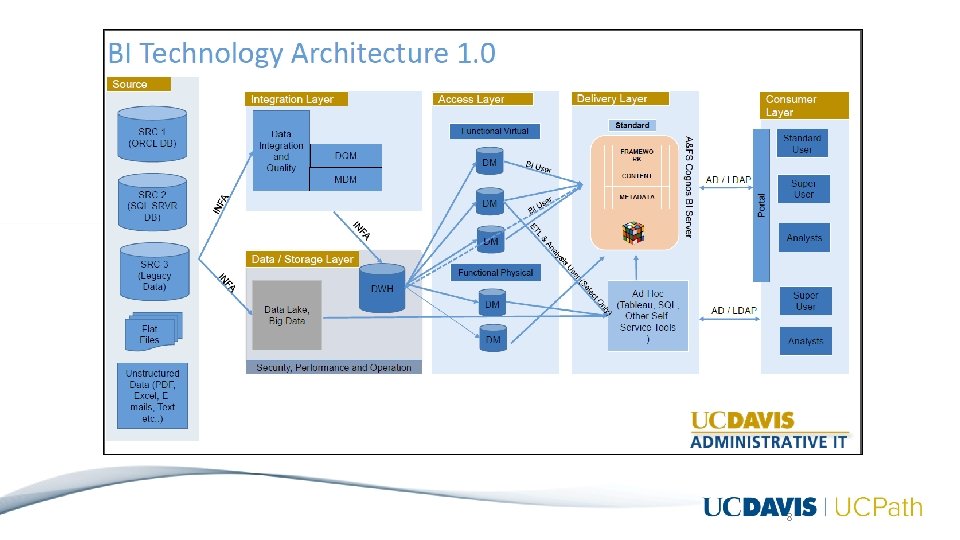
8
Tier 1 and Tier N Tier 1 – Provides or receives data from UCPath Tier N – Datamart data a day later after Central DDODS and local data transformations • Tier 1 first test end of June • High level meetings with Tier 1 partners • Technical and Project work • Regroup/Update mid-May • Tier N • Working on ODS mappings to PPS values • Mapping Parking data first • Generate timeline for rest of mappings 9
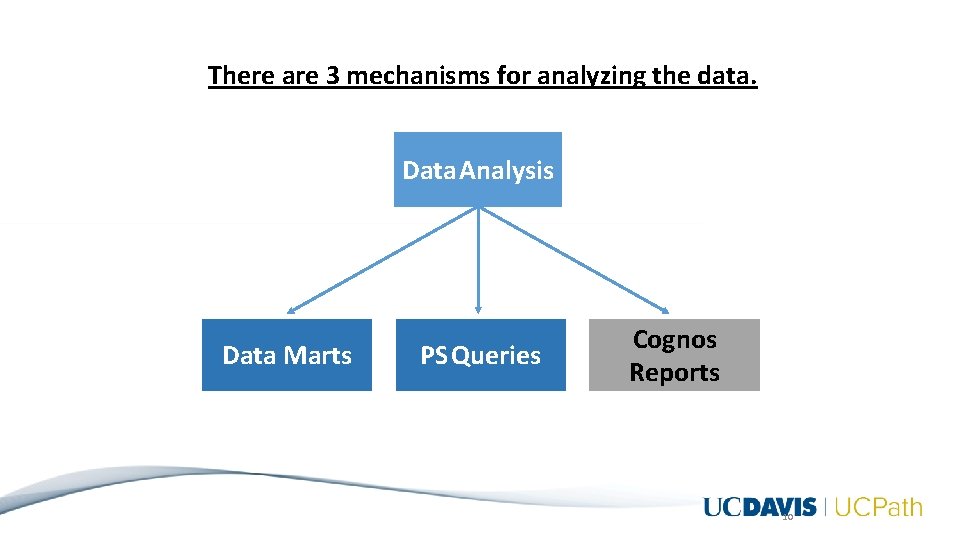
There are 3 mechanisms for analyzing the data. Data Analysis Data Marts PS Queries Cognos Reports 10
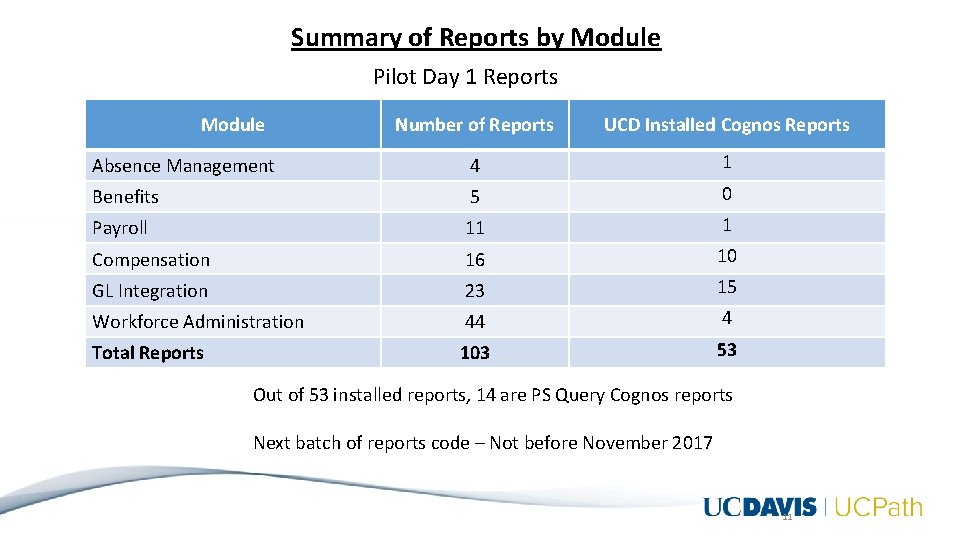
Summary of Reports by Module Pilot Day 1 Reports Module Number of Reports UCD Installed Cognos Reports Absence Management 4 1 Benefits 5 0 Payroll 11 1 Compensation 16 10 GL Integration 23 15 Workforce Administration 44 4 Total Reports 103 53 Out of 53 installed reports, 14 are PS Query Cognos reports Next batch of reports code – Not before November 2017 11
Person Data Moving PPS: Person-Appointment-Distribution UCPath: Position-Job-Person 12
Person fields fall in to three groups: • Field translates to UCPath (ex: name) • Field can be derived (ex: Academic Senate indicator) • Field has an alternative at the position/job level but interested in how this is currently being used (ex: CBUC) 13
Employee ID Changing • Currently 9 digit character string • New Employee ID will be 8 characters long • The new field will allow up to 11 characters • Future discussion 14
Home Department Number: UC Davis Health • Currently Using People. Soft • Using 8 Digits Department Numbers • PS to PPS Feed Mapping 8 Digit Codes to 6 Digit Codes • Discussing Impact on medical schools 15
Social Security Number SSN is not in the UCPath Data Warehouse 16
Updates • Full dataset delay • Number of Data Marts • Access to Other Units’ Data • PPS to PS Data Mapped 18
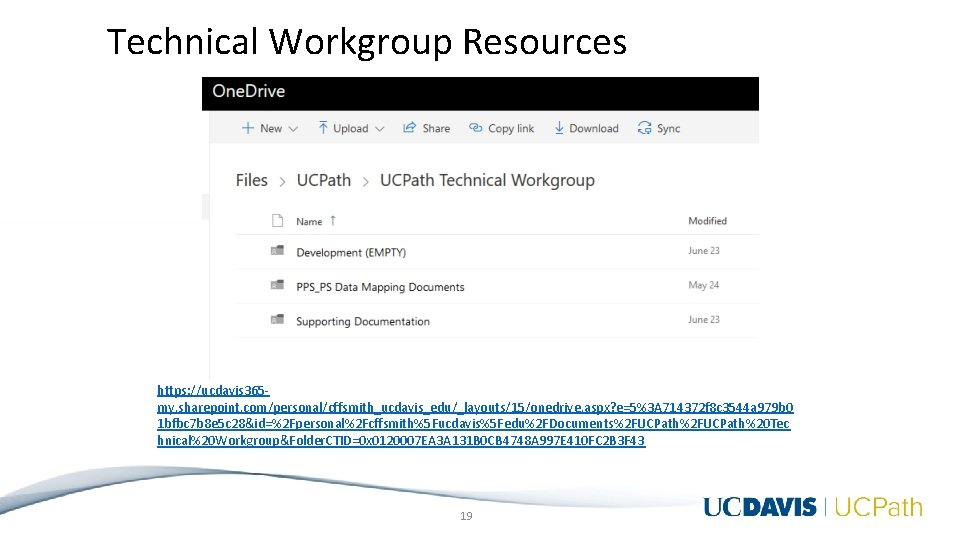
Technical Workgroup Resources https: //ucdavis 365 my. sharepoint. com/personal/cffsmith_ucdavis_edu/_layouts/15/onedrive. aspx? e=5%3 A 714372 f 8 c 3544 a 979 b 0 1 bfbc 7 b 8 e 5 c 28&id=%2 Fpersonal%2 Fcffsmith%5 Fucdavis%5 Fedu%2 FDocuments%2 FUCPath%20 Tec hnical%20 Workgroup&Folder. CTID=0 x 0120007 EA 3 A 131 B 0 CB 4748 A 997 E 410 FC 2 B 3 F 43 19
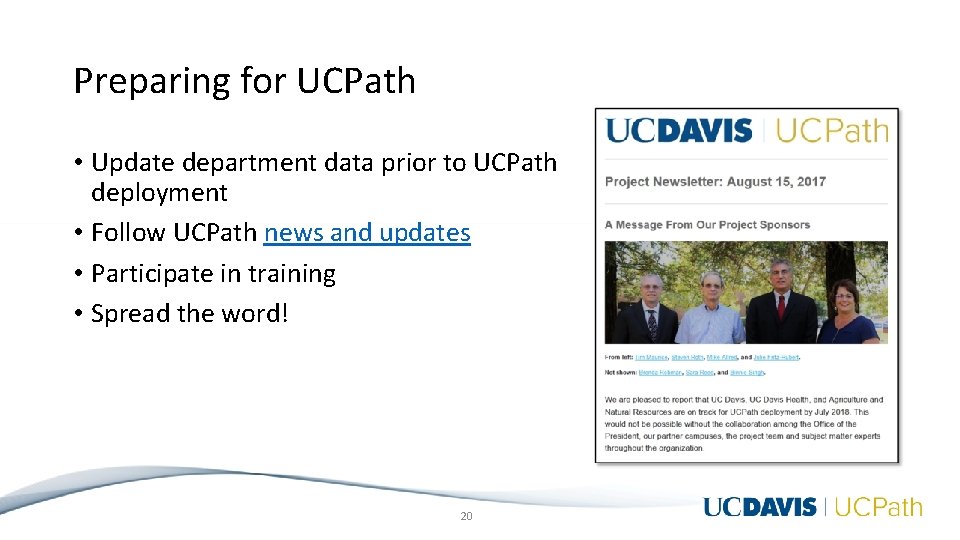
Preparing for UCPath • Update department data prior to UCPath deployment • Follow UCPath news and updates • Participate in training • Spread the word! 20
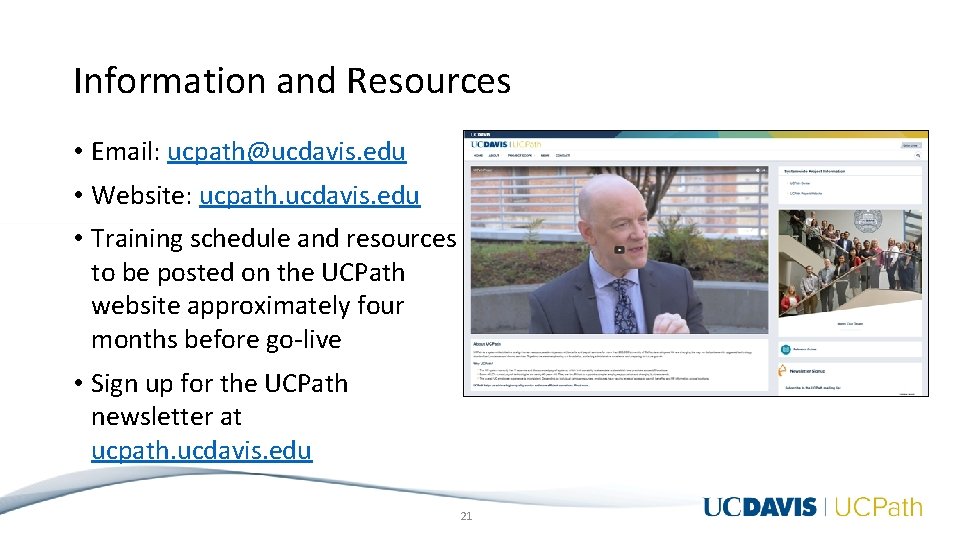
Information and Resources • Email: ucpath@ucdavis. edu • Website: ucpath. ucdavis. edu • Training schedule and resources to be posted on the UCPath website approximately four months before go-live • Sign up for the UCPath newsletter at ucpath. ucdavis. edu 21
Questions? Contact the UCPath Project Team at ucpath@ucdavis. edu 22