
UCOP Budget Development System for FY 1314 budget
UCOP Budget Development System for FY 1314 budget Updated 5/13/2013 by UCOP Budget System Administrator Pei-Ru Chao
Agenda � System logon and bookmark URL and navigation � System tool bar overview � System tabs and data entry/flow overview � System tab by tab � Payroll budget entry and summary tabs � Supplies and Expenses budget entry � Budget allocation by project and fiscal quarter � Account Budget summary tab � Budget Office tab(view adjustments made to proposed budget) � Budget review and approval workflow � Deadlines for FY 1314 budget submission
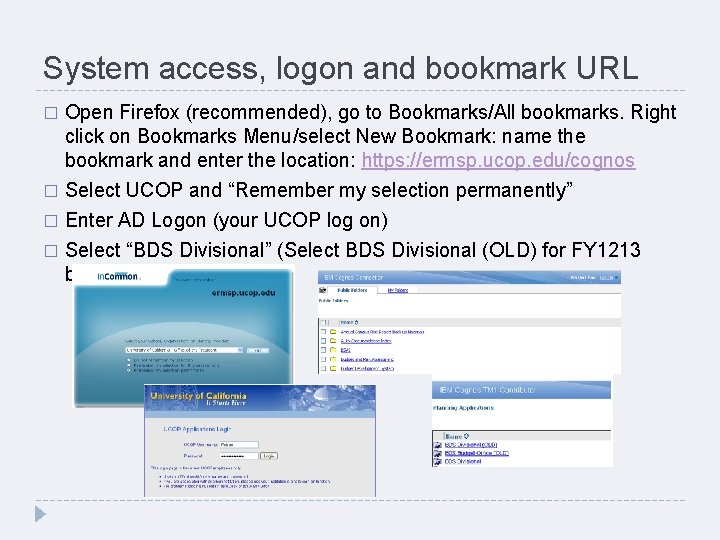
System access, logon and bookmark URL Open Firefox (recommended), go to Bookmarks/All bookmarks. Right click on Bookmarks Menu/select New Bookmark: name the bookmark and enter the location: https: //ermsp. ucop. edu/cognos � Select UCOP and “Remember my selection permanently” � Enter AD Logon (your UCOP log on) � Select “BDS Divisional” (Select BDS Divisional (OLD) for FY 1213 budget) �
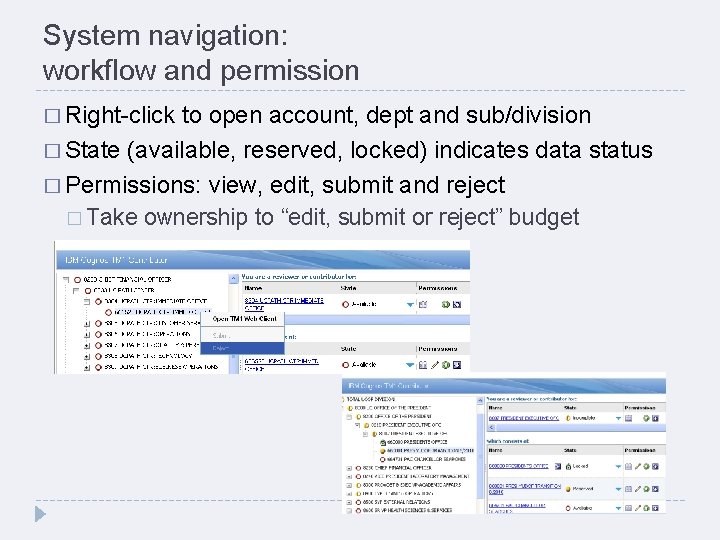
System navigation: workflow and permission � Right-click to open account, dept and sub/division � State (available, reserved, locked) indicates data status � Permissions: view, edit, submit and reject � Take ownership to “edit, submit or reject” budget
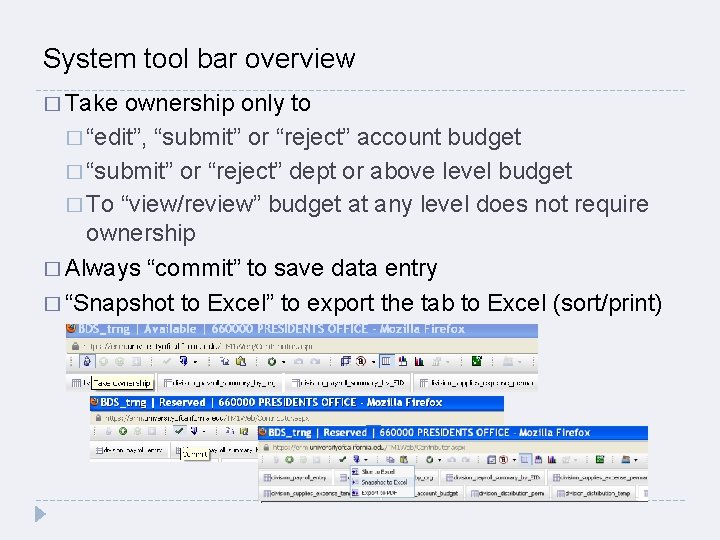
System tool bar overview � Take ownership only to � “edit”, “submit” or “reject” account budget � “submit” or “reject” dept or above level budget � To “view/review” budget at any level does not require ownership � Always “commit” to save data entry � “Snapshot to Excel” to export the tab to Excel (sort/print)
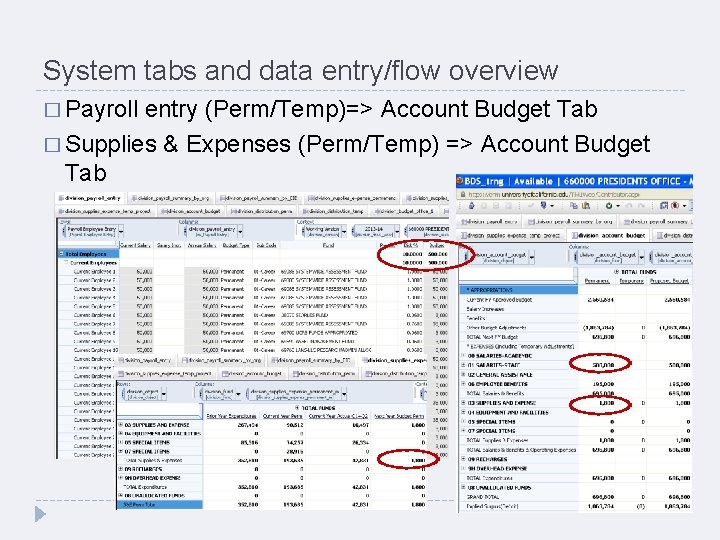
System tabs and data entry/flow overview � Payroll entry (Perm/Temp)=> Account Budget Tab � Supplies & Expenses (Perm/Temp) => Account Budget Tab
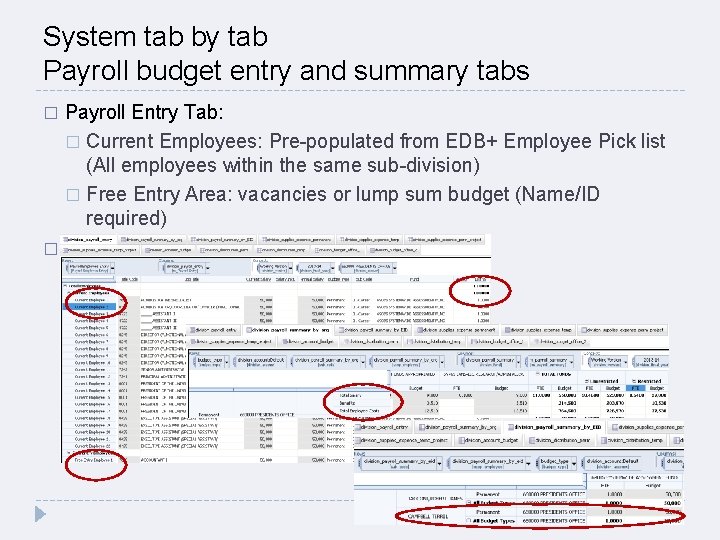
System tab by tab Payroll budget entry and summary tabs Payroll Entry Tab: � Current Employees: Pre-populated from EDB+ Employee Pick list (All employees within the same sub-division) � Free Entry Area: vacancies or lump sum budget (Name/ID required) � Pay Summary Tab: by org and by employee ID �
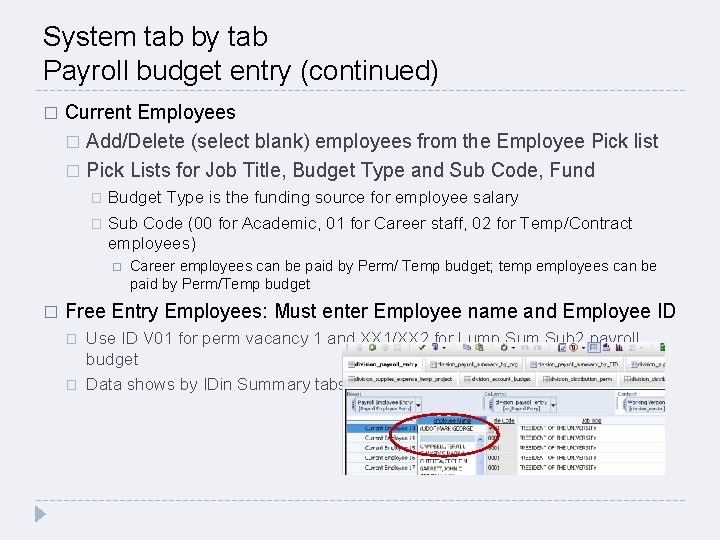
System tab by tab Payroll budget entry (continued) � Current Employees � Add/Delete (select blank) employees from the Employee Pick list � Pick Lists for Job Title, Budget Type and Sub Code, Fund Budget Type is the funding source for employee salary � Sub Code (00 for Academic, 01 for Career staff, 02 for Temp/Contract employees) � � Career employees can be paid by Perm/ Temp budget; temp employees can be paid by Perm/Temp budget Free Entry Employees: Must enter Employee name and Employee ID � � Use ID V 01 for perm vacancy 1 and XX 1/XX 2 for Lump Sum Sub 2 payroll budget Data shows by IDin Summary tabs
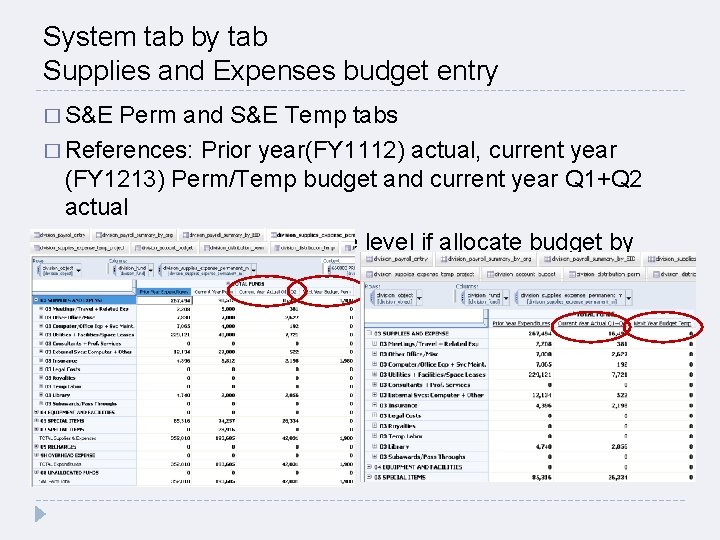
System tab by tab Supplies and Expenses budget entry � S&E Perm and S&E Temp tabs � References: Prior year(FY 1112) actual, current year (FY 1213) Perm/Temp budget and current year Q 1+Q 2 actual � Enter budget at object code level if allocate budget by project
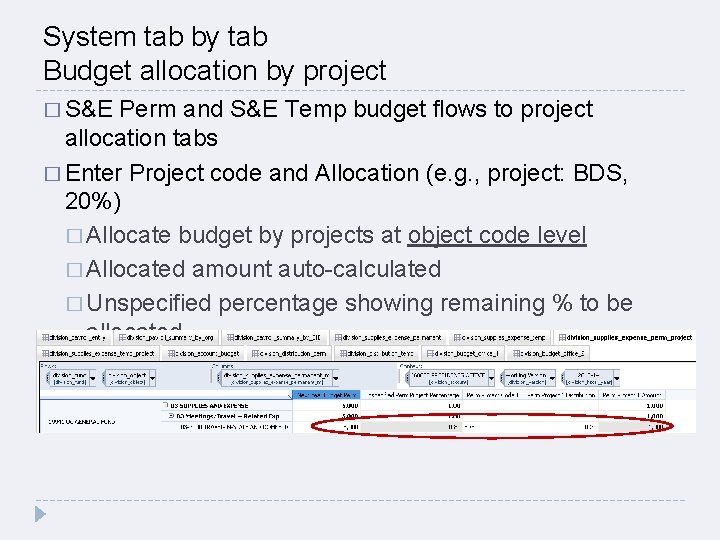
System tab by tab Budget allocation by project � S&E Perm and S&E Temp budget flows to project allocation tabs � Enter Project code and Allocation (e. g. , project: BDS, 20%) � Allocate budget by projects at object code level � Allocated amount auto-calculated � Unspecified percentage showing remaining % to be allocated
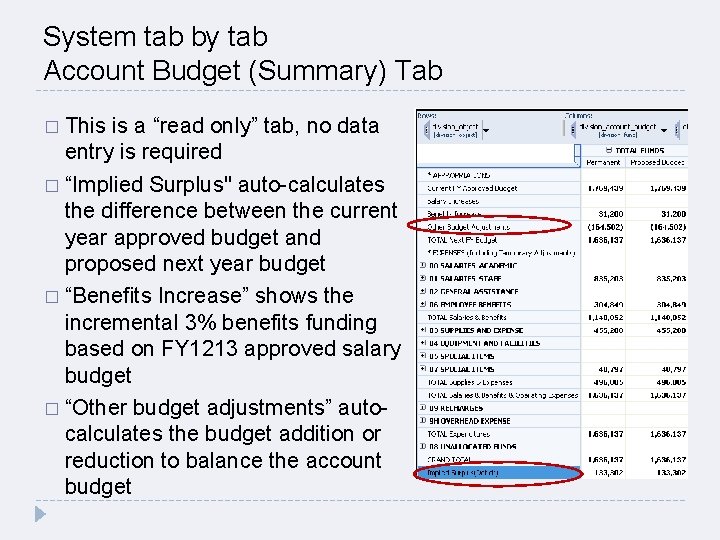
System tab by tab Account Budget (Summary) Tab � This is a “read only” tab, no data entry is required � “Implied Surplus" auto-calculates the difference between the current year approved budget and proposed next year budget � “Benefits Increase” shows the incremental 3% benefits funding based on FY 1213 approved salary budget � “Other budget adjustments” autocalculates the budget addition or reduction to balance the account budget
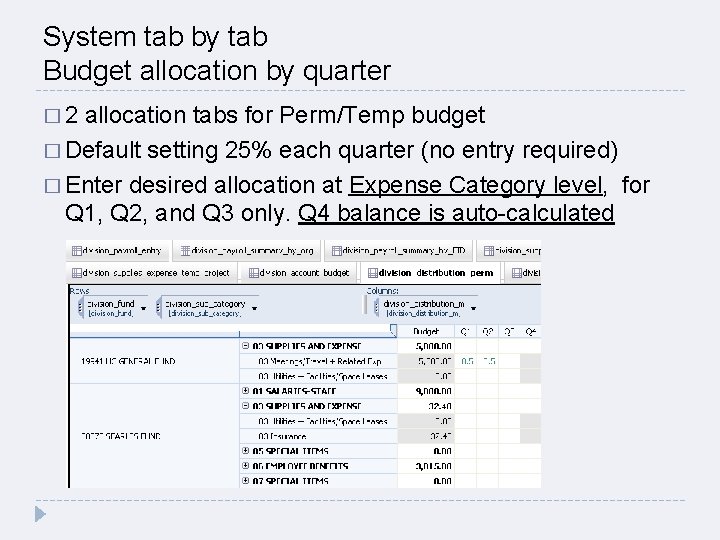
System tab by tab Budget allocation by quarter � 2 allocation tabs for Perm/Temp budget � Default setting 25% each quarter (no entry required) � Enter desired allocation at Expense Category level, for Q 1, Q 2, and Q 3 only. Q 4 balance is auto-calculated
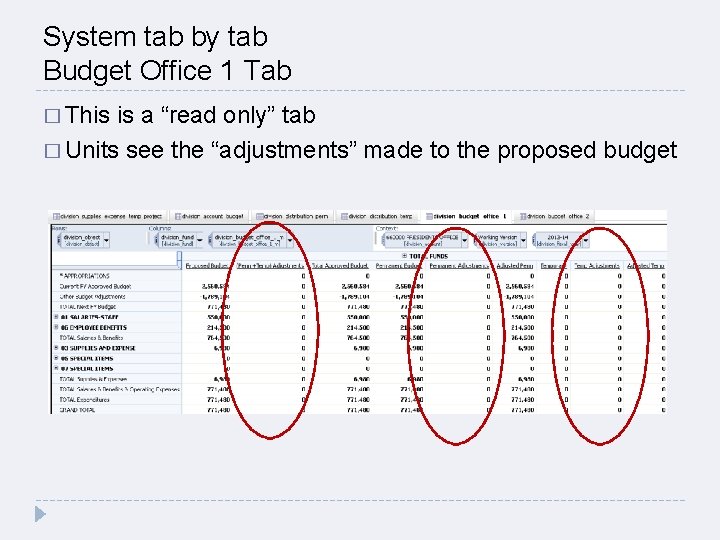
System tab by tab Budget Office 1 Tab � This is a “read only” tab � Units see the “adjustments” made to the proposed budget
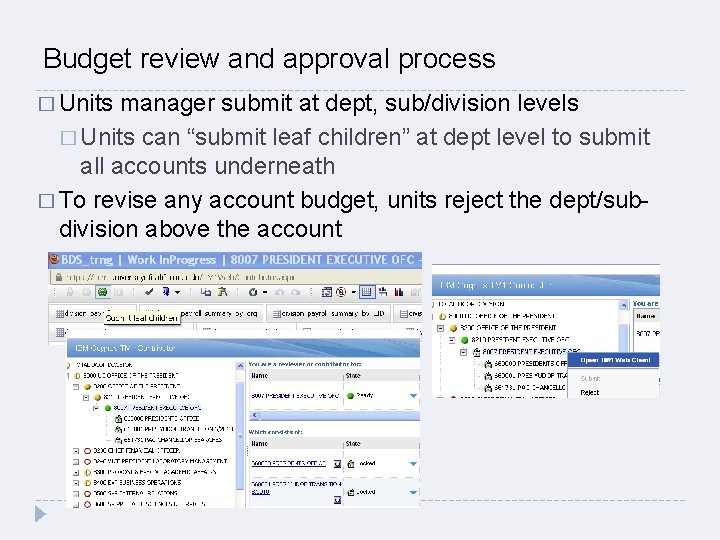
Budget review and approval process � Units manager submit at dept, sub/division levels � Units can “submit leaf children” at dept level to submit all accounts underneath � To revise any account budget, units reject the dept/subdivision above the account
Deadline for FY 1314 budget submission via BDS � UCOP Budget Office is closing BDS for budget entry/submission on 5/20/2013 � � Questions? Please contact UCOP Budget Office: Roberto Guerato or Pei-Ru Chao
- Slides: 15