
UCAS Application Session 2015 16 1 Applying to
- Slides: 33
UCAS Application Session 2015 -16 1
Applying to University • Choices • How to apply and personal statement • What happens next 2
Choices Use… • SWAP Progression routes • UCAS Course Search • University info – Website – Prospectus – Admissions contacts, helpdesks etc. 3
Deadlines • The deadline is: 15 th January 2016 • Your college deadline will be sooner so they can complete references (Dec 2015) • UCAS Guide in Prep for HE materials • Help and videos on UCAS application/web site. 4
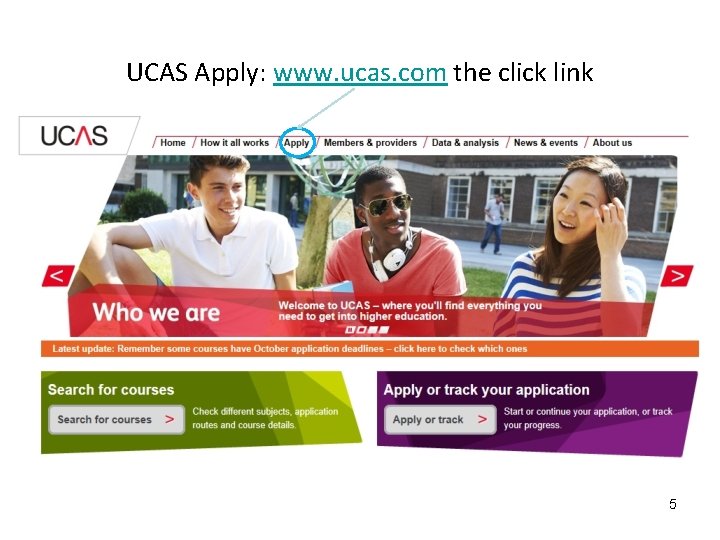
UCAS Apply: www. ucas. com the click link 5
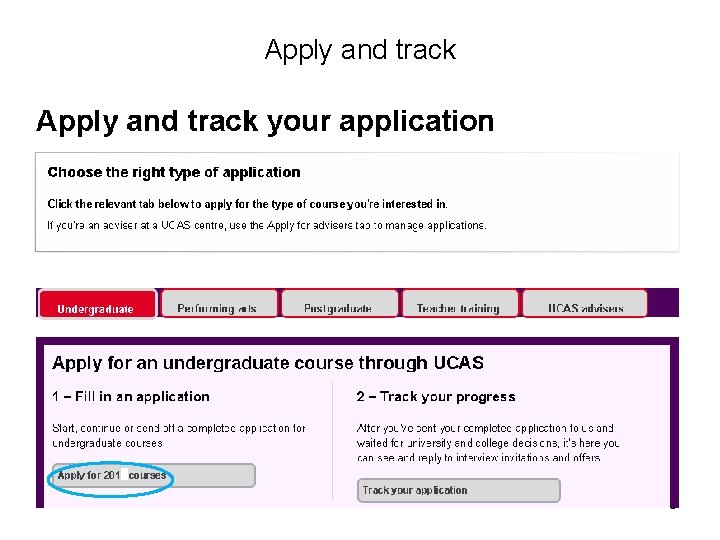
Apply and track 6
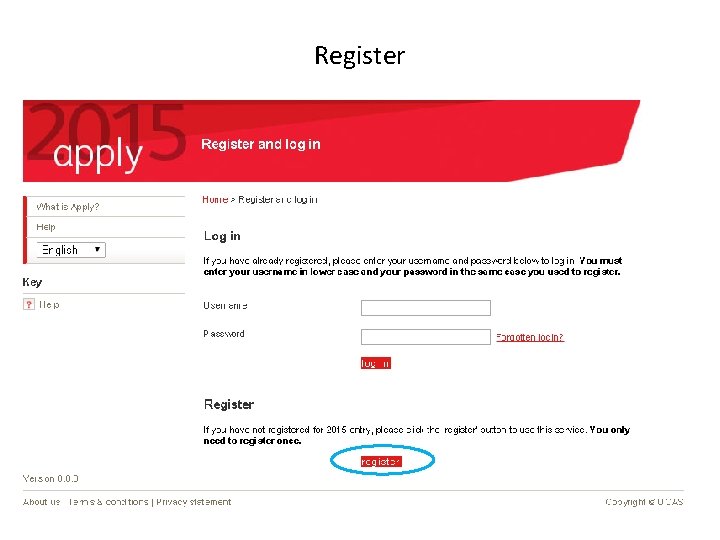
Register 7
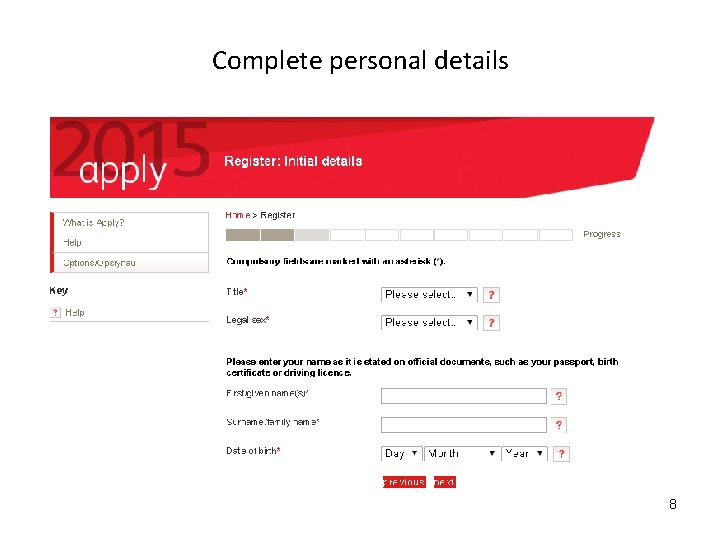
Complete personal details 8
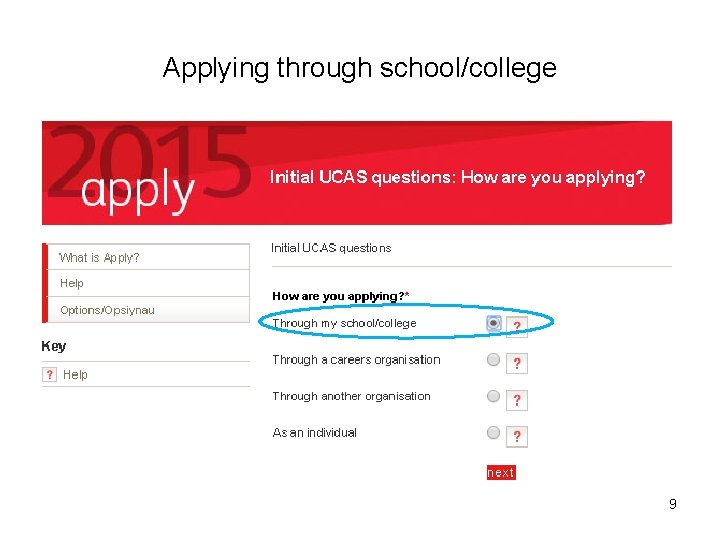
Applying through school/college 9
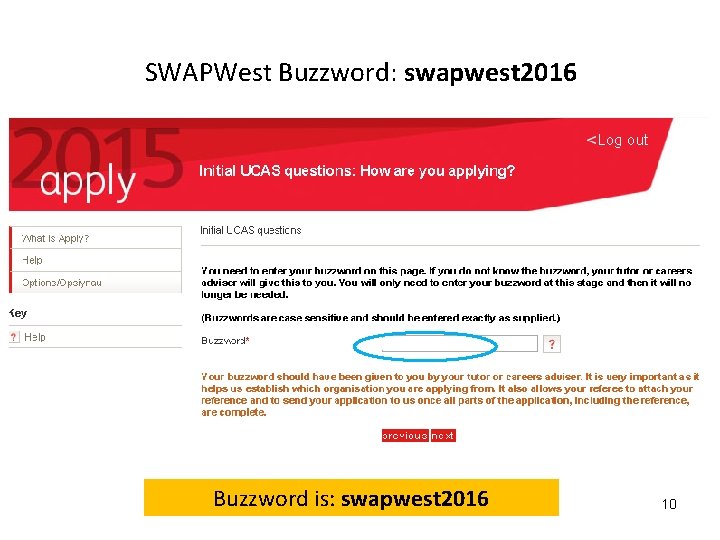
SWAPWest Buzzword: swapwest 2016 Buzzword is: swapwest 2016 10
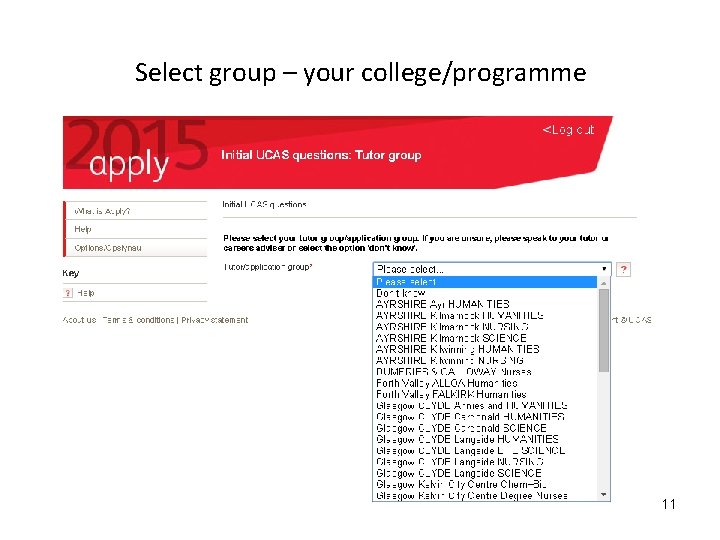
Select group – your college/programme 11
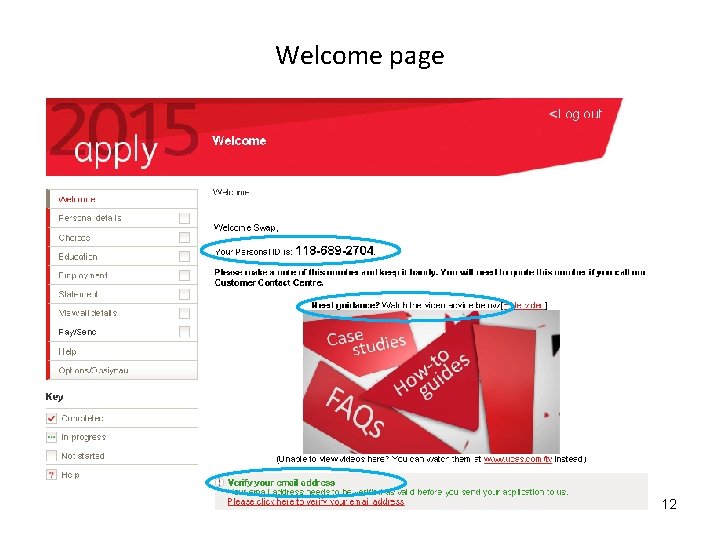
Welcome page 12
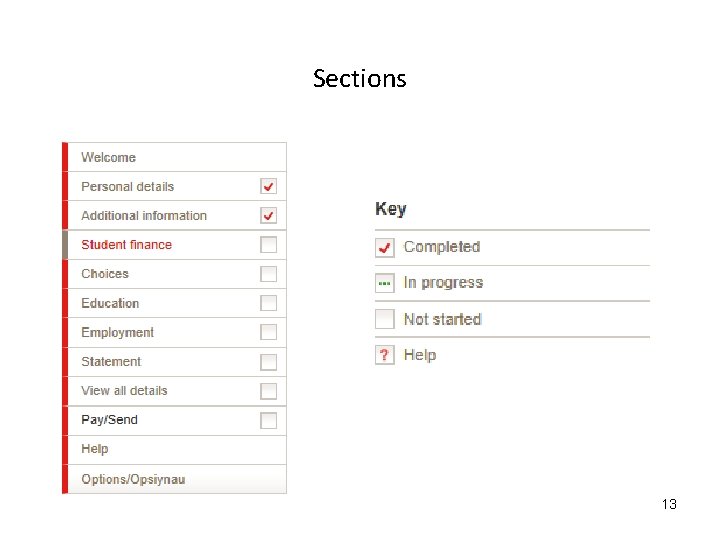
Sections 13
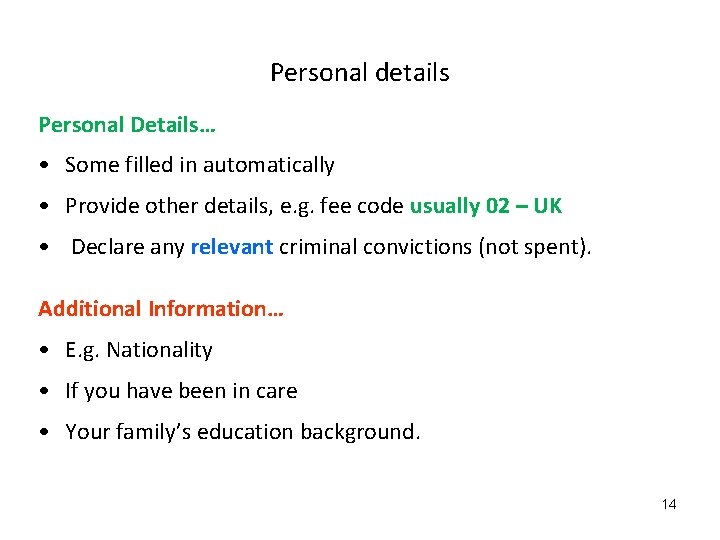
Personal details Personal Details… • Some filled in automatically • Provide other details, e. g. fee code usually 02 – UK • Declare any relevant criminal convictions (not spent). Additional Information… • E. g. Nationality • If you have been in care • Your family’s education background. 14
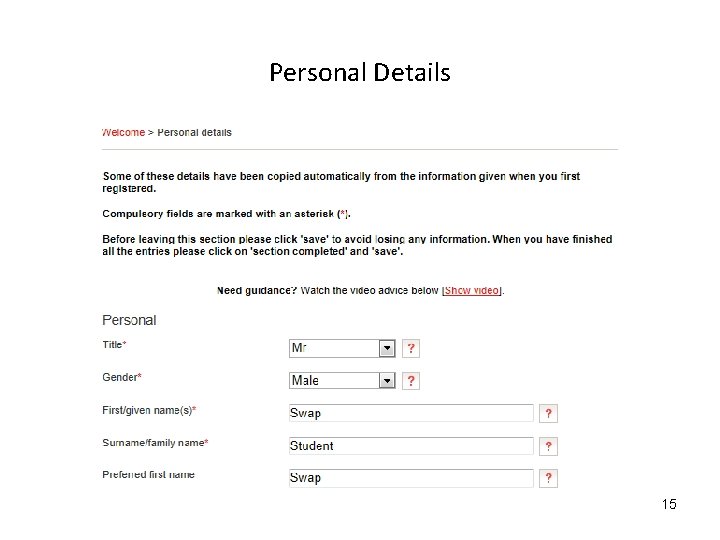
Personal Details 15
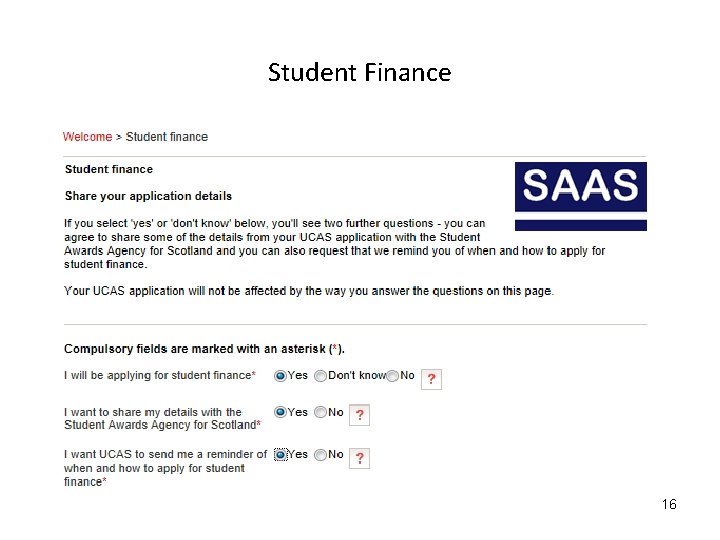
Student Finance 16
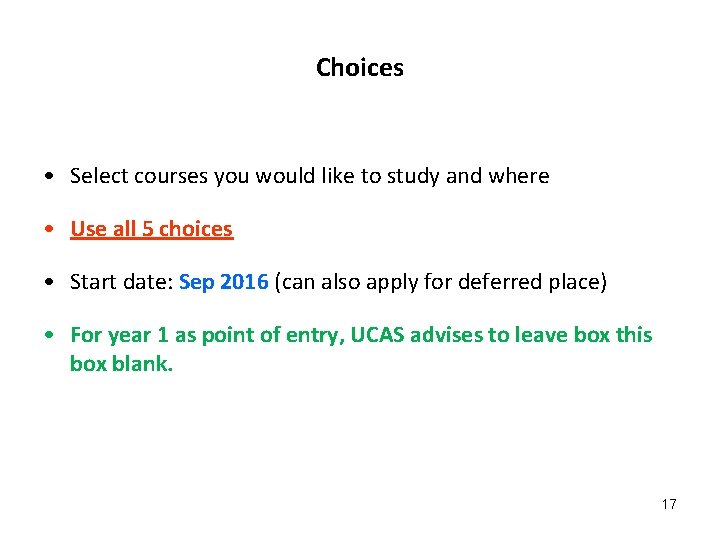
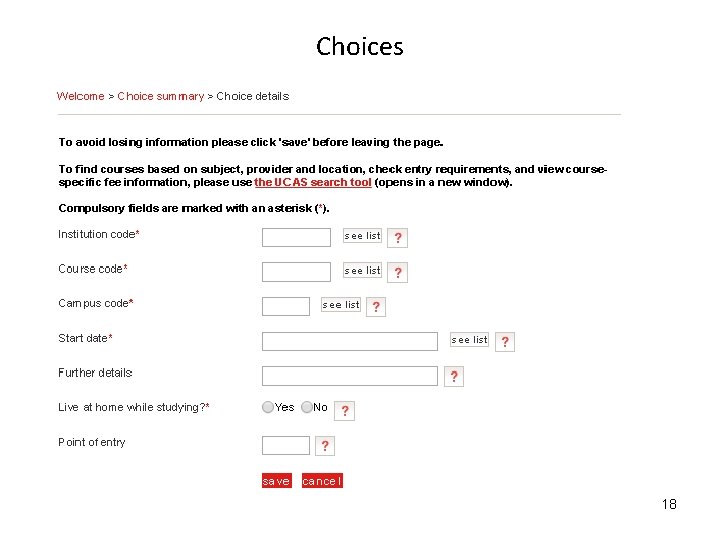
Choices • Select courses you would like to study and where • Use all 5 choices • Start date: Sep 2016 (can also apply for deferred place) • For year 1 as point of entry, UCAS advises to leave box this box blank. 17
Choices 18
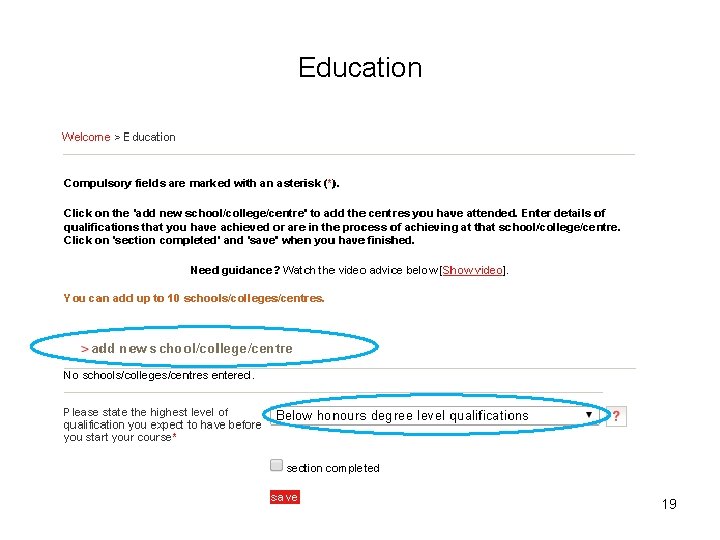
Education 19
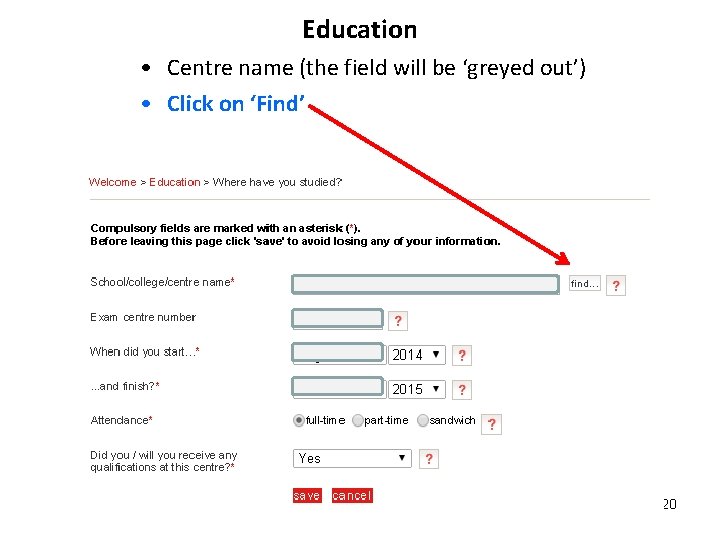
Education • Centre name (the field will be ‘greyed out’) • Click on ‘Find’ 20
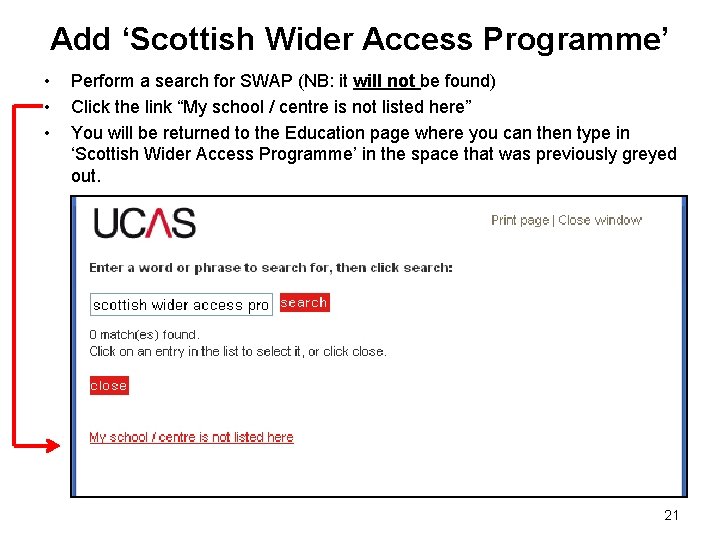
Add ‘Scottish Wider Access Programme’ • • • Perform a search for SWAP (NB: it will not be found) Click the link “My school / centre is not listed here” You will be returned to the Education page where you can then type in ‘Scottish Wider Access Programme’ in the space that was previously greyed out. 21
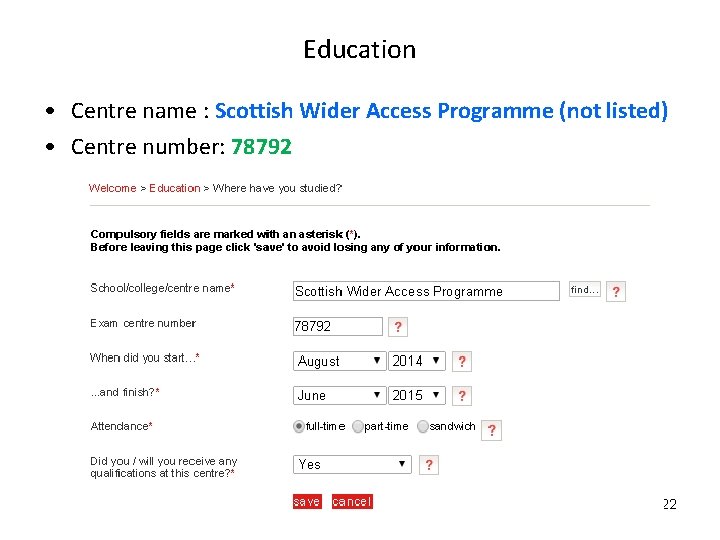
Education • Centre name : Scottish Wider Access Programme (not listed) • Centre number: 78792 22
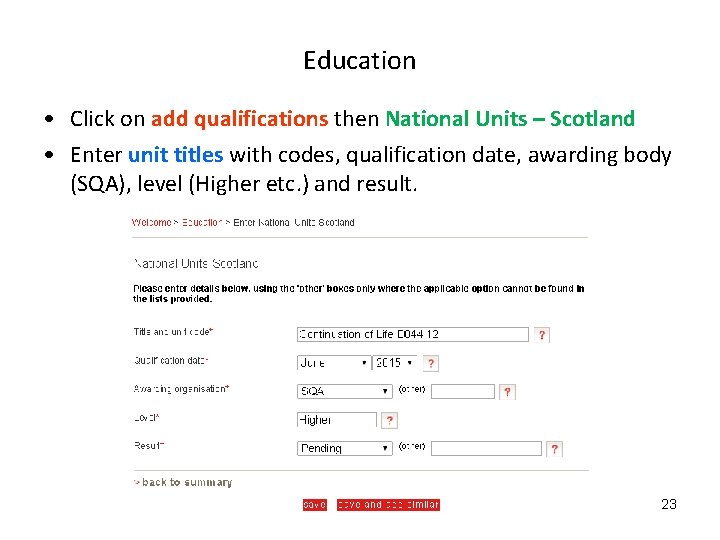
Education • Click on add qualifications then National Units – Scotland • Enter unit titles with codes, qualification date, awarding body (SQA), level (Higher etc. ) and result. 23
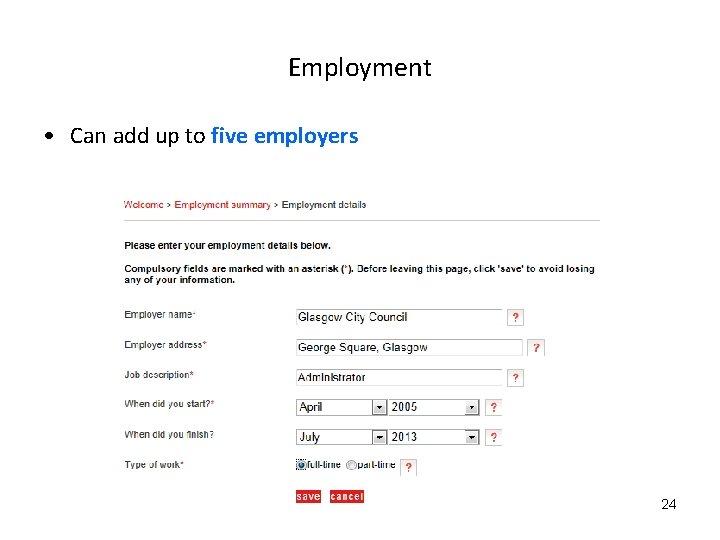
Employment • Can add up to five employers 24
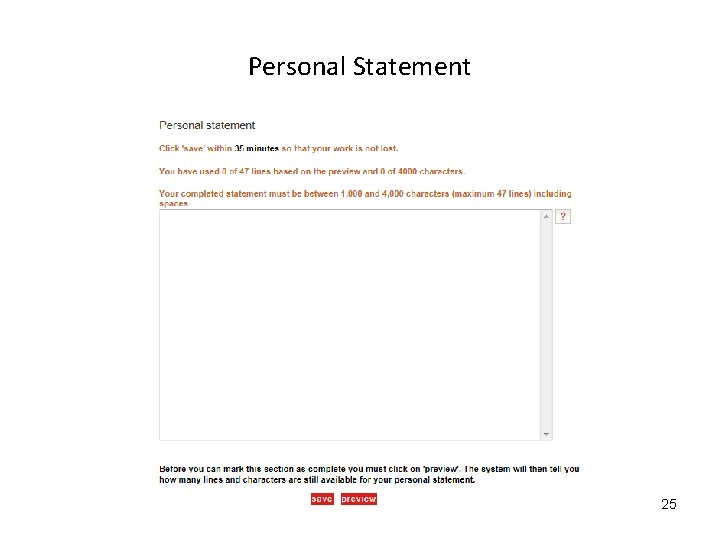
Personal Statement 25
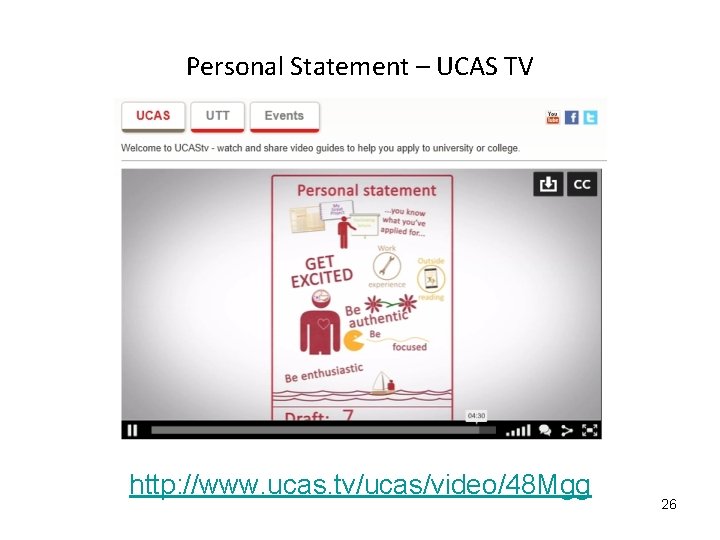
Personal Statement – UCAS TV http: //www. ucas. tv/ucas/video/48 Mgg 26
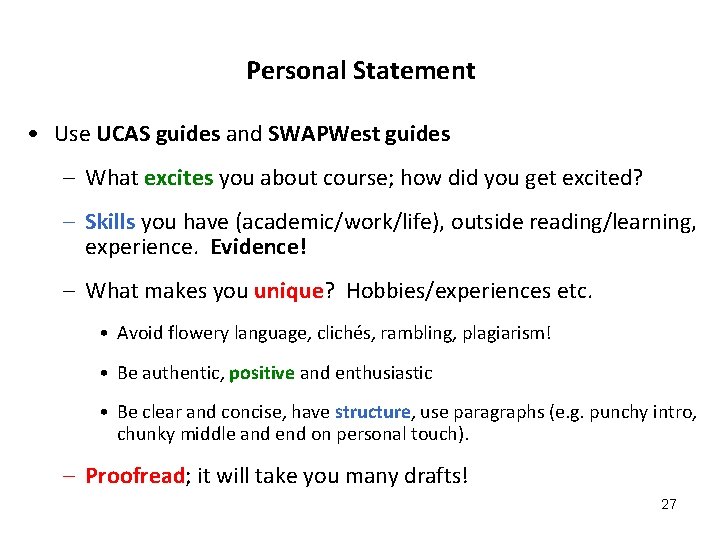
Personal Statement • Use UCAS guides and SWAPWest guides – What excites you about course; how did you get excited? – Skills you have (academic/work/life), outside reading/learning, experience. Evidence! – What makes you unique? Hobbies/experiences etc. • Avoid flowery language, clichés, rambling, plagiarism! • Be authentic, positive and enthusiastic • Be clear and concise, have structure, use paragraphs (e. g. punchy intro, chunky middle and end on personal touch). – Proofread; it will take you many drafts! 27
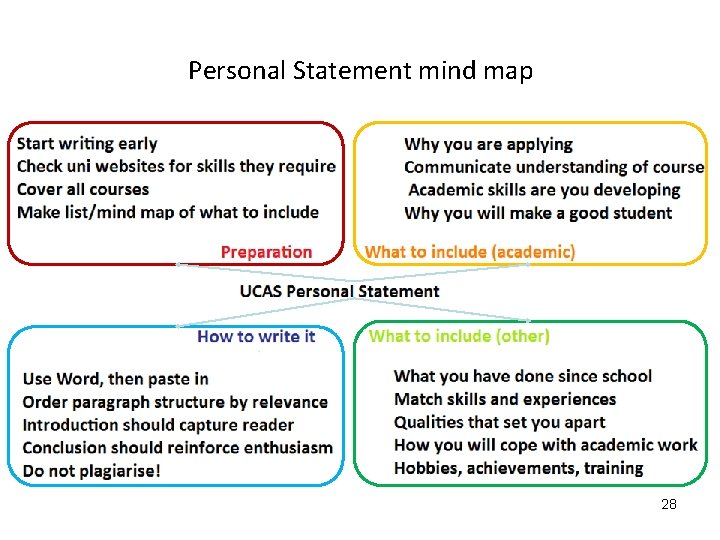
Personal Statement mind map 28
Declaration, payment and sending your application Declaration • When finished, agree to the declaration. Payment and referee • Pay using credit or debit card • Application then sent to referee • Form then sent to chosen universities. 29
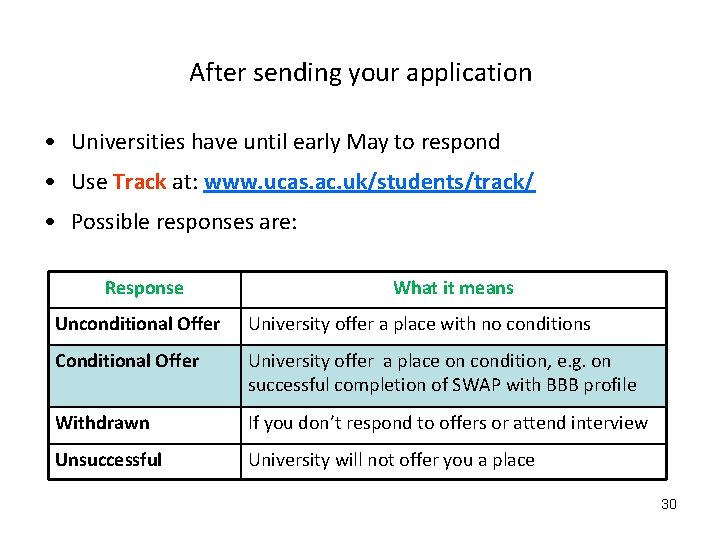
After sending your application • Universities have until early May to respond • Use Track at: www. ucas. ac. uk/students/track/ • Possible responses are: Response What it means Unconditional Offer University offer a place with no conditions Conditional Offer University offer a place on condition, e. g. on successful completion of SWAP with BBB profile Withdrawn If you don’t respond to offers or attend interview Unsuccessful University will not offer you a place 30
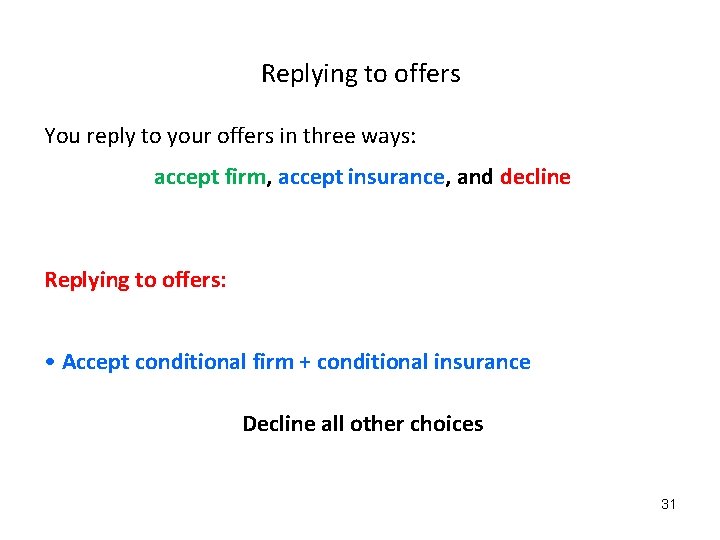
Replying to offers You reply to your offers in three ways: accept firm, accept insurance, and decline Replying to offers: • Accept conditional firm + conditional insurance Decline all other choices 31
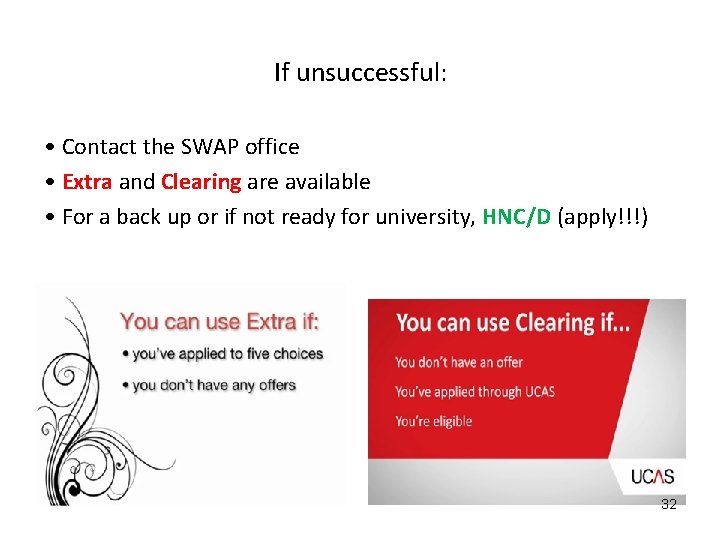
If unsuccessful: • Contact the SWAP office • Extra and Clearing are available • For a back up or if not ready for university, HNC/D (apply!!!) 32
Further assistance Good luck! 33