
Ubiquitous Computing Why and How ICCEL Conference on
Ubiquitous Computing: Why and How ICCEL Conference on Eight Models of Ubiquitous Computing May 18 -19, 1999 By David G. Brown VP, Dean, and Professor of Economics Wake Forest University http: //www. wfu. edu/~brown and brown@wfu. edu
Positioning for the Future • What are your institution’s strengths & weaknesses • How do you determine your place in an electronic world? • What will be your primary student markets--program areas? Degree credit? Geographic span? Age? • What are the appropriate delivery technologies next year? 5 years? Etc? • What is a realistic staffing plan? Outsourcing? Support personnel? Executive leadership? • What institutional partnerships make sense?
BIG ISSUES • • • Laptop vs Desktop vs Network Standard vs Threshold Single Vendor vs Multiple Vendors Buy vs Lease vs Student Buy Course. Info vs Web Course in Box Cold Turkey vs Pilot
BIG ISSUES • Communication vs Presentation vs Analysis vs Access to Internet • Virtual Courses vs Hybrids • Academic vs Administrative • Consortia vs Going It Alone • Today’s Students vs Alums Also • Mandatory vs Optional
WHY COMPUTERS? …the institutional answer • • • Communication! Level Playing Field After College Use Faculty/Students Demand Them Customized/Personalized Digitized Scholarship
WHY COMPUTERS? …the faculty answer • • Interactive Learning Learn by Doing Collaborative Learning Integration of Theory and Practice Visualization Communication Different Strokes for Different Folks
WHY UBIQUITY?
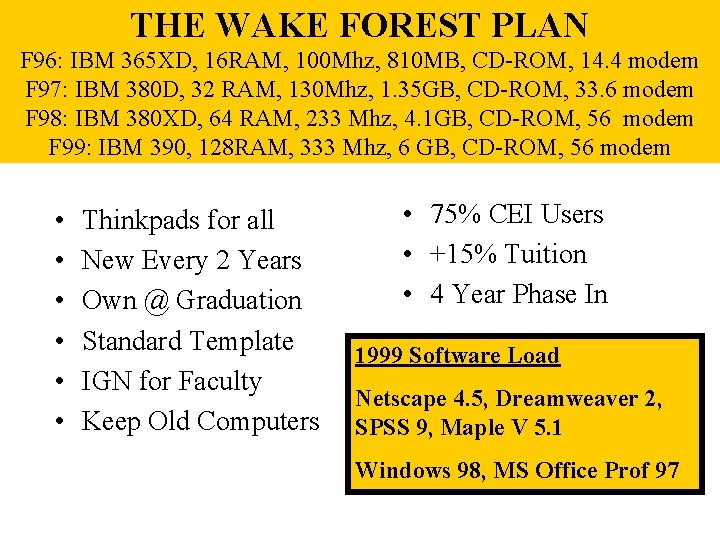
THE WAKE FOREST PLAN F 96: IBM 365 XD, 16 RAM, 100 Mhz, 810 MB, CD-ROM, 14. 4 modem F 97: IBM 380 D, 32 RAM, 130 Mhz, 1. 35 GB, CD-ROM, 33. 6 modem F 98: IBM 380 XD, 64 RAM, 233 Mhz, 4. 1 GB, CD-ROM, 56 modem F 99: IBM 390, 128 RAM, 333 Mhz, 6 GB, CD-ROM, 56 modem • • • Thinkpads for all New Every 2 Years Own @ Graduation Standard Template IGN for Faculty Keep Old Computers • 75% CEI Users • +15% Tuition • 4 Year Phase In 1999 Software Load Netscape 4. 5, Dreamweaver 2, SPSS 9, Maple V 5. 1 Windows 98, MS Office Prof 97
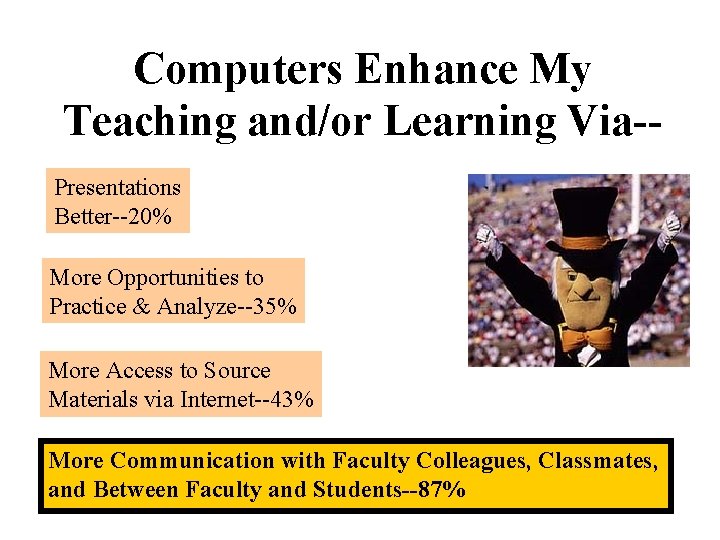
Computers Enhance My Teaching and/or Learning Via-Presentations Better--20% More Opportunities to Practice & Analyze--35% More Access to Source Materials via Internet--43% More Communication with Faculty Colleagues, Classmates, and Between Faculty and Students--87%
With Ubiquity--The Culture Changes • Mentality shifts-- like from public phone to personal phone. • Teaching Assumptions shift-- like from readings are on reserve to everyone owns a copy of his/her own. • Timelines shift-- like from “our class meets MWF” to “we see each other all the time and MWF we meet together” • Students’ sense of access shifts-- like from “I can get that book in the library” to “I have that book in my library. ” • Relationships shift-- like from a family living in many different states to all family members living in the same town
WHY STANDARDIZATION? • • • Communication Utility! (George Gilder) 99% Reliability A Must in Classroom Buddies Share Hardware & Knowledge Better, Cheaper Support Systems Marketing Advantages Faculty “Trusts” Equality of Access
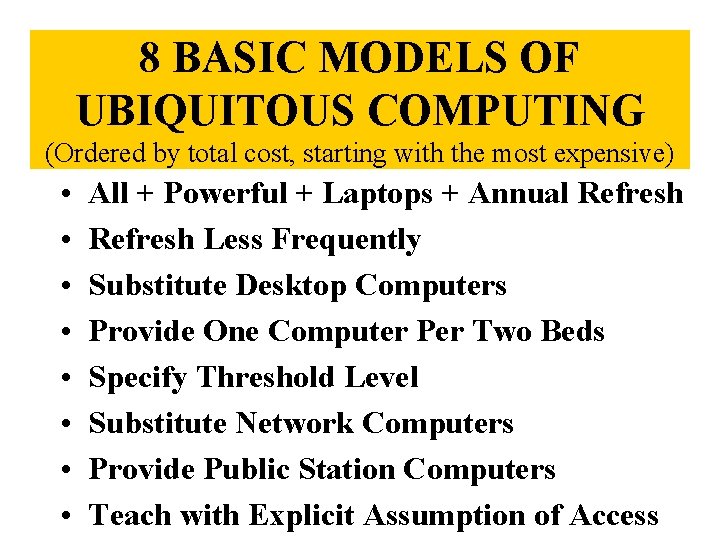
8 BASIC MODELS OF UBIQUITOUS COMPUTING (Ordered by total cost, starting with the most expensive) • • All + Powerful + Laptops + Annual Refresh Less Frequently Substitute Desktop Computers Provide One Computer Per Two Beds Specify Threshold Level Substitute Network Computers Provide Public Station Computers Teach with Explicit Assumption of Access
WAYS TO REDUCE START UP COSTS • • Annual Lease Phase in by classes Phase in by programs Phase in by type of program Phase in by category (faculty, students, staff) Hand me down Loaner Pool
WHY PORTABILITY?
Distinctive Opportunities Available Only in Laptop Settings • • Faculty are always available Students expect messages between classes Student Power. Point talks are common Team assignments increase On site data collection & essay writing Papers often include visuals, even motion Study at best location, not limited to dorm Continuous contact
Distinctive Opportunities Available Only in Laptop Settings • Students take computers to faculty offices and their study mates. • Quick exchange when machine is broken • Fewer computer labs are needed • Departmental clubs thrive • Student Portfolios Emerge • Students teach faculty • Access to college continues when abroad and after graduation
Actions Toward Capitalizing on Ubiquity, Standardization, and Portability • Ask more of students! (new day) • Encourage students to use computers in their non-course life (as well). • Design activities that start before class and extend beyond class. • Expect students to bring computers to prof office, to friend’s dorm room, adjunct prof. • Add Fieldwork
Continued. . . • Explore team taught courses, especially between departments and schools • Facilitate continuing contact with students after course and after college • Require all students to submit in class answers (so none coasts) • Structure rewards for collaborative projects • Recognize that old limits of lab availability are gone.
Continued…. • Create student portfolios • Other things equal, design projects that may be completed on the laptops as well as in computer labs • Put students and faculty on same software systems, especially email • Study the competition • Use students to train faculty.
Continued… • Expect slower students to repeat in class demos, etc. • Revitalize departmental clubs • Consider offsite studio labs (in the garden) • Get more students studying abroad • Recognize the laptop as a portable presentation tool (both faculty & students) • Use anytime, anywhere access by students-including in class (updated info) • Don’t use laptops where they don’t make sense
METAPHORS • • • Automobile in the Jungle Teenagers Learning How to Drive 1000 Times More Powerful Telephone Learning a Second Language by Immersion State Religion House Calls
METAPHORS • • • Cost of the Library Students as Nomads Rural Electrification Key to the Library General Contractor
- Slides: 22