
Types of user interface By Megan Burgers Windows
Types of user interface By Megan Burgers
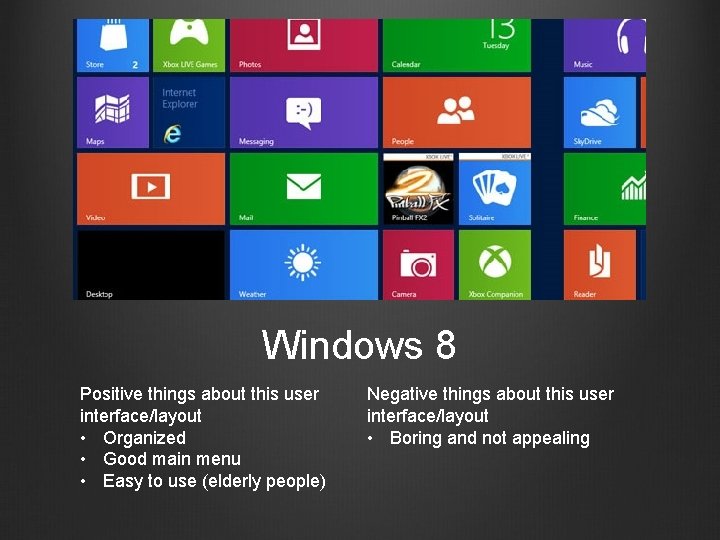
Windows 8 Positive things about this user interface/layout • Organized • Good main menu • Easy to use (elderly people) Negative things about this user interface/layout • Boring and not appealing
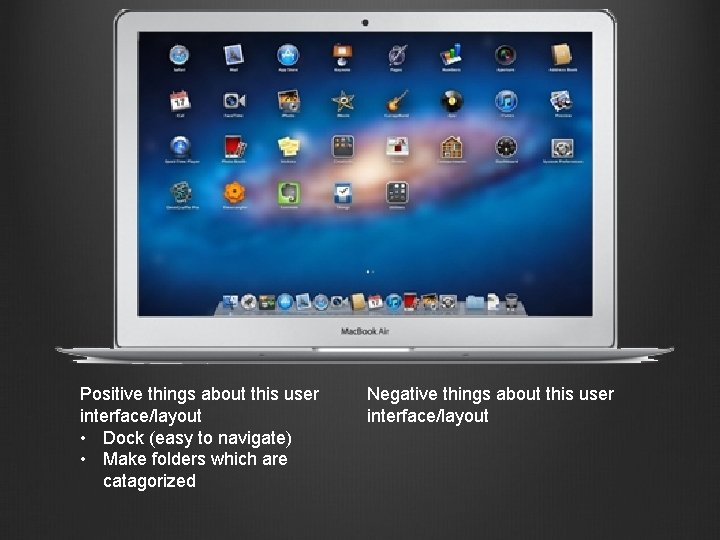
Positive things about this user interface/layout • Dock (easy to navigate) • Make folders which are catagorized Negative things about this user interface/layout
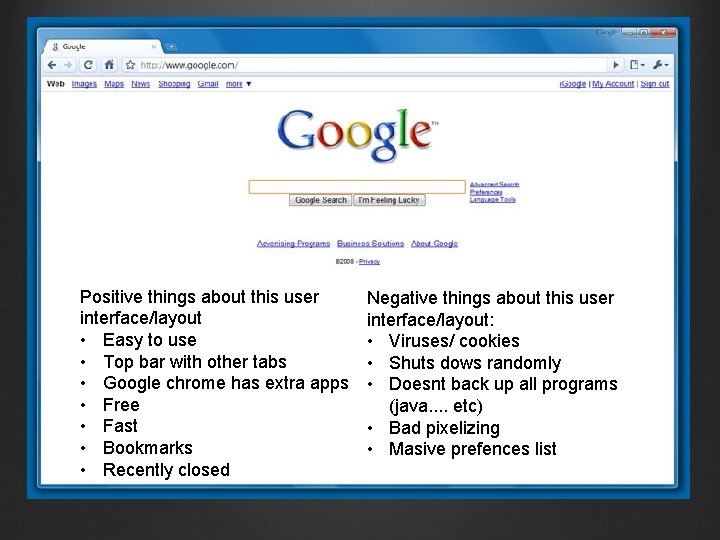
Positive things about this user interface/layout • Easy to use • Top bar with other tabs • Google chrome has extra apps • Free • Fast • Bookmarks • Recently closed Negative things about this user interface/layout: • Viruses/ cookies • Shuts dows randomly • Doesnt back up all programs (java. . etc) • Bad pixelizing • Masive prefences list
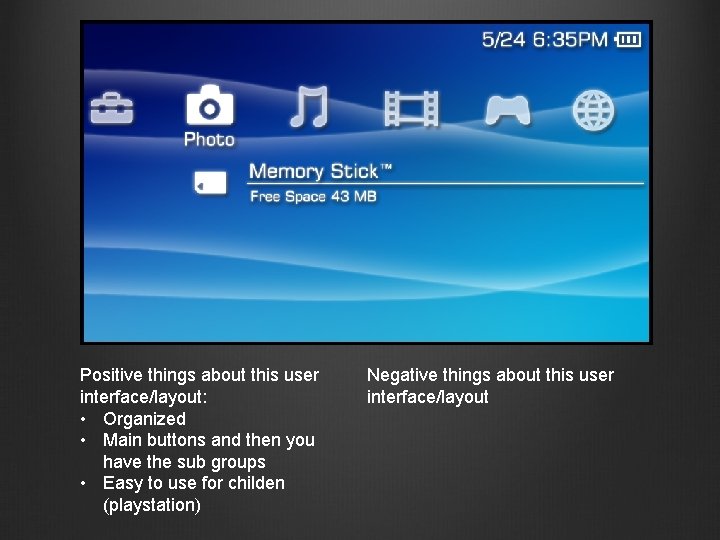
Positive things about this user interface/layout: • Organized • Main buttons and then you have the sub groups • Easy to use for childen (playstation) Negative things about this user interface/layout
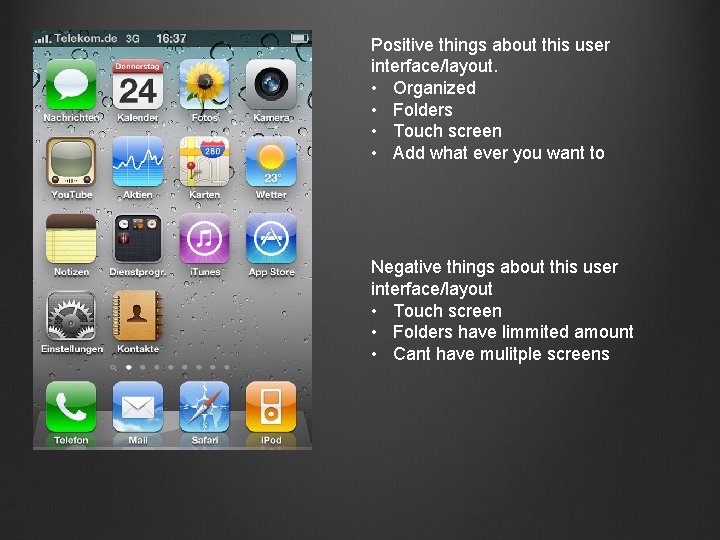
Positive things about this user interface/layout. • Organized • Folders • Touch screen • Add what ever you want to Negative things about this user interface/layout • Touch screen • Folders have limmited amount • Cant have mulitple screens
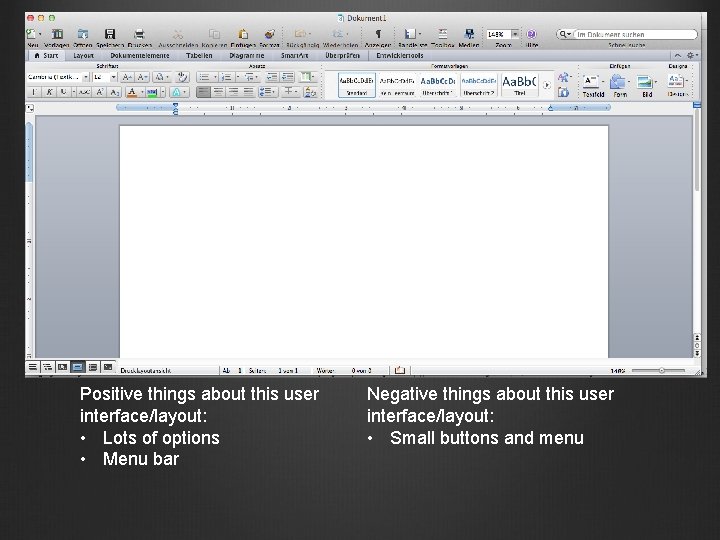
Positive things about this user interface/layout: • Lots of options • Menu bar Negative things about this user interface/layout: • Small buttons and menu
- Slides: 7