
Types of Computers and Computer Storage Computer Technology

- Slides: 27
Types of Computers and Computer Storage Computer Technology Created by M. Guymon Pleasant Grove High Spring 2003 Modified by M. Corbett Fall 2010
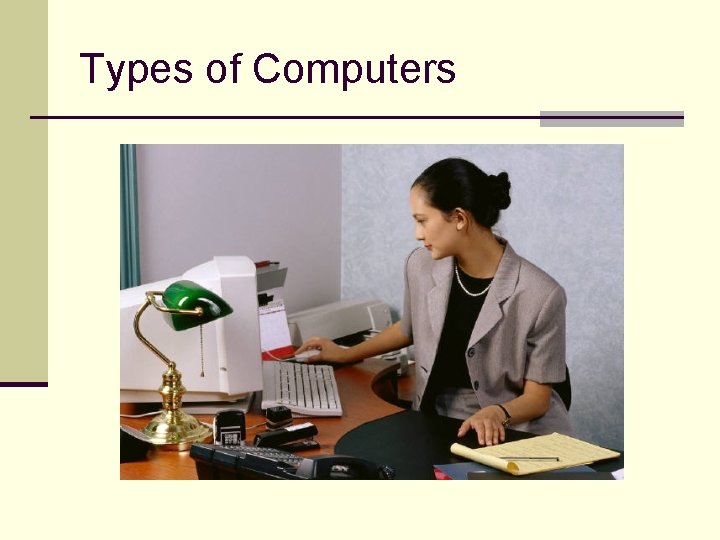
Types of Computers
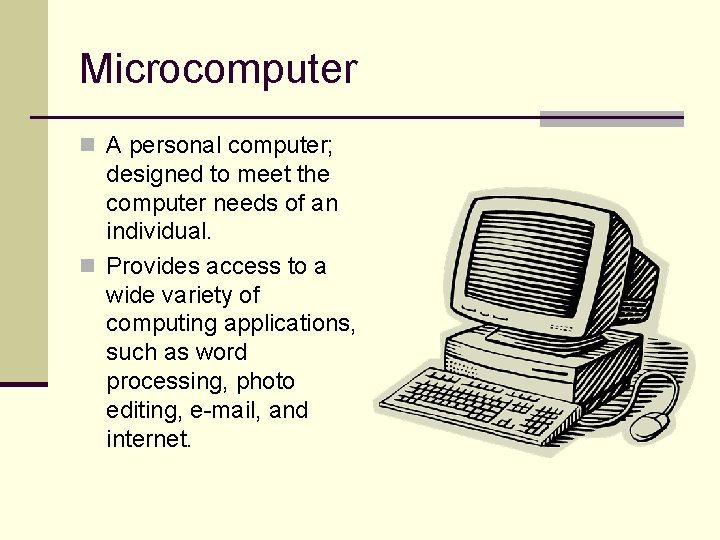
Microcomputer n A personal computer; designed to meet the computer needs of an individual. n Provides access to a wide variety of computing applications, such as word processing, photo editing, e-mail, and internet.
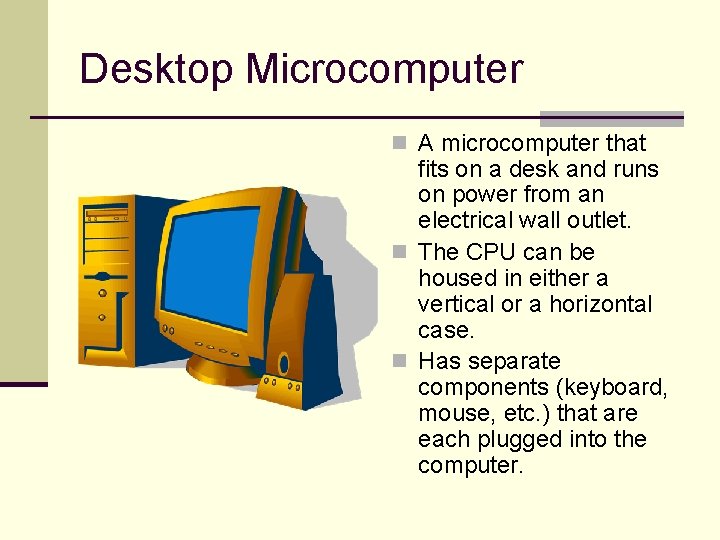
Desktop Microcomputer n A microcomputer that fits on a desk and runs on power from an electrical wall outlet. n The CPU can be housed in either a vertical or a horizontal case. n Has separate components (keyboard, mouse, etc. ) that are each plugged into the computer.
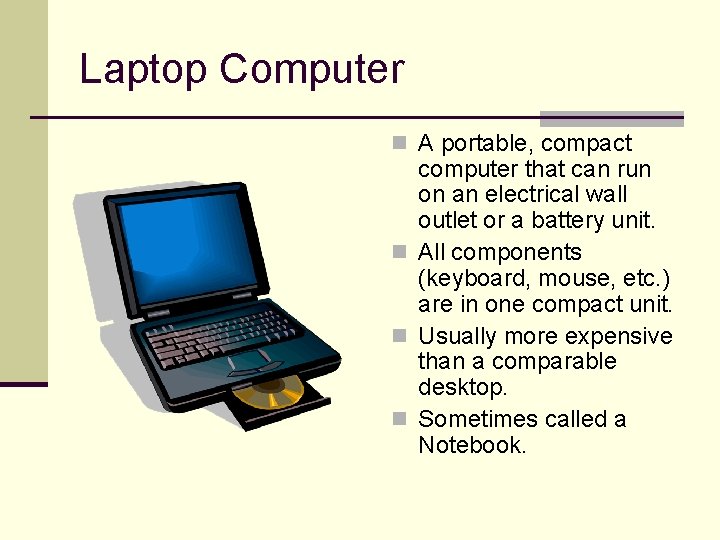
Laptop Computer n A portable, compact computer that can run on an electrical wall outlet or a battery unit. n All components (keyboard, mouse, etc. ) are in one compact unit. n Usually more expensive than a comparable desktop. n Sometimes called a Notebook.
Workstation n Powerful desktop computer designed for specialized tasks. n Can tackle tasks that require a lot of processing speed. n Often is an ordinary personal computer attached to a LAN (local area network) so that common resources can be shared OR common projects can be worked on.
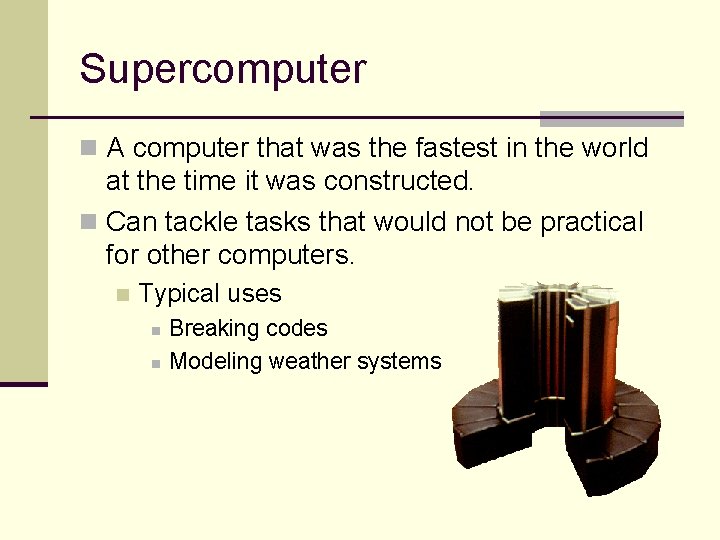
Supercomputer n A computer that was the fastest in the world at the time it was constructed. n Can tackle tasks that would not be practical for other computers. n Typical uses n n Breaking codes Modeling weather systems
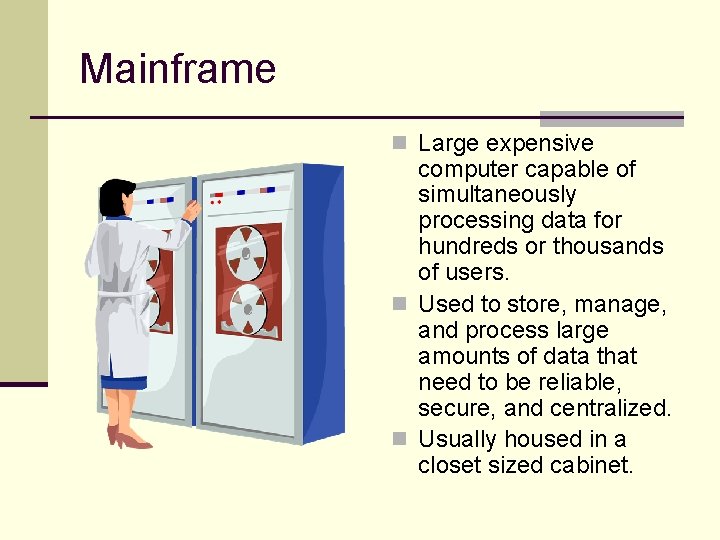
Mainframe n Large expensive computer capable of simultaneously processing data for hundreds or thousands of users. n Used to store, manage, and process large amounts of data that need to be reliable, secure, and centralized. n Usually housed in a closet sized cabinet.
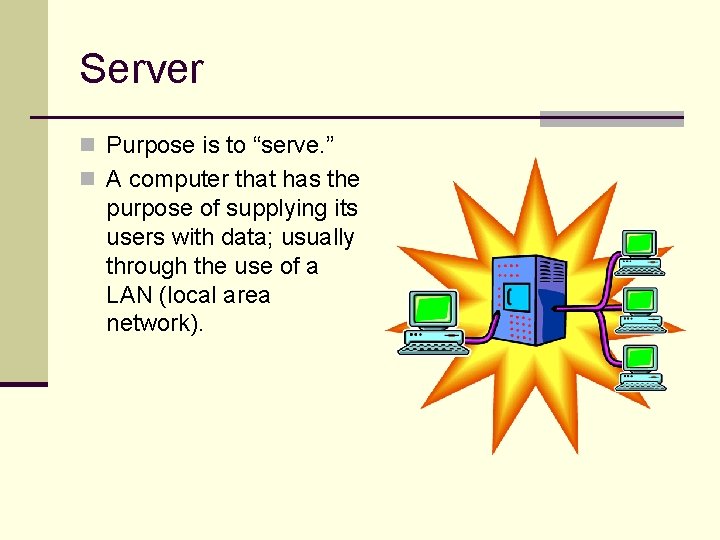
Server n Purpose is to “serve. ” n A computer that has the purpose of supplying its users with data; usually through the use of a LAN (local area network).
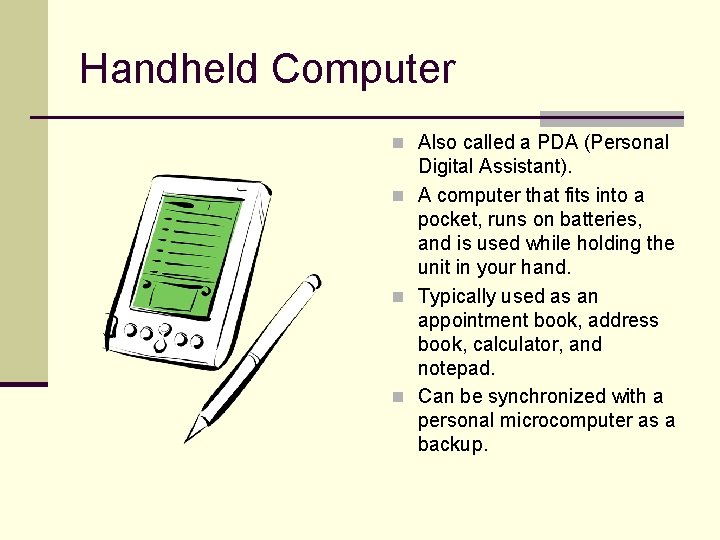
Handheld Computer n Also called a PDA (Personal Digital Assistant). n A computer that fits into a pocket, runs on batteries, and is used while holding the unit in your hand. n Typically used as an appointment book, address book, calculator, and notepad. n Can be synchronized with a personal microcomputer as a backup.
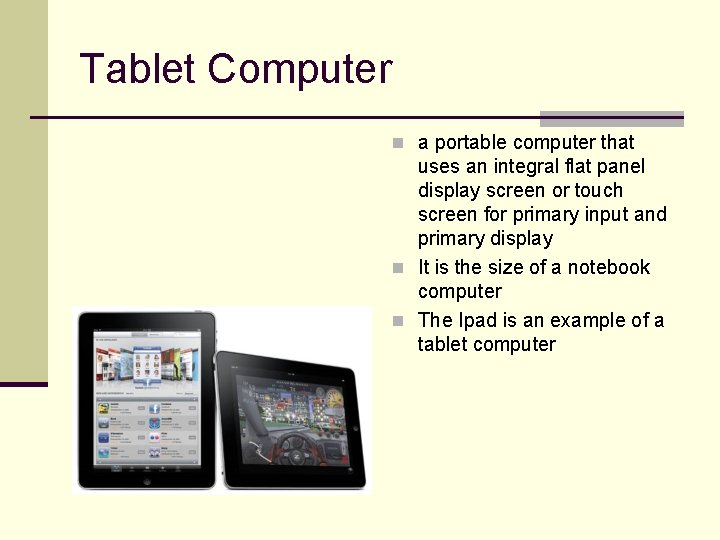
Tablet Computer n a portable computer that uses an integral flat panel display screen or touch screen for primary input and primary display n It is the size of a notebook computer n The Ipad is an example of a tablet computer
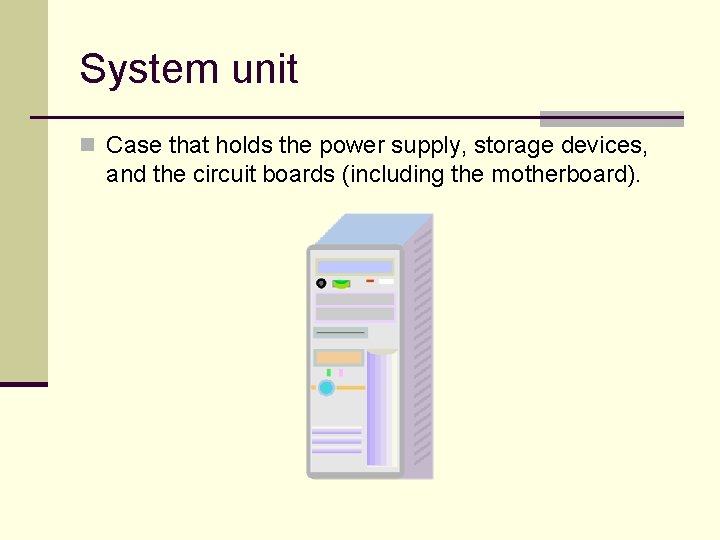
System unit n Case that holds the power supply, storage devices, and the circuit boards (including the motherboard).
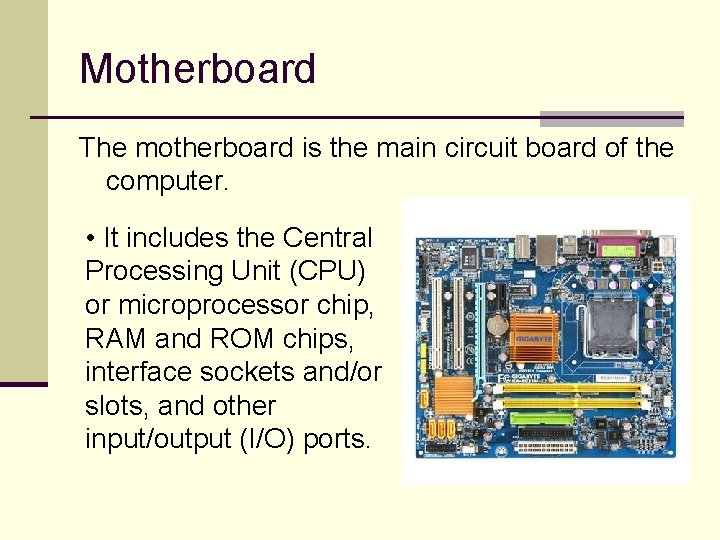
Motherboard The motherboard is the main circuit board of the computer. • It includes the Central Processing Unit (CPU) or microprocessor chip, RAM and ROM chips, interface sockets and/or slots, and other input/output (I/O) ports.
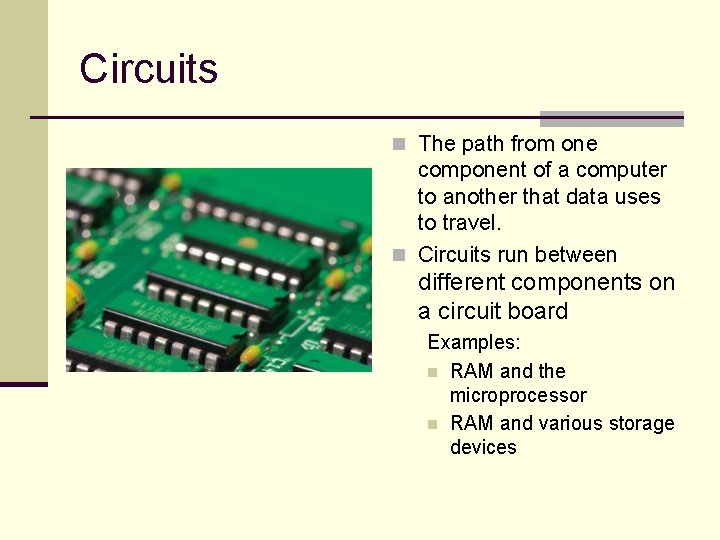
Circuits n The path from one component of a computer to another that data uses to travel. n Circuits run between different components on a circuit board Examples: n RAM and the microprocessor n RAM and various storage devices
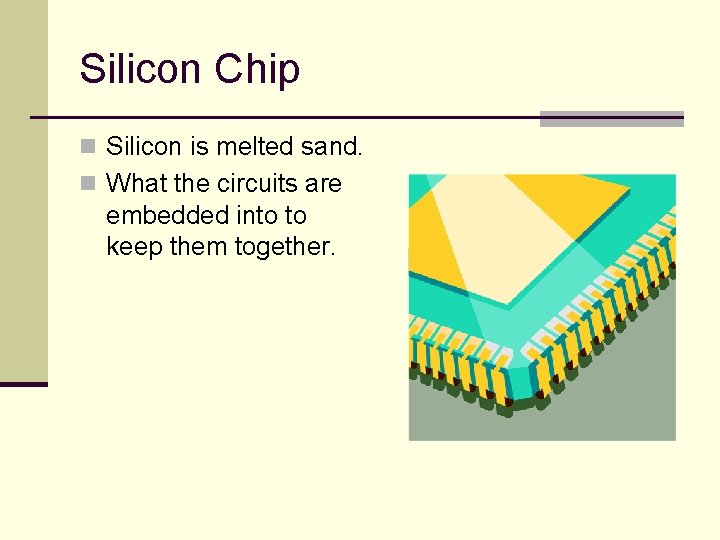
Silicon Chip n Silicon is melted sand. n What the circuits are embedded into to keep them together.
Hertz (megahertz or gigahertz) n A measurement used to describe the speed of the system clock. n A megahertz (MHZ) is equal to one million cycles (or pulses) per second. n 1. 3 gigahertz (GHz) means that the microprocessor’s clock operates at a speed of 1. 3 BILLION cycles per second.
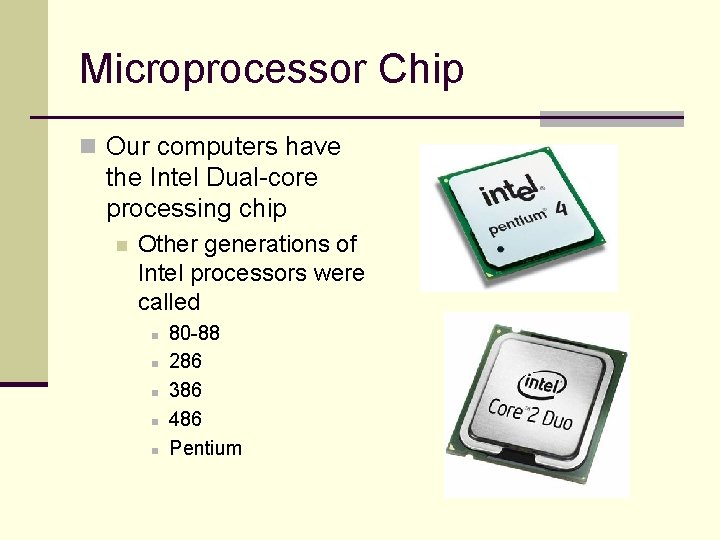
Microprocessor Chip n Our computers have the Intel Dual-core processing chip n Other generations of Intel processors were called n n n 80 -88 286 386 486 Pentium
Binary Number System n A method for representing letters or numbers using only two digits, 0 and 1. n Bit n n Each 0 or 1 Byte n 8 bits n Also referred to as Binary Code or Base 2
Byte n A byte is equal to 8 bits n any combination of 8 1 s and/or 0 s n A byte is the amount of memory it takes to store one character EXAMPLES A – 01000001 Z – 01111010
Memory Measurements n Bit n Each 0 or 1 n Byte n 8 bits n Kilobyte (KB) n Approximately 1, 000 bytes n Exactly 1, 024 bytes n Megabyte (MB) n Approximately 1 million bytes n Exactly 1, 048, 576 bytes n Gigabyte (GB) n Approximately 1 billion bytes n Terabyte (TB) n Approximately 1 trillion bytes
Secondary Storage n Secondary storage is needed to store data and programs when the computers power is off. n There are currently 3 types of secondary storage Magnetic Storage n Optical Storage n Flash Storage/Memory n
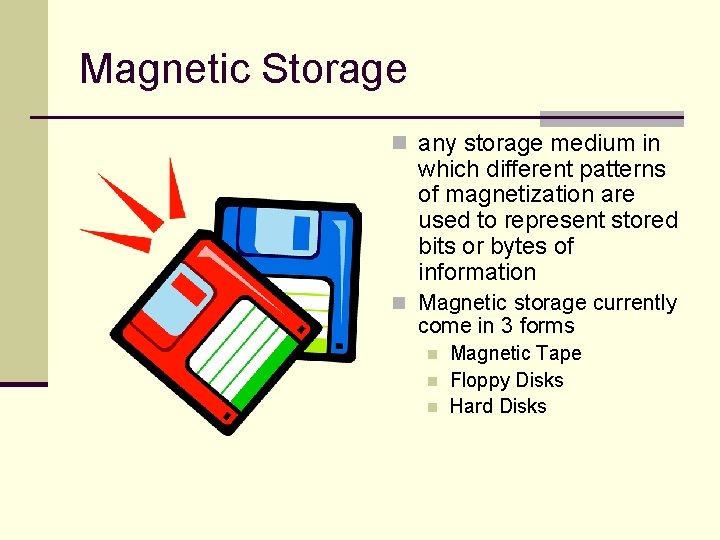
Magnetic Storage n any storage medium in which different patterns of magnetization are used to represent stored bits or bytes of information n Magnetic storage currently come in 3 forms n n n Magnetic Tape Floppy Disks Hard Disks
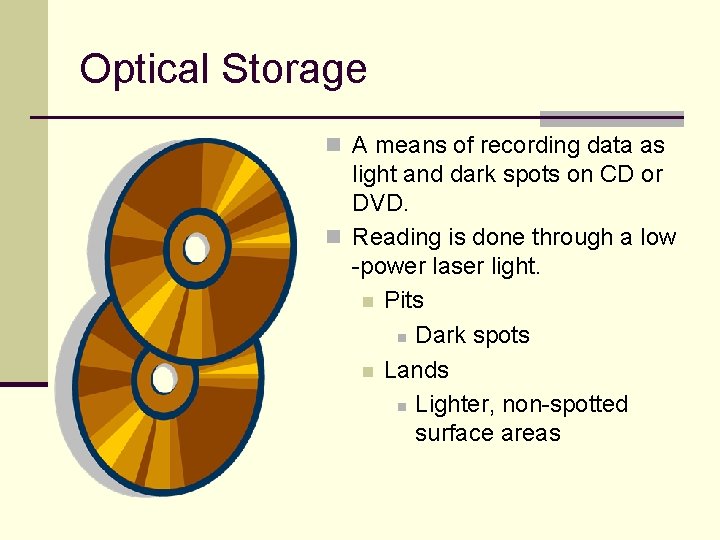
Optical Storage n A means of recording data as light and dark spots on CD or DVD. n Reading is done through a low -power laser light. n Pits n Dark spots n Lands n Lighter, non-spotted surface areas
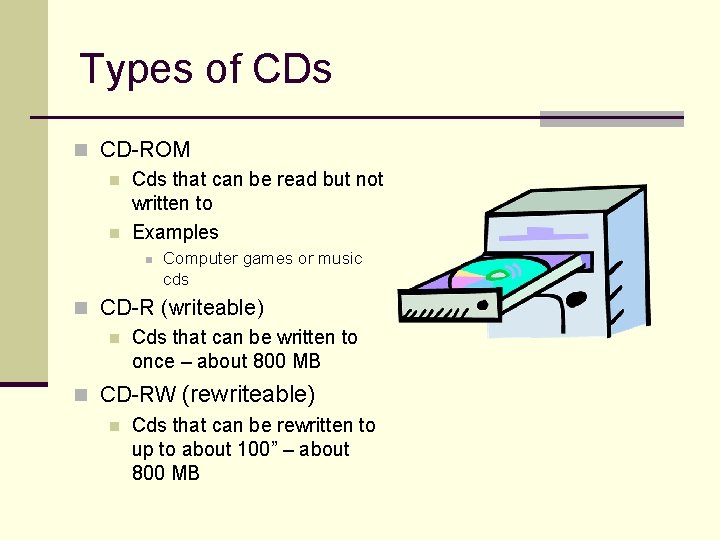
Types of CDs n CD-ROM n Cds that can be read but not written to n Examples n Computer games or music cds n CD-R (writeable) n Cds that can be written to once – about 800 MB n CD-RW (rewriteable) n Cds that can be rewritten to up to about 100” – about 800 MB
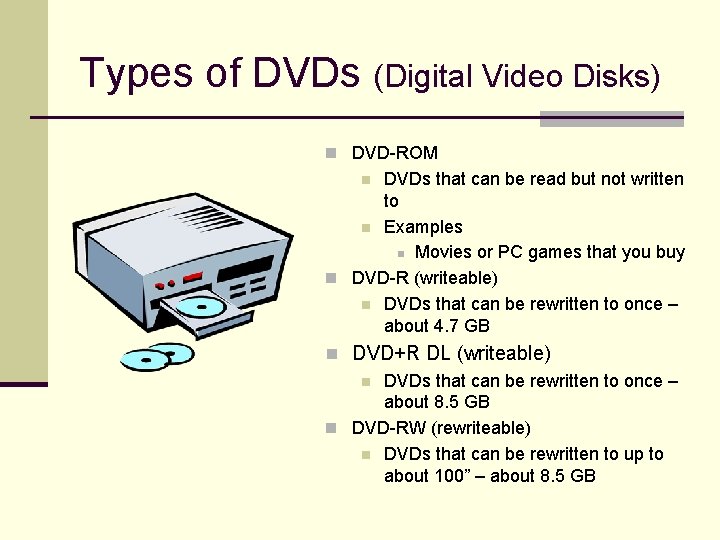
Types of DVDs (Digital Video Disks) n DVD-ROM DVDs that can be read but not written to n Examples n Movies or PC games that you buy n DVD-R (writeable) n DVDs that can be rewritten to once – about 4. 7 GB n n DVD+R DL (writeable) n DVDs that can be rewritten to once – about 8. 5 GB n DVD-RW (rewriteable) n DVDs that can be rewritten to up to about 100” – about 8. 5 GB
Flash Storage n Nonvolatile storage that can be electrically erased and programmed anew and that retains its data without a power supply n Great for digital cameras and cell phones because they retain image data even when batteries go "dead“.
Resources Parsons, June Jamrich, and Dan Oja. Computer Concepts. Boston: Course Technology Thompson Learning, 2002.