
Types Chapter 2 C An Introduction to Computing
- Slides: 41
Types Chapter 2 C++ An Introduction to Computing, 3 rd ed.
Objectives Observe types provided by C++ • Literals of these types Explain syntax rules for identifier names Study variables and constants • • What they are How they differ How to declare How to use Investigate internal representations First look at class attribute variables C++ An Introduction to Computing, 3 rd ed. 2
Problem We are given the task of writing a program to help the payroll office. They compute pay for university student workers Students are all paid an hourly rate of $6. 75 Consider what behavior we desire for the program. C++ An Introduction to Computing, 3 rd ed. 3
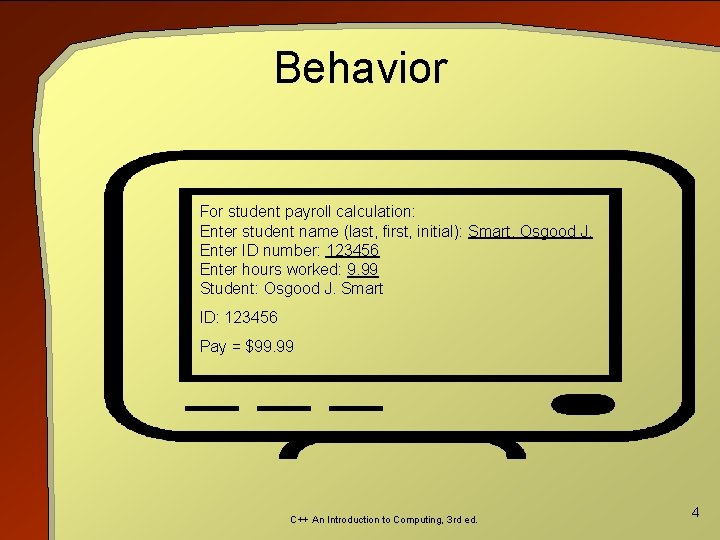
Behavior For student payroll calculation: Enter student name (last, first, initial): Smart, Osgood J. Enter ID number: 123456 Enter hours worked: 9. 99 Student: Osgood J. Smart ID: 123456 Pay = $99. 99 C++ An Introduction to Computing, 3 rd ed. 4
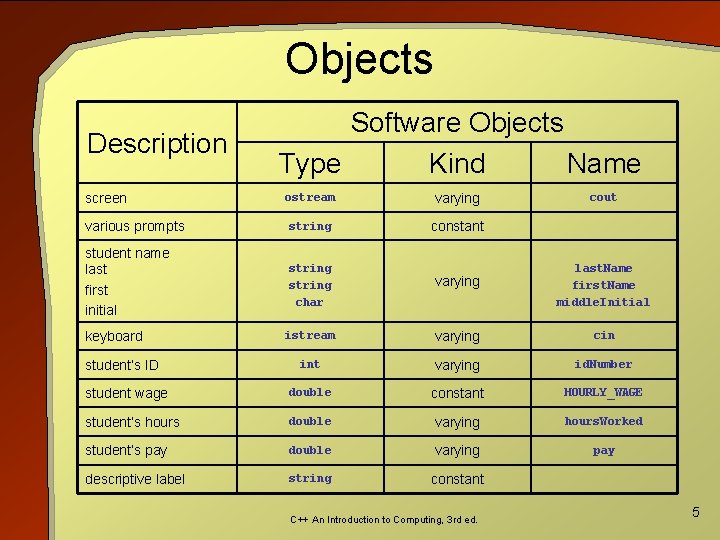
Objects Description screen Software Objects Type Kind Name ostream varying various prompts string constant student name last first initial string char varying last. Name first. Name middle. Initial istream varying cin int varying id. Number student wage double constant HOURLY_WAGE student’s hours double varying hours. Worked student’s pay double varying pay descriptive label string constant keyboard student’s ID C++ An Introduction to Computing, 3 rd ed. cout 5
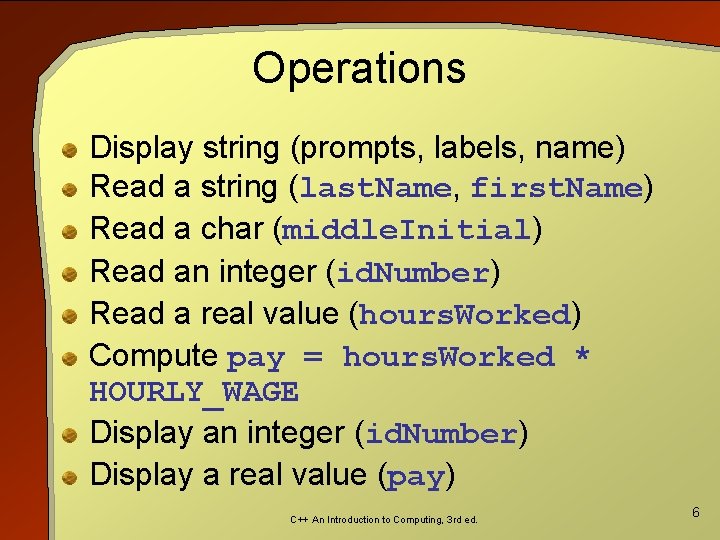
Operations Display string (prompts, labels, name) Read a string (last. Name, first. Name) Read a char (middle. Initial) Read an integer (id. Number) Read a real value (hours. Worked) Compute pay = hours. Worked * HOURLY_WAGE Display an integer (id. Number) Display a real value (pay) C++ An Introduction to Computing, 3 rd ed. 6
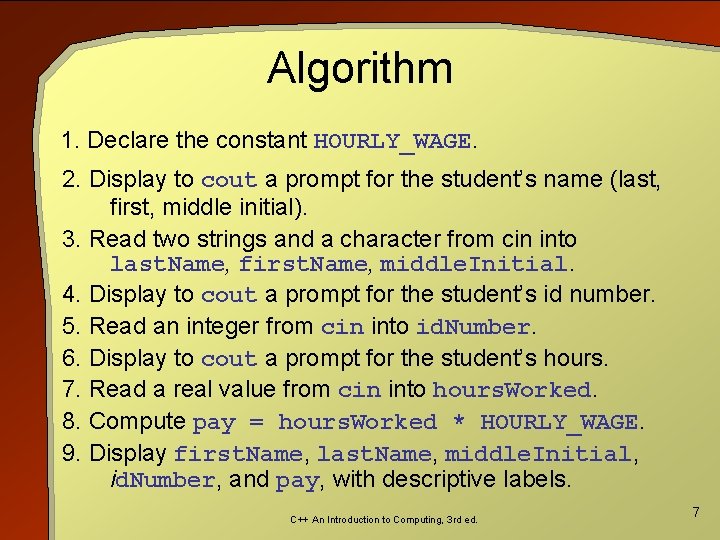
Algorithm 1. Declare the constant HOURLY_WAGE. 2. Display to cout a prompt for the student’s name (last, first, middle initial). 3. Read two strings and a character from cin into last. Name, first. Name, middle. Initial. 4. Display to cout a prompt for the student’s id number. 5. Read an integer from cin into id. Number. 6. Display to cout a prompt for the student’s hours. 7. Read a real value from cin into hours. Worked. 8. Compute pay = hours. Worked * HOURLY_WAGE. 9. Display first. Name, last. Name, middle. Initial, id. Number, and pay, with descriptive labels. C++ An Introduction to Computing, 3 rd ed. 7
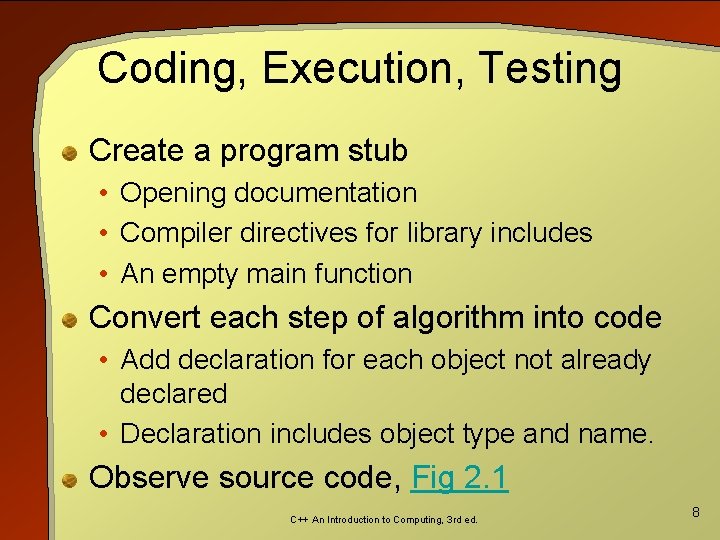
Coding, Execution, Testing Create a program stub • Opening documentation • Compiler directives for library includes • An empty main function Convert each step of algorithm into code • Add declaration for each object not already declared • Declaration includes object type and name. Observe source code, Fig 2. 1 C++ An Introduction to Computing, 3 rd ed. 8
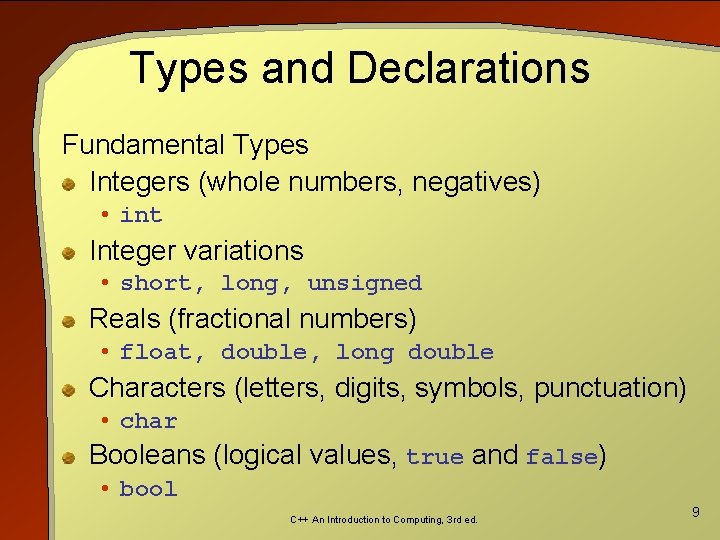
Types and Declarations Fundamental Types Integers (whole numbers, negatives) • int Integer variations • short, long, unsigned Reals (fractional numbers) • float, double, long double Characters (letters, digits, symbols, punctuation) • char Booleans (logical values, true and false) • bool C++ An Introduction to Computing, 3 rd ed. 9
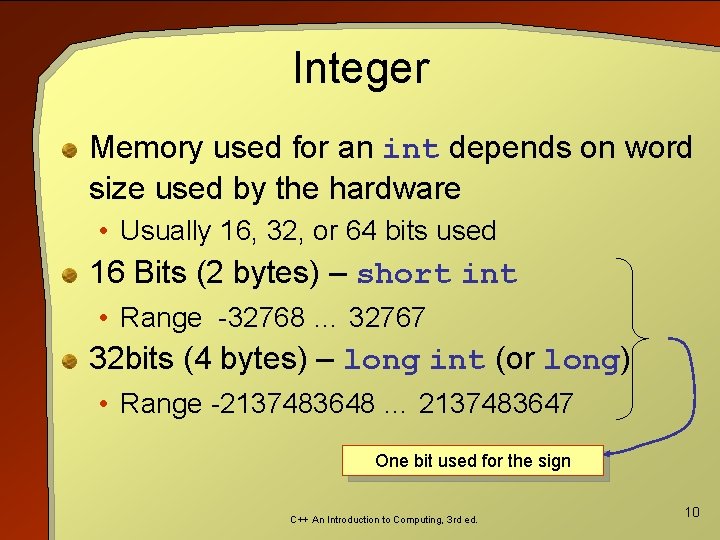
Integer Memory used for an int depends on word size used by the hardware • Usually 16, 32, or 64 bits used 16 Bits (2 bytes) – short int • Range -32768 … 32767 32 bits (4 bytes) – long int (or long) • Range -2137483648 … 2137483647 One bit used for the sign C++ An Introduction to Computing, 3 rd ed. 10
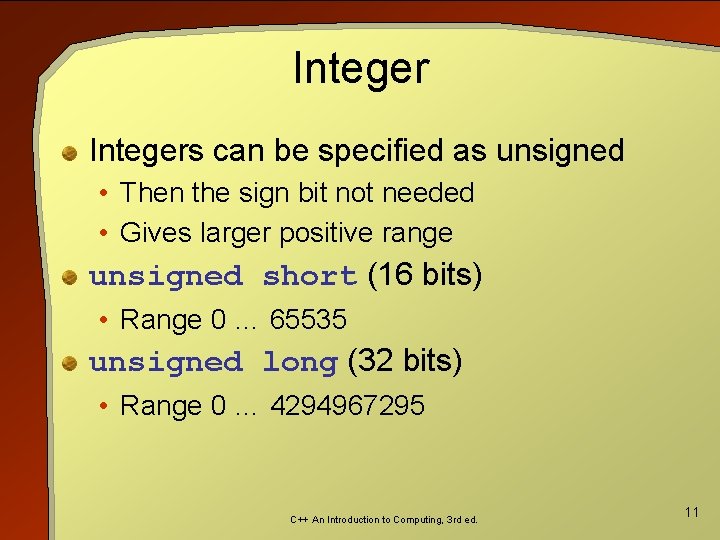
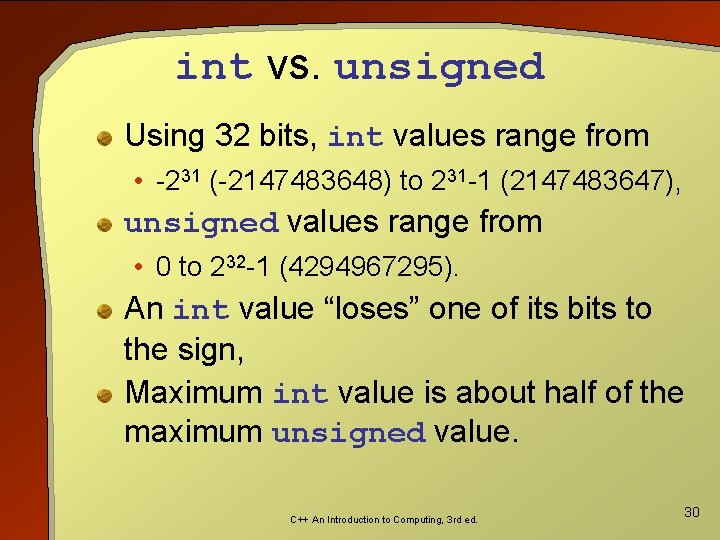
Integers can be specified as unsigned • Then the sign bit not needed • Gives larger positive range unsigned short (16 bits) • Range 0 … 65535 unsigned long (32 bits) • Range 0 … 4294967295 C++ An Introduction to Computing, 3 rd ed. 11
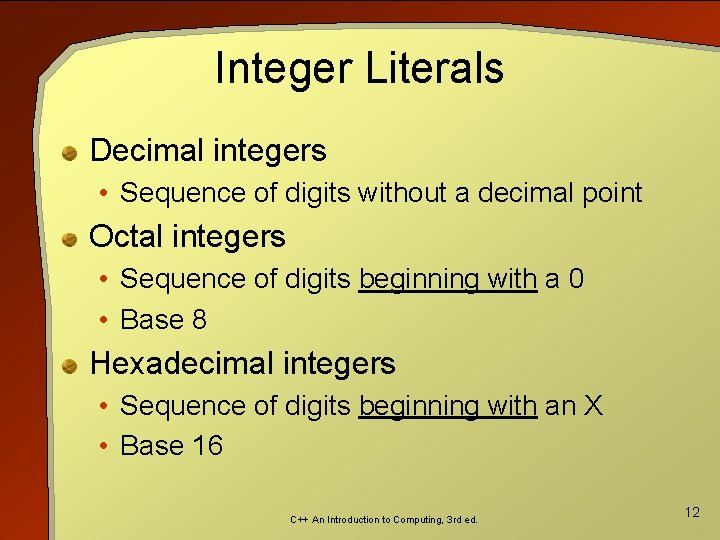
Integer Literals Decimal integers • Sequence of digits without a decimal point Octal integers • Sequence of digits beginning with a 0 • Base 8 Hexadecimal integers • Sequence of digits beginning with an X • Base 16 C++ An Introduction to Computing, 3 rd ed. 12
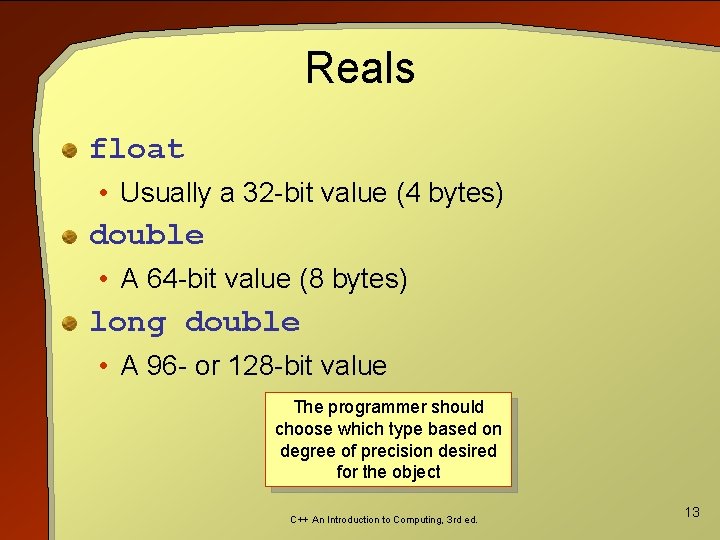
Reals float • Usually a 32 -bit value (4 bytes) double • A 64 -bit value (8 bytes) long double • A 96 - or 128 -bit value The programmer should choose which type based on degree of precision desired for the object C++ An Introduction to Computing, 3 rd ed. 13
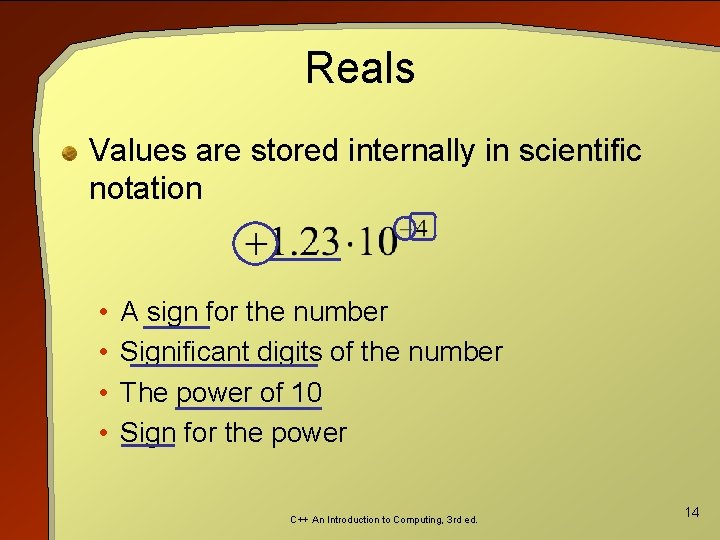
Reals Values are stored internally in scientific notation • • A sign for the number Significant digits of the number The power of 10 Sign for the power C++ An Introduction to Computing, 3 rd ed. 14
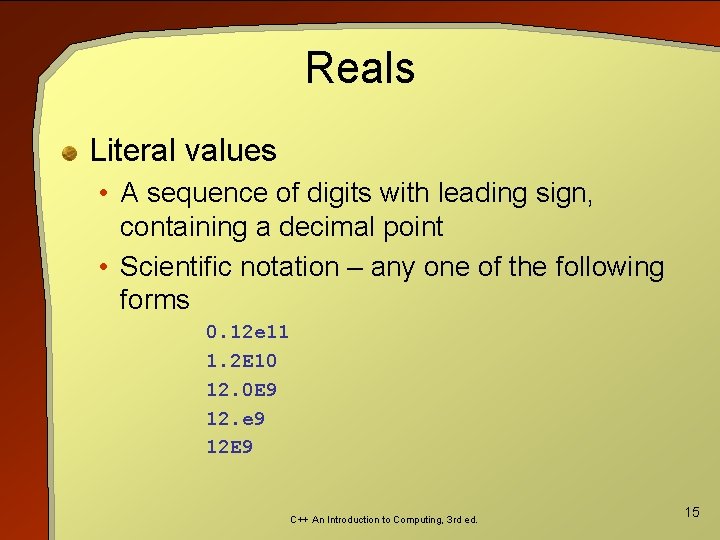
Reals Literal values • A sequence of digits with leading sign, containing a decimal point • Scientific notation – any one of the following forms 0. 12 e 11 1. 2 E 10 12. 0 E 9 12. e 9 12 E 9 C++ An Introduction to Computing, 3 rd ed. 15
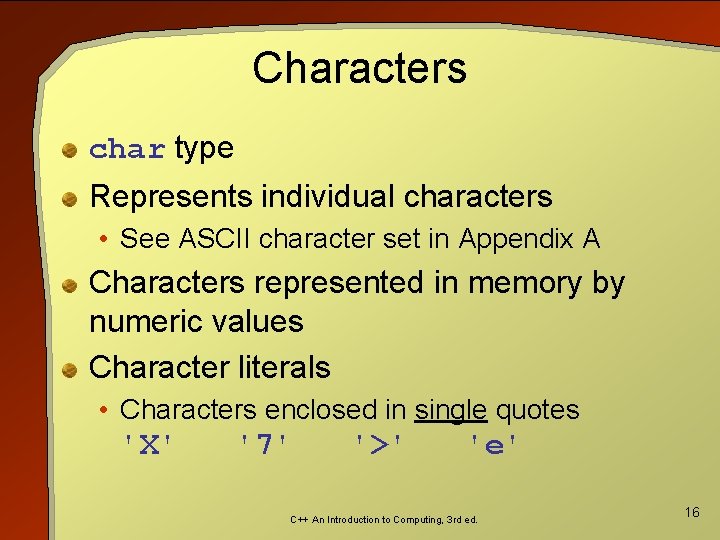
Characters char type Represents individual characters • See ASCII character set in Appendix A Characters represented in memory by numeric values Character literals • Characters enclosed in single quotes 'X' '7' '>' 'e' C++ An Introduction to Computing, 3 rd ed. 16
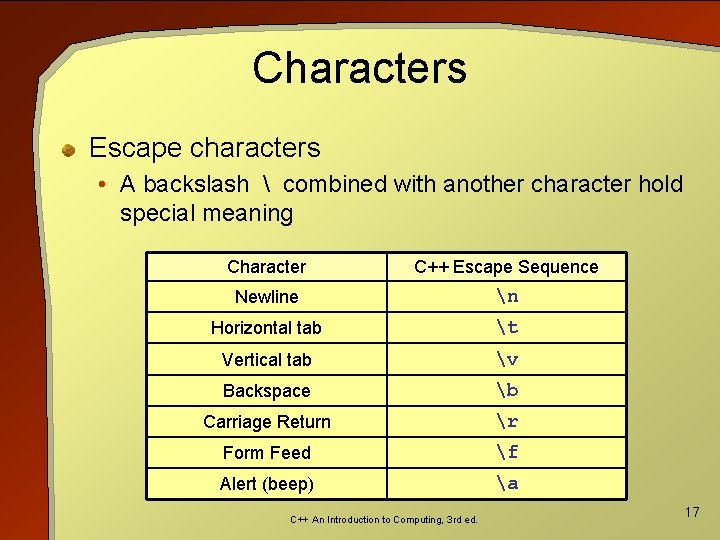
Characters Escape characters • A backslash combined with another character hold special meaning Character C++ Escape Sequence Newline n Horizontal tab t Vertical tab v Backspace b Carriage Return r Form Feed f Alert (beep) a C++ An Introduction to Computing, 3 rd ed. 17
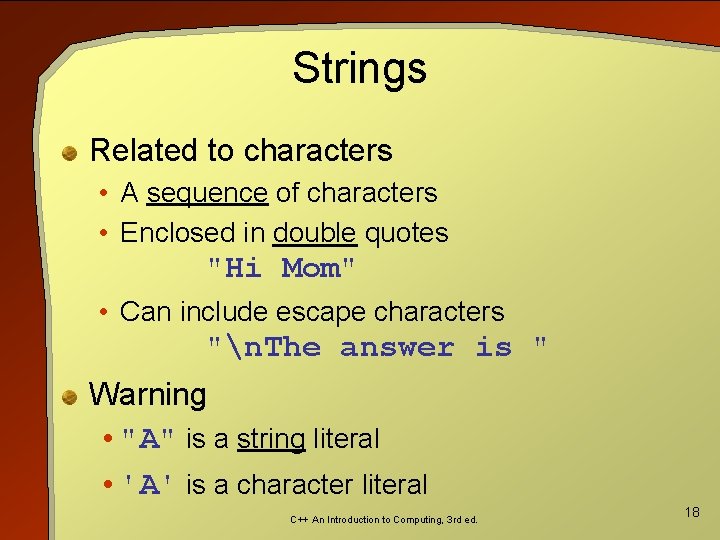
Strings Related to characters • A sequence of characters • Enclosed in double quotes "Hi Mom" • Can include escape characters "n. The answer is " Warning • "A" is a string literal • 'A' is a character literal C++ An Introduction to Computing, 3 rd ed. 18
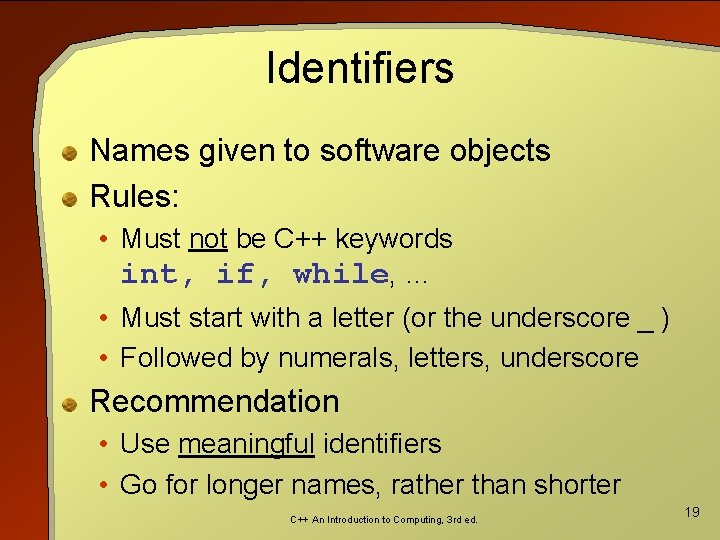
Identifiers Names given to software objects Rules: • Must not be C++ keywords int, if, while, … • Must start with a letter (or the underscore _ ) • Followed by numerals, letters, underscore Recommendation • Use meaningful identifiers • Go for longer names, rather than shorter C++ An Introduction to Computing, 3 rd ed. 19
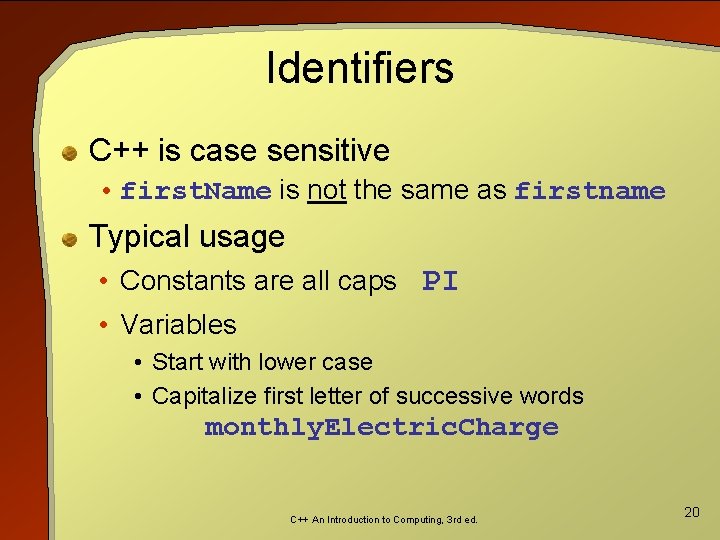
Identifiers C++ is case sensitive • first. Name is not the same as firstname Typical usage • Constants are all caps PI • Variables • Start with lower case • Capitalize first letter of successive words monthly. Electric. Charge C++ An Introduction to Computing, 3 rd ed. 20
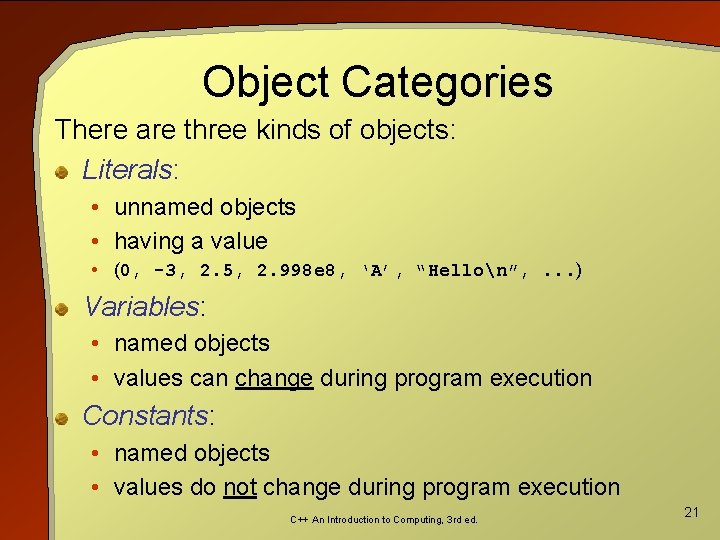
Object Categories There are three kinds of objects: Literals: • unnamed objects • having a value • (0, -3, 2. 5, 2. 998 e 8, ‘A’, “Hellon”, . . . ) Variables: • named objects • values can change during program execution Constants: • named objects • values do not change during program execution C++ An Introduction to Computing, 3 rd ed. 21
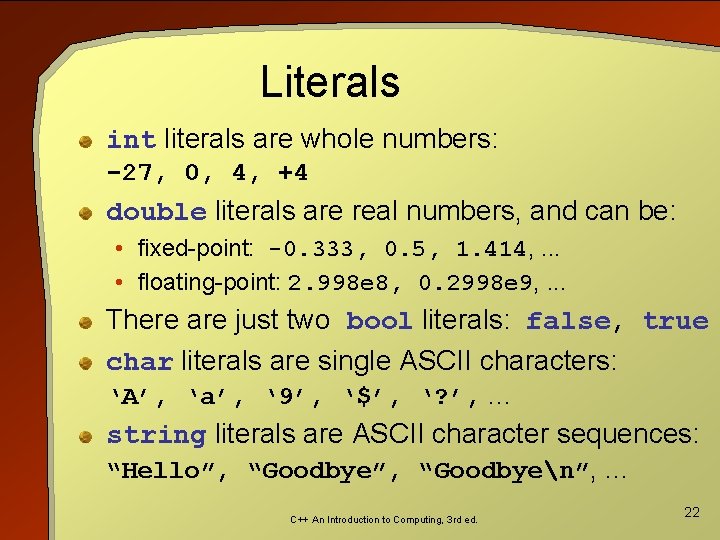
Literals int literals are whole numbers: -27, 0, 4, +4 double literals are real numbers, and can be: • fixed-point: -0. 333, 0. 5, 1. 414, . . . • floating-point: 2. 998 e 8, 0. 2998 e 9, . . . There are just two bool literals: false, true char literals are single ASCII characters: ‘A’, ‘a’, ‘ 9’, ‘$’, ‘? ’, . . . string literals are ASCII character sequences: “Hello”, “Goodbyen”, . . . C++ An Introduction to Computing, 3 rd ed. 22
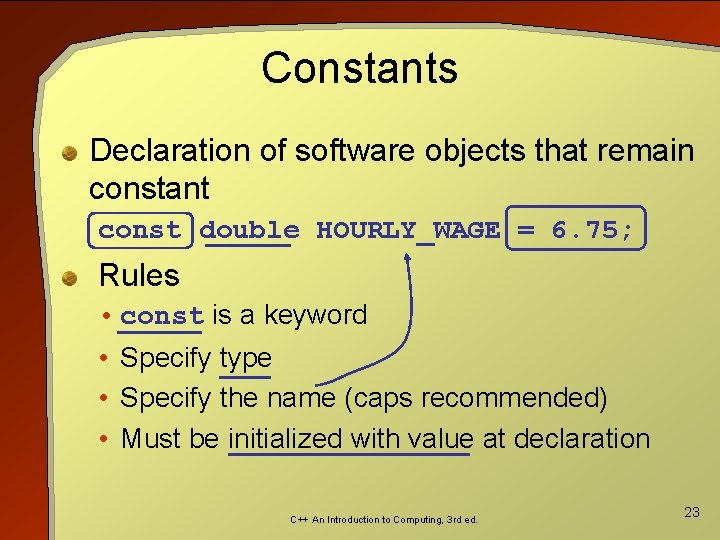
Constants Declaration of software objects that remain constant const double HOURLY_WAGE = 6. 75; Rules • const is a keyword • Specify type • Specify the name (caps recommended) • Must be initialized with value at declaration C++ An Introduction to Computing, 3 rd ed. 23
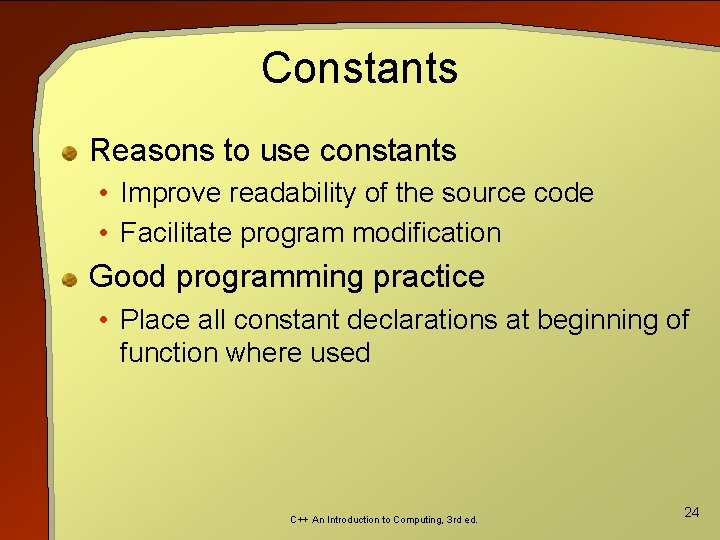
Constants Reasons to use constants • Improve readability of the source code • Facilitate program modification Good programming practice • Place all constant declarations at beginning of function where used C++ An Introduction to Computing, 3 rd ed. 24
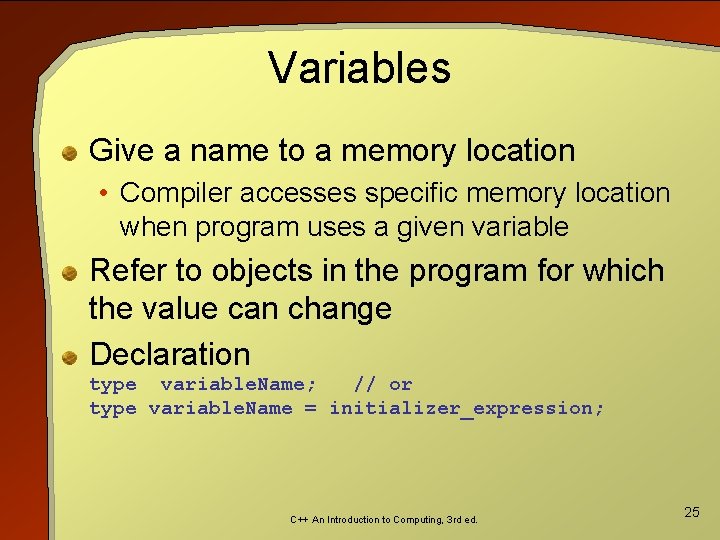
Variables Give a name to a memory location • Compiler accesses specific memory location when program uses a given variable Refer to objects in the program for which the value can change Declaration type variable. Name; // or type variable. Name = initializer_expression; C++ An Introduction to Computing, 3 rd ed. 25
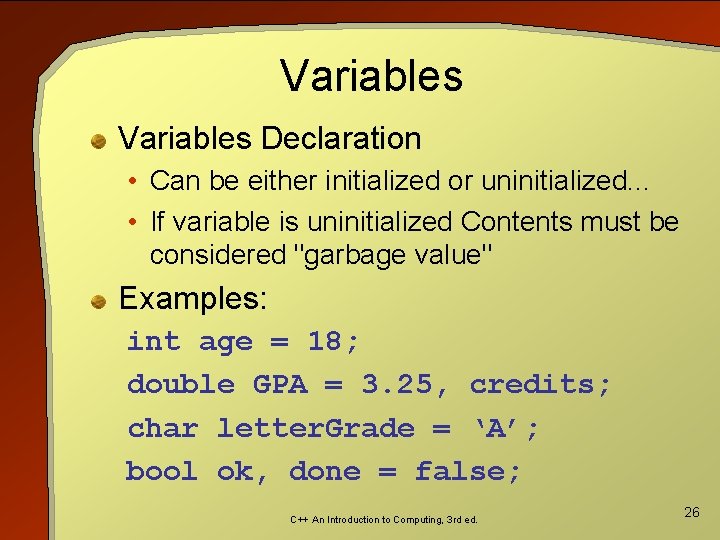
Variables Declaration • Can be either initialized or uninitialized. . . • If variable is uninitialized Contents must be considered "garbage value" Examples: int age = 18; double GPA = 3. 25, credits; char letter. Grade = ‘A’; bool ok, done = false; C++ An Introduction to Computing, 3 rd ed. 26
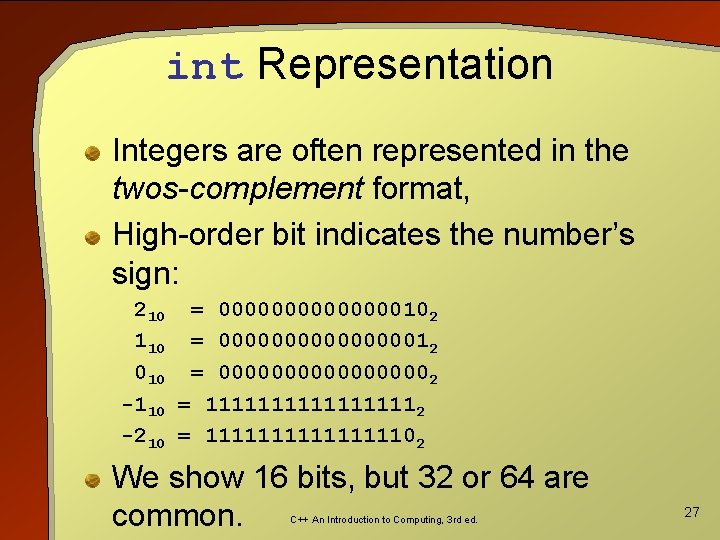
int Representation Integers are often represented in the twos-complement format, High-order bit indicates the number’s sign: 210 = 0000000102 110 = 0000000012 010 = 000000002 -110 = 111111112 -210 = 1111111102 We show 16 bits, but 32 or 64 are common. C++ An Introduction to Computing, 3 rd ed. 27
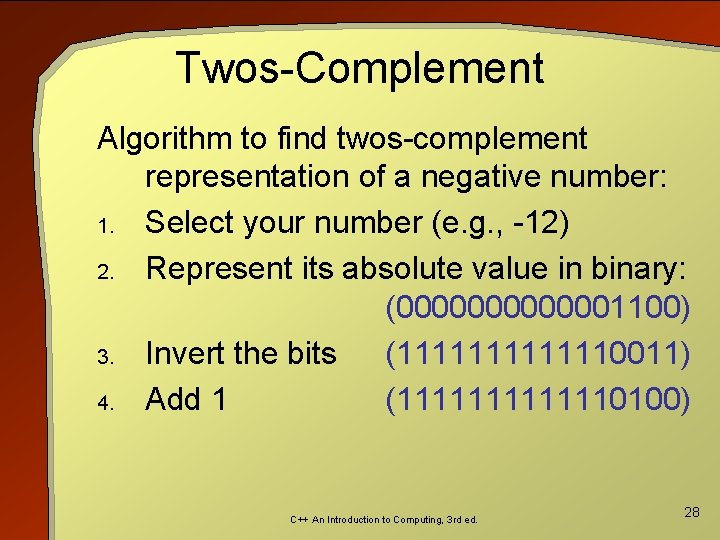
Twos-Complement Algorithm to find twos-complement representation of a negative number: 1. Select your number (e. g. , -12) 2. Represent its absolute value in binary: (0000001100) 3. Invert the bits (1111110011) 4. Add 1 (1111110100) C++ An Introduction to Computing, 3 rd ed. 28
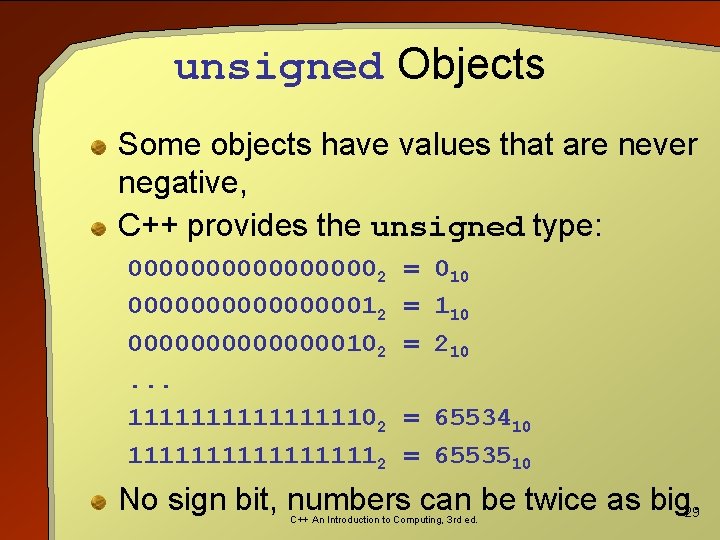
unsigned Objects Some objects have values that are never negative, C++ provides the unsigned type: 000000002 0000000012 0000000102. . . 1111111102 111111112 = 010 = 110 = 210 = 6553410 = 6553510 No sign bit, numbers can be twice as big. 29 C++ An Introduction to Computing, 3 rd ed.
int vs. unsigned Using 32 bits, int values range from • -231 (-2147483648) to 231 -1 (2147483647), unsigned values range from • 0 to 232 -1 (4294967295). An int value “loses” one of its bits to the sign, Maximum int value is about half of the maximum unsigned value. C++ An Introduction to Computing, 3 rd ed. 30
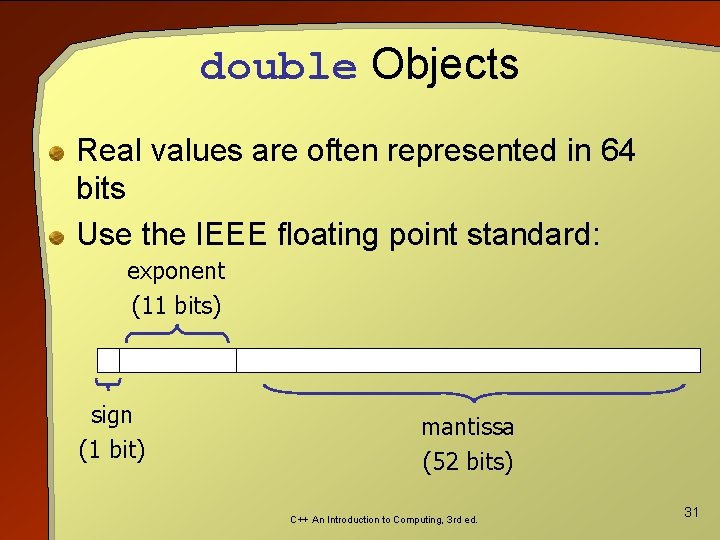
double Objects Real values are often represented in 64 bits Use the IEEE floating point standard: exponent (11 bits) sign (1 bit) mantissa (52 bits) C++ An Introduction to Computing, 3 rd ed. 31
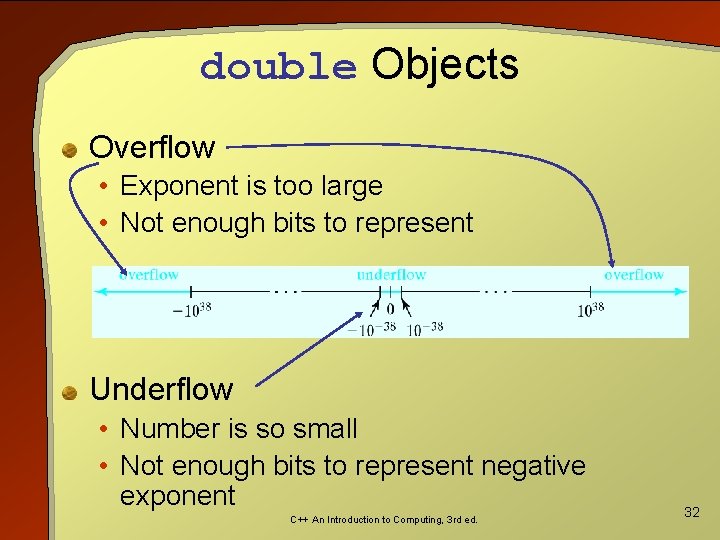
double Objects Overflow • Exponent is too large • Not enough bits to represent Underflow • Number is so small • Not enough bits to represent negative exponent C++ An Introduction to Computing, 3 rd ed. 32
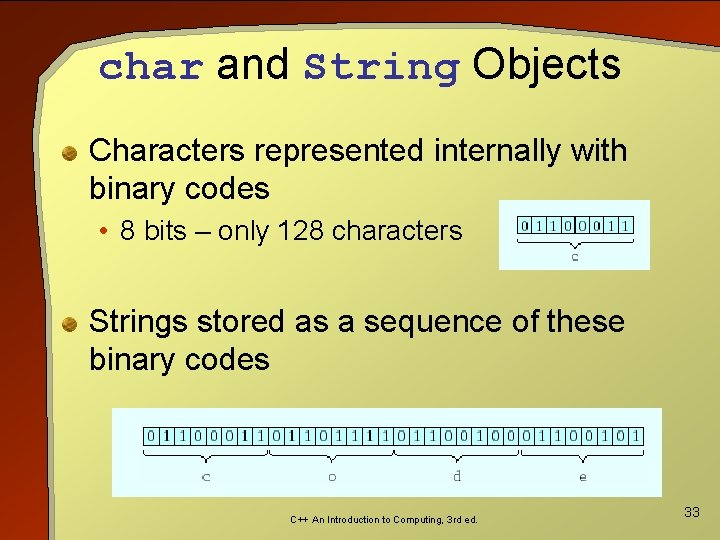
char and String Objects Characters represented internally with binary codes • 8 bits – only 128 characters Strings stored as a sequence of these binary codes C++ An Introduction to Computing, 3 rd ed. 33
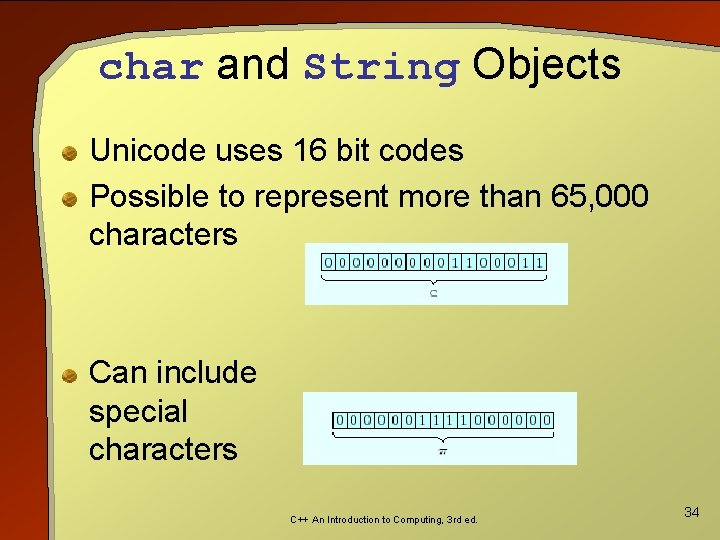
char and String Objects Unicode uses 16 bit codes Possible to represent more than 65, 000 characters Can include special characters C++ An Introduction to Computing, 3 rd ed. 34
Booleans Only two values • true and false • true stored as 1 • Anything non zero will be interpreted as true • false stored as 0 Could be stored in a single bit • Usually stored in a word or byte C++ An Introduction to Computing, 3 rd ed. 35
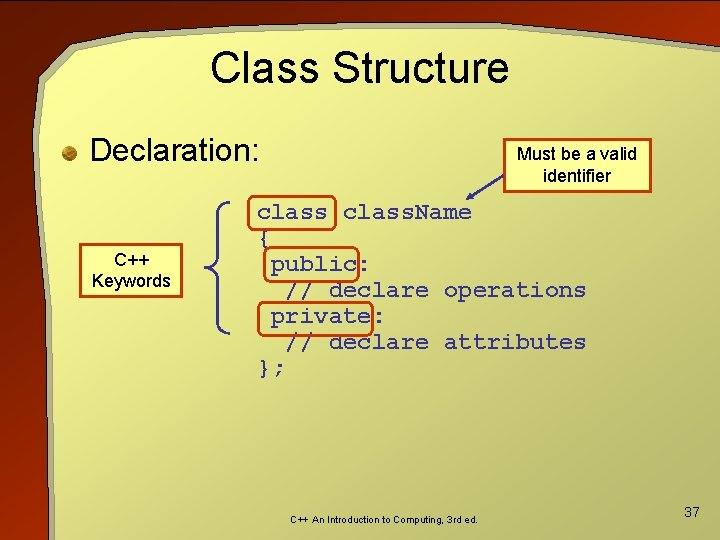
OBJECTive Thinking: Attribute Variables Represent complicated objects in a program by using a class Must first design and build the class Then use that class as a type to declare the object(s) C++ An Introduction to Computing, 3 rd ed. 36
Class Structure Declaration: C++ Keywords Must be a valid identifier class. Name { public: // declare operations private: // declare attributes }; C++ An Introduction to Computing, 3 rd ed. 37
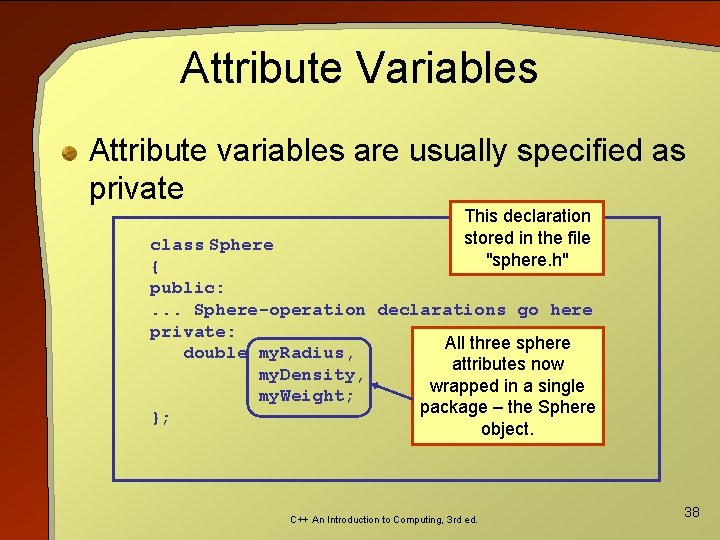
Attribute Variables Attribute variables are usually specified as private This declaration stored in the file "sphere. h" class Sphere { public: . . . Sphere-operation declarations go here private: All three sphere double my. Radius, attributes now my. Density, wrapped in a single my. Weight; package – the Sphere }; object. C++ An Introduction to Computing, 3 rd ed. 38
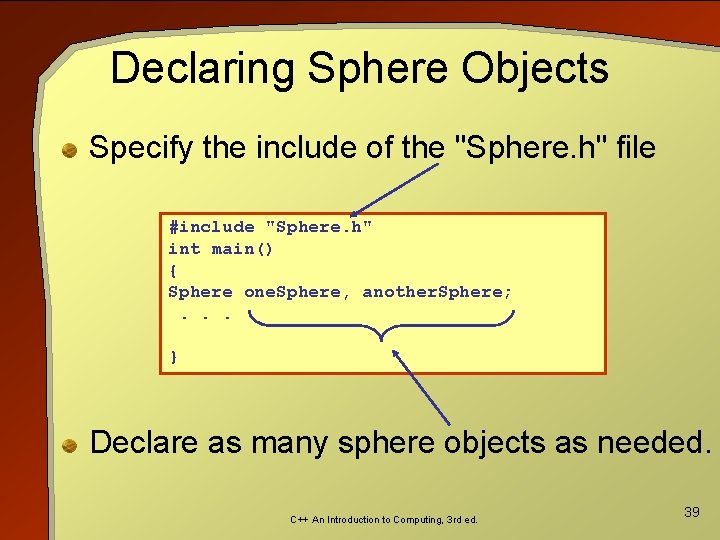
Declaring Sphere Objects Specify the include of the "Sphere. h" file #include "Sphere. h" int main() { Sphere one. Sphere, another. Sphere; . . . } Declare as many sphere objects as needed. C++ An Introduction to Computing, 3 rd ed. 39
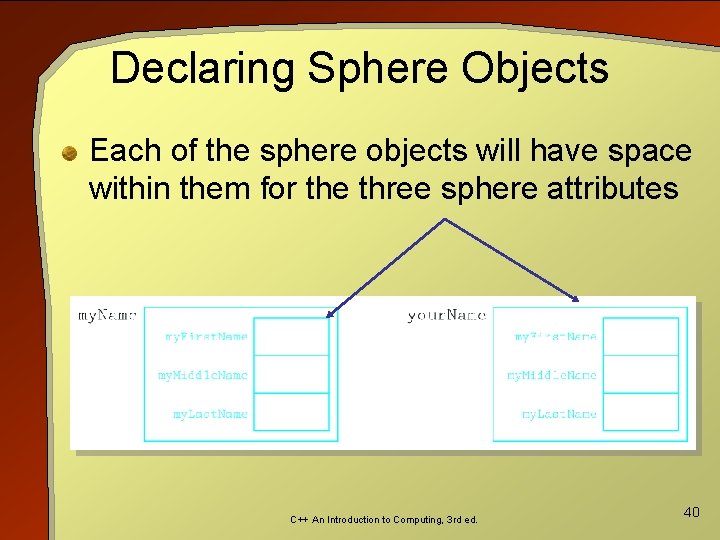
Declaring Sphere Objects Each of the sphere objects will have space within them for the three sphere attributes C++ An Introduction to Computing, 3 rd ed. 40
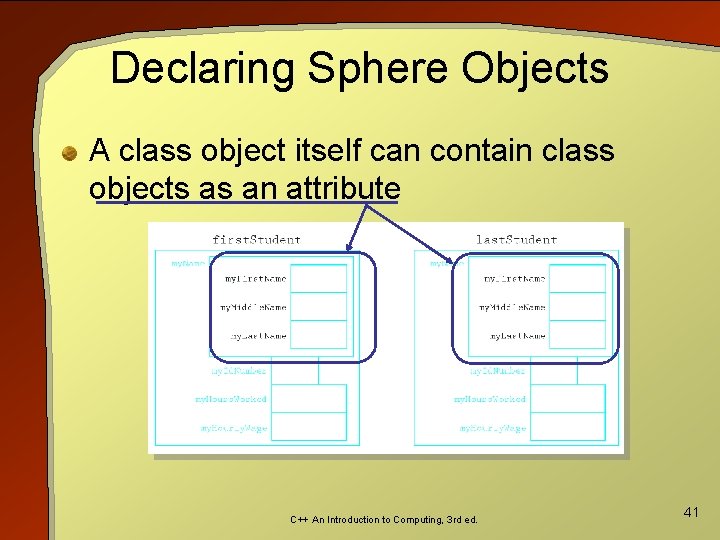
Declaring Sphere Objects A class object itself can contain class objects as an attribute C++ An Introduction to Computing, 3 rd ed. 41