
TwoDimensional Arrays ICS 111 Introduction to Computer Science
- Slides: 12
Two-Dimensional Arrays • ICS 111: Introduction to Computer Science I – William Albritton • Information and Computer Sciences Department at the University of Hawai‘i at Mānoa • "We don't like their sound, and guitar music is on the way out. " – Decca Recording Co. rejecting the Beatles, 1962. 1/18/2022 © 2007 William Albritton 1
Nested Loops • We can have loops within loops – The outside (surrounding) loop is called the “outer loop” and the inside (nested) loop is called the “inner loop” • Each time the outer loop executes, then the inner loop executes Y times • So if the outer loop executes X times, and the inner loop executes Y times, then the total number of loops is X*Y – See Nested. Loops. java 1/18/2022 © 2007 William Albritton 2
Class Exercise 1 • What is the output of this program? – See Exercise 1. java 1/18/2022 © 2007 William Albritton 3
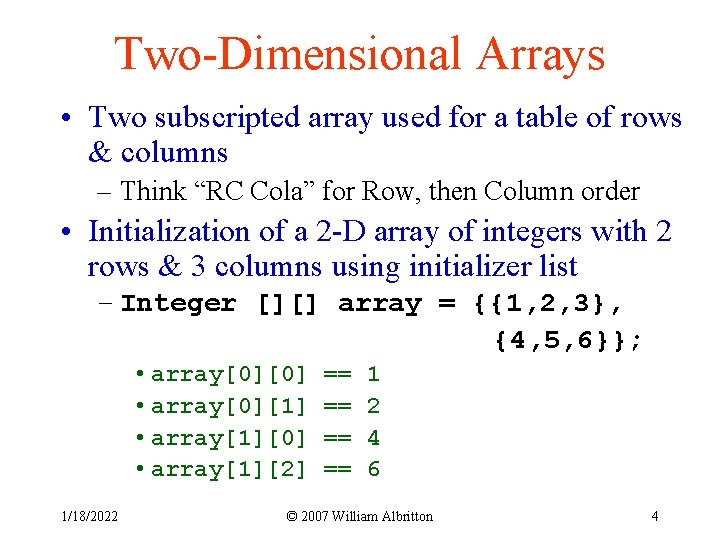
Two-Dimensional Arrays • Two subscripted array used for a table of rows & columns – Think “RC Cola” for Row, then Column order • Initialization of a 2 -D array of integers with 2 rows & 3 columns using initializer list – Integer [][] array = {{1, 2, 3}, {4, 5, 6}}; • array[0][0] • array[0][1] • array[1][0] • array[1][2] 1/18/2022 == == 1 2 4 6 © 2007 William Albritton 4
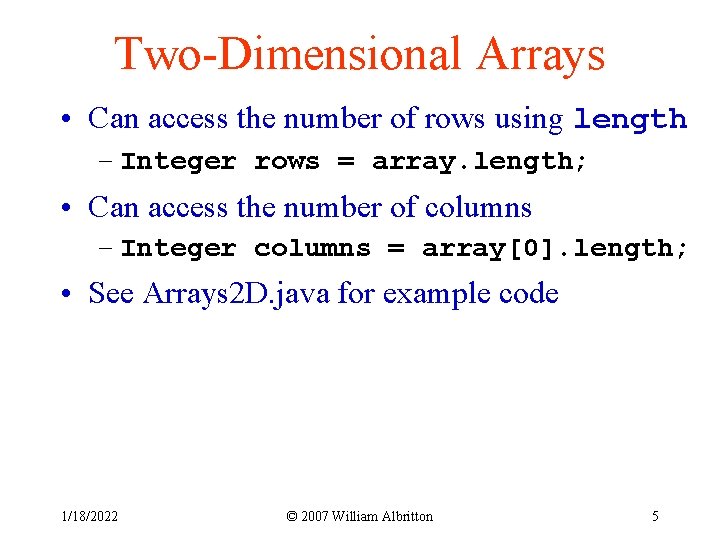
Two-Dimensional Arrays • Can access the number of rows using length – Integer rows = array. length; • Can access the number of columns – Integer columns = array[0]. length; • See Arrays 2 D. java for example code 1/18/2022 © 2007 William Albritton 5
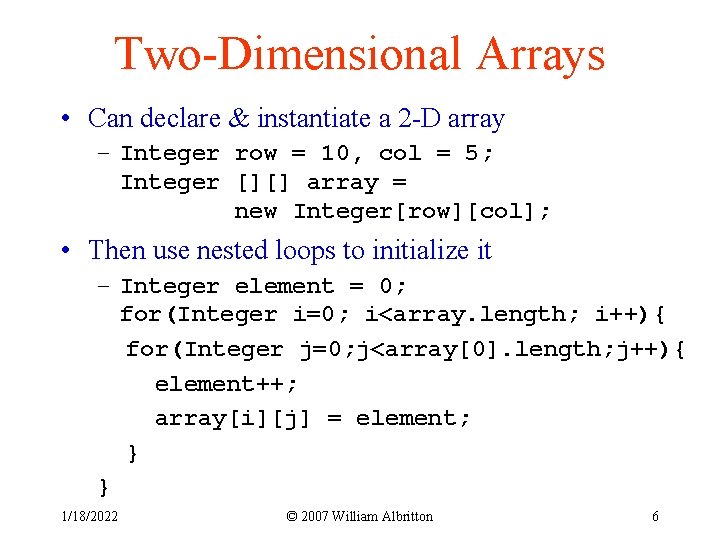
Two-Dimensional Arrays • Can declare & instantiate a 2 -D array – Integer row = 10, col = 5; Integer [][] array = new Integer[row][col]; • Then use nested loops to initialize it – Integer element = 0; for(Integer i=0; i<array. length; i++){ for(Integer j=0; j<array[0]. length; j++){ element++; array[i][j] = element; } } 1/18/2022 © 2007 William Albritton 6
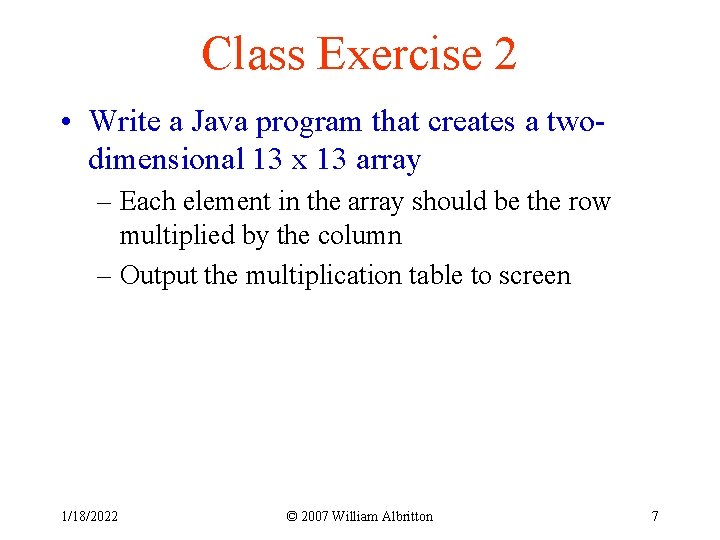
Class Exercise 2 • Write a Java program that creates a twodimensional 13 x 13 array – Each element in the array should be the row multiplied by the column – Output the multiplication table to screen 1/18/2022 © 2007 William Albritton 7
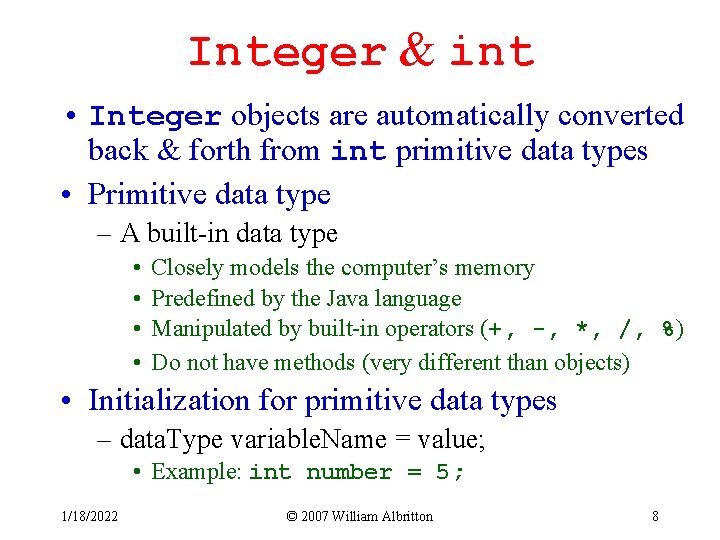
Integer & int • Integer objects are automatically converted back & forth from int primitive data types • Primitive data type – A built-in data type • • Closely models the computer’s memory Predefined by the Java language Manipulated by built-in operators (+, -, *, /, %) Do not have methods (very different than objects) • Initialization for primitive data types – data. Type variable. Name = value; • Example: int number = 5; 1/18/2022 © 2007 William Albritton 8
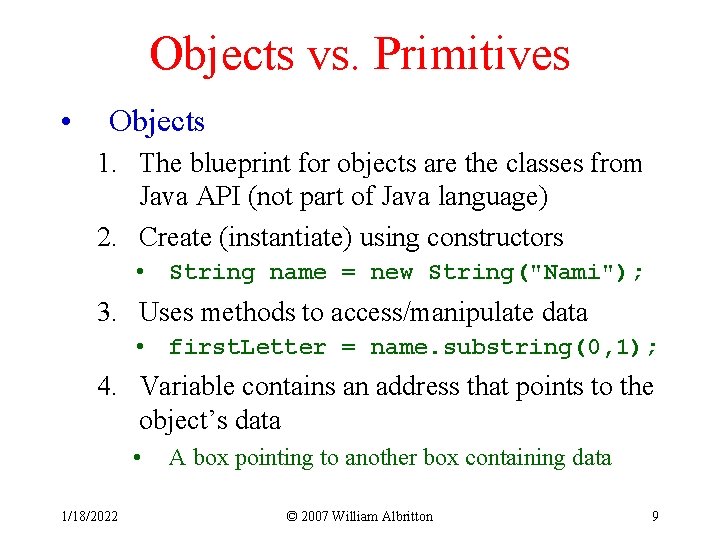
Objects vs. Primitives • Objects 1. The blueprint for objects are the classes from Java API (not part of Java language) 2. Create (instantiate) using constructors • String name = new String("Nami"); 3. Uses methods to access/manipulate data • first. Letter = name. substring(0, 1); 4. Variable contains an address that points to the object’s data • 1/18/2022 A box pointing to another box containing data © 2007 William Albritton 9
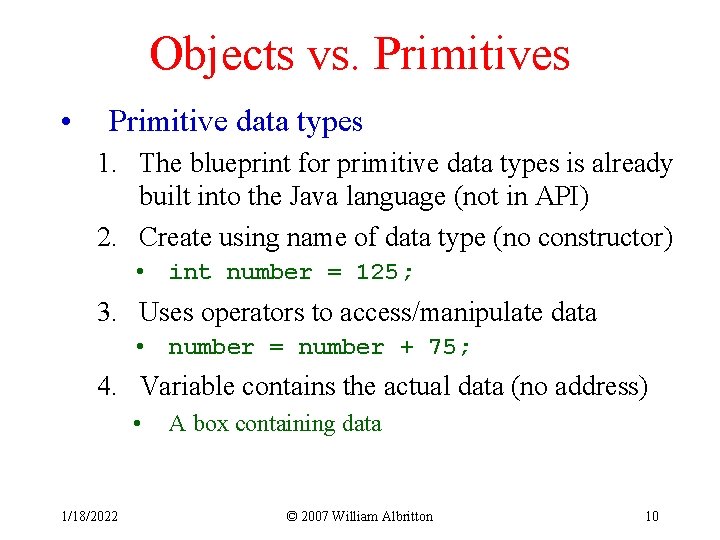
Objects vs. Primitives • Primitive data types 1. The blueprint for primitive data types is already built into the Java language (not in API) 2. Create using name of data type (no constructor) • int number = 125; 3. Uses operators to access/manipulate data • number = number + 75; 4. Variable contains the actual data (no address) • 1/18/2022 A box containing data © 2007 William Albritton 10
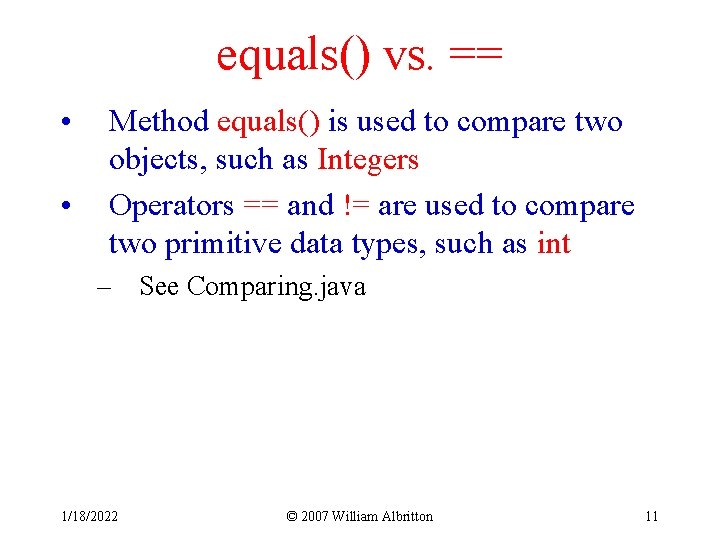
equals() vs. == • • Method equals() is used to compare two objects, such as Integers Operators == and != are used to compare two primitive data types, such as int – See Comparing. java 1/18/2022 © 2007 William Albritton 11
Class Exercise 3 • What is the output of this program? – See Exercise 1. java 1/18/2022 © 2007 William Albritton 12