
TwoDimensional Arrays and Nested Loops part 3 Barb
Two-Dimensional Arrays and Nested Loops – part 3 Barb Ericson Georgia Institute of Technology August 2005 Georgia Institute of Technology
Learning Goals • Understand at a conceptual and practical level – How to copy pixels from one picture to another – How to declare, initialize and change several variables in a for loop – How to copy pixels from one picture to a specified location in another picture Georgia Institute of Technology
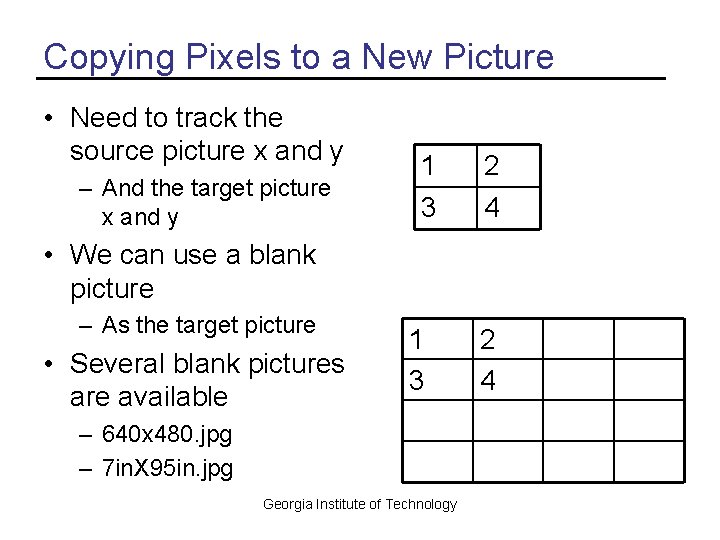
Copying Pixels to a New Picture • Need to track the source picture x and y – And the target picture x and y 1 2 3 4 • We can use a blank picture – As the target picture • Several blank pictures are available 1 3 – 640 x 480. jpg – 7 in. X 95 in. jpg Georgia Institute of Technology 2 4
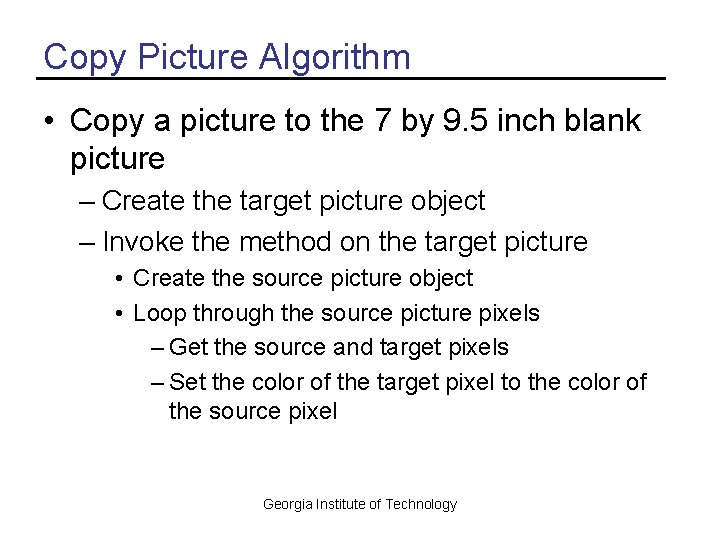
Copy Picture Algorithm • Copy a picture to the 7 by 9. 5 inch blank picture – Create the target picture object – Invoke the method on the target picture • Create the source picture object • Loop through the source picture pixels – Get the source and target pixels – Set the color of the target pixel to the color of the source pixel Georgia Institute of Technology
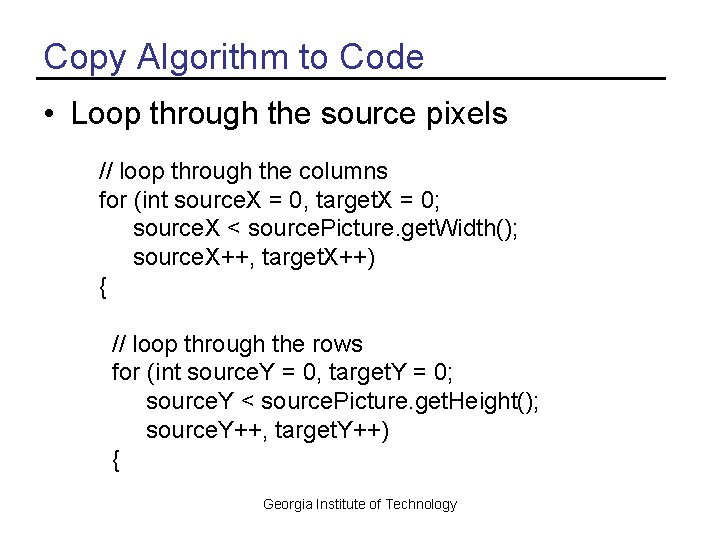
Copy Algorithm to Code • Loop through the source pixels // loop through the columns for (int source. X = 0, target. X = 0; source. X < source. Picture. get. Width(); source. X++, target. X++) { // loop through the rows for (int source. Y = 0, target. Y = 0; source. Y < source. Picture. get. Height(); source. Y++, target. Y++) { Georgia Institute of Technology
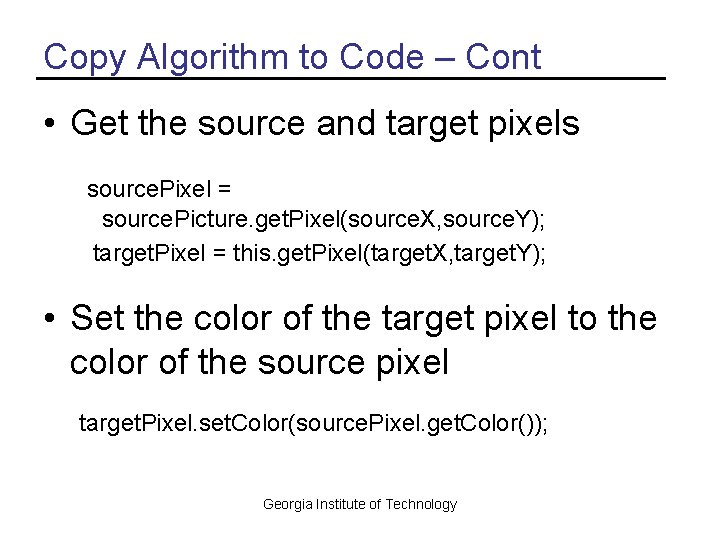
Copy Algorithm to Code – Cont • Get the source and target pixels source. Pixel = source. Picture. get. Pixel(source. X, source. Y); target. Pixel = this. get. Pixel(target. X, target. Y); • Set the color of the target pixel to the color of the source pixel target. Pixel. set. Color(source. Pixel. get. Color()); Georgia Institute of Technology
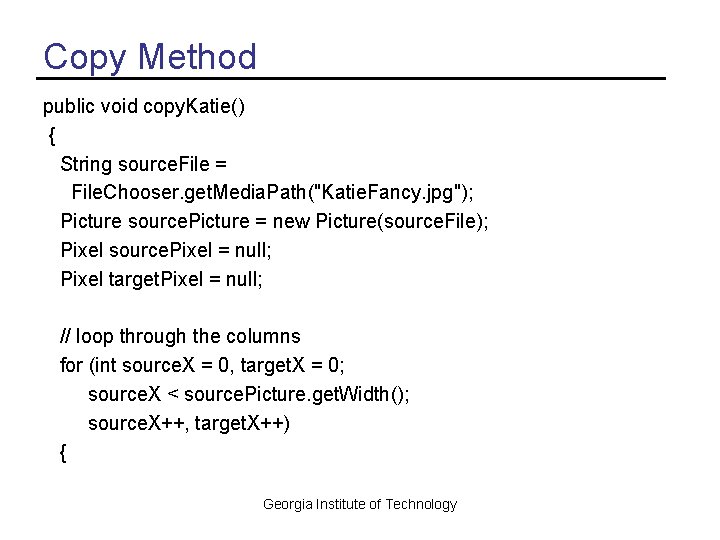
Copy Method public void copy. Katie() { String source. File = File. Chooser. get. Media. Path("Katie. Fancy. jpg"); Picture source. Picture = new Picture(source. File); Pixel source. Pixel = null; Pixel target. Pixel = null; // loop through the columns for (int source. X = 0, target. X = 0; source. X < source. Picture. get. Width(); source. X++, target. X++) { Georgia Institute of Technology
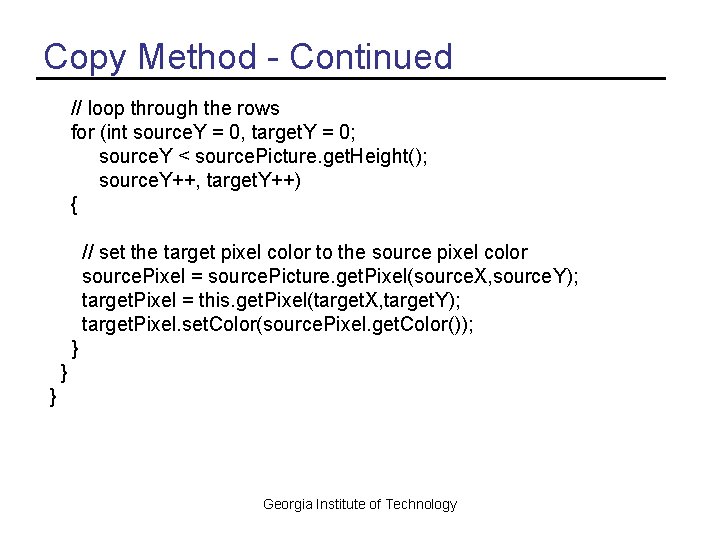
Copy Method - Continued // loop through the rows for (int source. Y = 0, target. Y = 0; source. Y < source. Picture. get. Height(); source. Y++, target. Y++) { // set the target pixel color to the source pixel color source. Pixel = source. Picture. get. Pixel(source. X, source. Y); target. Pixel = this. get. Pixel(target. X, target. Y); target. Pixel. set. Color(source. Pixel. get. Color()); } } } Georgia Institute of Technology
Trying the copy. Katie Method • Create a picture object using the 7 in. X 95 in. jpg file in the mediasources directory – Picture p 1 = new Picture(File. Chooser. get. Media. Path(“ 7 in. X 95 in. jpg”)); • Show the picture – p 1. show(); • Invoke the method on this picture object – p 1. copy. Katie(); • Repaint the picture – p 1. repaint(); Georgia Institute of Technology
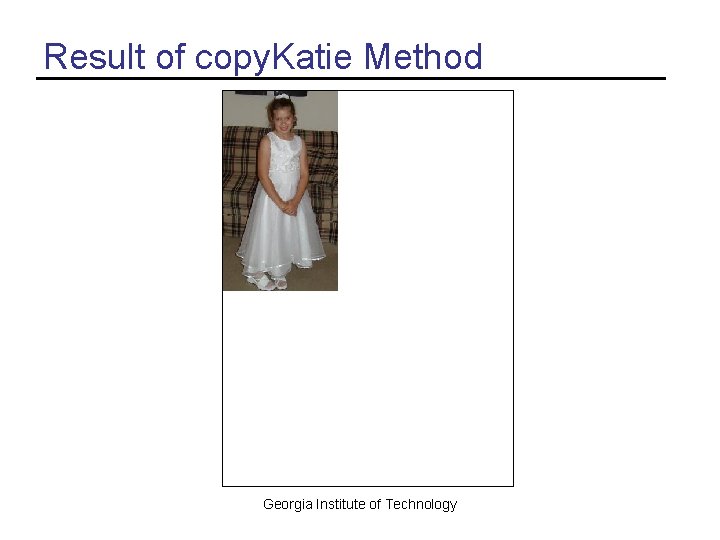
Result of copy. Katie Method Georgia Institute of Technology
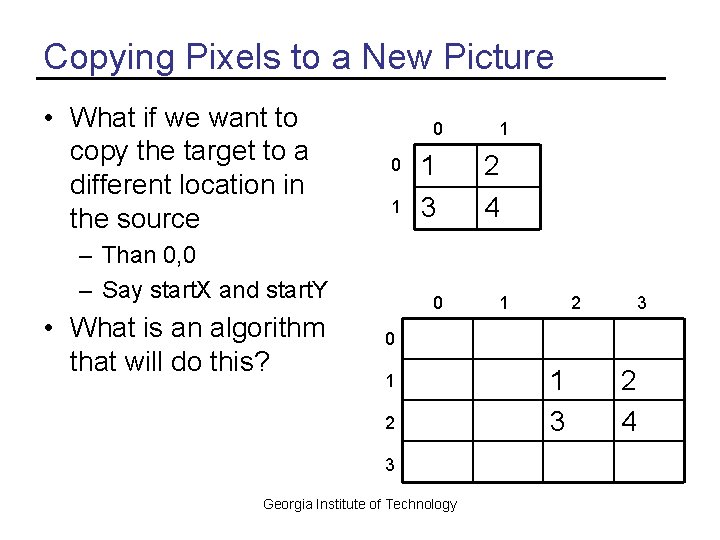
Copying Pixels to a New Picture • What if we want to copy the target to a different location in the source 0 0 1 2 1 3 4 – Than 0, 0 – Say start. X and start. Y • What is an algorithm that will do this? 1 0 1 2 3 Georgia Institute of Technology 1 3 2 4
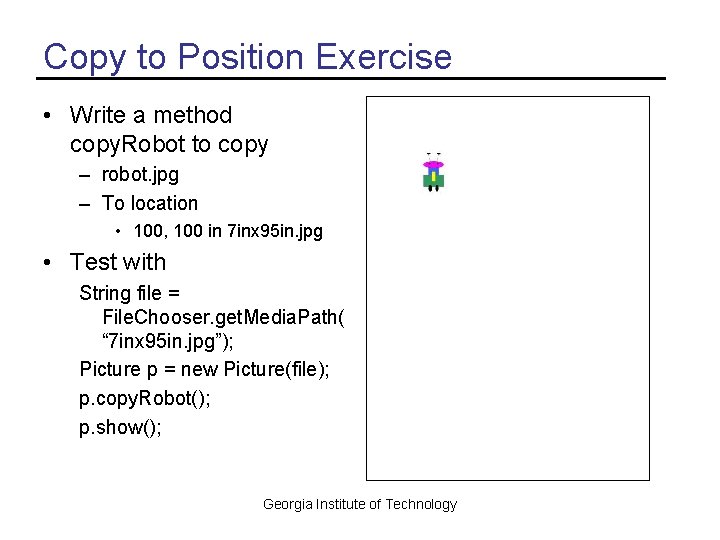
Copy to Position Exercise • Write a method copy. Robot to copy – robot. jpg – To location • 100, 100 in 7 inx 95 in. jpg • Test with String file = File. Chooser. get. Media. Path( “ 7 inx 95 in. jpg”); Picture p = new Picture(file); p. copy. Robot(); p. show(); Georgia Institute of Technology
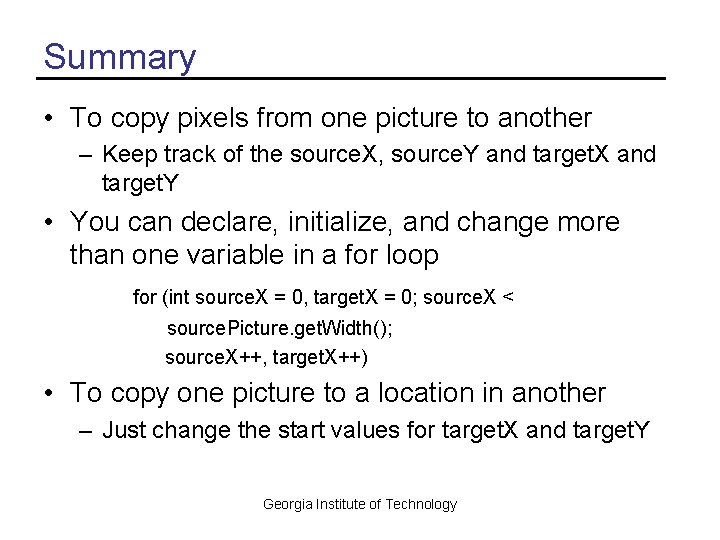
Summary • To copy pixels from one picture to another – Keep track of the source. X, source. Y and target. X and target. Y • You can declare, initialize, and change more than one variable in a for loop for (int source. X = 0, target. X = 0; source. X < source. Picture. get. Width(); source. X++, target. X++) • To copy one picture to a location in another – Just change the start values for target. X and target. Y Georgia Institute of Technology
- Slides: 13