
TwoDimensional Arrays and Nested Loops part 1 Dr
- Slides: 12
Two-Dimensional Arrays and Nested Loops – part 1 Dr Usman Saeed Assistant Professor Faculty of Computing and Information Technology North Jeddah Branch King Abdulaziz University Georgia Institute of Technology
Learning Goals • Understand at a conceptual and practical level – What is a two-dimensional array? – How do you get the pixel for a x and y location? – How do you use nested loops? – How to convert a single for loop to a nested for loop? Georgia Institute of Technology
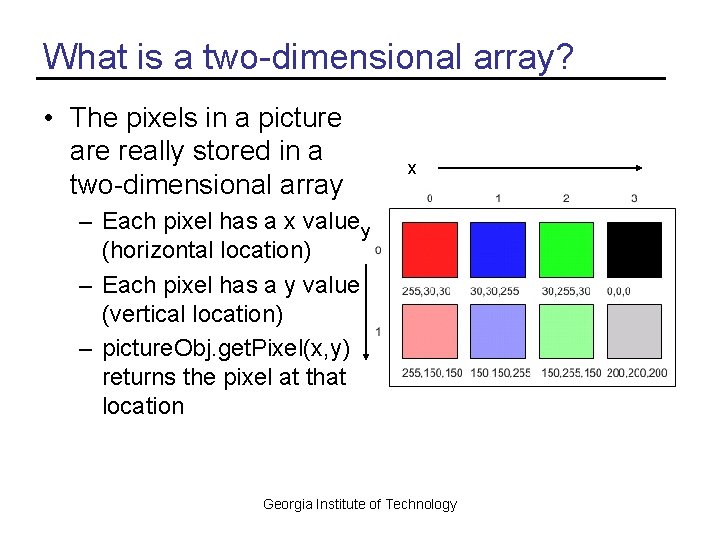
What is a two-dimensional array? • The pixels in a picture are really stored in a two-dimensional array x – Each pixel has a x value y (horizontal location) – Each pixel has a y value (vertical location) – picture. Obj. get. Pixel(x, y) returns the pixel at that location Georgia Institute of Technology
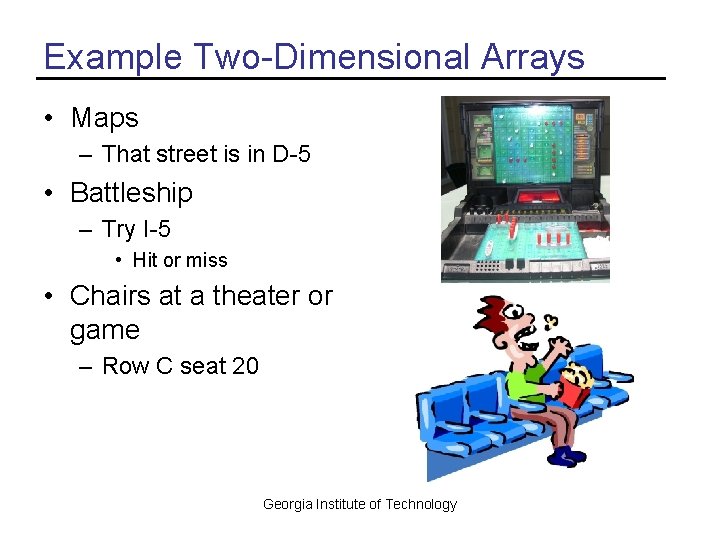
Example Two-Dimensional Arrays • Maps – That street is in D-5 • Battleship – Try I-5 • Hit or miss • Chairs at a theater or game – Row C seat 20 Georgia Institute of Technology
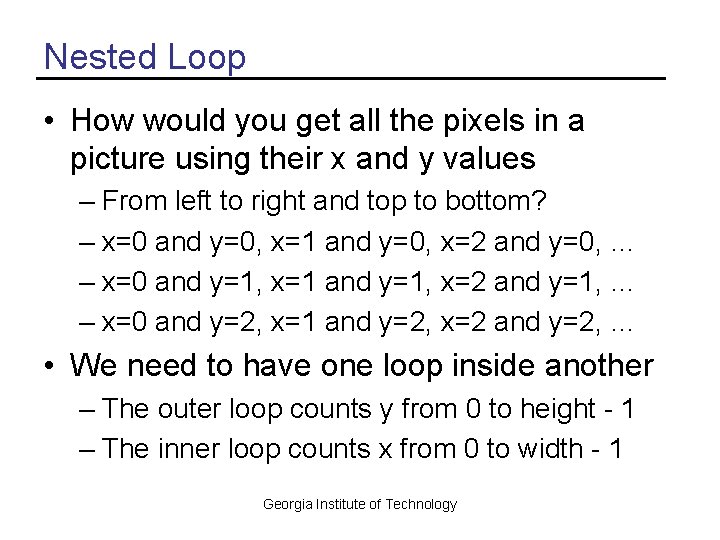
Nested Loop • How would you get all the pixels in a picture using their x and y values – From left to right and top to bottom? – x=0 and y=0, x=1 and y=0, x=2 and y=0, … – x=0 and y=1, x=1 and y=1, x=2 and y=1, … – x=0 and y=2, x=1 and y=2, x=2 and y=2, … • We need to have one loop inside another – The outer loop counts y from 0 to height - 1 – The inner loop counts x from 0 to width - 1 Georgia Institute of Technology
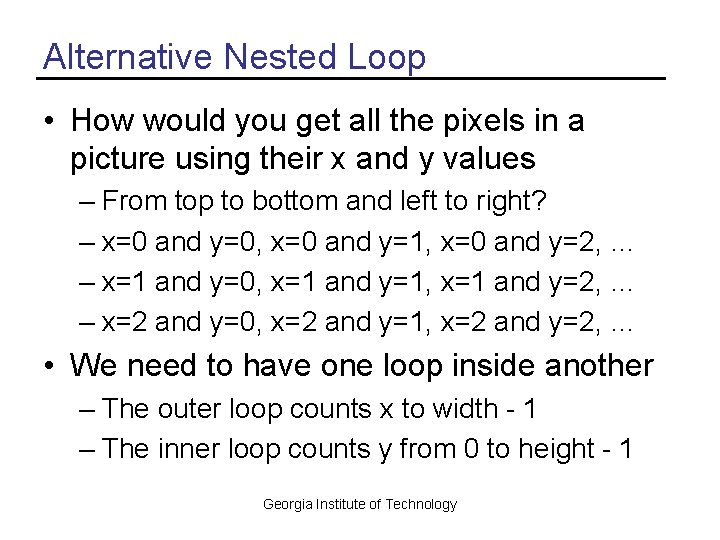
Alternative Nested Loop • How would you get all the pixels in a picture using their x and y values – From top to bottom and left to right? – x=0 and y=0, x=0 and y=1, x=0 and y=2, … – x=1 and y=0, x=1 and y=1, x=1 and y=2, … – x=2 and y=0, x=2 and y=1, x=2 and y=2, … • We need to have one loop inside another – The outer loop counts x to width - 1 – The inner loop counts y from 0 to height - 1 Georgia Institute of Technology
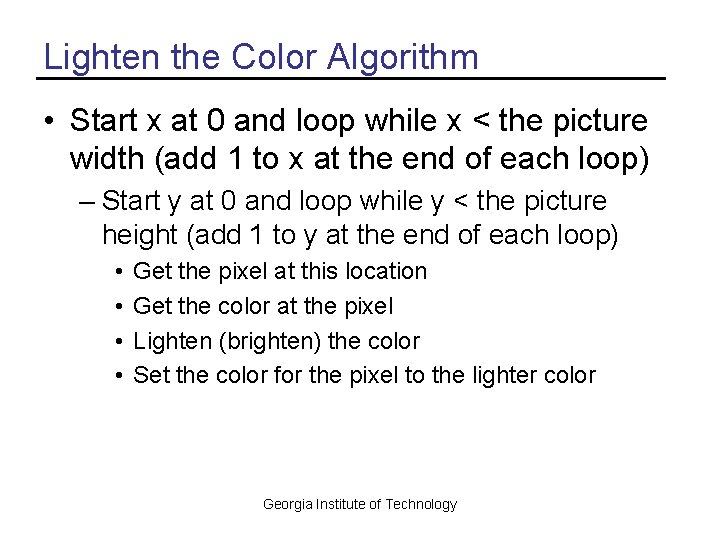
Lighten the Color Algorithm • Start x at 0 and loop while x < the picture width (add 1 to x at the end of each loop) – Start y at 0 and loop while y < the picture height (add 1 to y at the end of each loop) • • Get the pixel at this location Get the color at the pixel Lighten (brighten) the color Set the color for the pixel to the lighter color Georgia Institute of Technology
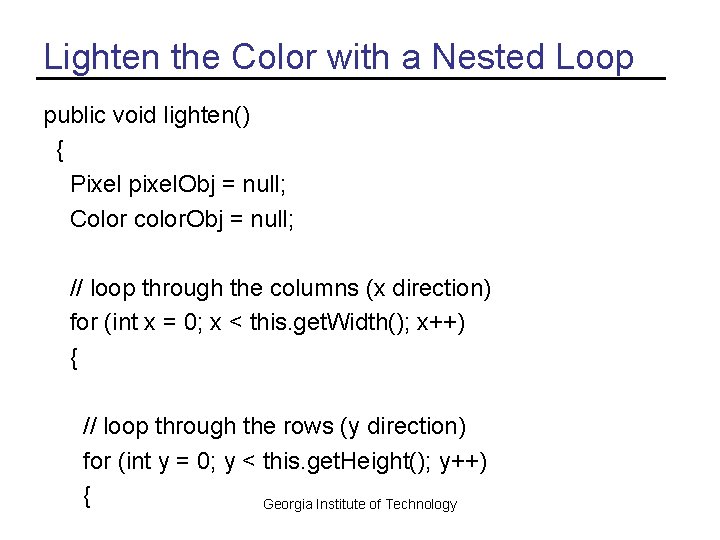
Lighten the Color with a Nested Loop public void lighten() { Pixel pixel. Obj = null; Color color. Obj = null; // loop through the columns (x direction) for (int x = 0; x < this. get. Width(); x++) { // loop through the rows (y direction) for (int y = 0; y < this. get. Height(); y++) { Georgia Institute of Technology
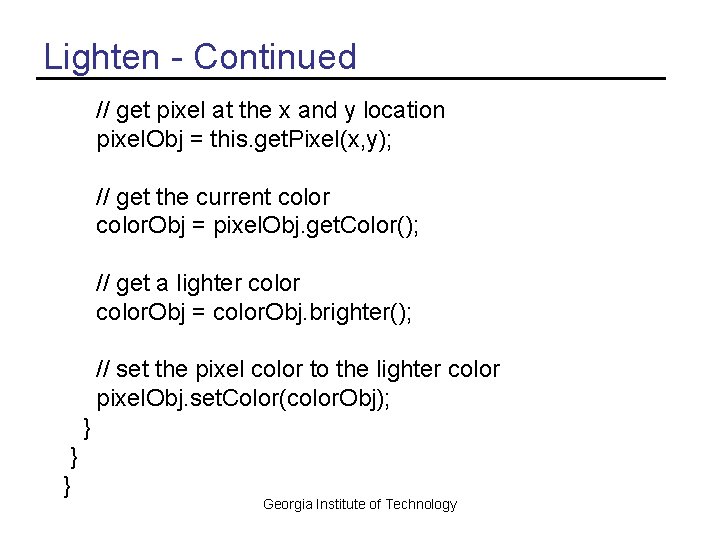
Lighten - Continued // get pixel at the x and y location pixel. Obj = this. get. Pixel(x, y); // get the current color. Obj = pixel. Obj. get. Color(); // get a lighter color. Obj = color. Obj. brighter(); // set the pixel color to the lighter color pixel. Obj. set. Color(color. Obj); } } } Georgia Institute of Technology
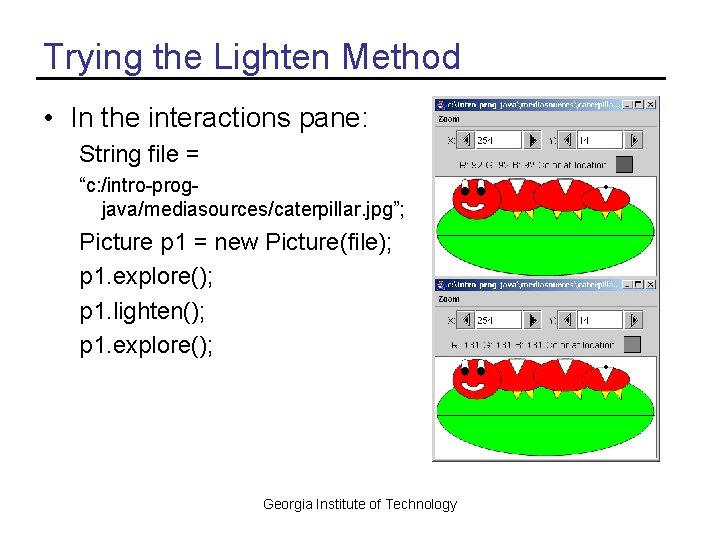
Trying the Lighten Method • In the interactions pane: String file = “c: /intro-progjava/mediasources/caterpillar. jpg”; Picture p 1 = new Picture(file); p 1. explore(); p 1. lighten(); p 1. explore(); Georgia Institute of Technology
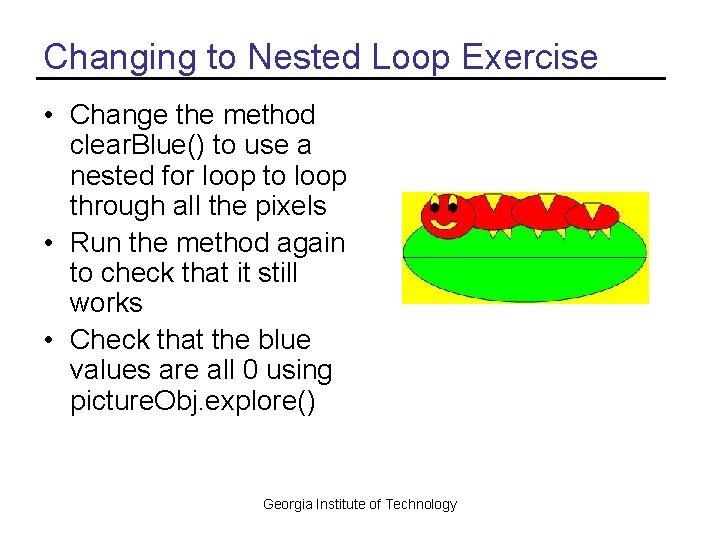
Changing to Nested Loop Exercise • Change the method clear. Blue() to use a nested for loop to loop through all the pixels • Run the method again to check that it still works • Check that the blue values are all 0 using picture. Obj. explore() Georgia Institute of Technology
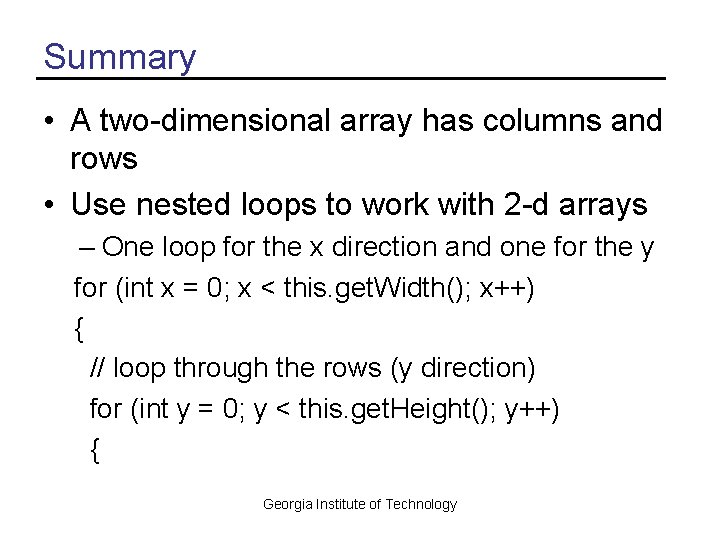
Summary • A two-dimensional array has columns and rows • Use nested loops to work with 2 -d arrays – One loop for the x direction and one for the y for (int x = 0; x < this. get. Width(); x++) { // loop through the rows (y direction) for (int y = 0; y < this. get. Height(); y++) { Georgia Institute of Technology