
Two mini presentations 1 A few brief notes
Two mini presentations: 1. A few brief notes on logistic regression. 2. Databases and YOU! Grant Brown
Logistic Regression – The Data �AIDS patients – compliance with treatment Binary response – complied or no Attempt to find factors associated with better compliance. �Seems a natural choice for logistic regression
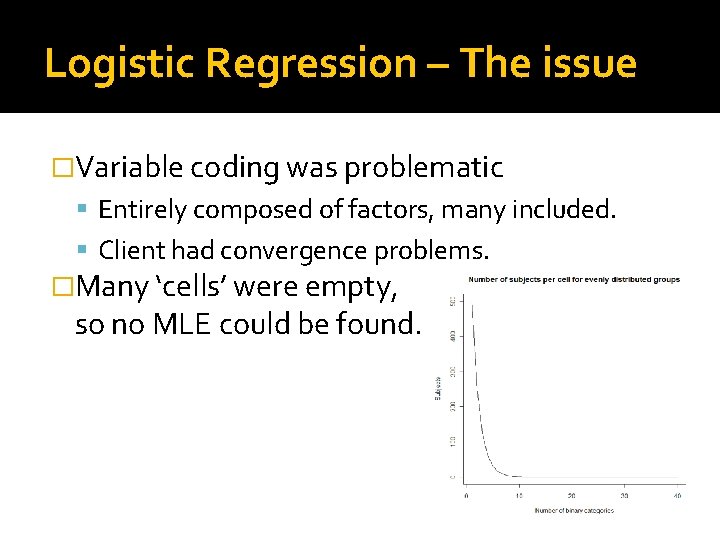
Logistic Regression – The issue �Variable coding was problematic Entirely composed of factors, many included. Client had convergence problems. �Many ‘cells’ were empty, so no MLE could be found.
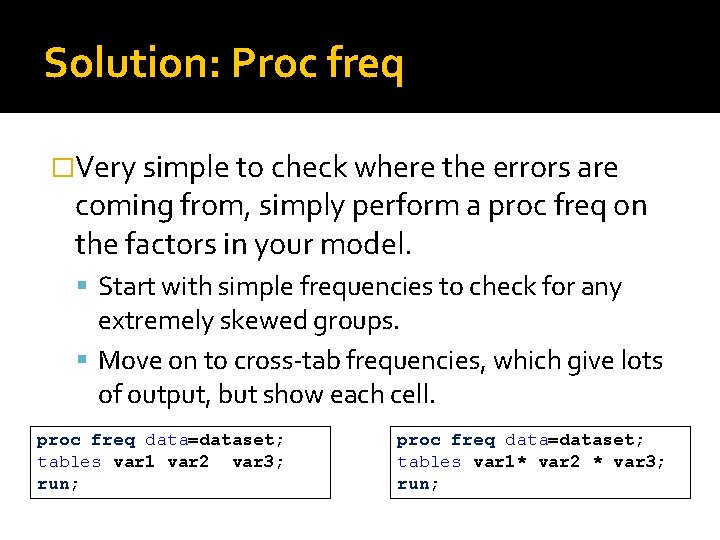
Solution: Proc freq �Very simple to check where the errors are coming from, simply perform a proc freq on the factors in your model. Start with simple frequencies to check for any extremely skewed groups. Move on to cross-tab frequencies, which give lots of output, but show each cell. proc freq data=dataset; tables var 1 var 2 var 3; run; proc freq data=dataset; tables var 1* var 2 * var 3; run;

Databases �Relational databases are ubiquitous. Keys Identifier fields ▪ Numbers ▪ Dates �Examples �Problems Everything. Databases grow over time, so problems can compound.

The SAS merge statement is a necessary evil. (Unless you are a master of Proc SQL) �The syntax is deceptively simple. �Issues: Sorting Catching non matched cases Many-to-many woes �General advice: Understand input datasets Verify output datasets … merge Data. Set 1 Data. Set 2; by Some. Var 1 Some. Var 2; …
What does a merge statement do? �Combines ‘uniquely’ matched records. �Matched by combination of ‘by’ variables. �Data set on the right side of the statement wins in cases of conflict. �If you need to understand it’s behavior more specifically, you are probably doing something wrong. (multiple instances of by variables in both data sets)
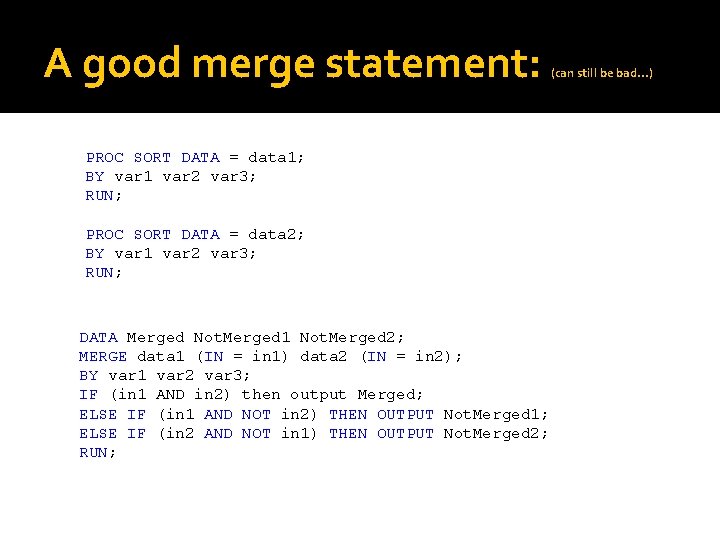
A good merge statement: PROC SORT DATA = data 1; BY var 1 var 2 var 3; RUN; PROC SORT DATA = data 2; BY var 1 var 2 var 3; RUN; DATA Merged Not. Merged 1 Not. Merged 2; MERGE data 1 (IN = in 1) data 2 (IN = in 2); BY var 1 var 2 var 3; IF (in 1 AND in 2) then output Merged; ELSE IF (in 1 AND NOT in 2) THEN OUTPUT Not. Merged 1; ELSE IF (in 2 AND NOT in 1) THEN OUTPUT Not. Merged 2; RUN; (can still be bad…)
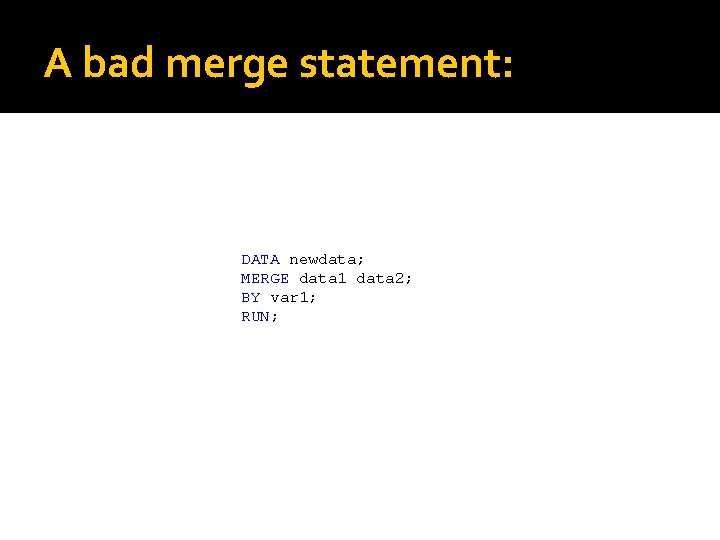
A bad merge statement: DATA newdata; MERGE data 1 data 2; BY var 1; RUN;
Tricks �Limit your input data sets to ‘by’ fields and information needed in the output before the merge. �Spot check your results. �Count observations in the logs. �Create a ‘unique’ variable beforehand if you are getting mysterious records. �If you are doing the same thing over and just changing variable names, spend 10 minutes looking at macro examples.
- Slides: 10