
Two Dimensional Arrays Found in chapter 8 Section



- Slides: 21
Two Dimensional Arrays Found in chapter 8, Section 8. 9
Introduction § § § Where have you seen them? When do we need them? Why are they useful? How do we declare them? How do we access them?
Review § Primitive variables are designed to hold only one value at a time. § Arrays allow us to create a collection of like values that are indexed. § An array can store any type of data but only one type of data at a time. § An array is a list of data elements.
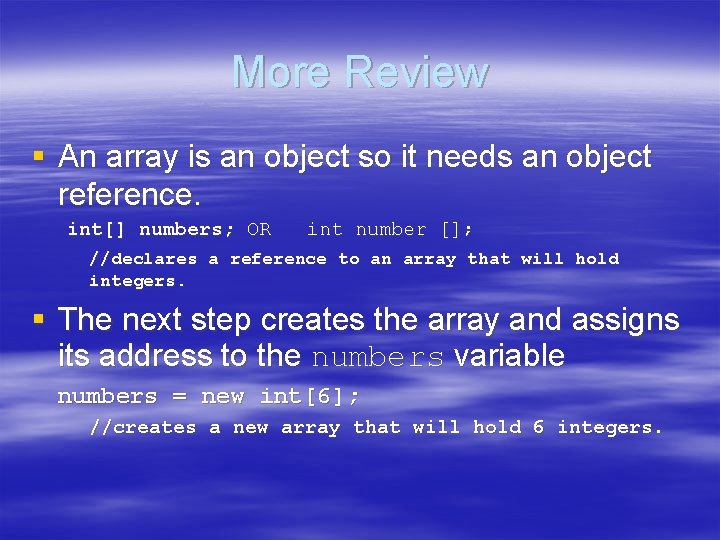
More Review § An array is an object so it needs an object reference. int[] numbers; OR int number []; //declares a reference to an array that will hold integers. § The next step creates the array and assigns its address to the numbers variable numbers = new int[6]; //creates a new array that will hold 6 integers.
Accessing Array Elements § An array is accessed by: – the reference name – a subscript that identifies which element in the array to access. – Examples § Array. Demo 1. java § Array. Demo 2. java § Array Bounds Checking – Examples § Invalid. Subscript. java § Array. Index. Out. Of. Bounds. Exception.
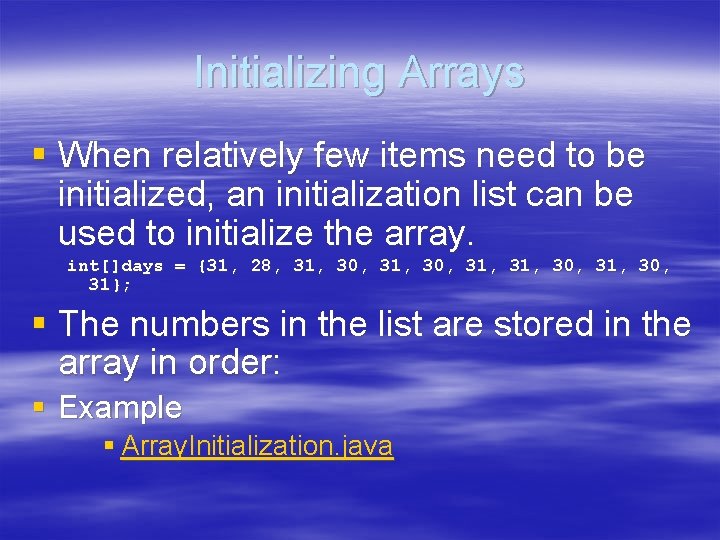
Initializing Arrays § When relatively few items need to be initialized, an initialization list can be used to initialize the array. int[]days = {31, 28, 31, 30, 31}; § The numbers in the list are stored in the array in order: § Example § Array. Initialization. java
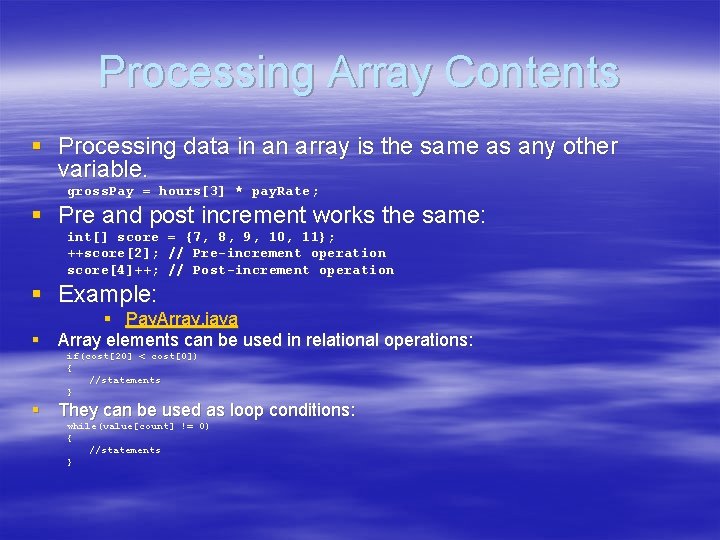
Processing Array Contents § Processing data in an array is the same as any other variable. gross. Pay = hours[3] * pay. Rate; § Pre and post increment works the same: int[] score = {7, 8, 9, 10, 11}; ++score[2]; // Pre-increment operation score[4]++; // Post-increment operation § Example: § Pay. Array. java § Array elements can be used in relational operations: if(cost[20] < cost[0]) { //statements } § They can be used as loop conditions: while(value[count] != 0) { //statements }
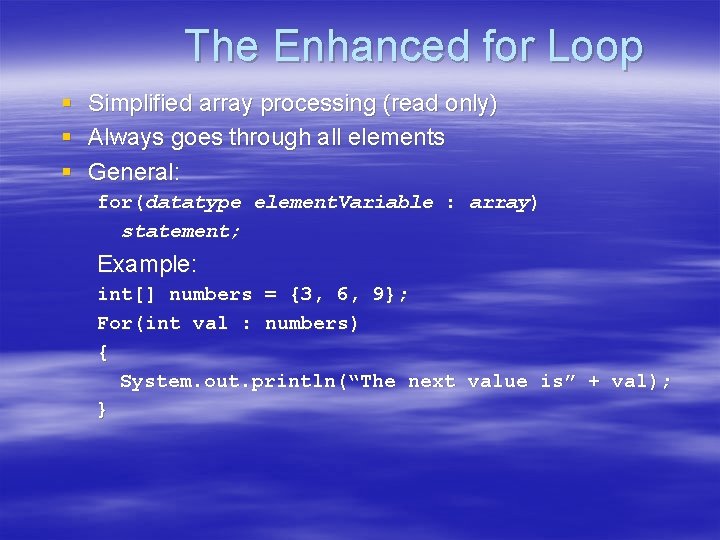
The Enhanced for Loop § Simplified array processing (read only) § Always goes through all elements § General: for(datatype element. Variable : array) statement; Example: int[] numbers = {3, 6, 9}; For(int val : numbers) { System. out. println(“The next value is” + val); }
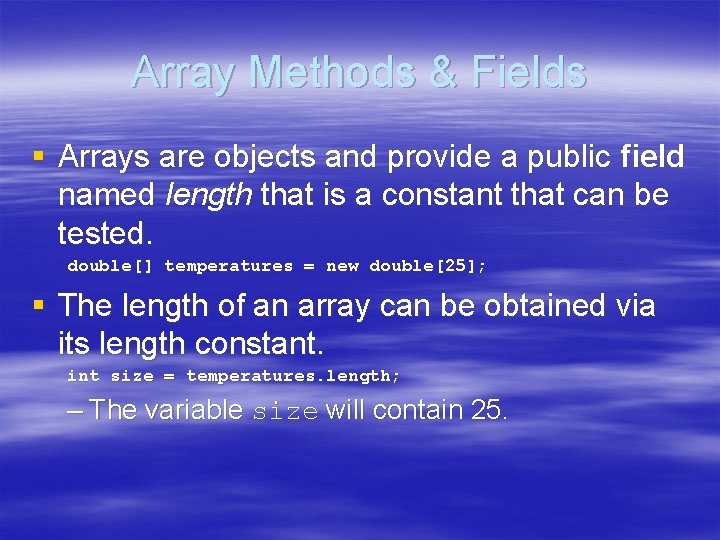
Array Methods & Fields § Arrays are objects and provide a public field named length that is a constant that can be tested. double[] temperatures = new double[25]; § The length of an array can be obtained via its length constant. int size = temperatures. length; – The variable size will contain 25.
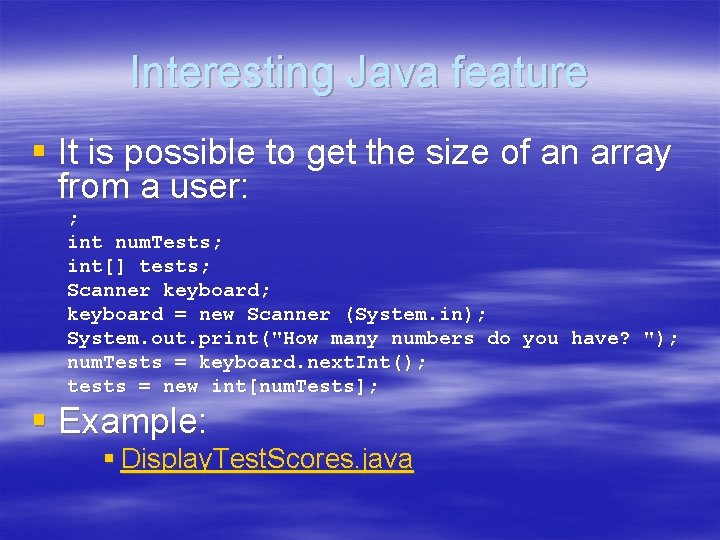
Interesting Java feature § It is possible to get the size of an array from a user: ; int num. Tests; int[] tests; Scanner keyboard; keyboard = new Scanner (System. in); System. out. print("How many numbers do you have? "); num. Tests = keyboard. next. Int(); tests = new int[num. Tests]; § Example: § Display. Test. Scores. java
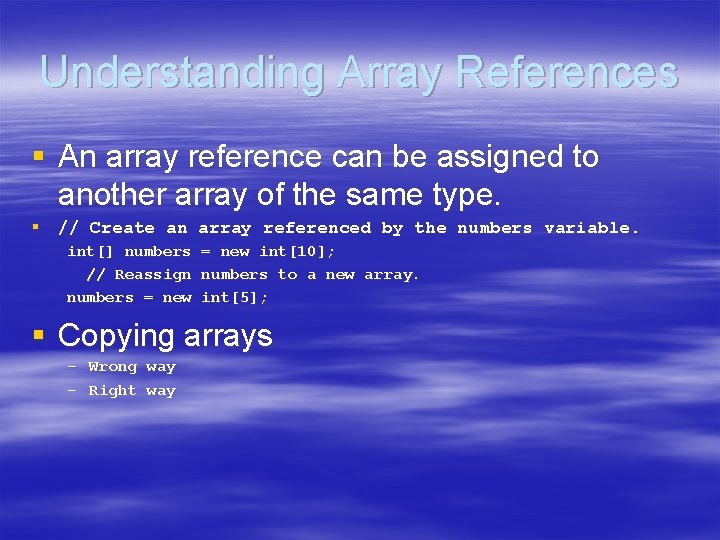
Understanding Array References § An array reference can be assigned to another array of the same type. § // Create an array referenced by the numbers variable. int[] numbers = new int[10]; // Reassign numbers to a new array. numbers = new int[5]; § Copying arrays – Wrong way – Right way
Parameters & Arrays § Passingle elements – Pass. Elements. java § Passing entire arrays – public static void show. Array(int[] array) – Pass. Array. java § Passing partially filled arrays § Returning arrays – public static double [ ] get. Array() – Return. Array. java
Doing things with Arrays § Bad way § Good way – compare lengths (else they can’t be the same) – then compare individual items § § Summing array elements Finding the average of the array elements Finding the minimum and maximum value Searching arrays – Sequential search – Search. Array. java – Binary search
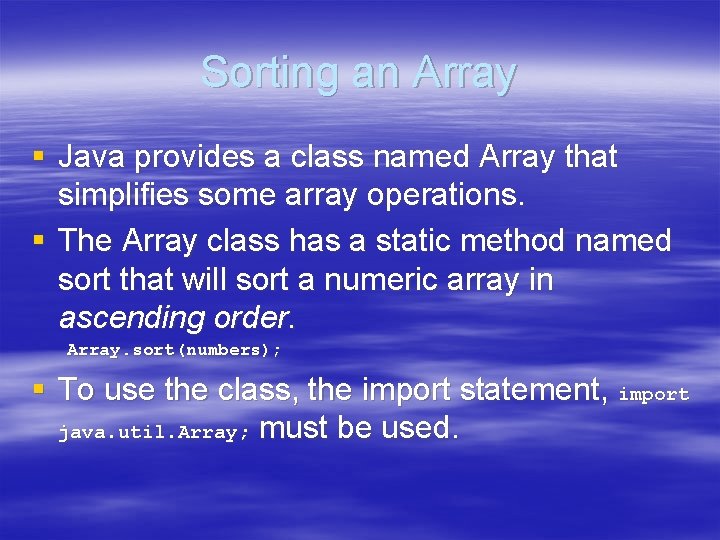
Sorting an Array § Java provides a class named Array that simplifies some array operations. § The Array class has a static method named sort that will sort a numeric array in ascending order. Array. sort(numbers); § To use the class, the import statement, import java. util. Array; must be used.
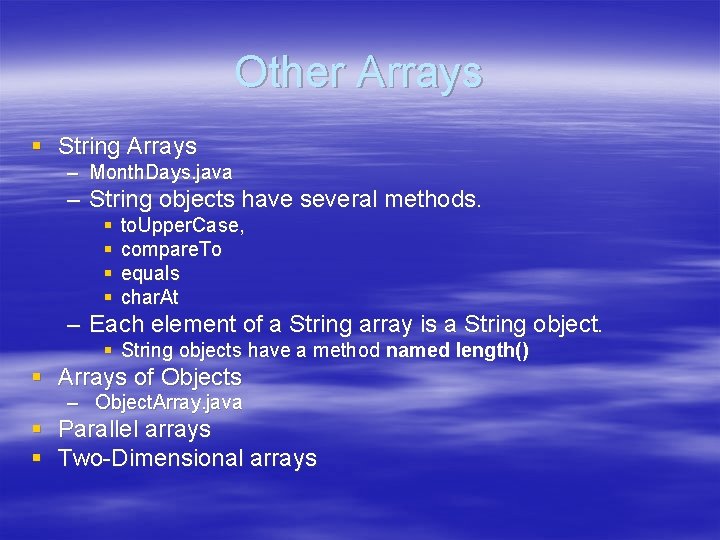
Other Arrays § String Arrays – Month. Days. java – String objects have several methods. § § to. Upper. Case, compare. To equals char. At – Each element of a String array is a String object. § String objects have a method named length() § Arrays of Objects – Object. Array. java § Parallel arrays § Two-Dimensional arrays
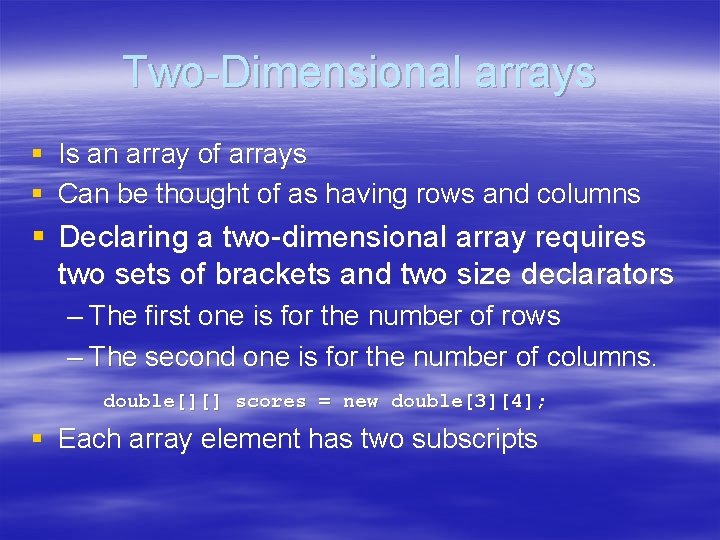
Two-Dimensional arrays § Is an array of arrays § Can be thought of as having rows and columns § Declaring a two-dimensional array requires two sets of brackets and two size declarators – The first one is for the number of rows – The second one is for the number of columns. double[][] scores = new double[3][4]; § Each array element has two subscripts
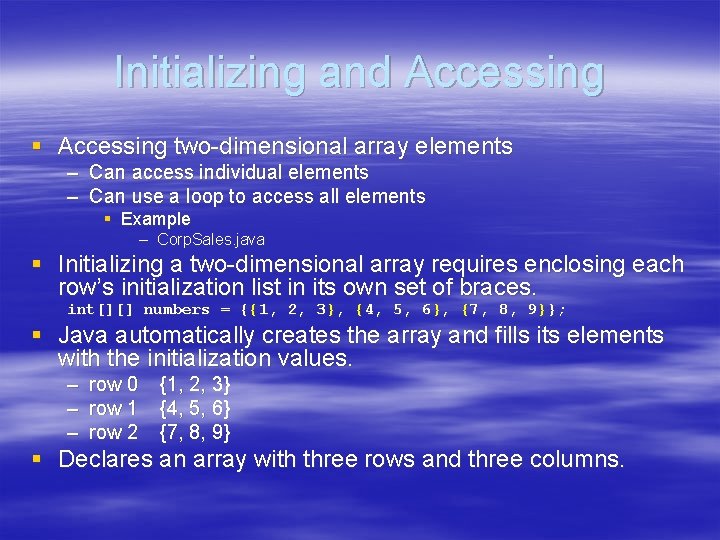
Initializing and Accessing § Accessing two-dimensional array elements – Can access individual elements – Can use a loop to access all elements § Example – Corp. Sales. java § Initializing a two-dimensional array requires enclosing each row’s initialization list in its own set of braces. int[][] numbers = {{1, 2, 3}, {4, 5, 6}, {7, 8, 9}}; § Java automatically creates the array and fills its elements with the initialization values. – row 0 – row 1 – row 2 {1, 2, 3} {4, 5, 6} {7, 8, 9} § Declares an array with three rows and three columns.
The length Field § Two-dimensional arrays are arrays of onedimensional arrays. § The length field of the array gives the number of rows in the array. § Each row has a length constant tells how many columns is in that row. § Each row can have a different number of columns. § Example – Lengths. java
Things to do with arrays § § § Summing rows Summing columns Finding max value Finding min value Passing and returning arrays – There is no difference between passing a single or twodimensional array as an argument to a method. – The method must accept a two-dimensional array as a parameter. – Example: Pass 2 Darray. java