
Twisted XSLT Tricks Making Column Switching Work for
![The Key Bit of the Code <xsl: template match="fo: block[empty(ancestor: : fo: block)]" mode="#default">](https://slidetodoc.com/presentation_image/41ee6dcf942c5071bb01024635b9fbab/image-14.jpg "The Key Bit of the Code <xsl: template match=\"fo: block[empty(ancestor: : fo: block)]\" mode=\"#default\">")
- Slides: 17
Twisted XSLT Tricks: Making Column Switching Work for FOP Eliot Kimber Contrext DITA OT Day 2018
About the Author • Independent consultant focusing on DITA analysis, design, and implementation • Doing SGML and XML for cough 30 years cough • Founding member of the DITA Technical Committee • Founding member of the XML Working Group • Co-editor of Hy. Time standard (ISO/IEC 10744) • Primary developer and founder of the DITA for Publishers project (dita 4 publishers. org) • Author of DITA for Practitioners, Vol 1 (XML Press) DITA OT Day 2018
Agenda • • The trouble with columns in FO And also page sequences Solution: Split the trees Demonstration DITA OT Day 2018
THE TROUBLE WITH COLUMNS (AND PAGE SEQUENCES) DITA OT Day 2018
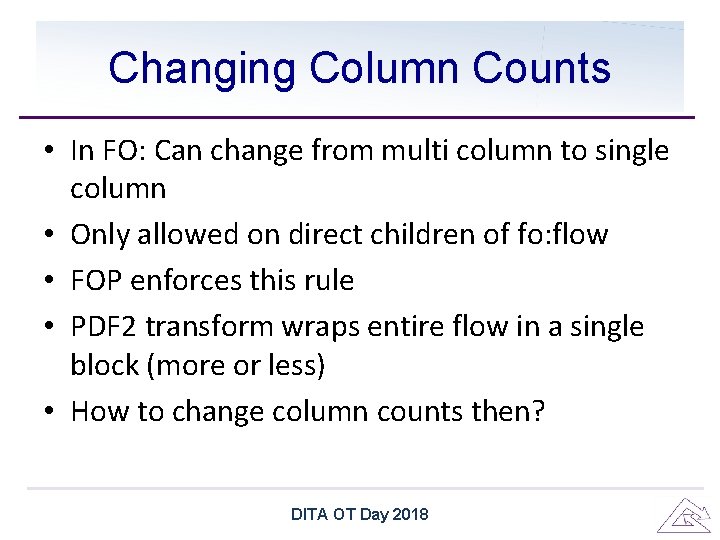
Changing Column Counts • In FO: Can change from multi column to single column • Only allowed on direct children of fo: flow • FOP enforces this rule • PDF 2 transform wraps entire flow in a single block (more or less) • How to change column counts then? DITA OT Day 2018
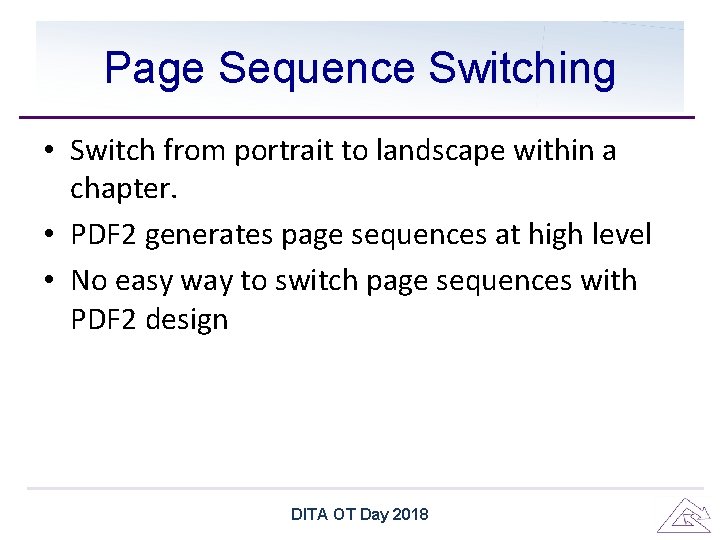
Page Sequence Switching • Switch from portrait to landscape within a chapter. • PDF 2 generates page sequences at high level • No easy way to switch page sequences with PDF 2 design DITA OT Day 2018
SOLUTION: SPLIT THE TREES DITA OT Day 2018
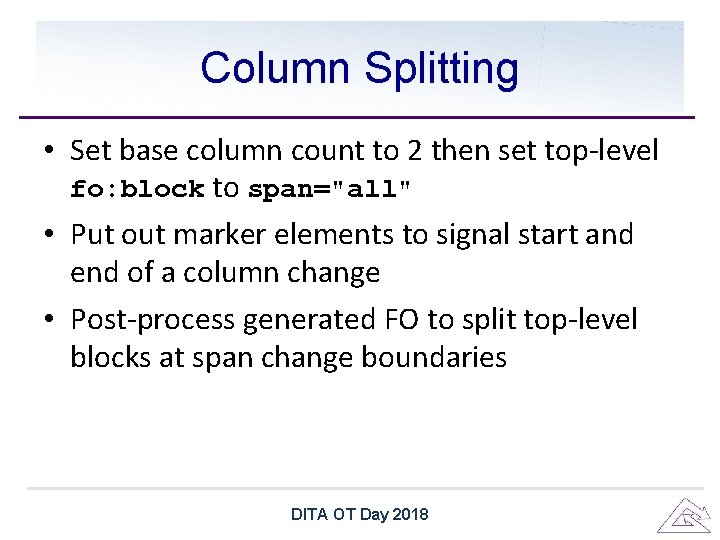
Column Splitting • Set base column count to 2 then set top-level fo: block to span="all" • Put out marker elements to signal start and end of a column change • Post-process generated FO to split top-level blocks at span change boundaries DITA OT Day 2018
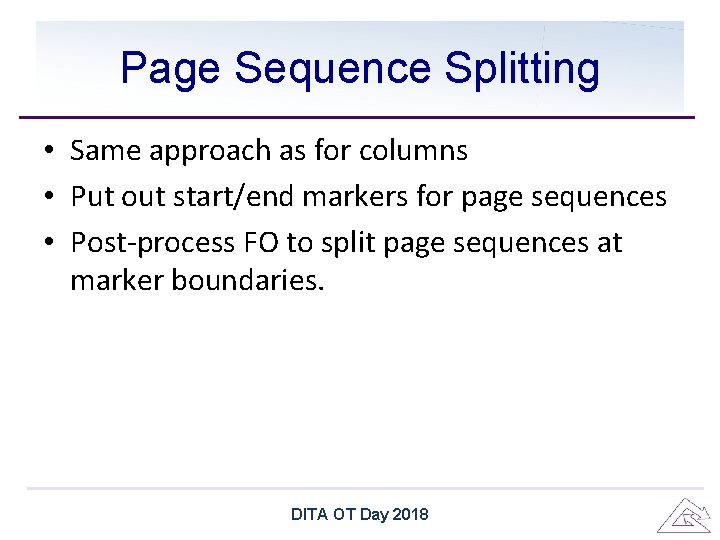
Page Sequence Splitting • Same approach as for columns • Put out start/end markers for page sequences • Post-process FO to split page sequences at marker boundaries. DITA OT Day 2018
HOW TO DO THE SPLITTING DITA OT Day 2018
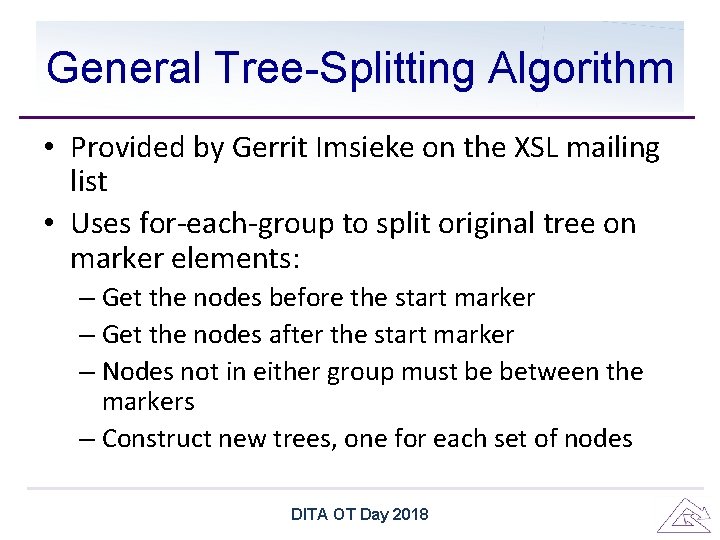
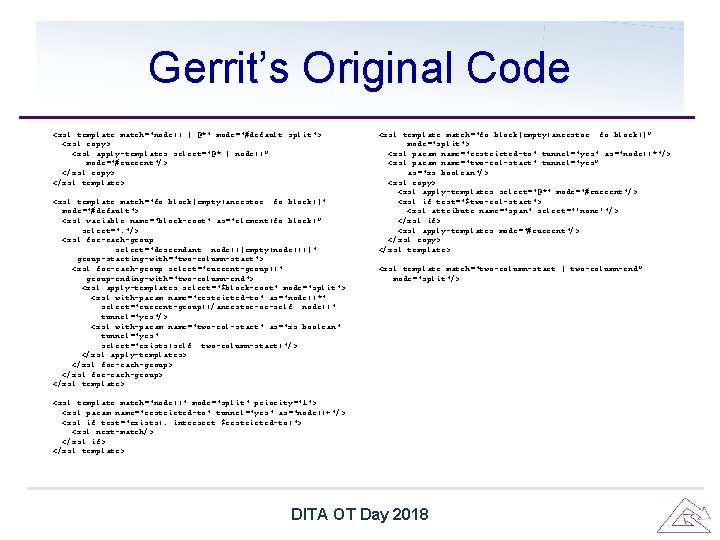
General Tree-Splitting Algorithm • Provided by Gerrit Imsieke on the XSL mailing list • Uses for-each-group to split original tree on marker elements: – Get the nodes before the start marker – Get the nodes after the start marker – Nodes not in either group must be between the markers – Construct new trees, one for each set of nodes DITA OT Day 2018
Confession I don’t know how it works https: //getyarn. io/yarn-clip/9 c 369 b 08 -76 b 9 -4 eb 8 -b 00 e-432 aa 1 a 36977#BJ_HVBSn 2 Q. copy DITA OT Day 2018
Gerrit’s Original Code <xsl: template match="node() | @*" mode="#default split"> <xsl: copy> <xsl: apply-templates select="@* | node()” mode="#current"/> </xsl: copy> </xsl: template> <xsl: template match="fo: block[empty(ancestor: : fo: block)]" mode="#default"> <xsl: variable name="block-root" as="element(fo: block)” select=". "/> <xsl: for-each-group select="descendant: : node()[empty(node())]" group-starting-with="two-column-start"> <xsl: for-each-group select="current-group()" group-ending-with="two-column-end"> <xsl: apply-templates select="$block-root" mode="split"> <xsl: with-param name="restricted-to" as="node()*" select="current-group()/ancestor-or-self: : node()" tunnel="yes"/> <xsl: with-param name="two-col-start" as="xs: boolean" tunnel="yes" select="exists(self: : two-column-start)"/> </xsl: apply-templates> </xsl: for-each-group> </xsl: template> <xsl: template match="node()" mode="split" priority="1"> <xsl: param name="restricted-to" tunnel="yes" as="node()+"/> <xsl: if test="exists(. intersect $restricted-to)"> <xsl: next-match/> </xsl: if> </xsl: template> <xsl: template match="fo: block[empty(ancestor: : fo: block)]” mode="split"> <xsl: param name="restricted-to" tunnel="yes" as="node()*"/> <xsl: param name="two-col-start" tunnel="yes” as="xs: boolean"/> <xsl: copy> <xsl: apply-templates select="@*" mode="#current"/> <xsl: if test="$two-col-start"> <xsl: attribute name="span" select="'none'"/> </xsl: if> <xsl: apply-templates mode="#current"/> </xsl: copy> </xsl: template> <xsl: template match="two-column-start | two-column-end” mode="split"/> DITA OT Day 2018
The Key Bit of the Code <xsl: template match="fo: block[empty(ancestor: : fo: block)]" mode="#default"> <xsl: variable name="block-root" as="element(fo: block)” select=". "/> <xsl: for-each-group select="descendant: : node()[empty(node())]" group-starting-with="two-column-start"> <xsl: for-each-group select="current-group()" group-ending-with="two-column-end"> <xsl: apply-templates select="$block-root" mode="split"> <xsl: with-param name="restricted-to" as="node()*" select="current-group()/ancestor-or-self: : node()" tunnel="yes"/> <xsl: with-param name="two-col-start" as="xs: boolean" tunnel="yes" select="exists(self: : two-column-start)"/> </xsl: apply-templates> </xsl: for-each-group> </xsl: template> DITA OT Day 2018
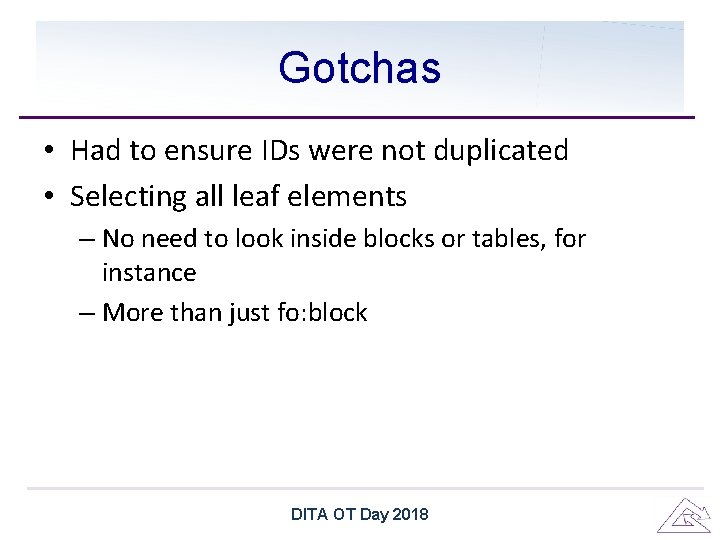
Gotchas • Had to ensure IDs were not duplicated • Selecting all leaf elements – No need to look inside blocks or tables, for instance – More than just fo: block DITA OT Day 2018
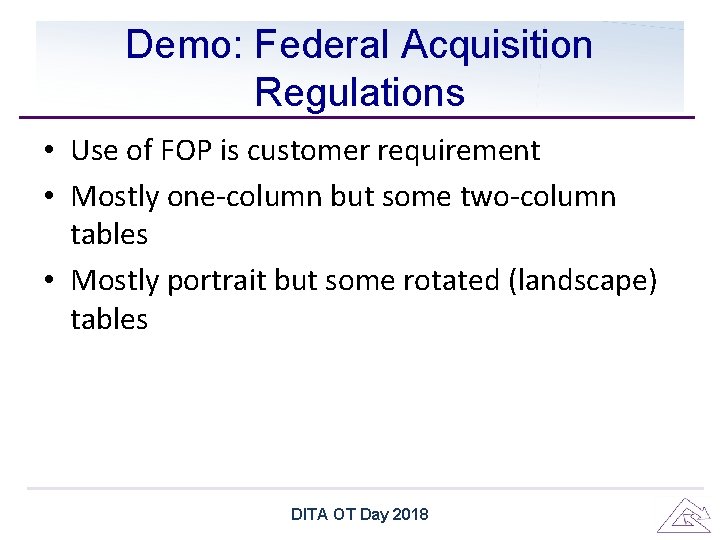
Demo: Federal Acquisition Regulations • Use of FOP is customer requirement • Mostly one-column but some two-column tables • Mostly portrait but some rotated (landscape) tables DITA OT Day 2018
Questions? DITA OT Day 2018