
Tutorial for Completing CDOT Form 473474 Using Adobe
Tutorial for Completing CDOT Form 473/474 Using Adobe Sign Introduction and General Instructions

This form and process: - Will be implemented July 1 st, 2021 - Allow users to document that sampling and testing for a project conforms with plans and specifications - Have been created to maintain an efficient and creditable method of managing and collecting CDOT project documentation

Only those designated as Region Group Members may initiate forms. Those designees are listed below: - Melody Perkins - Craig Wieden - Edward Trujillo - Todd Mayhew - Darren Phipps - Hailey Goodale - Jennifer Kelly - Brian M. Kelly - Lisa Wisner - Charles Z. Smith - Patrick [RS] Murphy - Cheryle Clark - Paul Davila If you require form initiation capabilities, please contact OIT.
This training will cover using Adobe Sign to complete Form 473/474 for the following roles: - Form Initiator - Independent Assurance Tester - Region Materials Engineer - Project Tester - Consultant Engineer - Project Engineer - Resident Engineer - Finals Material Documentation Administrator or Finals Coordinator

Things to Note: - The form will move through the workflow outlined on the previous slide. - The form will not move onto the next recipient until it is completed by the previous recipient in the workflow. - Once attachments are put into the form, they will be amended to the bottom of the document for viewing by proceeding recipients.

Things to Note: - This form can be completed on a mobile device as well as a PC. Written instructions for completion on both a PC and a mobile device are contained in the 2022 Field Materials Manual. - If you wish to exit the form in the middle of filling it out, you may, and your progress will be saved. To return to the form, open the email containing the “Review and Sign” link and follow the instructions to complete and sign the form.
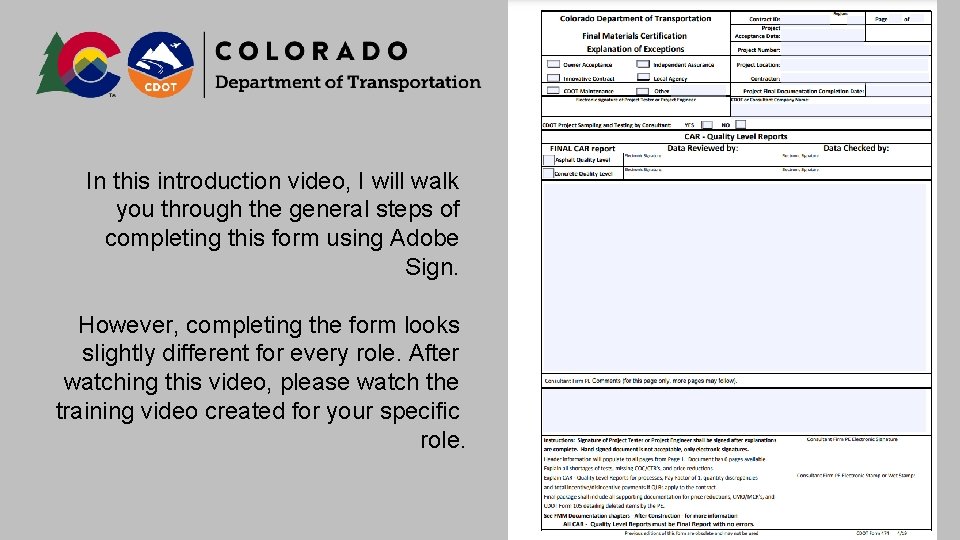
In this introduction video, I will walk you through the general steps of completing this form using Adobe Sign. However, completing the form looks slightly different for every role. After watching this video, please watch the training video created for your specific role.

In this introduction video, I will walk you through the general steps of completing this form using Adobe Sign. However, completing the form looks slightly different for every role. After watching this video, please watch the training video created for your specific role.
Thanks for watching! If you need assistance with this form, please contact Ed Trujillo at edward. trujillo@state. co. us
- Slides: 9